Start your bullet-hell shooter with a row of incoming shots and one gap the player can reach. In a fixed overhead view, the player should be able to find their ship, see which lanes are about to fill, and move into the opening before the row arrives. Use a second volley with a different gap to see whether the same warning still gives them a way through.
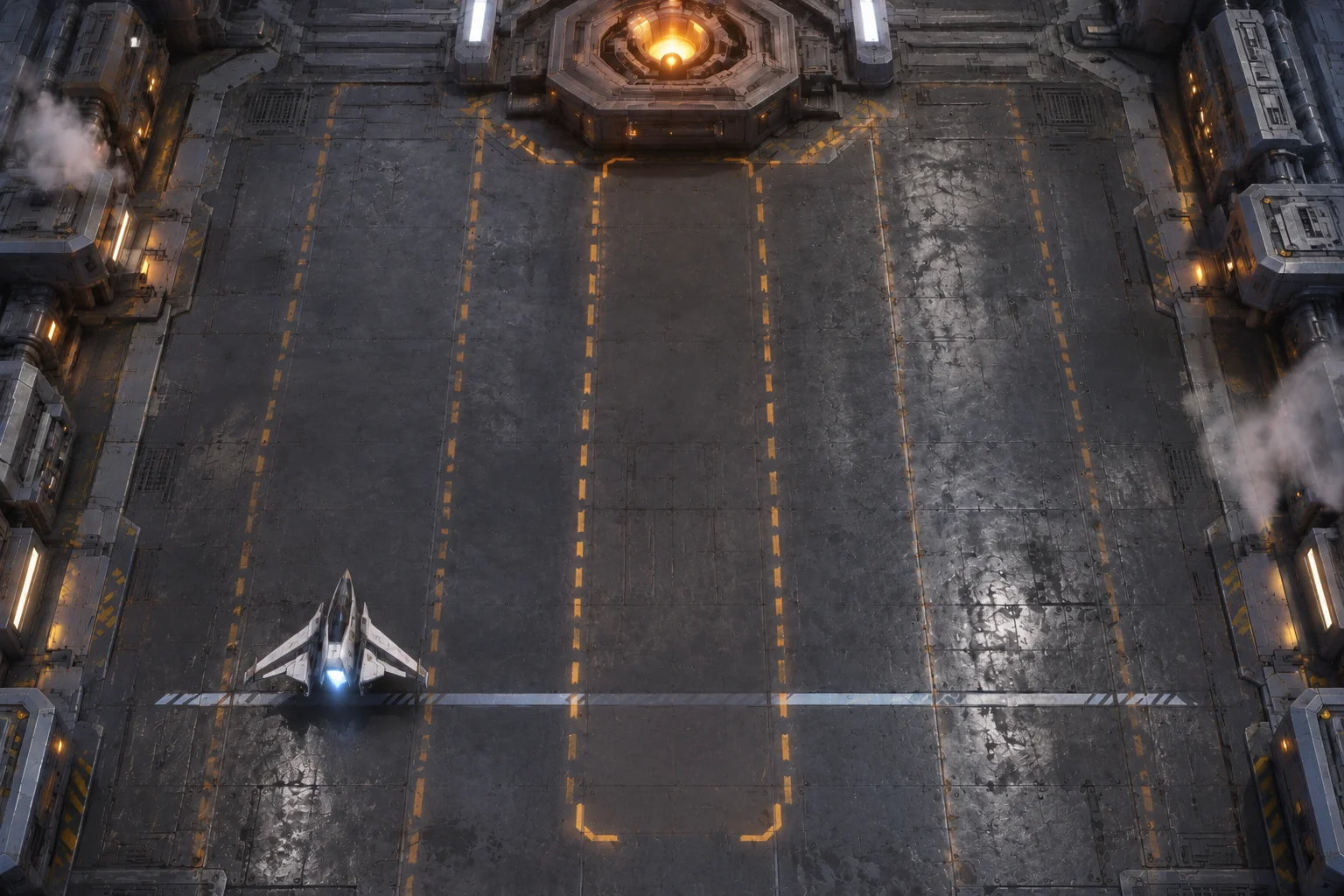
The fictional hangar below gives you five lanes, one hostile emitter, and two chances to fire back. You can work out the safe route on paper, then compare those positions with the prototype AI helps you build. The same setup gives you a way to investigate a hit that looks wrong.
Separate the ship’s hull from its hitbox
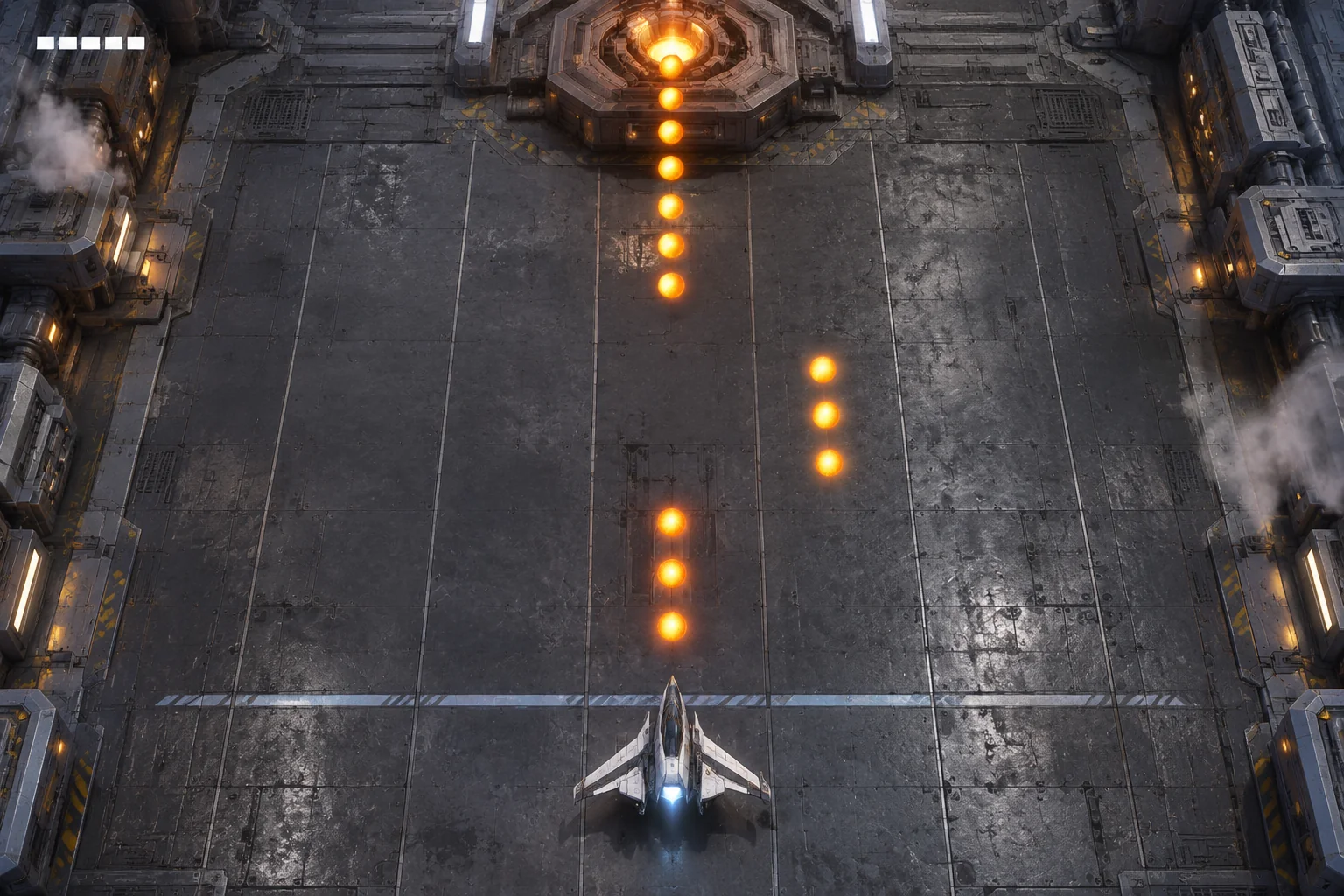
Draw a compact hangar with five parallel lanes, numbered 1 to 5 in the debug view. The ship starts in lane 1 at a horizontal defense line near the bottom. It can stay put or move one lane left or right per tick. Put the emitter above the lanes and have each projectile row travel toward the line. Use a thin outline to warn that a lane will fill, then solid shapes for active shots. A player should be able to tell whether an attack is coming or has already reached the ship.
Give the ship a small circular collision core and show it at the center of the hull. The wings can stick out beyond it. That lets the player judge contact using a consistent mark even if they switch to a ship with a different silhouette.
For this model, place lane centers one unit apart. Use a core radius of 0.18 units and a projectile radius of 0.32. The two circles touch or overlap when their centers are at most 0.50 units apart. Test the boundary with the centers aligned at the defense line. A horizontal separation of 0.45 should register a hit, while a separation of 0.55 should pass. Keep the visible projectile close to its collision size, so the test corresponds to what the player sees.
Walk through two gaps and two return shots
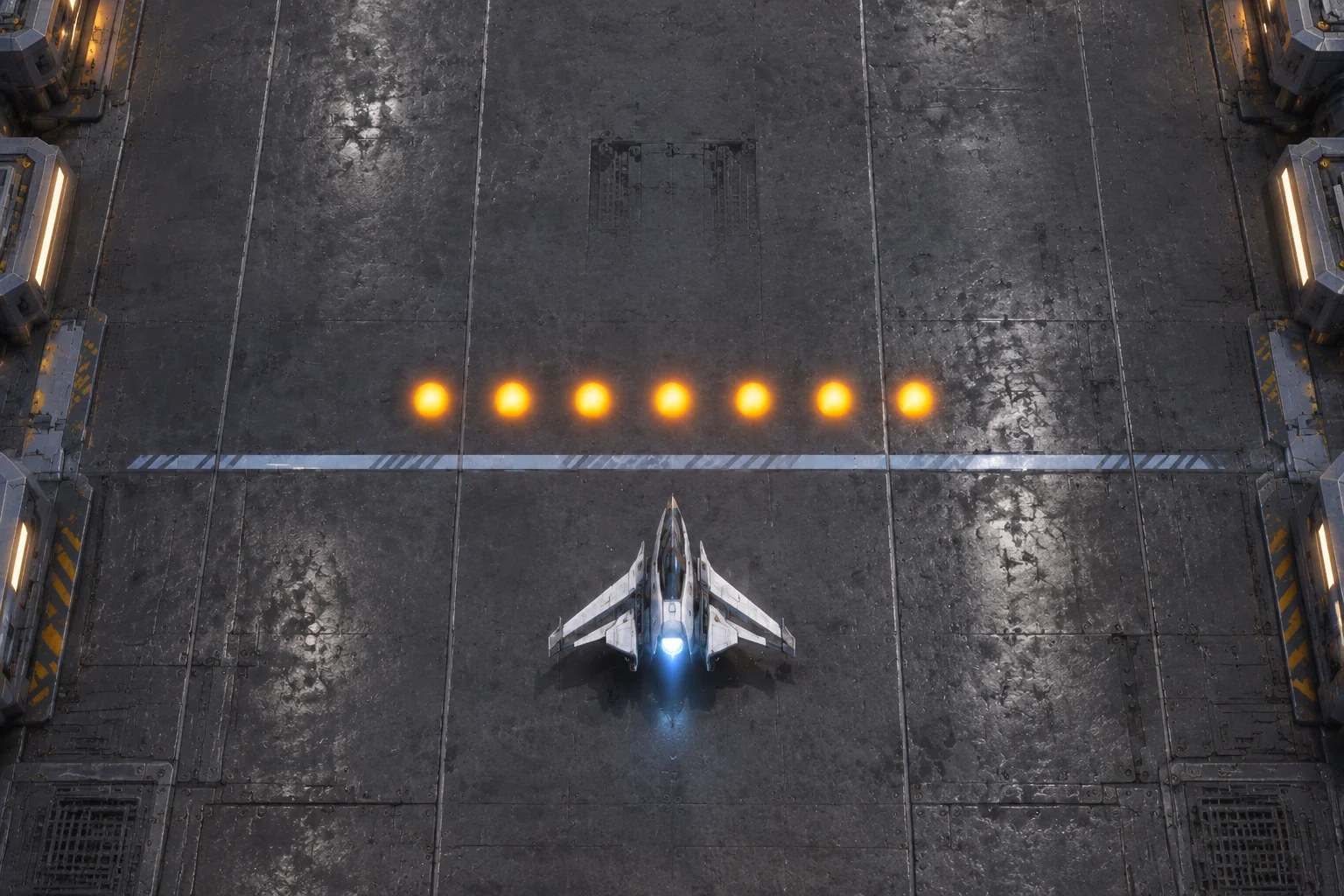
After reset, the clock begins at tick 0. In the first version, the emitter warns on tick 1 and the first row arrives at the end of tick 3. The row has shots in lanes 1, 2, 3, and 5. The ship can use three moves to reach lane 4. On tick 4, the row is gone and the ship can fire one return shot.
The second warning starts on tick 5. Its row reaches the defense line at the end of tick 7 and leaves lane 2 clear. From lane 4, the ship needs two moves to reach lane 2 and can wait there for the last tick. Fire again on tick 8 to clear the room. A projectile that hits the core ends the attempt.
| Tick | Input | Lane after moving | Expected result |
|---|---|---|---|
| 0 | Wait | 1 | Baseline starts with no warning |
| 1 | Right | 2 | First warning is visible |
| 2 | Right | 3 | Ship crosses a future danger lane before impact |
| 3 | Right | 4 | First row reaches the line and misses the core |
| 4 | Fire | 4 | First confirmed hit on the emitter |
| 5 | Left | 3 | Second warning is visible |
| 6 | Left | 2 | Ship reaches the second gap |
| 7 | Wait | 2 | Second row reaches the line and misses the core |
| 8 | Fire | 2 | Second confirmed hit clears the room |
Apply movement before checking the row’s arrival, then process any return shot. This order lets a move on tick 3 count. If you check collision first, the exact inputs in the table leave the ship in lane 3 at the moment the row arrives.
Ask AI to build the room and a step control
SEELE’s space shooter creator provides a starting point for describing a ship, incoming fire, and room to dodge. Give it one encounter and a way to step through it, so you can verify the underlying rules before tuning the pace. Treat the first build as something to inspect alongside the worksheet.
Build one fixed overhead browser shooter room. Use five lanes spaced
one unit apart, one player ship at the bottom defense line, and an
enemy emitter above. On reset start at tick 0, lane 1, and zero hits.

Allow stay, left, or right each tick, one adjacent lane at most.
Show thin outlines for future danger lanes and solid active shots.
Warn at the start of tick 1 for lanes 1, 2, 3, and 5. The first row
reaches the defense line at the end of tick 3. Warn at the start of
tick 5 for lanes 1, 3, 4, and 5. The second row arrives on tick 7.

Apply movement before arrival collision. Use a player core radius
of 0.18 units and a projectile radius of 0.32 units. A distance of
0.50 or less counts as contact. Contact with the core ends the run.
Show a visible core marker independent of the ship's wings.

Accept one new Fire press on tick 4 and one on tick 8. Each accepted
shot adds one hit. A held key does not count as a new press, and
shots outside a window do not add hits. Two hits clear the room.

Add a debug step control for one tick at a time, plus a way to
check collision at offsets of 0.45 and 0.55 units. Show tick, lane,
cue state, and confirmed hits in the debug view. Restart clears
the state and restores the ship, emitter, clock, and firing windows.
Before running the full trace, confirm that the ship can’t jump from lane 1 to lane 3 in one tick. Then run the first volley from lane 1 with a deliberate wait on tick 1. After two right moves, the ship should be in lane 3 and take a hit. Check the near-contact offsets separately. These two checks help you tell a timing problem from a collision problem.
For input handling, press Fire on tick 3 and hold through tick 4. The hit count should stay at zero. Repeat with a fresh press on tick 4 to check that it counts once. After a hit or a win, restart and make sure the clock reads tick 0 and both volleys are available again. The guide to checking an AI game in small steps can help you turn a failed check into a focused revision request.
Give the first warning one more tick
In the baseline, the player has just enough time to reach the first gap after seeing the warning. To allow one tick of hesitation, move that warning to the start of tick 0. Tick 0 exists in both layouts. Keep the projectile launch and arrival times, occupied lanes, movement speed, second warning, and return-fire windows fixed.
| First cue | Wait one tick after seeing it | Right moves before arrival | Lane on tick 3 |
|---|---|---|---|
| Start of tick 1 | Wait on tick 1 | Ticks 2 and 3 | 3, hit |
| Start of tick 0 | Wait on tick 0 | Ticks 1, 2, and 3 | 4, safe |
The worksheet gives the earlier warning one extra tick of movement time. In your own build, check whether a first-time player sees the outline and recognizes the empty lane before committing to a direction. If the player notices the warning but chooses a marked lane, adjust what the cue communicates before extending it again.
Keep the first pattern small enough to diagnose
Build both volleys before adding faster shots or another emitter. Watch the player’s lane at arrival, check whether the hit agrees with the core marker, and use the recorded input sequence when you change a rule. Start your bullet-hell prototype with SEELE’s space shooter creator and compare your first room with the two-volley trace.
Frequently asked questions
Should a shot touching a wing count as a hit?
In this prototype, use the marked center as the collision core. A shot grazing the outside of the wing can pass if it misses that core. Keep the marker visible, and use a close-contact check to catch mismatches between the animation and the damage rule.
What if the shot animation and the game clock disagree?
Use the game clock to decide when to check a collision, then synchronize the animation to that event. Step through an arrival and compare the row position with the recorded tick. A row that still looks distant when damage occurs needs its timing or display corrected.
How can I mark a safe lane without relying on color?
Leave the gap free of the warning outlines and give the occupied lanes a distinct dashed shape. Make active shots solid with a visible edge. Check the scene in grayscale and at its normal play size to see whether the gap and projectile row remain recognizable.
When should I add diagonal or moving patterns?
First verify that a player can read the row, move into the gap, and identify why a hit happened. Then introduce one new motion rule in a short encounter. Keep the old row available so you can tell whether the new direction or the basic controls caused a problem.