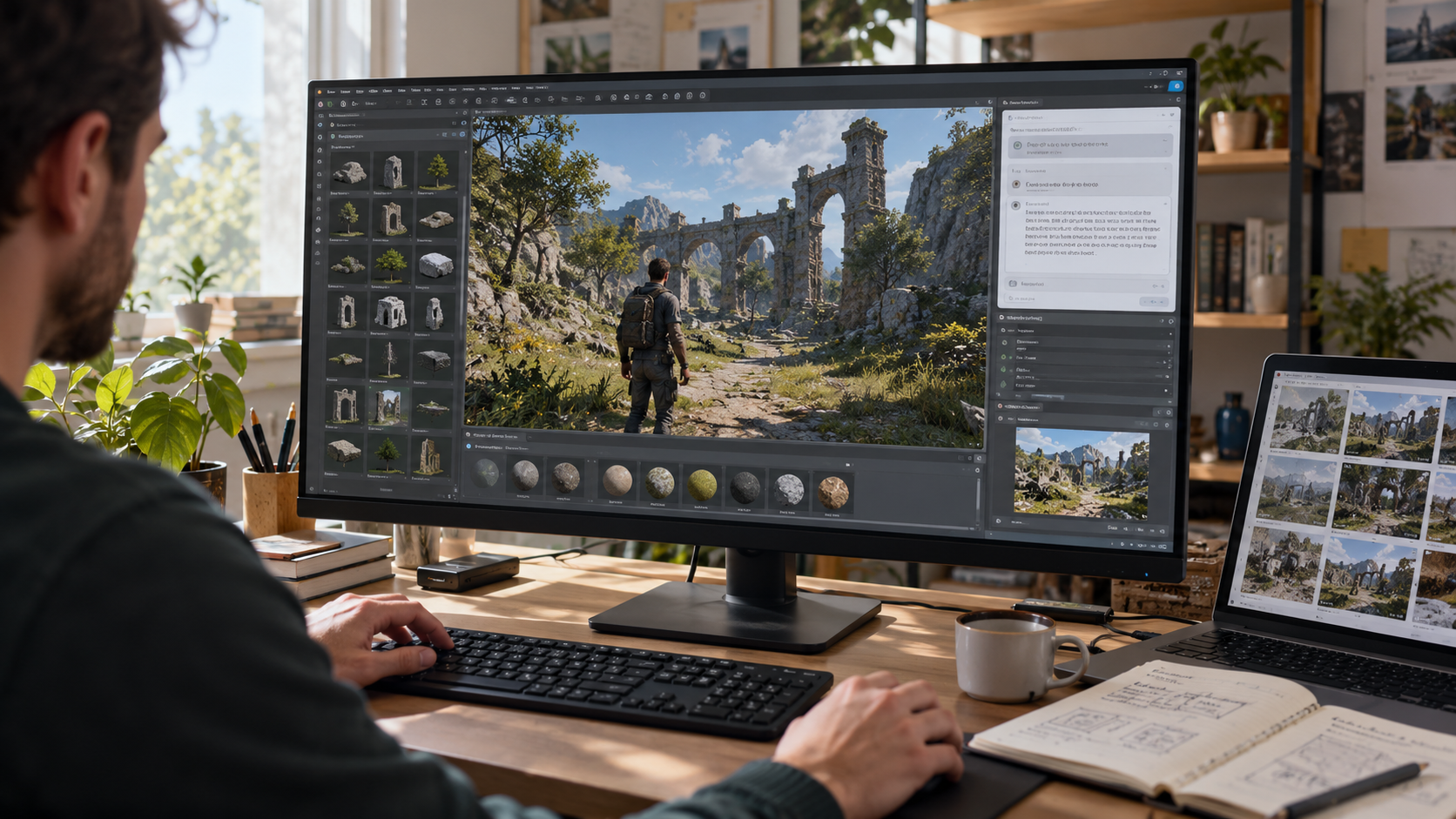
A car-workshop simulator becomes a game when the player has to understand a job, choose a part and return the vehicle under clear conditions. For a first version, use one customer, one fictional fault and a single replacement. Track the job from arrival to payment before adding a large garage or a catalogue of vehicles.
The example below is a simplified game design, not advice for diagnosing or repairing a real car. Its warning light and component state are scripted rules. Use it to build a playable loop, then test whatever your AI game-making tool actually creates.

Design one complete workshop job
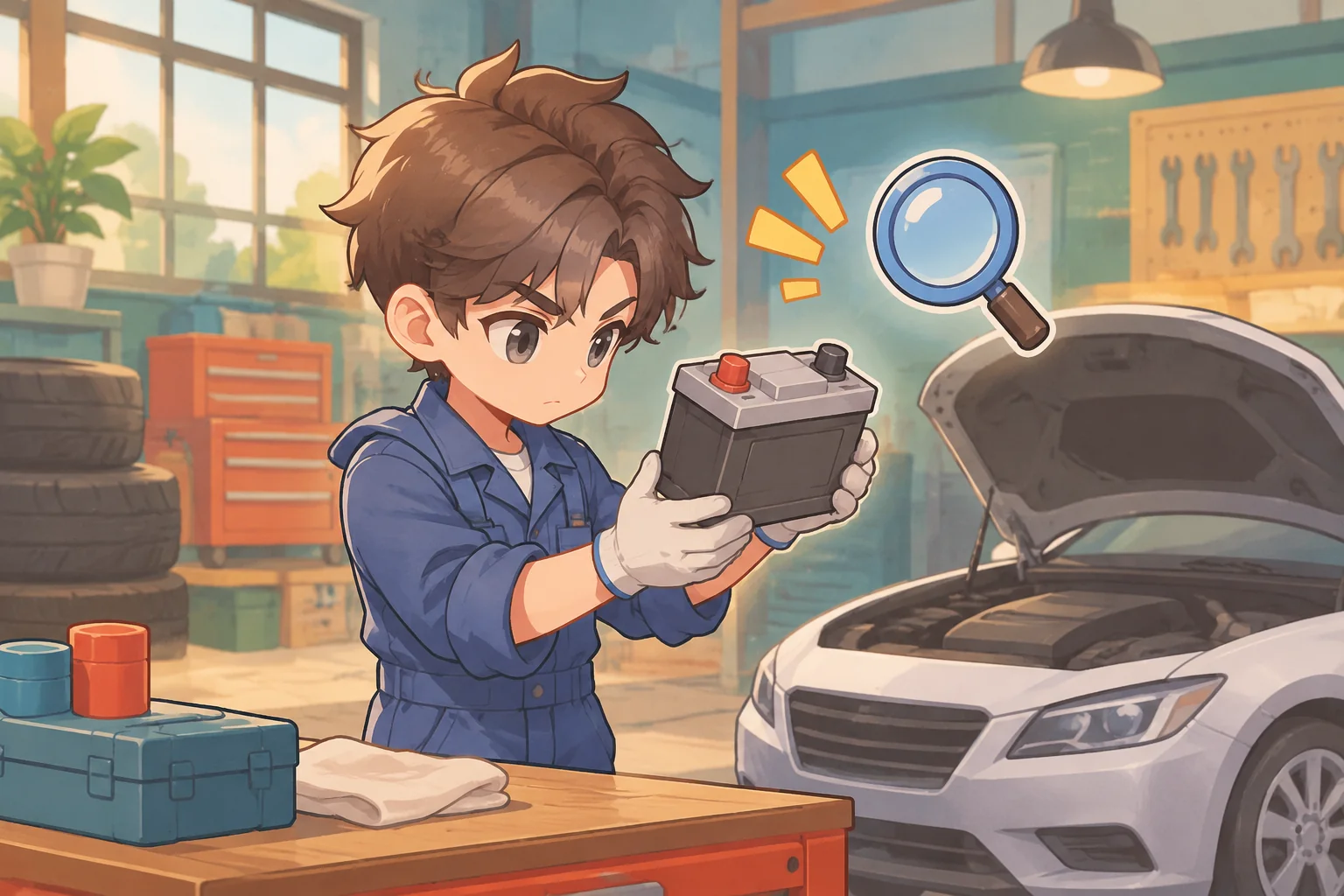
Start with an unbranded car arriving at a small workshop. The player accepts the job, inspects two selectable components and discovers that the game's battery item is marked worn. The player buys a replacement, installs it using a game interaction, and returns the car. The customer pays only after the checklist is complete.
| Stage | Player decision | Game feedback |
|---|---|---|
| Accept | Take the available job | Show the car and job checklist |
| Inspect | Choose components to examine | Reveal each scripted condition |
| Prepare | Buy the needed game item | Update money and inventory |
| Complete | Install the item and return the car | Show completed job and payment |
Give inspection and repair different effects. Inspection reveals information; installation changes the job state. A single click can represent each action in the prototype. The game does not need to reproduce a real mechanic's procedure to make the decision clear.
Keep the first job's rules explicit
Suppose the player begins with 100 coins. A replacement battery item costs 30, and completing the job pays 70. Buying one part leaves 70 coins; finishing the job brings the balance to 140. This simple example excludes rent, labor, taxes and all other expenses. Show the purchase and the payment separately so the player can follow the calculation.
| Action | Money change | Balance |
|---|---|---|
| Start | Initial amount | 100 |
| Buy replacement | −30 | 70 |
| Return completed job | +70 | 140 |
The car's warning light is a story prompt in this fictional scenario. It does not establish which part is faulty in a real vehicle. In the game, the scripted inspection result supplies that information. If the player tries to return the car before installation, keep the job open and explain the missing step.
Give an AI game maker a testable specification
Describe the sequence, state changes and exceptions rather than asking only for a “realistic garage.” SEELE's capability catalogue describes starting a game from an idea and creating coordinated 2D characters, scenes and interface elements. Use those capabilities to frame the visual direction, then inspect the actual output. The catalogue does not prove that this particular workshop flow has been generated or tested.
Create an original small workshop-management game for a browser.
Show one unbranded car, one customer job, a workbench and a simple checklist.
Start the player with 100 coins and no replacement parts.
After accepting the job, let the player inspect two fictional components.
Reveal that the game's battery item is worn and the other item is fine.
Offer a replacement battery item for 30 coins; buying it adds one to inventory.
Allow installation only after inspection and only with the item in inventory.
Installation consumes the item and marks the repair step complete.
Allow the player to return the car only after that step, then pay 70 coins once.
Show the balance, inventory, job state and a message explaining blocked actions.
Provide restart to restore the original balance, inventory and job state.
Use original illustrated assets without real car logos or detailed repair steps.
Build and verify the job state first. Add the workshop's artwork and animation after the acceptance, inspection, purchase and completion actions work. If a generated version skips a step, ask for that specific state transition to be corrected instead of requesting a full rewrite.
Make the player's next decision visible
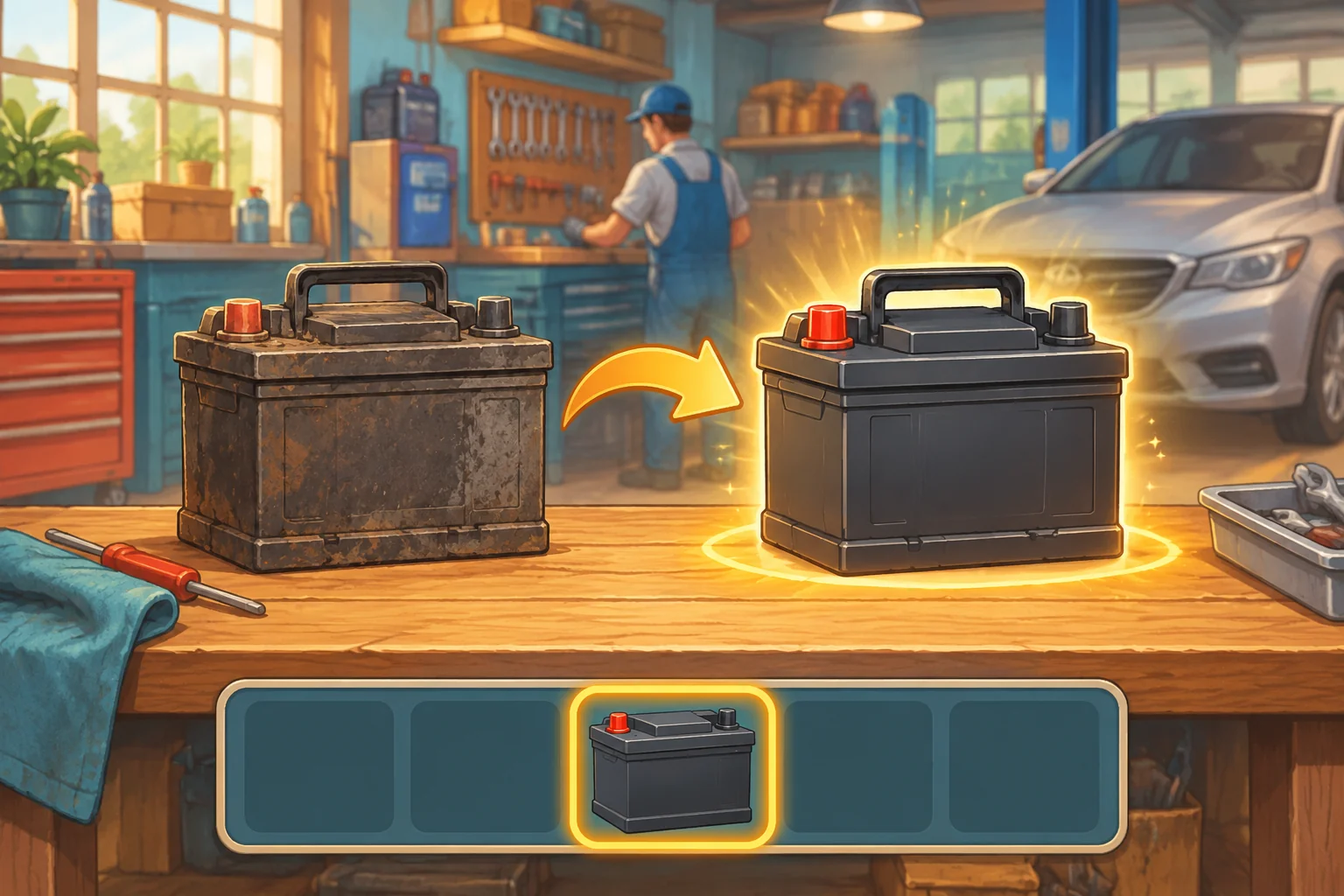
A short checklist can answer three questions: what has been inspected, what part is needed and whether the job can be returned. Use distinct states such as “not inspected,” “part needed” and “ready to return.” Pair colors with labels or icons so the status does not depend on color alone.
When a purchase fails, show whether the player lacks money or already owns the required item. When installation fails, explain whether the job has not been inspected or the replacement is missing. The exact interface is up to you; feedback should reflect the actual game state rather than assume an action succeeded.
Check the flow before adding more cars
- Initial state: start with 100 coins, no part and an uncompleted job. Restart should restore those values after a finished or interrupted job.
- Inspection: reveal the fictional worn item only after the player inspects it. Inspecting the other component should not finish the repair.
- Purchase: buy one replacement and verify that the balance is 70 and inventory increases by one. A failed purchase must not change either value.
- Installation: confirm the game blocks installation before inspection or without the item. A successful installation consumes exactly one item and updates the checklist.
- Completion: return the car only after installation. The balance should become 140 and repeated clicks should not pay the reward again.
For any failure, give the assistant the setup, action, expected result and observed result. For example: “The job was already paid and the balance was 140. Clicking Return again increased it to 210. Pay only once and keep the completed state.” After a fix, repeat both the failing action and a restart.
Plan a second-job iteration
Once the first job behaves consistently, imagine offering a second customer with a different scripted part and reward. Let the player choose which job to accept first, but define whether parts and money carry between jobs. This is a proposed iteration, not a tested design result.
To make the choice meaningful, compare the cost of each part with the money currently available. If neither job is affordable, specify a way to recover rather than leaving the player permanently stuck. Keep each car's inspection and completion state separate so returning one does not accidentally pay for the other.
Frequently asked questions
How much of a car should I model first?
Model only the interactions needed for one complete job: the vehicle as a selectable object and two fictional components to inspect. Add more detail when it gives the player a useful decision. A large set of decorative parts does not fix a job that cannot be completed.
Should inspection automatically repair the car?
Keeping the actions separate makes the player's decision easier to understand. Let inspection reveal a scripted state, then require the appropriate item for a repair action. If you combine them for a shorter game, update the checklist and cost rules so the feedback still matches what happened.
Does this example teach real vehicle diagnosis?
No. The warning and fault are simplified fictional game states, and the illustration is conceptual. Real vehicle problems require their own appropriate diagnosis and professional guidance. For your game, state what the inspection reveals without implying that one warning proves a particular real-world fault.
How can I keep the economy from breaking?
Track purchases and job rewards as separate events, and make sure each event is applied only once. Test insufficient funds, a missing item, duplicate completion and restart. When you add recurring expenses or multiple jobs, specify their timing and repeat the earlier checks.
Start with one job and a clear outcome
A compact workshop loop can still offer satisfying decisions: reveal a problem, acquire a part, complete the work and see the result. Use the sample rules as a starting point, verify each transition and add another customer only when the first job is reliable. Give the shop its own visual identity in the SEELE AI Creator Game Maker as you expand. For a broader workflow, see how to create a game with AI.