A cleaning business game can make cooperation meaningful by giving each partner a different kind of control. In fictional Tidy Team, the Dispatcher selects timed jobs and readies their supply kits; the Cleaner moves through a building and performs the work. The company shares the outcome, but the players solve different parts of the shift.
Keep the first test small enough to calculate. On an open grid, the Dispatcher chooses the next room and the Cleaner walks one tile per beat, then spends one beat cleaning. A fixed replay below compares two job orders. It is a paper simulation of the proposed rules, not a measured multiplayer result.
Make the Dispatcher and Cleaner depend on different information
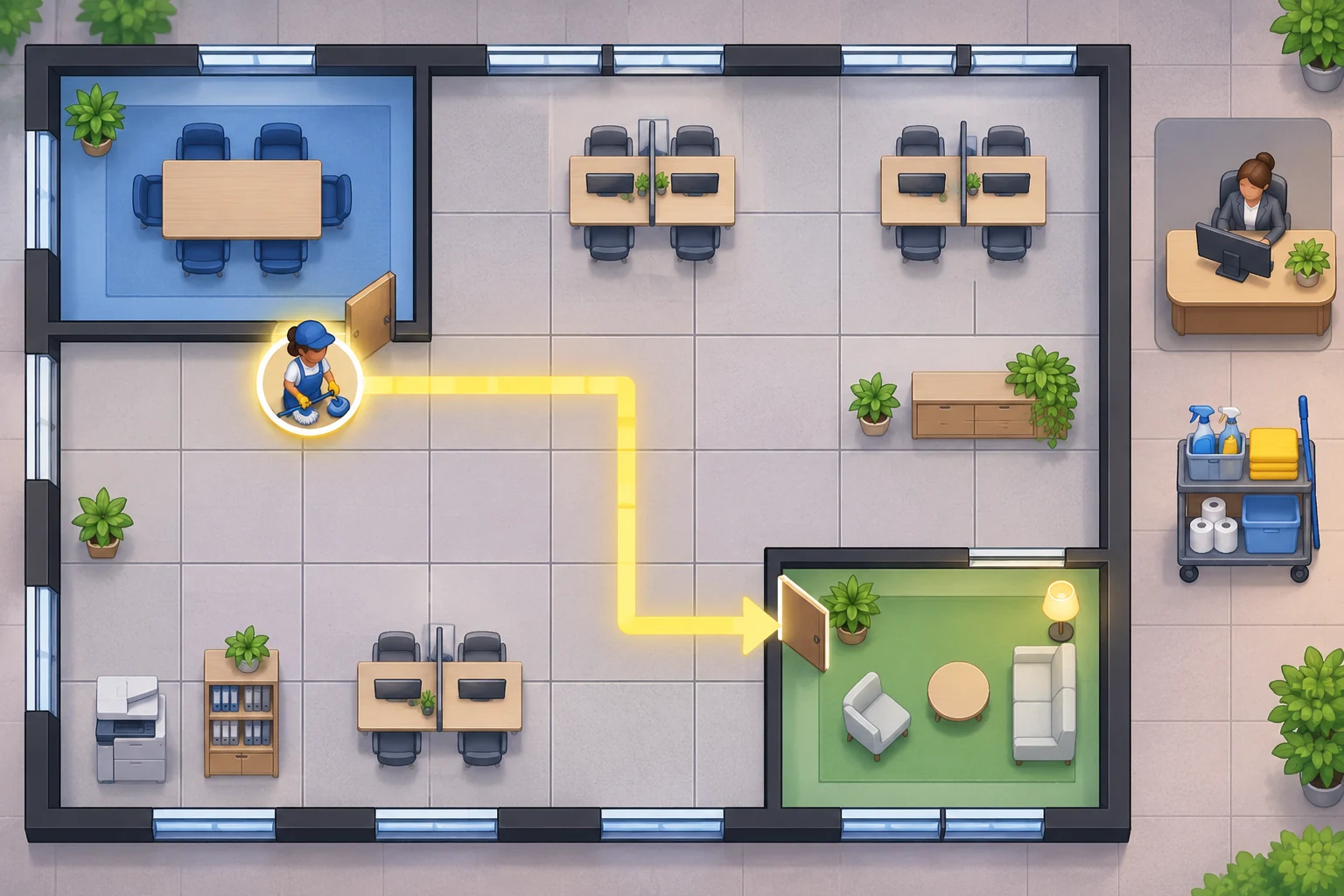
The Dispatcher works at a desk with the job board. They see customer deadlines, choose which contract to queue next and make its matching kit available. The Cleaner controls the worker in the building, follows the queued job and spends an action to finish its room. A job cannot be cleaned until the Dispatcher queues it, and the Dispatcher cannot move the worker.
Use short callouts rather than a long chat requirement: the Dispatcher can say “Room A first; its deadline is soon,” while the Cleaner can ask whether the route is clear. Both players should see the queued task and shared clock, so coordination changes the plan without hiding the rules.

Set a shared clock and a route rule players can predict
Use a 7×5 open grid. The Cleaner starts at (1,2), Room A is at (2,2), and Room B is at (6,2). Moving one orthogonal tile costs one beat. Cleaning a room costs one beat. The Dispatcher can queue either job; when queued, its matching supply kit is ready. Room A is due by beat 3 and Room B by beat 8.
Show deadlines, current position, active job and remaining beats on both players’ screens. Do not add obstacles or stock shortages yet. With a clear map and fixed task costs, players can see whether a deadline problem came from the job order or from a movement rule they did not understand.
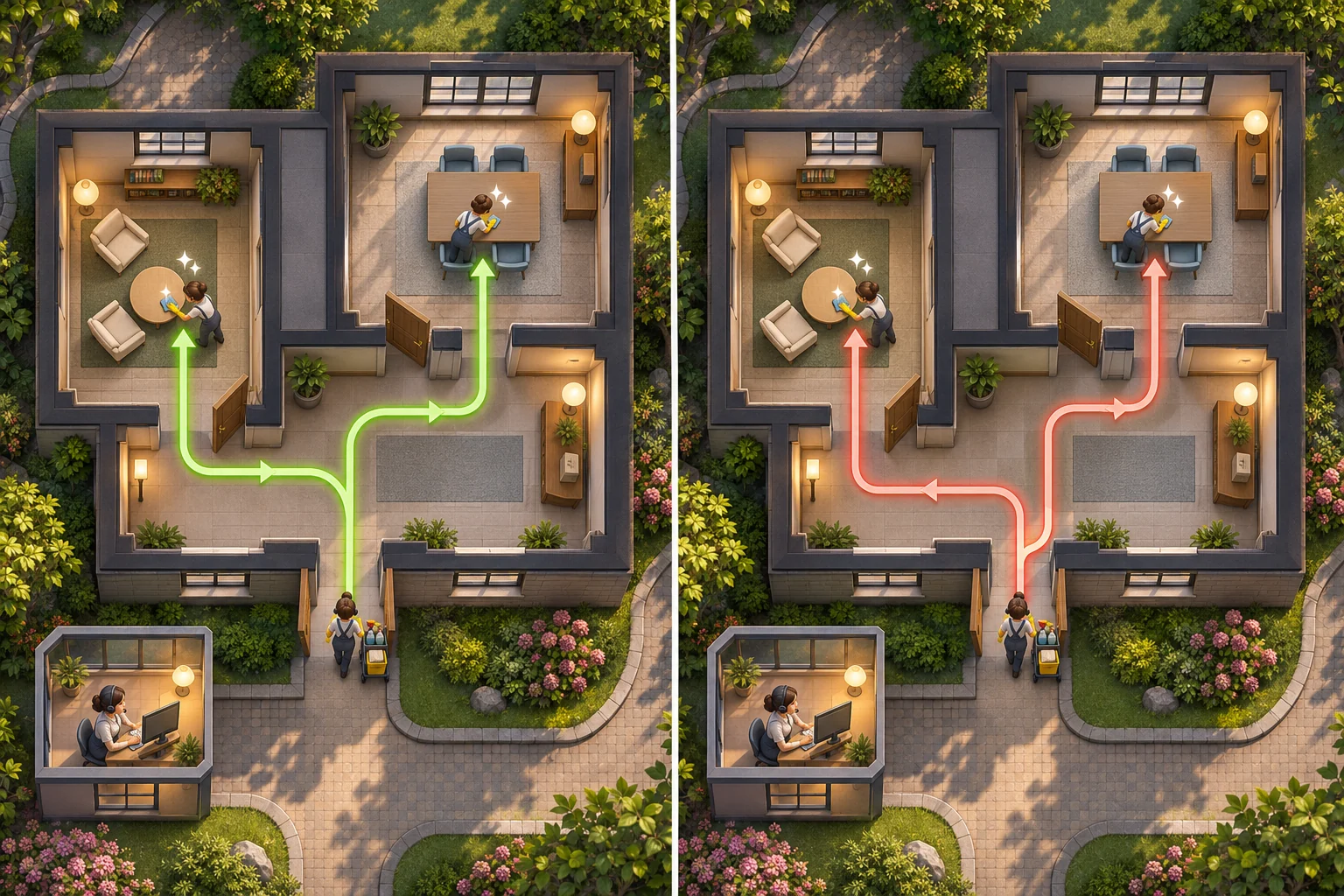
Replay two job orders to see why coordination matters
Queue Room A, then Room B. The Cleaner moves from (1,2) to (2,2) in one beat and cleans for one: A is complete at beat 2, before its beat-3 deadline. From A to B takes four moves, then one cleaning beat. B finishes at beat 7, before beat 8. Total: 7 beats.
Now queue B first. From (1,2) to (6,2) takes five moves, then one beat to clean. Returning to A takes four moves and one beat to clean, so the order costs 11 beats. Room A completes at beat 11 and misses its beat-3 deadline. The worker, map, tasks and movement costs did not change; only the order changed. This is a paper replay, not a multiplayer test.
Prototype one shift before adding customer pressure
Build the job board, two roles, a worker token, two rooms, a shared clock and a reset button. Let players replay both orders and inspect the deadline result. Make role boundaries visible: the Dispatcher queues and supplies, while the Cleaner moves and services. If one player can perform both roles, the cooperative decision disappears.
After the route puzzle reads clearly, add one complication at a time: a blocked hall, a missing kit, a third customer or a special tool. Make each new rule visible to the role that can act on it, then check whether partners still need to coordinate instead of simply adding more buttons.
Create Tidy Team, a cooperative cleaning-business game with two separate roles. Dispatcher sees timed contracts, chooses the next job and readies its matching supply kit; Cleaner controls the worker on a 7×5 open grid and performs room cleaning. The Cleaner starts at (1,2); Room A is (2,2), due by beat 3; Room B is (6,2), due by beat 8. Each orthogonal move costs one beat and cleaning costs one. Replay A then B: 1+1+4+1=7 beats, both on time. Replay B then A: 5+1+4+1=11 beats, so A misses its deadline. Keep the shared clock, queued job and role actions visible. Include a reset and do not claim these paper rules were playtested.
SEELE's official page describes a general workflow: generate a playable first version from a prompt, test it in a browser and refine it with follow-up prompts. Use it to check whether partners understand their separate controls and can compare job orders; Tidy Team and its rules are fictional design guidance.
Prototype a co-op cleaning shift in SEELE
Frequently asked questions
How do you make separate roles matter in a co-op business game?
Give each role a different action that the other cannot perform. For example, a Dispatcher queues jobs and prepares supplies while a Cleaner navigates and completes rooms. Show the shared deadline and active order so partners can coordinate around the same outcome.
What should a cleaning business game prototype include?
Start with two roles, a small building map, a few timed jobs, a shared clock and a resettable shift. Keep movement and service costs visible. Let players compare job orders before adding inventory, obstacles, extra workers or more customer pressure.
How can I test whether co-op roles are balanced?
Replay the same shift with each job order and record which actions each role controls, when deadlines are met and where coordination is needed. A hand-calculated route can verify the rules, but it does not establish multiplayer balance or player satisfaction.