Introduction
A client game prototype should turn a request into a small, reviewable interaction with clear boundaries. A freelance developer needs to know what the client can try, what remains a mockup and how feedback maps to the brief. Begin with a fictional project, an editable scope template and one acceptance check per interaction.
This guide uses Maple Workshop, a fictional client brief for a simple token-collecting game. The client, developer, feature list and test results are invented. No real freelance engagement, playable build or client approval was used, and this article does not provide contract or business advice.
Turn the request into a brief
Write down the intended player, core action, target environment, session length and evidence the prototype should show. Separate required behavior from ideas for a later version. Ask which one question the prototype should answer, so the scope does not quietly expand into a finished game.
Prompt 1 — client intake brief
Create a fictional client brief for Maple Workshop, which wants a short original game where a player collects three tokens and reaches an exit. State audience assumption, core loop, target device assumption, required interactions, exclusions, open questions and one prototype goal. Label all details fictional and identify any assumption that needs client confirmation.
A brief should capture the request in language the developer and client can both review. Record open questions before treating an assumption as approved scope.
Define scope and exclusions
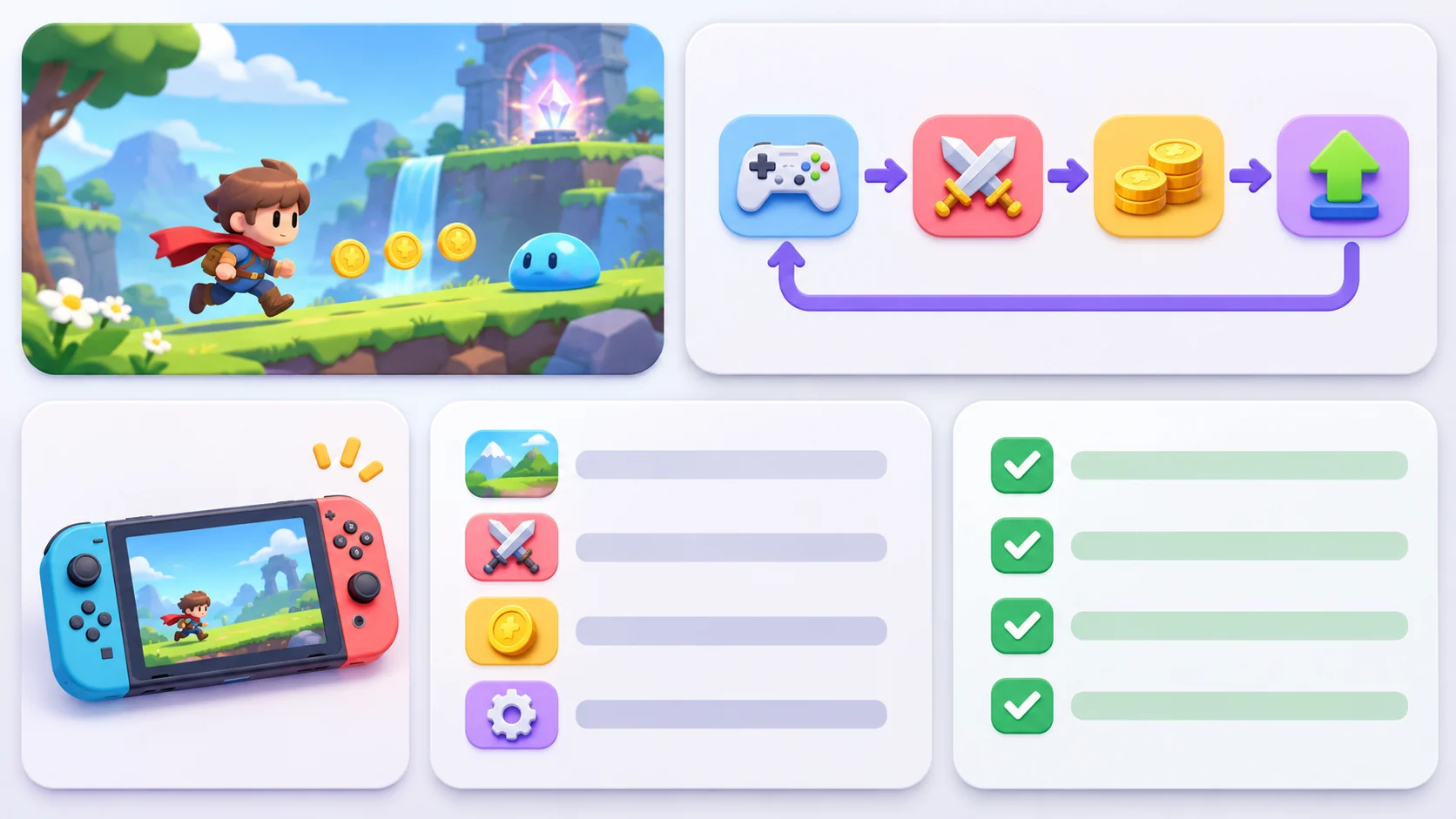
List the smallest playable slice and what it leaves out. A first version may use one scene, one controllable character, three tokens, a result state and reset. Exclusions might include account systems, analytics, multiple levels and polished production art. The point is to make trade-offs visible, not to prescribe commercial terms.
Prompt 2 — scope and acceptance checklist
Turn the Maple Workshop brief into a prototype scope with included features, exclusions, assumptions, client-provided assets and review questions. For each included interaction, write an observable acceptance check. Use plain language and separate must-show behavior from future ideas. This is a fictional planning example, not a client agreement.
| Scope item | Prototype behavior | Observable check |
|---|---|---|
| Move | Player can move in the test area | Input changes position visibly |
| Collect | Three tokens can be collected | Counter updates once per token |
| Finish | Exit completes the slice | Result state appears after required tokens |
| Reset | Player can try again | Scene and counter return to the start state |
An acceptance check describes what can be observed; it does not imply that the behavior has been built or accepted.
Show a playable loop with placeholder assets
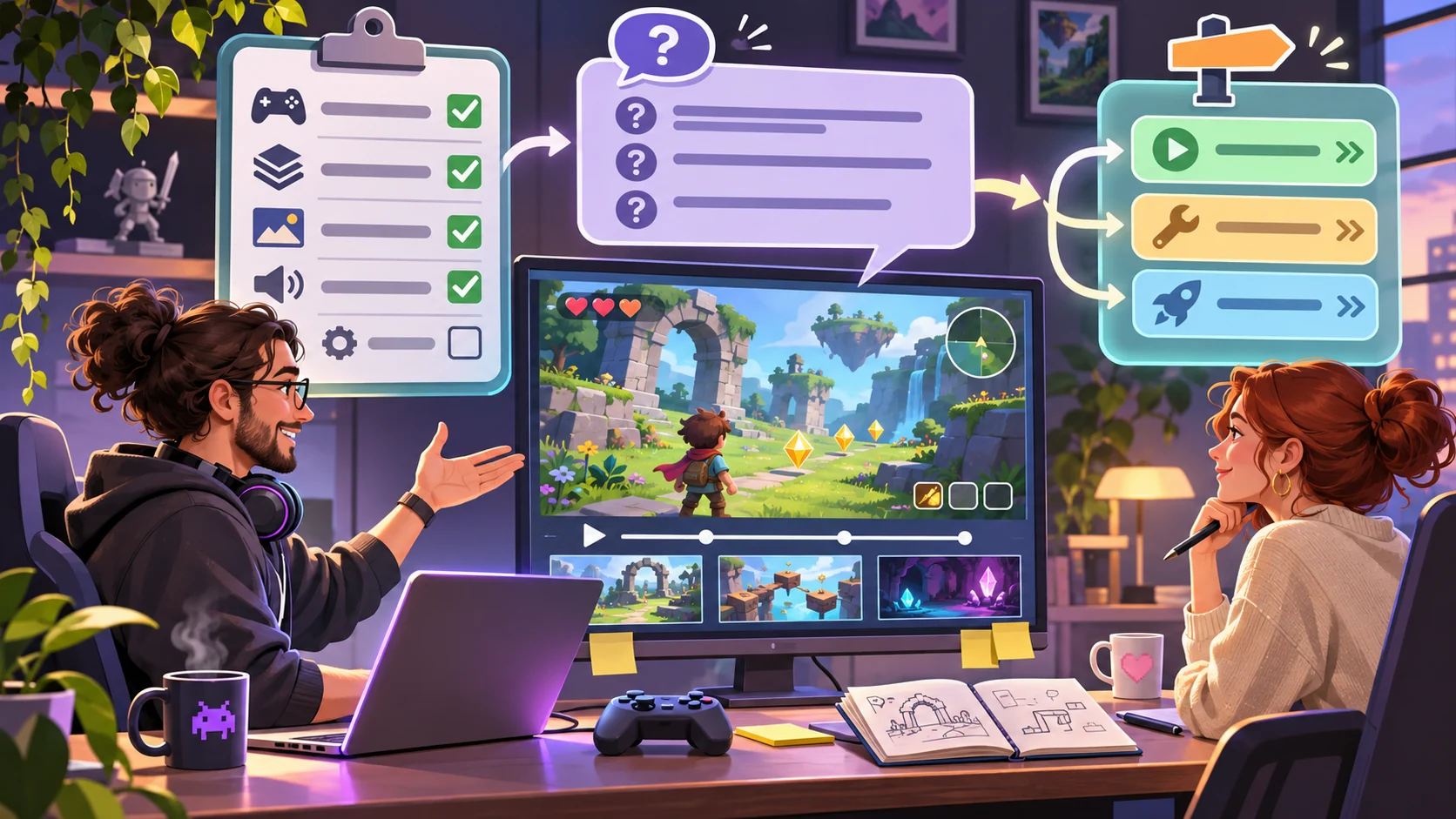
A prototype can use simple shapes if the action is understandable. Label placeholders and tell the client what they stand in for. Show the full loop—start, move, collect, finish and reset—before adding decorative scenes or optional features.
Prompt 3 — one-scene game loop
Build a one-scene Maple Workshop game prototype with an original placeholder character, three collectible tokens, a visible counter, exit gate, result state and reset. Use simple placeholder art and show which requirements are implemented. At handoff, distinguish working behavior from mockups and open questions. Do not claim client approval.
When presenting the slice, guide the reviewer through the same acceptance checks listed in the brief. If a requirement is missing, record it rather than describing it as complete.
Make review feedback actionable
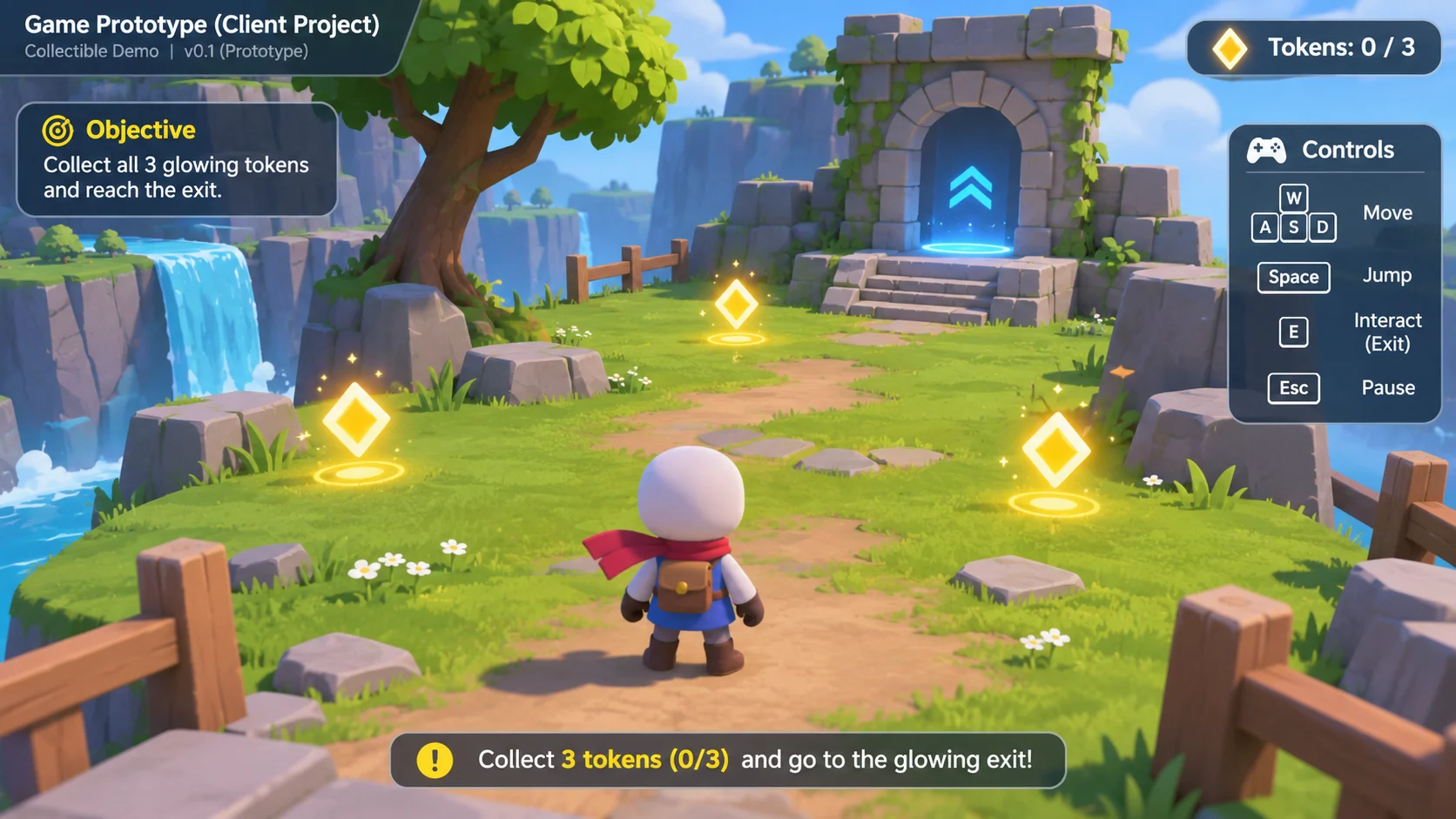
Ask for feedback against the agreed goal: whether the player can understand the action, whether the loop answers the brief and which single change would improve the next iteration. Separate a bug, a scope question and a new feature idea so each has a clear decision.
Prompt 4 — feedback and change log
Create a concise Maple Workshop review sheet with columns for acceptance check, observed result, client feedback, issue type (bug, question or new feature), decision and next owner. Include a field for evidence such as a screen or reproduction step. Keep it fictional and avoid implying that a client review happened.
A decision log helps prevent unreviewed suggestions from silently becoming requirements. Keep the change request visible alongside the original scope.
Provide an editable client prototype template
A reusable file can hold the project goal, core loop, target assumptions, requirements, exclusions, acceptance checks and review notes. The sample below is invented and does not replace the client’s own approval process.
{
  "projectName": "Maple Workshop — fictional prototype brief",
  "prototypeGoal": "Show one short collect-and-exit loop",
  "targetAssumption": "Local desktop preview; confirm with client",
  "coreLoop": ["start", "move", "collect 3 tokens", "reach exit", "reset"],
  "included": ["one scene", "placeholder character", "three tokens", "counter", "result state", "reset"],
  "excluded": ["accounts", "analytics", "multiple levels", "production art"],
  "acceptanceChecks": ["movement is visible", "counter increments once per token", "exit completes the loop", "reset restores initial state"],
  "status": "planning example; no client or build tested"
}
Replace the goal, interactions, target assumptions and checks for each engagement. Confirm client-provided material and unresolved questions before treating them as final inputs.
Request a small playable prototype handoff
A complete local package can include the brief, editable configuration, one-scene prototype, placeholder asset notes, review checklist and a record of what was actually tested. Specify the handoff clearly: what runs, what remains static, which acceptance checks were observed and what needs a client decision.
Prompt 5 — prototype handoff
Prepare a fictional Maple Workshop prototype handoff with the brief, editable configuration, one-scene interaction, placeholder asset list, acceptance checklist, observed result and open questions. Mark each item implemented, mockup or unverified based on the running output. Do not imply client approval or finished production delivery.
No running project or client review was performed for this guide.
Prompt 6 — simulated client customization
Adapt the template to a fictional “Fern & Frame” puzzle brief where the player arranges three picture tiles and confirms a frame. Change the core loop, included behavior, exclusions and acceptance checks while keeping the same scope-and-review structure. Label both client and project fictional. This is a local simulated customization, not a real client project.
This example shows how an editable template can carry a different brief without claiming that a new project was built.
Prompt 7 — observed-output review
Review the running local prototype against each acceptance check. Mark implemented, missing, unclear or not testable from observed output. Record brief evidence, unresolved assumptions, client questions and one smallest next change. Do not claim approval or delivery success unless a client actually reviewed it.
Fictional handoff snapshot
| Field | Maple Workshop example |
|---|---|
| Goal | Show a short collect-and-exit loop |
| Included | One scene, tokens, counter, exit and reset |
| Excluded | Accounts, analytics, extra levels and production art |
| Review | Observed checks plus open questions |
| Evidence | Fictional planning template; no client or build test |
The snapshot helps a reviewer see scope at a glance. It is not a real engagement record.
Conclusion
A freelance client prototype should connect a concrete brief to a small playable loop, observable checks and a clear handoff. Maple Workshop and Fern & Frame are fictional; no client, build or approval was tested. Use an editable scope template to make assumptions visible, then report only the behavior and feedback that were actually observed.
You can take a scoped concept into the Free AI game maker, then compare the result with the review checklist.
FAQ
What should a client game prototype brief include?
State the prototype goal, player loop, target assumptions, included behavior, exclusions, open questions and observable checks.
How can a freelancer keep a prototype scope reviewable?
Choose one small interaction loop and list what the client can observe, what is excluded and what remains unverified.
Should a prototype use polished art?
Not necessarily. Placeholder assets can show the loop if they are clearly labeled and do not hide missing behavior.
What is an acceptance check for a game prototype?
It is a plain-language statement of behavior that a reviewer can observe, such as a counter updating after a token is collected.
Does a local playable demo mean a client has approved the work?
No. Approval should only be reported after the client reviews the relevant deliverable and confirms it.