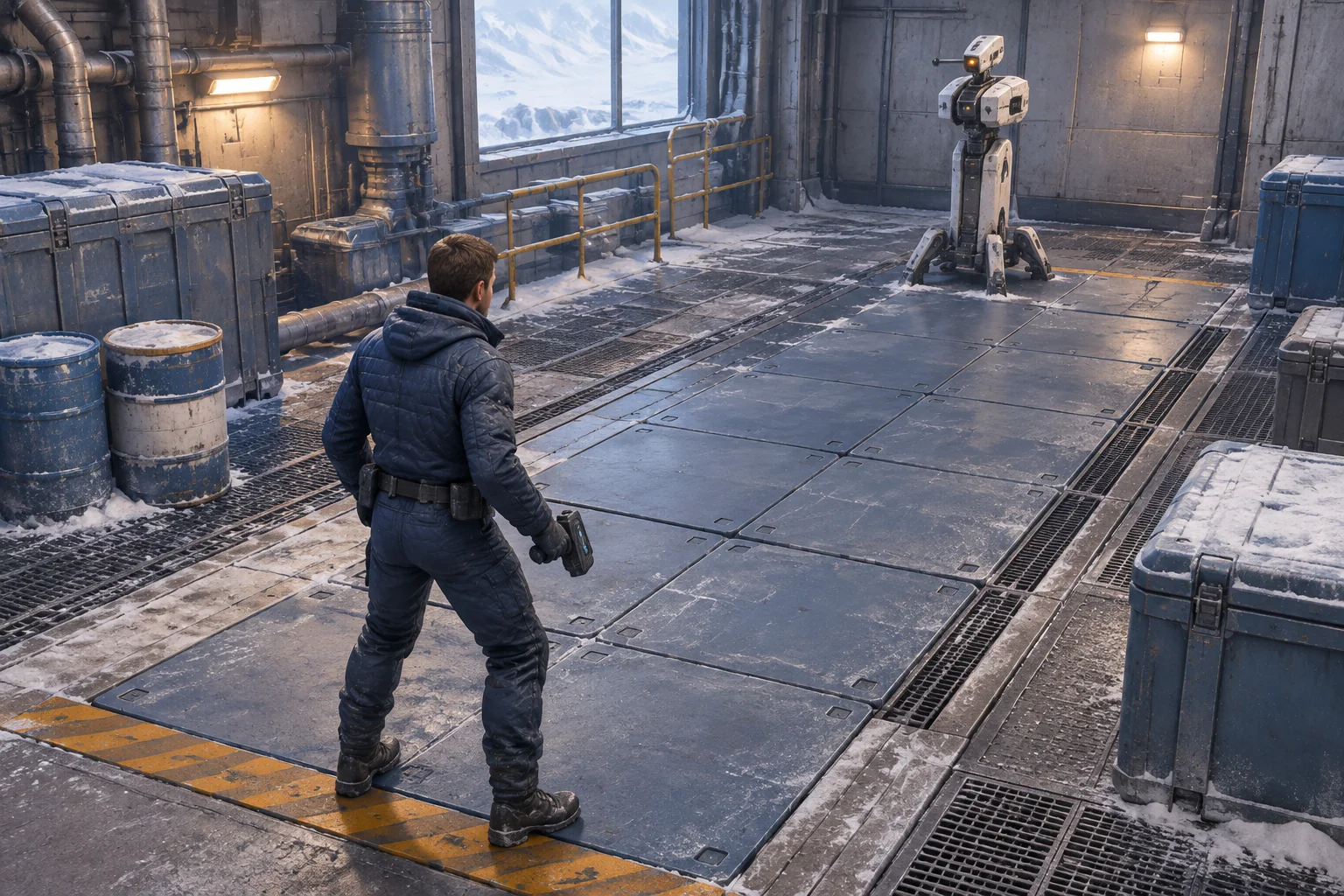
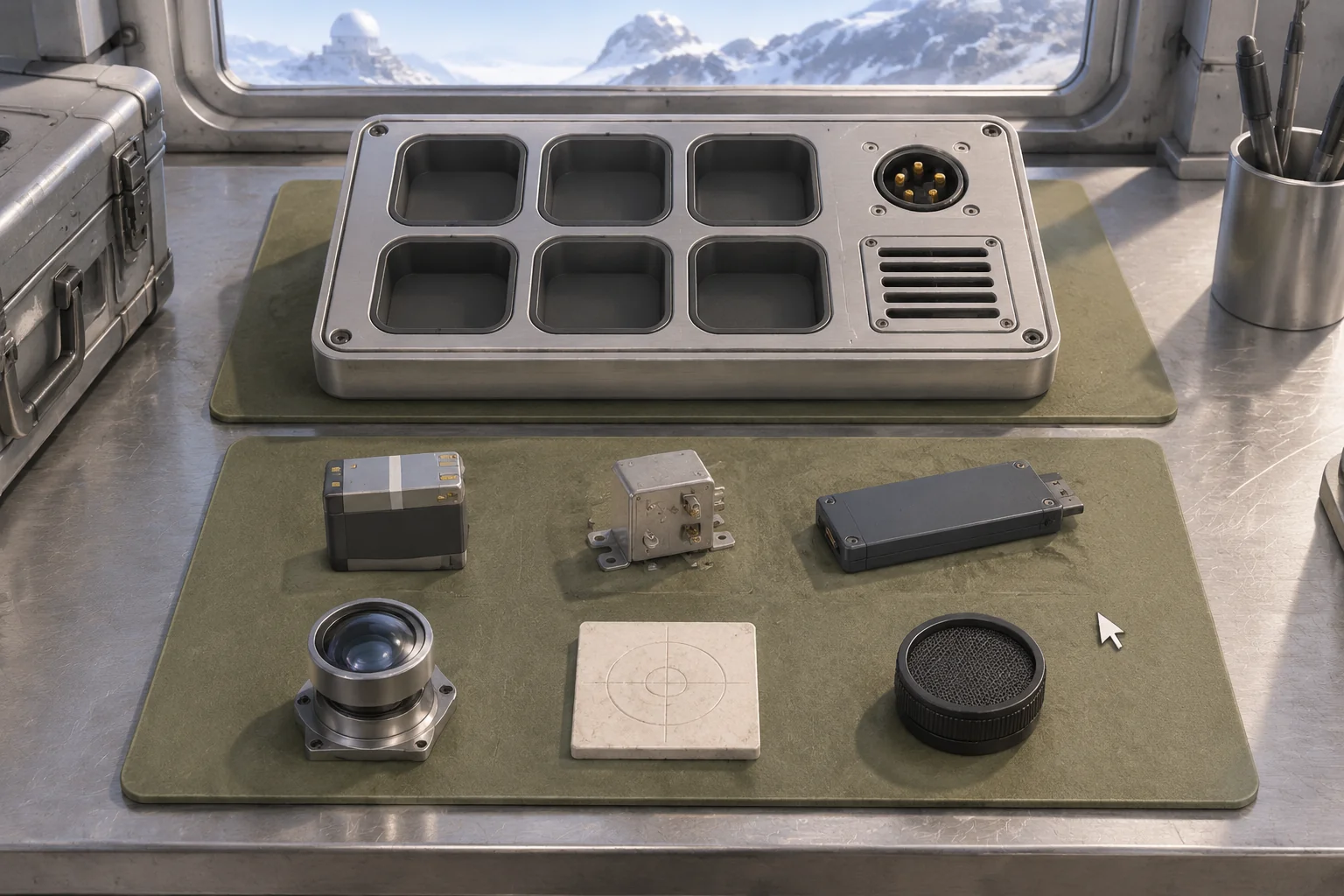
To make a game like Backpack Battles with AI, start with two layouts that use the same items and produce different automatic results. Lock the tray when the match starts. Then show which item activates, what it changes and when the opponent responds. A short event log gives the player a way to connect the result to their arrangement.
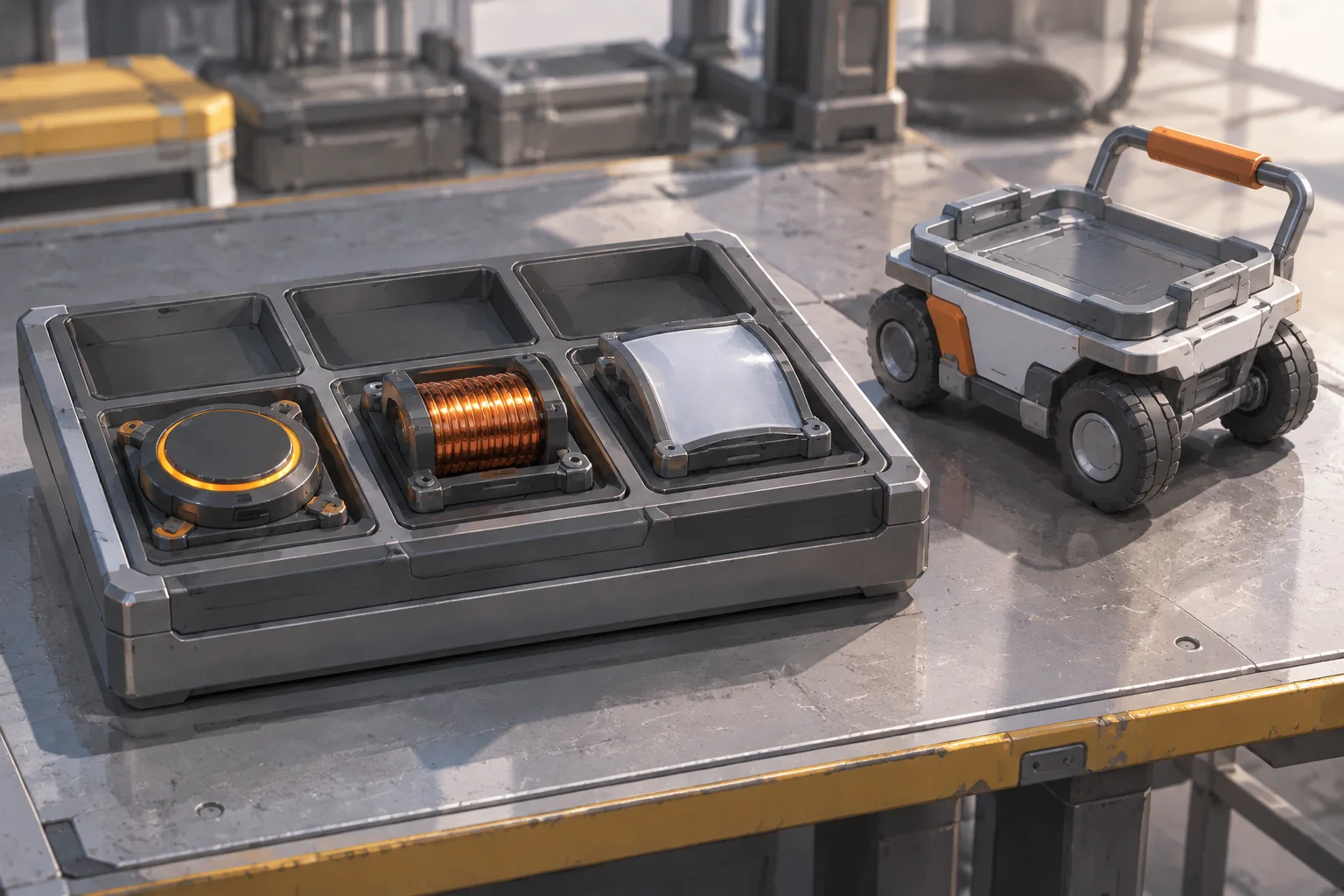
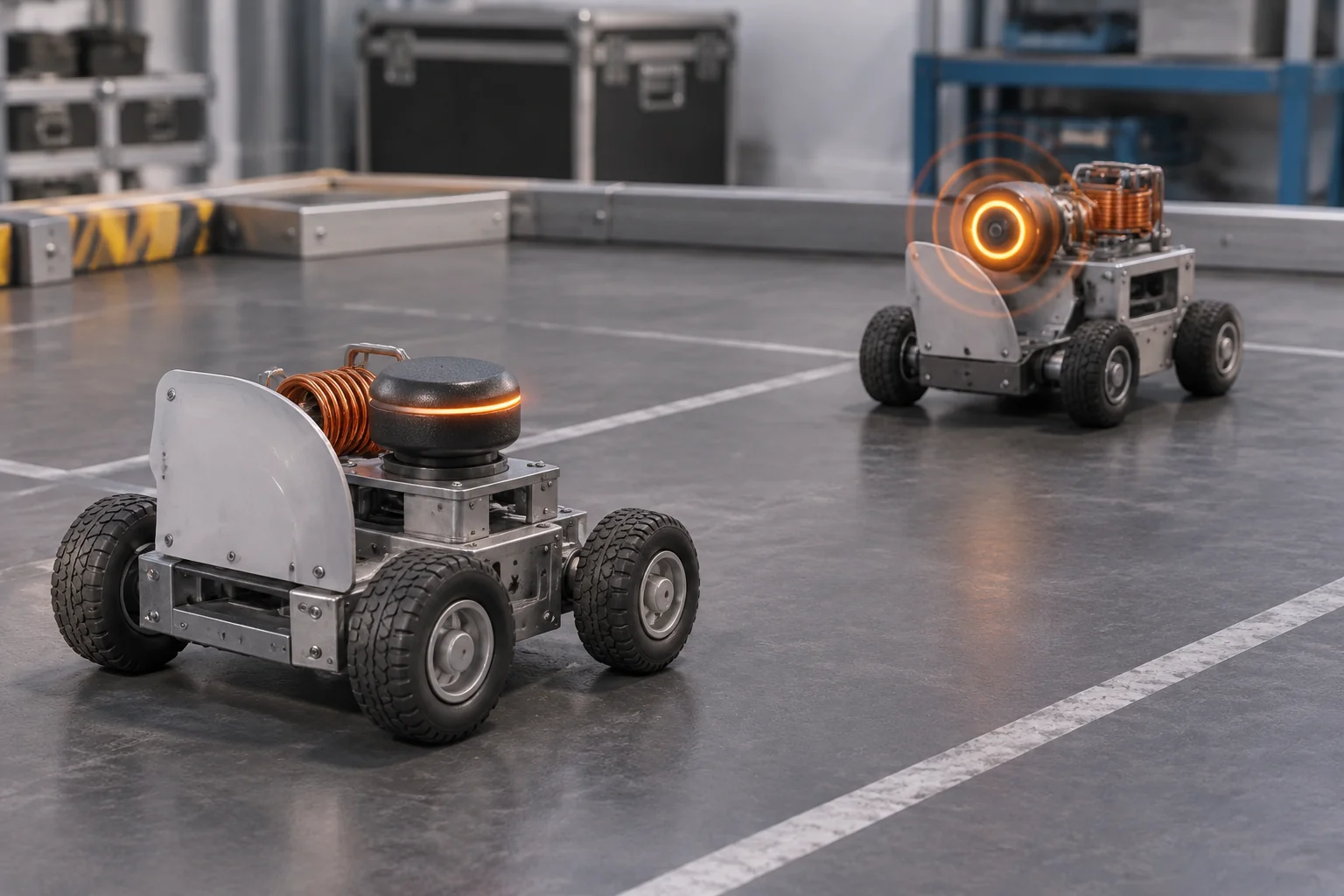
Relay Cart Scrimmage is a fictional workshop game. Pack three modules onto a small cart and let them resolve a four-beat match. Move one module between two runs to see whether the cart gains enough charge to win.
Take a placement question from Backpack Battles
Backpack Battles is an inventory management auto-battler by PlayWithFurcifer. Its official store page describes buying, crafting and arranging items, and the developer's press kit describes item synergies in automatic combat. See the official Steam listing and developer press kit.
A useful design question to draw from that loop is how an arrangement changes a result after the player hands control over to the match. In this original prototype, the equipment, workshop, timing rules and opponent are designed for one repeatable comparison.
Compare an edge with a corner
Use a tray with three columns and two rows. Each module takes one cell. In the worked layouts, place the Emitter at row 1, column 1, and the Screen at row 2, column 1. Give the Coil two possible positions for the comparison.
| Coil position | Contact with Emitter | Effect during the match |
|---|---|---|
| Row 1, column 2 | Shares a full edge | Coil can store a charge for the next pulse. |
| Row 2, column 2 | Touches only at a corner | Coil supplies no charge. Touching the Screen has no effect. |
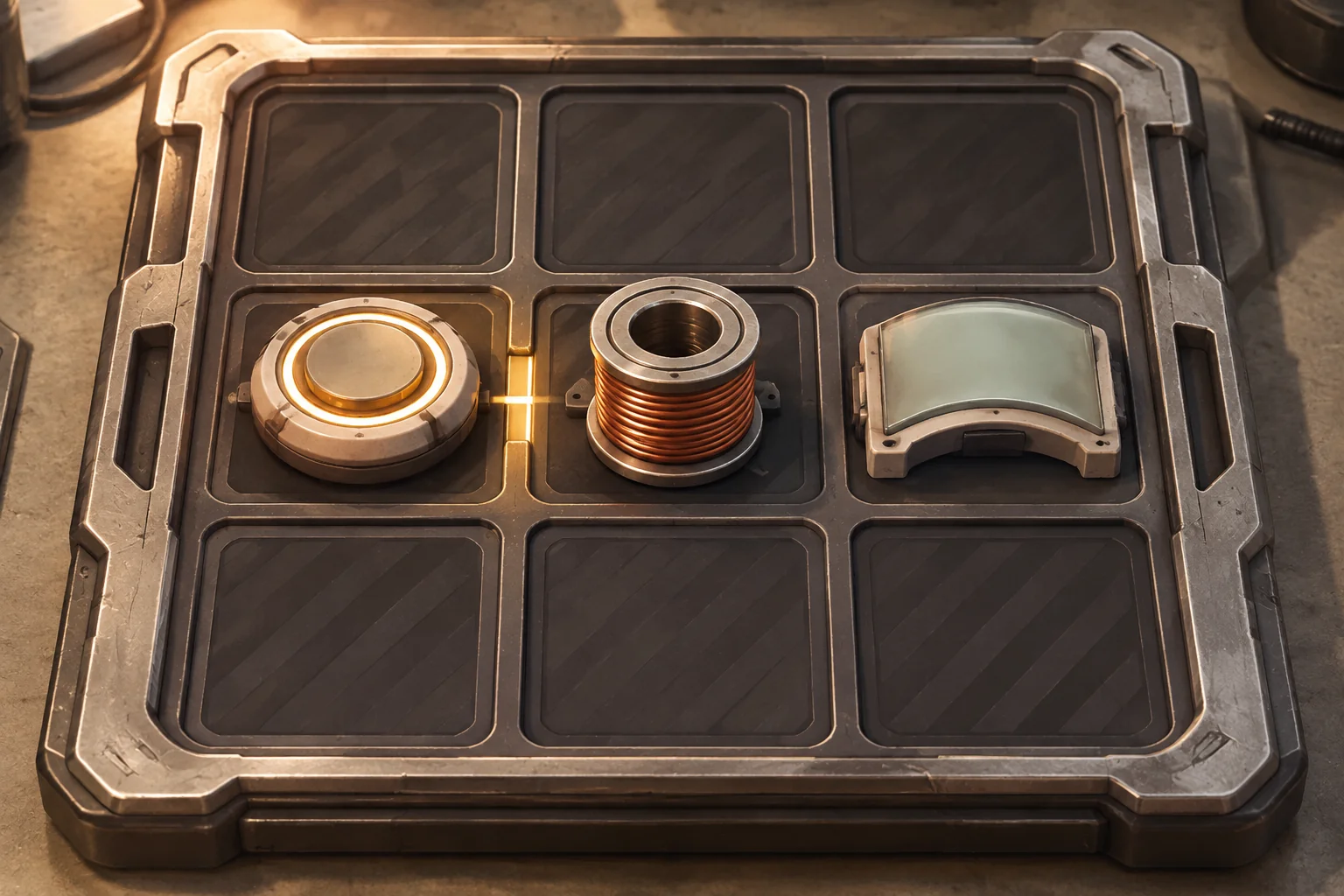
Require all three modules to be in the tray before Start. Reject overlaps and placements outside the grid. When Start is accepted, record the layout and evaluate the match from that record. The player can inspect what happened and rearrange modules after a restart.
Resolve four beats in a fixed order
The player's cart starts with 2 hull and the rival starts with 6. The Emitter fires on beats 2 and 4 for 2 damage. An active Coil stores one charge on beats 1 and 3, up to one at a time. The next pulse consumes it and does 1 extra damage. The Screen blocks the first reply from the rival. A surviving rival replies for 1 on beats 2 and 4.
On any beat, resolve a scheduled Emitter pulse first. If that shuts down the rival, finish immediately. Otherwise resolve a scheduled Coil charge, then the rival reply. Check the player's hull after the reply and the deadline at the end of beat 4. The cart loses at the deadline if the rival is still running.
| Beat | Coil shares an edge | Coil touches a corner |
|---|---|---|
| 1 | Store 1 charge. | No charge. |
| 2 | Pulse deals 3. Rival 6 → 3. Screen blocks the reply. Player stays at 2. | Pulse deals 2. Rival 6 → 4. Screen blocks the reply. Player stays at 2. |
| 3 | Store 1 charge again. | No charge. |
| 4 | Pulse deals 3. Rival 3 → 0. Win immediately. | Pulse deals 2. Rival 4 → 2. Reply leaves player at 1. Lose at the deadline. |
Give the AI the tray and event rules
SEELE supports starting a game project from a written idea. Write the layout rules, schedule and priority in the first request. Simple modules and a text log can show the full interaction before you add an animated track.
Create an original inventory auto-battler called Relay Cart Scrimmage.
Use a tray with 3 columns and 2 rows. One Emitter, one Coil and one
Screen each occupy one cell. Reject overlaps and placements outside
the tray. Require all modules before Start. Snapshot and lock the tray.
Start with player hull 2, rival hull 6, stored charge 0 and one Screen block.
Run automatically for up to four beats. Emitter pulses on beats 2 and 4
for 2 damage, plus 1 damage if it consumes a stored charge.
An edge-adjacent Coil stores 1 charge on beats 1 and 3, capped at one.
Corner contact or contact with Screen grants no charge.
On each beat process Emitter first. If rival hull reaches 0, win at once.
Next process Coil if scheduled. Then, if the rival survives on beat 2
or 4, it replies for 1 hull. Screen cancels the first reply only.
Lose immediately if the player's hull reaches 0. If the rival is
alive after beat 4, lose at the deadline.
Log charge, pulse damage, block, reply and result in order. Do not
accept tray changes during the match. Restart returns to packing,
resets the clock and hull values, clears charge and restores the Screen.
Use original placeholder modules and one fixed nonhuman opponent.
Check the tray first by trying an overlap and an out-of-bounds placement. Then replay both layouts and compare the log. If the corner arrangement gains a charge, check which contact rule the game read at Start. If the rival replies after a winning pulse, check when the match stops. The brief-to-playable testing guide shows how to give a revision request one specific mismatch.
Try delaying one charge
Keep the edge layout. Move only the second Coil charge from beat 3 to beat 4. At beat 4 the Emitter still acts first. It has no stored charge, so the pulse deals 2 and leaves the rival at 1 hull. The Coil then stores a charge, but there is no later pulse to use it. The rival replies and the run ends at the deadline.
Compare the two event logs from the same layout. Look for an unused charge in the delayed version and a charge consumed by the last pulse in the original. That tells you whether the difference came from timing even though the modules still touch.
Frequently asked questions
Why freeze the layout when the match starts?
Freezing it gives the automatic match one arrangement to resolve. It also lets the player compare a result with the exact plan that produced it. For early tests, keep the snapshot visible or show the layout alongside the event log after the match ends.
Should diagonals count as adjacent?
Choose the rule that serves your puzzle and show it before the player starts. This version counts only shared edges so moving the Coil by one row changes its effect. Test a corner placement and an edge placement with the same other modules in place.
Why record the triggers in order?
A charge can arrive too late even when both items activate on the same beat. Record the event, its effect and the new state as they happen. A later charge appearing in the log helps distinguish a timing problem from a broken connection in the tray.
When should I add random fights?
Keep the opponent fixed until you can reproduce what each layout does. Then add variation with a clear reason, such as a rival that tests a different defensive choice. Keep the original four-beat match available to diagnose changes in charge, damage or event order.
Start with one arrangement that changes the result
Pick a connection, a trigger schedule and one opponent. Bring those rules to the SEELE AI Game Maker as an original build brief. Compare two layouts before you add more equipment, so you can tell what the arrangement changed and when it changed it.