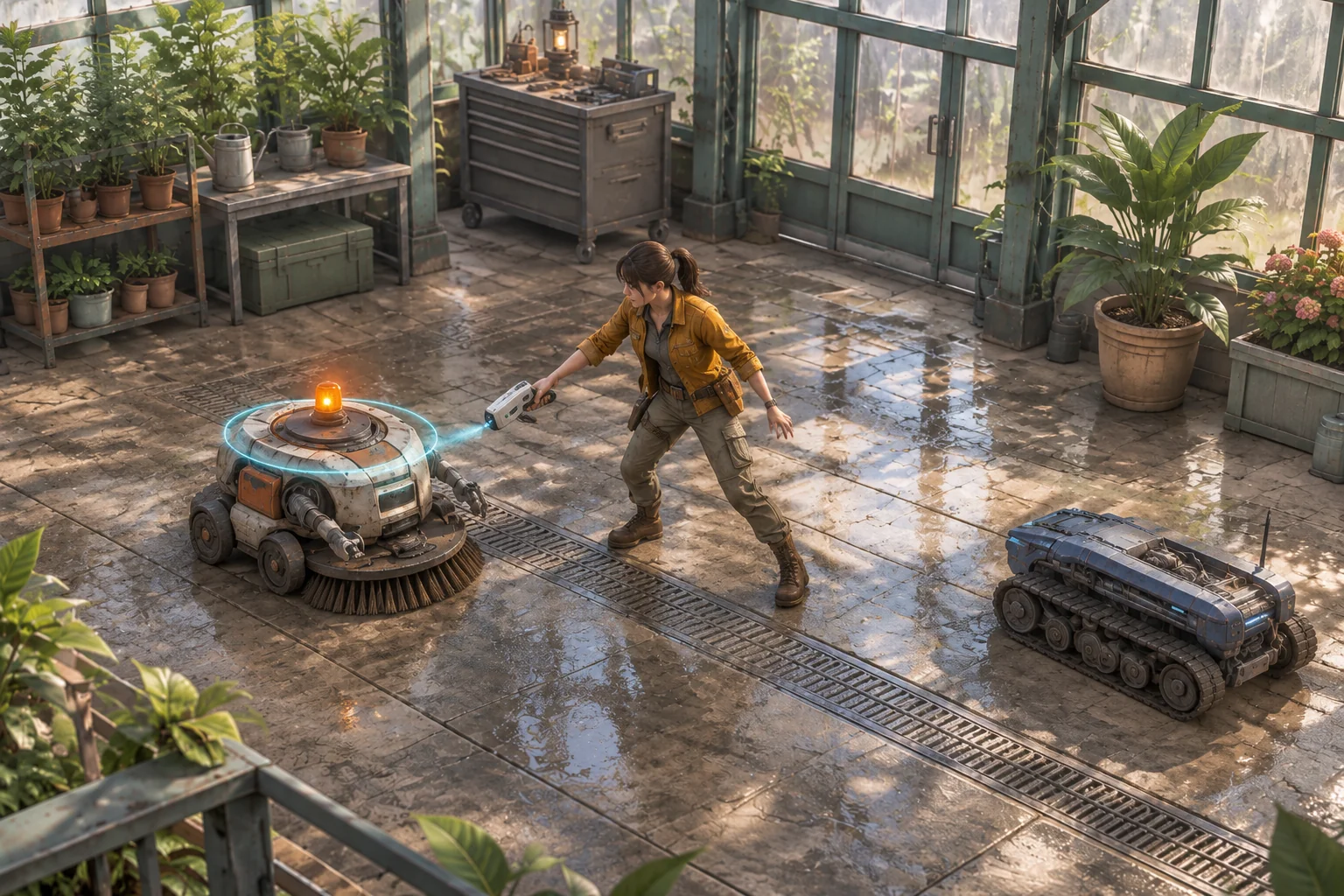
To make an original arena game inspired by Brotato, start with two tools that give the player a reason to use them together. In this fictional greenhouse, a technician can mark a maintenance robot and then shut it down with a discharge. Marking the wrong robot first gives the other one time to reach the player.
Use one room and two targets to check that interaction. You can see when the mark takes effect, when it expires, and which robot moves while the player uses the second tool.

Turn an equipment combination into an original rule
Brotato is a top-down arena game where one character can carry up to six weapons together. Equipment and traits can shape a run, and the developer describes automatic fire as the default. See Blobfish Games’ Brotato factsheet and the official Steam listing for those details.
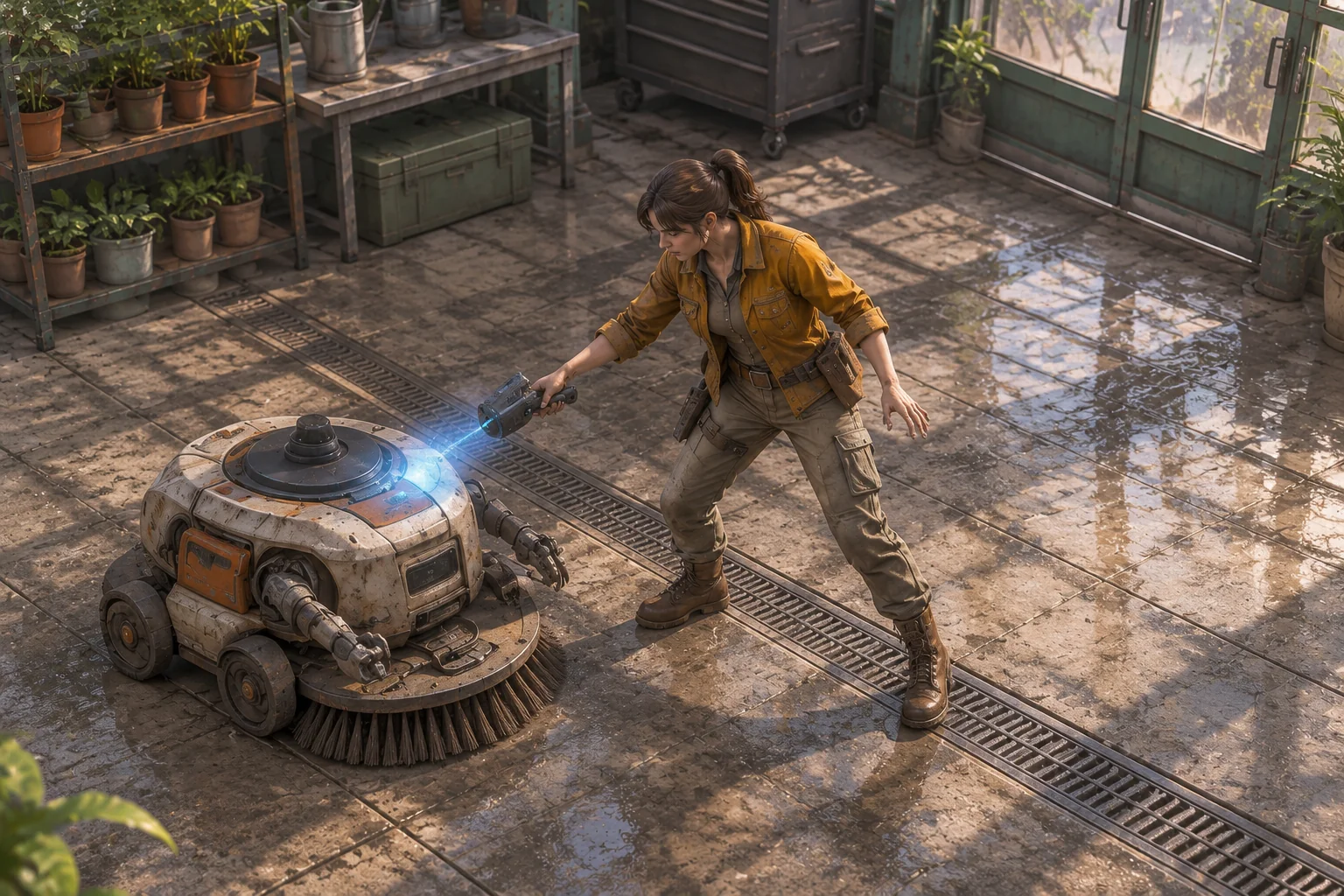
For your own game, give each piece of equipment a different job. The greenhouse technician selects a robot manually, then uses one tool per tick. The first tool stalls the chosen robot and leaves a mark. The second can disable it while that mark is active. The equipment matters because one action makes a later action possible.
Give the tools a shared target and a time limit
Draw a five-column, three-row board, with columns increasing east from zero to four and rows increasing south from zero to two. Start the technician at (2, 1) with one health. Put robot A at (0, 1) and robot B at (4, 1). A chases every tick, while B moves only on even ticks. On a chase, a robot moves one tile toward the player, moving horizontally first if both coordinates differ. A robot already on the player stays there.
| Action | What it does | What to show |
|---|---|---|
| Mark | Mark a live robot within two grid steps. It skips movement this tick. The mark lasts through the next accepted tick unless refreshed. | A temporary marker and a brief stall. |
| Discharge | Disable a marked live robot within two grid steps. A discharge at an unmarked target uses the tick without disabling it. | A shutdown cue or an explanation that the mark is missing. |
| Move or wait | Move one cardinal tile inside the board, or stay for a tick. | The player’s position before the robots chase. |
Measure range by adding the horizontal and vertical distances. If a target is missing, disabled, or out of range, reject the tool request before changing the state. Apply one accepted action, then move eligible robots and check contact. Contact ends the run. After that check, expire old marks and resolve the outcome. The player wins after tick 4 if both robots are disabled and they are still alive.
Try the fast robot first
| Tick | Tool input | Expected result |
|---|---|---|
| 1 | Mark A | A stalls at (0, 1). B stays at (4, 1). |
| 2 | Discharge A | A shuts down. B moves to (3, 1). |
| 3 | Mark B | B receives a mark and stays at (3, 1). |
| 4 | Discharge B | B shuts down before it can move. The player survives and wins. |
Reverse the opening and mark B on tick 1. A moves to (1, 1). Discharging B on tick 2 works, but A reaches the player at (2, 1) after the action. Both tool choices were valid and the room still fails. The faster threat needed attention first.
Give AI the tool rules and the chase order
SEELE’s AI game maker provides a starting point for turning a focused brief into a first build to inspect. Describe the greenhouse and the two target types, then fix the action order and mark lifetime. Keep the objects simple enough to tell whether a missed shutdown came from range, timing, or the target choice.
Build one original top-down browser arena in a greenhouse service bay.
Use a 5-by-3 board, x=0–4 east and y=0–2 south. Start the technician
at (2,1) with 1 health. Spawn A at (0,1) and B at (4,1) on tick 1.

Accept one move, wait, Mark, or Discharge per tick. Moves are
cardinal and stay inside the board. Tools select a named live
target within Manhattan distance 2. Reject invalid moves or
targets with no state change or tick advance.

Mark stalls that target for the current chase and remains active
through the next accepted tick unless refreshed. Discharge disables
a marked target before movement. A legal discharge on an unmarked
target spends a tick without disabling it. Show distinct cues.

After the action, A chases every tick and B on even ticks only.
Move each eligible robot one tile toward the player, horizontal
first. A robot on the player stays there. Contact ends the run.
After contact, expire marks whose next tick has passed. At the end
of tick 4, win only if the player is alive and both are disabled.
Restart resets health, positions, marks, outcome and timing.
Run both openings from the same start. Try discharging an unmarked robot and verify that the tick advances without a shutdown. Then mark A, wait on tick 2, and check that the mark is gone by tick 3. Test a missing or out-of-range target and verify that the tick stays pending. The guide to checking an AI game in small steps can help you isolate a follow-up change.
Make one robot approach faster
Change only B’s chase cadence from even ticks to every tick. Replay Mark A and Discharge A from the same starting position. In the original trace, B waits on tick 1 and reaches (3, 1) on tick 2. In the revised trace, it moves to (3, 1) on tick 1 and reaches the player on tick 2.
The tool combination still disables A. The change shortens the time available to deal with B along this route. In a built version, check whether the player can recognize the faster approach before committing to the second tool. Use the same opening to separate the movement change from the tool rules.
Make one combination matter before adding equipment
Build the mark, discharge, and two different approach rates before expanding the arena. Try both target orders and check whether the feedback explains what happened. Start your original arena prototype with SEELE’s AI game maker and compare its first run with the four-tick trace.
Frequently asked questions
What makes two tools a combination?
Give one tool a result the other can use. Here, the mark creates a short chance for Discharge to work. Show that connection in the feedback and give the player a reason to decide when to use it. Two tools that always do the same job give little reason to coordinate.
How can I show when a mark will expire?
Use a cue attached to the marked target, such as a ring that changes shape before it disappears. Keep the cue separate from the robot’s disabled state. In the debug view, show the tick that applied the mark and the last tick when Discharge can use it.
How do I test a weaker tool combination?
Keep the room and target positions fixed while you change one property, such as reach or mark lifetime. Replay the same inputs and note which action stops working. That gives you a concrete result before you ask players how the revised tools feel in motion.
When should I add more enemies?
Add one after the player can tell why each shutdown worked and which robot poses the immediate threat. Give the next enemy one readable behavior that changes the decision. Test it in a small setup before combining it with both of the original robots.