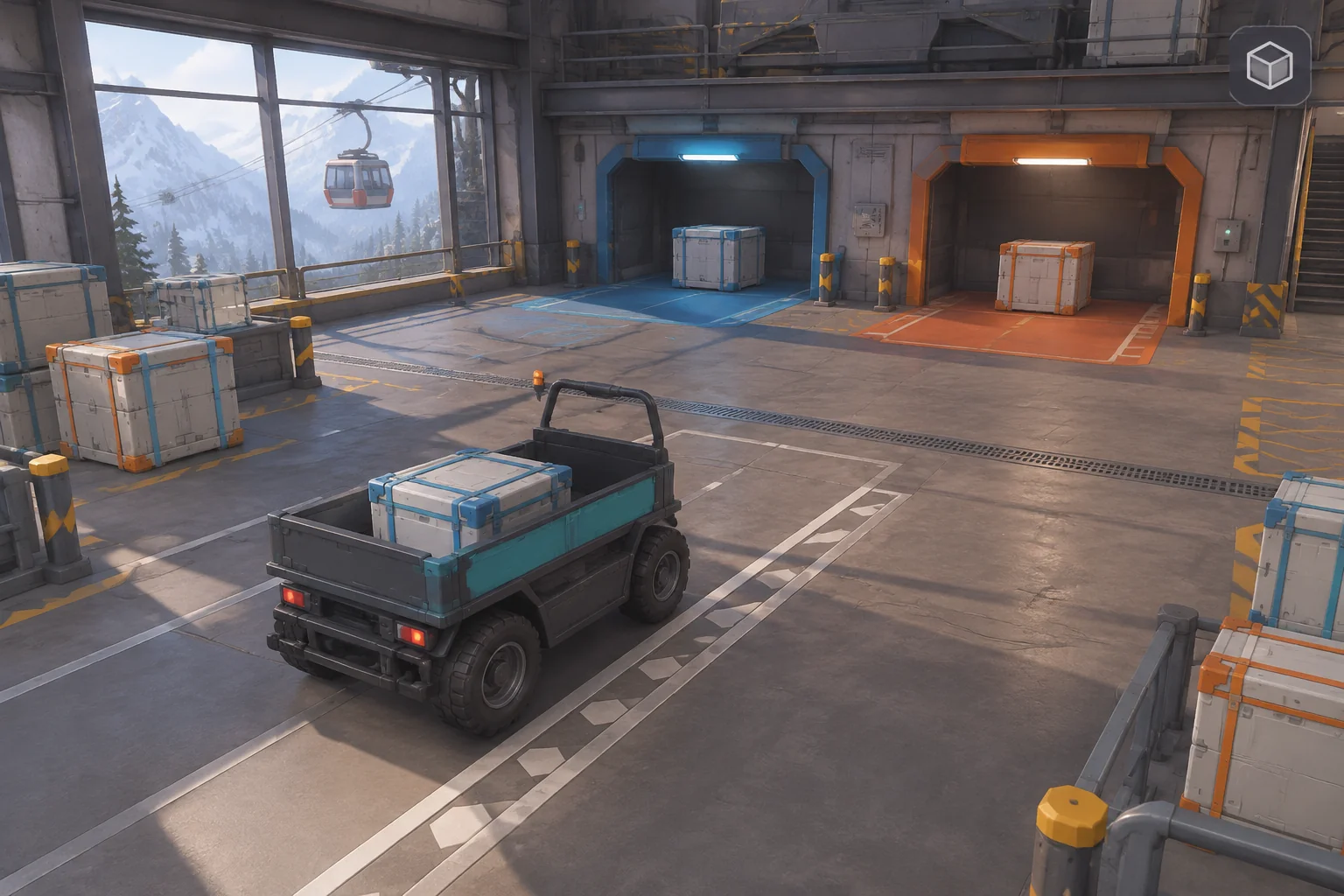
To make an original delivery game inspired by Euro Truck Simulator 2, start with one job that gives the player a reason to choose a route. In this fictional rail-transfer yard, an electric utility truck carries a sealed crate to a depot. A short ramp saves travel time but can lower the crate’s condition. The longer loop protects the cargo and uses more battery.
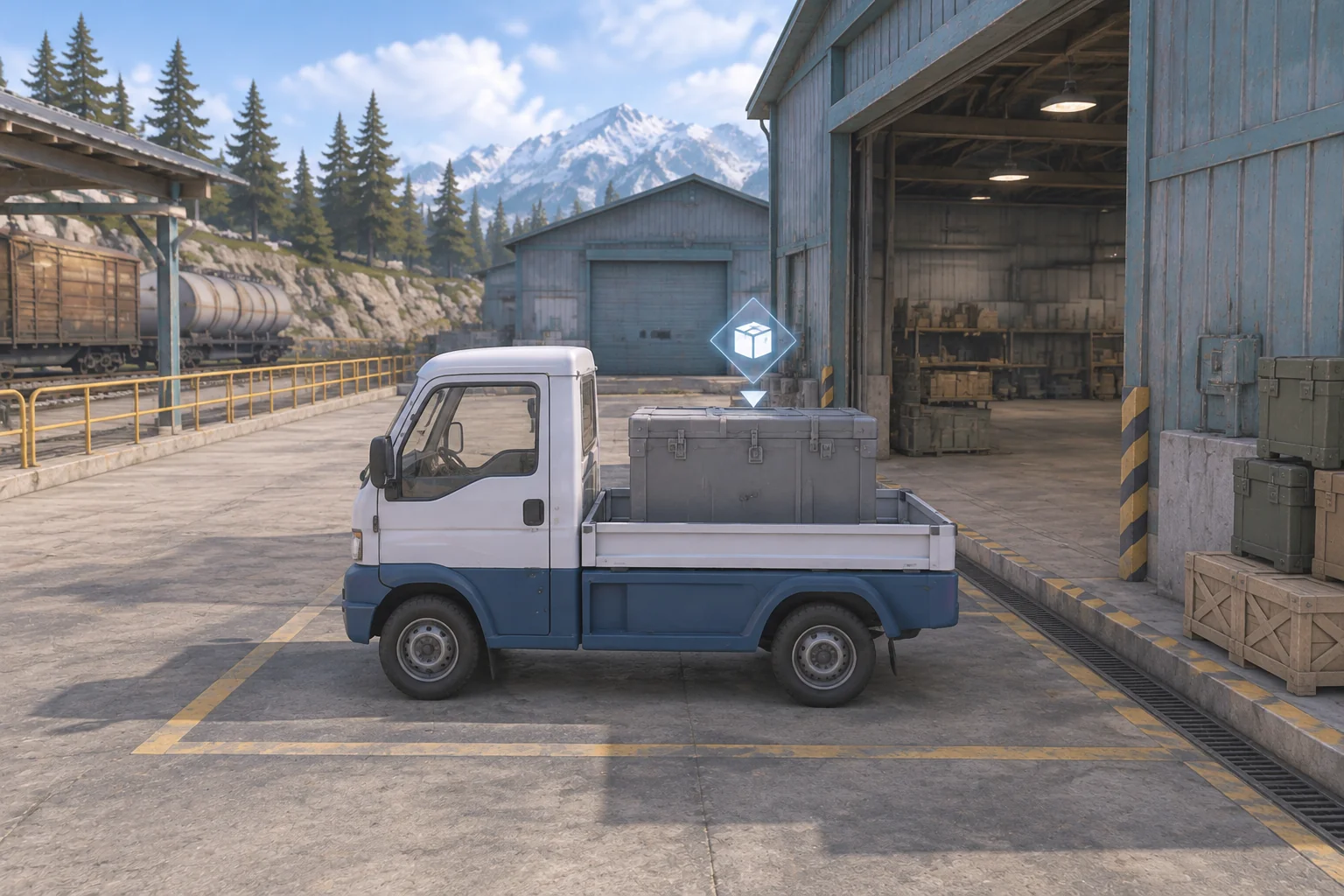
Make unloading part of the job. The route brings the truck to the depot, and unloading costs one last point of time and battery. The contract is checked after that final action.
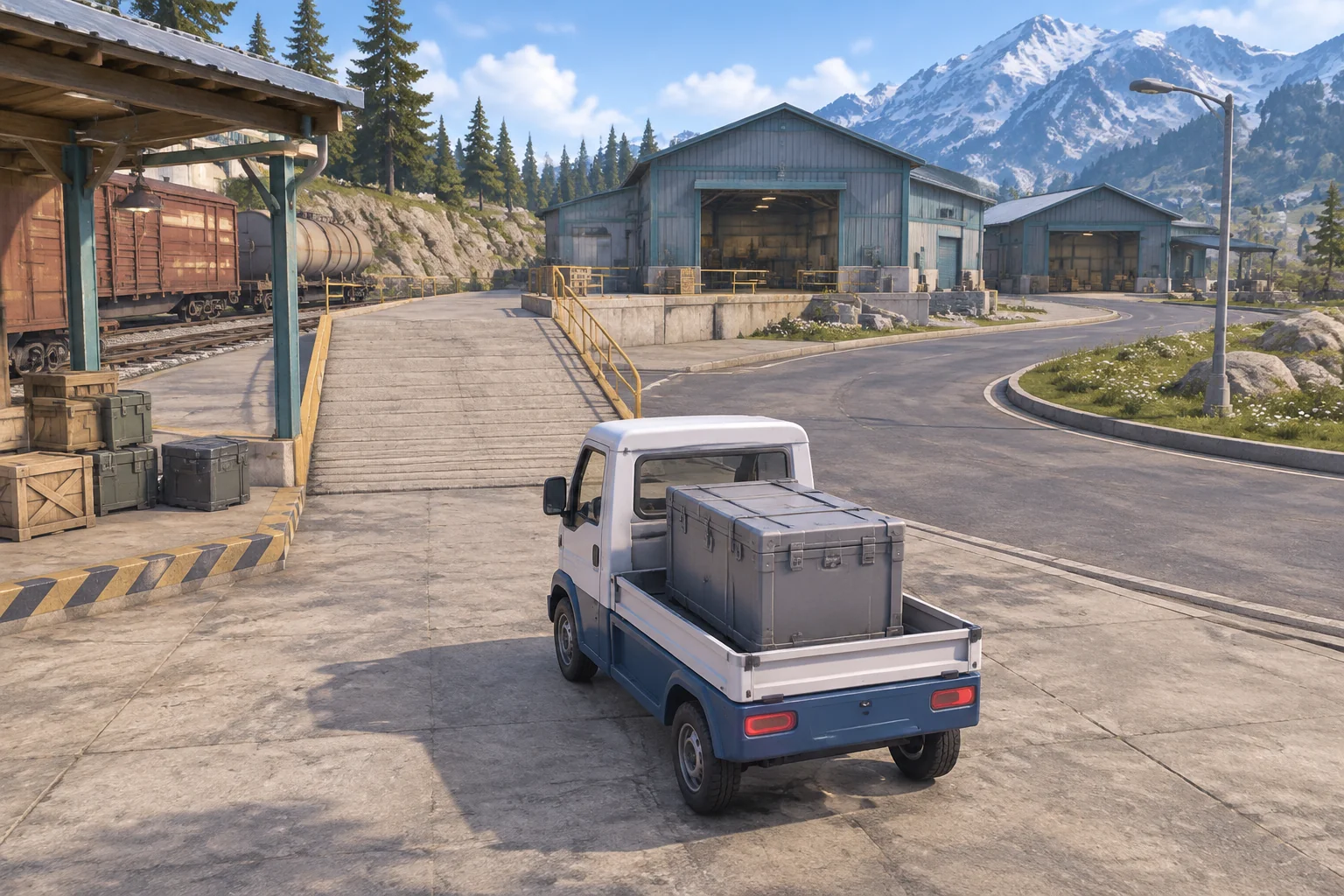
Turn a freight job into your own game loop
Euro Truck Simulator 2 has players transport cargo between European cities and develop a trucking business as they complete deliveries. See SCS Software’s press kit and the official Steam listing for those details.
Use the general idea of taking a job and delivering what it asks for. Give your version its own vehicle, yard, routes, and rules. The example below models driving through abstract route costs, so you can check dispatch, travel, and delivery before adding continuous driving physics.
Set the contract before the truck leaves
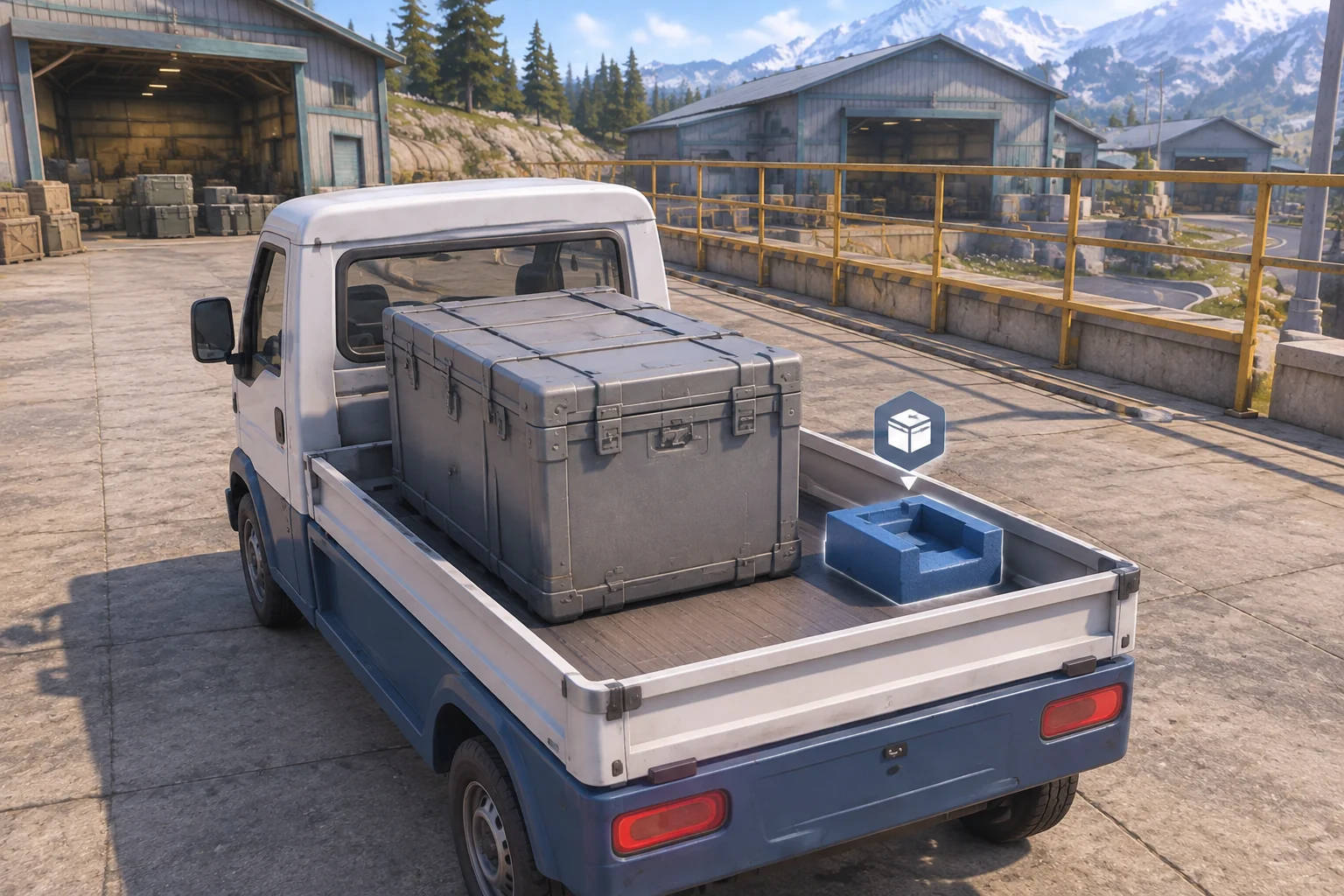
On accepting the job, start at time zero with six battery and a crate condition of three. The job requires unloading by time five and a condition of at least two. Offer one optional preparation at dispatch. Fit Insert spends two time points and changes how the yard ramp affects the crate. It leaves the crate sealed.
| Action | Time cost | Battery cost | Other effect |
|---|---|---|---|
| Fit Insert | 2 | 0 | Prevents the yard ramp’s condition loss. Available once before departure. |
| Yard Ramp | 2 | 3 | Condition drops by 2 without the insert. Arrive at the depot. |
| Service Loop | 3 | 4 | Condition stays the same. Arrive at the depot. |
| Unload | 1 | 1 | Available once at the depot. Check the contract after spending these points. |
Reject a late or repeated preparation and a route that exceeds the available battery. Allow one route per job. At the depot, reject unloading if battery cannot cover it. A rejected command spends nothing. A legal unload can still miss the deadline or condition requirement and end the job as failed.
Compare both routes after unloading
| Preparation and route | End time | Battery left | Condition | Contract result |
|---|---|---|---|---|
| No insert, Yard Ramp | 3 | 2 | 1 | Fails condition. |
| Fit Insert, Yard Ramp | 5 | 2 | 3 | Delivered at the deadline. |
| No insert, Service Loop | 4 | 1 | 3 | Delivered one point early. |
| Fit Insert, Service Loop | 6 | 1 | 3 | Misses the deadline. |
The prepared ramp keeps an extra battery point compared with the unprepared loop, but the preparation takes enough time to make it the later delivery. The unprepared ramp is the earliest arrival and unload, yet the crate condition is too low. Give each failed contract a specific reason so the player can see which cost mattered.
Ask AI for one complete delivery contract
SEELE’s 3D game maker offers a starting point for a compact browser prototype with a visible destination. Give it the dispatch bay, both route costs, and the exact completion check. Keep those rules fixed while the first draft establishes the vehicle and yard.
Build one original browser delivery game in a fictional rail yard.
On Accept Job start at dispatch with time 0, battery 6 and crate
condition 3. The crate is sealed and the optional insert is absent.

At dispatch, Fit Insert is optional and allowed once. It adds 2
time and uses no battery. Yard Ramp costs 2 time and 3 battery,
and subtracts 2 condition only without the insert. Service Loop
costs 3 time and 4 battery, with no condition loss.

Accept one route, move to the depot and apply its costs. Reject
a route with insufficient battery. Arrival does not finish the job.
Unload only at the depot, once, for 1 time and 1 battery. Reject
invalid commands before spending or changing state.

After a valid unload, deliver if time is at most 5, condition is at
least 2 and battery is nonnegative. Otherwise show the unmet
conditions and end the attempt. Restart restores dispatch, job
status, time, battery, condition and preparation state.
Try unloading at dispatch, preparing twice, and preparing after departure. Verify that each rejected command leaves the resources unchanged. Run the four rows in the table and confirm that the job remains open on arrival. Then unload and check the final numbers. The guide to checking an AI game in small steps can help you request one focused fix when a check fails.
Tighten the deadline without changing the routes
Change the deadline from five to four. Replay the prepared ramp and unprepared loop from the same dispatch state. The prepared ramp still unloads at time five and now finishes late. The unprepared loop still unloads at time four and passes exactly at the new deadline.
The worksheet isolates a change in the contract. If you build both versions, check whether players can account for the unload cost before choosing a route. A preview that stops at arrival would show the prepared ramp at time four and hide the point that makes it late.
Check the delivery before expanding the map
Build one route choice, one optional preparation, and one unload. Test the contract with intact cargo that arrives too late and with damaged cargo that arrives early. Start your original delivery prototype with SEELE’s 3D game maker and keep the four route results nearby as you check the first draft.
Frequently asked questions
Why separate arrival and unloading?
Arrival puts the truck at the destination. Unloading gives the contract a clear final action and a place to check the remaining resources and crate condition. If unloading has a cost, include it in the route preview so the player can plan the whole job.
What should a route preview show?
Show the travel time, battery cost, and effect on the crate for the current preparation. Include the separate unload cost and expected finish time. This lets the player compare the two routes using the same information they will see on the result screen.
Does a delivery prototype need realistic driving physics?
A scripted route is enough to check whether the contract rules make sense. Add continuous driving when steering or handling is part of what you want to test. Keep the cost table and unload check available so you can still verify the job when the controls change.
When should I add more contracts?
Add one after players understand why the first job passes or fails. Change one requirement, such as the condition threshold or deadline, before adding another destination. Replay the original job as a reference so you can see what the new requirement contributes.