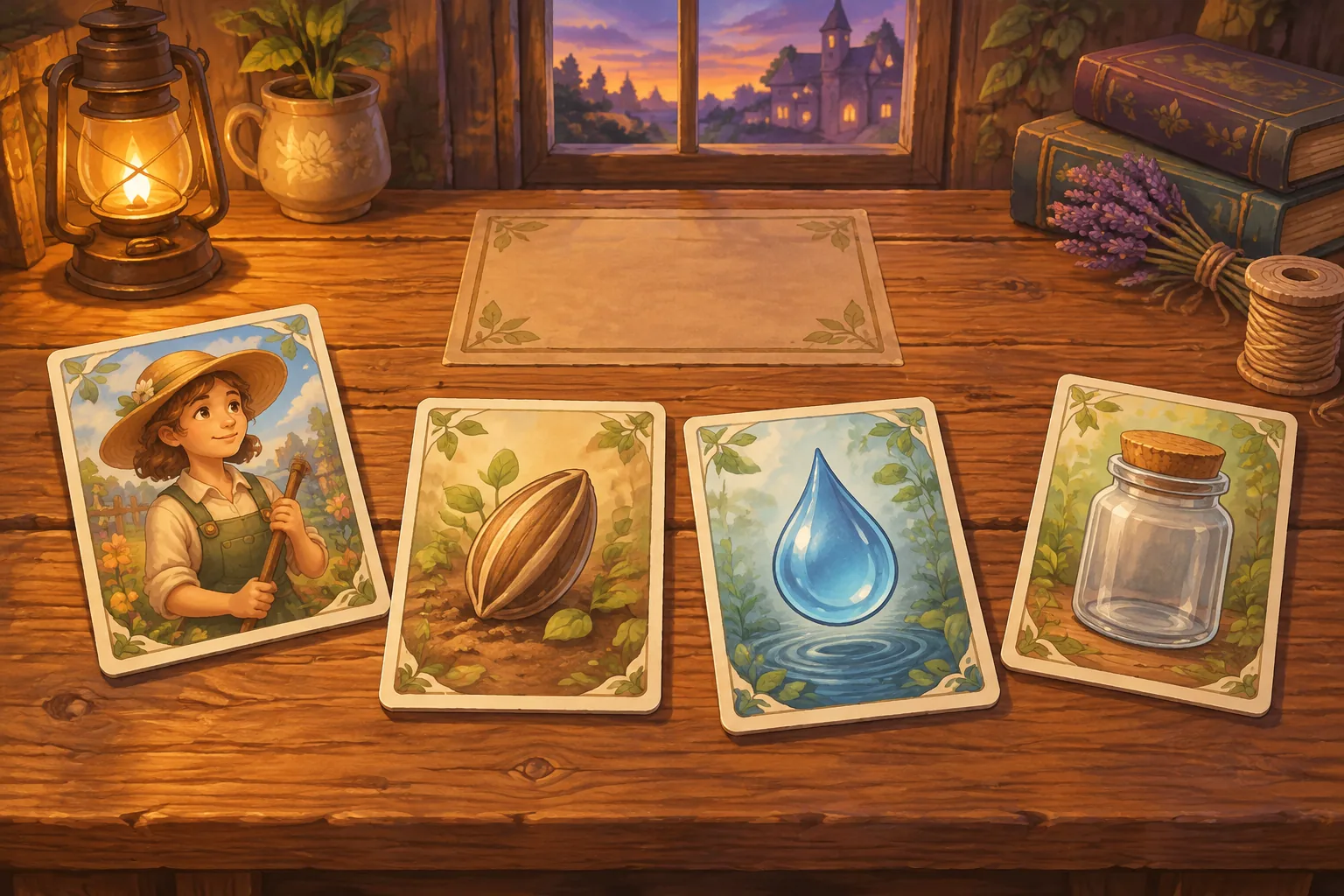
Build a crafting sim around one part the player can get in two ways. A loose part can come straight off the shelf. A part in someone else’s display may be useful too, but the caretaker has agreed to ask before taking it. Give the player a deadline and let the work report show how each part entered the stock.
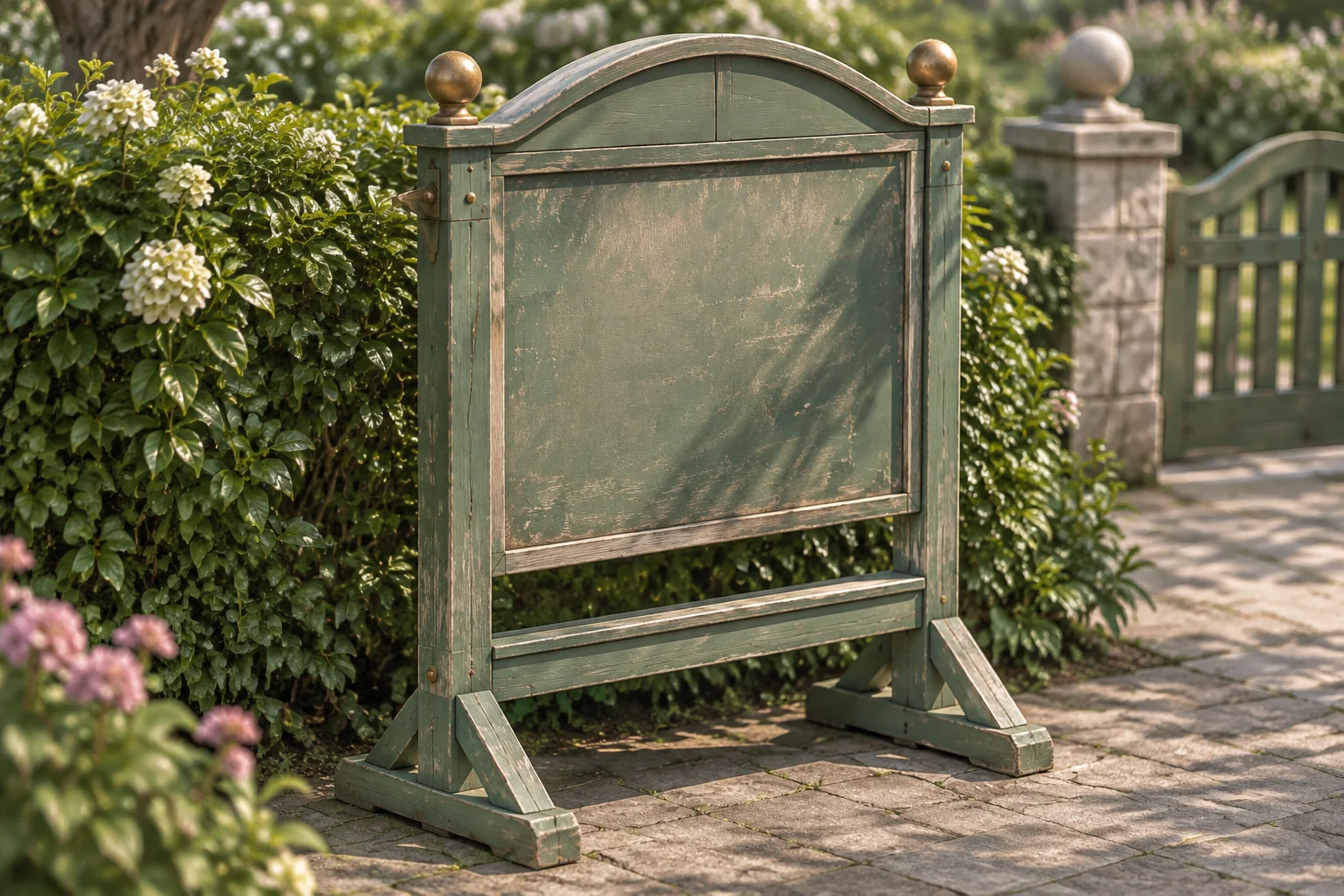
The fictional Stone Register takes place in a community memorial garden preparing for an open day. The caretaker has three brass pins. A new direction sign and a weather hood for the visitor register each need two. There is one reusable pin in an old donated stand, and dismantling the stand requires the donor committee’s approval under the garden’s policy.
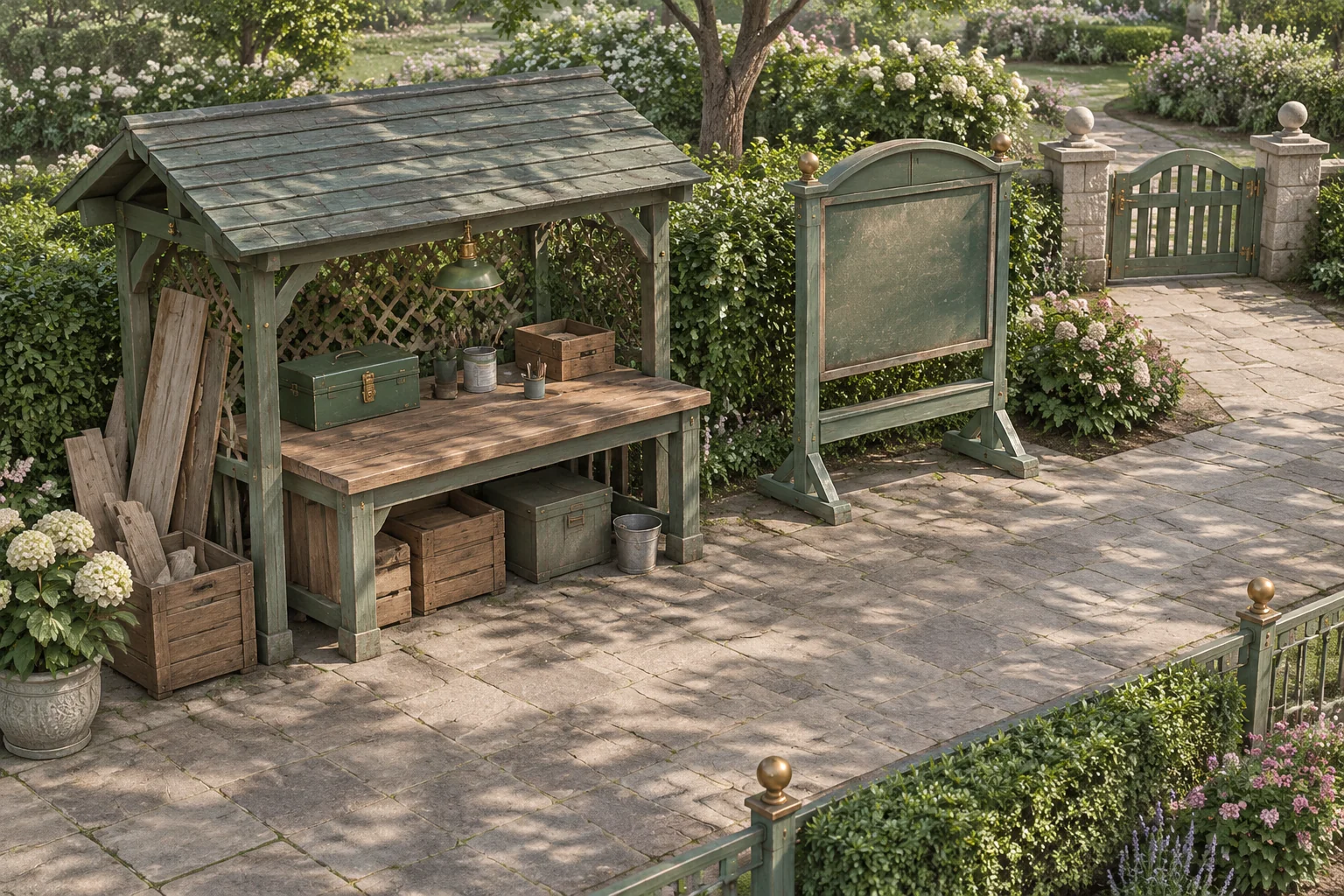
Let the source of a part matter
Lazy Bear Games describes Graveyard Keeper as a medieval cemetery management sim that includes finding materials and crafting items. Publisher tinyBuild also lists ethical dilemmas alongside crafting and gathering. For an original game, make one material source matter to both the inventory and a rule someone else cares about. The garden, work schedule and approval policy in Stone Register are original.
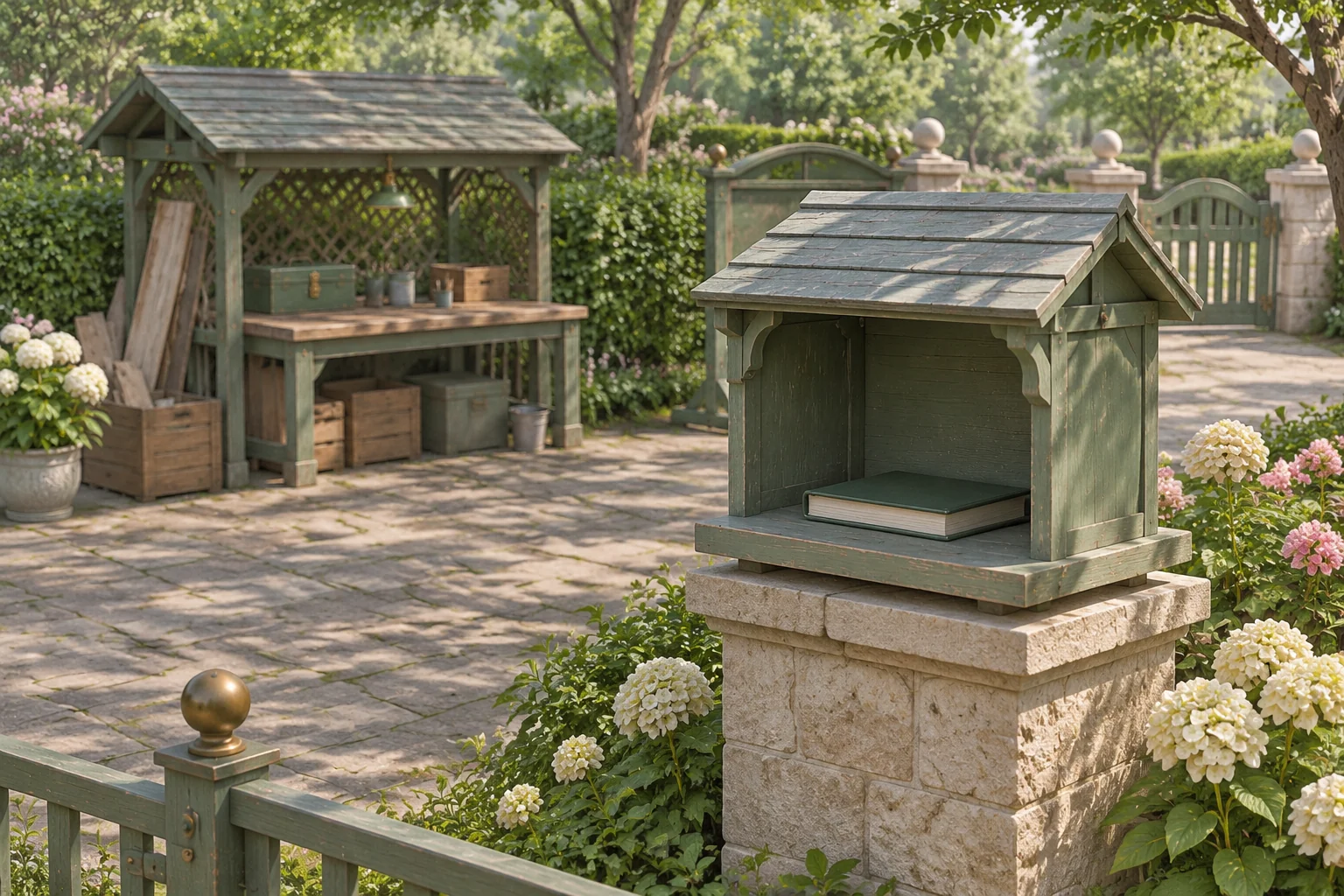
The stand is empty. Its plaque is already in safe storage, and the player never dismantles it. What the committee controls is the stand itself. Let the player see the policy and the delay before choosing where to get the fourth pin.
Set two recipes and one permission rule
Start with an intact stand, three loose pins and a prepared blank for each project. Let the player take one action in each of four shifts. Approval arrives at the start of its due shift, before the player chooses an action. Rejected actions leave the current shift and all state unchanged.
| Action | Cost and result |
|---|---|
| Craft Sign or Craft Register Hood | Spend two loose pins and use that project’s prepared blank. Install the chosen project. A finished project cannot be made twice. |
| Request Approval | Use one shift to file the only request. If the stand remains intact, the response arrives three shifts after the request, at the start of that shift. A response due after shift four comes too late for this run. |
| Reclaim With Approval | Dismantle the intact stand after approval. Add one pin and record an approved source. |
| Reclaim Before Approval | Show a warning before the player confirms. If they continue, dismantle the intact stand, add one pin, cancel any pending request and record an unauthorized source. Canceling at the warning changes nothing. |
| Wait | Advance the shift with the same pins and projects. |
Both reclaim actions yield the same pin. Keep the record of whether the committee approved the action before it happened. A pending request should never turn an earlier shortcut into approved work after the stand is gone.
Compare three shift sequences
| Route | Shift sequence | Report at the deadline |
|---|---|---|
| Take the shortcut | Reclaim before approval, craft the sign, craft the hood, wait. Pin counts after each shift are 4, 2, 0 and 0. | Both projects installed. Zero pins. Stand reclaimed without approval. |
| Ask before reclaiming | Request approval, craft the sign, wait, reclaim with approval. Pin counts are 3, 1, 1 and 2. | Only the sign installed. Two pins. Stand reclaimed with approval. |
| Keep the stand | Craft the sign, then wait three times. Pin count stays at one after crafting. | Only the sign installed. One pin. Stand intact. |
The requested route ends with enough pins for the hood and no shift left to make it. Inventory and time are separate limits. The intact route leaves the same work unfinished and preserves the stand. Include it so the player can decide what they are willing to leave for another day.
Give AI one complete work plan
Ask for one garden and a visible work plan. Set the shift and part counts in the prompt so the player can reproduce every route.
Build an original browser crafting sim called Stone Register.
Set it in a modern memorial garden before an open day.
Start on shift 1 with three pins, one prepared blank per project,
an intact empty stand, no request and no provenance record.

Craft Sign and Craft Register Hood each cost two pins and use
their own blank. Install immediately. Do not allow repeats.
Request Approval once while the stand is intact. Its response is
due at the start of request shift + 3, before the next action.
No response beyond the four-shift deadline.

Reclaim With Approval requires approval and an intact stand.
Reclaim Before Approval requires no approval and an intact stand.
Show a warning and require confirmation for that action.
Both give one pin and dismantle the stand. Record the source.
Cancel any pending request on unauthorized reclamation.
Canceling the warning leaves state unchanged.

Allow Wait. One accepted action per shift. Invalid actions do
not advance time or spend pins. Finish after the shift 4 action.
Report installed projects, unused pins and stand provenance.
Reset all state. Use original objects, visuals and interface.
Check the approval display on shifts three and four. After requesting on shift one, an approved reclaim is unavailable on shift three. Try it to verify that a rejected attempt leaves the pins and time alone. Wait, then verify that approval is already visible when shift four opens.
Move one response earlier
Change the approval delay from three shifts after the request to two. Keep the same opening. Request on shift one and make the sign on shift two. Approval now arrives at the start of shift three. Reclaim then to bring the stock from one pin to two. The fourth shift is available to make the hood.
Both projects now finish with approved reclamation and zero pins. The part, recipe and deadline are unchanged. The rule changes when the pin can reach the bench. Use the guide to revising one rule at a time to keep the comparison focused on the approval timing.
Build one workshop with a consequence
Start an original crafting sim with SEELE’s AI Game Maker and write one recipe with a material source the player has reason to question. Check that the report shows what the caretaker built and how the material was obtained.
Frequently asked questions
How can players see where a part came from?
Show the source beside the action and keep its provenance in the report. Here, the reclaimed pin always goes into the same stock. The report records whether the stand was reclaimed with approval, reclaimed before approval, or left intact. Use the same labels in the action and the report.
Should a crafting game let players take the shortcut?
Allow it if the consequences are part of the decision you want to explore. State the rule before the player acts, give them a chance to back out, and make an unfinished project a valid outcome. Keep the shortcut’s record visible afterward.
Why does requesting approval use a shift?
It makes time part of the choice. The request competes for a turn with crafting, so the player can use another shift to work on what is already affordable. Label the due shift in the work plan so they can schedule another project while waiting.
When should I add a third recipe?
Add another recipe after players can explain which two limits shaped the current plan. A new project should use the same resource in a new way or introduce a clear alternative source. Give it a purpose before adding more stock categories.