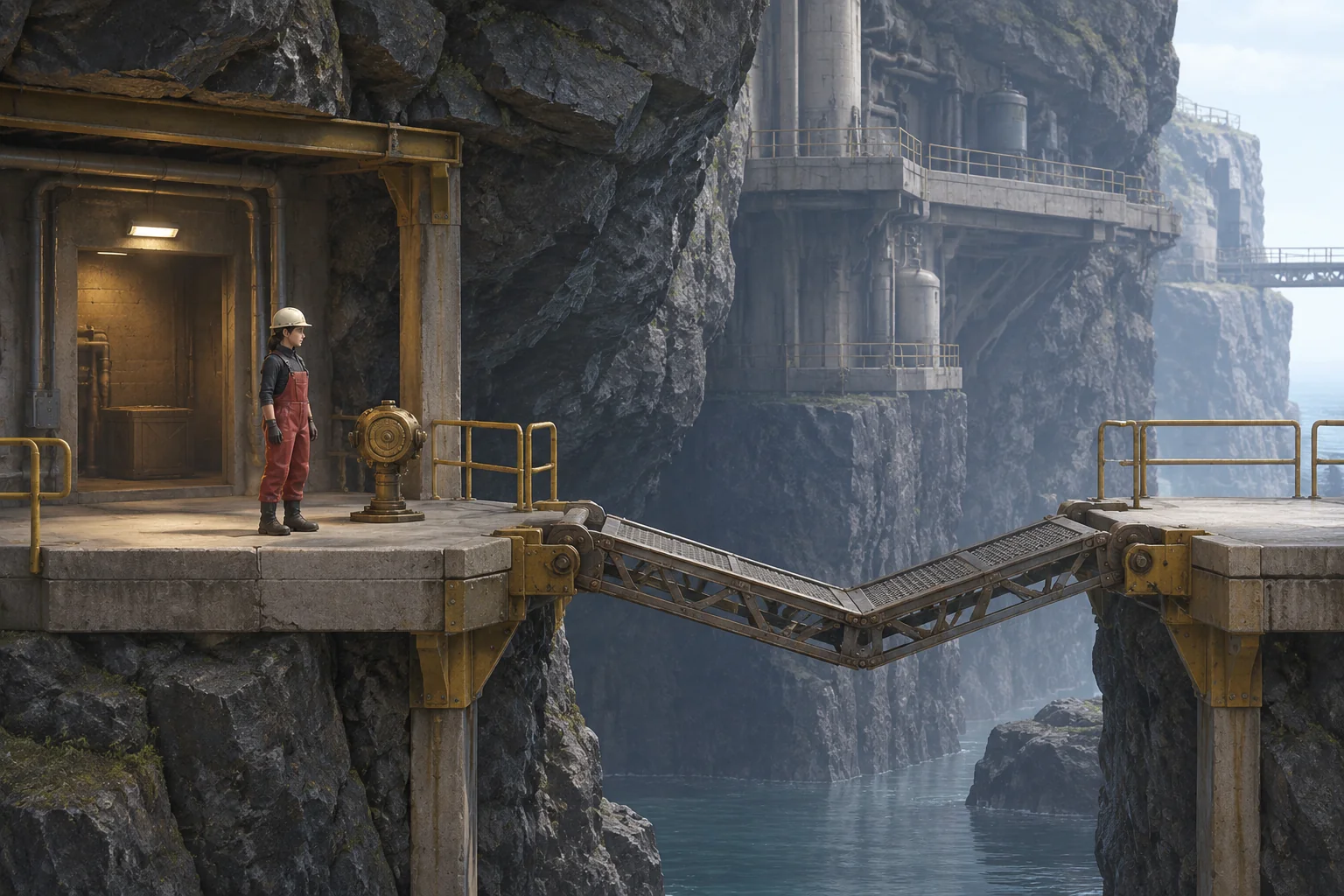
To make an original exploration game inspired by Hollow Knight, start with a route the player can see before they can use it. In this fictional undercliff tide station, a maintenance bridge sags below two dry landings. A small encounter in a side alcove gives the player a way to lift and steady the bridge long enough to cross.
The reward is a reusable action called Brace Pulse. The player learns it, returns to the near landing, and decides when to cast it. A crossing depends on using the new action in the right place and moving while its effect lasts.
Use a new ability to change what the player can reach
Team Cherry describes Hollow Knight as a 2D action adventure that combines interconnected caverns, combat, and abilities gained along the way. The studio’s Steam description gives reaching new heights with wings as one mobility example. See the official game site and developer’s Steam listing for those details.
Transfer that connection between progression and exploration into your own setting. The undercliff station uses a dry near landing A, a single unstable span B, and a dry far platform C. The nearby Service Alcove is the only other room. The worker starts on A with two integrity and a dormant bridge receiver. The goal is to reach C. No jump can bypass the span in this fixture.
Teach Brace Pulse after a two-state encounter
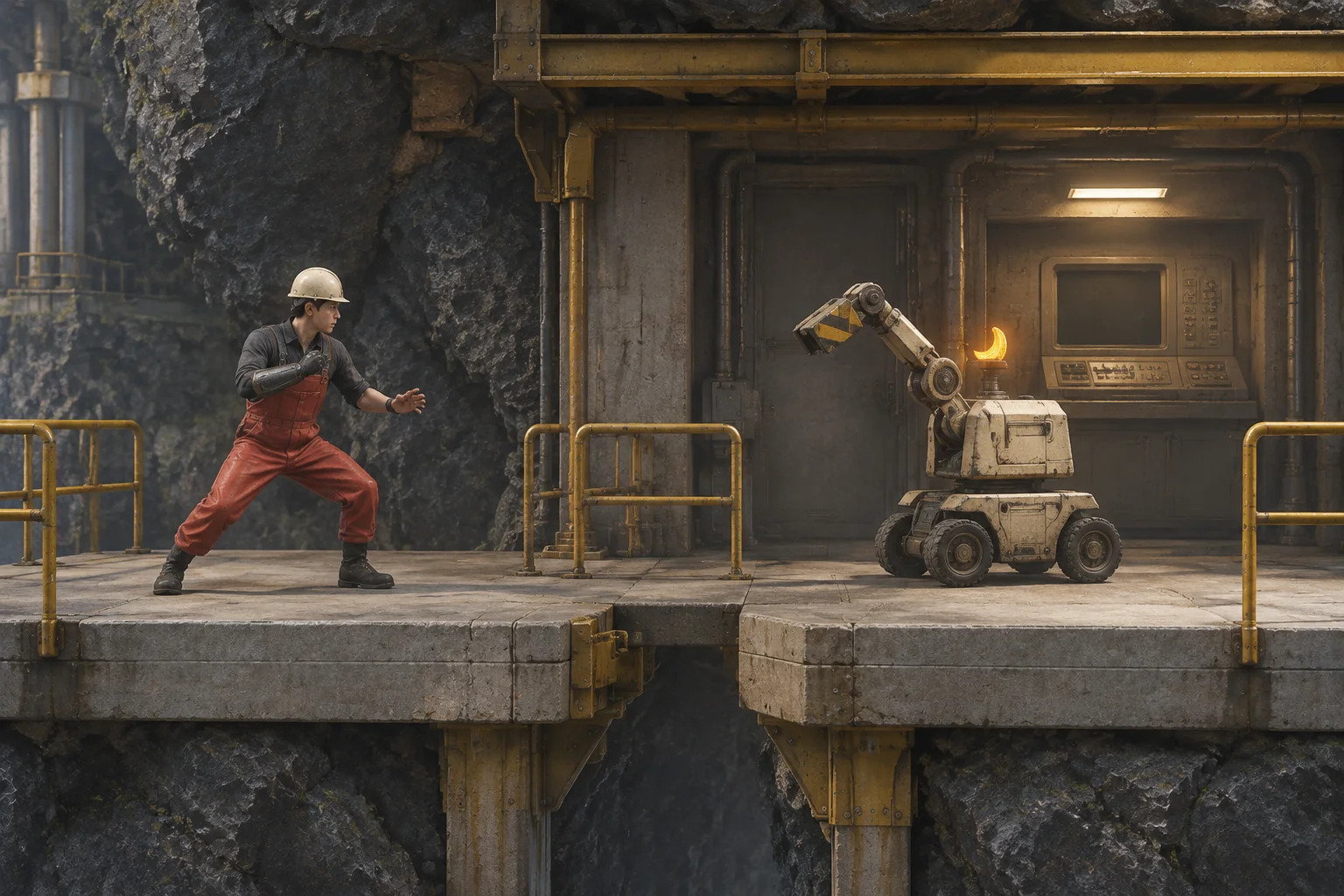
Entering the alcove takes one action and starts the training sentry in Winding. Give its raised arm a clear warning. Guard through that swing, then Strike when the arm lowers and the sentry is Exposed. The encounter has two states so the player can tell which input made a difference.
| Sentry state | Input | Result |
|---|---|---|
| Winding | Guard | Take no damage. The sentry becomes Exposed. |
| Winding | Strike or Wait | Lose one integrity. If still standing, the player gets the same Exposed opening. |
| Exposed | Strike | Disable the sentry and make the console available. |
| Exposed | Guard or Wait | Miss the opening. The sentry returns to Winding. |
Use Learn at the console once to grant Brace Pulse in a separate action. The player can return to A at any time, but leaving after the fight and before Learn leaves the bridge unavailable. A disabled sentry stays disabled until Reset. If the player returns to the alcove while the sentry is still active, it starts in Winding again. Zero integrity ends the attempt.
Cross while the pulse holds
On A, Cast activates a dormant receiver for two future actions. Casting requires Brace Pulse and does not consume its own new window. Move from A to B, then from B to C. Each move checks the receiver at the start of the action. Every later accepted action uses one step of the window, including waiting or entering the alcove again. Trying to move from A onto the inactive span changes nothing.
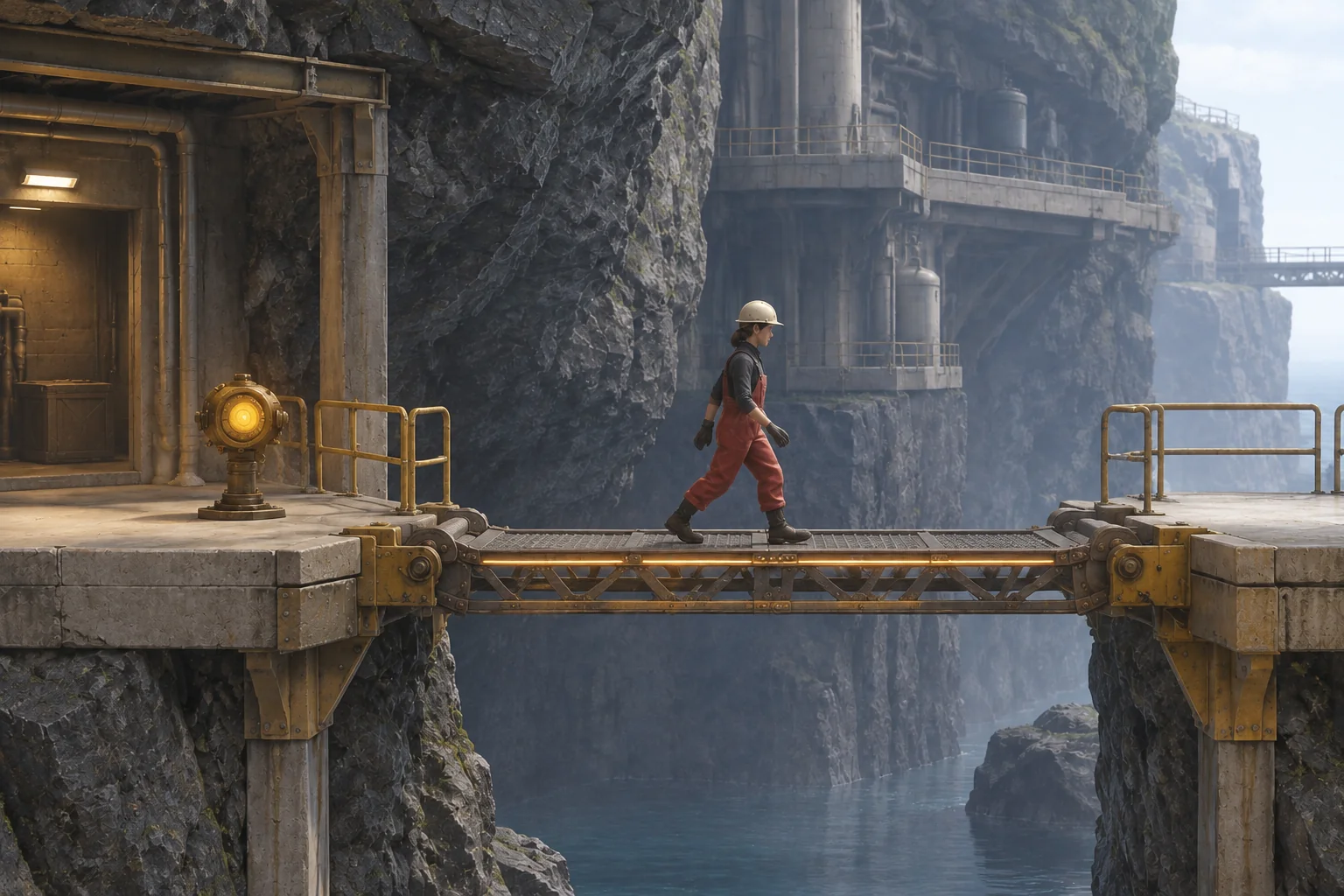
Resolve the move before reducing the window. A worker who reaches the safe far platform on the last active action succeeds. If the effect expires while the worker is still on B, return them to A without damage and keep the ability. They can cast again once the receiver is dormant.
| Accepted action | Direct crossing | Wait once before crossing |
|---|---|---|
| 1–3 | Enter, Guard, Strike. The sentry is disabled and integrity remains 2. | Same. |
| 4–5 | Learn Brace Pulse and return to A. | Same. |
| 6 | Cast. Two actions remain. | Cast. Two actions remain. |
| 7 | Move to B. One action remains. | Wait on A. One action remains. |
| 8 | Move to C. The window expires and the crossing succeeds. | Move to B. The window expires and returns the player to A. |
Give AI the route and its state checks
Ask for the encounter and crossing as one small loop. Give every connection an explicit rule and treat each accepted input as a fixture action while you check the logic.
Build an original side-scrolling undercliff station.
Start at safe landing A with integrity 2 and no Brace Pulse.
Connect A to a side alcove and a single unstable bridge segment B.
C is the safe far platform. Reach C to finish. No jumping bypass.

On entering, the active sentry starts Winding. Guard prevents
its attack damage. Strike or Wait costs 1 integrity. At zero,
fail. Otherwise change to Exposed. Strike while Exposed to
disable it. Guard or Wait while Exposed returns it to Winding.
Learn once at the console after disabling the sentry. Return to A
at any time. A disabled sentry persists until Reset.

Cast on A only with the learned ability and a dormant receiver.
Cast grants 2 future actions. Move A to B or B to C only when
the pulse is active at action start. Each accepted action after
Cast uses 1 of the remaining actions. Resolve the destination first. At zero on B,
return to A with integrity and ability unchanged. Reaching C
wins even when it uses the last active action.

Invalid inputs change nothing. Reset restores A, integrity 2,
an active sentry, an unlearned ability, and a dormant receiver.
Try to cast or cross from the starting landing, then try Learn while the sentry is active. Each command should leave the state alone. In a fresh attempt, Strike while Winding and check that integrity drops to one before the sentry becomes Exposed. Disable it, return without learning, and confirm the bridge is still blocked. Finally, replay both crossings and use Reset after each outcome.
Add one action of tolerance
Change only the pulse window from two future actions to three. The direct crossing still finishes on action eight. Repeat the deliberate delay. Waiting on action seven leaves two, moving to B on action eight leaves one, and moving to C on action nine succeeds as the receiver goes dormant. A player without Brace Pulse still cannot cast.
This comparison shows what one extra action allows in the worksheet. In a real-time build, separately check whether the activation cue and crossing speed make that window readable. The guide to changing one rule and replaying a build gives you a way to compare the two versions.
Build one blocked route and make the return count
Use one encounter, one ability, and one crossing with a readable failure. Verify a blocked first visit and a successful return before adding a wider map. Start your original exploration prototype with SEELE’s AI game maker and use the two crossing traces as checks.
Frequently asked questions
Should I show a blocked route before giving the player the ability?
Show it early when the player can recognize a distinctive obstacle and find somewhere else to explore. The inactive bridge gives the player a reason to remember the landing. A clear visual landmark helps them recognize the same route after learning Brace Pulse.
Does winning an encounter have to grant the ability immediately?
A separate Learn action works when you want the player to notice how they received a tool and where it might apply. If it is possible to leave early, mark the console clearly and keep it available after the sentry has been disabled.
Why return the player to the near landing after expiry?
The near landing lets the player retry the same move from a known state. Keeping the learned ability and integrity makes the failed crossing easy to diagnose. If you want a harsher cost later, first check that the activation and expiry cues are easy to read.
How do I take a step-based fixture into real-time play?
Keep the same state transitions, then measure how long movement takes in the actual build. Check a clean crossing, a small delay, and expiration at each end of the span. Set the window using those observations and verify that the cues remain visible while the player moves.