Give the player one room and a reason to change it. Let them repair a surface, restore a fixture and furnish the room within a fixed budget. Then check whether the finished room serves its intended purpose. A fresh coat of paint can make both layouts look better, even when only one leaves room to walk through.
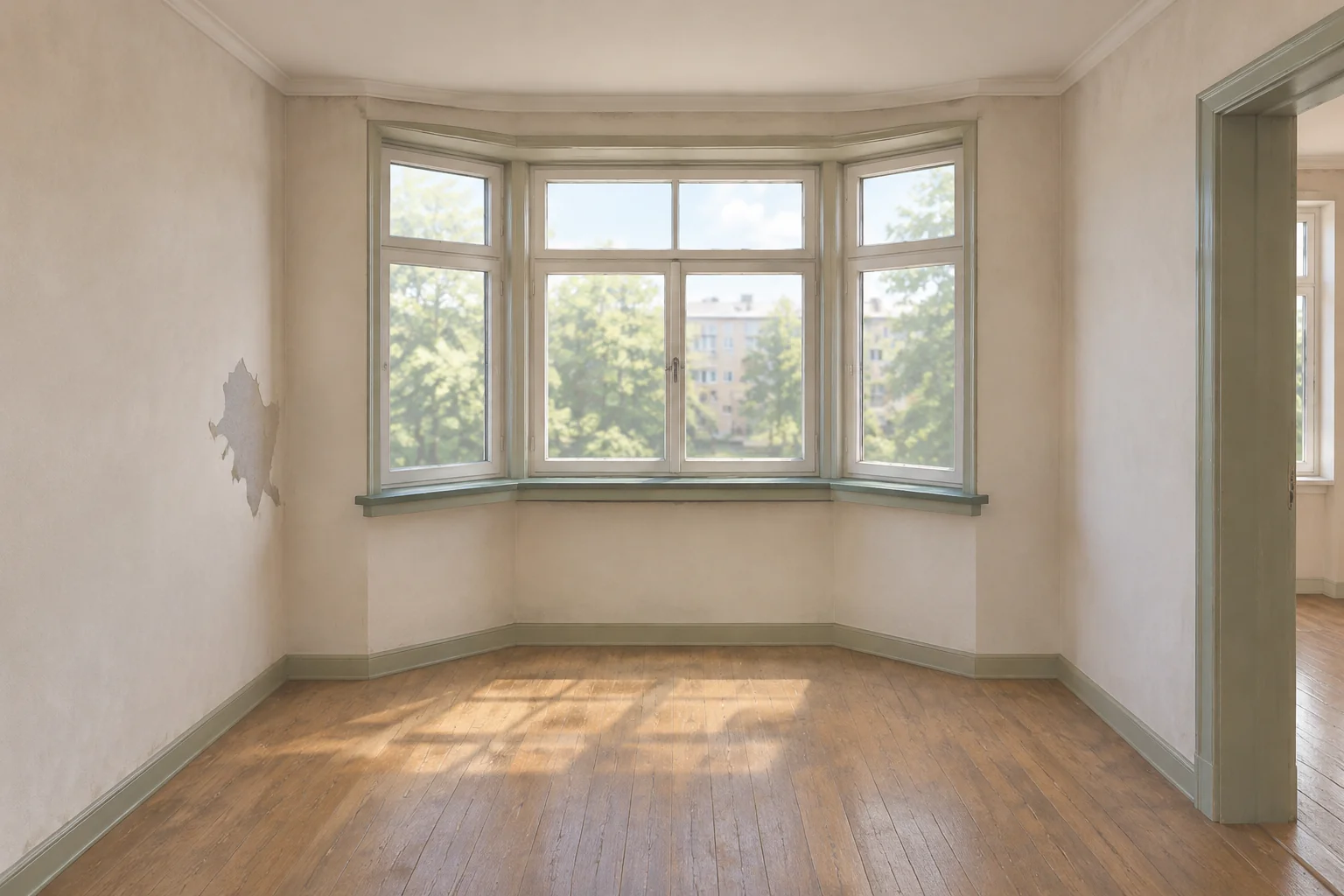
In the fictional Bay Window Study, a small apartment alcove needs a patched and painted wall, a working window latch and a desk. The owner also wants the doorway lane left empty. The player has seven work credits and four actions to finish the job.
Make the room serve one purpose
The official House Flipper website describes renewing interiors by working on surfaces and adding furniture. The original game’s Steam listing credits Empyrean as the developer and describes repairing and remodeling houses. Take the idea of a visible transformation into a different room. The study, costs, room contract and desk rules below are original.
Put the contract in view from the start. Let the player inspect the worn wall and latch, then show what counts as done. The desk needs a place to sit, and the owner still needs the doorway. Those requirements give the layout a purpose beyond changing how the room looks.
Define the work and its limits
Face the work wall and label three game cells A, B and C from left to right. C connects the room to the doorway. The baseline desk fills the cell where you anchor it and the next cell to the right. Anchor A fills A and B. Anchor B fills B and C. Both fit inside the room, but the second leaves the doorway lane occupied.
| Work action | Cost | Result or guard |
|---|---|---|
| Patch Wall | 2 credits | Repairs the damaged wall. |
| Paint Wall | 1 credit | Finishes the wall. Available only after patching. |
| Fix Window Latch | 2 credits | Restores the latch. This can happen before or after wall work. |
| Place Desk at A or B | 2 credits | Adds one desk in the chosen footprint. The placement is fixed once committed. |
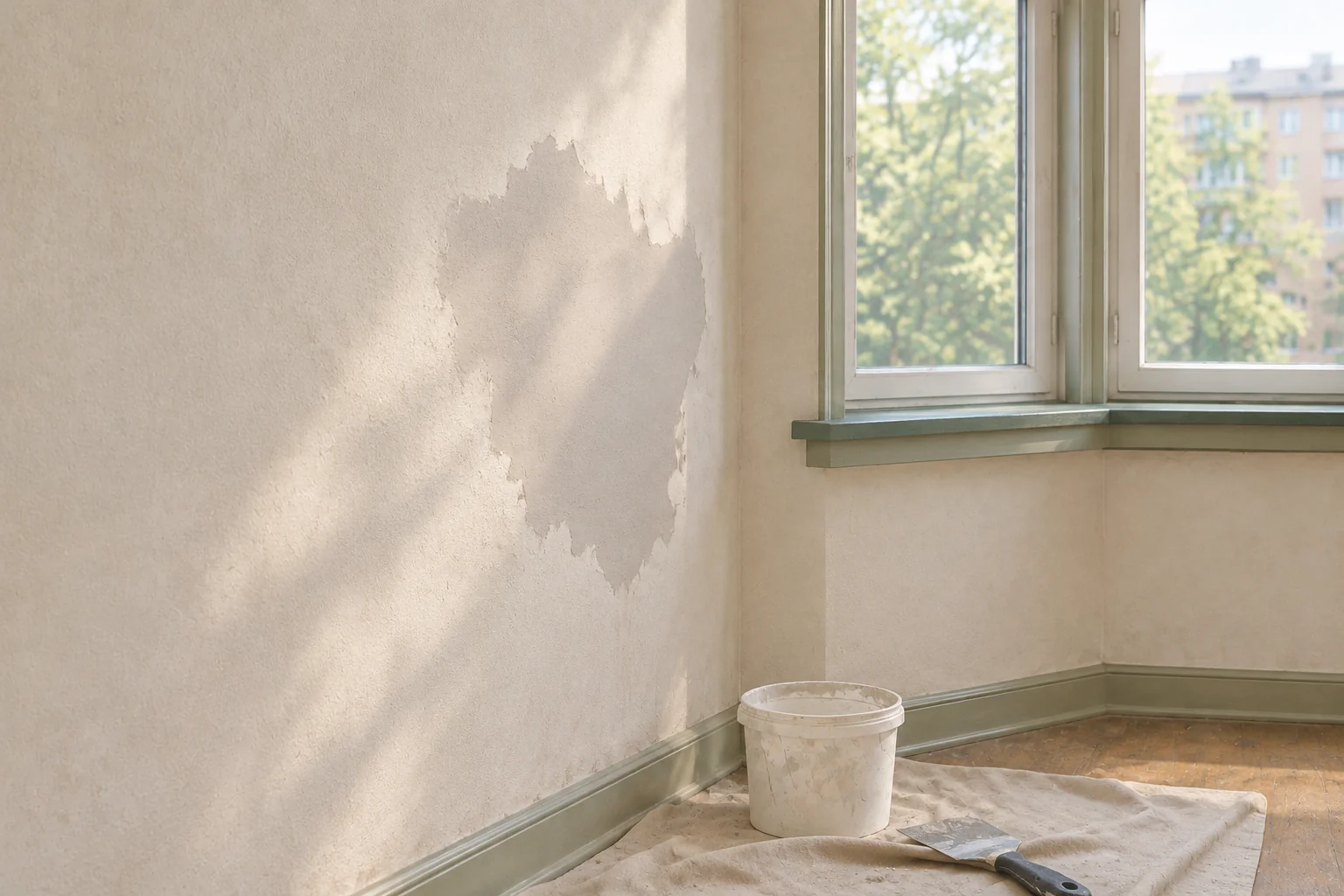
Every accepted action consumes one slot and the listed credits. An early Paint attempt should explain that the wall needs a patch and leave all seven credits and four slots intact. Repeats, unaffordable work and an anchor outside A or B are rejected in the same way.
Replay two layouts on the same budget
Start with Patch, Paint and Fix Window Latch in both runs. The balance moves from seven credits to five, four and then two. One work slot remains. Use the free desk preview to compare the anchors before spending the last two credits.
| Final action | Desk footprint | Contract report |
|---|---|---|
| Place Desk at A | A and B. C remains empty. | Zero credits and zero work slots. Wall, latch, desk and doorway checks pass. |
| Place Desk at B | B and C. The desk sits in the doorway lane. | Zero credits and zero work slots. The doorway is the only failed check. |
The preview and the report answer different questions. The preview shows where the desk would go and what it would cover. The report checks the room after all four accepted actions. If the player knowingly picks B, the placement can succeed and the contract can still fail. Show the specific failed requirement while keeping the other three marked complete.
Give AI one complete job
Include the room’s starting condition, the work costs and the exact contract. That makes the before and after states reproducible even if the visual style changes.
Build an original browser restoration game called Bay Window Study.
Use one alcove with a fixed window and doorway. Facing the work
wall, put three game cells in order A, B, C. C is the doorway lane.
Start with seven credits, four work slots, no desk, an unpatched
and unpainted wall, and a broken window latch.

Patch Wall costs 2. Paint Wall costs 1 and needs a patched wall.
Fix Window Latch costs 2 and is independent of wall work.
Place Desk costs 2. Allow anchors A and B. A fills A+B and B fills
B+C. Both fit inside the room. The committed desk stays in place.

Each accepted action spends one slot and its cost. Reject repeated
work, early painting, invalid anchors and unaffordable work
without a state change. Preview anchor footprints and C occupancy
without spending resources or finishing the job.

After four accepted actions, freeze the room and check the wall
for patch and paint, the latch, desk presence, and C empty.
List failed checks individually. Reset restores the original room,
budget, work slots and furniture. Use original visuals.
Check the early Paint attempt, the three shared repairs and both desk placements. After resetting, make sure the wall is worn again, the latch is broken, the desk is absent and the credits and slots return to their original values.
Change only the desk footprint
Keep the same room, anchor B and work sequence, but give the desk a one-cell footprint. The compact desk costs the same two credits and occupies B only. The final balance is still zero credits and zero slots. C stays empty, so the contract now passes.
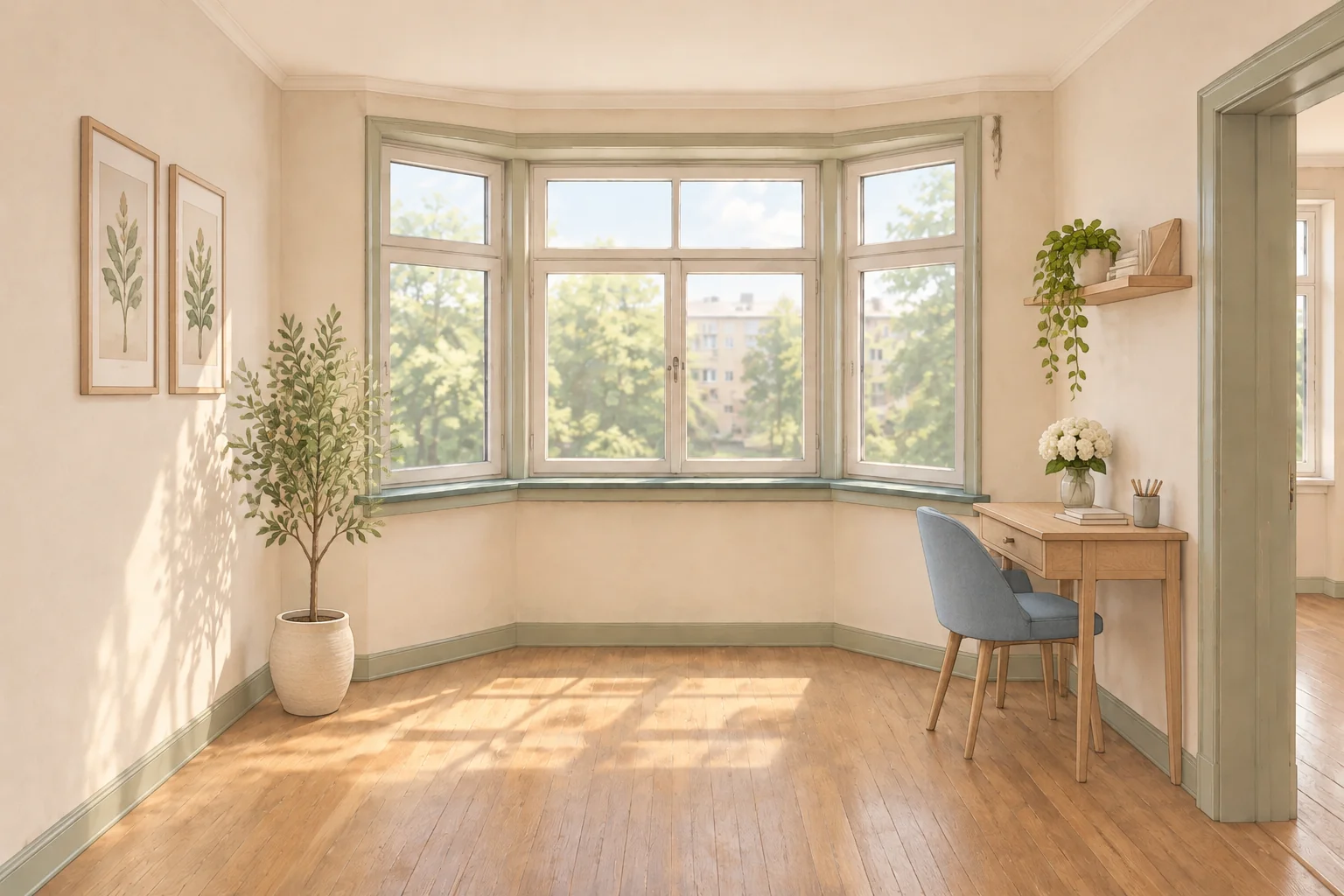
The changed footprint produces both the new preview and the passing report. Keep the costs, allowed anchors and doorway check fixed when you compare the versions. Use the guide to revising one rule at a time to replay the same placement after the change.
Finish one room with a purpose
Start your original restoration game with SEELE’s AI Game Maker. Give one room a clear contract and check that the finished layout satisfies it. Keep a before view, an intermediate repair state and an after view so you can see how the work changed the room.
Frequently asked questions
What room should I build first?
Pick a room with one clear use and a layout you can read at a glance. A small study lets you connect a wall repair, working fixture and desk placement without modeling a full property. Make the intended use visible in the job brief.
Why separate patching from painting?
Separate them when the order is part of what the player needs to understand. The patch changes whether Paint is available. Give each stage its own visual state, then check that a rejected early attempt spends neither credits nor a work slot.
How can I check whether the new layout works?
Define the space the player needs to leave empty and show it in the preview. Let players see which cells a desk would occupy. When you evaluate the room, list the clear lane separately from the wall, latch and furniture requirements.
How should I compare the before and after views?
Keep the camera near the same position and use fixed landmarks such as the window and doorway. Match the light where possible so surface and furniture changes are easier to see. Use a diagram or text for exact layout rules.