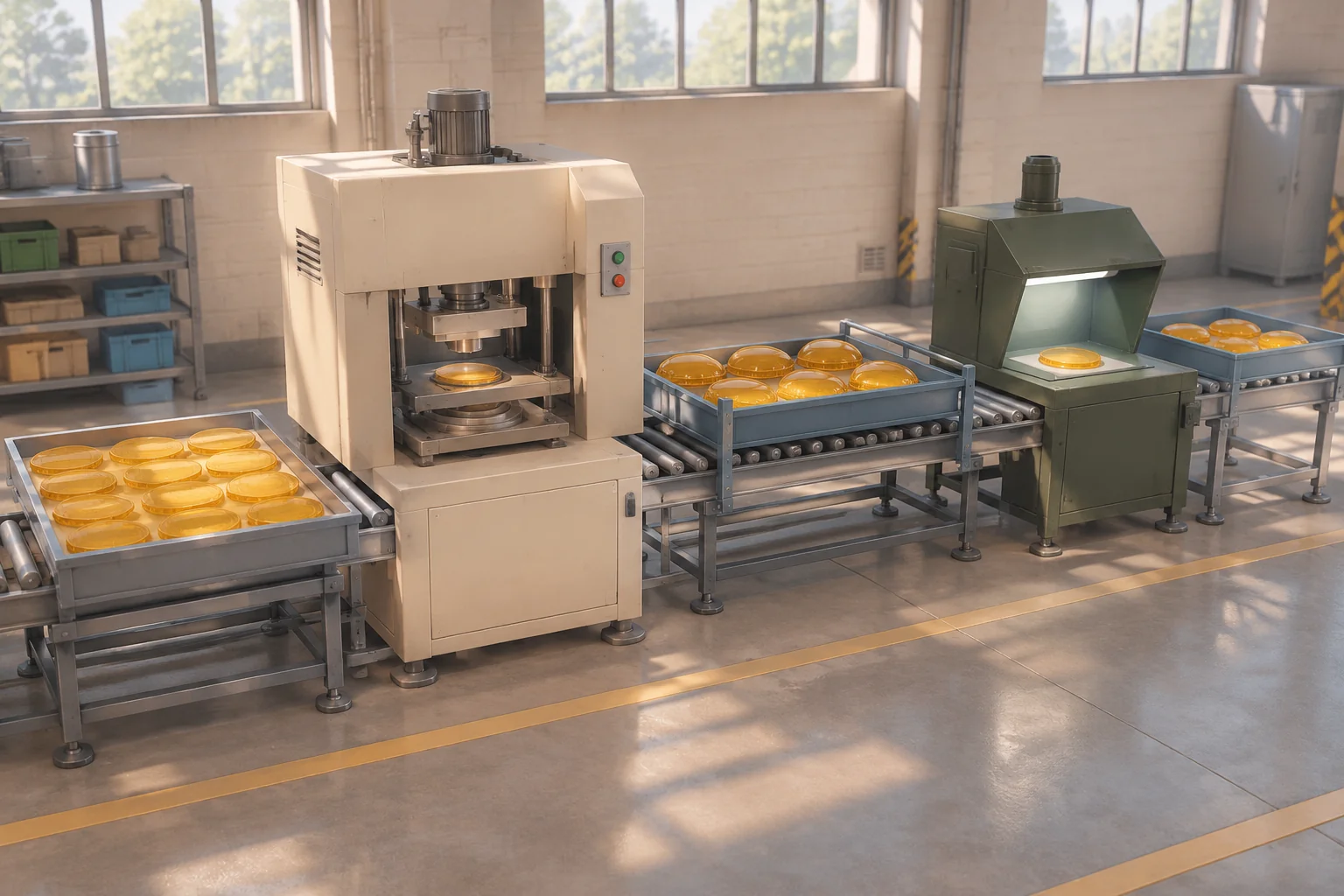
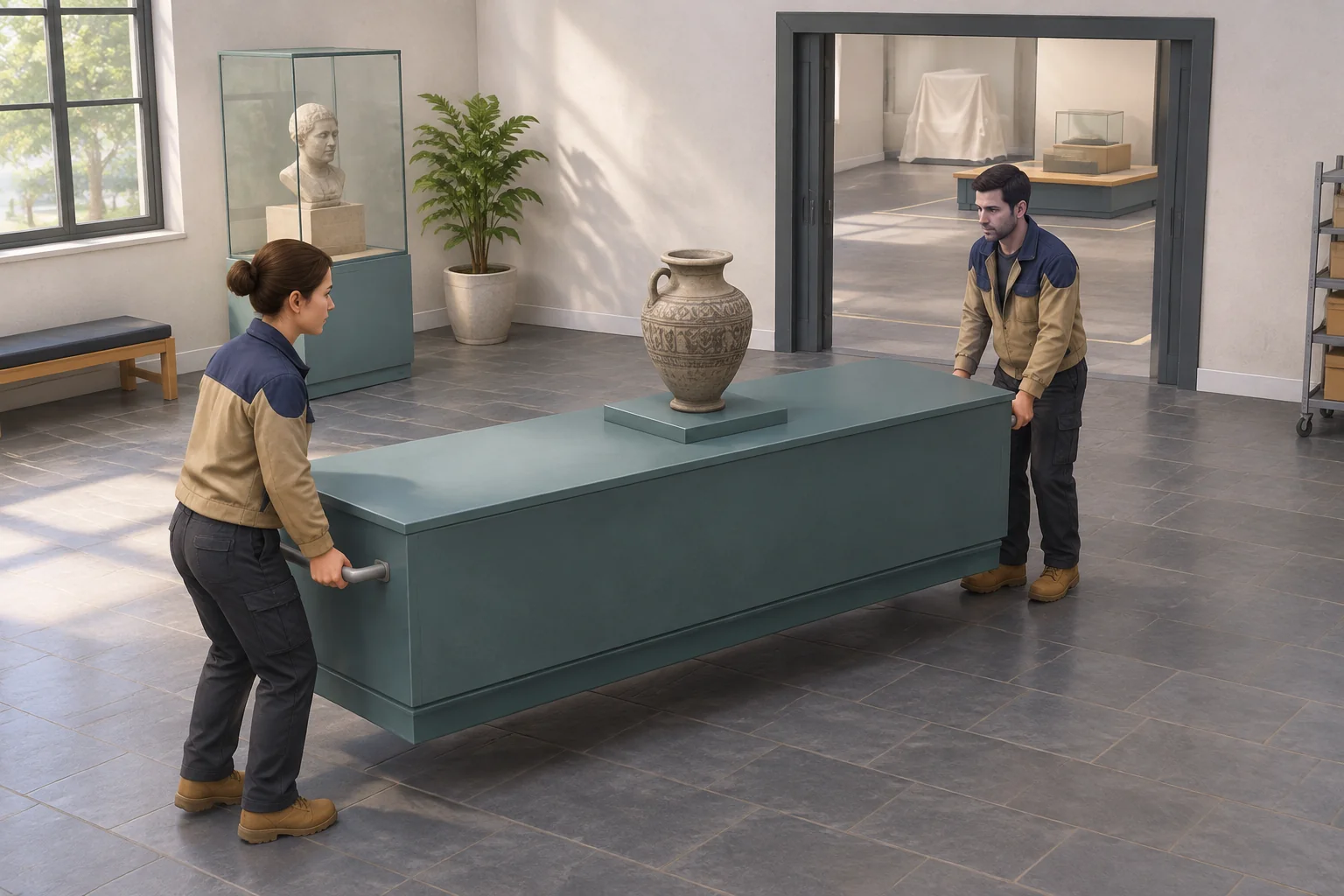
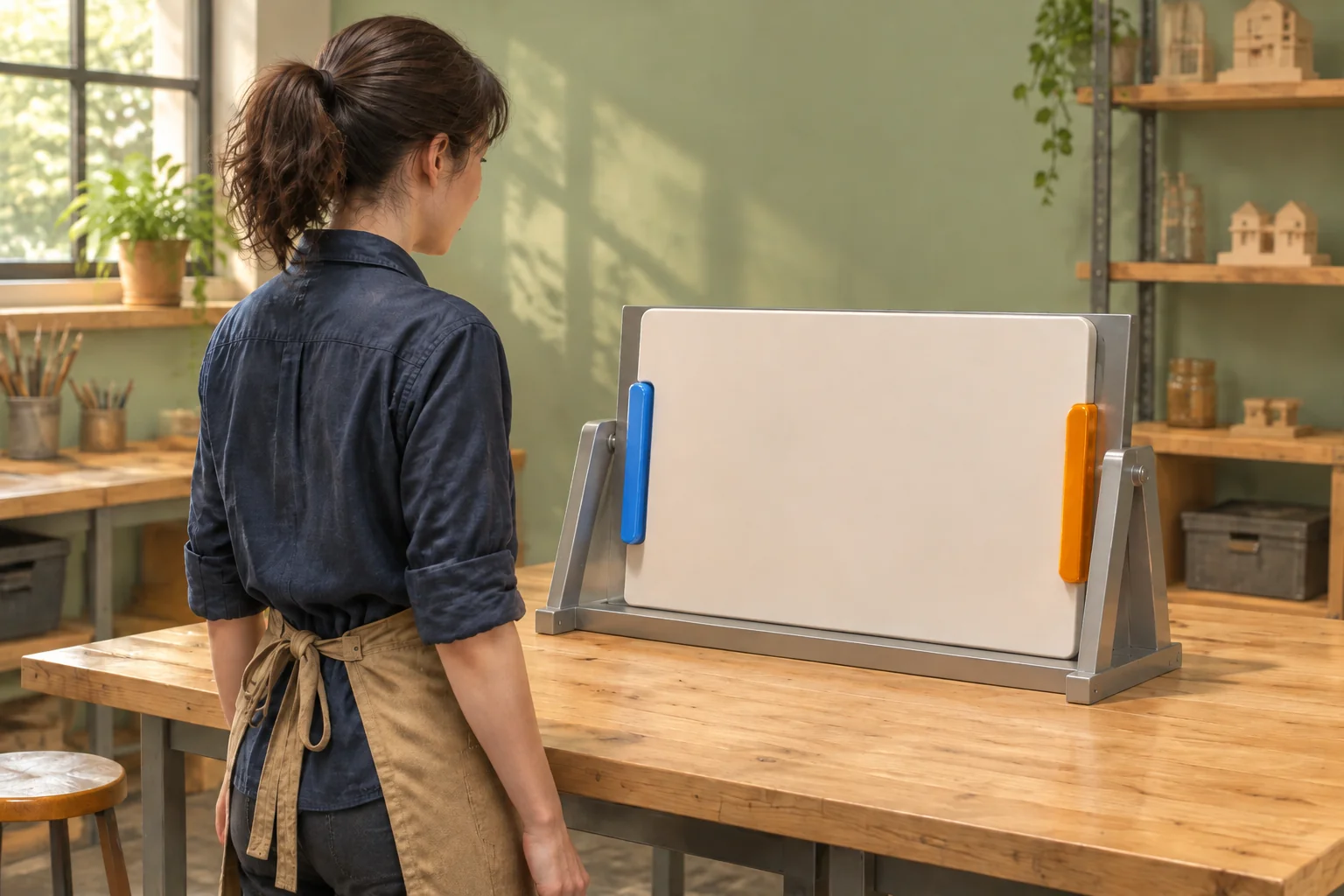
Put a tilted panel in front of two slots. Give the player one grip to brace the panel and another to guide it. They can tip it upright and slide it into place while both hands hold. If they release a hand too early, the panel settles back within reach. The player can see what changed and try again from the same bench.
Panel Perch is a fictional physics puzzle set in an exhibition workshop. The player finishes by fitting the panel flush into its frame. A cradle keeps the panel within reach while the player learns what each hand does.
Give each hand a job
No Brakes Games describes Human: Fall Flat as a physics-based puzzle game whose interactive spaces let the player grab, climb and carry. The official PC listing describes playing solo or with others. See the developer’s project page and the official PC listing.
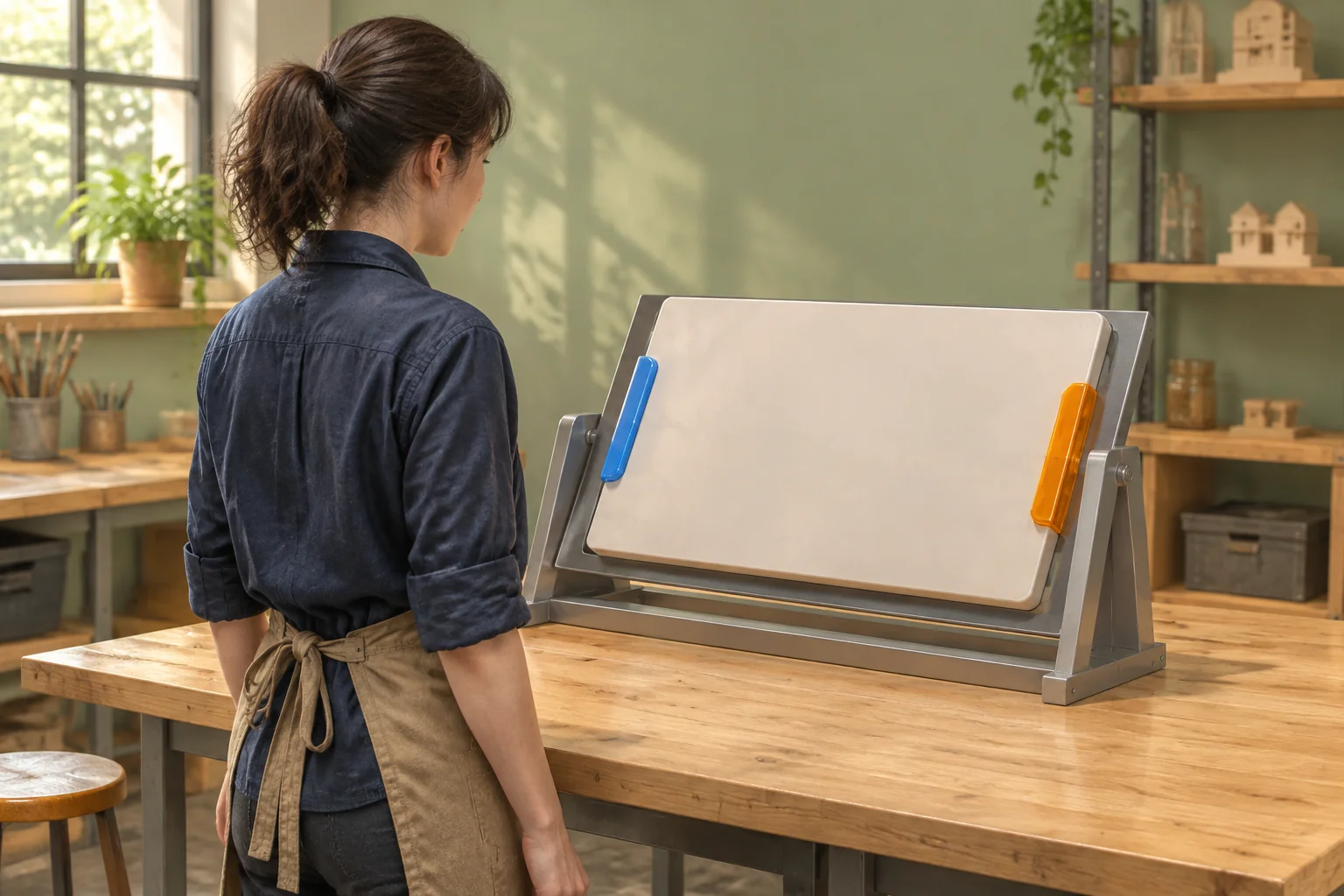
For an original puzzle, use the idea that holding one contact can make a second action possible. At the Panel Perch bench, the left hand holds the blue Brace grip to steady the panel. The right hand holds the amber Guide grip to tip it and guide it into the frame. One player controls both contacts through separate inputs. Make the handle positions and shapes distinct as well as their colors.
Define the two grips and three poses
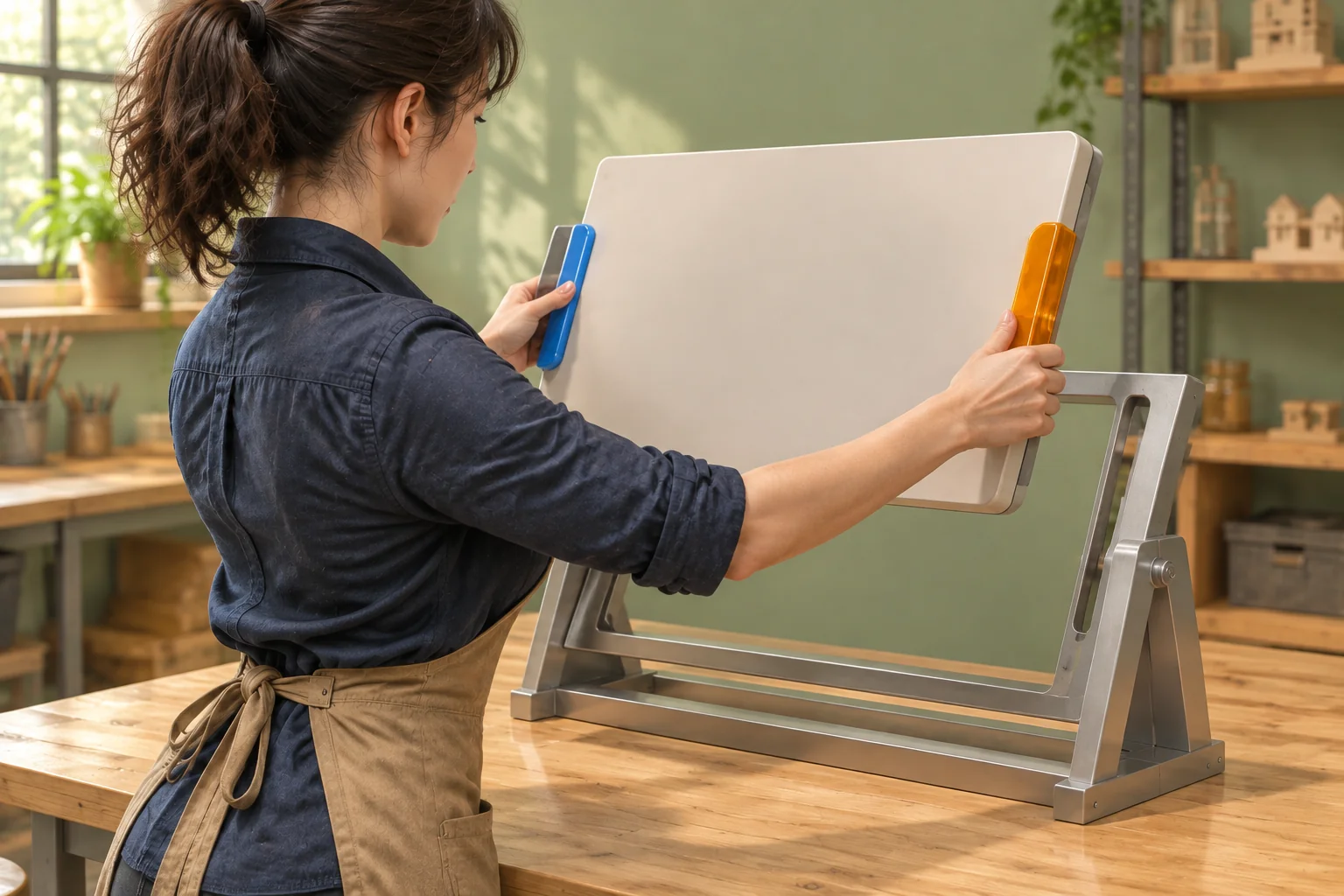
The panel begins angled forward in Staging. Aligned means it is upright and its two tabs line up with the frame slots. In Seated, both tabs lock flush in their slots. The cradle keeps both grips reachable in Staging and Aligned, including after a failed attempt.
| Input | When accepted | What changes |
|---|---|---|
| Grab Brace or Guide | The named grip is free in Staging or Aligned. | Hold that grip. Preserve the pose and the other hand. |
| Tip | Staging, with both grips held. | Pivot upright to Aligned. Keep both contacts. |
| Seat | Aligned, with both grips held. | Slide into Seated, lock the slots and complete once. |
| Release Brace or Guide | The named grip is held. | Clear that grip. In Aligned, return to Staging. In Staging or Seated, keep the pose. |
Before accepting an input, check both its grip and pose requirements. A rejected input changes nothing. Show which grip is held, how the tabs line up, and when the frame locks. Let the panel settle between poses without a timing window or an exact angle the player must judge.
Trace early release and recovery
Start with both hands free. Grab Brace, grab Guide, Tip, then Seat. These four accepted actions complete the puzzle. Release both hands afterward to confirm that the frame holds the panel. A repeated Seat cannot register a second completion.
For a rejection check, grab only Brace and try Tip. The panel stays in Staging and Brace stays held. Grab Guide, then try Seat before Tip. That request also leaves the pose and both grips unchanged. Tip and Seat can now finish the puzzle in order.
For recovery, start over, grab both grips and Tip. Release Guide while the panel is Aligned. The panel settles back to Staging with Brace still held. Grab Guide again. Seat still rejects because the tabs are out of line. Tip again, then Seat. The cradle keeps the panel reachable throughout, so the player can recover without restarting.
Give AI the complete bench rules
Include the two grip flags, pose changes and completion condition in the same request. Start with these discrete rules so the movement animation has a consistent outcome to show.
Make an original one-room puzzle called Panel Perch.
Start with a tilted panel in Staging, both grips free and no completion.
A cradle keeps both handles in reach in Staging and Aligned.

Give Brace on the left and Guide on the right independent
Grab and Release inputs. Preserve the other grip on each change.
Reject a duplicate Grab or a Release of a free grip.

Tip requires Staging with both grips held. Pivot upright to Aligned.
Seat requires Aligned with both grips held. Slide into the two slots,
lock the panel and register completion once. Keep both grips held.
In Aligned, releasing either grip returns the panel to Staging.
In Staging, Release changes only the named grip.

After seating, allow a held grip to release and keep the panel locked.
Reject all other inputs except Reset. Before seating, reject any
input that fails a requirement without changing state.
Reset restores Staging, free grips and no completion.
Show grip contact, pose and slot-lock feedback.
Check the missing-grip rejection, the early release, and the lock after both hands let go. Reset from Aligned and from Seated. Both resets should restore the same starting state. Use SEELE’s first-build guide when you isolate the next change.
Change one release response
Give the cradle a hypothetical catch that holds alignment when Guide is released and Brace stays held. Releasing Brace still sends the panel back to Staging before seating. Keep Tip, Seat, reach and reset rules the same.
Repeat the same start and Guide release. The panel now remains Aligned with one hand attached. Seat still rejects while Guide is free. After regrabbing Guide, Seat works without another Tip. Count accepted actions through completion. The recovery route drops from seven to six, while the direct route stays at four. These counts follow from the proposed rules.
Start an original two-grip puzzle with SEELE’s AI puzzle game maker.
Frequently asked questions
Can one player control both grips?
Yes. Give each side its own input and show both held states. The player can hold Brace and then grab Guide while the first contact stays active. Test each input separately and check that releasing one side leaves the other side held.
How should the panel settle?
Show the cradle catch the panel in the same reachable Staging pose whenever an early release undoes alignment. Keep the other held hand attached. A short, readable settling motion lets the player distinguish a lost alignment from a grip that simply failed to attach.
What clue should the player see first?
Frame the two panel tabs and their matching slots before the first move. The angle should make it clear why the tilted panel cannot seat. Use distinct shapes or positions on the grips too, so the player can tell them apart without relying on color.
How can I extend the puzzle to co-op?
Start by letting two players control one contact each while keeping the same pose rules. Show the other player’s grip state to both people before either attempts a move. Replay the one-grip rejection and early release so the cause stays legible when another player lets go.