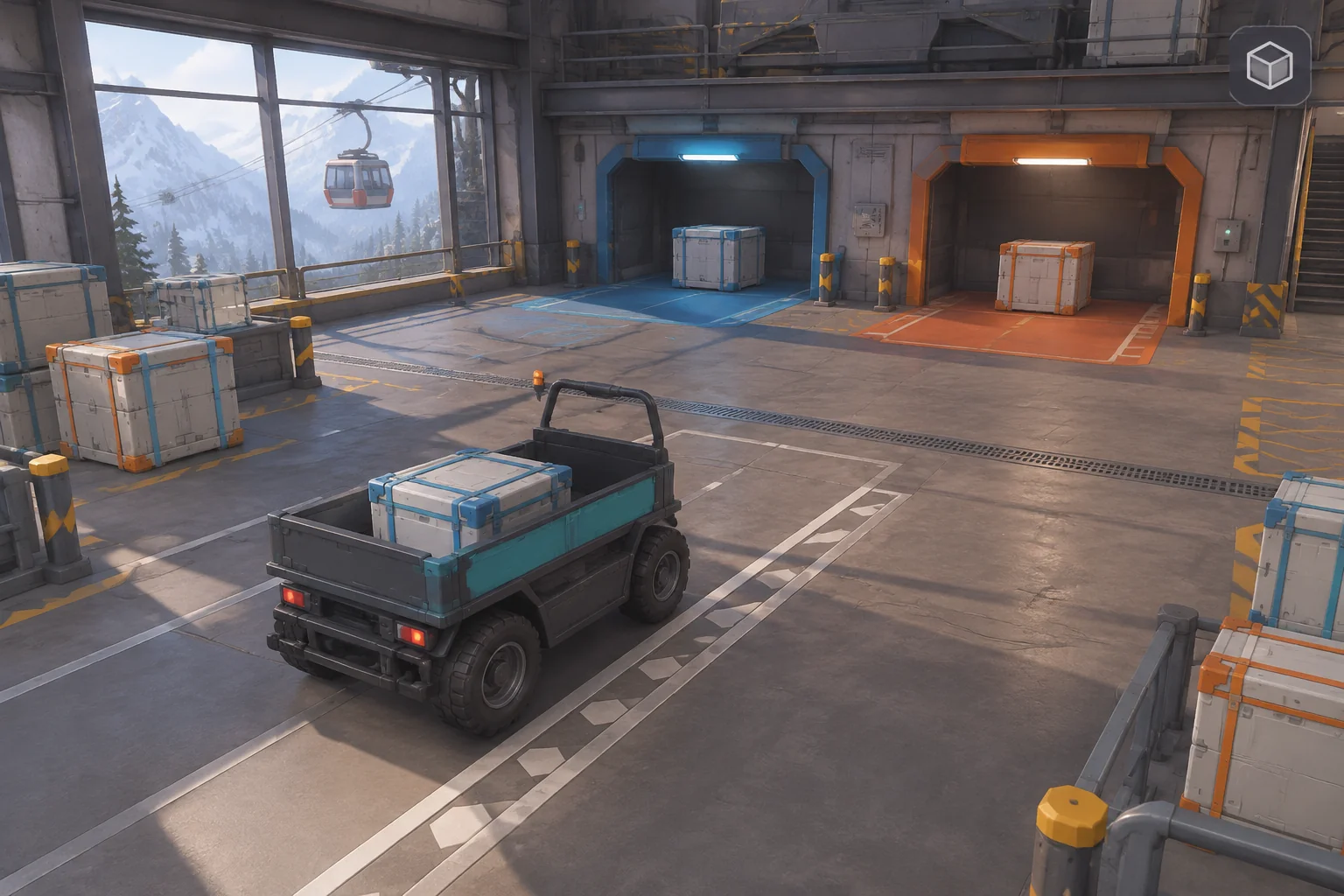
To make an original co-op extraction game inspired by Lethal Company, start with one retrieval that both players have to finish together. In this fictional cliffside archive, the Runner can bring back a light case and leave as soon as the team meets its quota. A heavier case is worth more, but bringing it home needs help from the Tender at the dock.
Make departure a separate action. Cases at the dock are stowed. Their value counts as extracted only after both players launch before the archive closes.
Build the shared expedition around a visible choice
On the official Steam page, developer Zeekerss describes Lethal Company as co-op horror about collecting scrap on abandoned moons to meet a profit quota. The listing also describes working with crewmates to get valuables back to the ship as conditions become dangerous.
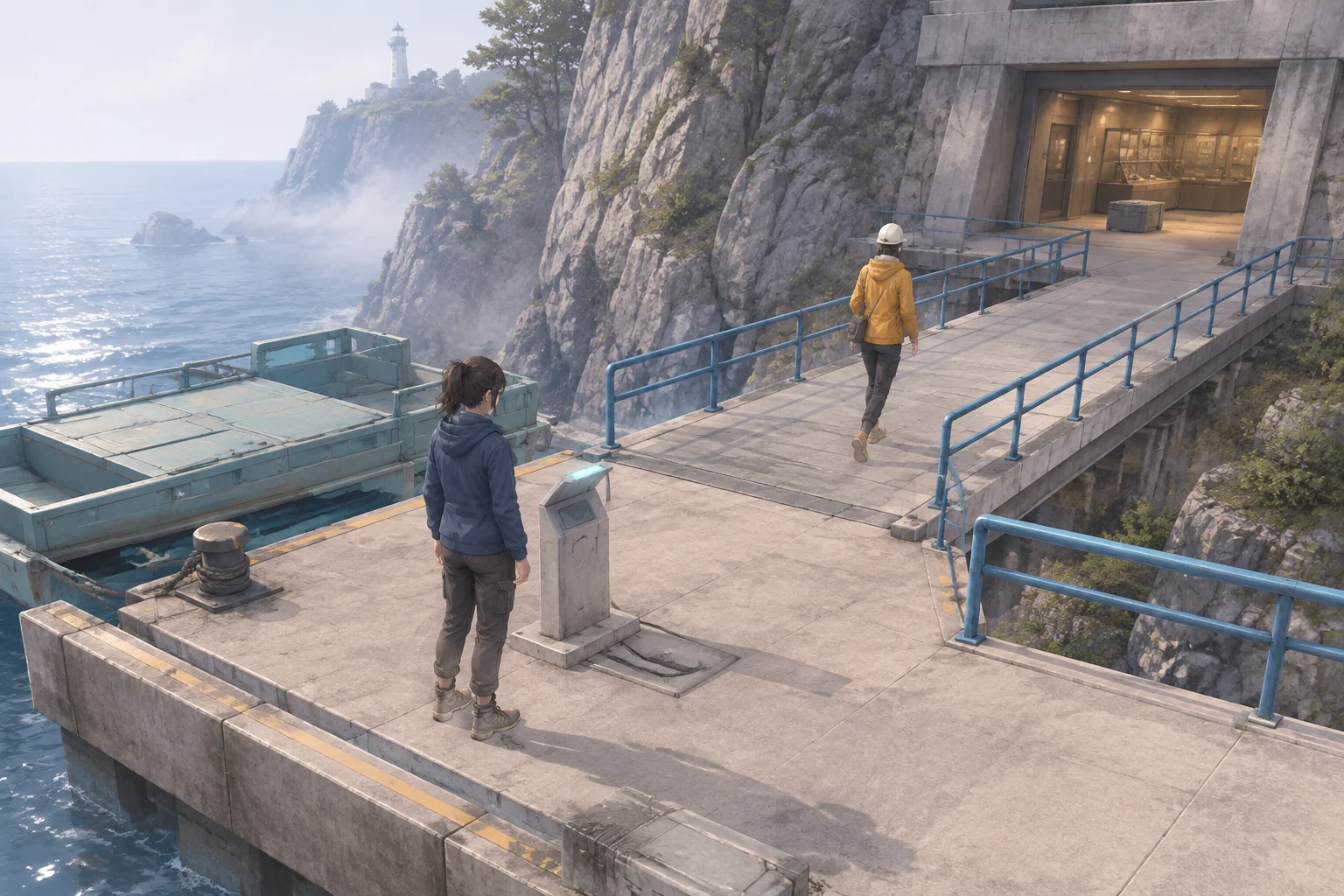
Use the broad idea that a return trip matters as much as a pickup. Give your version its own place and rules. This archive uses three connected stops. Dock leads to Gallery, and Gallery leads to Vault. Both players start at Dock. The light case in Gallery is worth three, and the heavy case in Vault is worth four. The quota is three.
The Runner moves and can carry one case. The Tender stays at Dock and can assist a heavy move or start a launch. Both see the same map, beat, position, cargo and stowed total. The fixture uses eleven discrete beats so a missed command is easy to identify.
Give the two teammates one action they have to pair
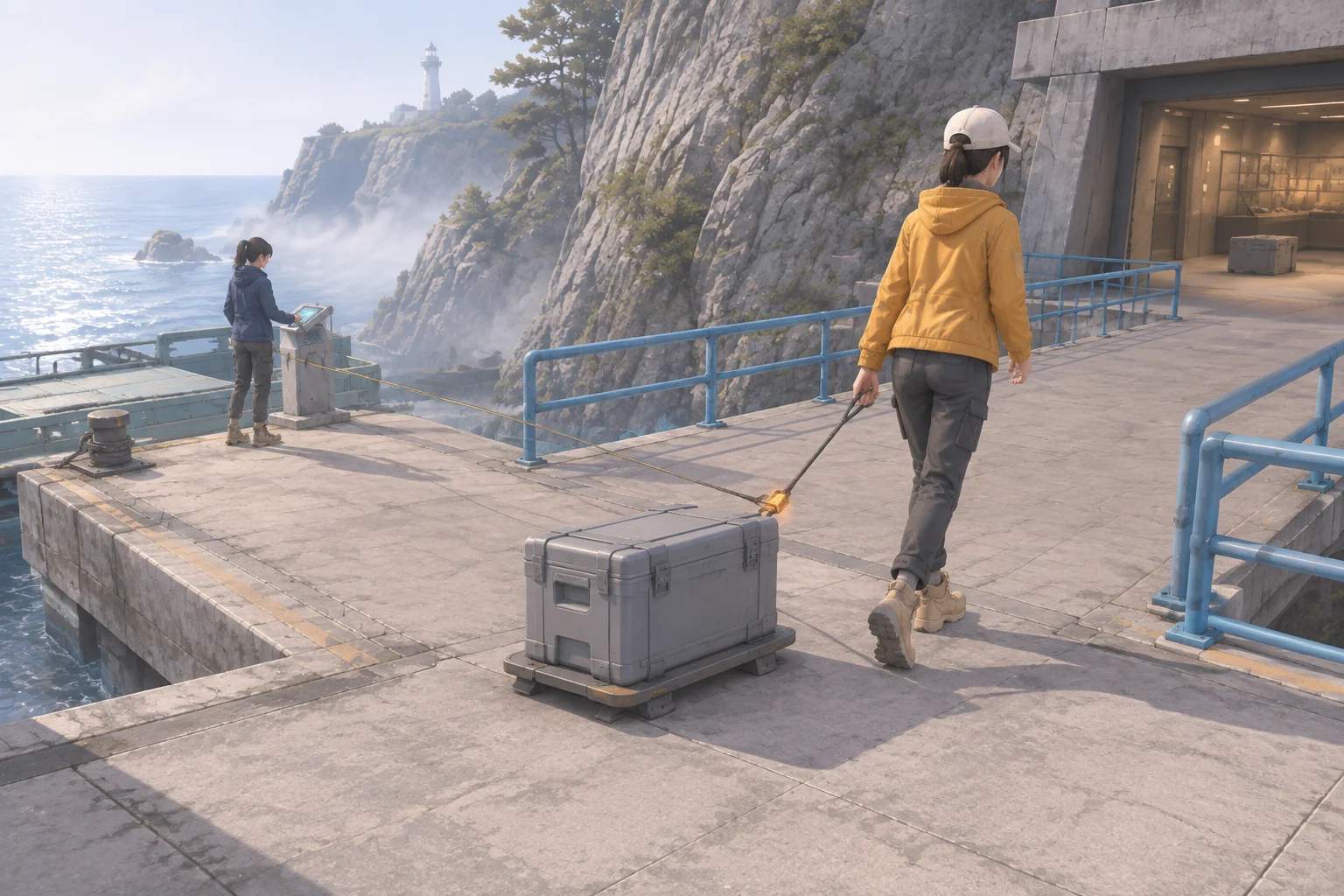
On each beat, both players select one command and lock it in. Evaluate the pair when both submissions arrive, then advance the beat. Hold is a deliberate choice. If the Runner attempts Tow while the Tender chooses Hold, the beat is spent and the case stays put. Tension applies only on the beat it is submitted.
| Runner | Tender | Effect |
|---|---|---|
| Move | Hold | Move one adjacent stop with empty hands or the light case. |
| Grab or Clip | Hold | Take the light case at Gallery or attach the heavy case at Vault. Both require empty hands. |
| Tow | Tension | Move one stop toward Dock with the attached heavy case. |
| Stow | Hold | At Dock, deposit the carried case and add its value once. |
| Board | Launch | With both players at Dock, empty hands and at least three value stowed, depart and credit all stowed cargo. |
| Hold | Hold | Use a beat without moving. |
An unlisted pair, or a listed pair with an unmet requirement, uses a beat without applying the attempted effect. A heavy case occupies the Runner’s carrying slot and prevents normal Move. A stowed case leaves the map and cannot be collected again.
Compare the safe return with the extra retrieval
Both routes start by bringing the light case home. Move to Gallery on beat one, Grab on two, return on three and Stow on four. The Tender holds on all four beats. At that point the team has three stowed and zero extracted. The next pair decides whether to leave or head for the Vault.
| Beat | Safe return | Deep retrieval |
|---|---|---|
| 5 | Board + Launch. Extract 3 and finish. | Move to Gallery + Hold. |
| 6–7 | Already departed. | Move to Vault + Hold, then Clip + Hold. |
| 8–9 | Already departed. | Tow + Tension twice. Move from Vault to Gallery, then Dock. |
| 10 | Already departed. | Stow + Hold. Stowed value reaches 7. |
| 11 | Already departed. | Board + Launch. Extract 7 on the last beat. |
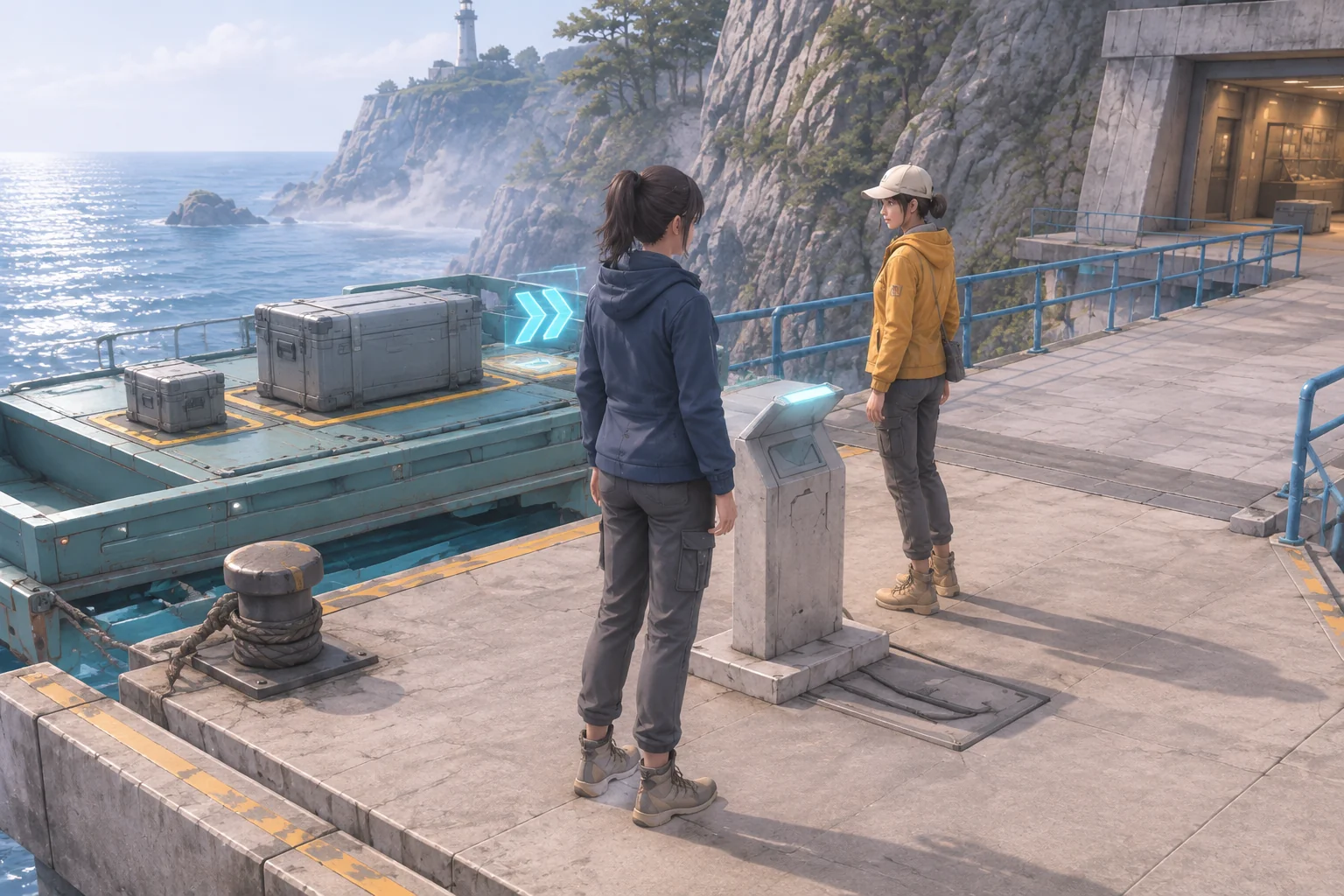
Replay the deep route with one mismatch. On beat eight, the Runner tries Tow while the Tender holds. Both the Runner and heavy case stay at Vault. Two paired tows on nine and ten get them back to Dock, and Stow on eleven brings the total to seven. The attempt ends before the team launches, so extracted value stays at zero.
Give AI a small two-role fixture
Use local controls or two panels that can submit to the same state. That gives you a way to check the command pairs and cargo rules before adding a networked session.
Create an original two-role browser extraction fixture.
Connect Dock to Gallery and Gallery to Vault. Both roles start
at Dock. The Runner moves and carries one case. The Tender
stays at Dock. Light case in Gallery is worth 3, heavy at
Vault is worth 4. Quota is 3. Deadline is beat 11.

Wait for one locked command from each role. Resolve the pair
once and advance one beat. With Tender Hold, Runner may Move
one stop with empty hands or the light case, Grab the light
case at Gallery, Clip the heavy case at Vault, or Stow at Dock.
Pickup requires empty hands. A stowed case cannot be picked up.

Tow + Tension moves a clipped case one stop toward Dock.
Tension applies only to that beat. Board + Launch requires
both roles at Dock, empty hands and at least 3 stowed value.
It finishes the attempt and credits the full stowed total.
Hold + Hold waits. Other or invalid pairs use the beat only.

Check a legal launch before the deadline. At the deadline
without launch, end the run with 0 extracted. Reset both
roles, cases, pending commands, clock and cargo ledger.
Try launching with no quota. Submit only one command and check that nothing resolves before the second. Try normal Move with a clipped case and verify that it spends the beat without moving. Replay the safe and deep routes, then the mismatched tow. Reset after success and timeout and verify that neither route inherits cargo or commands.
Add one beat and repeat the same mistake
Change only the deadline from eleven beats to twelve. Run the same mismatch on beat eight and the same correction. Stow still happens on eleven. Board + Launch now fits on twelve and extracts seven. The safe route still leaves on five, and the uninterrupted deep route still leaves on eleven.
The worksheet shows exactly which delay one extra beat can absorb. In a working build, check whether teammates notice a mismatch quickly enough to plan a correction. The guide to replaying a game after one change can help you keep that comparison focused.
Make the last departure a team decision
Build one shared retrieval and give the team an early way out. Start your original co-op extraction prototype with SEELE’s AI game maker and replay the two launch choices before expanding the archive.
Frequently asked questions
Can I check a two-player rule in a local fixture?
Yes. Put the two roles in separate panels and have each lock a command into the same shared state. This lets you test which pairs move cargo and when a beat advances. Verify simultaneous input and connection behavior separately when you add online play.
What feedback should both players see on a mismatched tow?
Show that the beat has advanced, the case stayed in place and assistance did not pair with the tow. Give both roles the same explanation near their current controls. A short cue makes it easier to agree on the next move without guessing who went first.
Why track stowed and extracted value separately?
Stowed value tells the team whether there is enough cargo to launch. Extracted value tells them what they actually took out of the archive. Keeping both visible helps explain a timeout even when the dock is full. Use different labels and update them at different actions.
What should I check first with two people?
Give them the light route, then ask them to attempt the heavy retrieval. Watch whether they can agree on a tow, identify a mismatched beat, and reserve a departure beat. Record the exact inputs and fix the first confusing state before adding another cargo type.