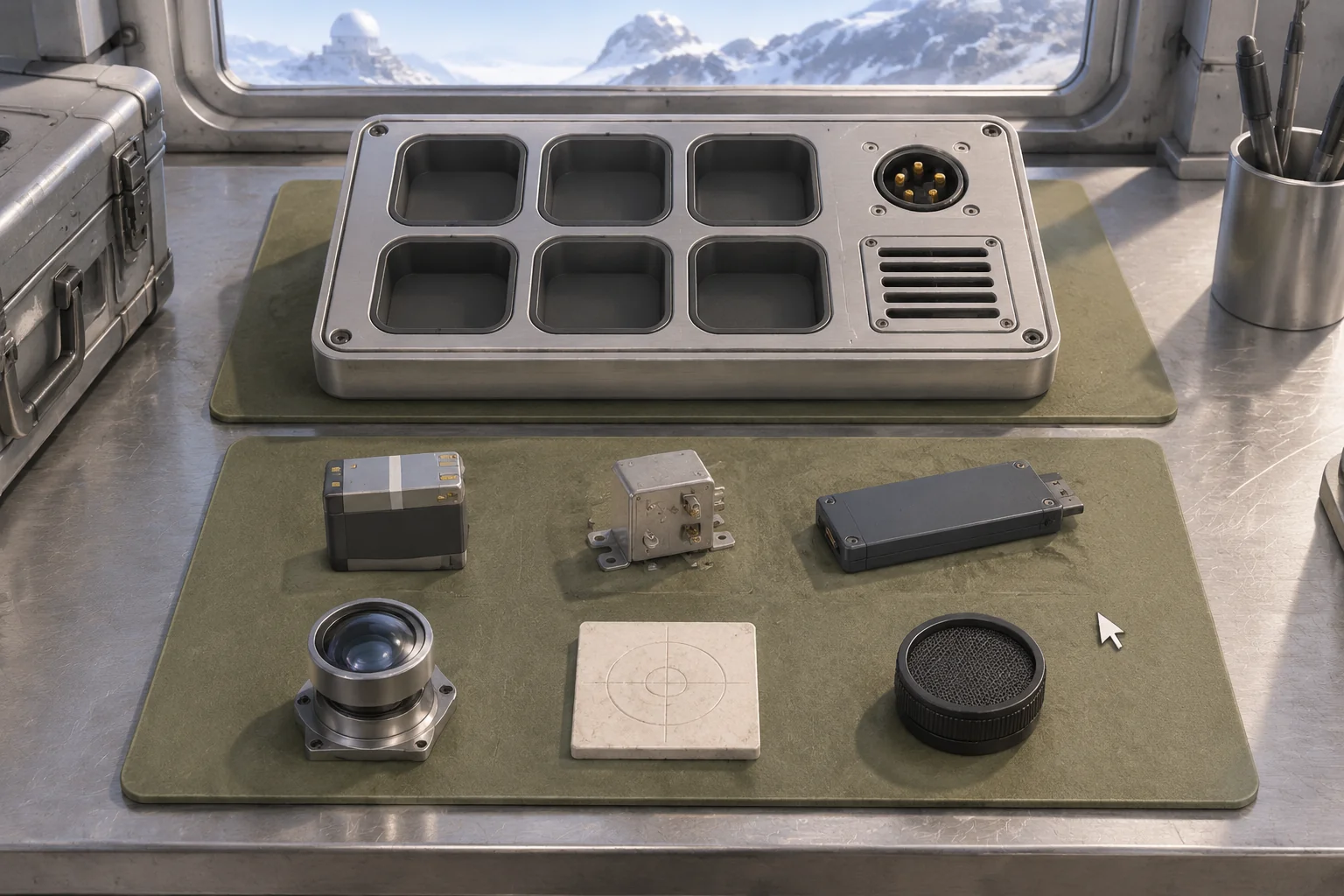
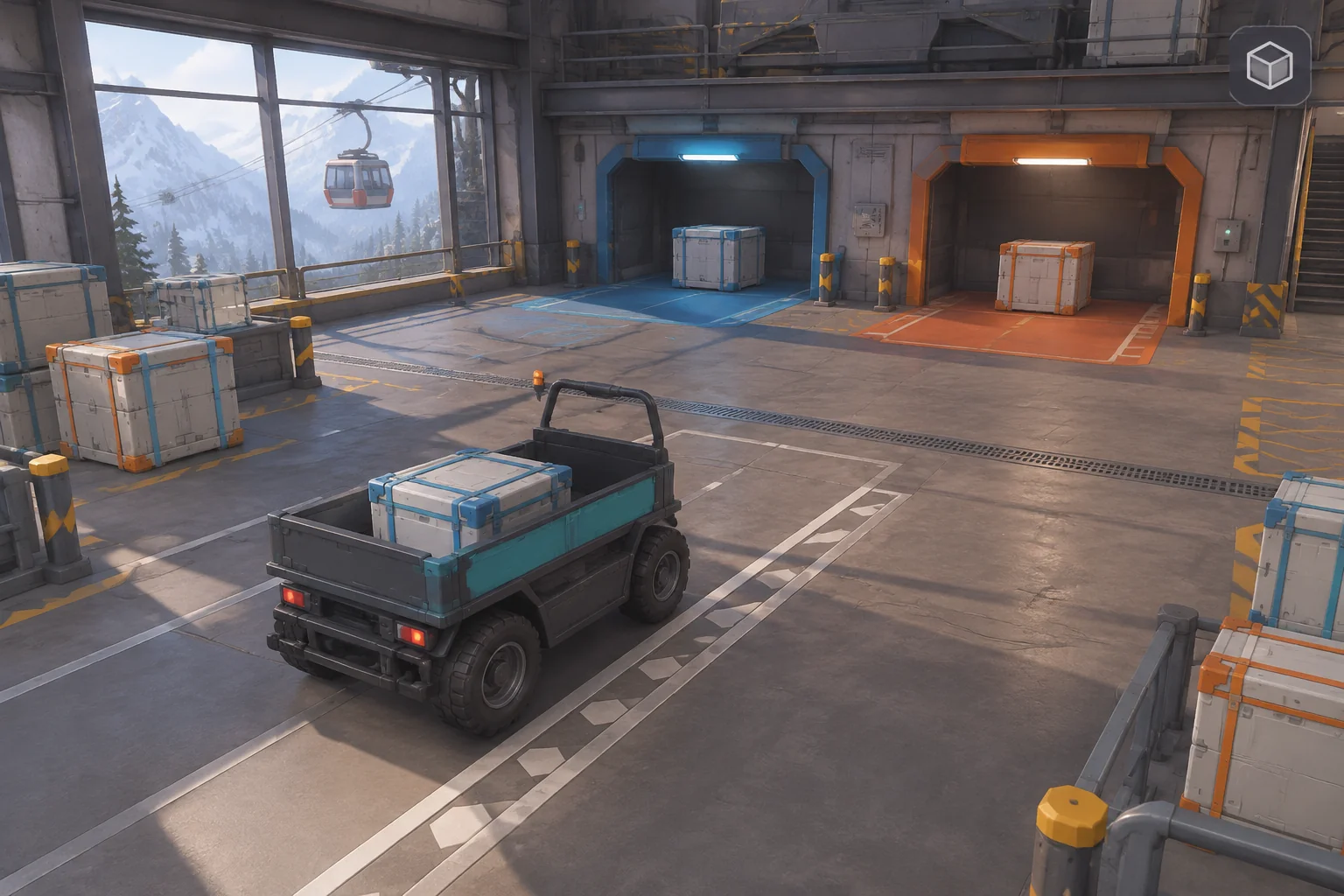
To make an original transport puzzle inspired by Mini Metro, start with one route the player can draw in two directions. In this fictional hillside seed shuttle, Orchard and Nursery both have cases waiting for the receiving Hub. The shuttle can carry only two cases at a time. The stop it visits first gets the first delivery.
Use the same track in both directions. Then give one stop a tighter deadline. That makes the order of the stops matter even though the player uses the same links.
Give route drawing a consequence in service
Dinosaur Polo Club describes Mini Metro as a strategy simulation about designing a growing city’s subway map. Players draw lines between stations and redraw them as new stations open and demand changes. See the official game page and studio press kit.
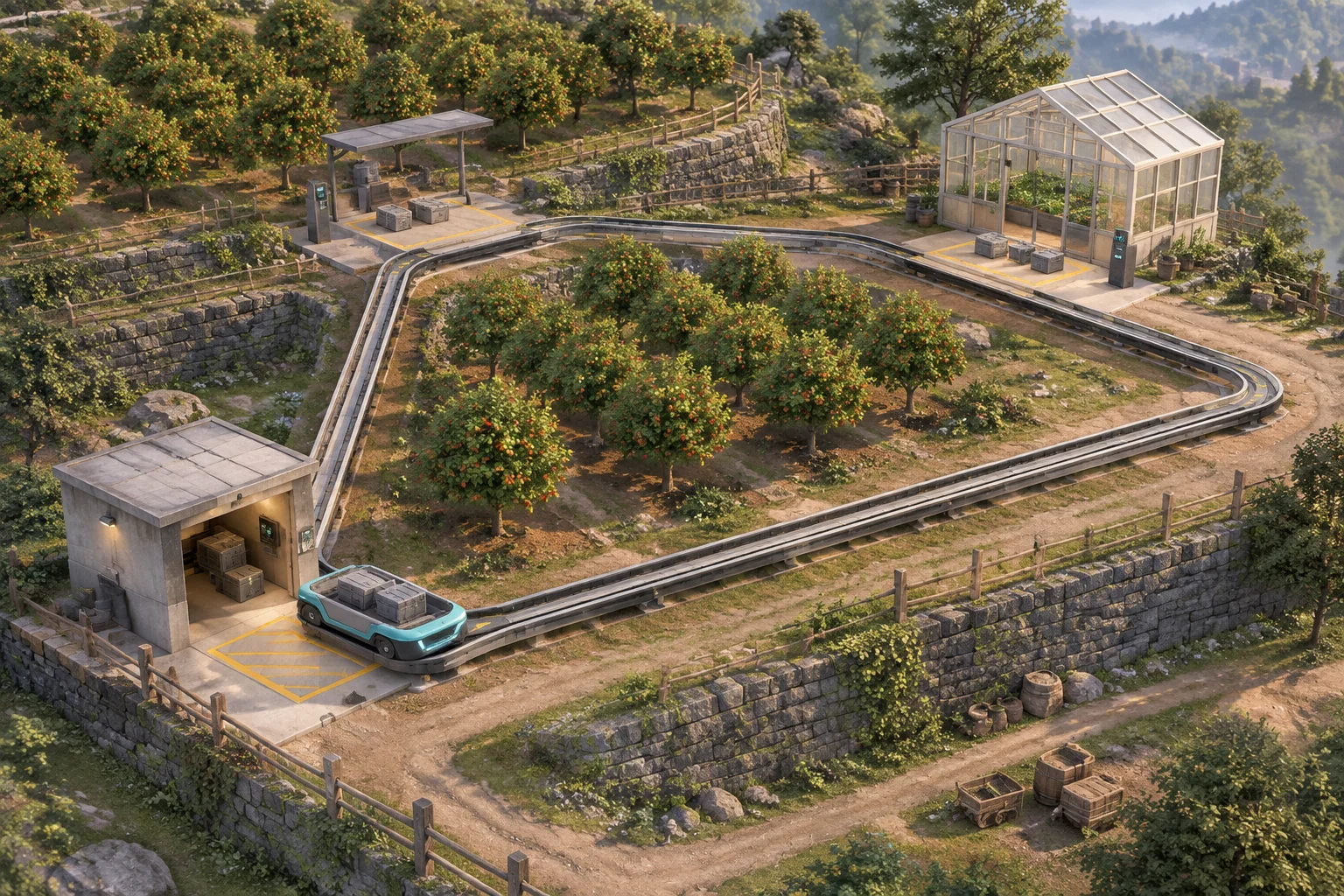
Start with the broad connection between planning a route and seeing how it serves demand. Give your version its own map, vehicle, cargo, and timing. The hillside example uses one shuttle moving sample cases. The orchard rows, greenhouse, and receiving shed make it easy to tell the three stops apart.
Turn a drawn loop into an ordered trip
Call the stops Hub, Orchard, and Nursery. A triangular guideway links each stop to the other two. Every link takes one step to travel in either direction. Draft by selecting Hub, both field stops in either order, then Hub again to close the loop.
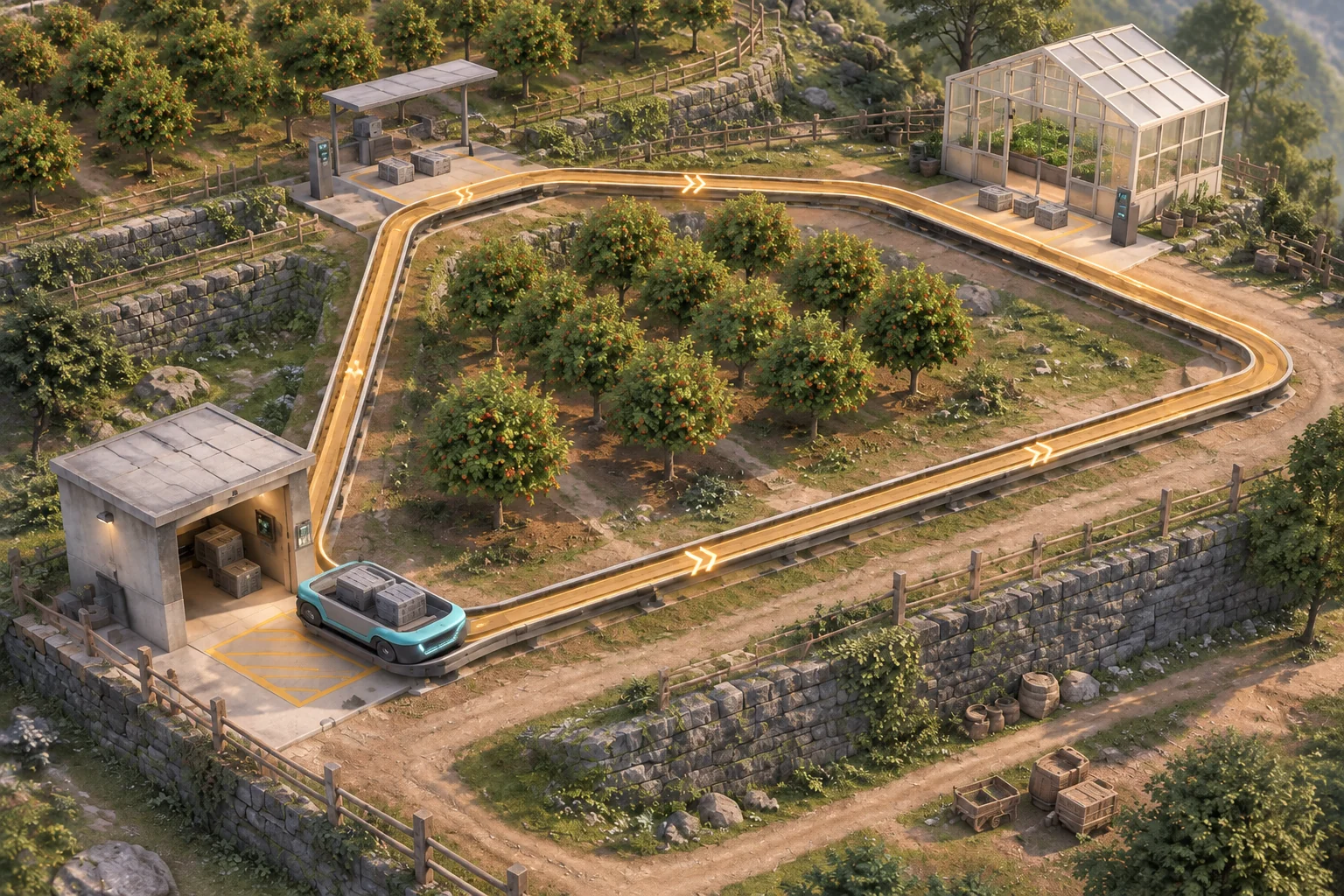
Show arrows on the draft and list the stops in order. Let the player clear or redraw it before dispatch. Only Hub → Orchard → Nursery → Hub and Hub → Nursery → Orchard → Hub are valid. Refuse an incomplete or repeated-stop route without changing the draft or starting the clock. Hub is repeated only at the end to close the loop.
Dispatch locks the route and places an empty shuttle at Hub at tick zero. Each Step moves over one link. When the shuttle returns to Hub, the next Step starts another lap in the same direction.
Replay both directions with the same load limit
Start with two cases at Orchard and two at Nursery, all bound for Hub. The shuttle holds two cases. When it reaches a field stop, it loads up to its remaining capacity. When it reaches Hub, it unloads everything. Then check deadlines. An unloading action on the deadline still counts.
Nursery is the priority stop in the baseline worksheet. Its two cases must reach Hub by tick three. Orchard’s two are due by tick six. If either deadline is missed, stop the run. Deliver all four cases by their deadlines to win.
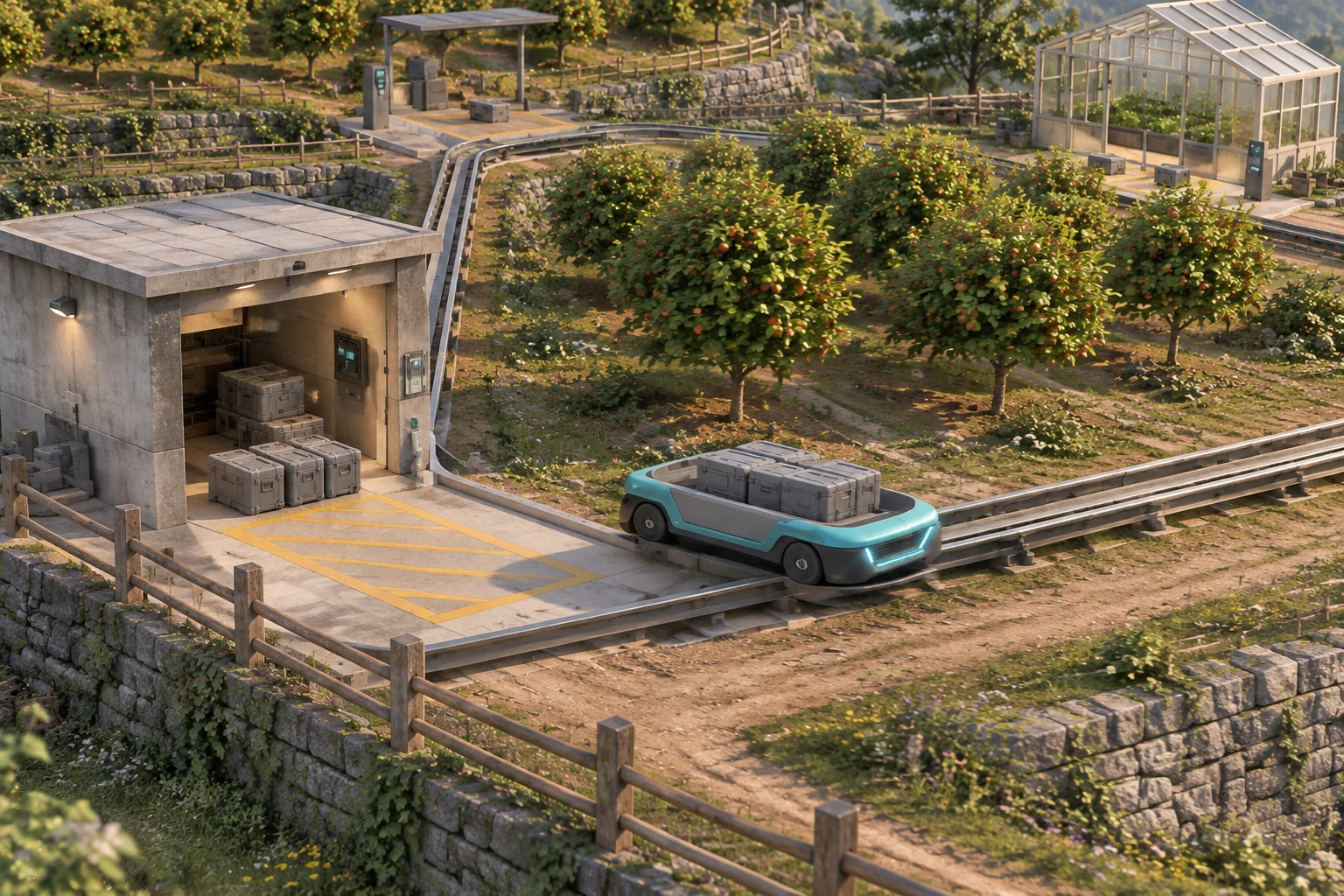
| Tick | Nursery first | Orchard first |
|---|---|---|
| 1 | Reach Nursery and load both of its cases. | Reach Orchard and load both of its cases. |
| 2 | Pass Orchard full. Both Orchard cases wait. | Pass Nursery full. Both Nursery cases wait. |
| 3 | Unload both Nursery cases at Hub. Meet the priority deadline. | Unload both Orchard cases at Hub. Nursery has delivered zero and misses its deadline. End the run. |
| 4 | Reach Nursery. No cases remain there. | Run ended. |
| 5 | Load both Orchard cases. | Run ended. |
| 6 | Unload both Orchard cases at Hub and win. | Run ended. |
The two loops travel the same distance per lap. In either direction, the first field stop fills the shuttle and the second waits. Under this deadline, changing direction changes whether the first load is the one that needs to arrive early.
Give AI a route it can execute and reset
Ask for a draft view and a service view. Keep the queue and route state visible so you can tell whether an unexpected result came from the drawing, the shuttle’s load, or the deadline check.
Build an original three-stop seed-shuttle browser puzzle.
Hub, Orchard and Nursery have an existing triangular guideway.
Draft a loop by choosing Hub, both field stops, then Hub again.
Preview arrows and stop order. Clear or redraw before Dispatch.
Reject an incomplete or invalid loop without starting the clock.

On Dispatch, lock the route and start at Hub, empty, at tick 0.
Each Step travels one link in order, wrapping at Hub. Put two
cases at each field stop. The shuttle can carry two cases total.
Load up to remaining capacity at a field stop. Unload at Hub.

After service, check deadlines. Cases from the priority stop
are due by tick 3 and all other cases by tick 6. Set Nursery
as priority. End on a missed deadline. Win when all four
arrive on time. Reset the draft, route, shuttle, queues and clock.
Try dispatching with only Hub and one field stop. Check that the draft stays editable and time stays at zero. Run both complete loops and verify the full pass on tick two. After the first return, check that unloading frees both slots. Reset after success and failure, and make sure both queues return.
Switch the priority stop and redraw
Change only which stop is urgent. Assign priority to Orchard instead of Nursery. Keep the links, capacity, and travel time the same. Now Orchard-first unloads its priority cases on tick three, passes through the empty Orchard stop on four, loads at Nursery on five, and unloads on six. Nursery-first misses the Orchard deadline on tick three.
The worksheet tells you which direction meets the schedule. A real playtest would tell you whether the priority cue helps a player see that change. Use the guide to replaying a build after one change to keep the comparison focused.
Make one loop readable before adding another
Give the player three places, one load limit, and one clear service priority. Start your original transport puzzle with SEELE’s AI game maker and use the two route traces to check the first loop.
Frequently asked questions
How should I show the direction of a drawn route?
Put arrows on the route and show the stops in order before dispatch. Mark Hub as the start and return point. If direction is the main choice, let the player reverse the draft and see the arrows change before the shuttle starts.
Why start with a fixed queue?
A fixed queue makes the two route results comparable. When the cases arrive in the same places each time, you can tell which outcome came from the stop order. Add changing demand after you can replay the known deliveries and understand exactly why the other route fails.
How should the game report a full pass?
Keep the waiting cases visible, show that the cargo bed is full, and record zero pickups at the current stop. Give the player a cue at the platform or in a short event log. That makes it easier to distinguish a full pass from a broken route.
When should I add another shuttle?
Add one after you can explain which stop waits on each route and why. A second vehicle introduces a new scheduling choice. Give it a distinct start or departure time, then replay the original loop so you can tell which improvement came from the added service.