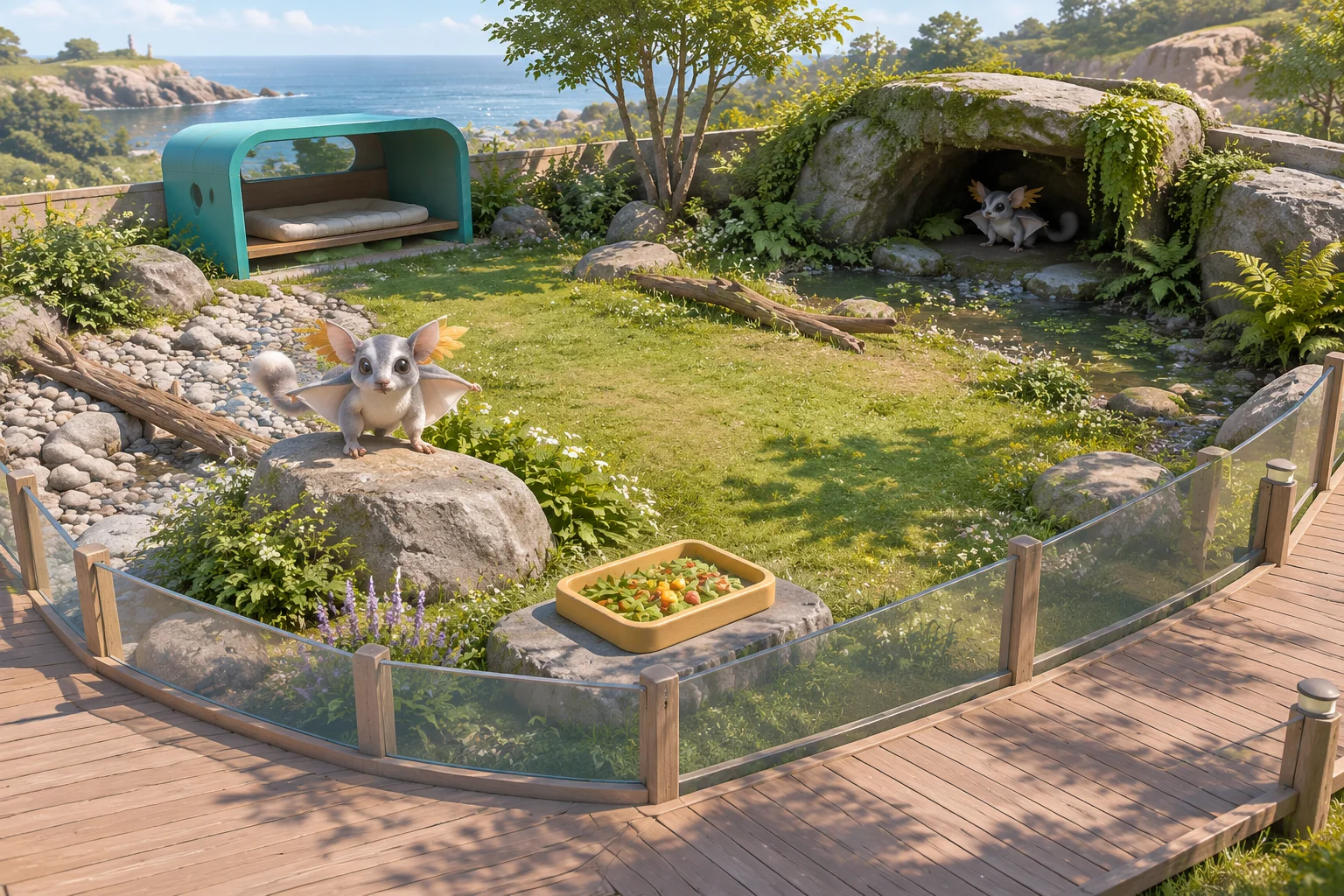
To make an original habitat-building game inspired by Planet Zoo, give the player one placement decision that affects both a creature and a visitor. In the fictional Tideglass Reserve, an invented silver glider needs a dry, private place to rest. A visitor on the boardwalk wants to see the glider forage. The layout works when it can support both events.
Use two movable modules and three pads. Show which pad the boardwalk can see before the player starts. Then report rest, forage, and visibility as separate checks so the player can tell what to change.
Turn habitat placement into a small game decision
Frontier Developments’ official Planet Zoo listing describes building habitats, managing a zoo, and making choices that affect animal welfare and visitor experience. Use the broad idea that one layout can matter to both.
Tideglass Reserve uses an invented creature, two fixtures, and a scheduled pair of events. Give your version its own habitat and rules. The viewing condition here is a flag in a puzzle. Its dry and private checks apply to this fictional glider.
Preview each pad before locking the modules
Place one Rest Shelter and one Forage Tray on different pads. Move either module freely until Start. If both would occupy the same pad, reject the edit and keep the old placement. Reject Start until both modules have a pad.
| Pad | Ground | Visible from the boardwalk at baseline |
|---|---|---|
| Bank | Dry | No. Private. |
| Glade | Dry | Yes. |
| Alcove | Damp | No. Private. |
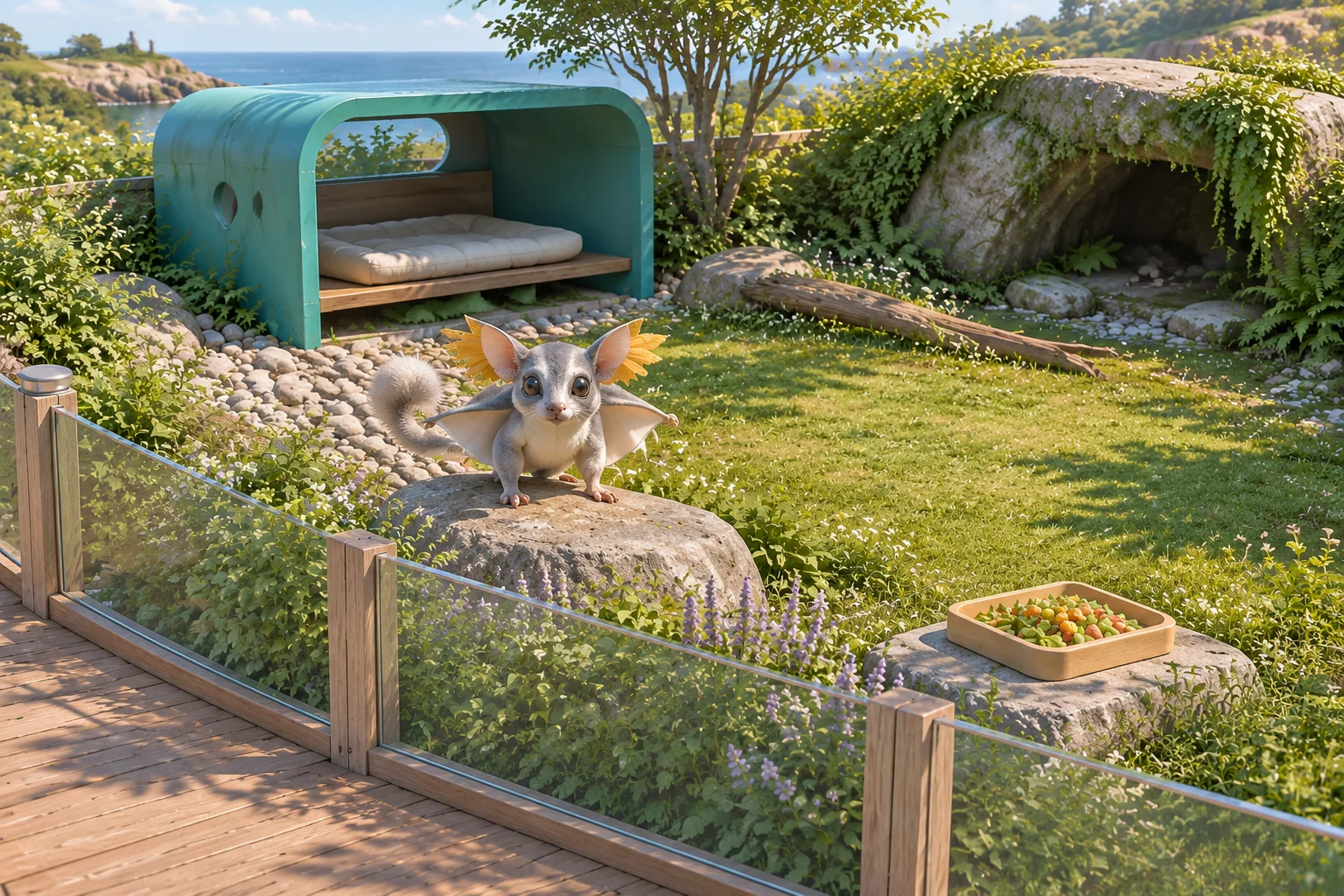
Start locks the layout for two beats. At Rest, record the shelter’s result. Rest is served only when the shelter pad is both dry and private. If either condition fails, show which one. At Forage, the placed tray always serves the event. Check separately whether the boardwalk sees the tray’s pad. Resolve both beats even when Rest fails, then report all three checks.
Compare the checks instead of averaging them
Under the baseline viewpoint, Bank and Alcove are private and Glade is visible. Run these three layouts and record each outcome separately.
| Placement | Rest served | Forage served | Forage observed |
|---|---|---|---|
| Shelter at Bank, Tray at Glade | Yes. Dry and private. | Yes. | Yes. The boardwalk sees Glade. |
| Shelter at Glade, Tray at Bank | No. Glade is dry but visible. | Yes. | No. Bank is private. |
| Shelter at Alcove, Tray at Glade | No. Alcove is private but damp. | Yes. | Yes. The boardwalk sees Glade. |
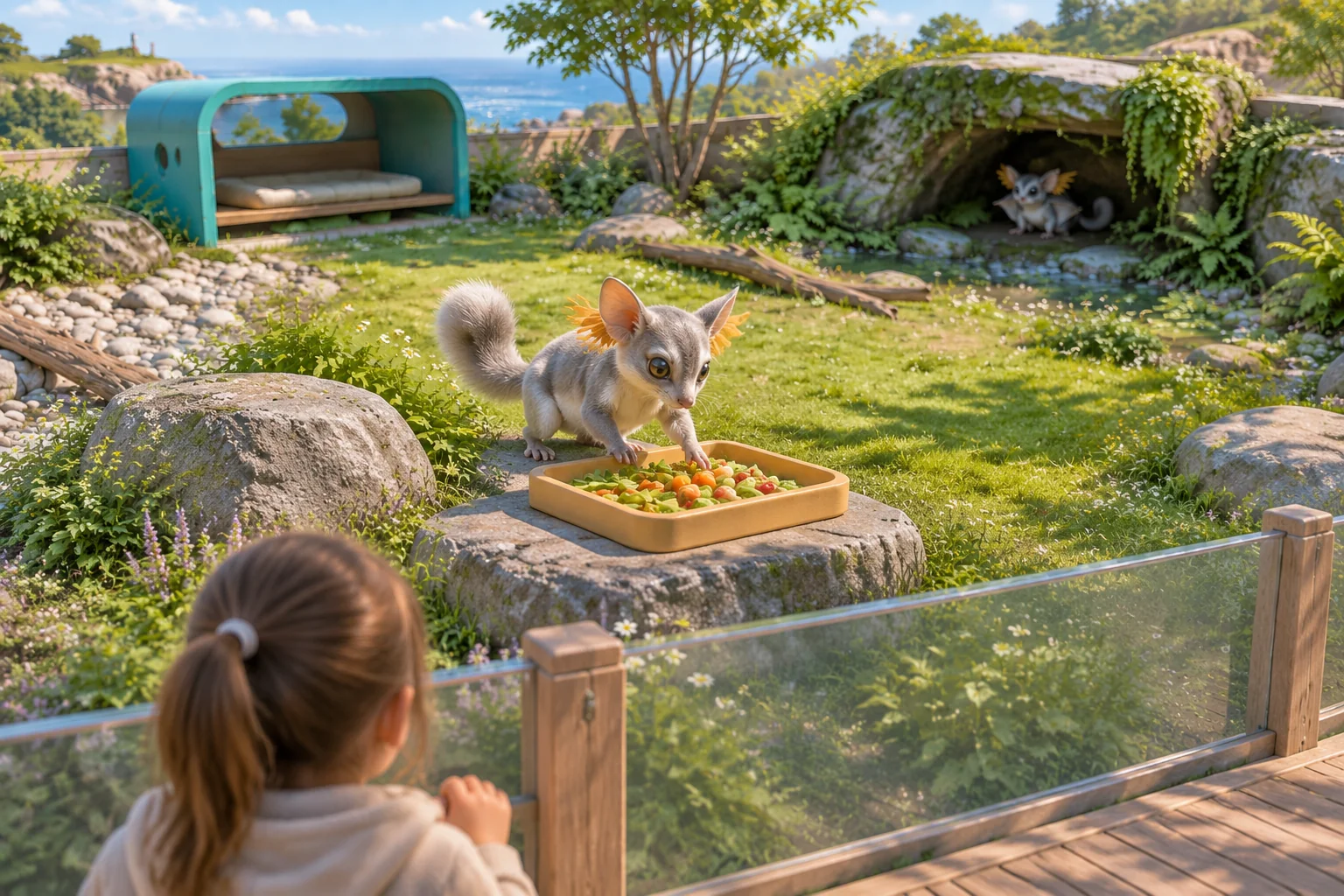
Only the first layout completes all three checks. In the second, the glider still forages even though the visitor misses the event. In the third, the public view works and the rest pad fails because it is damp. Those failures call for different placement changes.
Give AI a two-beat fixture with separate results
Ask for a planning view and a results view. Put the exact flags and event order in the prompt so you can compare the first build against the table.
Build an original Tideglass Reserve layout puzzle.
Use Bank and Glade as dry pads, Alcove as damp.
Boardwalk sees Glade in baseline. The other pads are private.
Show both flags for every pad before Start.

Place one Shelter and one Tray on distinct pads. Moves are free
before Start. Reject a shared pad or an incomplete Start.
Start locks placement. Resolve Rest, then Forage.

Rest succeeds only on a dry private Shelter pad. Record each failed
condition. A placed Tray serves Forage. Record separately whether
its pad is visible. Resolve both beats even after a failed Rest.
Finish when both beats resolve. Complete only if all three pass.

Reset clears modules and results and retains the selected viewpoint.
Try placing both modules on Bank, then try Start with only the Shelter. Both attempts should preserve the valid planning state. Check that a damp private shelter fails only dryness. Run a layout with an unobserved tray and verify that it still serves Forage. Reset after a complete and an incomplete result.
Move only the viewpoint and replay the placements
Change the visible pad from Glade to Bank. Keep the surfaces and event order fixed. Replay Shelter at Bank and Tray at Glade without moving either module. Bank is now visible, so Rest fails privacy. Glade still serves the forage event, but the visitor misses it. Swap the modules to Shelter at Glade and Tray at Bank. Now all three checks pass.
The worksheet changes which pad the boardwalk sees and predicts the new result. In a working build, check whether the preview makes the changed viewpoint easy to spot. The guide to replaying a build after one change can help you compare the two layouts.
Build one habitat with a readable result
Start with two modules and two scheduled events. Start your original habitat puzzle with SEELE’s AI game maker and use the three checks to verify what changed before adding another creature or viewing area.
Frequently asked questions
Why show three checks instead of one combined score?
Separate checks tell the player what to fix. An unobserved forage event can still be served, and a private rest pad can still be damp. Give each result its own line so the player can connect the failed condition to a specific module or pad.
What should the placement preview show?
Show the surface and boardwalk visibility for every pad before Start. Use distinct marks for dry ground and visibility so the player can compare them quickly. Keep the same labels in the result report to make it easy to trace each condition back to the layout.
Why does the damp alcove stay private after the viewpoint changes?
The boardwalk sees only the designated pad in this fixture. Switching from Glade to Bank leaves Alcove outside the view in both versions. Its damp flag also stays fixed, so privacy alone can never make it a valid shelter pad under these rules.
How should I add a third event?
Give it one distinct requirement that changes a placement choice. Keep the existing results separate so you can see which check the new event affects. Replay the original two events before and after the addition, then check whether the new event creates a different decision.