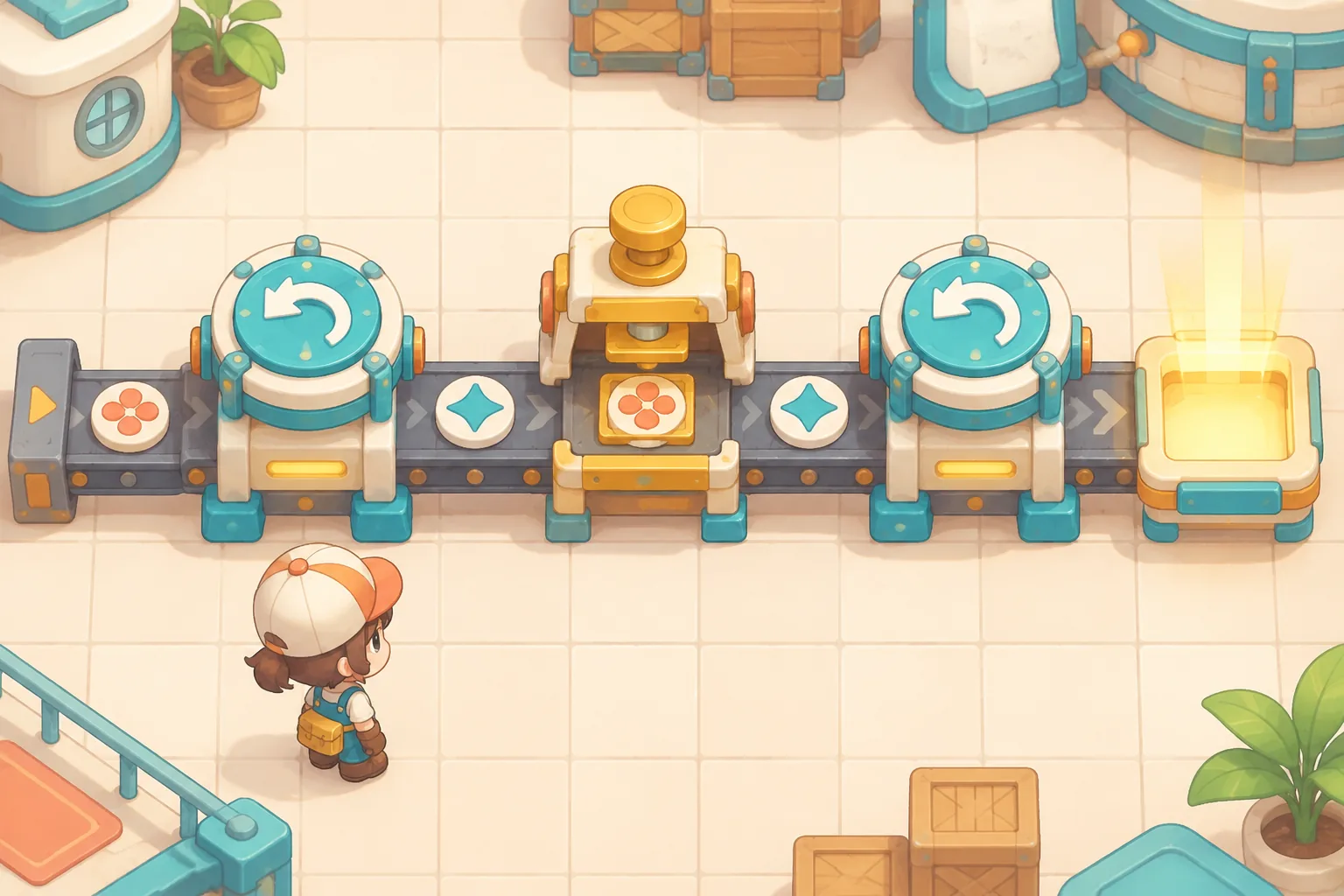
Start an original factory game with a line you can see and a production rule you can check. In the fictional Reed Mesa workshop, an extractor feeds raw tiles to a press, and the press sends finished panels to a crate dock. A slow press eventually fills the input queue and stops the extractor.
Run the line for six ticks, then change only the press schedule. The two traces below show when the first crate arrives, where items wait and why faster processing changes the result.
Place a short production line
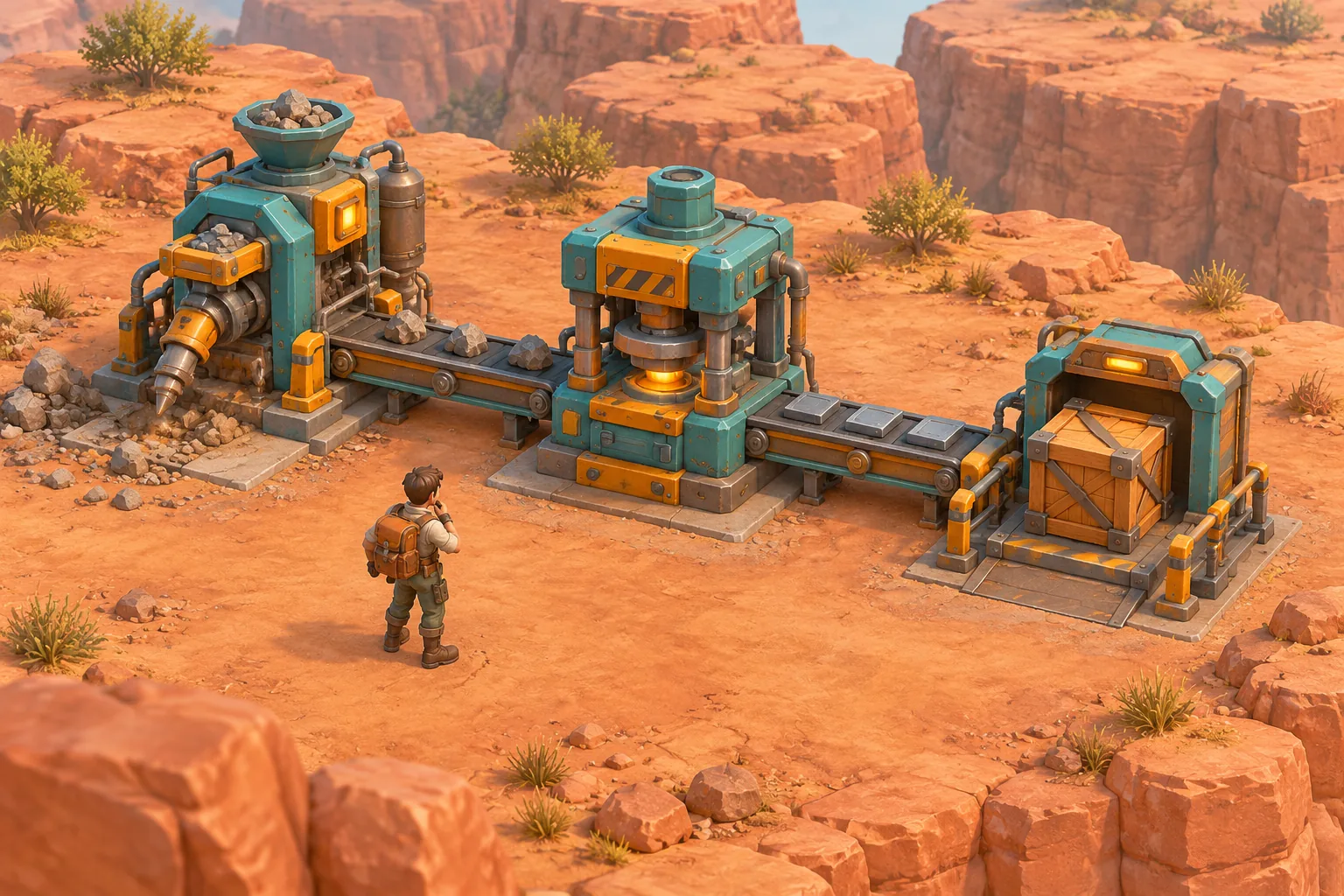
Coffee Stain describes Satisfactory as a first-person factory-building game with conveyor networks. For your own project, use the broad idea of connecting production stages to make a small spatial puzzle with its own equipment, setting and rules.
Put an Extractor at grid position (0, 0), a Press at (2, 0), and a Crate Dock at (4, 0). Connect the Extractor to the Press with belt A and the Press to the Dock with belt B. Each belt spans two grid units. Start with eight raw tiles in the Extractor and no items anywhere else.
Define buffers and tick phases
Each belt holds up to two items and can deliver at most one item per tick. Each receiving machine has a two-item input buffer. The Press consumes one raw tile and puts one panel onto belt B when it operates and the belt has space. The Dock consumes at most one panel per tick and records a finished crate.
| Phase | Action | Wait condition |
|---|---|---|
| 1. Extract | Put at most one raw tile onto belt A. | No raw stock or belt A already full. |
| 2. Deliver | Each belt delivers at most one item that was on it at the start of the tick. | The receiving input buffer is full. |
| 3. Press | On an operating tick, consume one raw tile and place one panel on belt B. | No input, belt B full, or press scheduled idle. |
| 4. Dock | Consume at most one panel in the Dock input and add one finished crate. | No panel in the Dock input. |
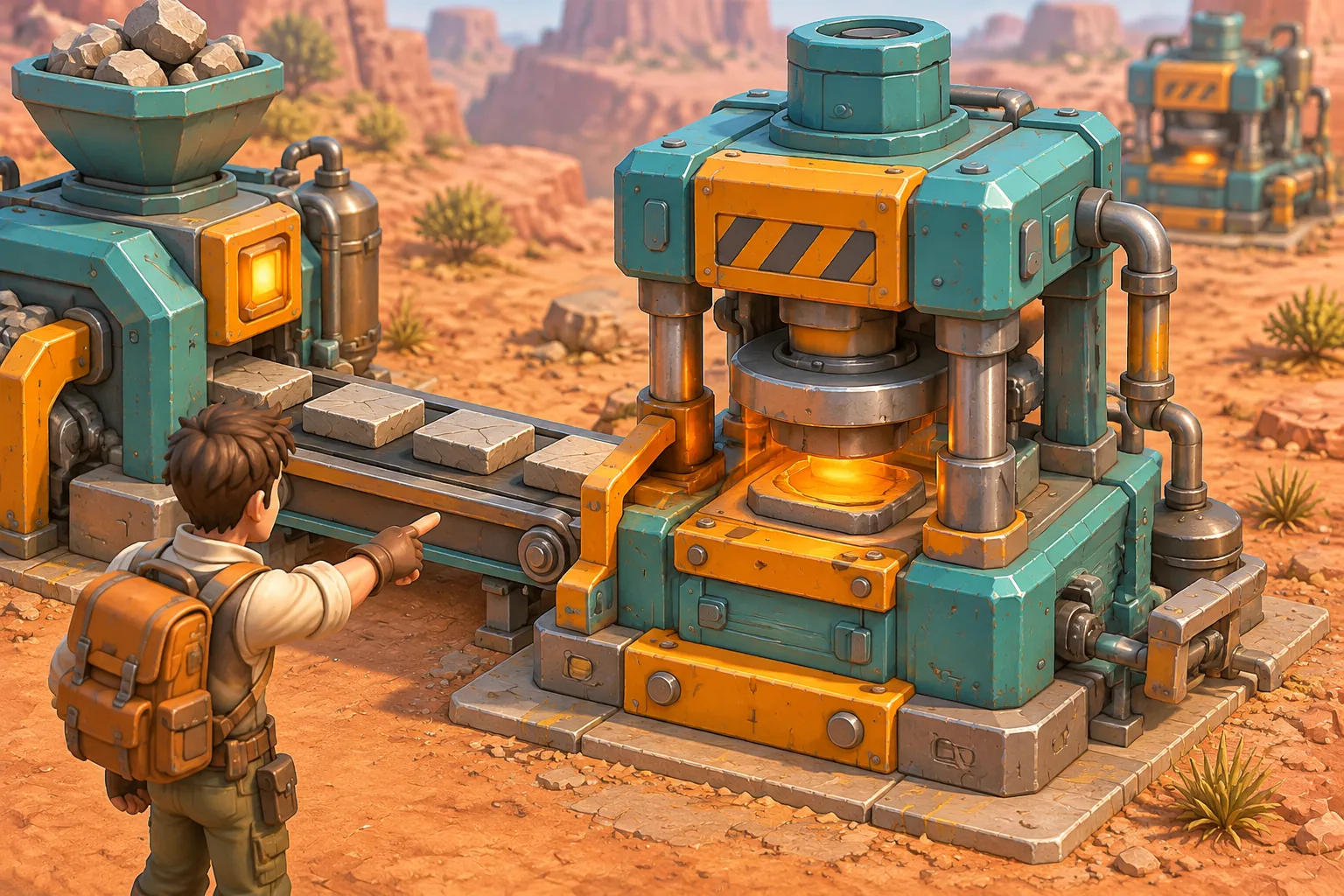
Apply belt deliveries simultaneously. A tile added to a belt during the current tick cannot be delivered until a later tick. A tile delivered into the Press input during phase two is available for processing in phase three of that same tick. A panel delivered into the Dock input during phase two is available in phase four. This makes phase order reproducible. A full buffer does not delete an item. The belt retains it and the upstream machine waits when its own output belt fills.
Trace the bottleneck
In the baseline, the Press operates on odd ticks only. The table records the state after each tick. Belt and buffer columns count items currently in those locations, while crates count cumulative finished output.
| Tick | Raw stock | Belt A | Press input | Belt B | Crates |
|---|---|---|---|---|---|
| 1 | 7 | 1 | 0 | 0 | 0 |
| 2 | 6 | 1 | 1 | 0 | 0 |
| 3 | 5 | 1 | 1 | 1 | 0 |
| 4 | 4 | 1 | 2 | 0 | 1 |
| 5 | 3 | 2 | 1 | 1 | 1 |
| 6 | 3 | 1 | 2 | 0 | 2 |
At the start of tick six, belt A is full. The Extractor waits in phase one even though phase two later moves a tile into the Press buffer. The raw stock therefore remains at three. Showing that wait reason next to the Extractor makes the backlog easier to diagnose than a single output counter.
Change one schedule and replay
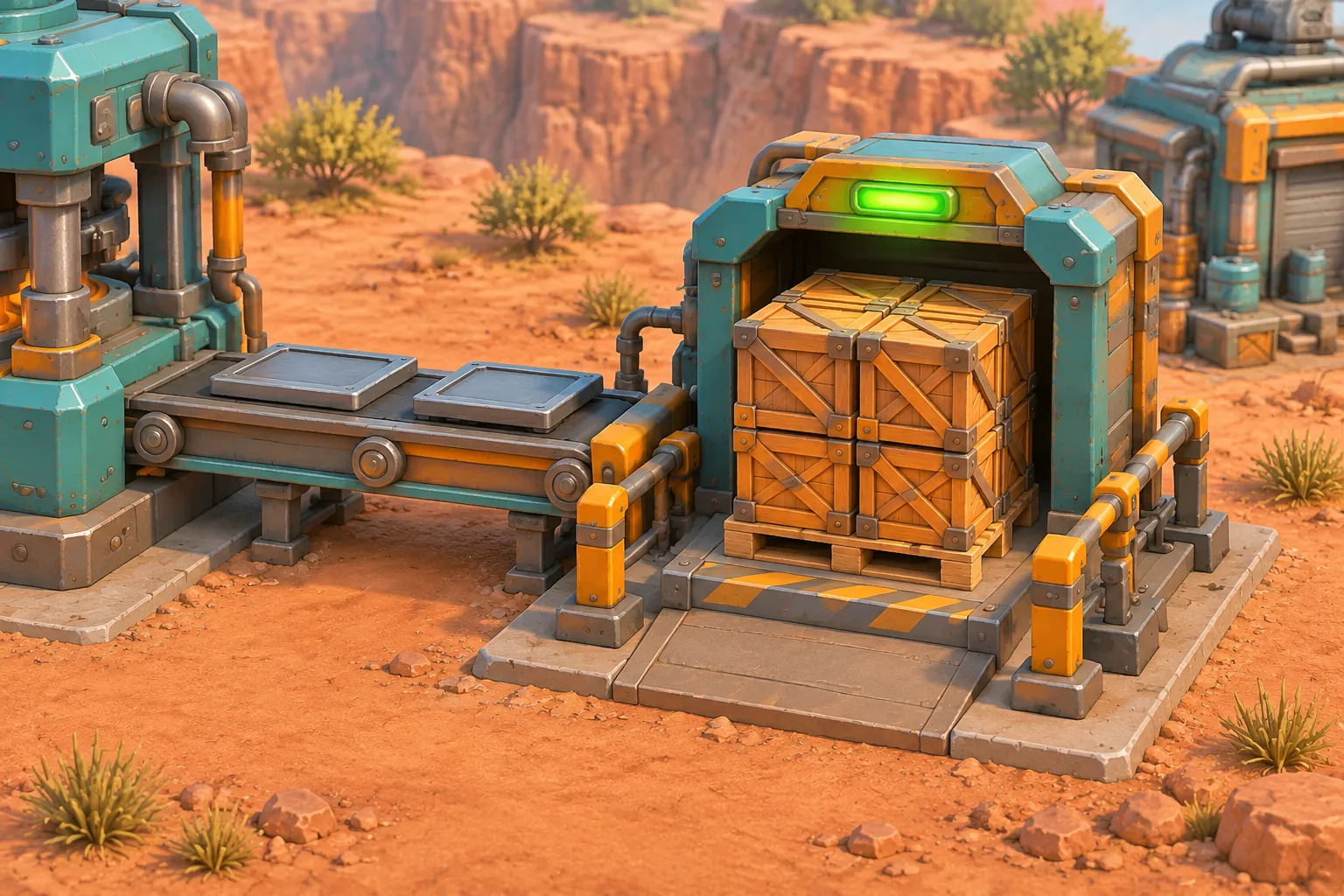
Reset the stock, belts, buffers, tick counter and finished crates. Change only the Press to operate every tick. Finished crates after ticks one through six are 0, 0, 1, 2, 3 and 4. Raw stock ends at two, belt A holds one tile, the Press input is empty and belt B holds one panel.
The baseline finishes with two crates and the revised schedule with four. Both outcomes follow the rules in this fictional six-tick fixture. To isolate a suspected bug, compare the first tick where the two traces differ. On tick two, the revised Press can consume the tile delivered in phase two and place a panel onto belt B in phase three.
Give AI the factory fixture
Give the builder the initial state and phase order as well as the visual layout. The prompt below includes both acceptance runs.
Build an original browser factory game called Reed Mesa.
Place Extractor at (0,0), Press at (2,0), Dock at (4,0).
Connect Extractor to Press with belt A and Press to Dock with belt B.
Each belt spans two grid units, holds two items, and delivers at most one per tick.
Each receiving machine has an input buffer of capacity two.
Start with eight raw tiles in Extractor and empty belts, inputs and output.
For each tick: first put at most one raw tile on belt A if space and stock allow.
Then simultaneously deliver at most one item from each belt that was present at tick start, if the destination has input space.
Then Press consumes one input and puts one panel on belt B if scheduled and space permits.
Finally Dock consumes at most one panel from its input and records one finished crate.
Items newly added to a belt cannot be delivered in the same tick.
An item delivered to a machine input in phase 2 is available to that machine in its later phase of the same tick.
A blocked machine waits without deleting items. Show each wait reason and a chronological state log.
Baseline Press works on odd ticks only. Provide an option for it to work every tick.
After each tick log raw stock, belt A, Press input, belt B, completed crates.
Baseline expected rows: (7,1,0,0,0), (6,1,1,0,0), (5,1,1,1,0), (4,1,2,0,1), (3,2,1,1,1), (3,1,2,0,2).
Every-tick expected rows: (7,1,0,0,0), (6,1,0,1,0), (5,1,0,1,1), (4,1,0,1,2), (3,1,0,1,3), (2,1,0,1,4).
Include a step control and reset restoring stock, all queues, output and the baseline schedule.
Use original mesa workshop art and readable keyboard-accessible controls.
Step through both runs from reset. Check the belt counts and the Press input at every tick, not just the final crate total. Use the first-build guide to adapt the fixture. Build Reed Mesa in SEELE AI Game Maker and verify its log before adding more machines.
Frequently asked questions
How many machines should a first factory game include?
Start with a source, one processor and an output dock. Two connecting belts give you a meaningful place to observe waiting items. The Reed Mesa fixture uses three machines and a six-tick run, so you can check every state before expanding the layout.
How do I show a production bottleneck?
Show each buffer and belt count alongside the machine's current state. When a full belt blocks a source, retain the item and display a waiting reason. Compare the locations of waiting items across ticks to identify which stage is creating the backlog.
Why define the order of simulation phases?
Phase order determines whether a newly produced item can move immediately or must wait until a later tick. A fixed order makes a trace reproducible and makes edge cases easier to debug. Specify which items were present at the start of each tick.
How should I test a faster machine schedule?
Reset every buffer and counter, change only the processor schedule, and run the same number of ticks. Compare the complete traces before adding upgrades or new resources. In the fictional fixture, the two schedules produce different crate counts by tick six.