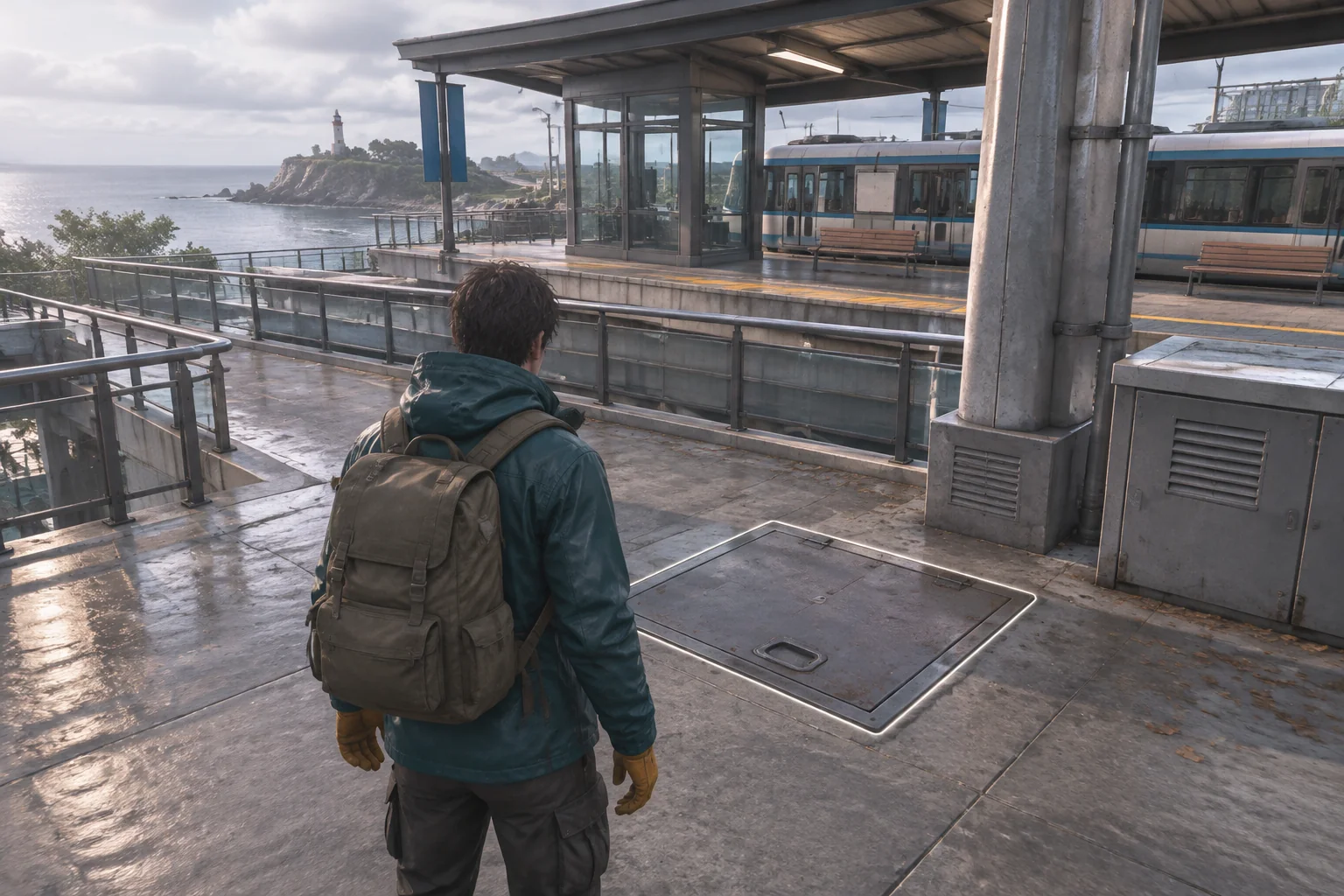
Build an original creative shop game around a design, a printed item and a customer order. In the fictional Paper Harbor shop, the player makes two amber leaf stickers and one teal moon sticker, then packs them for two separate orders.
Keep the editable design separate from printed inventory. That small distinction makes it possible to change the next design without silently changing the stickers already made.
Start with a design and two orders

Spellgarden Games describes Sticky Business as a game about creating stickers, arranging sheets and packing orders. Use that broad creative-shop loop as a starting point for your own products, customers and rules.
In Paper Harbor, each draft has a shape, Leaf or Moon, and a color, Amber or Teal. Start with Leaf and Amber selected, three blank sheets, no printed stickers and ten credits. The amounts below are invented game values, not estimates for a real shop.
Print a snapshot of the draft
Printing one sticker consumes one blank sheet and one credit. It creates a printed item with a unique ID and the draft's current shape and color. A later draft edit affects only future prints. Show each printed item's variant in the inventory so the player can choose it confidently.
| Step | Draft and action | Inventory and credits afterward |
|---|---|---|
| 1 | Print Leaf/Amber twice. | Two Leaf/Amber stickers, one blank sheet, eight credits. |
| 2 | Change draft to Moon/Teal and print once. | Two Leaf/Amber and one Moon/Teal, no blank sheets, seven credits. |

If a print event is submitted twice with the same action ID, ignore the repeat. If the player has no sheet or no credit, reject printing without changing the draft or inventory. Reset restores the initial design, resources, orders and action IDs.
Match the order before paying
| Order | Exact request | Payout |
|---|---|---|
| A | Two Leaf/Amber stickers | 6 credits |
| B | One Moon/Teal sticker | 4 credits |
Select distinct printed sticker IDs for an open order. Submission succeeds only if the selected variants and quantities match exactly. On success, consume those stickers, add the payout once and mark the order complete. Reject a wrong variant, a missing item or an already completed order without consuming inventory or paying.
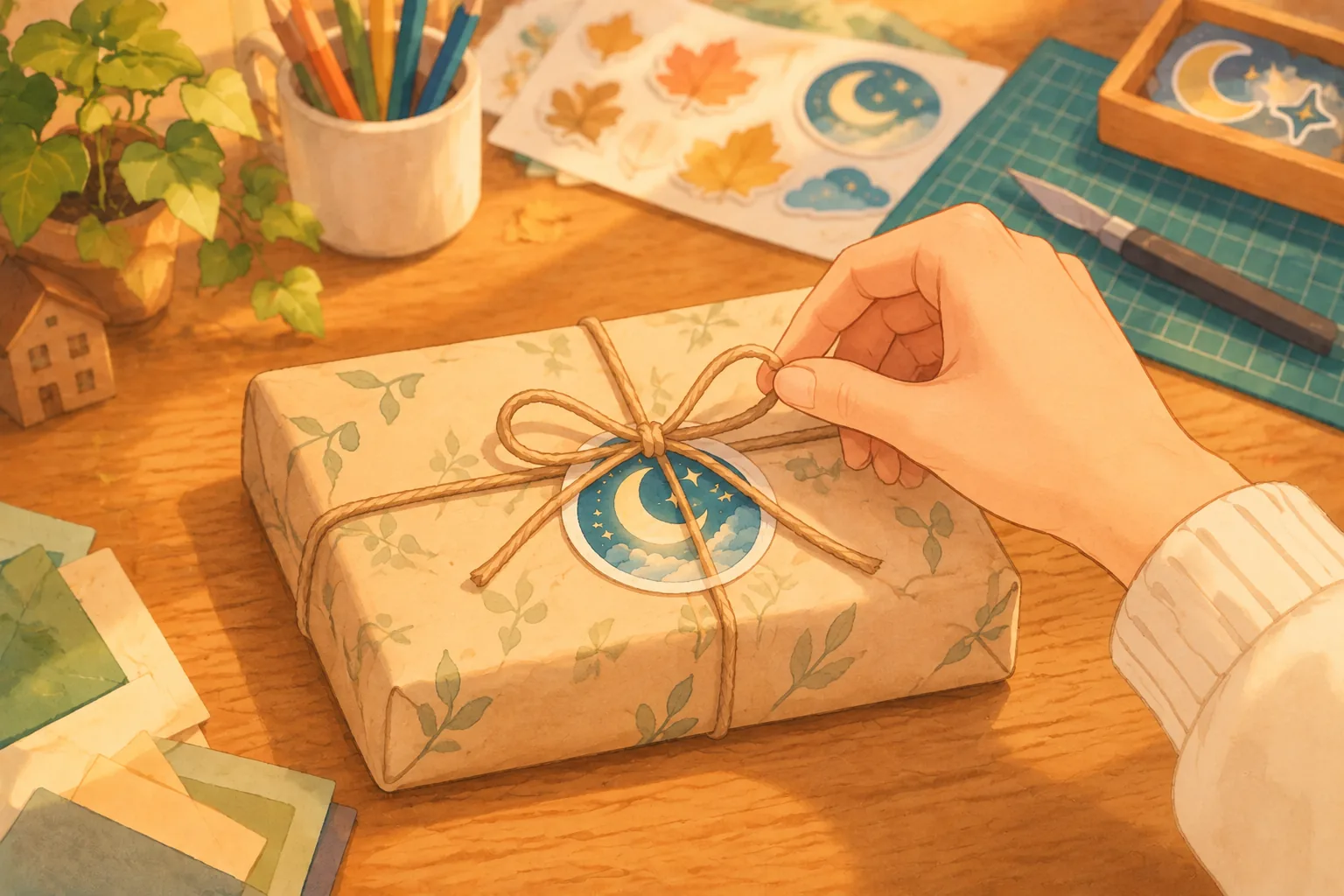
After printing the three items above, submit A with its two Leaf/Amber stickers. Credits rise from 7 to 13 and the Moon/Teal sticker remains. Submit B next. Credits rise to 17 and the printed inventory becomes empty.
Test a wrong variant and a repeat
From the same three-item inventory, try selecting one Leaf/Amber and one Moon/Teal for A. The selection has two items but the variants do not match. The game should reject it, leaving all three stickers and seven credits unchanged. The player can then make a corrected selection.
After a successful submission, repeat its action ID and try the completed order again with a new ID. Neither attempt should consume another item or pay a second time. Keep the order's completed state separate from the most recent button event.
Give AI the complete shop fixture
Build an original browser sticker-shop game called Paper Harbor.
A draft has shape Leaf or Moon and color Amber or Teal. Start with Leaf/Amber.
Start with 3 blank sheets, 0 printed stickers and 10 credits.
Printing one sticker requires and consumes 1 blank sheet and 1 credit.
Each printed sticker has a unique ID and stores the shape and color of the draft at print time.
Changing the draft later never changes printed stickers.
Order A requests exactly 2 Leaf/Amber stickers and pays 6 credits.
Order B requests exactly 1 Moon/Teal sticker and pays 4 credits.
Allow selection of distinct printed sticker IDs for an open order.
Only an exact match of variants and quantities succeeds. Consume selected stickers, pay once and mark the order complete.
Reject a wrong variant, insufficient quantity or completed order without changing inventory or paying.
Ignore duplicate print or submit action IDs.
Print Leaf/Amber twice, change to Moon/Teal, print once: sheets 0, credits 7, inventory 2 Leaf/Amber and 1 Moon/Teal.
From that state, select one of each variant for A: reject, inventory and credits unchanged.
Submit A correctly: credits 13 and only Moon/Teal remains. Submit B: credits 17 and inventory empty.
Repeating a successful submit or submitting an already completed order cannot pay again.
Reset restores draft, sheets, credits, orders, printed items and action IDs.
Show draft, variant labels, inventory, order status and accessible controls. Use original sticker art.
Replay the successful and wrong-variant cases from reset. Check that an old printed sticker retains its design after the draft changes. See the first-build guide for adapting this fixture.
Build Paper Harbor in SEELE AI Game Maker and verify inventory and payouts before adding more designs or customers.
Frequently asked questions
How should a sticker shop game track a design after printing?
Treat the editable design as a template and save a snapshot on each printed sticker. Paper Harbor records a shape, Leaf or Moon, and a color, Amber or Teal, together with a unique item ID. Changing the draft then affects future prints only. This makes inventory and order checks stable even while the player experiments with new designs.
How can an order avoid accepting the wrong sticker variant?
Compare the selected printed items with the order as an exact multiset of variants and quantities. Paper Harbor order A requires two Leaf/Amber stickers, so one Leaf/Amber plus one Moon/Teal is rejected even though the selection contains two items. A rejected attempt leaves the inventory and credit total unchanged, giving the player a safe way to correct the package.
How do the Paper Harbor credits add up?
The fictional fixture begins with 10 credits and charges one credit for each of three prints, leaving 7 before orders. Completing order A adds 6 credits, reaching 13, and completing order B adds 4, reaching 17. These are authored values for the sample game, not real production costs or evidence about a real sticker business.
What should happen if a player submits the same order twice?
Give each print or submit action an ID and ignore a repeated ID. Also track whether each order is complete, because a second submission using a new ID must not award payment again. Paper Harbor rejects a completed order without consuming more stickers or changing credits. Reset should restore the initial inventory, draft, orders and action-ID history for replayable testing.