Introduction
A live-event browser game can give attendees a lightweight way to explore a venue or take part in a short activity through a link. For organizers, the design challenge is practical: make the first step obvious, keep play brief, and ensure event information remains easy to find if the game is unavailable.
This guide uses OrbitFest, a fictional one-day community event, as a scenario. Its venue map, sessions and game interactions are invented. No event, attendee trial or playable build is represented. Replace the scenario with approved event details before use.
Choose one attendee outcome
Decide what an attendee should be able to do after a few minutes: find a session, discover a venue area, complete a playful challenge or learn where to ask for help. Choose one primary outcome and keep the game loop connected to it. Avoid adding competition or rewards that could distract from important logistics.
Prompt 1 — event game brief
Write a brief for a fictional browser game for OrbitFest organizers. Define attendee audience, event context, one outcome, duration, how to open the game, the main action, completion state, fallback if the experience fails and what evidence would be collected in a later test. Mark all event details fictional and all outcomes untested.
Keep schedules, accessibility information, safety instructions and venue guidance available outside the game. The game can support discovery, but it should not become the only way to access essential event information.
Design a link-first attendee route
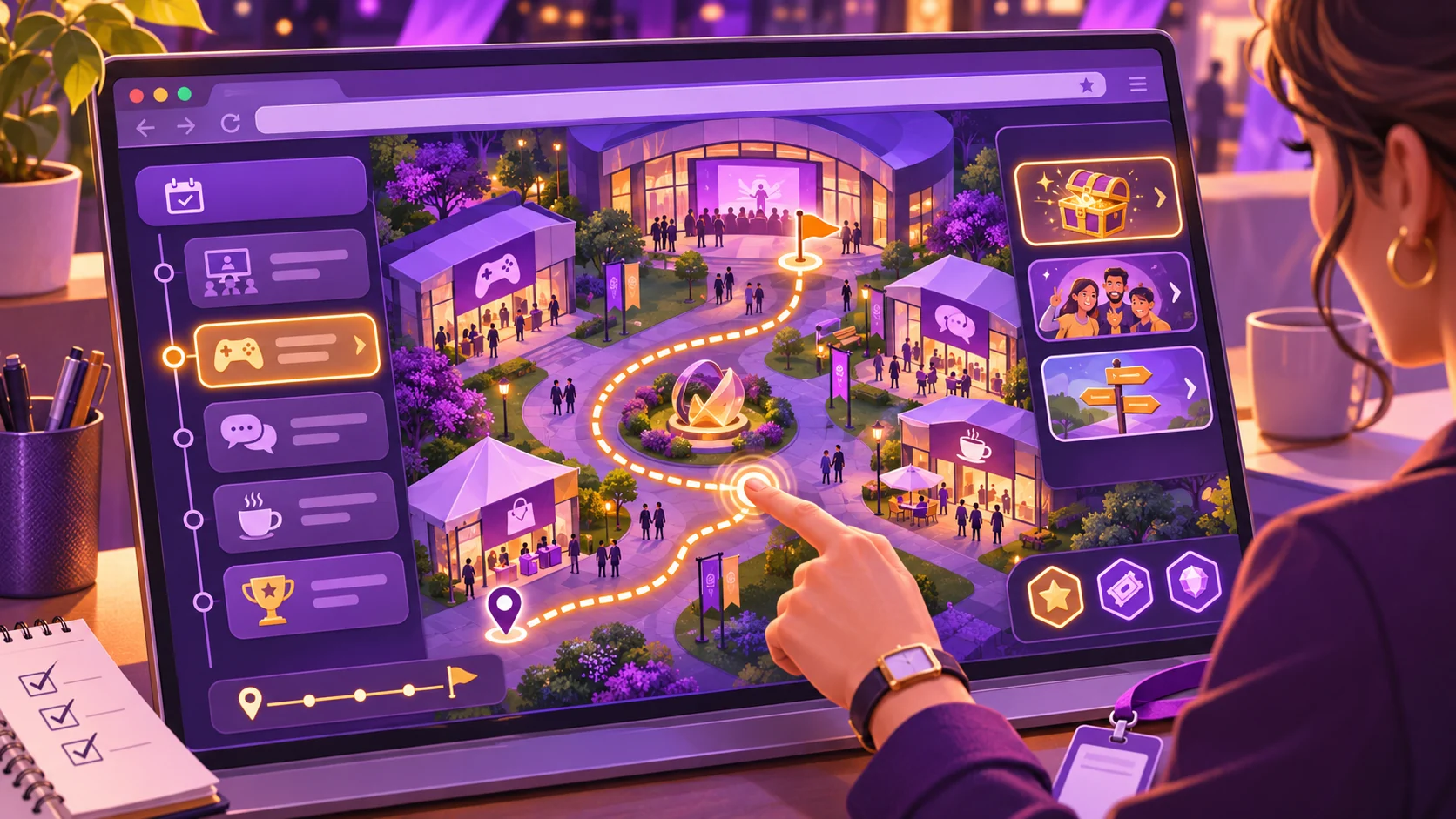
A link can appear on a printed card, event email or organizer-controlled page. Let visitors understand what will happen before they open it. A short route might show the event context, ask for a choice, provide an activity and offer a clear finish. If sign-in is not essential, do not make it a gate to basic participation.
Prompt 2 — visitor flow
Design a five-step link-first route for fictional OrbitFest: open the browser experience, choose a venue interest, complete a short discovery challenge, see a completion screen and return to the event information page. Include an accessible alternative, a skip option and a plain-language failure fallback. Do not assume attendee consent for tracking.
| Stage | Attendee sees or does | Organizer check |
|---|---|---|
| Open | A short explanation and start control | Does the link work from the planned entry point? |
| Choose | One interest or route option | Can the visitor skip or change the choice? |
| Explore | A simple venue-themed challenge | Are directions distinct from official safety guidance? |
| Finish | A completion message or next activity | Is the reward optional and clearly described? |
| Return | A link to schedule and help information | Can the visitor find essential details without play? |
Treat the route as a design plan until a browser build is implemented and checked on the devices and network conditions expected at the venue.
Make mechanics fit the event setting
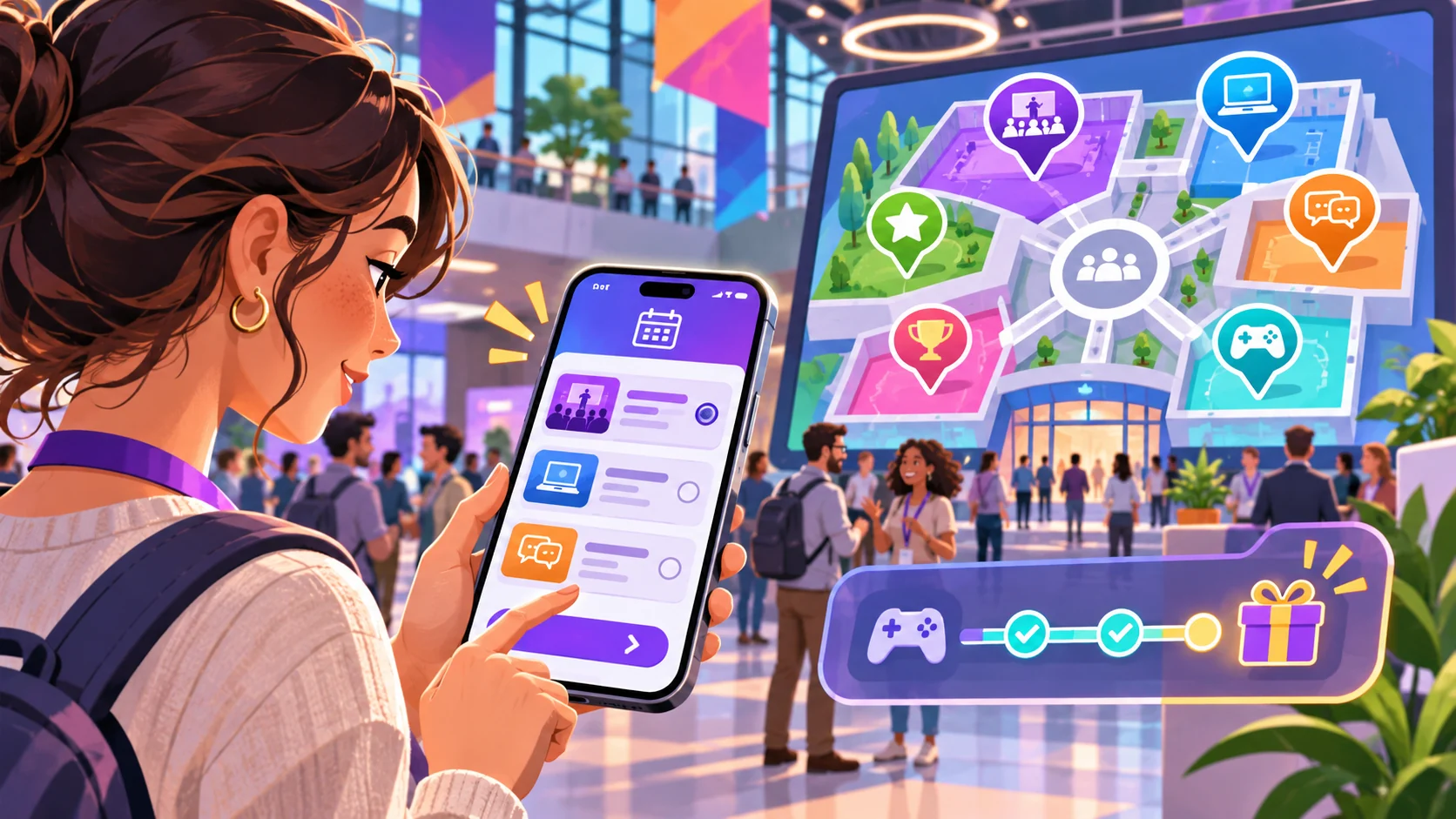
Use a small interaction that does not require visitors to block pathways, run, photograph strangers or share personal details. A fictional map-puzzle or session discovery choice can work as a concept, but venue layout, crowd management and accessibility need organizer review. If the game uses QR codes, provide a typed or short-link alternative where practical.
Prompt 3 — short game loop
Define one fictional OrbitFest browser-game loop that takes about two minutes: attendee choice, interaction, feedback and finish. Keep movement optional, avoid collecting personal information, include a no-camera alternative and identify event-safety details that must be replaced with approved organizer guidance. Label the concept untested.
A useful event mechanic should survive interruptions. Let a visitor pause, close the tab and return to the main event page without losing access to schedule or support information.
Keep the content editable and event-ready
Store event copy, activity steps, links and fallback text separately from the game logic so an organizer can update them. Confirm dates and venue details near the event, and assign an owner to the links. The JSON below is a fictional starting point, not an operational event schedule.
{
  "eventName": "OrbitFest — fictional event scenario",
  "statusLabel": "Concept example; not a real event",
  "attendeeGoal": "Discover one activity or venue area",
  "durationTargetMinutes": 2,
  "entryPoints": ["event page link", "printed short link"],
  "officialInformationUrl": "REPLACE_WITH_APPROVED_EVENT_URL",
  "steps": [
    {"id":"welcome","type":"intro","copy":"Explore a fictional event activity"},
    {"id":"choose","type":"choice","options":["music","workshops","community"]},
    {"id":"explore","type":"light-puzzle","movementRequired":false},
    {"id":"finish","type":"completion","showReturnLink":true}
  ],
  "accessibility": ["keyboard support", "screen-reader labels", "reduced motion", "text alternative", "skip control"],
  "privacy": {"collectPersonalData": false, "analytics": "off until approved"},
  "fallback": "Show approved event schedule and help contact if the game does not load",
  "reviewRequired": ["event dates and venue", "accessibility", "safety", "links", "privacy", "reward terms"],
  "evidenceStatus": "fictional and untested"
}
Before using a real event schedule, confirm that the official page is the source of truth and that updates propagate when a session changes. Do not put emergency instructions only inside an interactive activity.
Plan a playable browser prototype
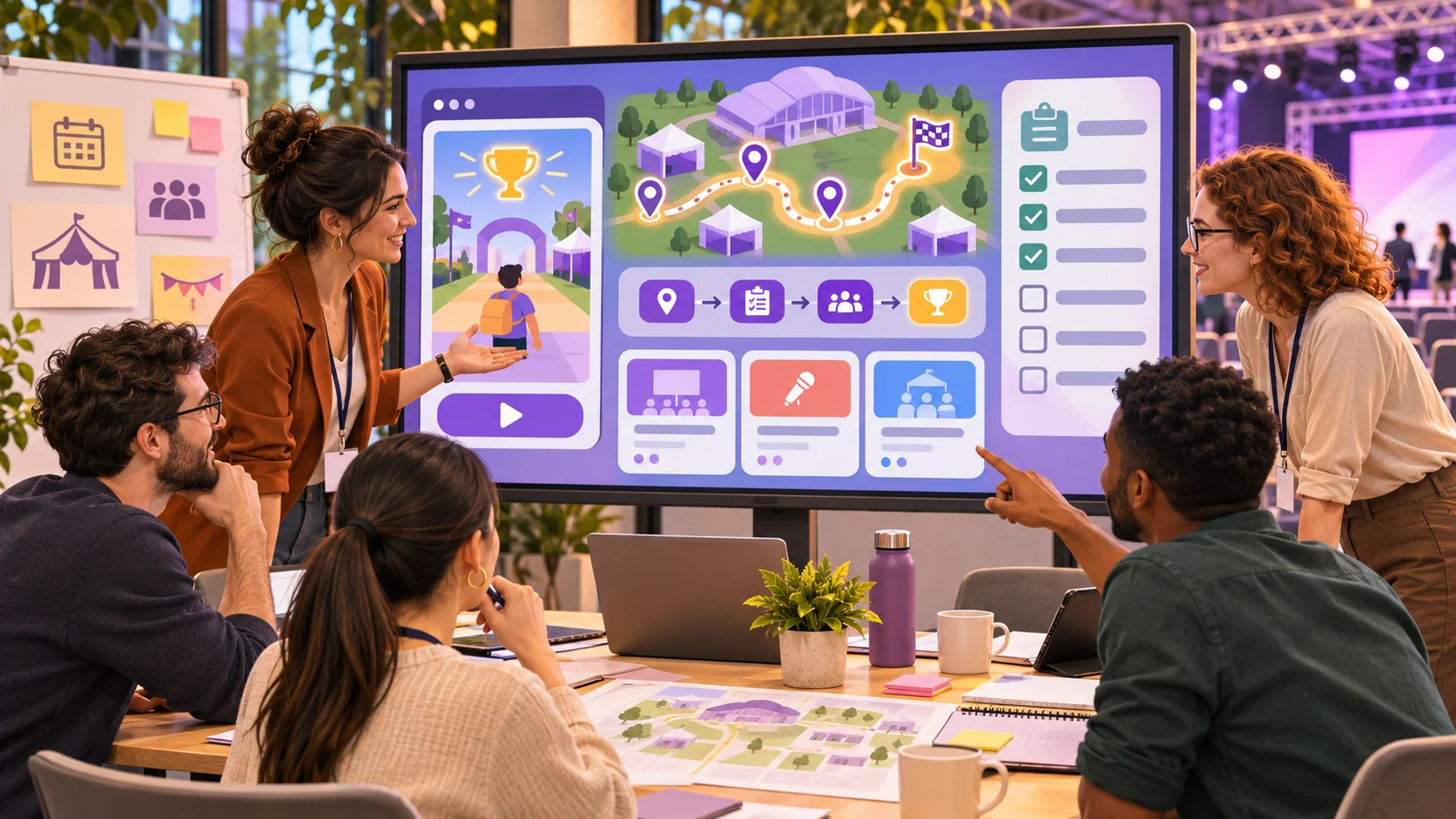
Start with a local slice that opens in a mobile-sized viewport, explains the scenario, supports a single interaction and returns to a completion or fallback screen. Check loading, keyboard use, text zoom, contrast and touch targets. If the game depends on network access, say so before the attendee starts and provide the schedule link separately.
Prompt 4 — first playable event slice
Build a small local OrbitFest browser-game prototype from the editable specification. Include an intro, one short choice-based activity, completion, return link, skip, keyboard support and a fallback state. Use fictional labels, no real venue directions, no data collection and no claim of testing. List implemented interactions, static screens and open organizer approvals.
A mockup can communicate the intended flow but cannot verify behavior. Record which controls actually work in the local prototype and which are illustrative only.
Simulate an event customization
For a fictional scenario adaptation, imagine changing OrbitFest into LanternWalk, a made-up evening community gathering. Replace the event name, activity theme, entry wording and finish link. Re-check whether the mechanic still works without requiring visitors to move while looking at a phone. This is a simulated customization, not a real organizer deployment.
Prompt 5 — fictional event adaptation
Adapt the OrbitFest template to a fictional LanternWalk community gathering. Change the activity theme, entry copy, choice labels and return destination placeholder. Preserve the safety, accessibility and privacy requirements. List all invented details and approvals still required. Label the scenario fictional and untested.
Prompt 6 — operations and accessibility review
Review the fictional event-game prototype for entry clarity, short session length, keyboard and screen-reader use, reduced motion, privacy, network failure, schedule access, crowd-safety concerns and return path. Mark each item observed, static, missing or not tested. Do not imply an event rehearsal occurred.
Decide what to test before event day
A later evaluation can check whether the link opens from its intended placement, whether the task is understandable and whether a visitor can leave the activity and reach official information. Test with representative devices and accessibility needs where possible. If collecting analytics or feedback, get the appropriate privacy review and disclose what is collected. A small prototype check does not prove that the experience will work across a crowded venue or unreliable network.
Prompt 7 — pre-event checklist
Create an organizer checklist for reviewing a live-event browser game before launch. Cover link placement, current event information, mobile loading, accessibility, privacy, optional participation, offline or network fallback, safety, support ownership and rollback. For each item state a verification method and leave results pending until actually checked.
Conclusion
A live-event browser game for event organizers should be quick to enter, easy to leave and clearly secondary to essential event information. Build one small attendee route, keep event details editable, plan for accessibility and failure, and review safety and privacy before launch. OrbitFest and LanternWalk are fictional; no event or playable build was tested. Confirm real event details and run appropriate checks before sharing a live link.
You can shape a small concept in the Free AI game maker, then compare it with the editable event template.
FAQ
What is a live-event browser game?
It is a short interactive experience opened in a browser link to support an event activity, discovery route or attendee interaction.
Does an event browser game need an app download?
A browser experience can be designed to open from a link without a dedicated app, but the actual build and device compatibility must be checked before an event.
What should organizers keep outside the game?
Keep essential schedule, accessibility, safety and help information available through an official event page or another reliable channel.
How can organizers make the game accessible?
Plan for keyboard and screen-reader support, readable text, reduced motion, touch targets, text alternatives and a way to skip the activity, then test those paths.
Can a prototype show that the game will work at a live event?
No. A prototype can expose design issues, but venue conditions, network reliability and attendee behavior require appropriate real-world checks.