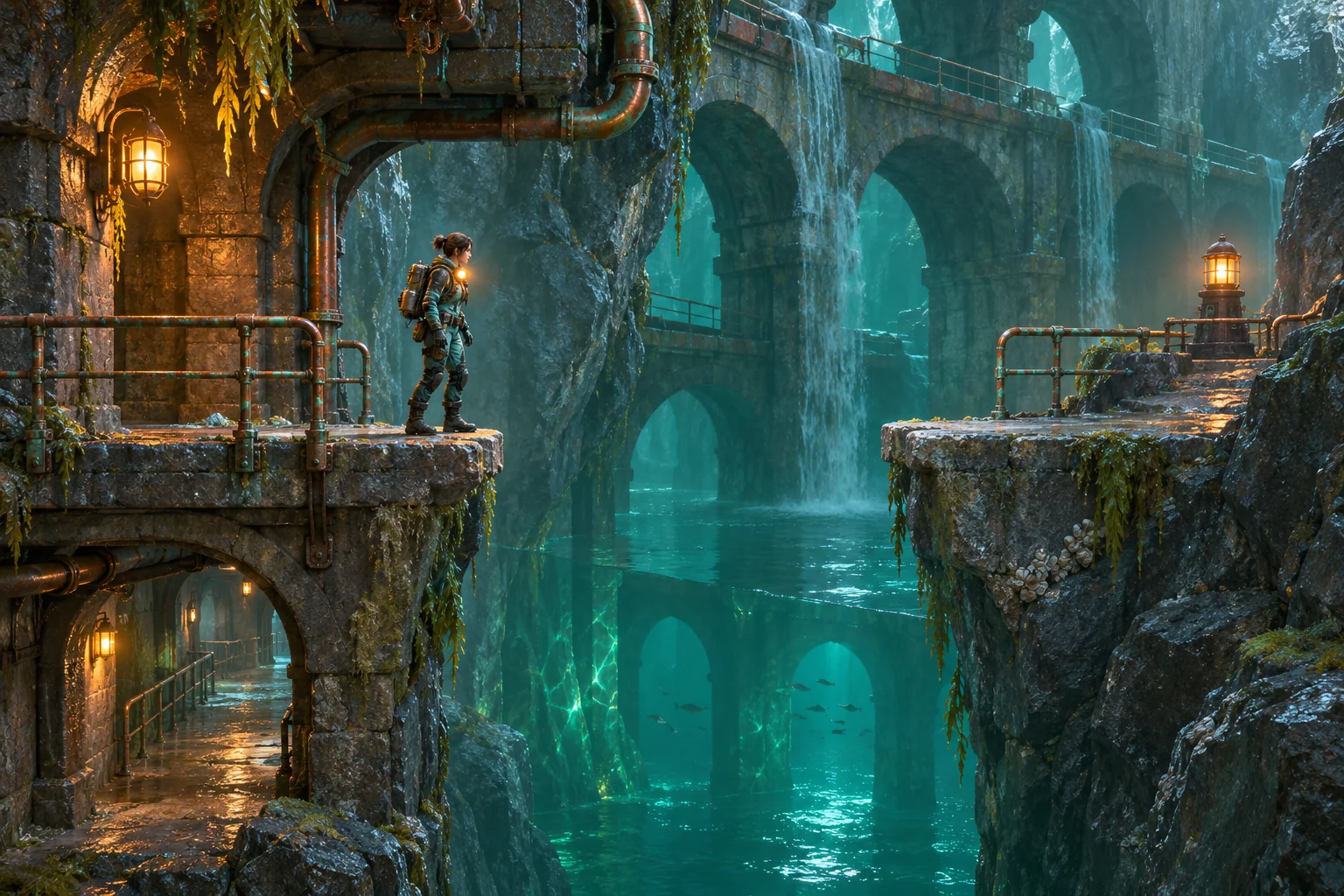
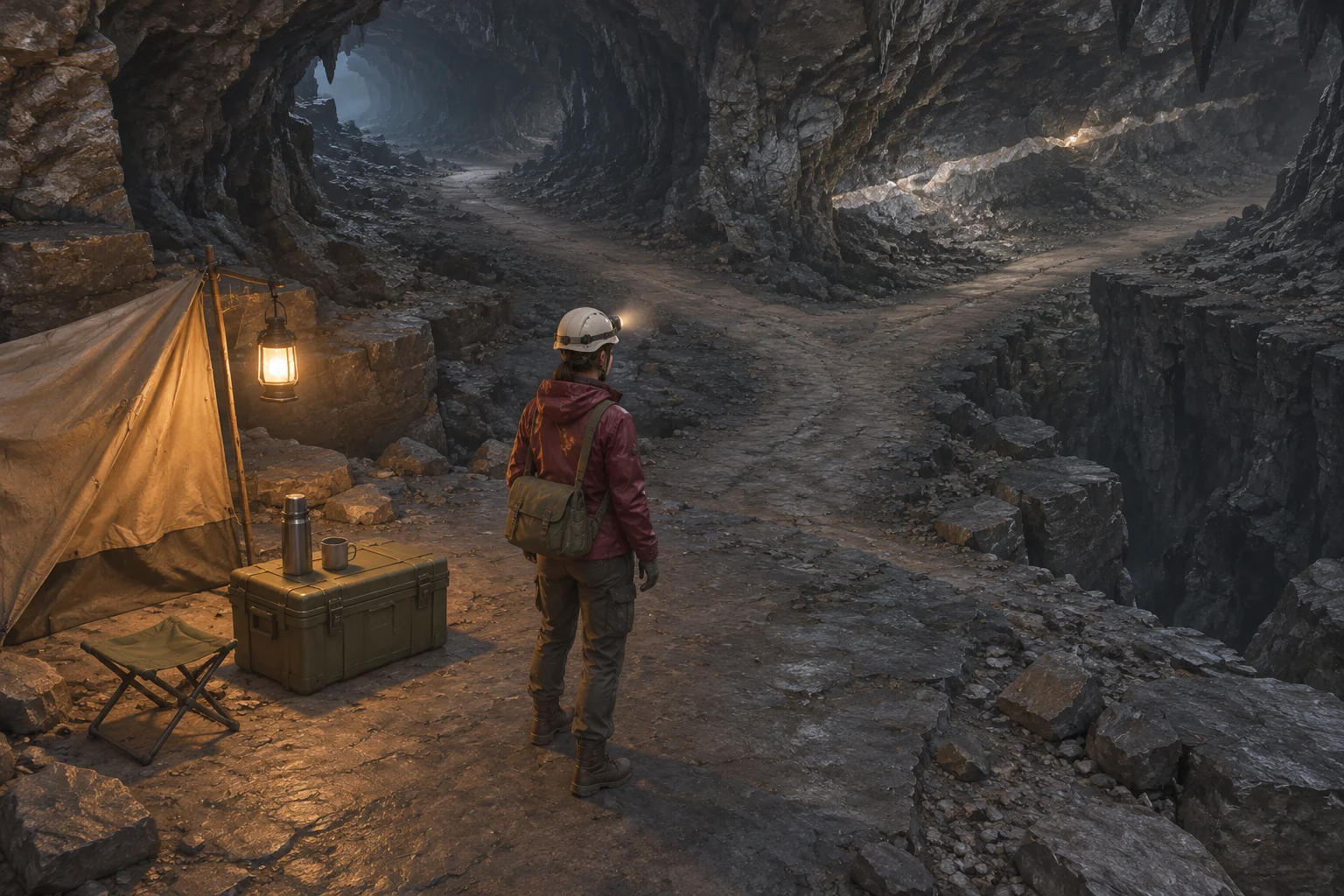
To make a Metroidvania with AI, build one obstacle the player can see before they know how to pass it. Put the new ability on an open route, then bring the player back to the obstacle. The second visit should feel different because the player can use a new move in a place they already recognize.
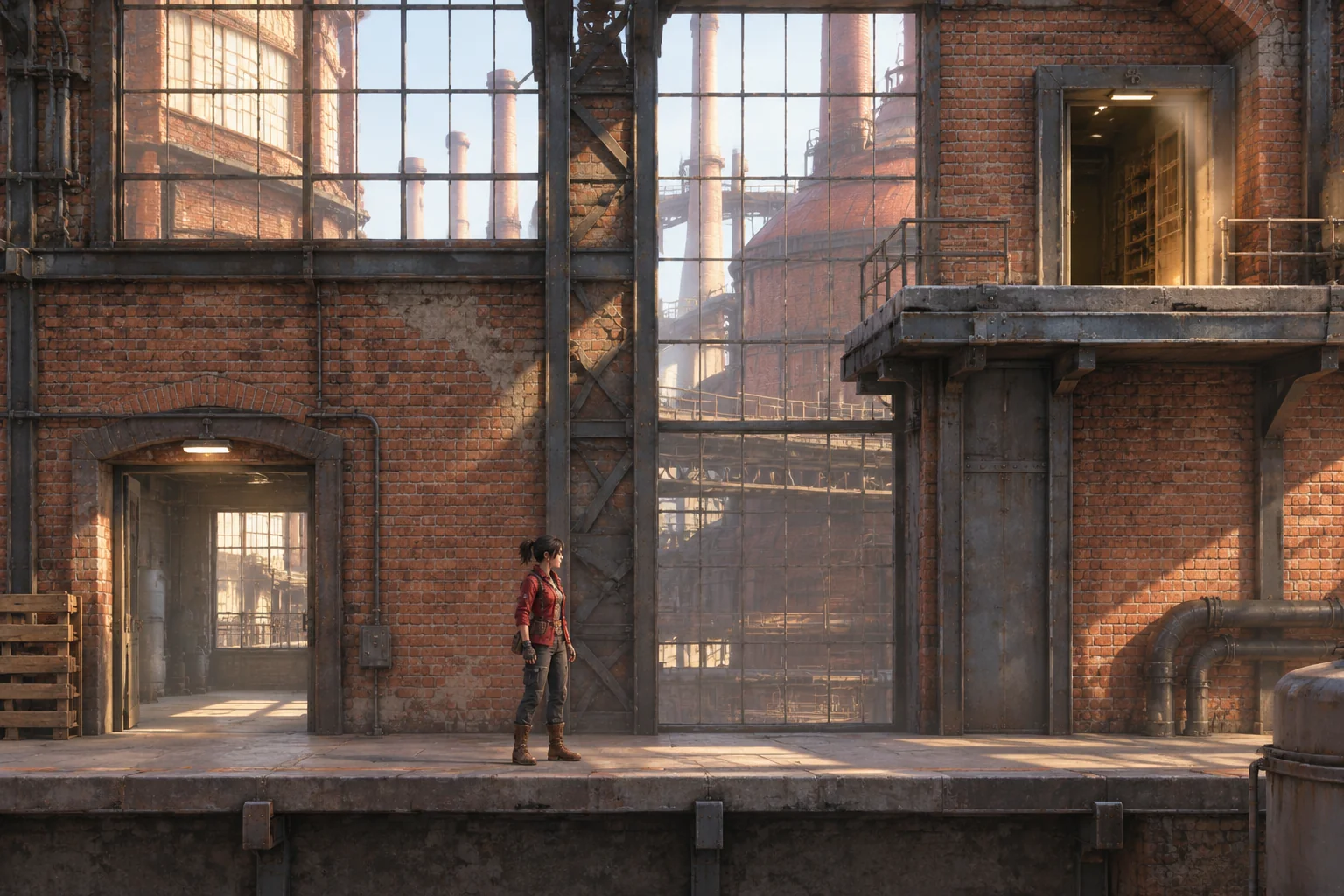
Kiln Relay is a fictional side-view prototype in a shuttered brickworks. A maintenance scout sees an Archive door high above the Landing floor. The Workshop is reachable on foot and holds a grip module. Bring the module back to the Landing and use it to climb to the door.
Draw the route the player will revisit
Start the player on the Landing floor. Put the Archive doorway on a ledge four tile units above it. A normal jump rises two tile units and starts only from the ground. Keep the shaft clear of boxes, moving platforms and intermediate steps so there is a consistent reason the ordinary jump cannot reach the ledge.
Put the Workshop entrance at floor level on the left. The Workshop holds the grip module on a reachable pedestal and a short practice wall. Its entrance stays open in both directions. The first trip through the Landing introduces the problem. The Workshop gives the player a way to try the new move before returning.
| Room | Before the module | After the module |
|---|---|---|
| Landing | See the Archive ledge and walk left to the Workshop. | Climb the tagged shaft, step onto the ledge and enter the Archive. |
| Workshop | Walk to the pedestal and interact with the grip module. | Try the practice wall or go straight back through the floor opening. |
| Archive | The ledge route is out of reach. | Interact with the terminal to finish. |
Save the new move on the player
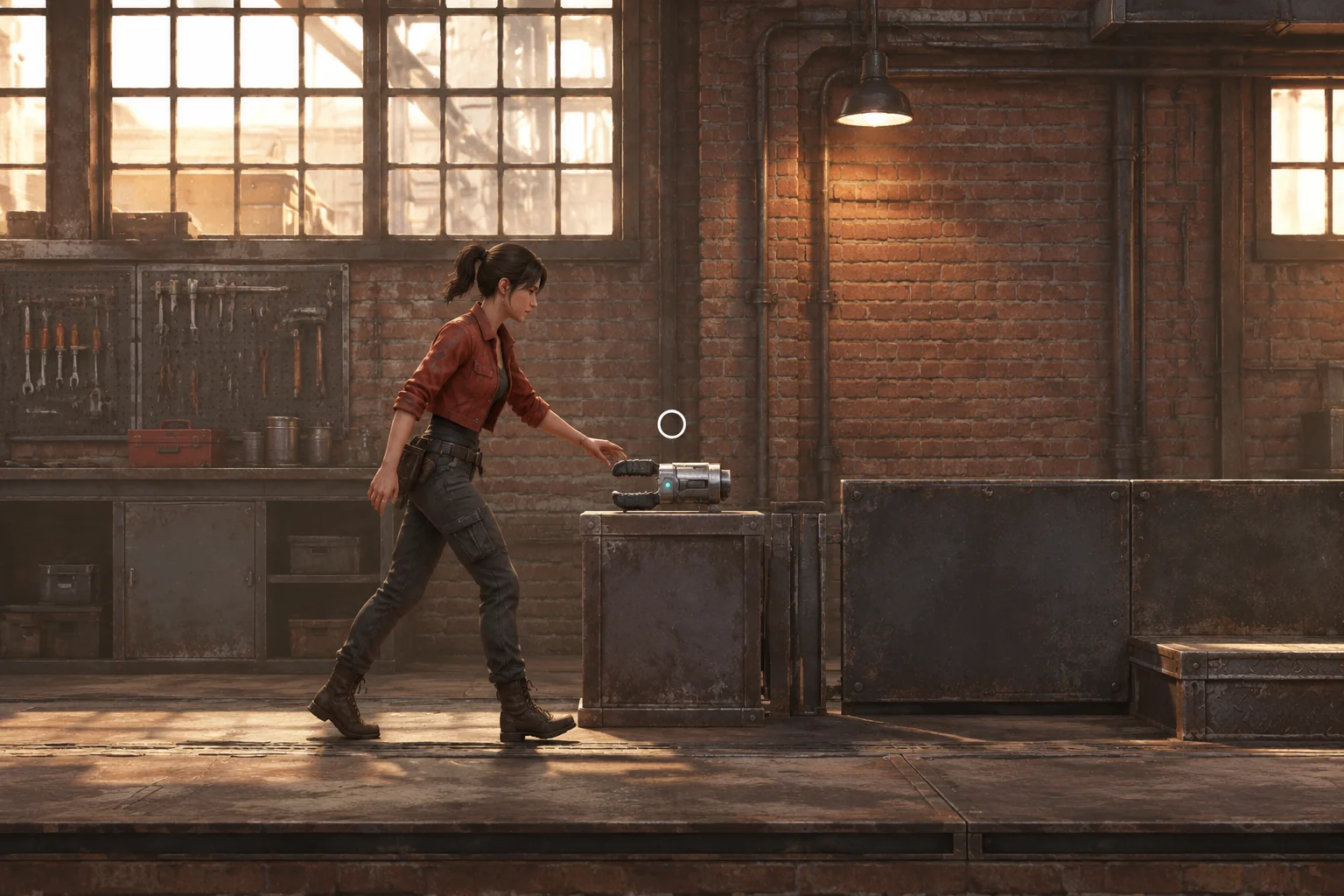
When the scout interacts with the pedestal, set climbUnlocked to true and show a small grip icon. Leave the module collected when the player leaves the room. The module changes what the scout can do on any surface with the climbable tag. It works on the Workshop practice wall and the Landing shaft.
Before the module, holding Up at the shaft should have no effect on ordinary movement. After the module, holding Up in contact with the tagged face starts the climb. At the top, keep contact until the scout's feet align with the ledge. While holding Up, press Right to step onto the ledge and switch to grounded movement. If the player releases Up before reaching the top, ordinary gravity takes over. A fall back to the floor leaves the grip icon and ability intact.
Try the same Up input against an ordinary wall after collecting the module. It should still do nothing. That gives you a way to distinguish a valid ability upgrade from climbing accidentally enabled on every wall.
Give the AI the rooms and the gate rules
SEELE supports starting a game project from a written idea. Give the build request the room connections, reachable heights, ability state and controls. Use simple shapes to test the route. You can refine the brickwork once the same player state survives the trip out and back.
Build an original side-view browser prototype called Kiln Relay.
Use three rooms: Landing, Workshop and Archive. Start on the Landing floor.
Use left and right for walking and a ground-only jump that rises two tile
units. The Archive ledge is four tile units above the Landing floor.
Keep the shaft free of boxes, shortcuts or intermediate steps.
Connect the Landing floor to the Workshop through the opening on the left.
Keep that connection open in both directions. Put a Grip Module in the
Workshop that the player can reach without jumping.
Start with climbUnlocked false. Interact at the pedestal to set it true
once and show a grip icon. Keep both states through room changes and falls.
With the module, hold Up while touching a climbable face to ascend.
At the top of the Landing shaft, align the scout's feet with the ledge.
While holding Up, press Right to step onto the ledge, leave the climb
state and resume grounded movement. Releasing Up earlier restores gravity.
Before acquiring the module or on a wall without the tag, Up does not climb.
Give the Workshop a two-unit tagged practice wall above a safe floor.
Let the player practice and drop back down or leave without climbing.
At the Archive terminal, Interact finishes the run.
Restart returns to the Landing floor, clears the ability and icon,
and places the module back on its pedestal. Use simple original assets.
Build the Landing and Workshop first. Confirm the floor opening works in both directions. Add the ability and test it on the practice wall before connecting the Archive. For a failed return, report where you picked up the module, what the icon shows and which wall you tried. The brief-to-playable testing guide shows how to turn an observed failure into a focused change request.
Run the route before and after the upgrade
From a fresh start, jump below the Archive ledge and try to climb. Then walk left, get the module, return through the same opening and climb the shaft. Step right onto the ledge and use the Archive terminal. Check these points separately if the route breaks.
| Try this | Expected behavior |
|---|---|
| Jump or hold Up below the Landing ledge before pickup | The normal jump falls short and Up starts no climb. |
| Use the module, change rooms twice and revisit its pedestal | The grip icon stays visible and the module remains collected. |
| Hold Up at a normal wall, then at the Landing shaft | The normal wall gives no climb. The tagged shaft supports ascent. |
| Release Up partway up, then climb again and step right at the top | The first attempt falls to the floor with the ability intact. The second reaches the ledge and returns to grounded movement. |
| Finish in the Archive and restart | The terminal completes the run. Restart returns to the Landing floor with no grip icon and an unreachable ledge. |
If the icon disappears when the scout crosses a doorway, check whether the room loader resets the player state. If the icon stays and the practice wall works, check whether the Landing shaft has the same climbable tag. When the climb works but the scout cannot step onto the ledge, inspect the exit height and the handoff to grounded movement.
Try one clearer surface marking
Suppose the shaft looks like all the other steel in the Landing. Add repeated high-contrast grip bands to climbable faces only. Use the same pattern on the practice wall and the shaft. Keep the room layout, prompts, controls, camera and movement rules fixed.
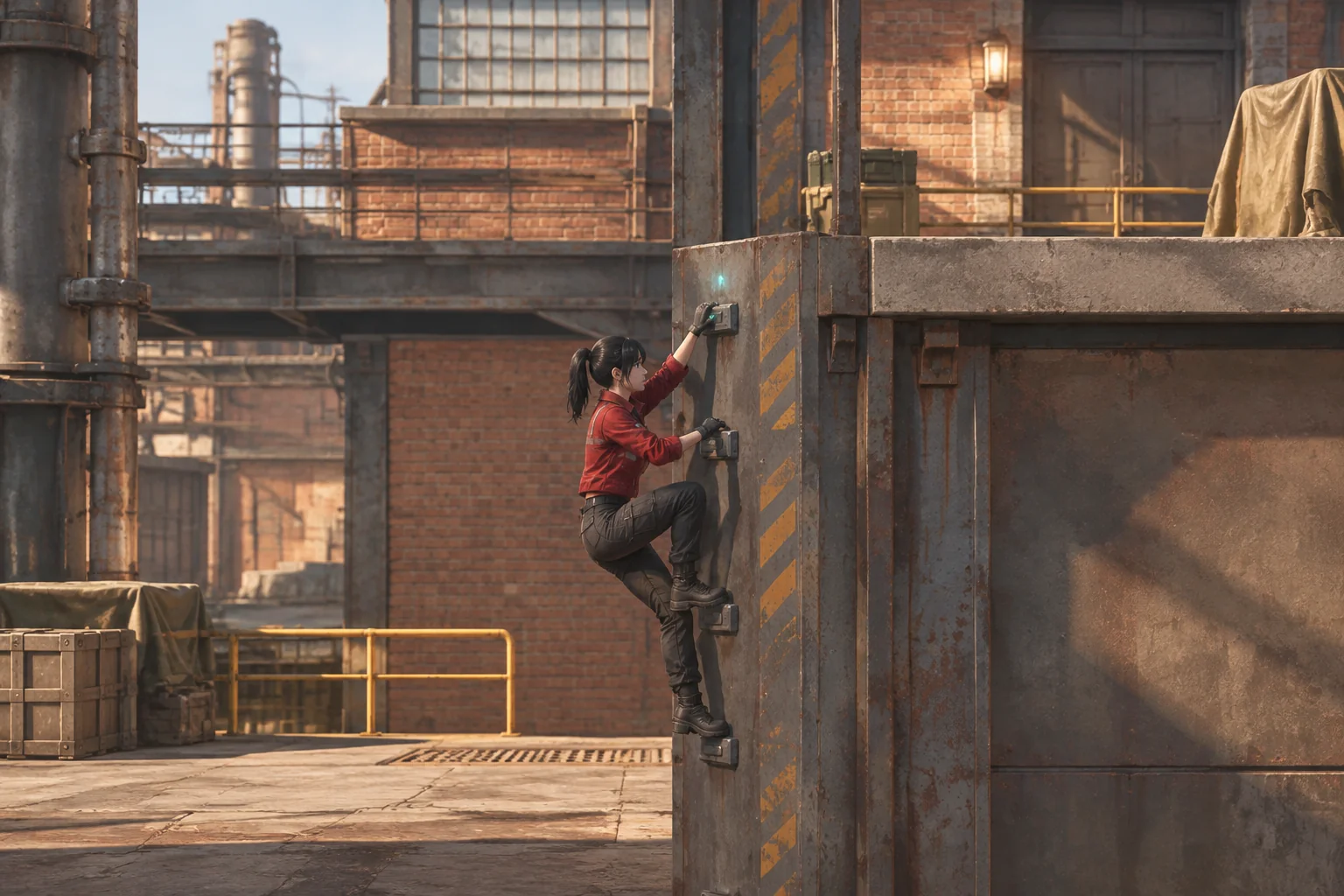
Compare the two versions from the same positions. Ask the player which face they would try after acquiring the module. Then repeat the early and late climb attempts. The bands should make the intended surface easier to identify while leaving the route closed before pickup. If ordinary walls look like valid routes, simplify the pattern or reserve it for climbable faces.
Frequently asked questions
Why show the ledge before the player can reach it?
A visible ledge gives the player something to remember when they learn a new move. Leave enough of the doorway in view to suggest a destination and keep the open route easy to find. Then the return trip answers a question the first room already raised.
Where should I teach a new movement ability?
Put a short practice opportunity near the pickup and use the same input there as at the later obstacle. Give the player room to miss or step away. In Kiln Relay, a low wall lets them try the grip without making practice a requirement.
Where should the acquired ability state live?
Keep it on the player or in shared run state so room transitions preserve it. A room can mark which surfaces respond to the ability. Check both separately when debugging. The scout may still have the module even if a particular wall has the wrong tag.
Does the first Metroidvania prototype need combat?
A first build can focus on seeing an obstacle, acquiring a move and coming back to use it. Add combat when it serves a decision you want to test. For example, an enemy might later make the player decide when to leave a safe climbing surface.
Start with one return trip
Choose a place worth returning to and a move that changes how the player can cross it. Bring the route and its acceptance checks to the SEELE AI Metroidvania Game Maker. Check both visits before adding another room. The first establishes the obstacle, and the second shows what the ability has changed.