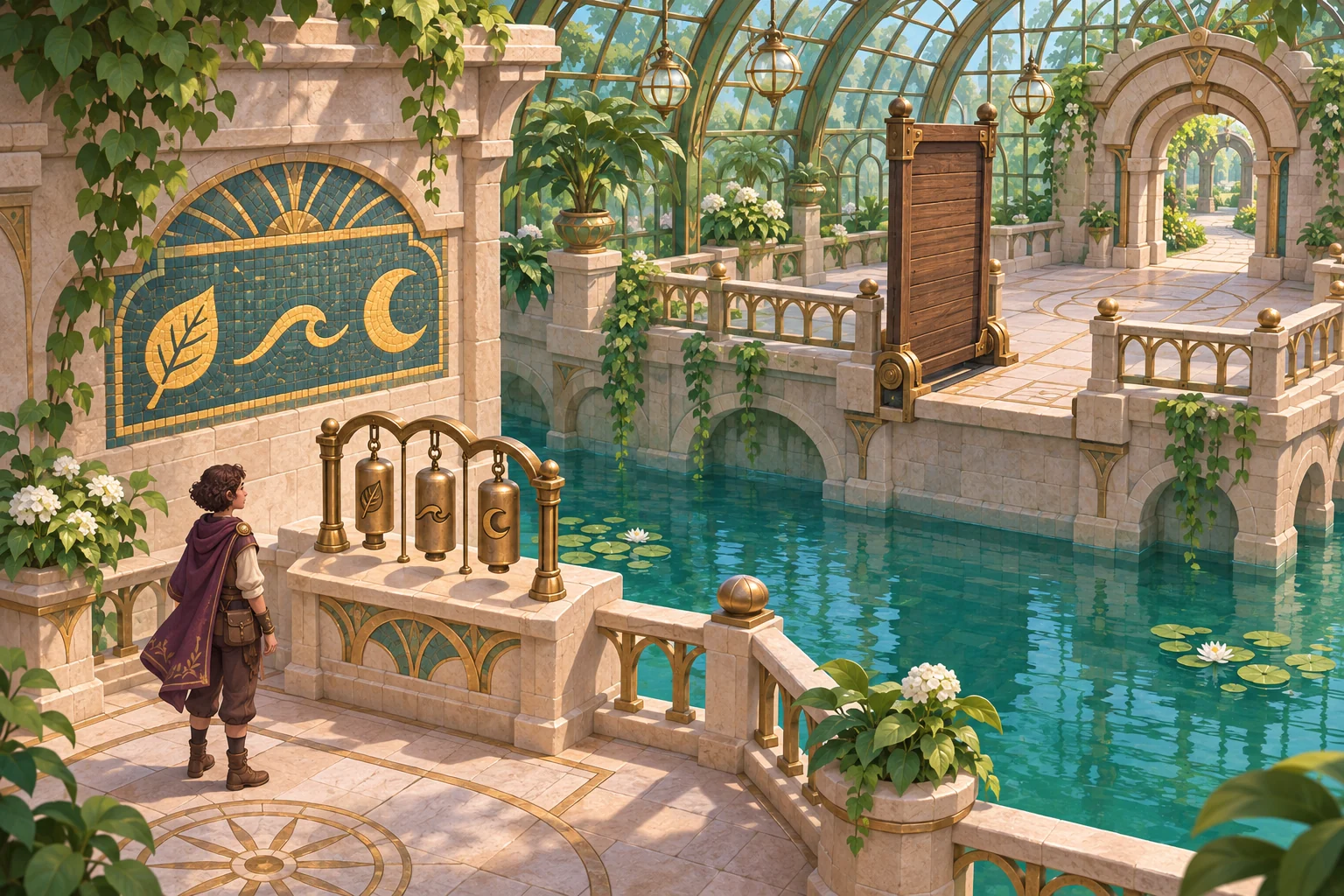
Make object movement matter after leaving the room
In fictional Starling Observatory, a brass key begins on a wall hook at position (2, 3). The player moves it to a desk at (5, 4), leaves the room, then returns to use it on a cabinet. The room should remember where the object was left instead of resetting every prop to its starting point.
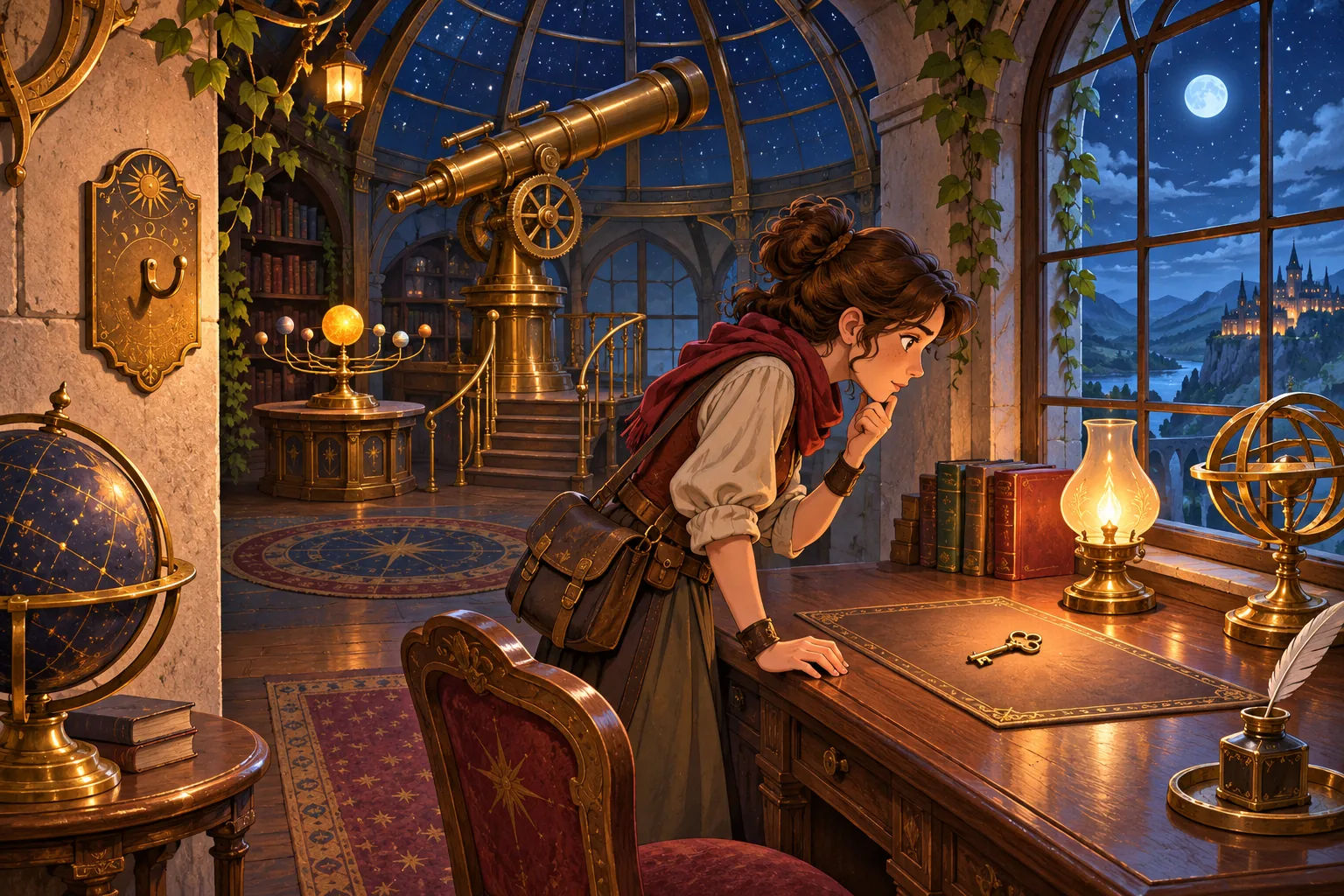
Give every moveable prop a stable ID and store its room plus position when the player exits. On re-entry, restore that object state before enabling clicks. Keep fixed scenery in the scene file; persist only objects whose changed locations matter to the puzzle.
Save room-relative state for each moveable object
Track the object's ID, room ID, position and any interaction state such as unlocked or consumed. Godot's Node2D position is relative to its parent, so use a consistent room coordinate system when saving and restoring. A room transition should load the saved object map before puzzle interactions resume.
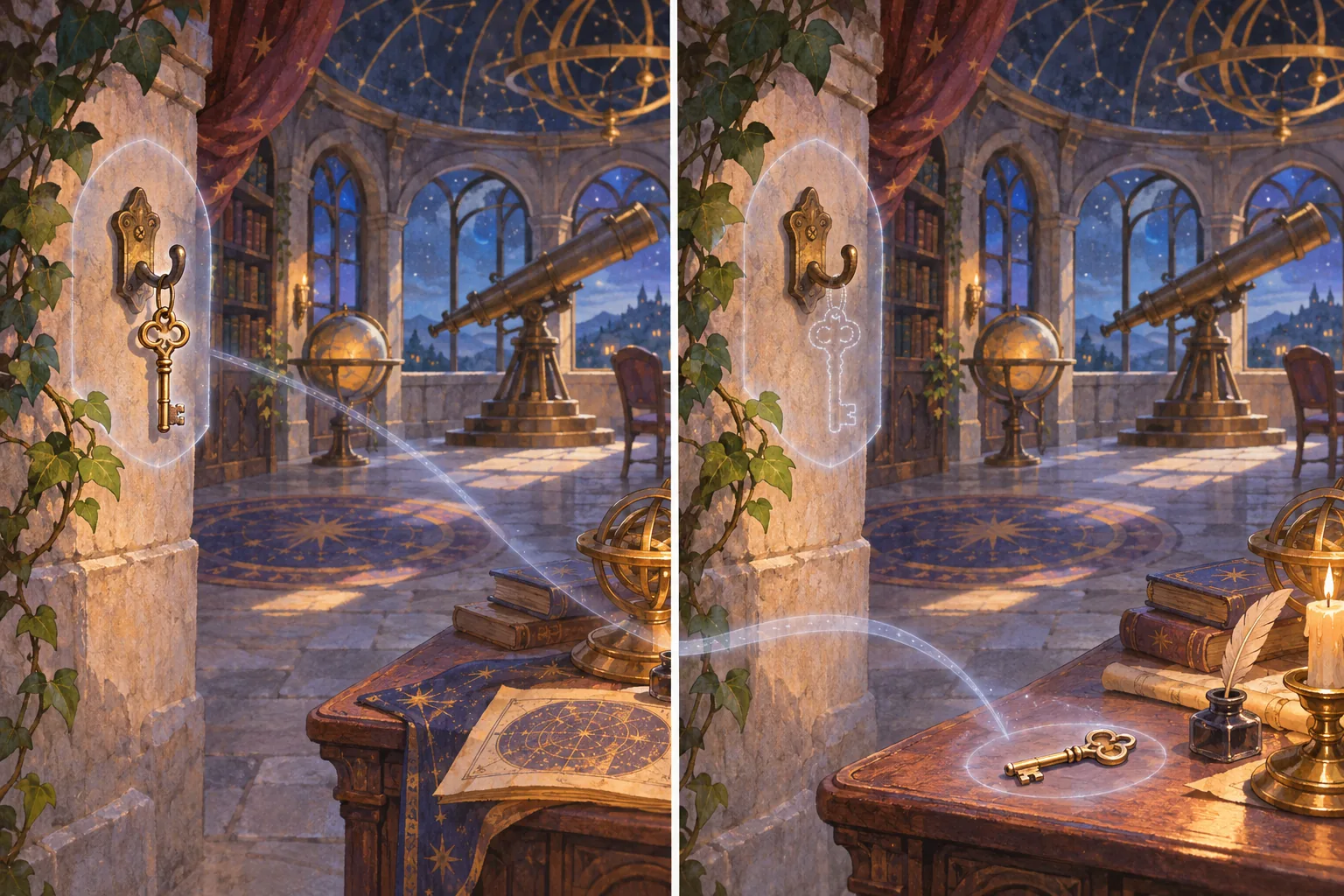
The first iteration resets the key whenever the room reloads, so the cabinet puzzle cannot continue. Add a saved object-state map keyed by room and stable ID. The local test moves the key from (2, 3) to (5, 4), exits, simulates a reset, then re-enters; the restored position is (5, 4), and the cabinet interaction can proceed. This checks a state snapshot only, not a full save system or playtest.
Use a remembered position as a puzzle clue
Show a small return cue when the room restores a moved object, then let the player inspect the desk and cabinet. If an item is consumed or permanently altered, save that state alongside its position. Keep the puzzle result understandable without implying that every decorative prop needs persistent data.

Prototype one room transition before scaling the save system
Start with one room, one moveable key, a destination coordinate and a cabinet interaction. Test moving the key, leaving, resetting the scene and restoring by stable ID. Godot documents Node2D position and describes saving relevant data for persistent objects; these are implementation references, not proof of this example. SEELE AI Game Maker offers a prompt-based entry point for game creation.
Create an original point-and-click adventure where moveable objects remember their room positions after the player leaves and returns. Save state by stable object ID and restore it before enabling puzzle clicks. Use one brass key and cabinet as a test. Do not claim a complete save system or playtest.
Start a fictional adventure prototype in SEELE · Godot Node2D documentation
Frequently asked questions
How can an adventure game remember where an object was left?
Assign the object a stable ID and save its room-relative position when the player exits. Restore that state before enabling puzzle interactions on return. Starling Observatory tests one key and one room, rather than a complete inventory or world-save system. Keep room coordinates consistent so the restored item meets the expected click target.
Should every scene object have its position saved?
Persist only objects whose changed state affects later play, such as a moved key or opened cabinet. Static scenery can stay in the scene definition. That keeps the state map focused and easier to validate. Save state by stable ID so restoration does not depend on scene ordering. This reduces unrelated saved state.
What should the first persistence test cover?
Move one prop, leave the room, recreate or reload the scene, and confirm the same object ID returns to the saved coordinate. Then test the next interaction. This local check does not establish save-file reliability across sessions or devices. Test several returns after that.