In fictional Reed Market, a cold snap changes what diners order. Stew becomes popular while garden bowls slow down. The restaurant still has the same two cooks, ingredient stock, prices, and six customer orders. The player can keep the summer prep split or shift kitchen time toward the seasonal favorite. That choice affects how many orders the team can serve and what ingredients remain at closing.
Make the seasonal shift visible on the menu
Give the player a short forecast before service: five diners want stew and one wants a garden bowl during the cold snap. Show the current menu, the expected order mix, ingredient counts, and two-cook capacity on the same planning screen. Keep prices constant in the first test. The player should understand why a dish is gaining demand before changing the prep plan.
Treat Reed Market’s customers and order counts as a fixed design fixture, not a forecast for real restaurants. A season can change the order mix without changing how many customers arrive. That separation makes it easier to see whether the menu responds to demand instead of simply serving a busier shift.

Shift prep capacity without adding kitchen staff
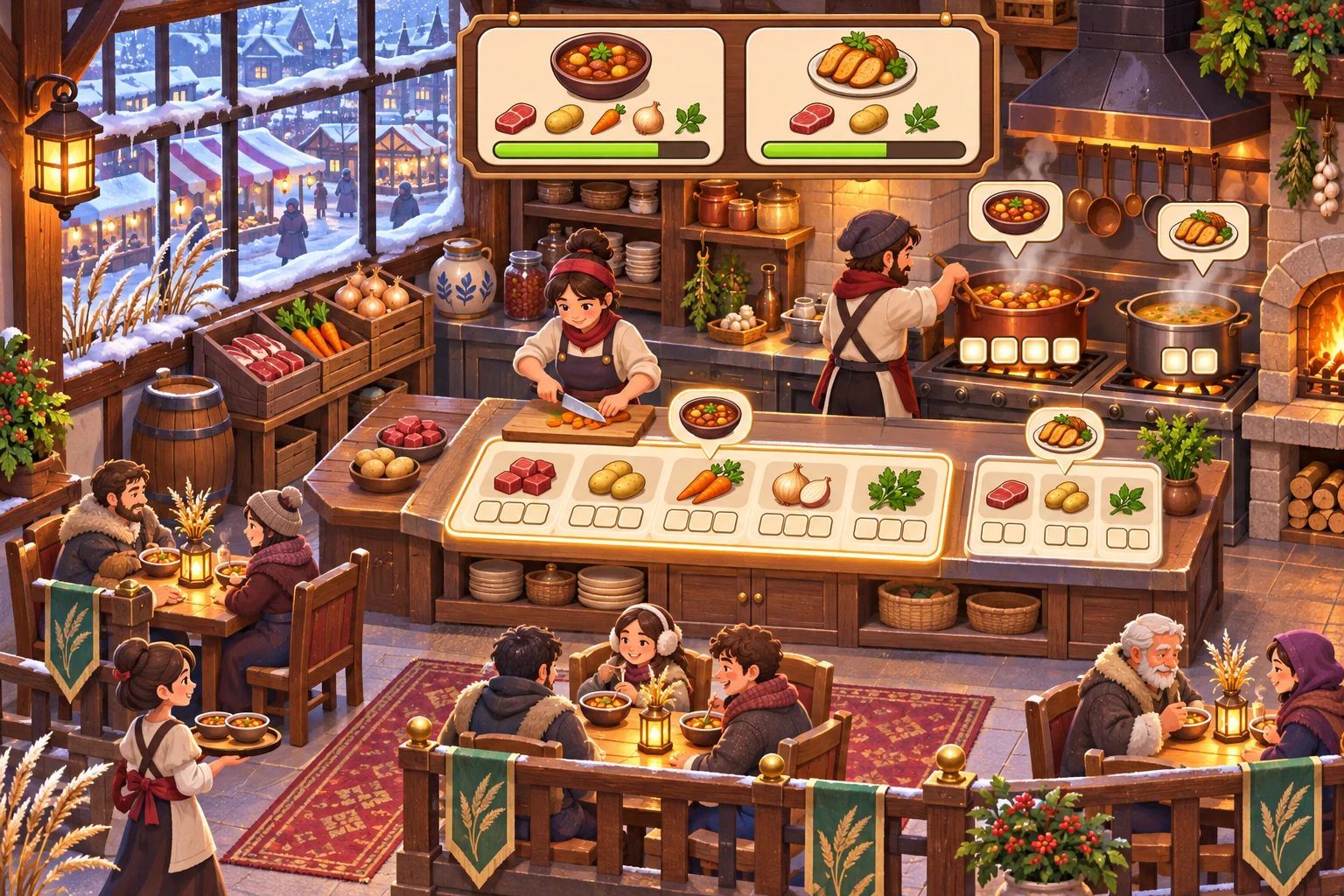
The baseline prepares three stews and three garden bowls from the same six meal slots. In the revised plan, the player removes two low-demand garden bowls and uses those slots for stew: five stews and one garden bowl. Keep the same two cooks, ingredient allotment, total prep time, and serving capacity. Show the ingredient draw beside each recipe so a menu change cannot silently create extra stock.
In Godot, a Resource can hold authored recipe data such as ingredient inputs and prep time. Keep the active day’s prepared portions in the kitchen state. This makes the seasonal menu a planning choice while the recipe definition remains stable.
Replay six orders and count misses and leftovers
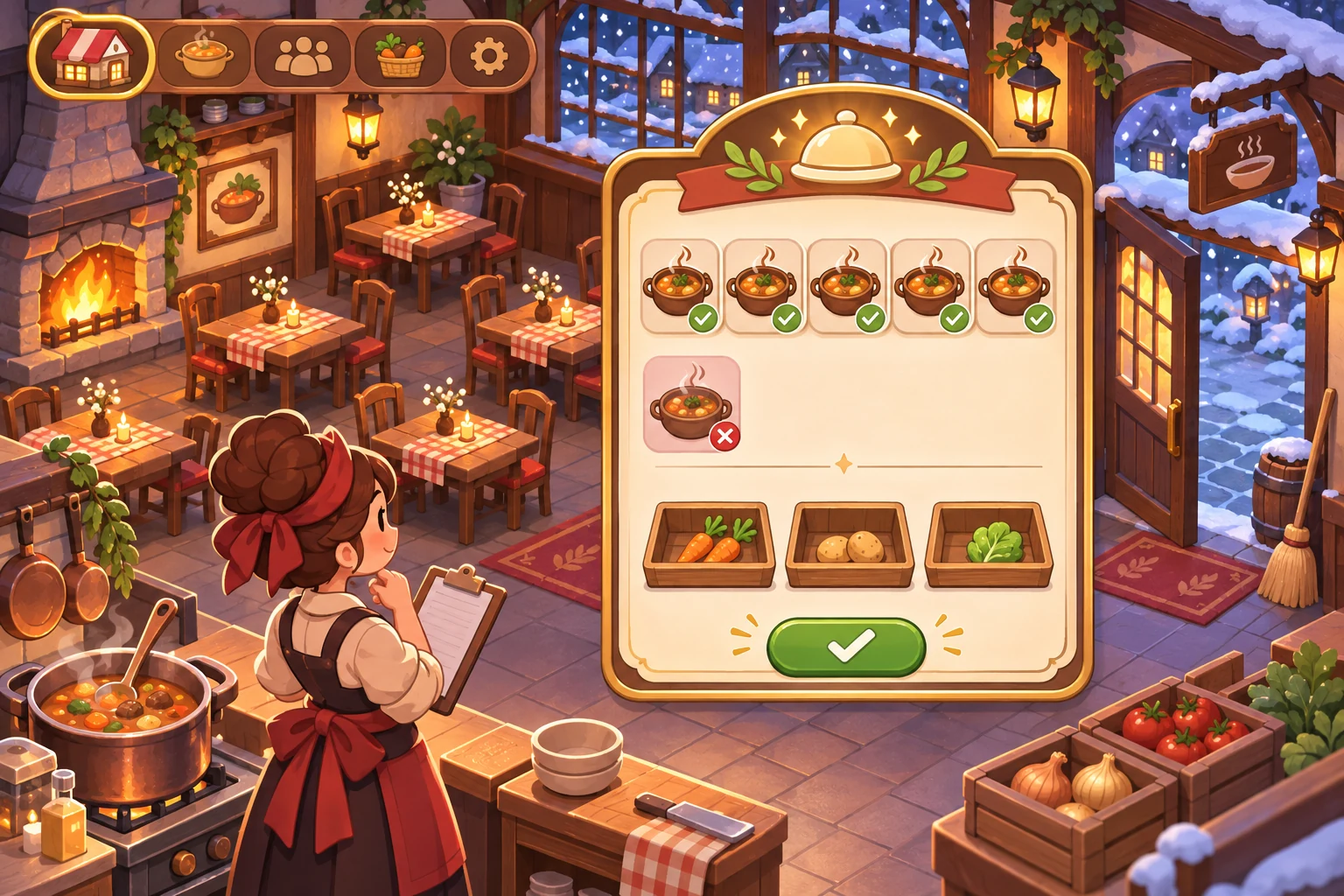
Use the same six orders in both runs: five stew and one garden bowl. The baseline serves three stew orders and one garden bowl, misses two stew orders, and leaves two garden bowls unsold. The revised prep plan serves all six and leaves no prepared meal portions. No arrivals, prices, ingredients, cooks, or time blocks change; only the menu allocation changes.
Report fulfilled orders, missed orders, and leftover ingredients separately. The fixture shows that matching prep to a seasonal order mix can improve service under a fixed kitchen capacity. It does not show that every seasonal menu change will be profitable. Add pricing or spoilage only in a later test when you want to measure those decisions.
Give the AI one cold snap and a fixed six-order test
Create a restaurant management game in fictional Reed Market during a cold snap. Keep two cooks, six meal prep slots, ingredient supply, prices, and customer arrivals fixed. The same six diners order in both runs: five want stew and one wants a garden bowl. Compare a baseline that prepares three stews and three garden bowls with a revised plan that prepares five stews and one garden bowl. Report fulfilled orders, missed orders, and leftover prepared meals separately. Do not change prices or add extra kitchen capacity. Show the forecast before service and the remaining ingredients at closing.
If the revised plan changes customer count, prices, or cook capacity, restore the fixed six-order fixture and rerun. Confirm that the baseline serves four and leaves two garden bowls, while the revised plan serves all six.
FAQ
How should seasonal demand change the restaurant menu?
Give the player a forecast that connects the season to specific customer orders. Let them adjust a few menu slots or prep quantities before service. Keep prices and arrivals stable in the first test so players can see the effect of matching supply to the changed order mix.
Should every seasonal dish use different ingredients?
Only when that creates a useful production choice. Reuse ingredients where it helps players plan across dishes, and show the quantities each recipe consumes. A seasonal menu should change what the kitchen prepares without hiding the real limits on stock or cook time.
What should a first seasonal restaurant prototype measure?
Track orders fulfilled, orders missed, and prepared food left over with the same arrivals and kitchen capacity. This shows whether a menu shift improves service before adding prices, spoilage, or extra staff. Keep each result visible so leftover food is not confused with missed demand.