To make a social-deduction game with AI, define what each player knows before you write the discussion. Give every seat a hidden role, a reason to share a report, and one vote. Decide who can see each part of the round and what happens when the count ties. You can test that whole loop with four seats and a fixed set of inputs.
In the fictional Switchboard Shift, a maintenance relay has been diverted. Three Inspectors try to identify the Switcher. Each seat has a private observation, and each posts one public report before the first ballot.

Decide what each phase makes visible
Start with a pass-and-play version on one device. A cover screen hides the current seat's card before the next seat takes over. The active seat can read its own role and observation. The shared screen shows the reports people choose to post. Use this setup to check what appears on screen during a handoff.
| Phase | Visible to the active seat | Visible to the group |
|---|---|---|
| Private cards | Its role and observation | Neutral handoff screen |
| Reports | Its available report to post | Each posted report and its author |
| Ballot | Its valid candidates | Submission count until the vote closes |
| Count | Same tally as the group | Totals and, if tied for the lead, the runoff candidates |
| Result | Same result as the group | Winning side and the revealed roles |
For this local prototype, check that role cards and individual choices are hidden from the other seats' normal views. If you later build an online version, work out separately how it will protect information sent to each player.
Use reports that can be compared
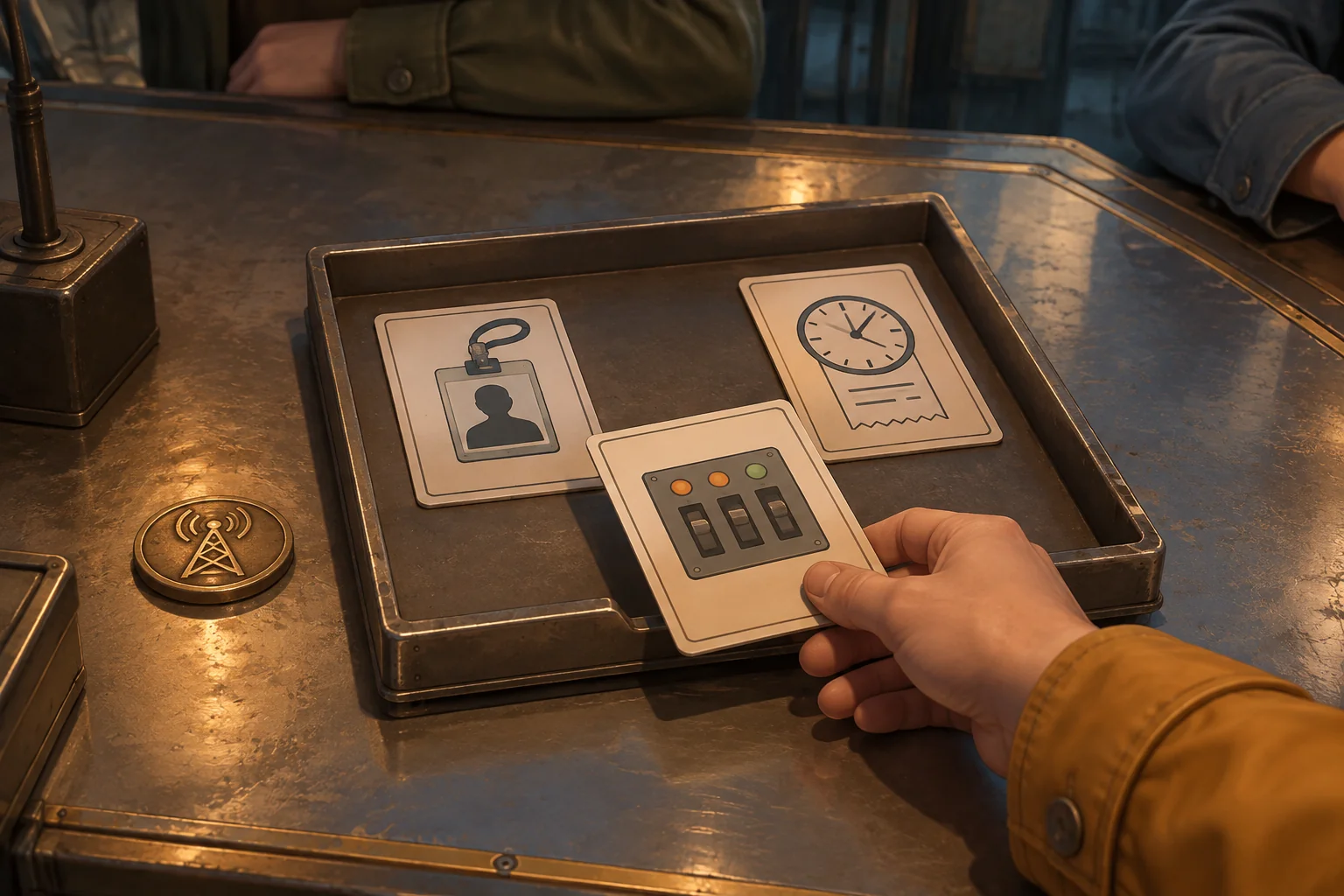
Fix Dev as the Switcher for the first test. Ada sees the amber panel open. Ben sees seat D recorded beside a panel visit. Cleo sees a late reset receipt. Dev knows the route changed and can choose the alternate report, “The panel was open before I arrived.” Keep role and observation on the private card. Post only the chosen report and the seat that posted it.
Require one report from each seat before voting. Give the group a chance to discuss the reports together. A visit can help the group ask a better question, and the report alone cannot settle who diverted the relay. For a repeatable rules check, use fixed reports and ballots and follow the tally below.
Walk one round through a tie and a runoff
Every seat votes once and cannot vote for itself. A valid vote is sealed when submitted. Show how many seats have voted, then reveal the totals once all four ballots are in. If one candidate has the most votes, resolve the round. If candidates tie for the lead, run one more ballot with only those candidates.
| Ballot | Ada | Ben | Cleo | Dev | Tally and outcome |
|---|---|---|---|---|---|
| First | Dev | Dev | Ben | Ben | Dev 2, Ben 2. Start a runoff between them. |
| Runoff | Dev | Dev | Dev | Ben | Dev 3, Ben 1. The Inspectors identify the Switcher and win. |
| Alternate runoff | Dev | Dev | Ben | Ben | Dev 2, Ben 2 again. The Switcher wins. |
All four seats still vote in the runoff. Ben can vote only for Dev and Dev can vote only for Ben, because a seat cannot vote for itself. Ada and Cleo can choose either. The alternate runoff is a separate test run. In both versions, reveal the roles only after the final result. If a unique winner of the vote is an Inspector, the Switcher wins.
Give the AI the phase and ballot rules
SEELE supports starting a game project from a written idea. Write the visibility rules into the first request. You can use fixed card text and a simple tally display while you check the phase changes and vote rules.
Create a small pass-and-play browser prototype called Switchboard Shift.
Use four fictional seats: Ada, Ben, Cleo and Dev. Fix Dev as the Switcher
and the others as Inspectors for this test. Use a neutral handoff screen
before the next seat reads its own role and observation.
Ada saw the amber panel open. Ben saw Dev recorded beside a panel visit.
Cleo saw a late reset receipt. Dev saw the route change and can post the
alternate line The panel was open before I arrived.
Accept one public report per seat. Show only the submitted report and its
author. Open voting after four reports. Keep private cards out of shared UI.
Let every seat submit one valid vote. Reject self votes, repeats and
runoff votes outside the tied candidates. Show only the number submitted
until all four votes are in, then reveal totals.
A unique highest count decides. If tied for first, run one new ballot
among only the tied candidates, with all four seats still voting.
A repeated tie or a final selection other than Dev gives the Switcher
the win. Selecting Dev gives the Inspectors the win. Reveal roles only
with the final result. Restart clears reports and ballots and restores
the fixed private cards and first phase. Use original placeholder art.
Build the private handoff first. Then add the report list and test the fourth report as the transition into voting. Add the runoff last so a failed count is easier to isolate. The brief-to-playable testing guide can help you turn a wrong tally or early reveal into a specific change request.
Try a confirmation step without changing the vote
In the first version, selecting a valid name submits it. Suppose a seat clicks Ben when it meant to choose Dev. In a second version, show the selection and ask the seat to confirm before submitting. Before confirmation, the seat can move the selection to Dev. Keep the public submission count unchanged until the vote is confirmed.

Try the mistaken click in both versions. Then submit the exact first ballot and runoff from the table to make sure the extra step has no effect on the tally. Before the count, try a second submission, a self vote and a runoff vote for a seat outside the candidates. None should add to the count. Restart after each final result and confirm that private cards, reports and ballots are back in their starting states.
Frequently asked questions
How many seats should the first round have?
Four seats can test three teammates, one hidden opponent, a public report phase and a tied vote. Start there if your rules need a runoff. Add another seat when it creates a discussion or voting situation you want to check in its own right.
Which information should stay private?
Keep each seat's role, unpublished observation and individual ballot out of the shared view. Make submitted reports and final totals public when the phase calls for them. Check the handoff between seats, since a private card that stays open can reveal more than the rules allow.
What should happen when a vote ties?
Choose a tie rule before building the tally. This round allows one runoff among the leaders and gives the Switcher the win on another tie. Play through both outcomes with fixed votes. A written second-tie rule tells the group when the round is over.
Why use fixed roles in the first test?
A fixed Switcher lets you use the same reports and votes to reproduce a failure. If the runoff selects the wrong winner, you can inspect the tally without dealing another set of roles. Test random assignments later while keeping the fixed round available for debugging.
Start with one round the group can finish
Write down the private cards, public reports, valid votes and tie rule. Take that round to the SEELE AI Game Maker as a focused starting brief. Run it once with a deciding vote and once with a repeated tie before adding new roles or discussion tools.