Start your space-colony game with a power array that cannot run everything at once. Let the player charge a battery in the light, then decide whether to spend it on life support or production in shadow. The battery can make a refinery run possible. The colony still needs enough oxygen to survive the tick.
This fictional outpost has four ticks to make two plates and finish with oxygen left. A small module table and a fixed sequence give you a way to check whether the game applies power, output, and consumption in the right order.

Give each module one job
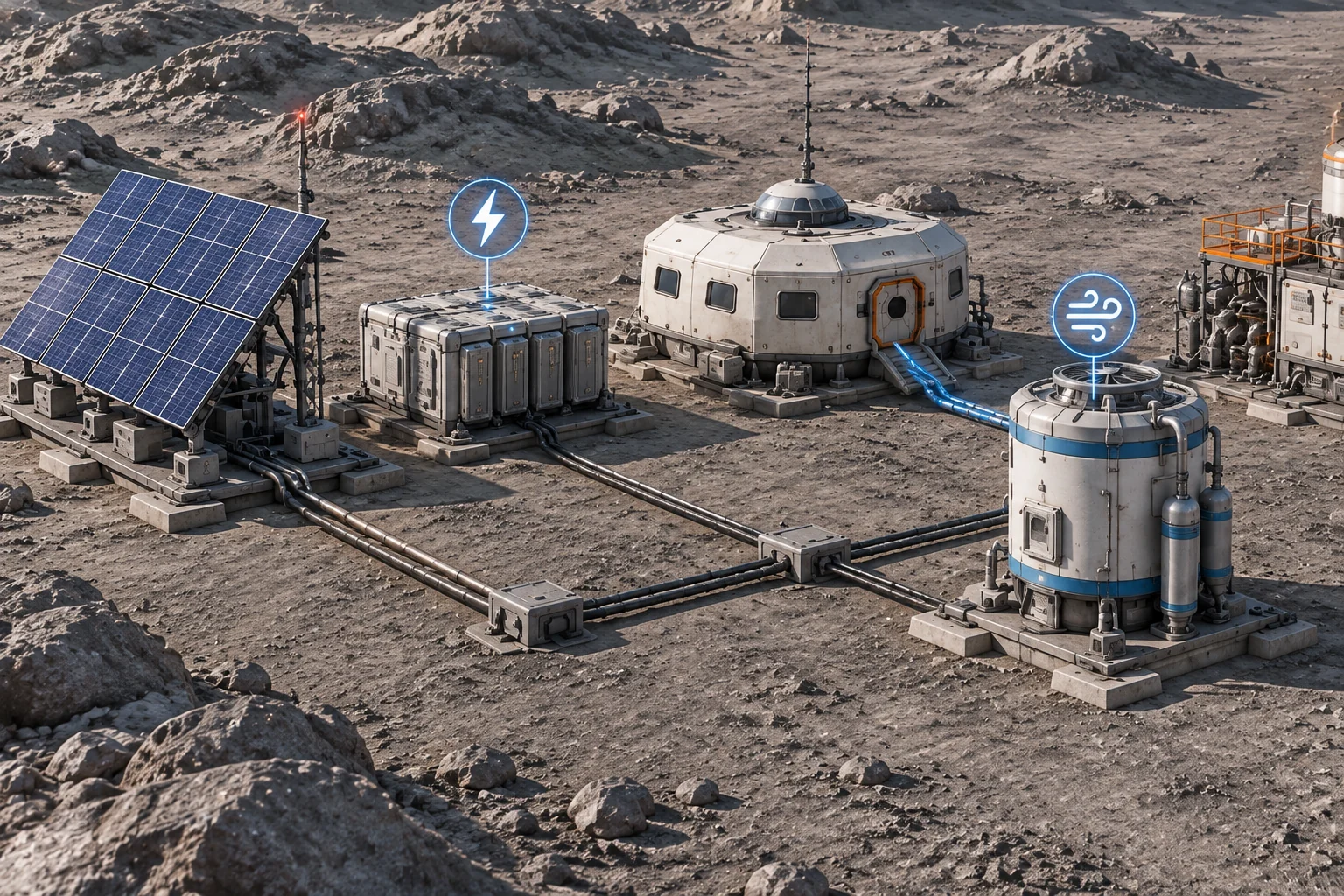
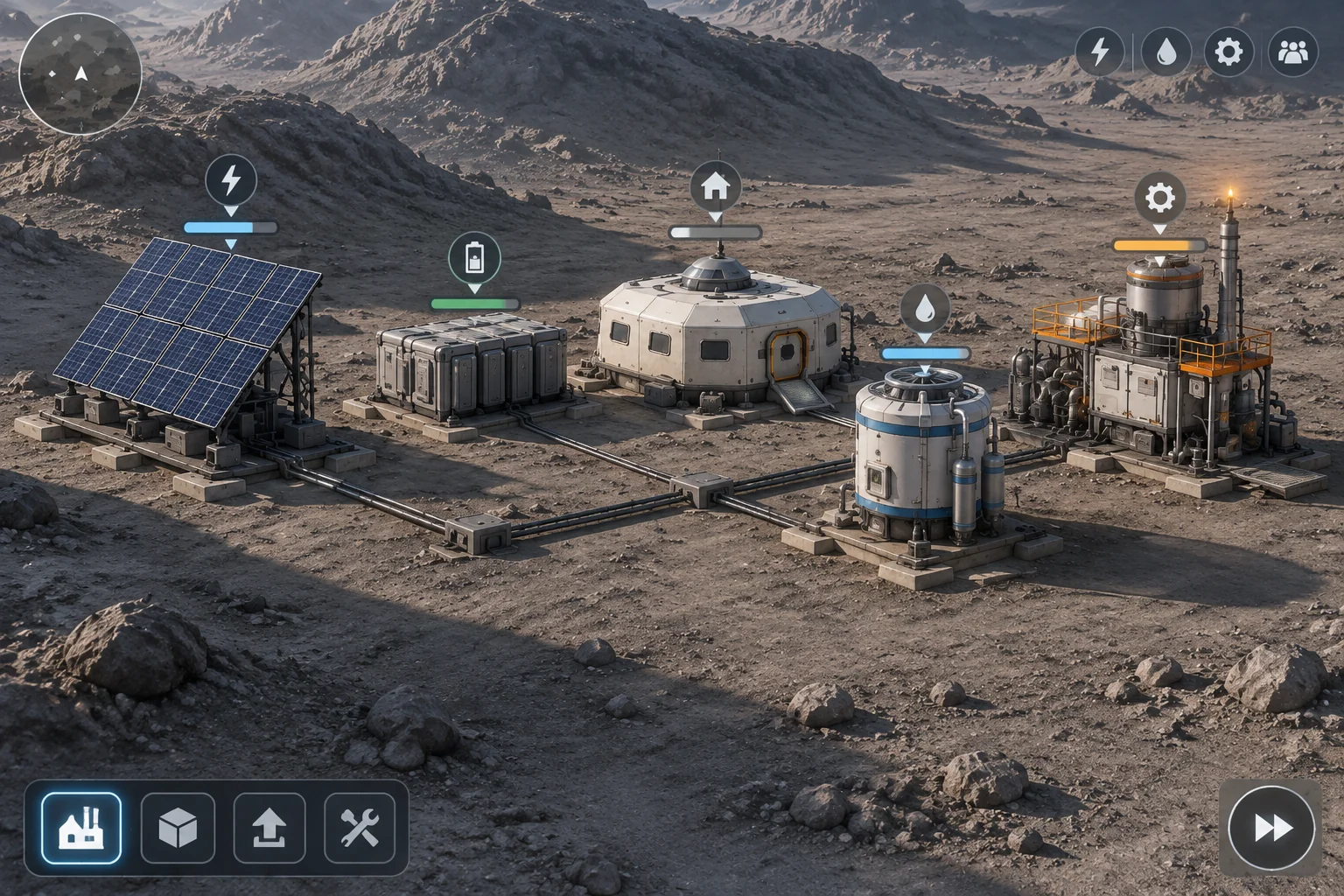
Build a power array, battery, habitat, oxygen processor, and plate refinery. Begin with an empty battery, three oxygen, and zero plates. The player can inspect a module, select the loads for the next tick, and advance when the plan is ready. This example uses abstract resource units.
| Module | Rule in the prototype | What the player should see |
|---|---|---|
| Power array | Supplies 5 on lit ticks 1 and 4, and 3 on shadow ticks 2 and 3 | Output available for this tick |
| Battery | Stores up to 2 and covers shortfalls | Stored charge and expected charge or discharge |
| Oxygen processor | Uses 3 power to add 3 oxygen | Power cost and oxygen output |
| Habitat | Uses 2 oxygen per accepted tick, with a reserve cap of 5 | Expected oxygen after consumption |
| Refinery | Uses 4 power to produce 1 plate | Whether it can run and how many plates are ready |
Check total demand first. If the selected modules require more power than the array and battery can supply, reject the plan before advancing. For an accepted tick, use array output before drawing from the battery. Store any unused array power up to the battery cap.
Next apply the selected modules’ output, subtract the habitat’s two oxygen, and cap the ending reserve at five. If oxygen reaches zero or less, fail immediately and display zero. Applying the cap after consumption matters. With three oxygen at the start and three produced, the baseline processor tick ends with four.
Use the battery without draining the oxygen reserve
Power the oxygen processor on tick 1. The array supplies five, the processor uses three, and the battery stores the two left over. Oxygen rises from three to four after habitat consumption. That gives you enough charge and oxygen to run the refinery through the first shadow tick.
| Tick | Array output | Selected load | End battery | End oxygen | Plates |
|---|---|---|---|---|---|
| 1 | 5 | Processor | 2 | 4 | 0 |
| 2 | 3 | Refinery | 1 | 2 | 1 |
| 3 | 3 | Processor | 1 | 3 | 1 |
| 4 | 5 | Refinery | 2 | 1 | 2 |
At the start of tick 3, the refinery can run again. The array provides three power and the battery has one. The accepted tick spends that last charge and produces the second plate, but the habitat takes the oxygen reserve from two to zero. The outpost fails. To win in this setup, run the processor on tick 3 and wait until the light returns to make the second plate.
Now try selecting both loads on tick 3. They need seven power, but only four is available. The plan is rejected, so the tick stays pending, oxygen stays at two, and the battery still holds one. Give these cases different feedback. An over-budget plan needs a lower load. An accepted plan that exhausts oxygen needs a different sequence.
Ask AI for the smallest useful outpost
SEELE’s AI game maker offers a starting point for building from a short brief with a player action and an outcome to check. Give it the module values and order of events. Leave room design open, and keep the power and oxygen rules fixed so you can compare the first draft with the table.
Build a four-tick browser space-colony prototype. Show a power array,
a battery, an oxygen processor, a habitat and a refinery. Let the
player select loads, then advance one tick.

Array output is 5, 3, 3, 5 on ticks 1 through 4. The battery starts
at 0 and holds 2. The colony starts with 3 oxygen and 0 plates.
The processor costs 3 power and adds 3 oxygen. The refinery costs
4 power and makes 1 plate. The habitat uses 2 oxygen per tick.

Reject a plan above array output plus battery before changing any
state. On accepted ticks use the array first, draw the shortfall
from the battery and store unused array power up to 2. Apply module
outputs, subtract habitat use, then cap oxygen at 5. If oxygen is
0 or lower, display 0 and fail immediately.

Win at the end of tick 4 only with at least 2 plates and positive
oxygen. At the deadline, end the run as failed if the goal is unmet.
Show the two reserves and plate count separately. Distinguish
a rejected plan from a failed run. Add Restart to restore tick,
reserves, plates and load selection. Show each tick's results.
Reproduce the successful sequence first. Then start from the same tick 3 state and check both the rejected plan and the accepted refinery failure. Verify that Restart restores three oxygen and zero battery and plates. The guide to checking an AI game in small steps shows how to turn a failed check into one specific revision request.
Increase oxygen yield without changing power supply
Change the processor’s yield from three oxygen to four. Keep the same power cost, array output, battery capacity, habitat use, and deadline. Replay the processor on tick 1 and refinery on tick 2. Oxygen now ends those ticks at five and three.
Run the refinery again on tick 3. It still consumes the last stored power and creates the second plate. This time the habitat’s draw leaves one oxygen, so the run continues. Power the processor on tick 4 to finish with three oxygen and two battery charge. The second plate arrives a tick sooner, and the run still needs to survive until the deadline.
Use that comparison to check the higher yield in your own build. Keep the opening choices fixed and watch what changes at tick 3. If the numbers agree but players overlook the low reserve, improve the warning before changing the balance again.
Make the first shortage explain itself
Build the outpost around one choice in shadow. Show how much power is available, which load is selected, and how much oxygen will remain after the tick. Compare an invalid power plan with an accepted plan that runs out of oxygen. Start your space-colony prototype with SEELE’s AI game maker and use the four-tick table to check the first draft.
Frequently asked questions
Should the game power life support automatically?
Keep the load choice manual in this first room so players can see the cost of choosing production. An automatic priority rule can help once several loads compete. If you add one, show which module gets power first and which module the rule leaves idle.
How can I check whether the battery is used in the right order?
Run a load that needs less power than the array supplies, then one that needs more. In the first case, the unused power should charge the battery up to its cap. In the second, only the shortfall should come out of the battery.
What is the difference between oxygen storage and production?
Production is the amount the processor adds on an accepted tick. Storage is what remains after the habitat consumes its share. Show both when the player previews a plan, so they can tell whether a large reserve came from the current tick or an earlier decision.
When should I add another module?
Add one after the player can explain why power was refused and why oxygen ran out. Give the new module a clear place in that decision. For example, a second production load could compete with the refinery for spare power while the habitat rule stays the same.