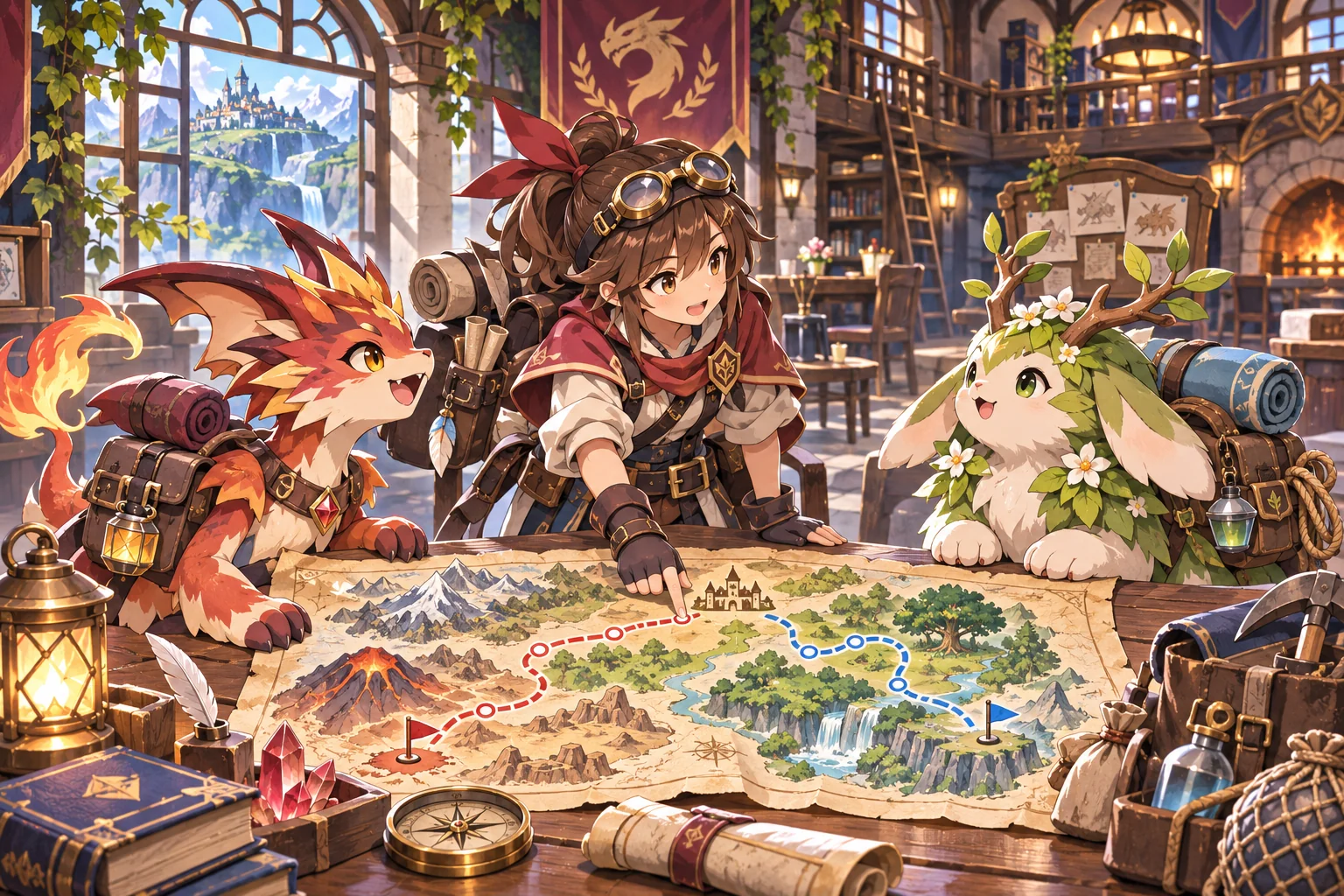
A summoner RPG can make a guild feel active when several teams pursue separate contracts at once. The player builds squads from a shared roster, assigns each a mission and receives reports as they return.
Keep scheduling legible. A character can serve on only one active team, and each mission has a duration and deadline. Dispatch choices then affect which contracts the guild can finish.
Build teams for distinct mission roles
Give each contract an objective and ask the player to assemble a small team from the guild roster. A scout, guard and mage should contribute different strengths.
Missions resolve independently and return reports, rewards or new information. Make those outcomes visible in the mission board.

Schedule the shared roster on one calendar
A character can belong to only one active team. Show each mission’s start day, duration, return day and deadline before dispatch.
Keep the calendar readable: assigned characters stay locked until their team returns. Use reports to show what changed while they were away.

Replay two missions with an overlapping scout
On Day 1, Edda and Orin take the one-day South Survey and return on Day 2. The two-day North Escort needs Edda and Bram and is due on Day 4.
The first schedule tried to send Edda on both teams at once. With assignment locks, South returns on Day 2; North launches that day and returns on Day 4, on time.

Revise the schedule rule after a double booking
The first paper version tracked mission duration but not character availability. It allowed Edda to appear in two active teams, so the schedule could not resolve consistently.
Add an active assignment lock and return day. Replay each date and confirm Edda is available before North departs and every mission meets its deadline.
Create a summoner RPG guild board with one shared roster and independent missions. Assign each character to at most one active team. South Survey: Edda + Orin, one day, Day 1 to Day 2. North Escort: Edda + Bram, two days, deadline Day 4. First schedule double-books Edda; revise with active assignment locks and return dates. Replay day by day and show both reports. Do not claim playtest results.
SEELE’s official page describes a general workflow: generate a playable first version from a prompt, test it in a browser and refine it. Check whether mission timing and roster locks are clear; this guild is fictional.
Prototype independent guild missions in SEELE
Frequently asked questions
How can a guild run independent missions?
Give each team its own objective, duration and report while drawing members from one roster. Lock characters to active missions so dispatch order matters. Let returned reports unlock new contracts or reveal risks. Show the team composition and expected return day on the same board.
How do I prevent teams from sharing the same character at once?
Mark each assigned character unavailable until the team returns. Show return days and contract deadlines on one calendar. A simple lock rule prevents double booking and helps players plan the next dispatch. Keep the availability rule visible at the moment of assignment.
How can I check a mission schedule?
Replay the same roster and contracts on a day-by-day timeline. Confirm that each member is free when a team launches and that it returns before its deadline. This checks the schedule rule, not player enjoyment. Record each launch and return day so the schedule can be audited.