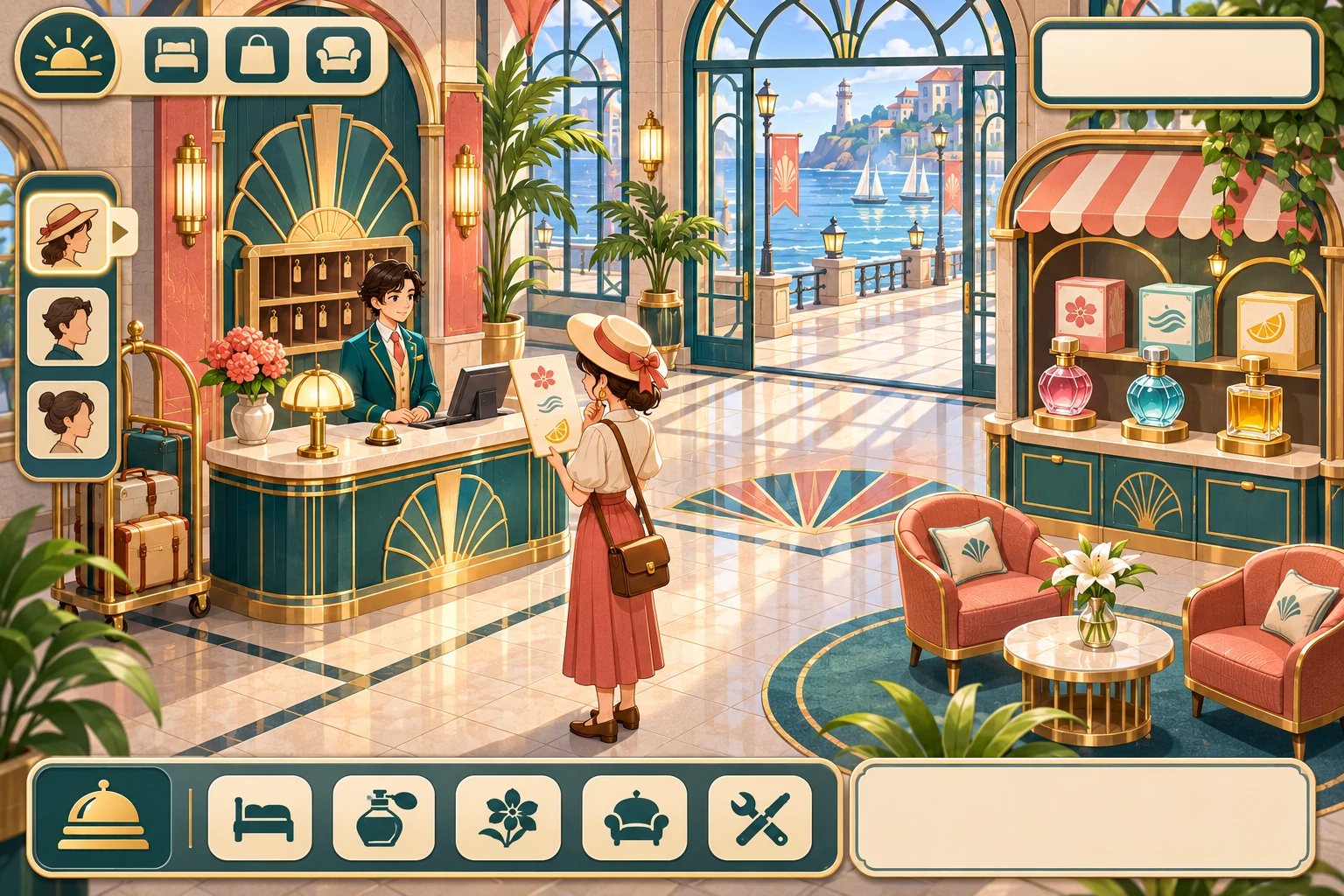
A supermarket simulator can make wholesale buying a strategy decision when marketplace prices respond to shared supply. In fictional Market Basket, the store checks the available apple crates, buys stock and then sets a shelf price. A large order can push the marketplace into a higher price tier, so the final unit may cost more than the first.
Keep the first rule countable: show the market stock, quote tier and the price before each crate is purchased. The fixed example below begins with six crates and a ten-Coin budget. It is a paper simulation of a proposed pricing rule, not observed market data or a sales forecast.
Connect marketplace stock to a clear wholesale quote
Give each product a shared market stock total and publish a quote rule. For apples, charge 2 Coin per crate while stock is at least 4, 3 Coin at stock 2–3, and 4 Coin at stock 1. Before each unit is bought, display the current stock and price. Subtract one crate after the transaction, then update the quote for the next unit.
The store uses the wholesale quote to decide how much to buy, then sets a shelf price for customers. Keep those two prices distinct. A market quote is a game rule; the shelf price is the supermarket's choice. That distinction helps players reason about inventory without treating a simplified tier as a real-world forecast.

Show quantity, budget and the next unit's marginal cost
Put the remaining stock, current tier, order quantity and supermarket budget together on the purchase screen. If a player requests several crates, preview the price of each one rather than multiplying the first quote by the whole order. The market can make a large order expensive even when its opening price looked affordable.
For a prototype, use one product and a reset button. This isolates the effect of order size. After the quote is easy to understand, add other goods, supplier arrivals or customer demand. Do not mix retail earnings into the wholesale calculation until the player can see how each number changes.
Replay a four-crate order against a ten-Coin budget
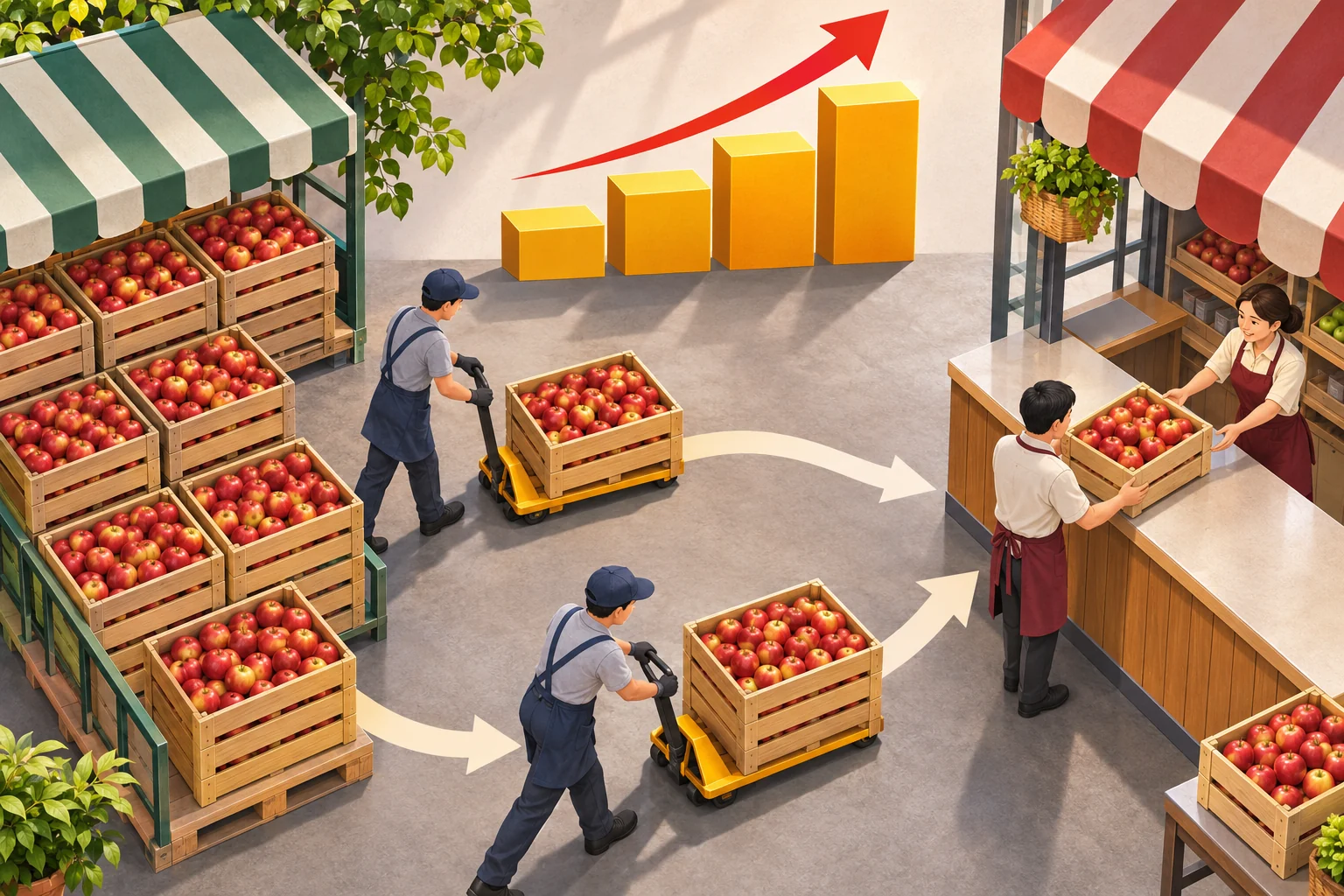
Start with six apple crates in the marketplace and 10 Coin in the store. The first three purchases each cost 2 Coin: after buying them, market stock moves from 6 to 5, then 4, then 3. At stock 3, the next crate costs 3 Coin. The four-crate order totals 2 + 2 + 2 + 3 = 9 Coin.
The store has 1 Coin left and the market has 2 crates. At stock 2 the quote stays in the 3-Coin tier, so another crate would exceed the budget. The example changes only market stock and order quantity. It does not claim the supermarket sold the apples or earned revenue; those would need separate demand and shelf-price rules.
Add customer demand after the wholesale rule is readable
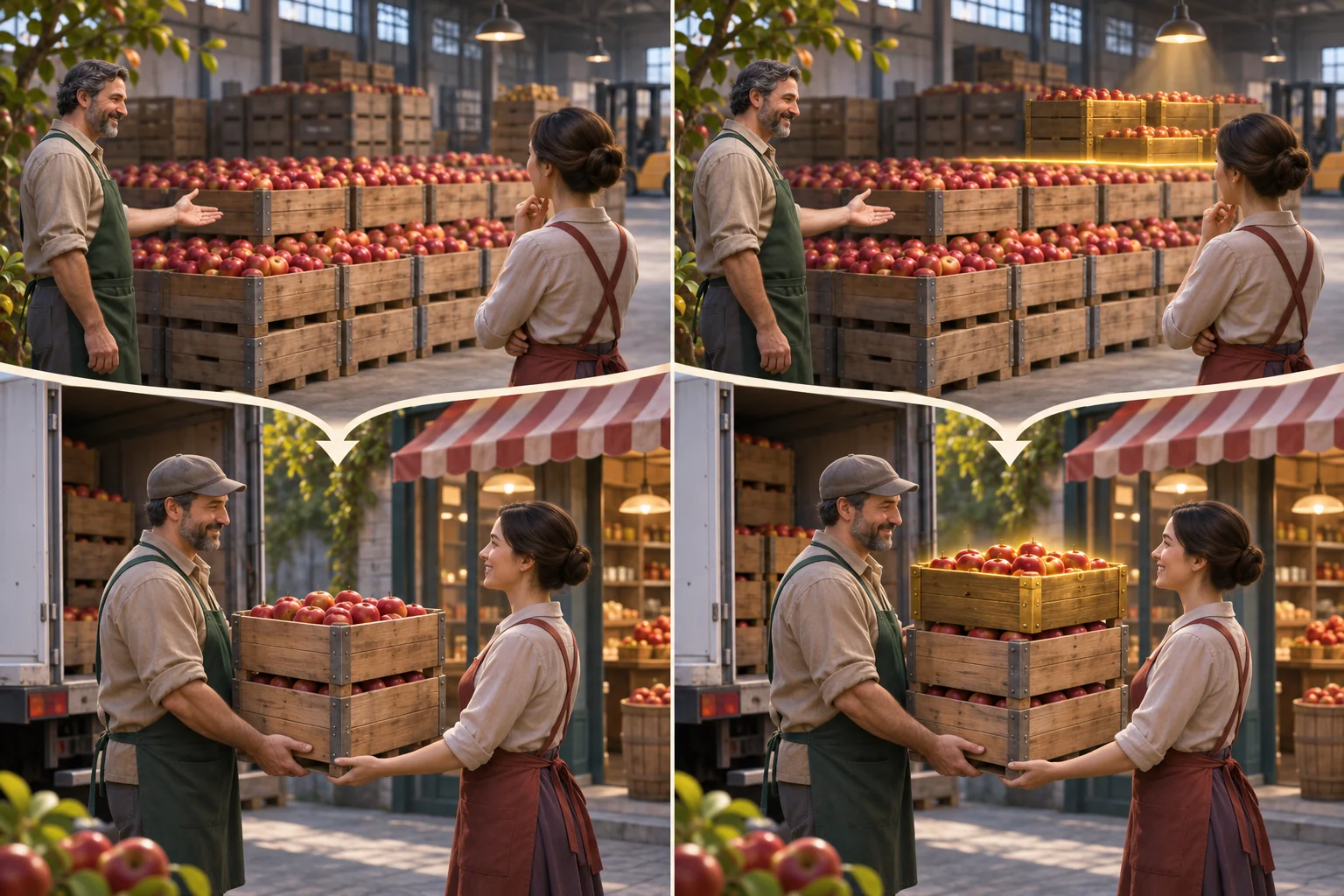
Build the market stock display, per-unit quote preview, order control, store budget and a resettable purchase. Test orders that stop above a threshold, land on it and cross it. Make it clear whether a quote is checked before or after each purchase; changing that timing changes the total.
Once the calculation is legible, add a shelf price and a small customer-demand model. Track crates bought, crates sold, leftover stock and margin separately. Then consider delayed restocks or competing supermarkets. Each addition should create a decision the player can explain rather than another unexplained price swing.
Create Market Basket, a supermarket simulator with a wholesale marketplace whose apple price changes with shared stock. Start the market at 6 crates and the shop budget at 10 Coin. Charge 2 Coin per crate while stock is at least 4, 3 Coin at stock 2–3, and 4 Coin at stock 1. Check the quote before each unit purchase and reduce stock after each crate. A 4-crate order costs 2+2+2+3=9 Coin, leaving 2 market crates and 1 Coin in the store; the next quote is 3. Show stock, quote tier, per-unit order preview and budget. Include resettable threshold checks. Keep customer sales and revenue separate; do not claim these rules reflect measured prices.
SEELE's official page describes a general workflow: generate a playable first version from a prompt, test it in a browser and refine it with follow-up prompts. Use it to inspect whether buyers understand stock tiers and per-unit costs; Market Basket and its pricing rules are fictional design guidance.
Prototype the changing supply market in SEELE
Frequently asked questions
How can supply prices change in a supermarket simulator?
Connect a product's wholesale quote to shared marketplace stock. Define visible stock thresholds and say whether the quote is checked before or after each unit is bought. This makes a larger order change its own marginal cost without implying real-world price data.
What should a dynamic marketplace prototype show?
Show available units, the current quote tier, order quantity, per-unit cost preview and store budget. Keep wholesale cost separate from the shelf price and customer sales. Start with one product so the threshold rule can be checked before adding demand or restocking.
How do I check a changing-price rule?
Choose a starting stock and a fixed order, then calculate the quote before every unit and subtract stock after each purchase. Check orders that stay within a tier and orders that cross a threshold. This verifies the rule arithmetic, not market realism or sales.