Start your survivors-like game with one job for the player: keep moving. Let the attack choose its own target, and drop XP where each enemy falls. That way, moving away from a threat and moving toward the next upgrade can pull the player in different directions.
Use two waves in a small yard to check the loop. In the fictional run below, the first wave leaves two XP cells. Collecting both earns a choice between more attack range and protection from one contact. The first pulse of the second wave shows how those choices differ.
Give movement a job beyond avoiding contact
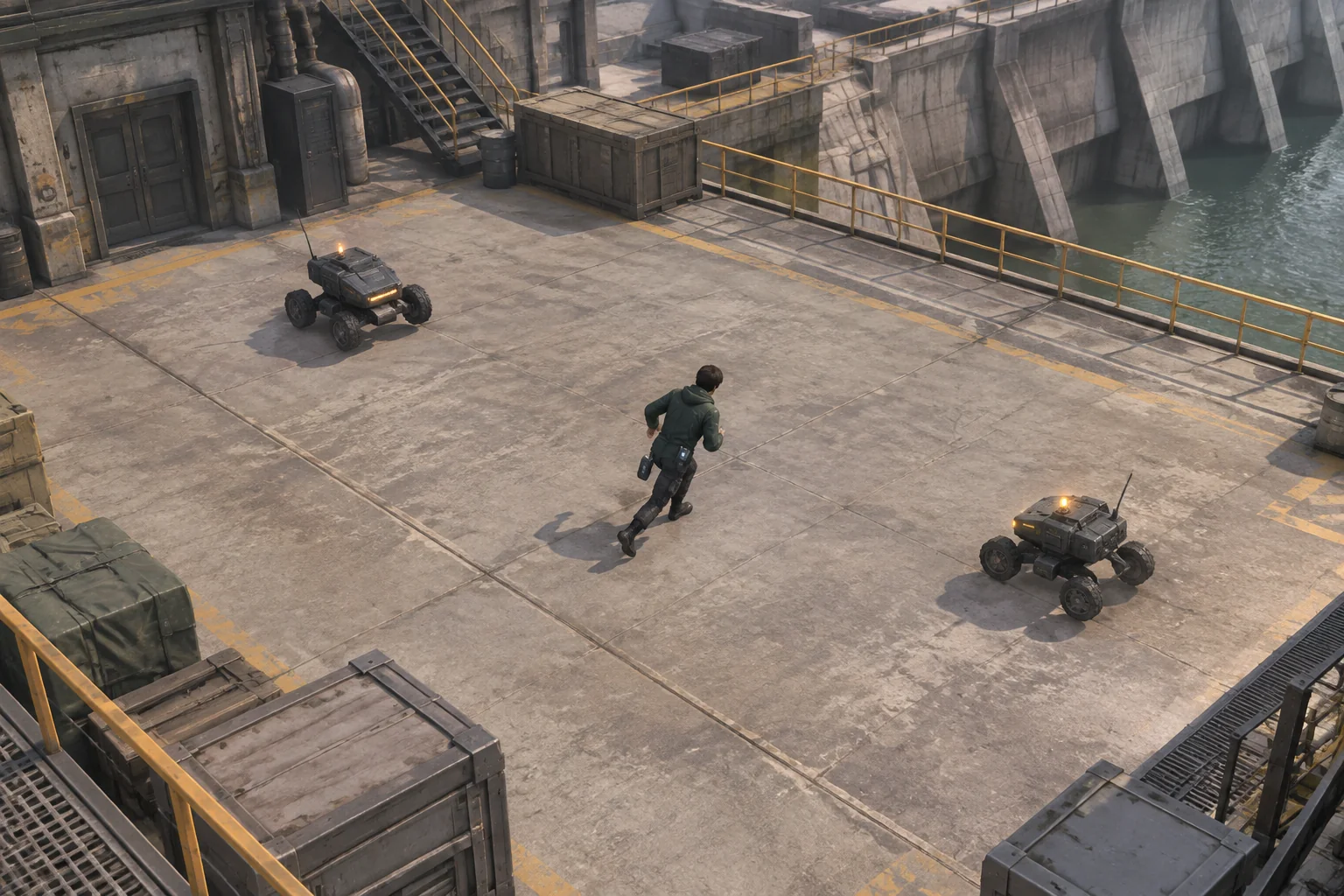
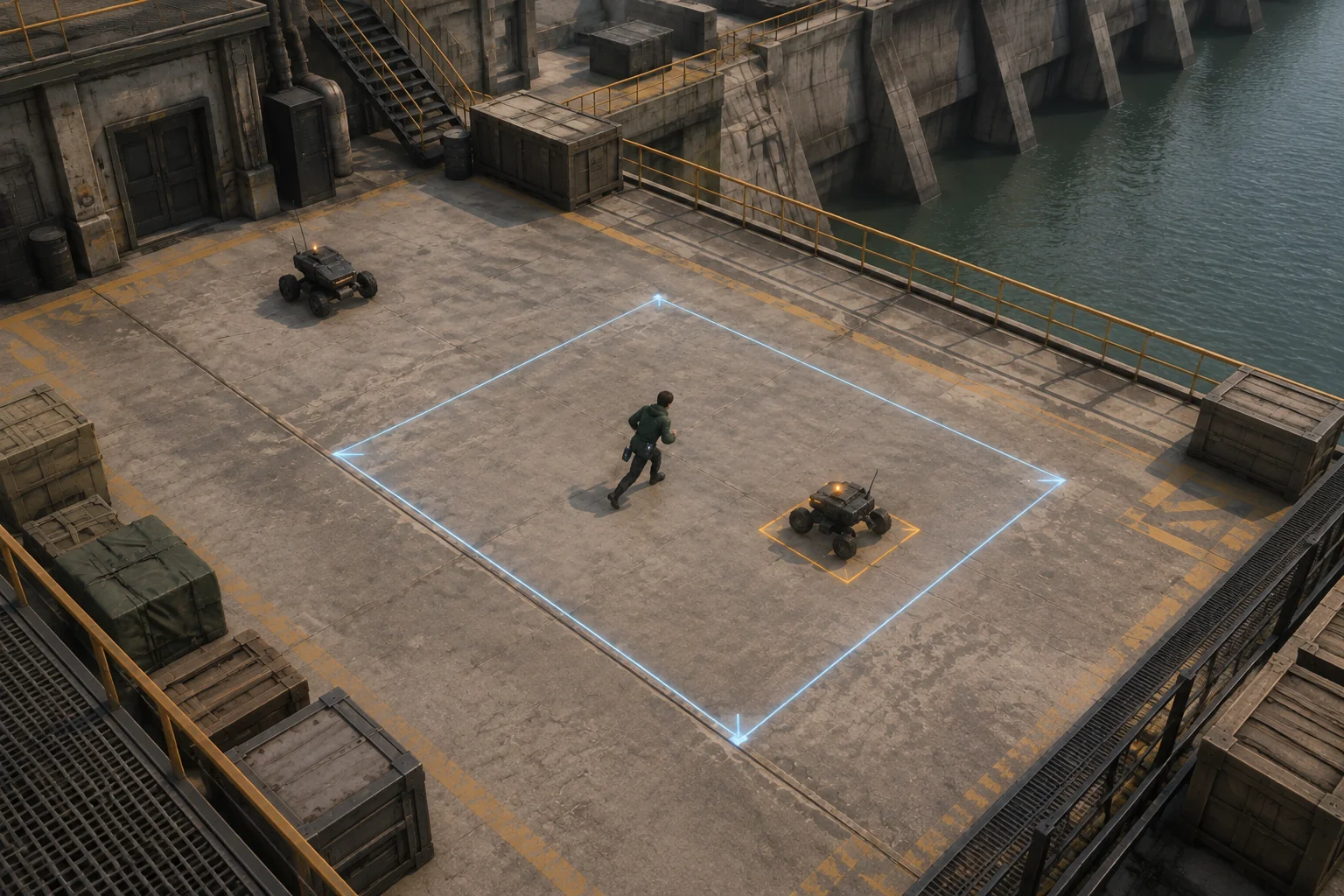
Use a seven-column, five-row yard. Start the technician at (3, 2) with two health. Each tick accepts a one-tile move up, down, left, or right, or a wait. Keep movement inside the board. Up decreases the row coordinate. Spawn drones A and B at (1, 2) and (5, 2) on tick 1. Spawn C and D at (0, 0) and (6, 4) on tick 6.
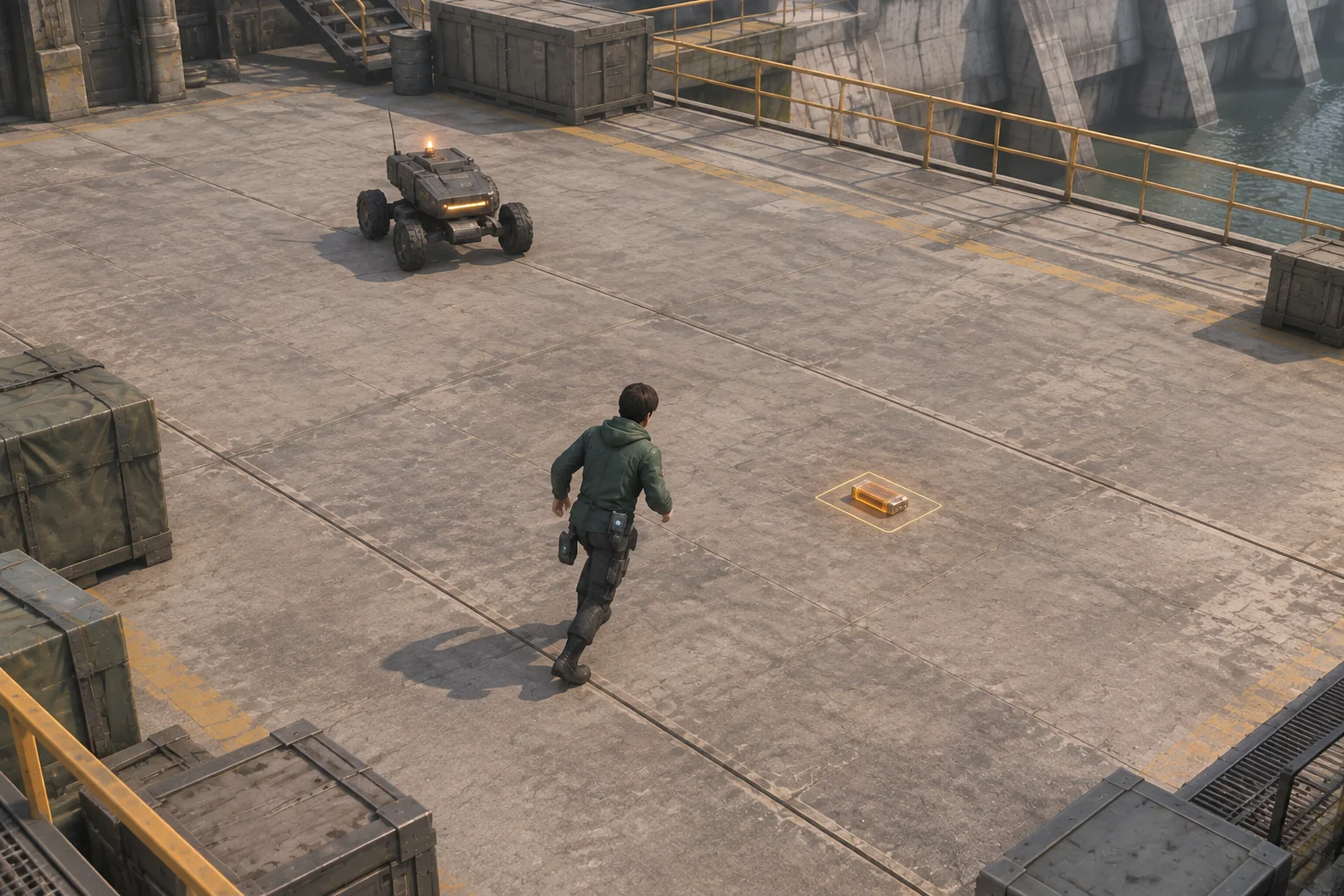
The technician sends out an automatic pulse on odd ticks. It defeats one nearest drone within two steps, measured by adding the horizontal and vertical distances. Break ties by drone ID. A drone takes one hit and drops one XP cell on its own tile. The player has to walk to the cell on a later tick to collect it.
Resolve each tick in the same order
| Phase | Rule | Why it matters |
|---|---|---|
| Spawn and move | Add the scheduled drones, then apply one player move or wait. | The pulse uses the player’s new position. |
| Pickup and upgrade | Collect all existing cells on that tile. The second distinct cell offers one upgrade. | The upgrade can apply to the pulse that follows on the same tick. |
| Pulse | On odd ticks, hit one nearest eligible drone. Skip if none qualifies and store no charge. | A pulse cannot collect the cell it has just created. |
| Chase and contact | Survivors move one step toward the player, horizontal first when both axes differ. A drone already on the player stays put. Each overlap deals one damage. | The player needs room after the pulse as well as before it. |
When the second cell is collected, pause on that tick until the player chooses. Range raises the distance limit from two to three. Guard absorbs the next one-point contact and keeps the range at two. Resume the same tick with the selected effect, and offer the upgrade only once.
Walk the two waves from a fixed starting point
| Tick | Player input | Expected state with Range |
|---|---|---|
| 1 | Wait at (3, 2) | A and B are both two steps away. The pulse hits A. XP drops at (1, 2), and B moves to (4, 2). |
| 2 | Left to (2, 2) | No pulse. B moves to (3, 2). |
| 3 | Left to (1, 2) | Collect the first XP cell. The pulse hits B and leaves another cell at (3, 2). |
| 4–5 | Right twice to (3, 2) | Collect the second cell on tick 5 and choose Range. There are no targets, so the pulse skips. |
| 6 | Wait at (3, 2) | C and D spawn. With no pulse, they chase to (1, 0) and (5, 4). |
| 7 | Right to (4, 2) | D is three steps away and is hit. C moves to (2, 0). |
| 8–9 | Up to (4, 1), then wait | C moves to (3, 0) on tick 8. At distance two, it is hit on tick 9, clearing the run. |
Try just tick 7 again with Guard. D is still three steps away and C is five, so the shorter pulse reaches neither. Guard would matter if a drone later made contact. Keep that comparison at the same position and tick. The two choices lead to different states after the pulse.
Ask AI to build one arena and a step control
SEELE’s 3D game maker offers a starting point for a small browser prototype around a movement challenge. Give it the arena, exact tick order, and target rule, then compare the first build with the trace. Keep the art simple enough to see the pickups, targets, and open floor.
Build a top-down browser arena on a 7-column by 5-row board.
Coordinates are x=0–6 and y=0–4. Start the player at (3,2) with
2 health. Accept one cardinal step or wait per tick. Up decreases y.
Spawn A at (1,2) and B at (5,2) on tick 1. Spawn C at (0,0) and
D at (6,4) on tick 6.

Order each tick as spawn, player move, existing XP collection and
upgrade, automatic pulse, enemy chase and contact. Pulse on odd
ticks. Hit the nearest live drone within Manhattan distance 2.
Break ties by alphabetical ID. Skip if there is no target.
Each drone takes one hit and drops one XP cell on its tile.
Collect each existing cell on the player tile only once, on a later tick.

At 2 distinct pickups, pause for one choice on the current tick.
Range changes the distance limit to 3. Guard absorbs the next
one-point contact and leaves distance at 2. Apply only one choice.

Each live drone chases one orthogonal cell, horizontal first.
A drone already on the player's tile stays. Each overlap after
the chase costs 1 health. Lose at zero. Win when wave 2 has spawned
and every drone is gone. Restart clears all timing, enemies, XP,
upgrade and Guard state. Add a debug step with target and XP output.
Check the first tie, the even tick with no pulse, and the empty pulse on tick 5. Revisit a collected tile and confirm that its XP does not return. Try a one-health test state on an even tick with a drone already on the player’s tile. Without Guard, that contact should end the run. Restart and confirm that the character, waves, and upgrade return to their original state. The guide to checking an AI game in small steps shows how to isolate a follow-up change.
Change the visibility of one XP cue
If players miss the first drop, try increasing only the contrast of its outline against the floor. Keep the cell’s size, position, pickup rule, and enemy timing fixed. Compare the same state just after tick 1, with the cell at (1, 2) and the other drone still present. In a built version, watch whether players notice the cell and which direction they move first. The planned change affects the cue, while the expected attack and pickup results stay the same.
Keep the first upgrade tied to movement
Build one arena where a kill leaves a reason to move. Verify when the cell can be collected and what the first upgrade changes. Start your survivors-like prototype with SEELE’s 3D game maker and use the two-wave trace to check the first run.
Frequently asked questions
Should the player choose which drone the pulse attacks?
For this prototype, choose the nearest target in range automatically. Give the player a visible range cue so they can influence the choice by moving. If two drones are equally close, use a stable tie rule so the same move leads to the same result.
Why drop XP instead of awarding it as soon as a drone is defeated?
A drop gives the player a place to move toward and a reason to consider the risk of turning back. A kill reward can work when movement already has enough purpose. Use one visible drop first and check whether collecting it changes the player’s route.
What makes the first two upgrades meaningfully different?
Give each upgrade a different situation where it helps. Range can reach a drone from farther away, which can reduce the need to approach. Guard lets the player survive one contact they could not avoid. Compare the choices from the same starting position before changing the enemies.
When should I add another enemy type?
Add one when players can see which drone was selected, where XP dropped, and why a contact happened. Give the next enemy a distinct movement rule or warning. Test it by itself so you can see what it changes before mixing it into the first wave.