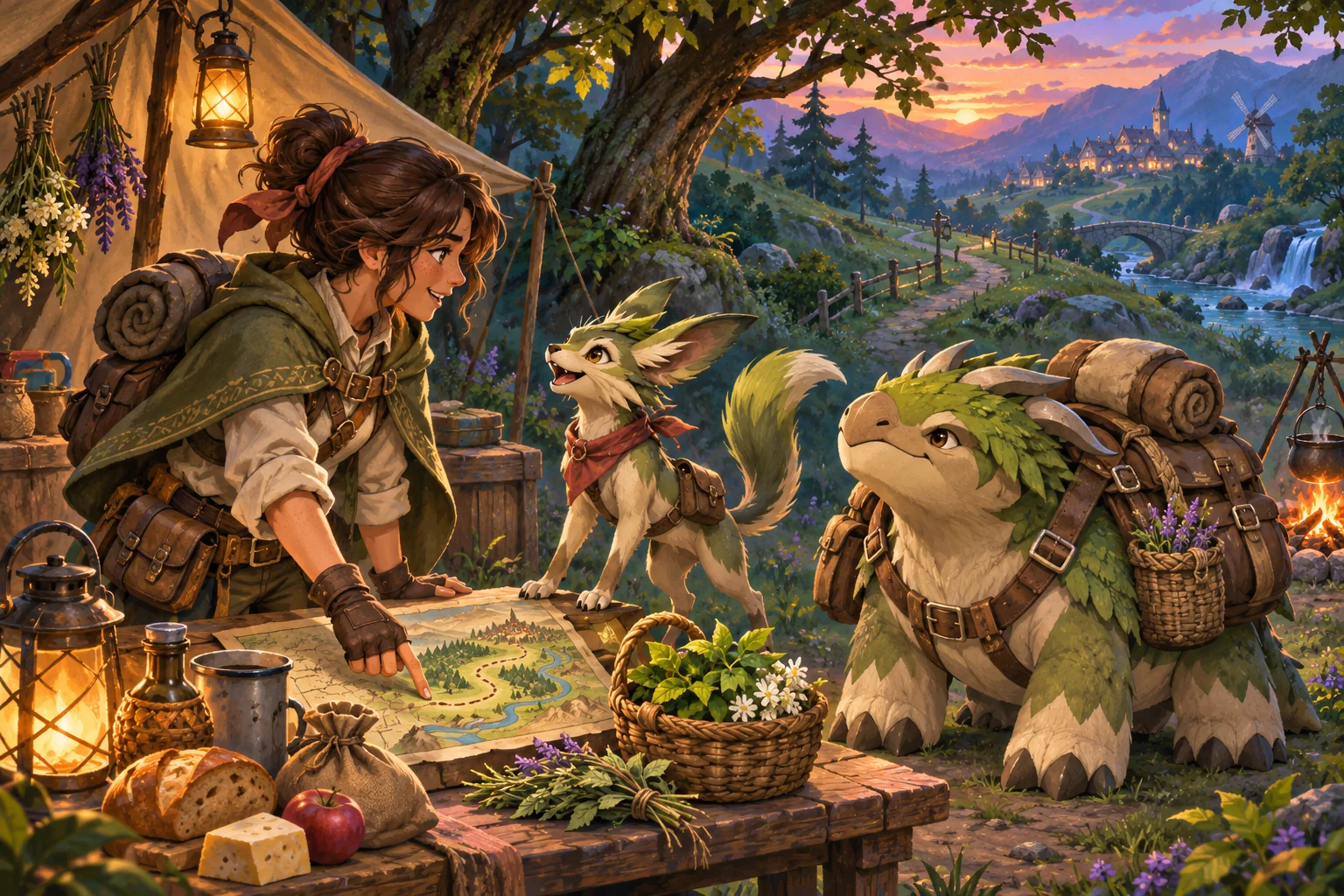
In fictional Greyfen, three units escort a supply cart along a route with three encounters. The player can leave the game while an optional quest clock continues, then return to review the patrol report. The central design choice is what advances without the player and what still waits for confirmation. A small test can compare a paused quest with a continuing quest using the same squad, route, encounters, and six-hour absence, so the effect of the offline rule is easy to see.
Build a tactical quest with a fixed route
Use a three-unit patrol and one supply cart traveling through Greyfen. Divide the route into three encounters, each with a clear stage marker and a simple outcome rule. Show squad condition, cart status, route progress, and the planned return time before the player sends the patrol. The map should make it clear that this is a quest assignment, not a live battle the player is expected to watch.
Keep squad, route, encounters, rewards, and elapsed time identical in the test. For this fictional fixture, each stage takes two hours and the full route takes six. The three units and the cart begin in the same condition every time. A fixed route makes the comparison about quest-clock behavior instead of changing tactics or random encounter results.
Advance the quest clock without hiding its rules
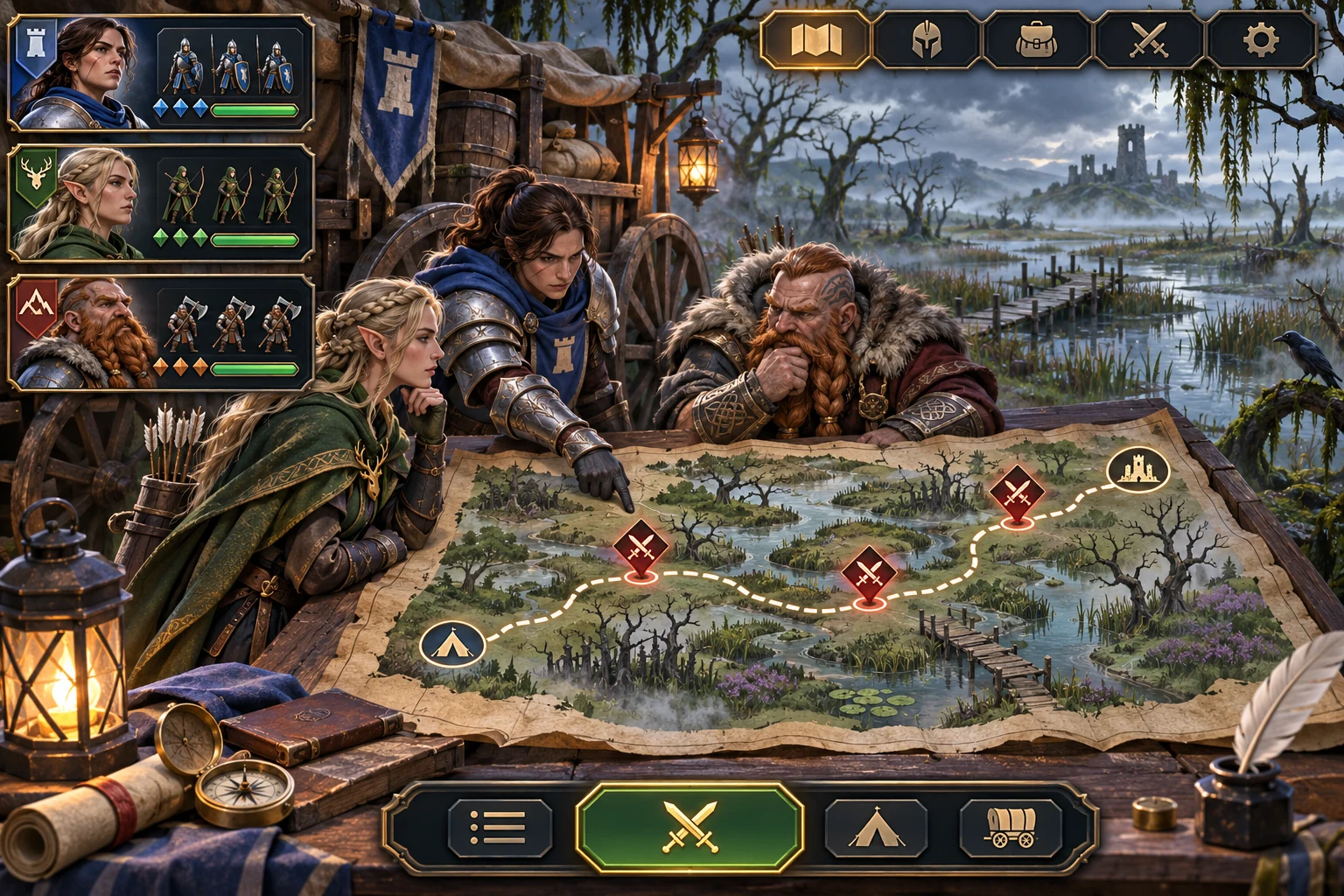
Offer a clear choice between pausing progress when the player leaves and continuing the quest clock in the background. In the continuing version, resolve one stage every two hours, up to the end of the route. Record the last resolved stage and elapsed quest time so reopening the game can resume from saved state instead of restarting or applying the same stage twice.
Godot Resources can hold authored quest-stage data, such as duration, encounter type, and reward definitions. Keep the active quest’s current stage, squad condition, and timestamps in saved game state. The player’s absence is a rule in the simulation; do not imply the game or a server is guaranteed to run when the device or service is unavailable.
Return to a report before claiming rewards
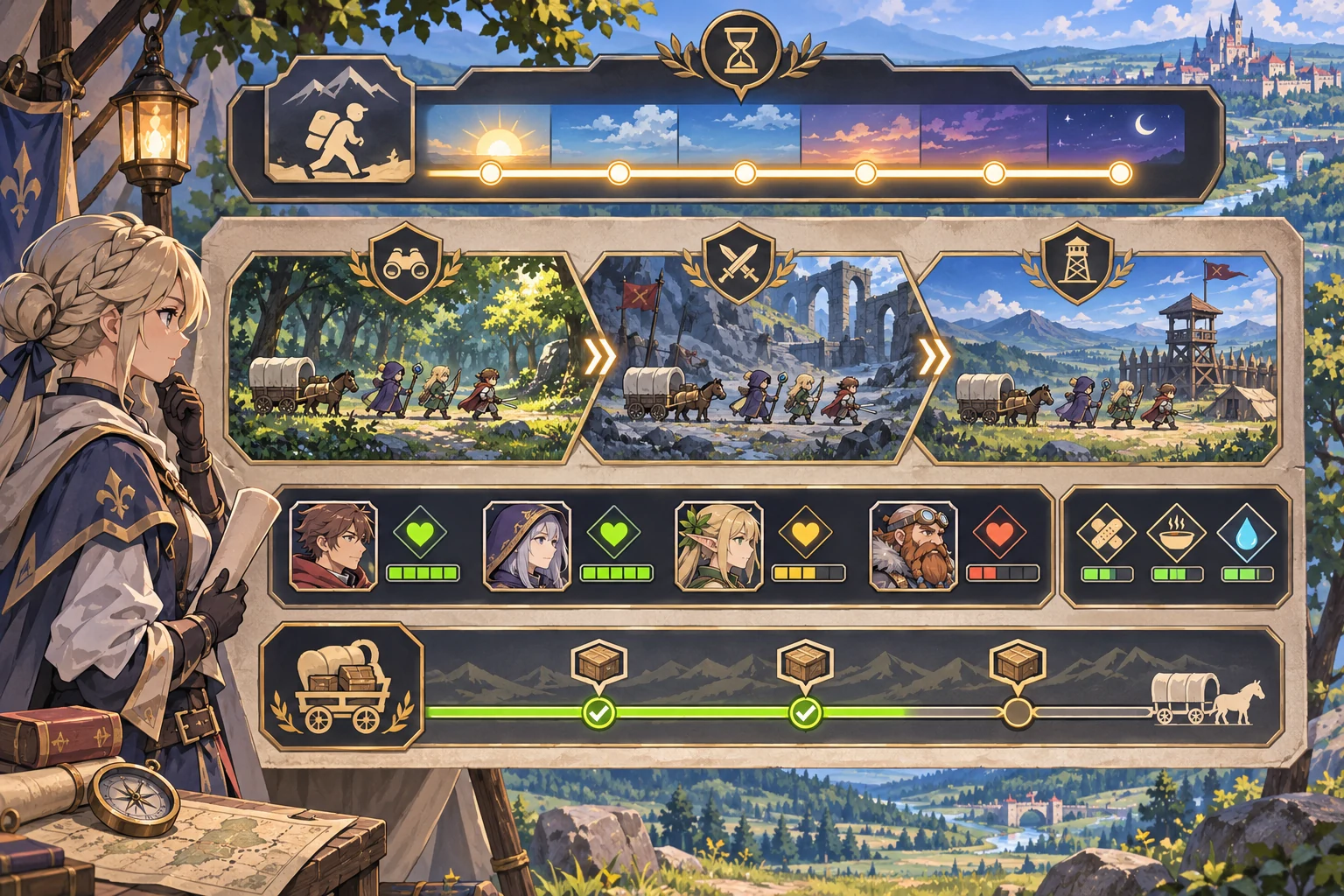
After six hours, show a report with completed stages, each unit’s condition, the supply cart result, and reward details. In the continuing fixture, all three stages resolve, the cart arrives, all units return healthy, and a 90-coin reward becomes available. Keep the reward unclaimed until the player reviews the report and chooses to collect it. This separates quest resolution from the player’s decision to claim the result.
Compare that with the paused baseline, where no stage resolves during the same six-hour absence and no reward is ready. Report stages completed, unit condition, cart status, reward amount, and claimed status separately. The test checks the offline quest rule only; it does not estimate player retention or guarantee that players will return to claim rewards.
Give the AI a fixed offline-quest test
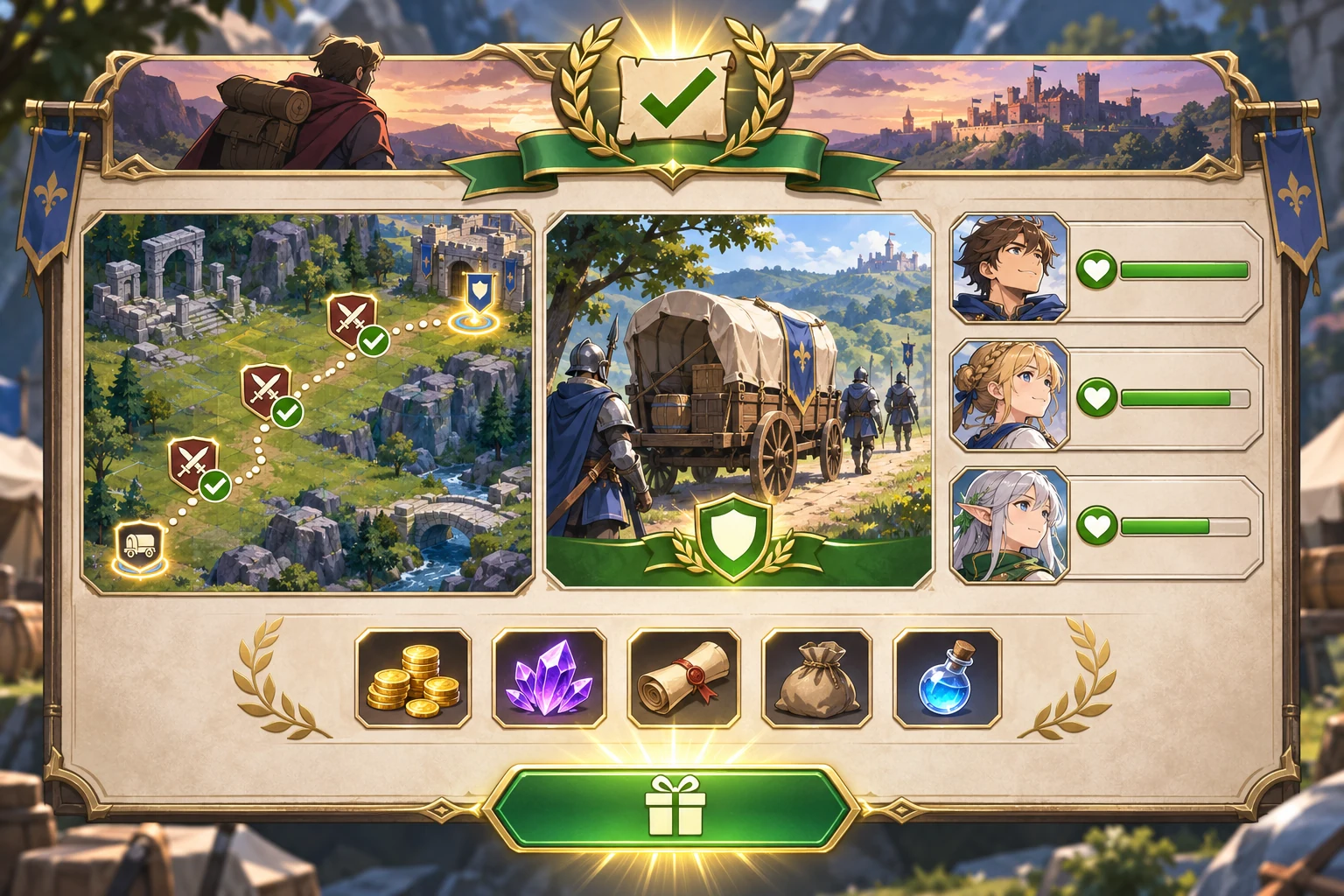
Create a tactical RPG quest in fictional Greyfen. A three-unit patrol escorts one supply cart along a route with three encounters. Keep squad, route, encounters, starting condition, and a six-hour player absence fixed. Each stage takes two hours. Compare a paused baseline that makes no progress while the player is away with a continuing version that resolves all three stages. In the continuing version, the cart arrives, all units return healthy, and a 90-coin reward becomes available. Show a return report and require the player to claim the reward; do not auto-claim it. Report stages completed, unit condition, cart status, reward, and claimed status separately.
If the squad, encounters, route, or elapsed time changes, restore the same fixture. Confirm the paused run resolves zero stages and has no reward ready; the continuing run resolves three stages, returns the cart and three healthy units, and offers 90 coins unclaimed.
FAQ
How can quests progress while a player is away?
Define a clear offline rule, such as resolving one quest stage after a fixed amount of elapsed game time. Save the current stage and last update time, then show the result when the player returns. Keep reward claiming as a separate choice so the player can review what happened before collecting anything.
What should a tactical RPG show in an offline quest report?
Show stages completed, squad condition, objective or escort status, rewards, and whether the reward has been claimed. Keep the report tied to the same quest record used by the route map. This helps players understand progress without making them guess what advanced while they were gone.
How do I test a quest that continues in the background?
Use the same squad, route, encounters, and absence duration in both runs. Compare a paused rule with a continuing rule, then report mission progress and unit outcomes separately. This isolates the effect of the quest clock without mixing it with different combat choices or random events.