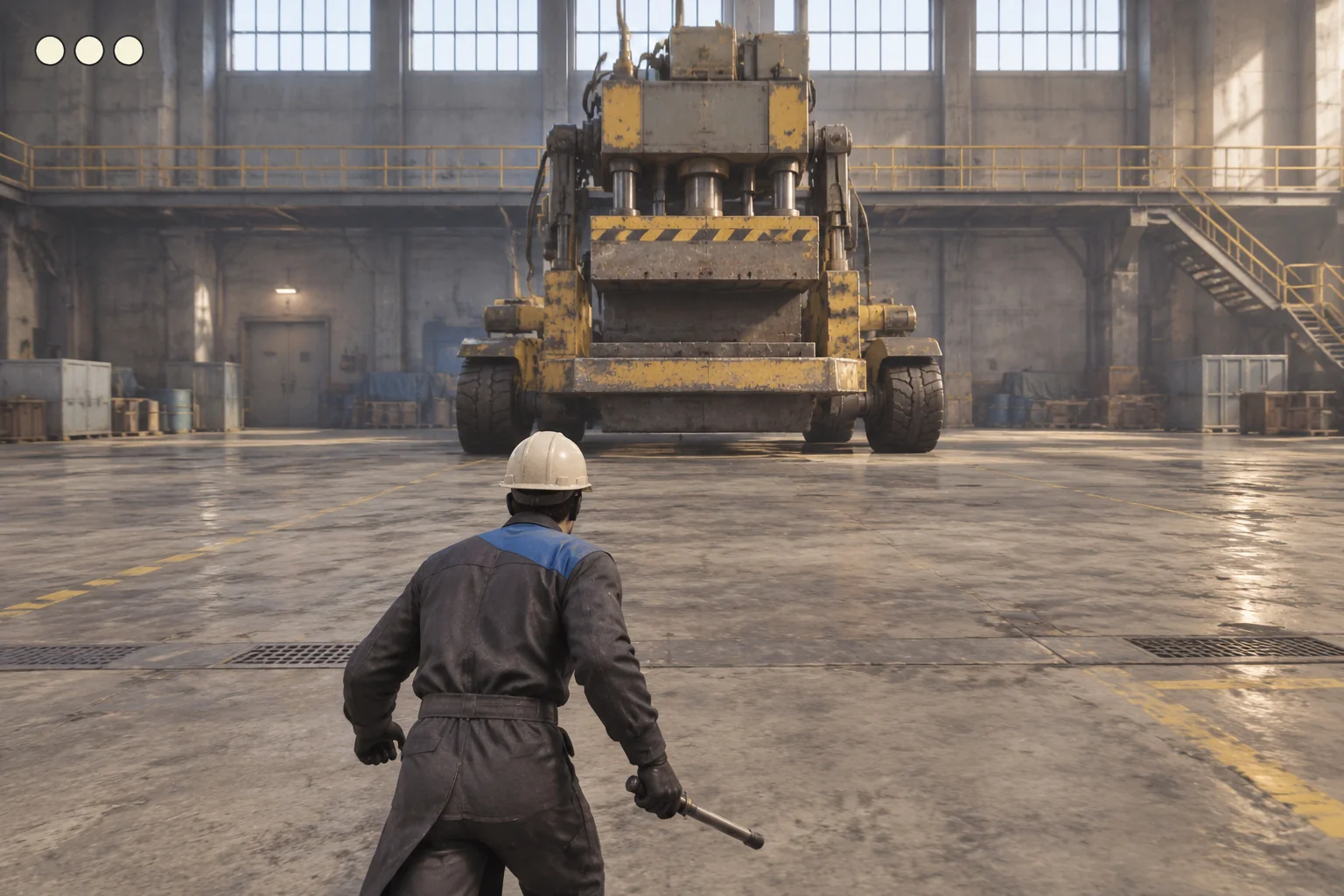
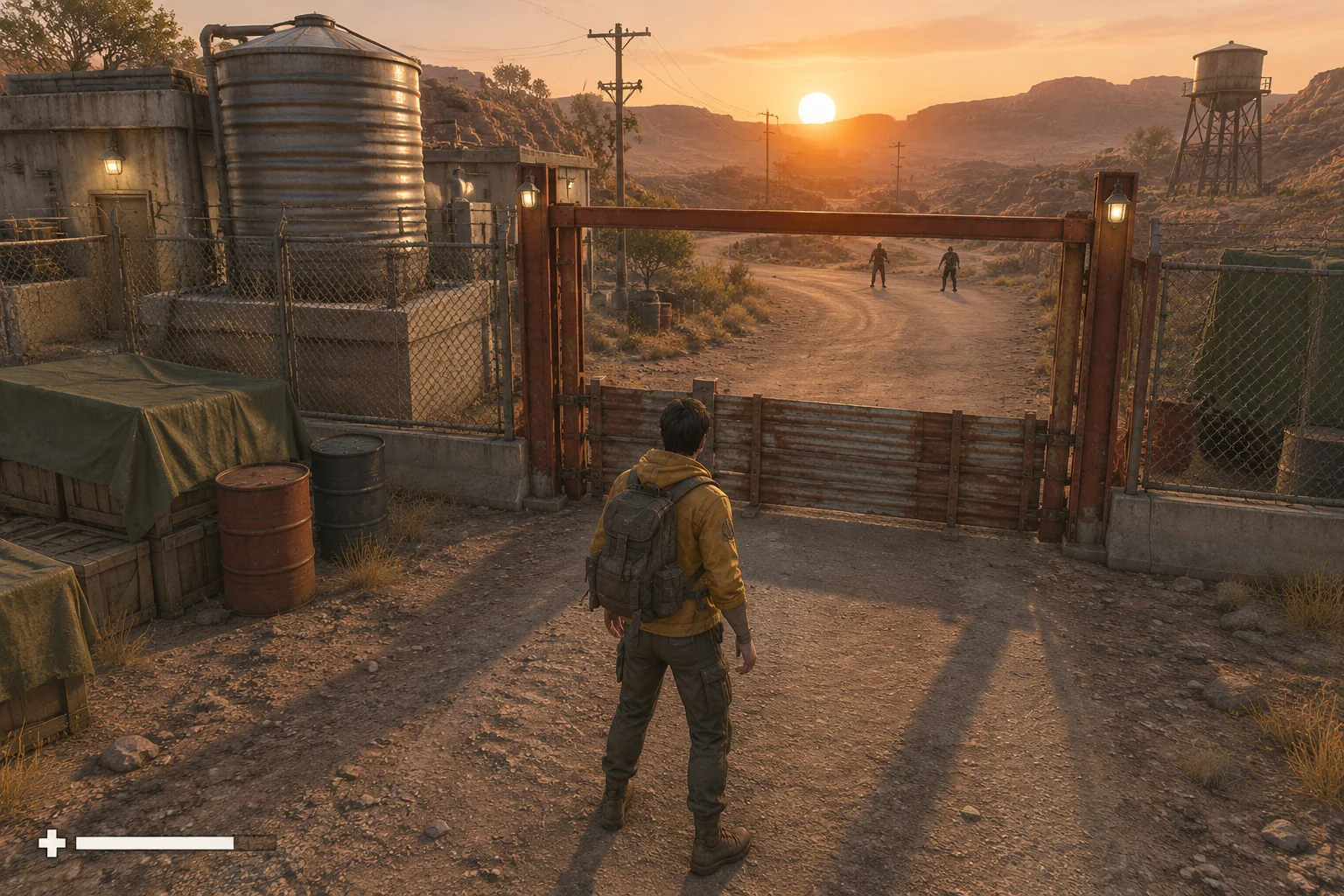
To make a tactical shooter with AI, start with a situation where staying put or moving changes the outcome. Give the player a sheltered position, a place with a clear view, and a teammate who can tell them when to move. Use one short encounter to check how position and information work together before adding more targets.
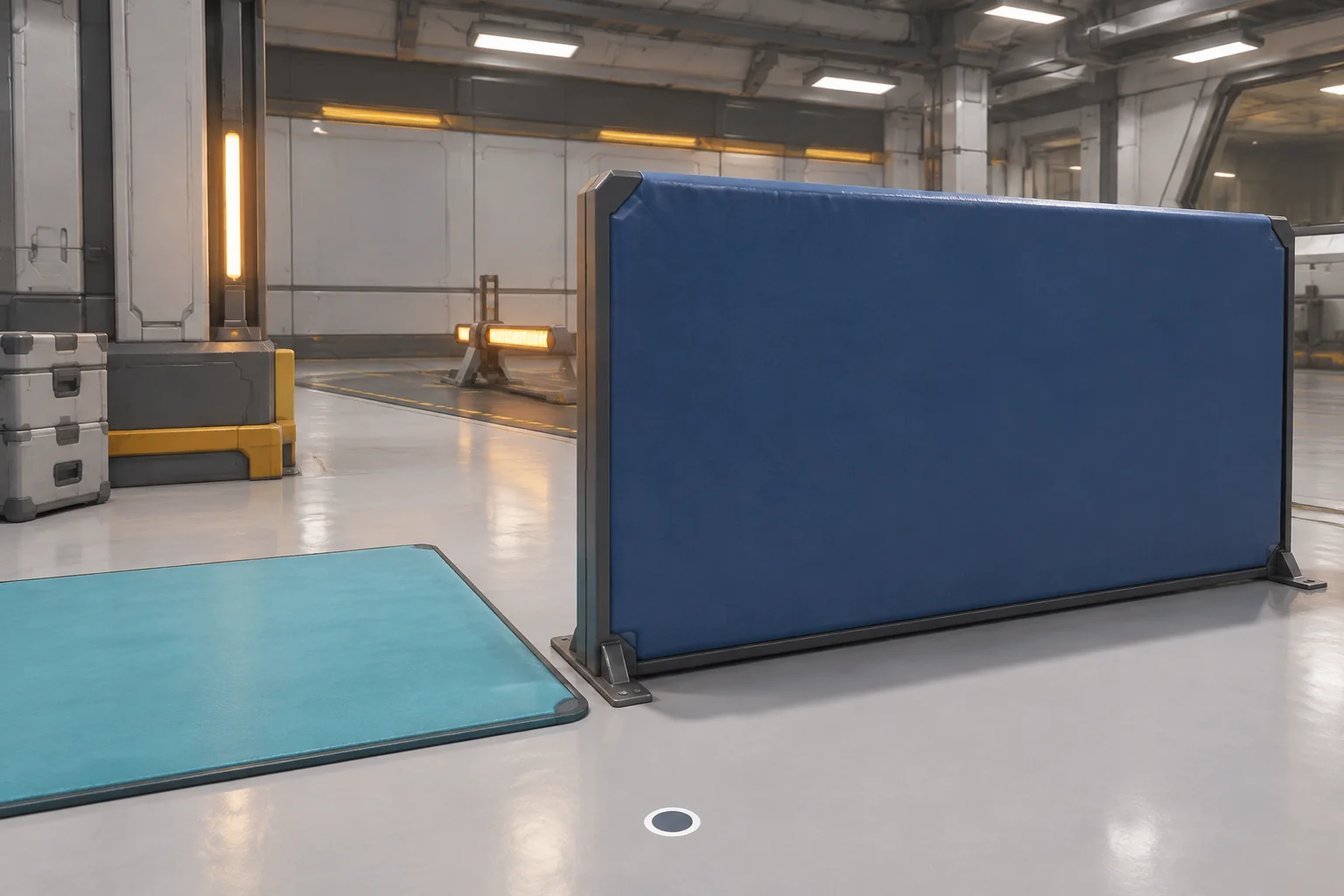
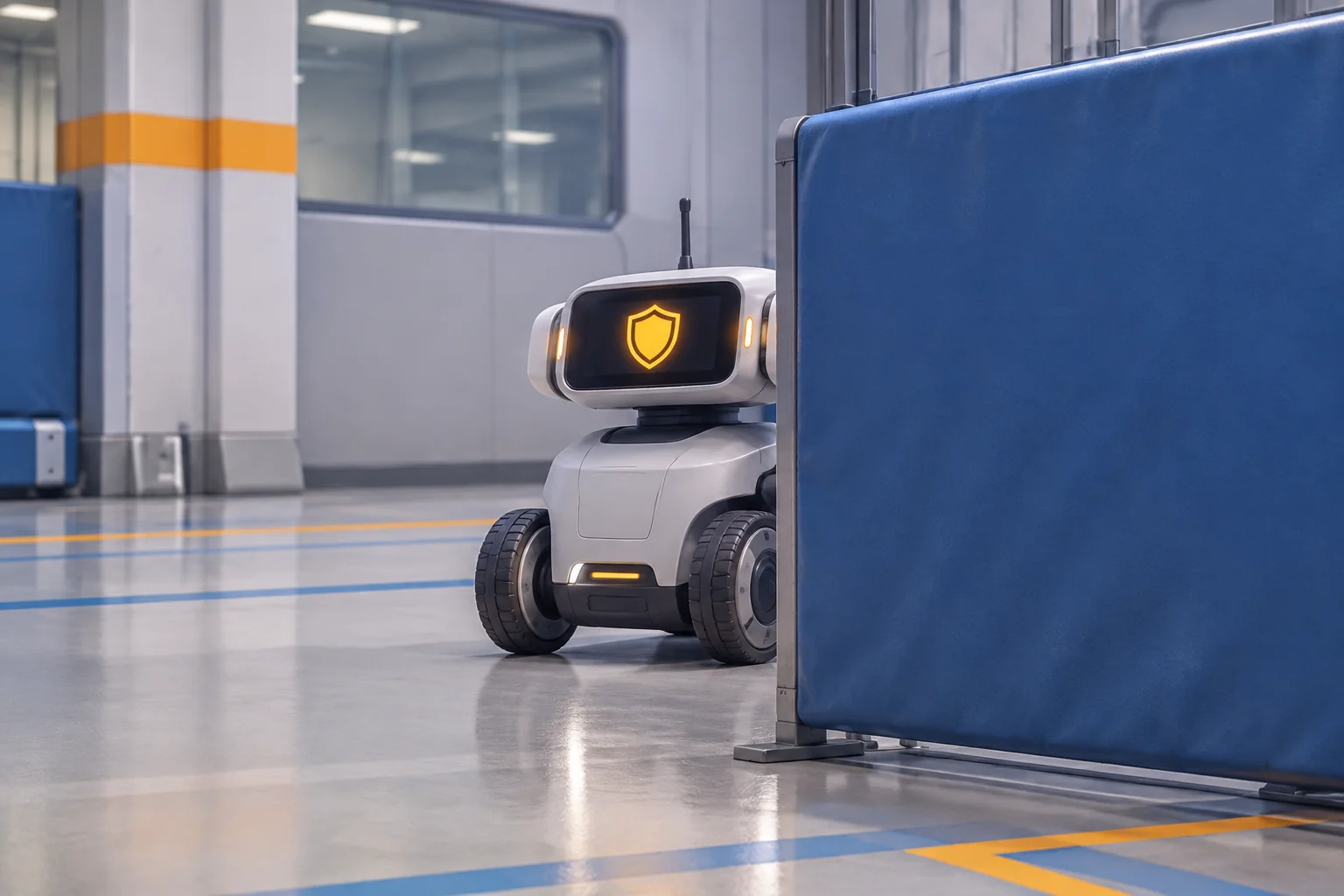
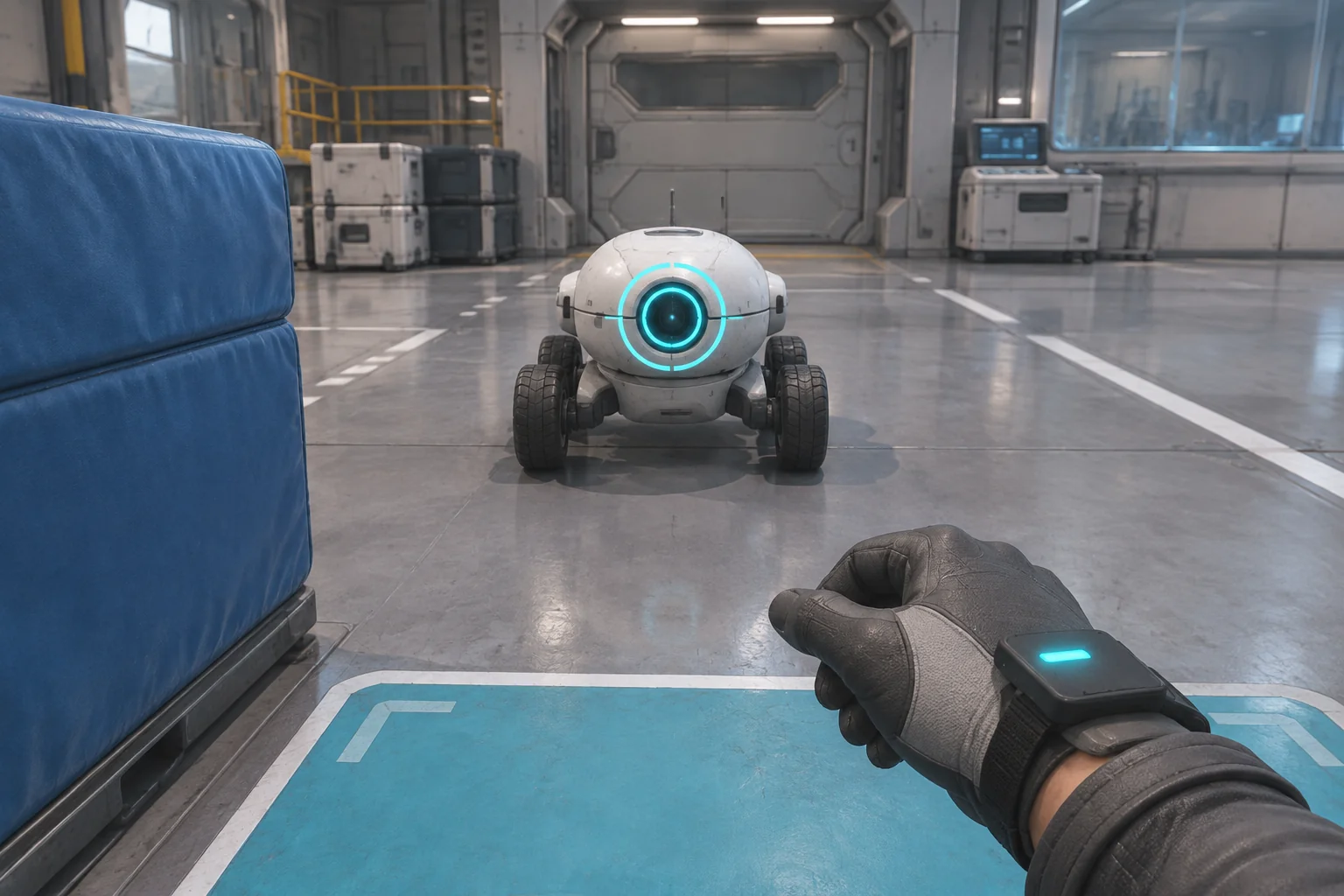
In the fictional Relay Test Bay, the player uses a wearable game controller to tag a training robot. An opaque divider blocks the robot's view of one floor pad. A second pad gives the player a clear line to the target. A friendly spotter can read the target's shield from the covered pad.
Give each pad a clear purpose
Use a first-person view and two fixed floor pads. The player chooses Move to switch pads. Between actions, the simulation waits. That makes it possible to read the spotter and compare decisions without depending on reaction speed.
| Position | What the player can do | What the target can do |
|---|---|---|
| Cover Pad | Read the spotter, wait or move. The opaque divider blocks a tag pulse. | It cannot tag through the divider. |
| View Pad | See the target, send a pulse or move back to cover. | It can tag an exposed player during its Scan beat. |
The spotter only reads the current beat while the player is at Cover. The read is free. Show “Shield up” during Scan and “Shield open” during either of the two open beats. Clear the cue when an action advances the beat so the previous read cannot look current.
Resolve the action before advancing the beat
Start at Cover on beat one. The target repeats Scan → Open A → Open B. On a Move, switch pads first. On a Wait, keep the current pad. If either action ends at View during Scan, the target tags the player and the run ends. Otherwise advance the beat.
A pulse from Cover is blocked by the divider. Show a blocked cue and leave the beat unchanged. From View, a pulse during either open beat tags the robot and wins. A pulse from View during Scan is blocked by the target's shield. The scan then tags the exposed player and ends the run. Keep the blocked-pulse feedback separate from the final result so the player can tell what happened.
Trace one win and two ways to mistime the move
The open window is long enough for two actions. If the player leaves Cover on Open A, they can send a pulse on Open B. If they leave on Open B, the next beat is Scan. At that point they can still move back to Cover because the scan checks the resulting pad.
| Route from restart | Action sequence | Expected result |
|---|---|---|
| Move early | Move from Cover on beat 1, Scan. | The target tags the player on the exposed pad. |
| Use both open beats | Wait on beat 1, Move on beat 2, Pulse on beat 3. | The pulse tags the target before the window closes. |
| Move late | Wait on beats 1 and 2, Move on beat 3, Pulse on beat 4. | The shield blocks the pulse. The scan tags the player. |
| Retreat after a late move | Use the same late route through beat 3, then Move back on beat 4. | The divider blocks the scan after the player returns to Cover. |
These are the expected results of the prototype rules. If the retreat loses, check whether the scan ran before the pad changed. If the early move survives, check whether the game advanced to Open A before resolving the scan.
Give the AI the encounter and its state changes
SEELE supports starting a game project from a written idea. Give the build request both positions, the cycle, the available actions and the order in which they resolve. Use simple pads and visible indicators while you check the timing.
Create an original first-person browser prototype called Relay Test Bay.
Use a fictional robot test arena, a wrist tag controller, an opaque divider
and two fixed positions named Cover Pad and View Pad. Start at Cover.
The divider blocks the target and player from tagging each other at Cover.
At View the player has a clear line to a nonhuman training robot.
Start at beat 1. Repeat Scan, Open A and Open B.
Provide Move between pads, Wait, Pulse, Read Spotter and Restart.
Read Spotter works at Cover, shows the current shield state and spends
no beat. Scan reads Shield up. Both open beats read Shield open.
On Move or Wait, resolve the resulting pad before checking Scan.
If the player is at View during Scan, show a tagged loss.
A pulse from Cover shows divider blocked and leaves the beat unchanged.
A pulse from View on an open beat tags the robot and wins.
A pulse from View during Scan shows shield blocked, then the exposed
player is tagged and loses. Keep those two feedback events distinct.
Advance only after a surviving accepted action and clear stale spotter
reads on advancement. Resolve one action at a time.
Restart restores Cover, beat 1, an unread spotter and no outcome.
Use simple original assets and no real-world weapons.
First check that Move switches pads and that the divider blocks both tag directions. Then add the clock and test the four routes in the table. If the output differs, report the beat, starting pad, action and resulting pad. The brief-to-playable testing guide shows how to use an observed difference to narrow a revision request.
Try a spotter cue that shows the remaining window
In the first version, “Shield open” means either open beat. Suppose the player needs to know whether there is still time to move and tag. Change the spotter's text to “Two open beats left” on Open A and “One open beat left” on Open B. Count the current beat in both messages. Keep the encounter rules unchanged.
Compare a read from Cover on each open beat. Ask which read leaves time for both actions. Then rerun the same late move and retreat checks. A clearer cue should change what the player can tell before moving while leaving the consequences of each action the same.
Frequently asked questions
Why use two fixed pads in the first build?
Two pads make the visibility rule easy to check. One is protected but blocks the player's pulse, while the other lets both sides interact. You can add free movement later, once you can reproduce the behavior on each side of the divider.
Should reading the teammate's cue spend a beat?
Keep the read free if you want to test whether the information helps the player plan. Taking time to ask would introduce a second decision. In this version, the message applies to the current beat and clears when the clock advances.
Why give a blocked pulse and a tag different feedback?
They tell the player about different rules. A blocked pulse explains why the target did not register the action. A tag explains why the run ended. Keeping them separate makes it possible to diagnose a failed pulse from Cover and a terminal mistake at View.
How do I keep early encounter tests repeatable?
Fix the starting pad and clock, use one target, and replay the same inputs after each change. Check the expected result after every action instead of only watching the final screen. Then try a different starting beat deliberately when you are ready to expand the test.
Start with one decision about when to move
Pick a position the player can hold and another that gives them a useful view. Write the cue and the exact order of actions before you add more movement or targets. Bring the encounter to the SEELE AI FPS Game Generator as a starting brief, then check what happens when the player moves early, on time or late.