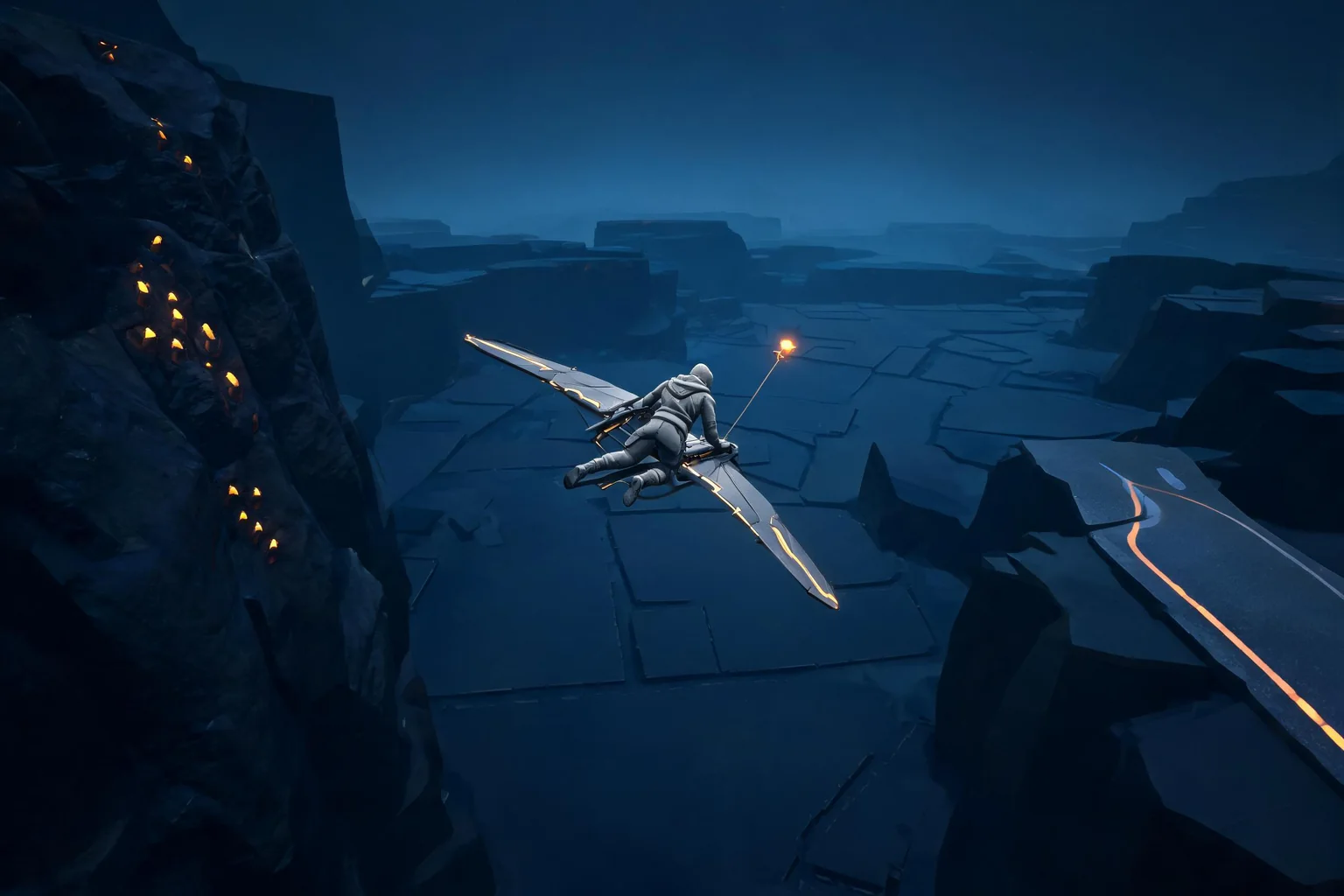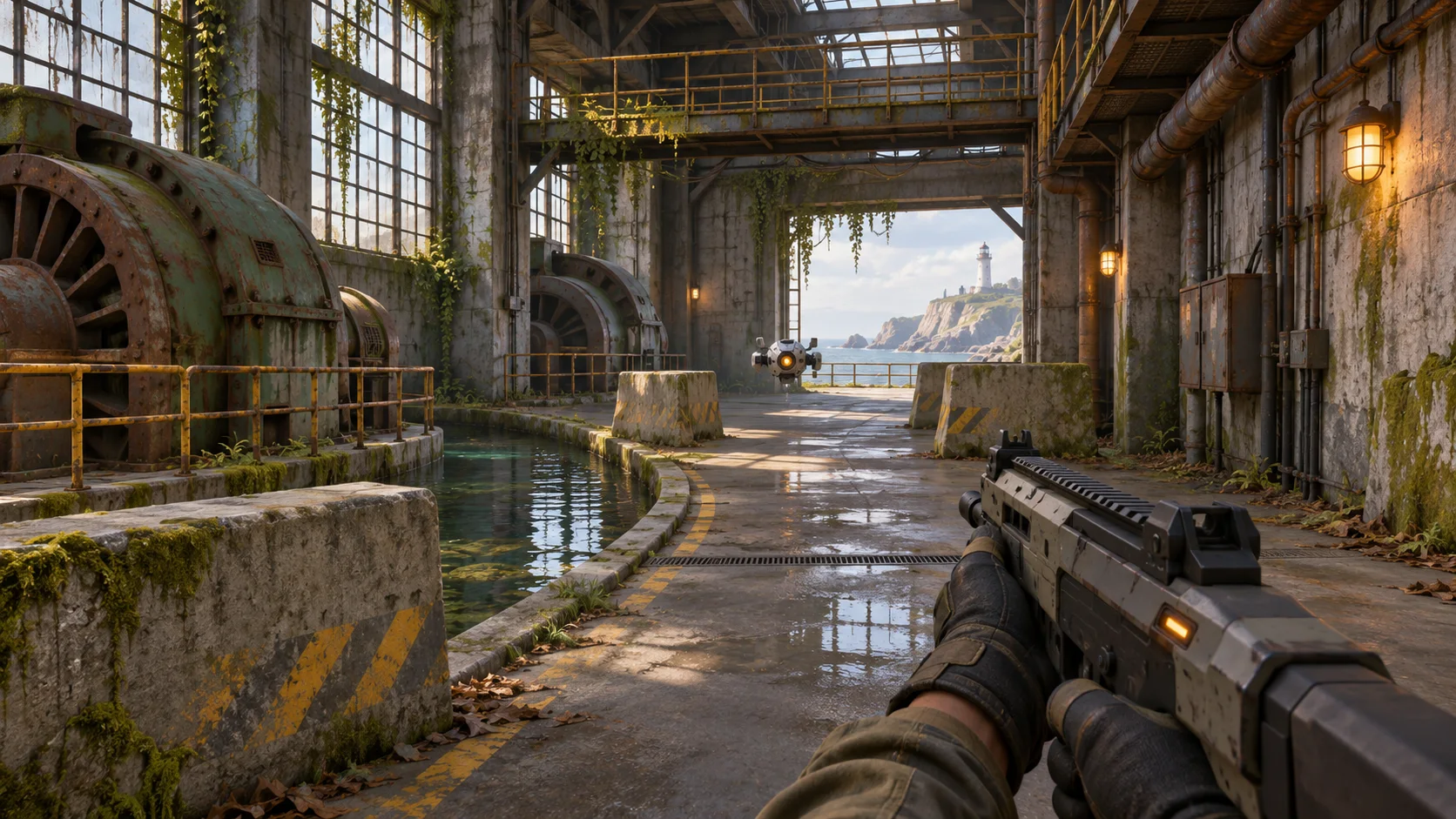


Give every encounter one objective
Tell the player where to go or what to secure, then make progress visible while combat unfolds.

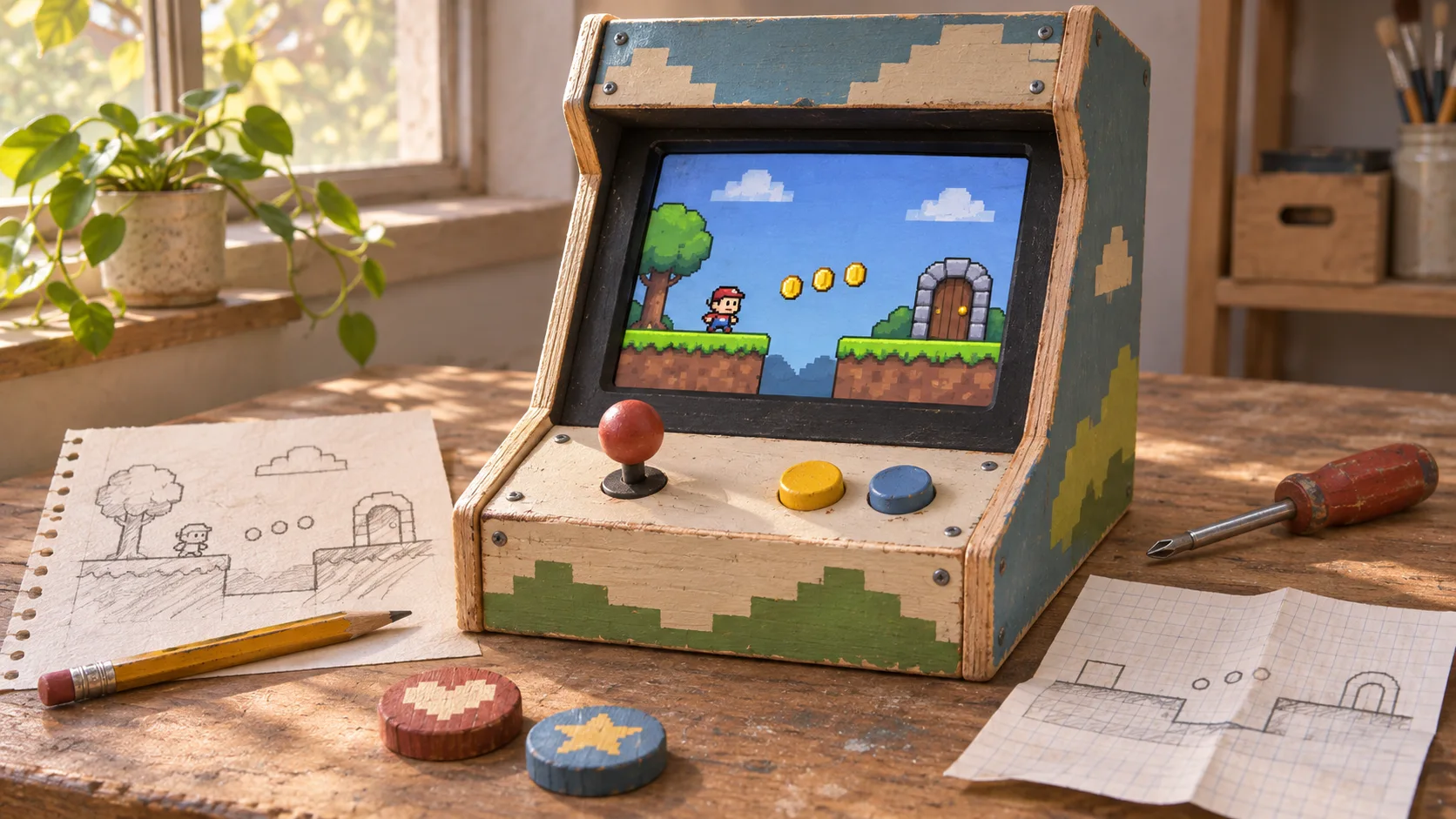
Set the objective, the threat, and the response the player should learn. Plan a compact FPS scenario with a clear route, readable weapon feedback, and one enemy challenge. Keep the first encounter short enough to play through and review before adding more systems.
Partners and teams

















How it works
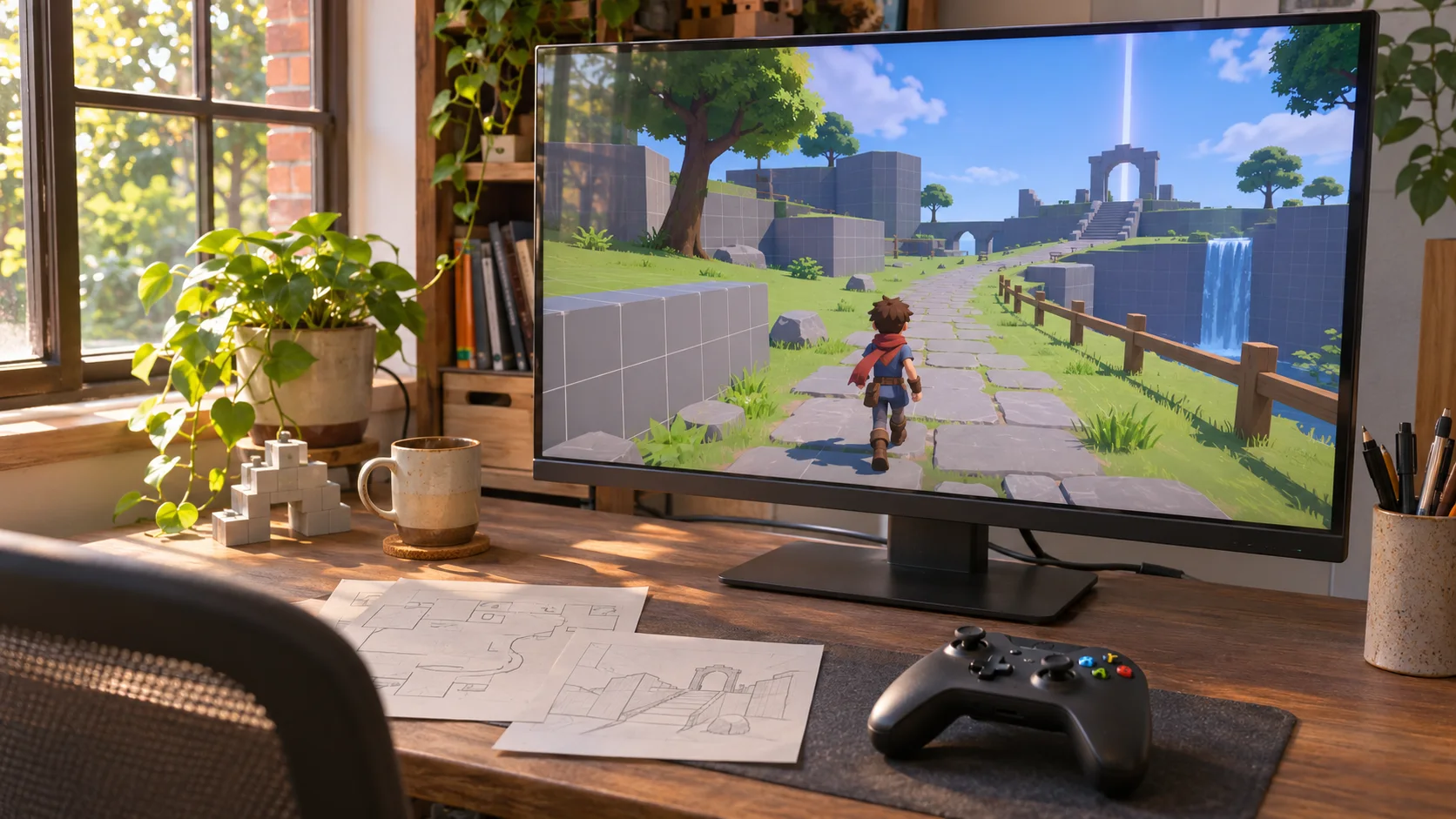
Start with a river to cross and give players the blocks and tools to build their own bridge.
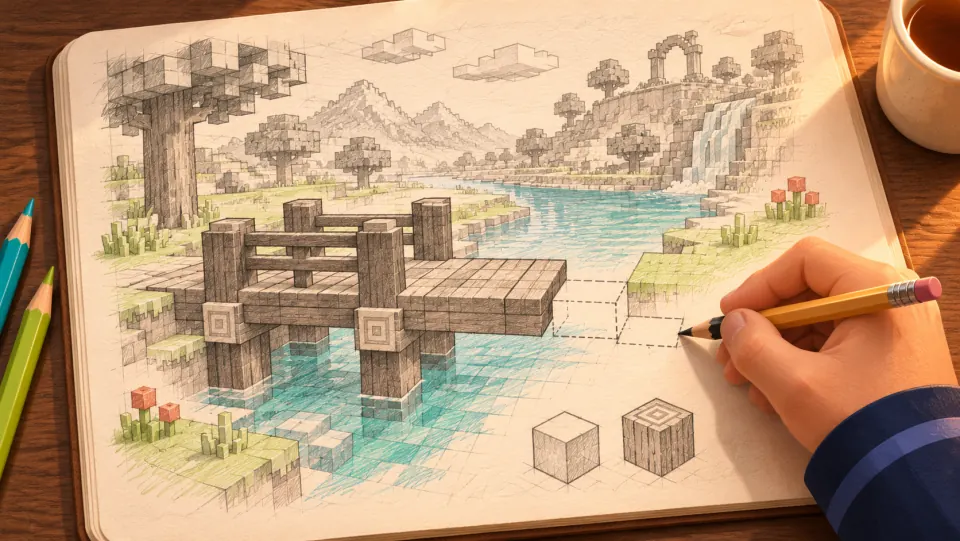
Picture a blocky world where the player reaches a river and builds a wooden bridge to get to the other side.
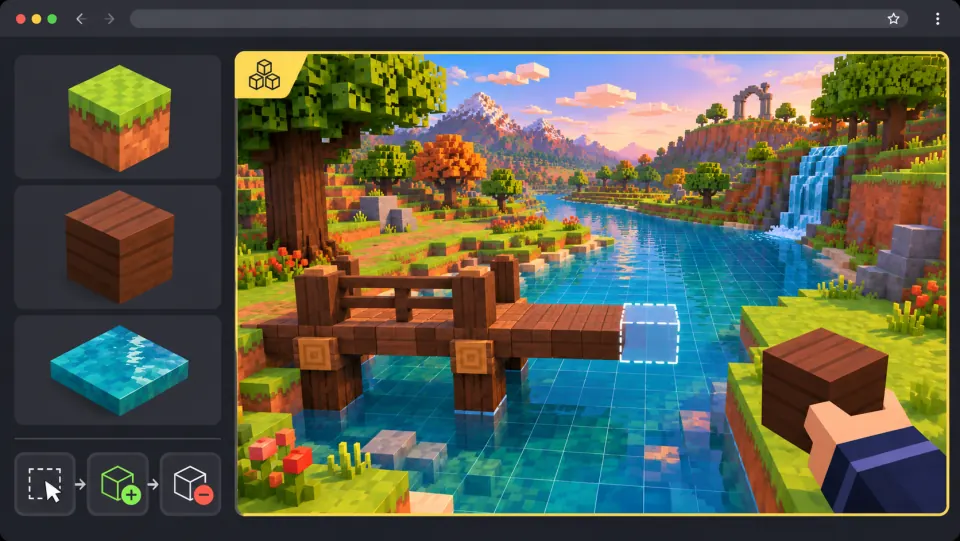
Ask seeleAgent to shape the riverbanks and add wood blocks. Let players preview where each block will go, place it, or remove it.
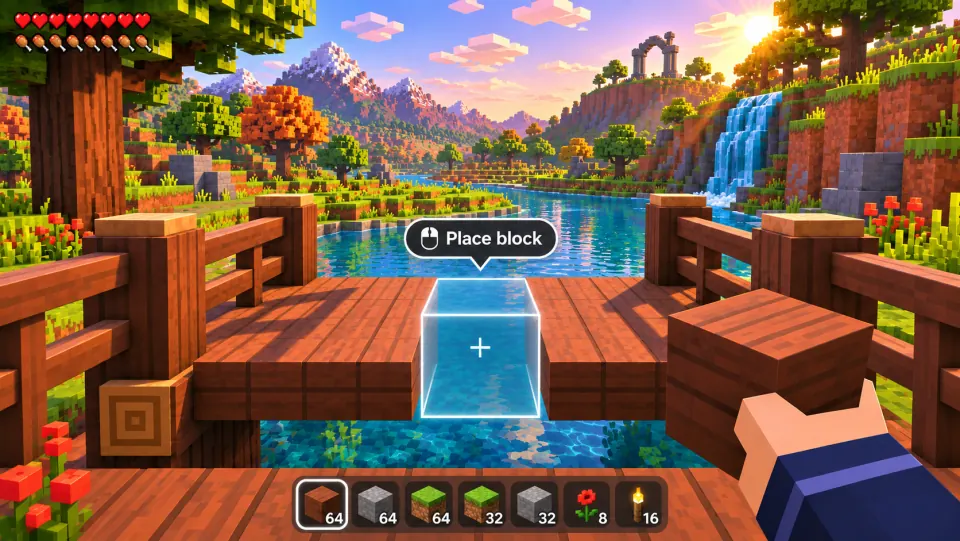
Select a wood block, line up the preview, and click to place it. Finish the bridge and walk across.
Pick a starting point
Try a training room, a short combat encounter, a weapon feedback check, or a small difficulty ramp.
Use one arena to check aim, hit feedback, and the exit condition.
Build a browser FPS in Three.js. Give the player a pulse rifle and put two slow drones in a room with one piece of cover. Show health and ammo on the HUD, signal each hit, and unlock a marked exit after both drones are defeated. Let the player restart after losing health or reaching the exit.
 Build a Three.js drone training room ↗
Why SEELE
Tell the player where to go or what to secure, then make progress visible while combat unfolds.

Introduce aiming, reloading, or cover in a low-pressure moment before testing the same action under threat.

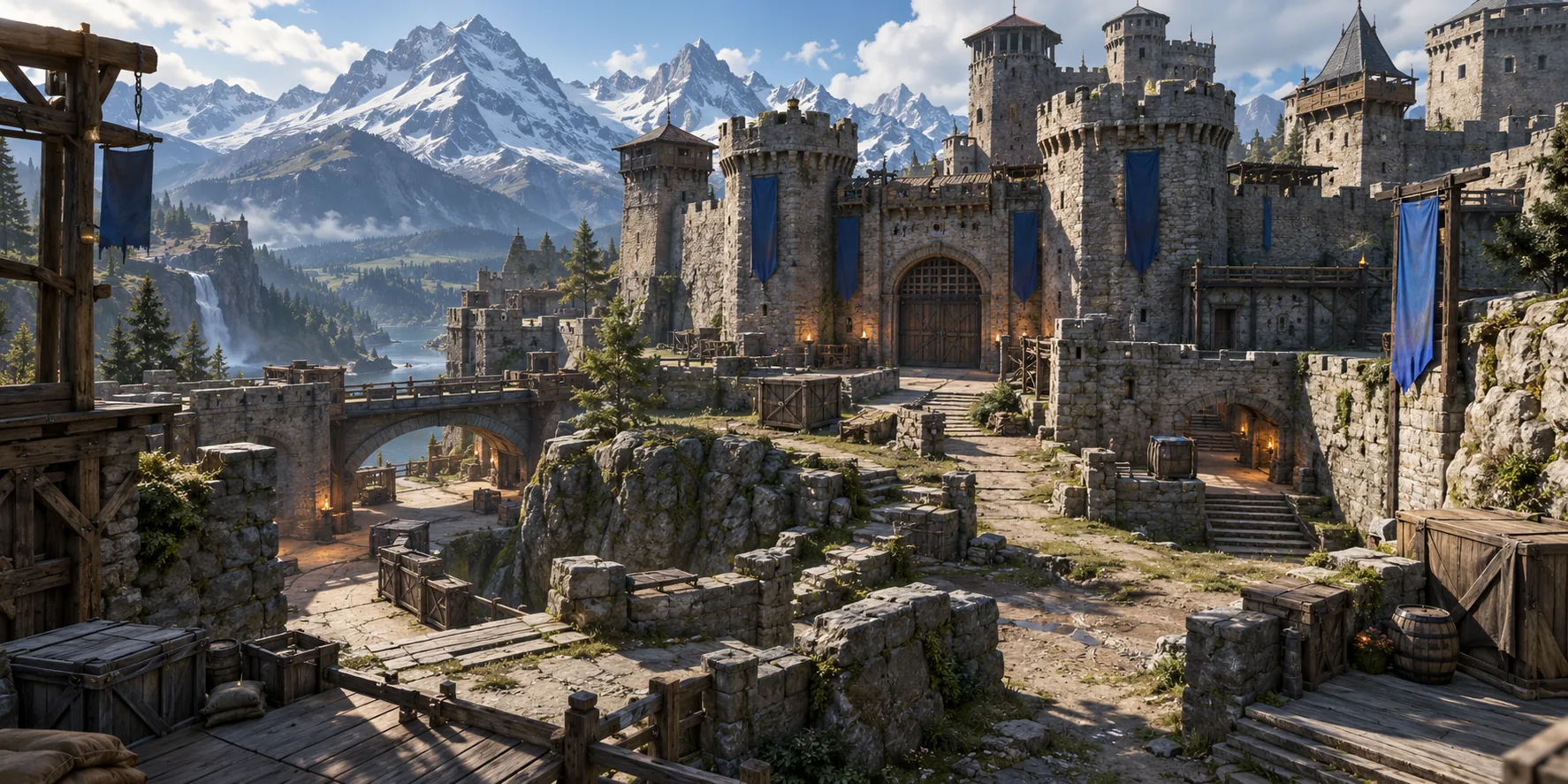
Use clear sightlines, recognizable cover, and enough space to distinguish a safe route from an exposed one.

Check that firing, hits, ammunition, and reloads each have a distinct cue the player can notice.

A short playtest can reveal whether players see the threat, understand the goal, and find the intended cover.

Change enemy timing, cover placement, or ammunition separately so the next test shows what improved.
Made with SEELE
These games are playable. Pick one and give it a try.
 AdventureAdventure GamePlay the example ↗
 ShooterWarcom: Neon BreachPlay the example ↗
 ActionOld Gods RunPlay the example ↗
 CasualCaution! Egg on the Car RoofPlay the example ↗
 RunnerNeon Night Rush: Barrier DashPlay the example ↗
 PuzzleMuseum ExhibitionPlay the example ↗
 SimulationMilky Way Idle 3DPlay the example ↗
 CasualSnowfall & Starry GiftsPlay the example ↗
 RPGCrownfall-The-Three-Realms-CoverPlay the example ↗
 SimulationFLYING CARPlay the example ↗
Who it’s for
Use a compact encounter to discuss combat readability before planning more levels or systems.
Try one room to explore aiming, cover, and enemy timing before building a longer campaign.
UEFN IAP Delivery for Game Designers ↗
Share a short encounter so teammates can review its objective, route, and combat readability.
Best 3D Game Creator ↗
Compare a training space with a combat scenario to decide which mechanic needs attention first.
3D FPS Game Builder with Three.js ↗Compare
A small scenario gives the team a concrete combat question to review. Engine integration and release work still depend on the project.
| Feature | A focused FPS prototype plan | A broad shooter concept |
|---|---|---|
| First test | One objective and a short combat encounter | A full campaign outline before the controls are tried |
| Arena scope | A single room or short route with readable cover | Several environments planned before the combat loop is clear |
| Weapon feedback | Aim, hit, ammunition, and reload cues reviewed together | Weapon behavior described without a repeatable test |
| Difficulty | One new threat added after the first encounter works | Multiple enemy types and systems introduced at once |
| Next revision | Change one combat variable and replay the same route | Adjust several systems without knowing which caused the result |
Reviews
Explore related game makers, design tools, and guides for planning a shooter prototype.
FAQ
It helps turn a first-person shooter idea into a focused scenario or prototype direction. A useful starting point names the player objective, the combat mechanic, and the result to review.
Describe the viewpoint, player objective, arena, controls, one threat, and what counts as success. Add constraints such as weapon count or encounter length to keep the first test focused.
Give the player a visible goal, introduce one threat, and place cover along a readable route. Play the encounter and check whether the objective and available responses make sense.
Start with stationary targets and clear hit feedback. Let the player practice reloading without pressure, then introduce moving threats after the basic controls are understandable.
Review input delay, aim movement, firing rhythm, hit confirmation, and reload cues in the same test. Change one part at a time so you can tell which adjustment helped.
One is usually enough to test the combat loop. Add another only when it creates a distinct decision, such as trading range for firing speed.
Use visible landmarks, a clear destination, and sightlines that reveal the next area. During a playtest, note where players stop, backtrack, or miss the objective.
Begin with one enemy type and a predictable pattern. Check whether the player can read the threat and respond with the controls available before increasing speed or numbers.
You can outline roles, objectives, and match rules, but online networking, synchronization, matchmaking, and balance require implementation and testing in the chosen game project.
A finished engine export is not guaranteed by this page. Check the current Workspace options for the target workflow and test any files in the intended engine.
It answers one design question by letting someone try the controls or encounter. Keep the test short, state what success looks like, and record what players actually do.
Complete one run with the rifle and sidearm. Check aim, switching during reload, empty-magazine feedback, and whether the HUD shows the active weapon, health, and the right ammo counts. Defeat the final drone and confirm the exit unlocks and the next run starts cleanly.
Yes. Name the genre, visual mood, and one interaction that supports it. Keep atmosphere separate from the core combat test so each can be reviewed clearly.
Test controls, performance, accessibility, difficulty, content boundaries, and platform requirements in the actual build. The checks depend on the features and audience of your game.
Choose a player objective, one threat, and a weapon interaction to review in a compact scenario.
Start an FPS game idea →