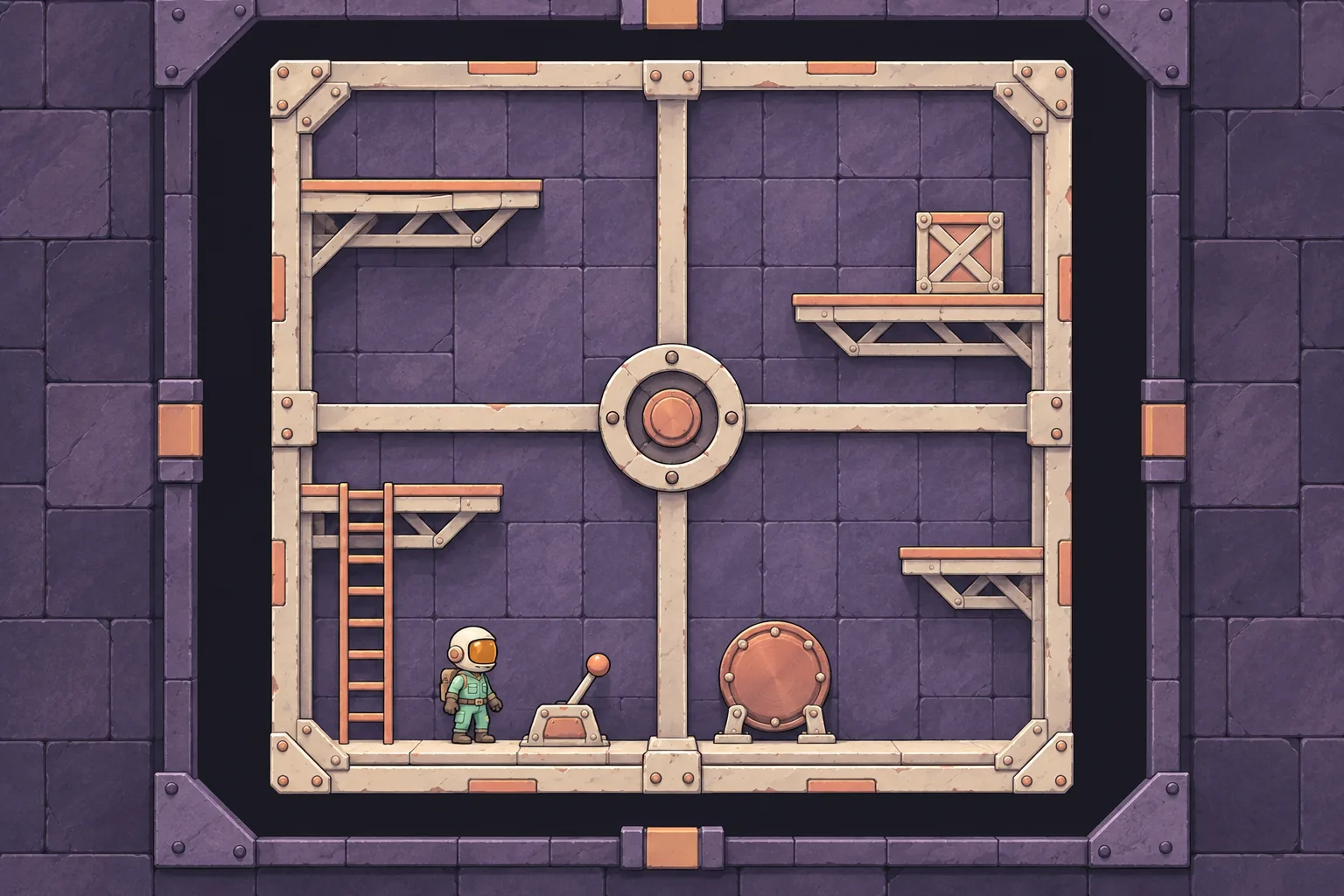
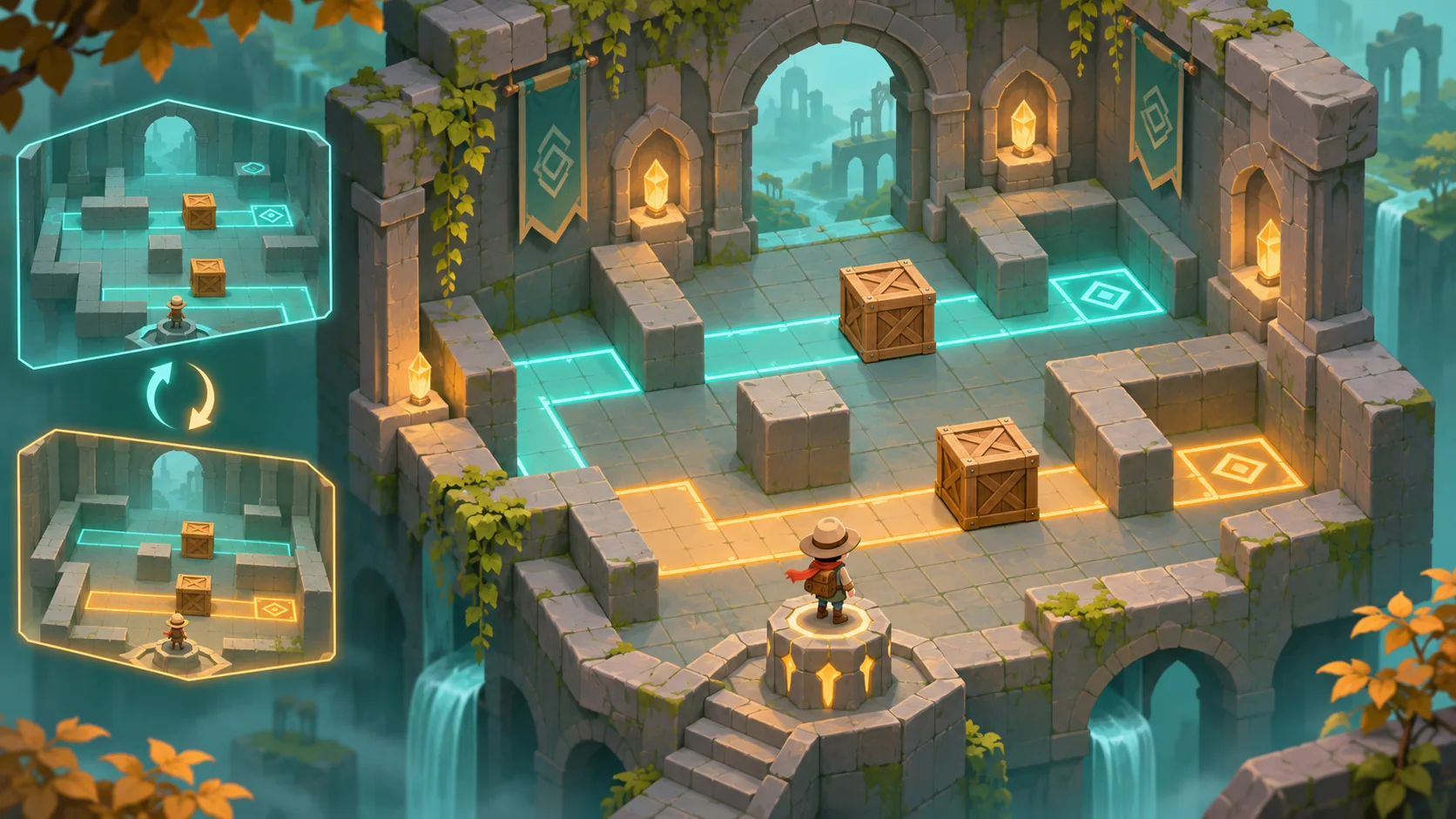
A time-rewind platformer becomes confusing if the player returns to an old position while the room keeps its new orientation. Treat the room as part of the rewind state. A small snapshot test can show whether the character and geometry return to one consistent moment.
Set up a room that rotates during play
Build one square chamber with a pivot at its center and four platform surfaces. The player begins at a marked checkpoint. Activating a switch rotates the chamber by 90 degrees and changes which surface acts as the floor. Record player position and room orientation before and after the switch.
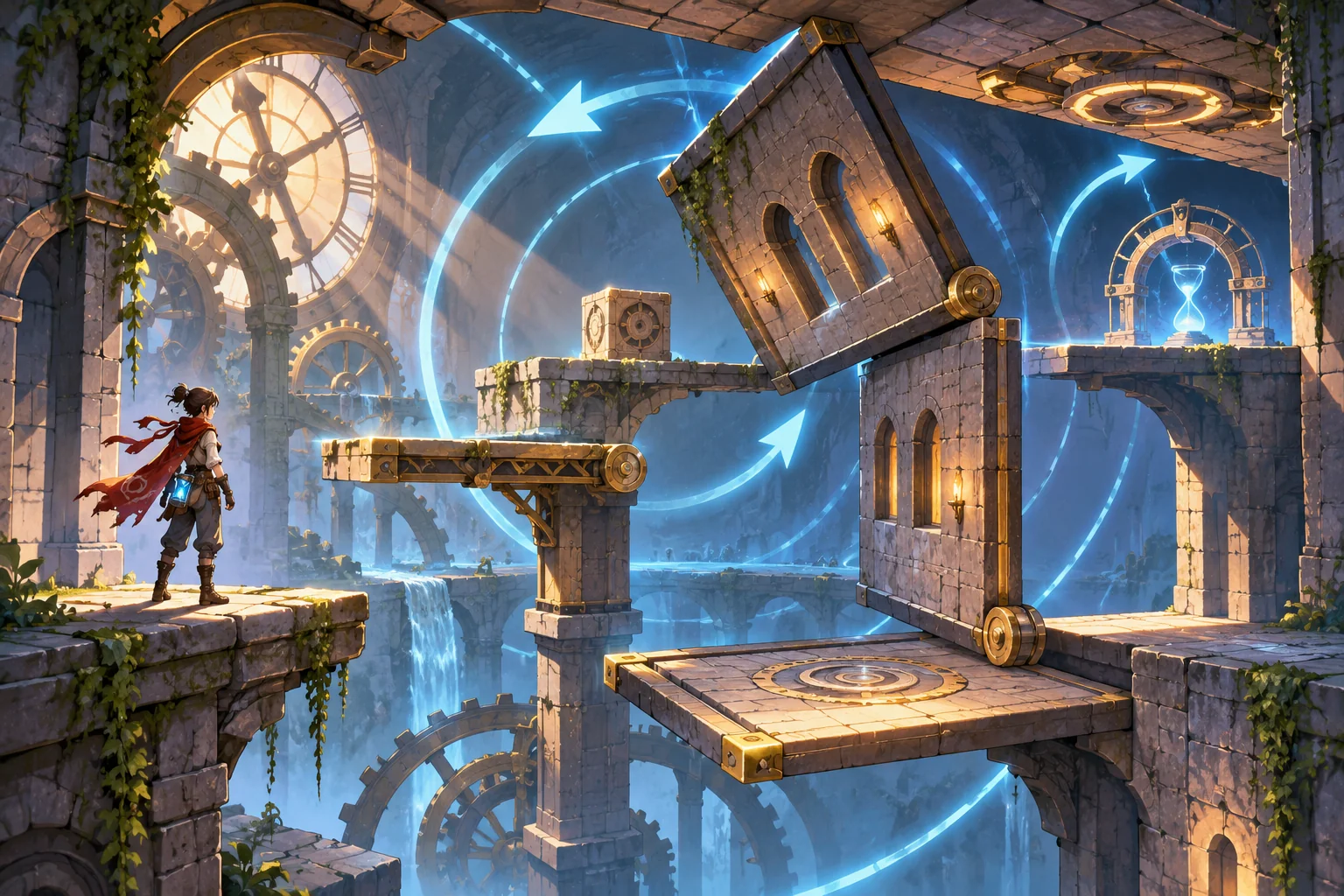
Keep rotation discrete for the first prototype. A quarter turn is easy to see and gives the replay a clear before-and-after state. Avoid adding multiple rooms or moving hazards until the state rule works.
Store room orientation with the rewind snapshot
When the switch activates, save a snapshot containing the player position and the room angle. Move the character, then start a short rewind. Restore both values from the same earlier snapshot. The platform layout should turn back with the room instead of leaving the player against geometry from a different moment.
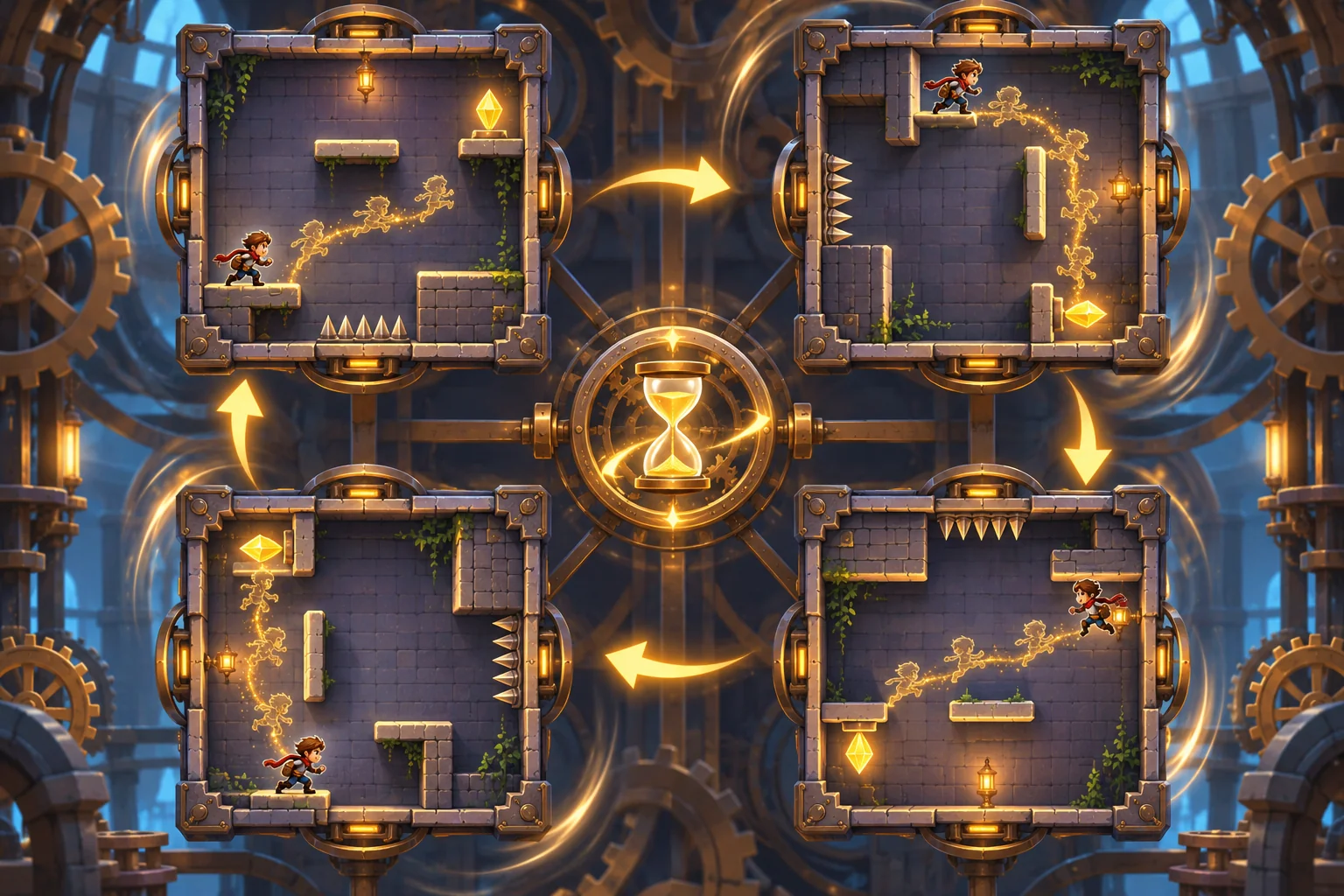
If the game stores only the player transform, the character may return to a ledge that is no longer above the floor. The mismatch makes rewind feel arbitrary. Include the room’s orientation in the same time record as the player state.
Replay a rotation and rewind
The local test begins at angle zero with the player at the checkpoint. The switch changes the room to 90 degrees and the player moves to a new coordinate. Rewind restores the saved coordinate and angle zero together. In the incomplete comparison, position rewinds but angle remains 90 degrees, leaving the room and player out of sync.
| Replay rule | Player position | Room angle | State consistent? |
|---|---|---|---|
| Restore both | Checkpoint | 0° | Yes |
| Restore player only | Checkpoint | 90° | No |
This deterministic check verifies snapshot fields only. It does not test continuous collision, physics integration during rotation, animation, temporal effects or a full rewind system. Those need separate validation after the state pairing is reliable.
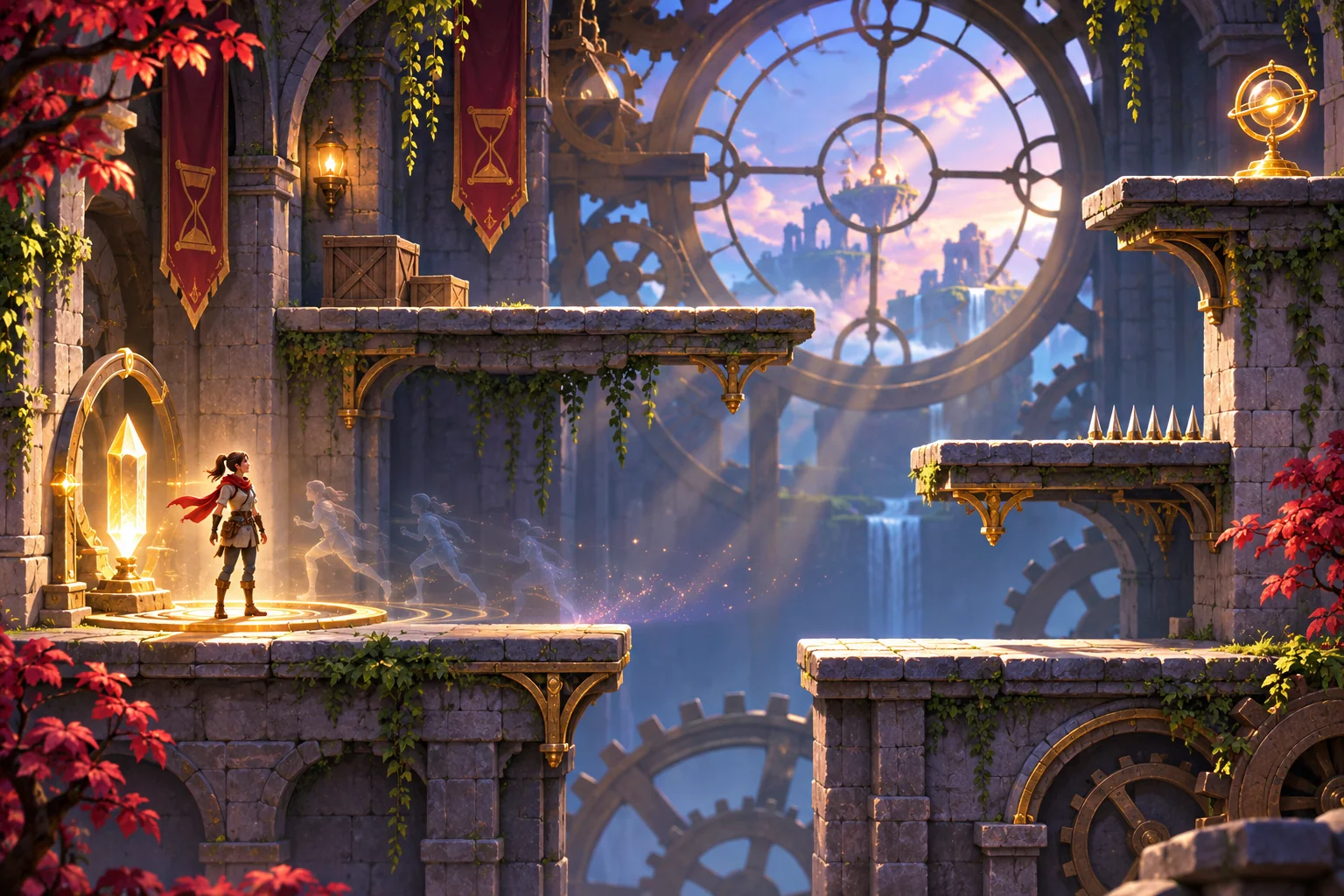
Prompt for a rotating-room rewind prototype
Ask an AI game maker for a platformer with one square room, a quarter-turn switch, a checkpoint and a short rewind. Store player position and room orientation in each snapshot. After the player moves, rewind both values together so the earlier floor aligns with the checkpoint. Add a comparison mode that intentionally restores only position, then reset to repeat.
Once the paired state works, test more room angles or hazards one at a time. Keep the first experiment focused on whether the same snapshot restores the character and the room together.
Start a time-rewind platformer prototype in SEELE
Frequently asked questions
Why should room rotation rewind with the player?
The player’s earlier position only makes sense relative to the room geometry from that same moment. If the room keeps its later angle, platforms and floor can disagree with the restored character. Saving both values together makes the rewind result consistent and easier to understand.
What should each snapshot contain?
For this prototype, store the player position and room orientation with a shared timestamp or snapshot index. Restore them as one state change. Add velocity, hazards or other moving objects later only when the basic pairing works and the game design requires those values to rewind too.
What should I test before adding more rooms?
Rotate one room once, move the player, and rewind to the checkpoint. Confirm that position and orientation both return to their saved values. Compare against restoring position alone to reveal the mismatch. This checks state consistency, not collision behavior during a continuous rotation.