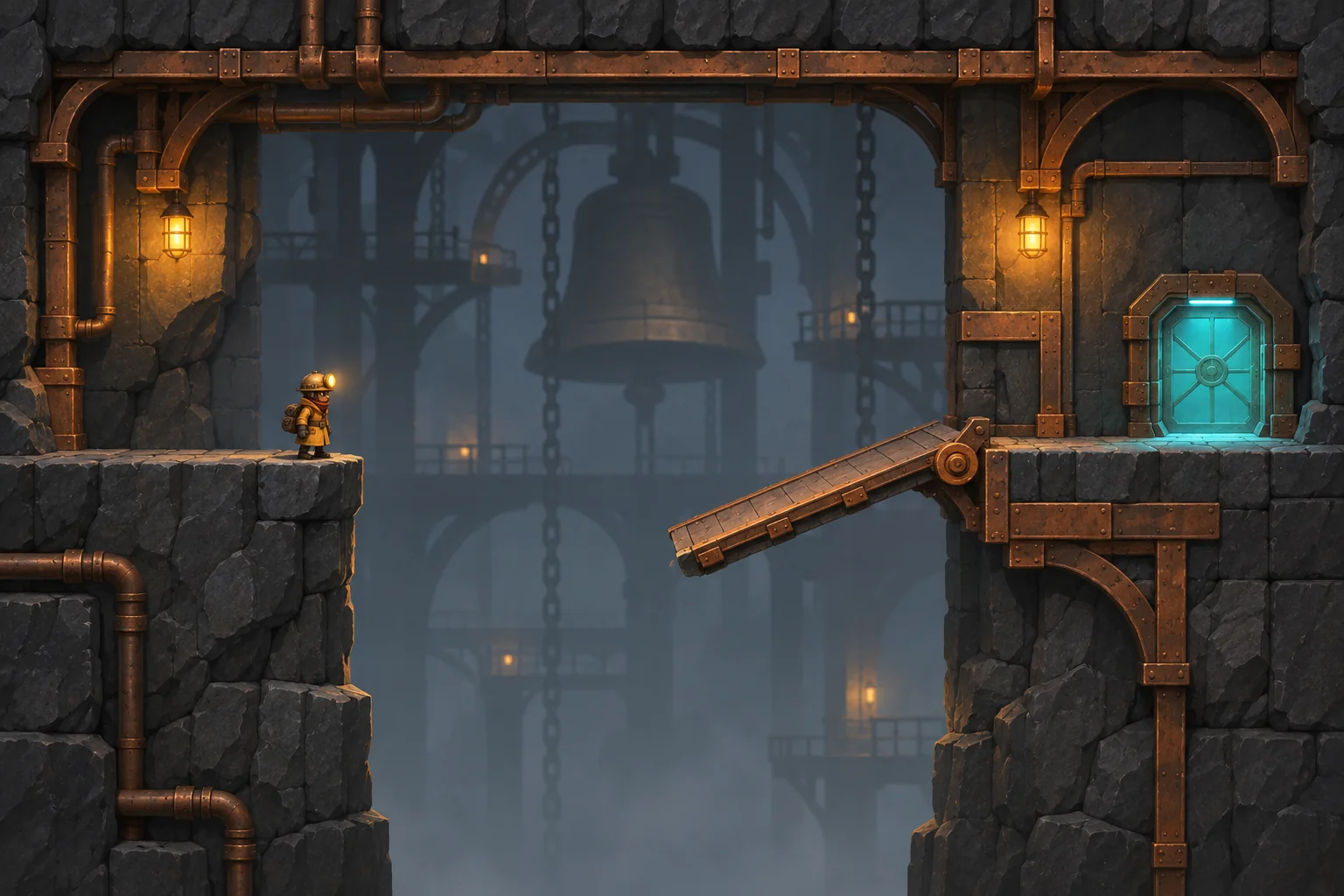
One player sees a gap in an abandoned tram station. The other stands on a balcony and can make a bridge appear by looking at the same gap from a marked spot. Give the walker the job of crossing and the surveyor the job of changing the room. The puzzle comes from coordinating those actions. In the fictional game Between Stations, a short warning before the bridge withdraws can turn a frustrating reset into a moment where both players understand what just happened.
Build the gap and two roles
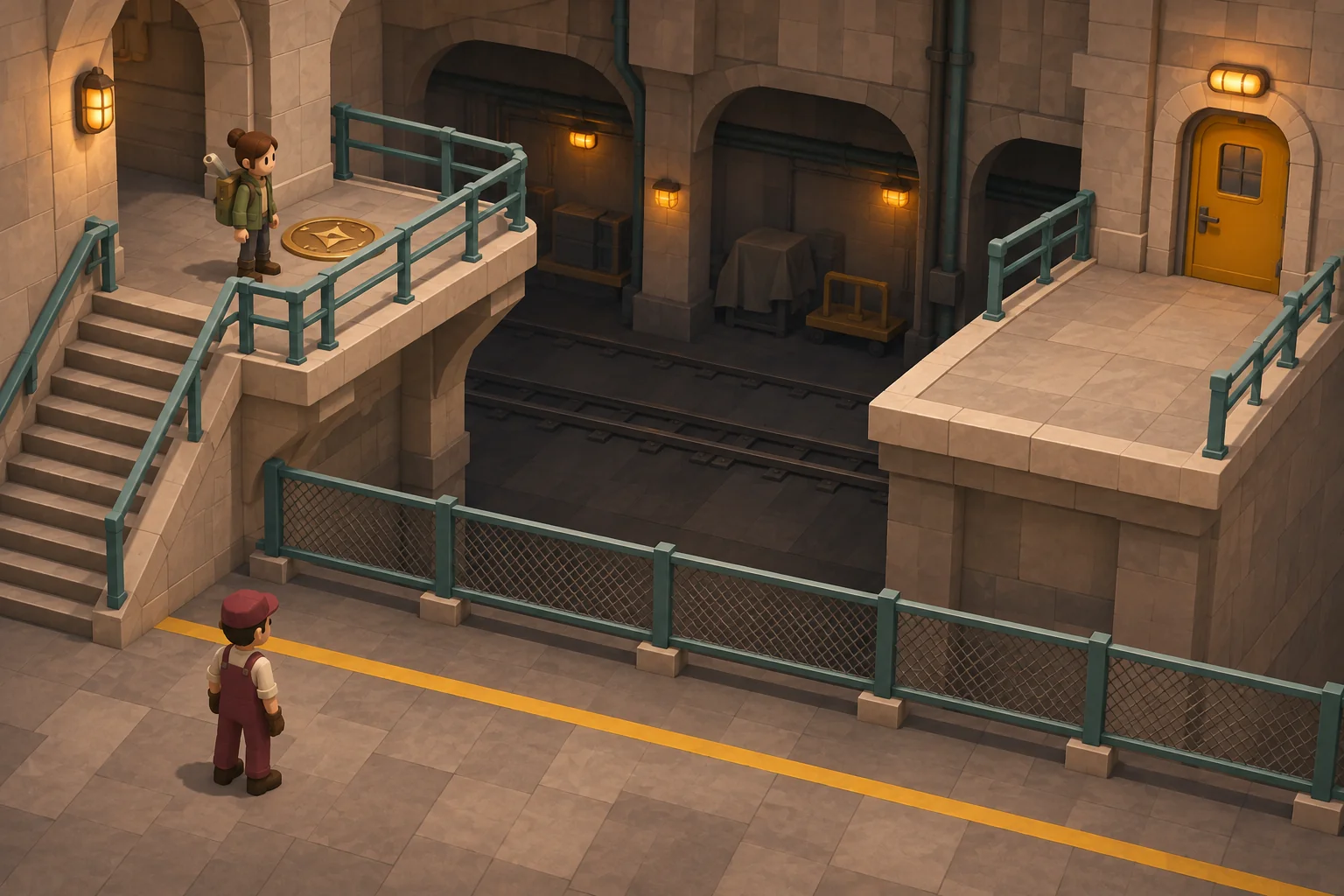
Start with two safe landings, a straight gap and one balcony overlooking it. Put a brass marker on the balcony and a lamp near the walker's entrance to the bridge. The surveyor controls position and facing. The walker controls forward movement and can stop on either landing. Use split controls on one device for the first test. The room is solved when the walker arrives on the far landing, and a reset sends both characters to their starting marks.
| Role | Action | What their partner sees |
|---|---|---|
| Surveyor | Stand on the marker and face the gap | The bridge appears and the entrance lamp turns green |
| Walker | Step on the bridge and move across | The bridge stays while occupied, and the far landing signals completion |
Use a narrow facing sector so looking elsewhere genuinely changes the room. A marker that lights only when both position and facing match will help surveyors diagnose the difference between standing in the wrong spot and looking in the wrong direction.
Keep the floor and its signal in sync
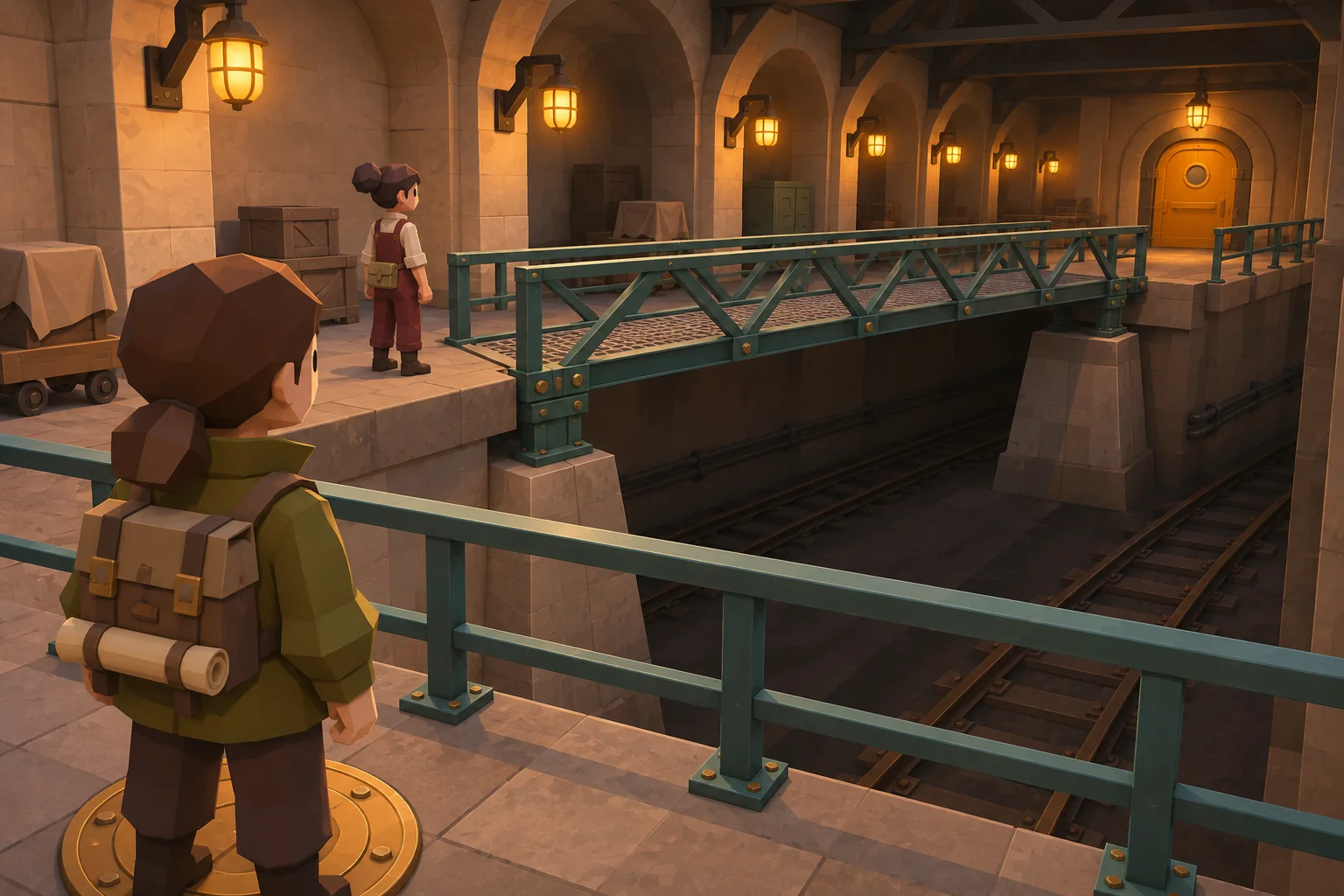
On each update, check the surveyor's position and facing, then decide whether the walker can enter. Enable or disable the bridge mesh and collision from one room state. Once the walker enters, keep the deck solid while occupied. If the surveyor leaves, close the entrance and change the lamp to amber. Retract only when the walker reaches solid ground. Use the far landing as the completion boundary so a quick step halfway across cannot solve the room.
Test an early step away
In a local command-line rule replay, we opened the bridge and moved the walker onto it. On the next update the surveyor stepped off the mark as the walker attempted to step onto the far landing. We tested two policies against those same inputs.
| Policy | End of the second update | Following update |
|---|---|---|
| Immediate retraction | Walker resets | Bridge is gone |
| Hold while occupied | Walker reaches far landing | Bridge retracts |
A second replay for an empty bridge confirmed that looking away still blocks entry. These checks exercise the room rule. In the playable version, watch whether both players understand amber as “finish crossing” instead of “you can still enter.” Test that before adding a second room with the roles reversed.
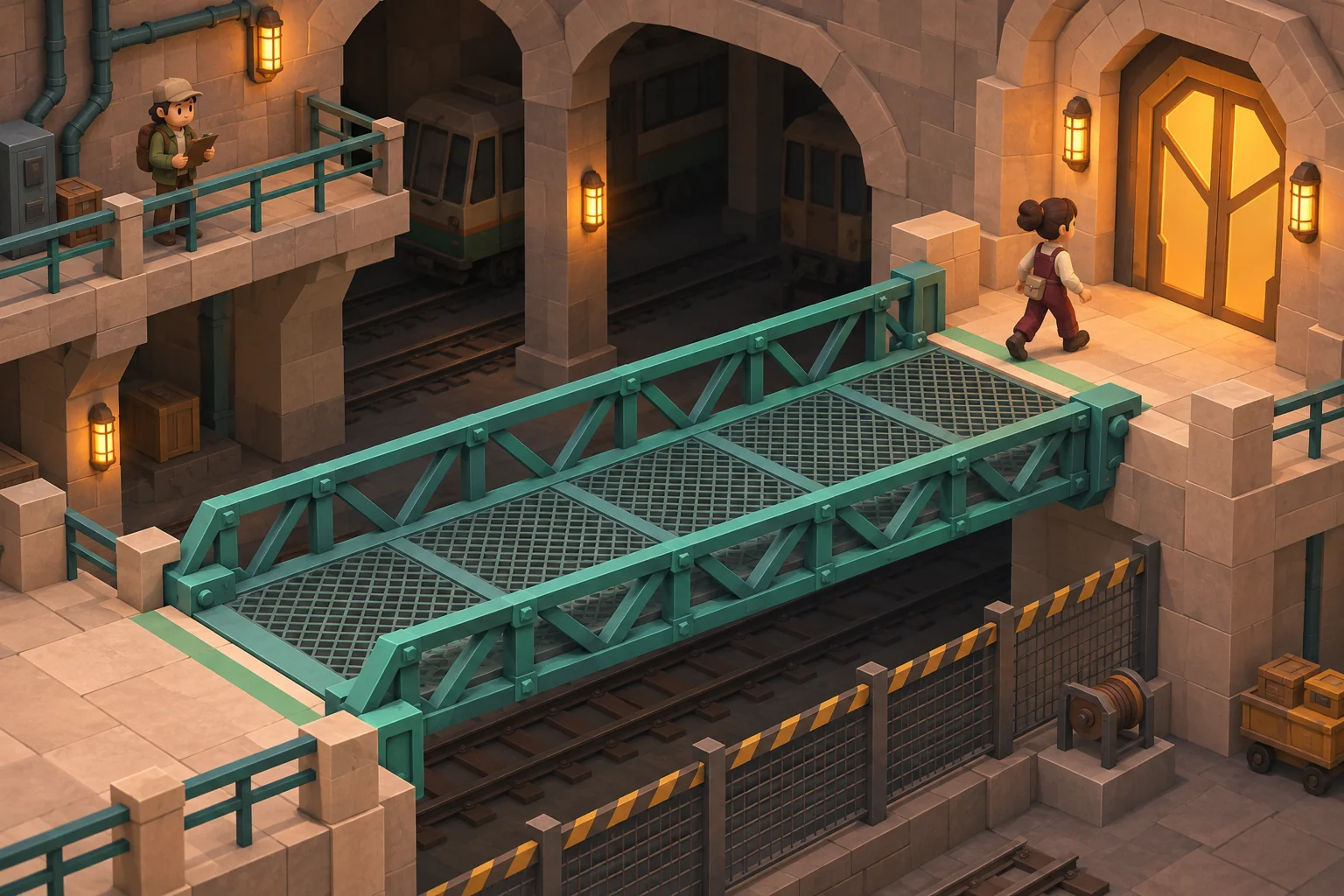
Request one room first
SEELE AI supports starting a browser-game prototype with a prompt and making follow-up edits. Give the room all three bridge states, a visible lamp, and separate control for each role. Ask for the early step-away sequence in your first test. Leave camera polish until the walker can enter, finish, and reset predictably.
Make a browser puzzle room called Between Stations with local split controls. The surveyor moves on an observation balcony and can face the gap. The walker moves on the lower path. When the surveyor stands on the brass marker and faces the gap, reveal a solid bridge and open the entrance. If the surveyor leaves while the walker is crossing, close the entrance but keep the bridge solid until the walker reaches land. Show entrance, crossing, and completion feedback. Win when the walker reaches the far landing. Add one shared reset.
Start your perspective puzzle prototype in SEELE
Frequently asked questions
Should a player need a precise camera angle?
Use a visible wedge and check the surveyor's facing within it. A single pixel or exact angle makes it hard to tell which adjustment matters. Shrink the wedge only after players understand the marker, and make a valid alignment obvious from both sides.
Do I need two devices to test the puzzle?
You can check the rule with two input sets on one machine. Once you add remote multiplayer, test that both clients receive the same authoritative bridge state and that a delayed movement update cannot put the walker through a bridge that has already disappeared.
What if the walker backs off the bridge?
Return them to the near landing and end the occupied state. Keep the room unsolved. If the surveyor still meets the position and facing rules, let the walker try again. Otherwise retract the bridge and guide the surveyor back to the mark.