Introduction
An interactive product demo game gives a product team a compact way to let a visitor make a choice, see a simulated consequence and understand a product workflow. It can help explain a concept during a launch review, sales conversation or internal onboarding session. It does not, by itself, prove that a product feature works or that a visitor understands it.
This guide uses ModuLamp, a fictional modular desk-light concept, as a worked example. The fictional team wants visitors to explore setup options and learn how a made-up workspace profile changes a demo scene. No real product, user study or playable build is represented here. Treat each screen and output as a prototype idea to customize and test.
Start with the product decision the demo should teach
Write down what a visitor should understand or decide by the end. Keep that outcome narrow: for ModuLamp, a visitor might compare two fictional setup profiles and explain which one fits a stated workspace need. Avoid turning the demo into a feature catalog. Each interaction should reveal a product choice, its consequence and any assumptions behind the simulation.
Prompt 1 — product demo brief
Create a one-page brief for a fictional interactive product demo game for a product team. Define the audience, demonstration setting, one learning or decision objective, session length, entry point, player choices, visible outcome, exit action and success signals to evaluate later. Separate product facts that need verification from invented prototype content. Do not claim the demo has been tested.
The success signals are hypotheses to validate, not results. A team might later observe whether visitors can complete a setup flow or explain a tradeoff, but should not present those measurements until a real evaluation has occurred.
Map the visitor journey to the product workflow
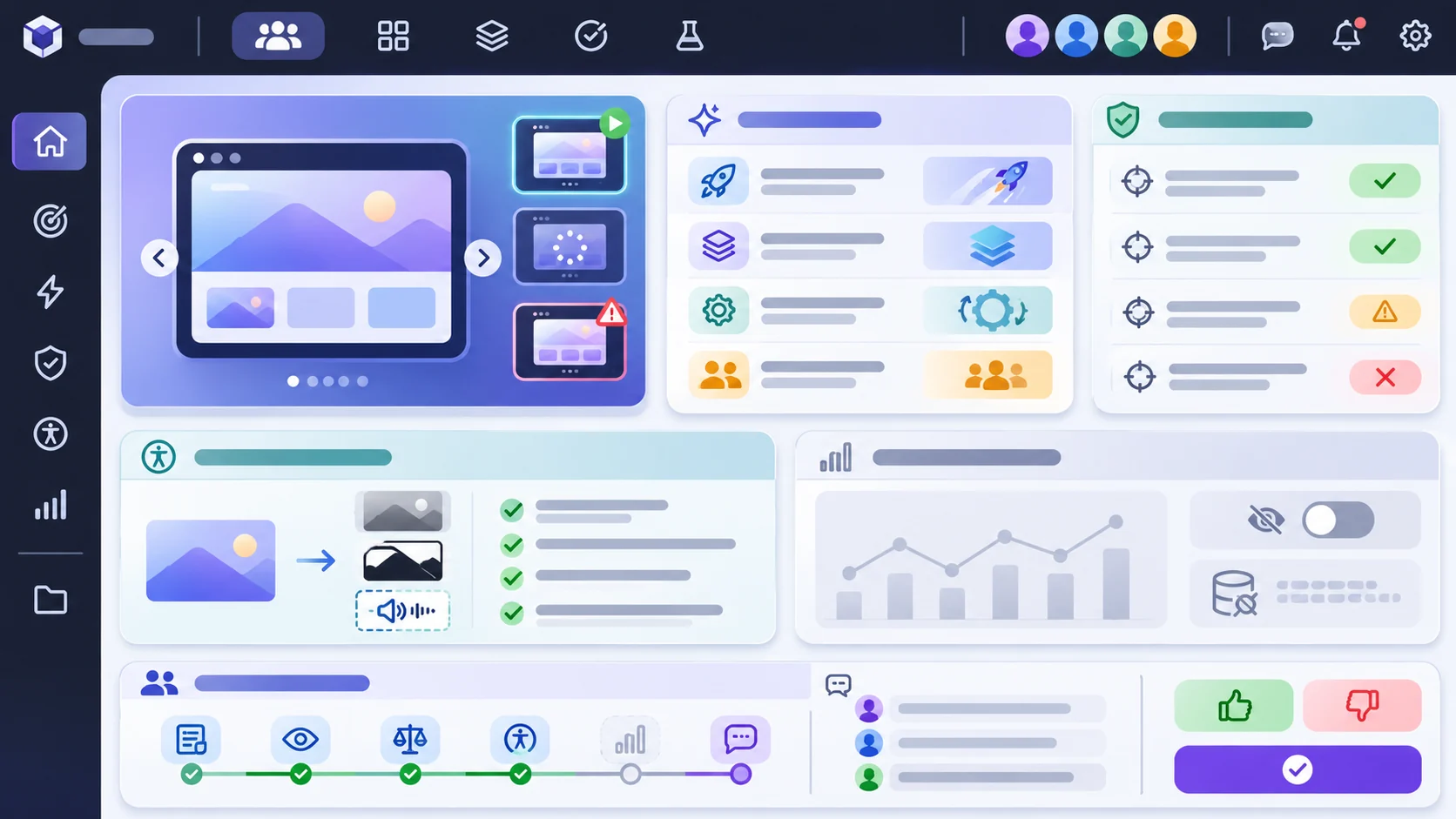
Use a short route: orient the visitor, present a realistic need, let them choose, show the resulting demo state, then invite a next step. Keep the game mechanic close to an actual product workflow. A choice should change something the visitor can see, such as a configuration summary or a simulated scene, rather than award points unrelated to the product.
Prompt 2 — interaction flow
Draft a five-step visitor flow for the fictional ModuLamp demo: welcome, choose a workspace need, select a configuration, inspect a simulated result and reset or continue. For each step specify the visitor action, interface response, product concept taught and an accessible alternative. Mark all product behavior as fictional until verified.
| Step | Visitor action | Demo response | Team review question |
|---|---|---|---|
| Orient | Choose a fictional workspace goal | Shows the selected goal | Is the goal understandable without jargon? |
| Configure | Select two available options | Updates a configuration card | Do labels match approved product language? |
| Compare | Switch to a second setup | Displays a side-by-side simulated state | Is the modeled difference meaningful? |
| Explain | Review a short rationale | Connects the choice to the selected goal | Does the explanation avoid unsupported claims? |
| Continue | Reset, save locally or open a next step | Shows an explicit outcome | Is the next step appropriate to this setting? |
This journey is a planning scaffold, not evidence of a working interface. Replace the fictional steps with the actual product workflow and approved language before using the demo externally.
Make the choices meaningful and transparent
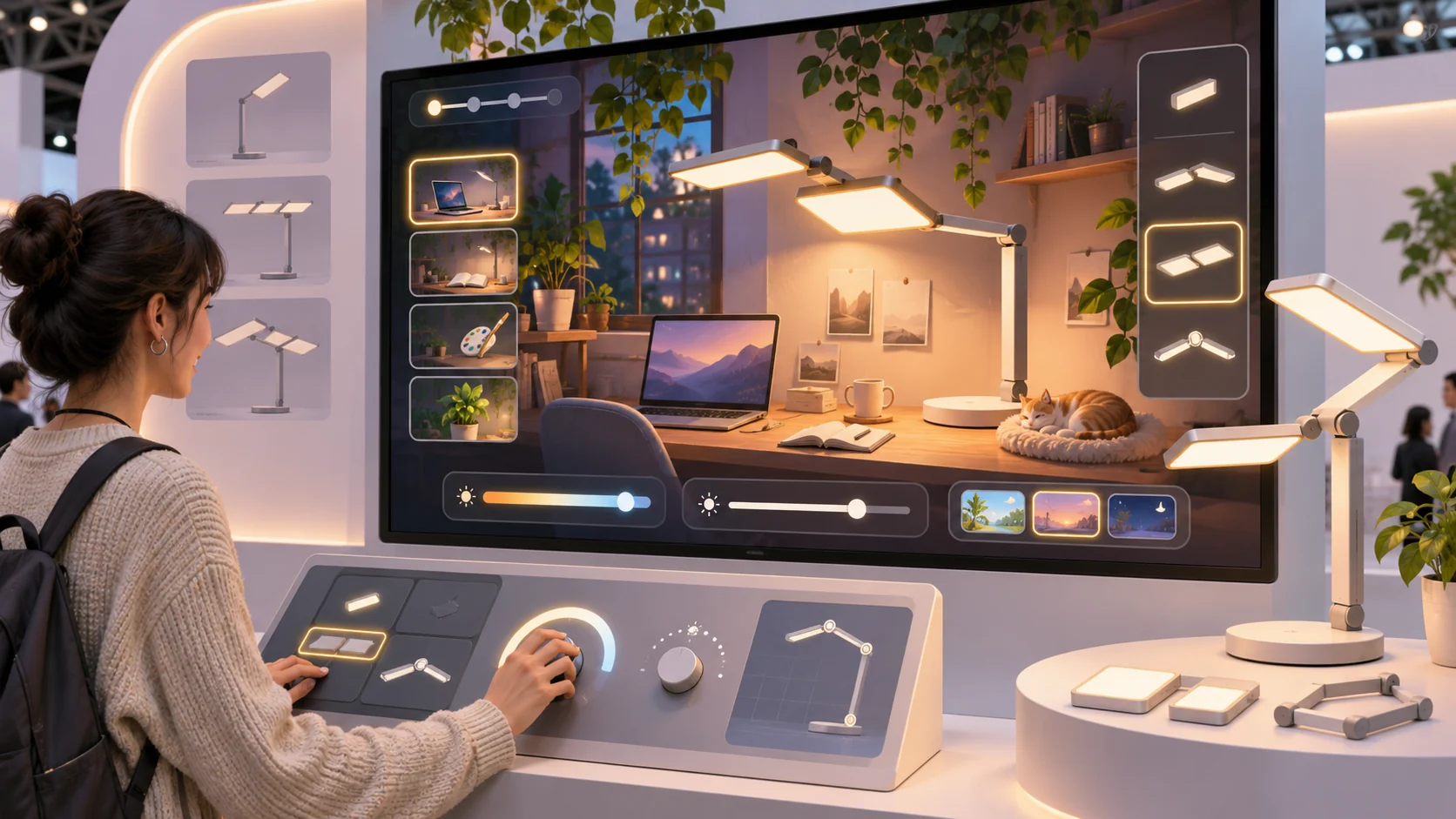
Limit the first version to a few choices. Show what each option changes and explain what stays constant. If the prototype simplifies a real capability, label the simplification on screen. A simulated output should never look like a measurement, guarantee or promise about a real customer outcome.
Prompt 3 — choice and feedback design
For the fictional ModuLamp demo, define three visitor choices and the visible simulated response to each. For every response include a plain-language explanation, assumptions, unchanged conditions and a label that distinguishes prototype behavior from verified product capability. Provide a reset and a way to compare choices.
A product manager can review the choice table with design, engineering and legal or subject-matter reviewers. Record unresolved claims beside the relevant screen so they do not become accidental marketing copy.
Create a small editable demo specification
Keep content, choices, rules and labels in data that the team can edit. The example below is a starter format: its options and outcomes are invented, and the rule is descriptive rather than a performance model. The interface should visibly mark the demo as a fictional simulation.
{
  "demoName": "ModuLamp — fictional product concept",
  "purpose": "Let a visitor compare a small set of setup choices",
  "audience": "product demo visitors",
  "verifiedProductFacts": [],
  "simulationNotice": "Fictional prototype; not a statement of shipped product behavior",
  "visitorGoalPrompt": "Which fictional workspace setup would you like to explore?",
  "choices": [
    {"id":"focus","label":"Focus setup","description":"Illustrative configuration A"},
    {"id":"shared","label":"Shared desk setup","description":"Illustrative configuration B"},
    {"id":"flex","label":"Flexible setup","description":"Illustrative configuration C"}
  ],
  "demoRule": "Show only the selected illustrative configuration; do not infer real performance",
  "resultFields": ["selected goal", "selected options", "simulated scene", "assumptions"],
  "comparison": {"enabled": true, "showChangedFields": true},
  "controls": ["change choice", "reset demo", "continue without saving"],
  "accessibility": ["keyboard operation", "visible focus", "text alternative to color", "reduced-motion option"],
  "reviewChecklist": ["verify product claims", "test interaction", "review accessibility", "approve external copy"],
  "evidenceStatus": "unbuilt and untested example"
}
A team can replace the placeholder fields with reviewed product information while retaining the evidence status and simulation notice. Keep a content owner and approval date with any claim used in a public-facing version.
Build and inspect one playable slice
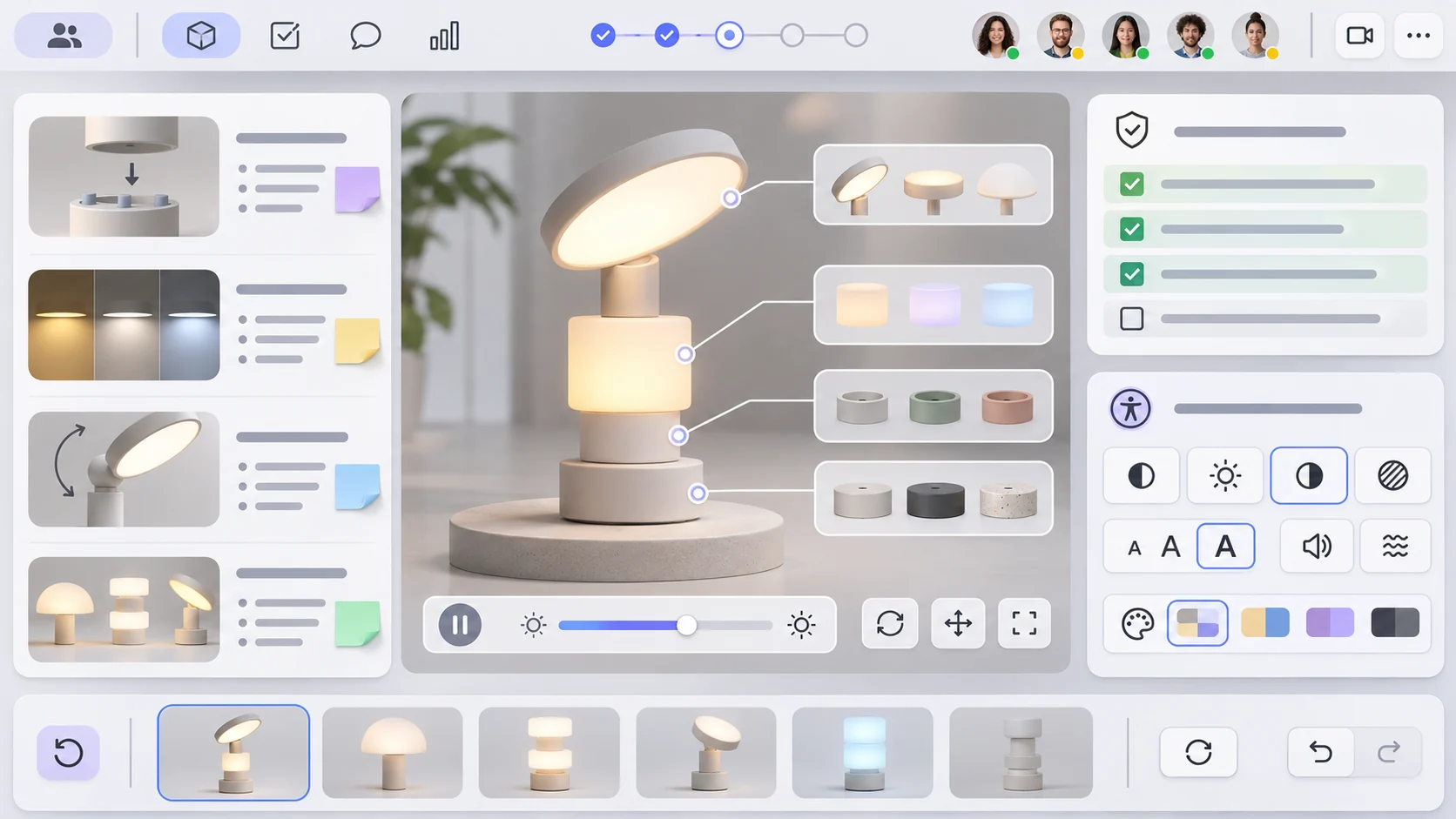
Start with one visitor goal, two or three choices, one visible result, a comparison and a reset. A playable prototype should let a reviewer operate the choices, see feedback and return to a known state. A static mockup can explain the intended flow, but must be marked static and cannot confirm that interactions work.
Prompt 4 — playable slice
Build a small local prototype of the fictional ModuLamp visitor demo using the editable specification. Include keyboard-accessible choices, a simulation notice, a visible result, comparison, reset and a plain-language explanation. Keep all outcomes illustrative. Provide a checklist separating implemented interactions, static screens, missing product facts and untested assumptions. Do not claim deployment or user validation.
Inspect each transition with a teammate: Does selecting an option update the expected field? Can the visitor tell why the display changed? Does reset clear the prior state? Does the demo remain understandable with keyboard input and without relying on color alone? Log observations from the prototype separately from product evidence.
Simulate a scenario customization
For a fictional customization, adapt the demo from an individual desk setup to a shared studio workspace. Change the visitor goal, option labels, scene description and explanation. Then ask a product teammate to review whether the new route still teaches the same intended concept. This is a scenario exercise only; it is not a real customer customization or a test result.
Prompt 5 — fictional scenario adaptation
Adapt the ModuLamp specification for a fictional shared-studio workspace. Change the visitor prompt, available configuration choices and simulated result text. Preserve the evidence notice, list every invented detail and show which copy requires product-team approval. Label the customization fictional and untested.
Prompt 6 — product-team review
Review the fictional demo against its brief. Check objective alignment, choice clarity, feedback, claim boundaries, accessibility, reset behavior, analytics proposal and next step. For each check record observed, static, not implemented or not tested. Do not report user behavior or product capability without evidence.
Decide what evidence to collect later
Before a real trial, agree on the question, participant context, consent and data handling with the responsible team. Possible measures include task completion, time to complete a flow or whether a participant can describe a tradeoff. Define how each measure will be collected and interpreted. A small usability check can reveal interface issues, but it cannot automatically establish demand, conversion lift or product-market fit.
Prompt 7 — evidence and launch checklist
Prepare a pre-launch checklist for a product demo game. Separate verified product facts, prototype mechanics, accessibility checks, privacy and analytics review, usability questions, approvals and launch safeguards. For each proposed metric state its definition and collection method. Mark results as pending until observed, and do not invent findings.
Conclusion
A useful interactive product demo game makes a product choice visible through a short, understandable visitor journey. Start with a decision objective, keep the editable specification small, show why a simulated result changes and preserve clear evidence boundaries. ModuLamp and its shared-studio adaptation are fictional and untested. Verify product details, implement and inspect interactions, and run an appropriate evaluation before making claims about product performance or visitor outcomes.
You can take a scoped concept into the Free AI game maker, then compare the result with the editable demo specification.
FAQ
What should an interactive product demo game include?
It should include a clear visitor objective, a short product-related choice, visible feedback, an explanation of what changed, an evidence boundary and a reset or next step.
How can product teams keep a demo game accurate?
Use approved product facts, label simulated behavior, document assumptions and ask the relevant product owners to review claims before external use.
Can an AI-generated demo prove that a feature works?
No. A generated mockup or simulation does not verify a shipped feature. Product behavior needs implementation evidence and appropriate testing.
What is a good first version of a product demo game?
Start with one visitor goal, a few choices, one visible result, a comparison and a reset. Keep the flow small enough for a teammate to inspect.
Does a demo game show that visitors understand or want a product?
No. Those conclusions require an appropriately designed evaluation. A prototype alone does not establish comprehension, demand or business impact.