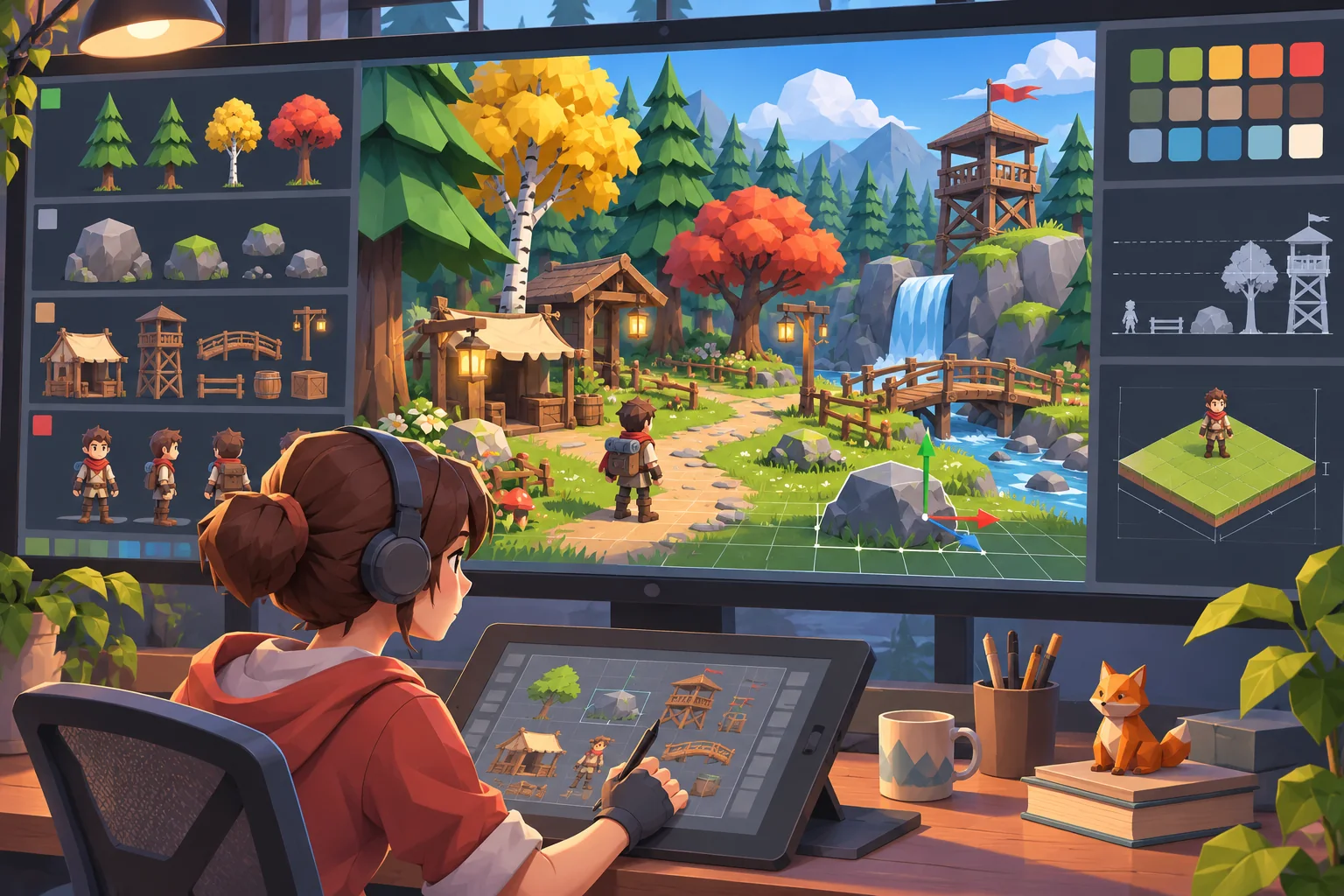
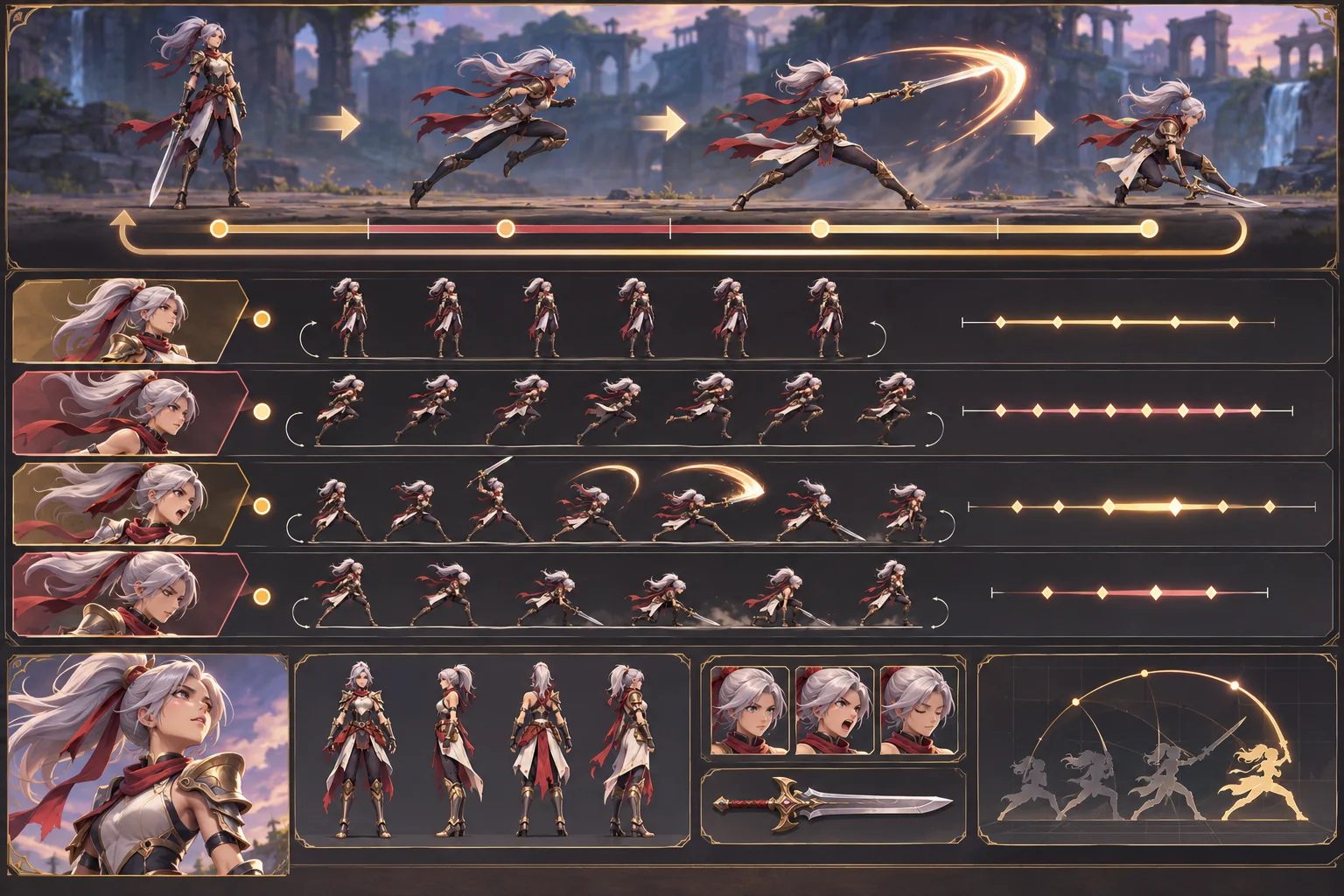
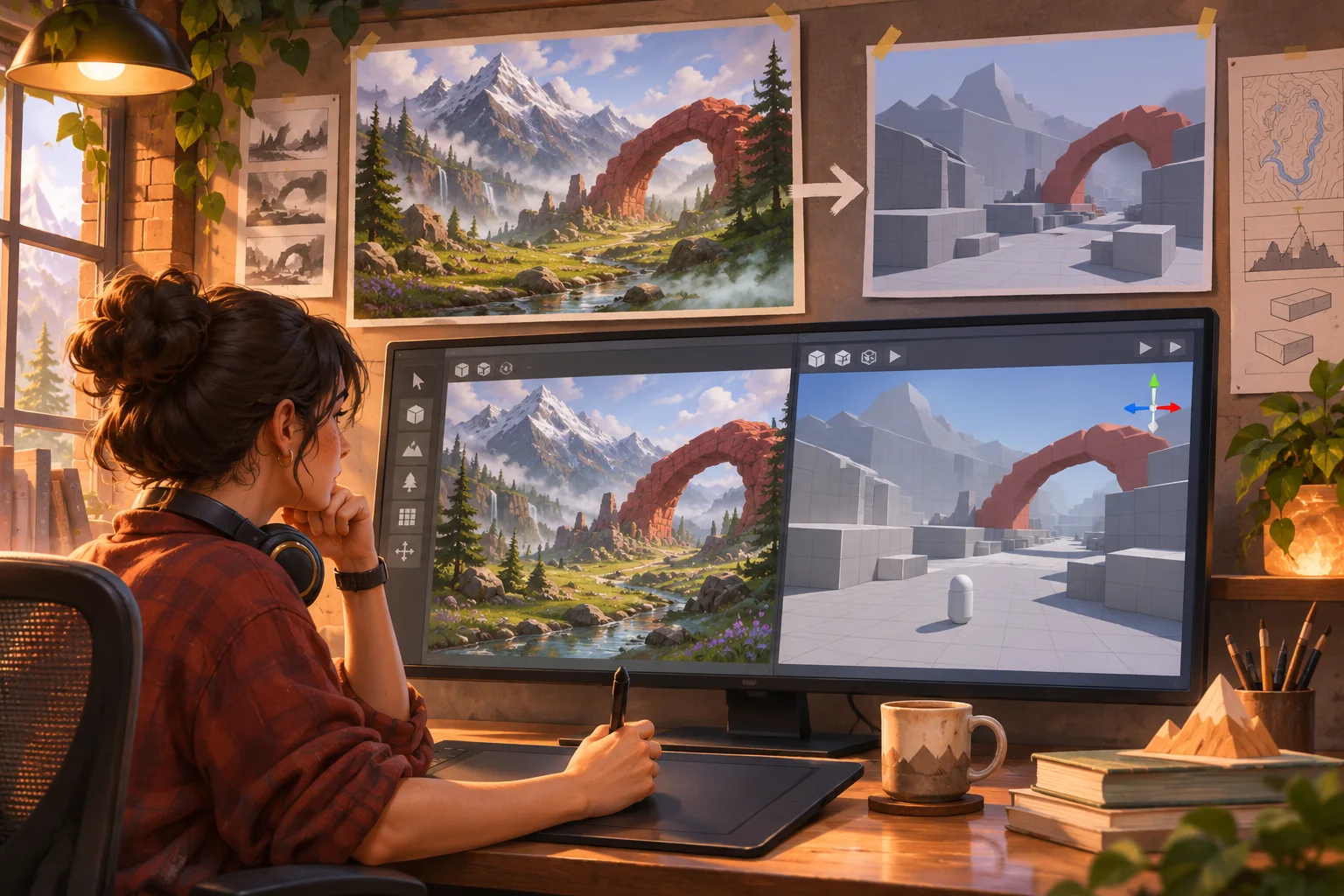
Asset packs can shorten a prototype, but a bundle of individually polished models, sprites, sounds, and scripts does not automatically become a coherent game. Each file arrives with its own visual assumptions and usage terms. A reliable workflow keeps both questions visible: what are we allowed to do with this asset, and what role should it play in the game?
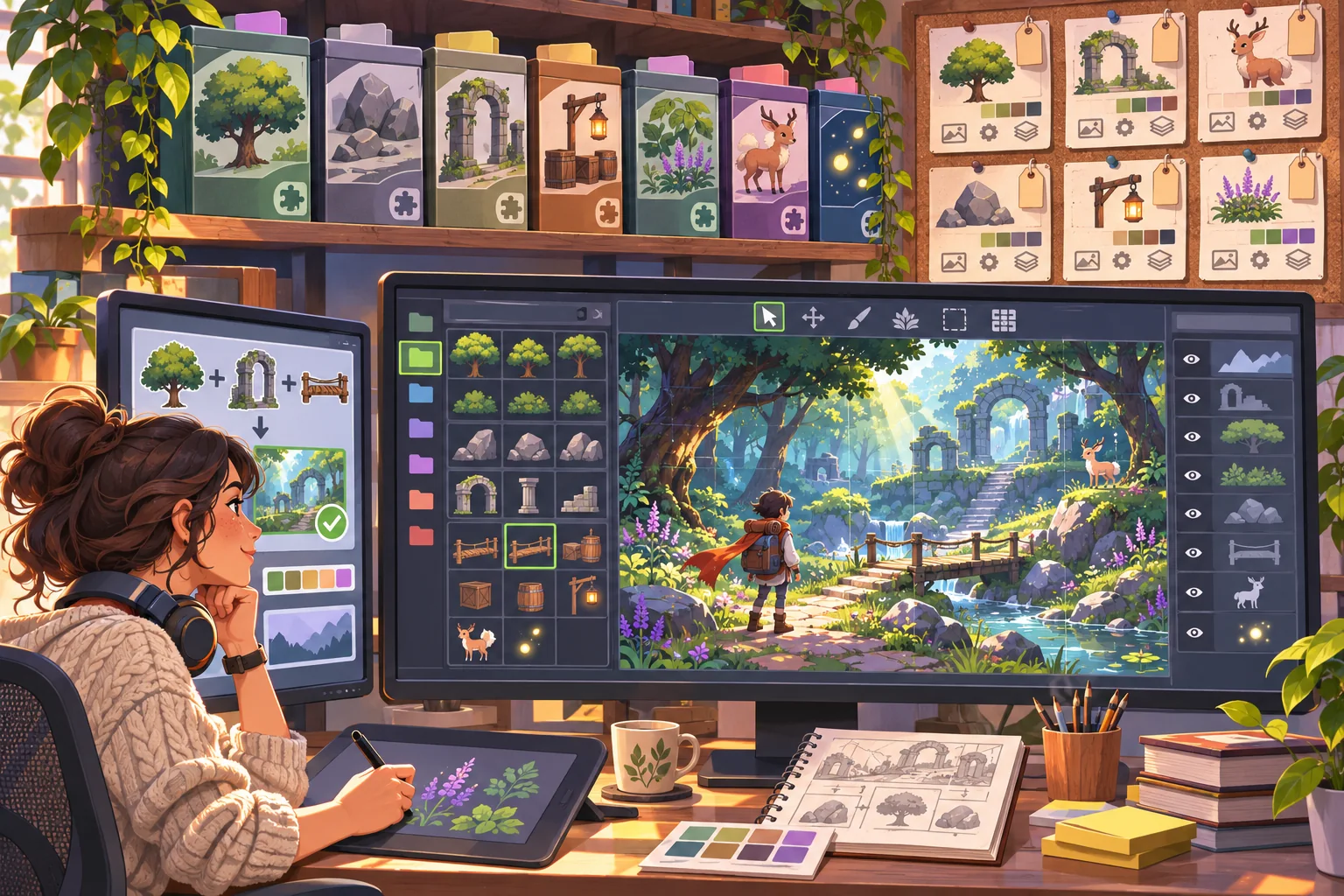
This guide uses Brackenlight, a fictional forest adventure, to illustrate the process. Its packs, records, team, and results are invented. No real assets or license terms were supplied or reviewed. The linked sources explain particular licenses or software documentation; this article is educational and is not legal advice.
Inventory assets before importing them
For each file or pack, record the creator or provider, source page, acquisition date, license name and version, included EULA or separate terms, required attribution, permitted modifications, redistribution rules, and any AI-related conditions. Store a copy or durable reference to the exact terms accepted. Note which version of the pack enters the project, since a storefront listing or policy can change later.
Do not infer rights from a download button, purchase receipt, or the word “free.” Unity’s current Asset Store terms describe the store terms and EULA and note that some assets can have separate provider terms. A Creative Commons license has its own conditions; for example, CC BY 4.0 requires appropriate credit, a link to the license, and an indication of changes when the work is shared. Those examples do not establish what applies to an asset from another source.
Make AI processing a separate check. Before uploading an asset to an image, code, or training service, confirm that the license and the service terms permit that use. A project license may allow in-game use but not model training, source extraction, or redistribution of the raw files. If the terms do not clearly answer your planned use, ask the provider or obtain qualified rights advice before processing.
Choose a visual anchor and make a style guide
After rights screening, decide what the game should feel like. Choose one or two reference assets that define the intended camera, scale, palette, lighting, and level of detail. Write a compact art direction sheet: target silhouette language, proportion range, outline or edge treatment, material roughness, shadow softness, color contrast, and how bright interactive objects should appear.
Then inspect candidate packs against those constraints. A realistic rock set and a hand-painted character can coexist, but only if their scale, lighting, outline, and color hierarchy work together in the actual camera. A quick test scene is more useful than choosing based on store thumbnails alone. If a mismatch cannot be corrected within license terms and production time, replace that pack or use it in a separate visual context.
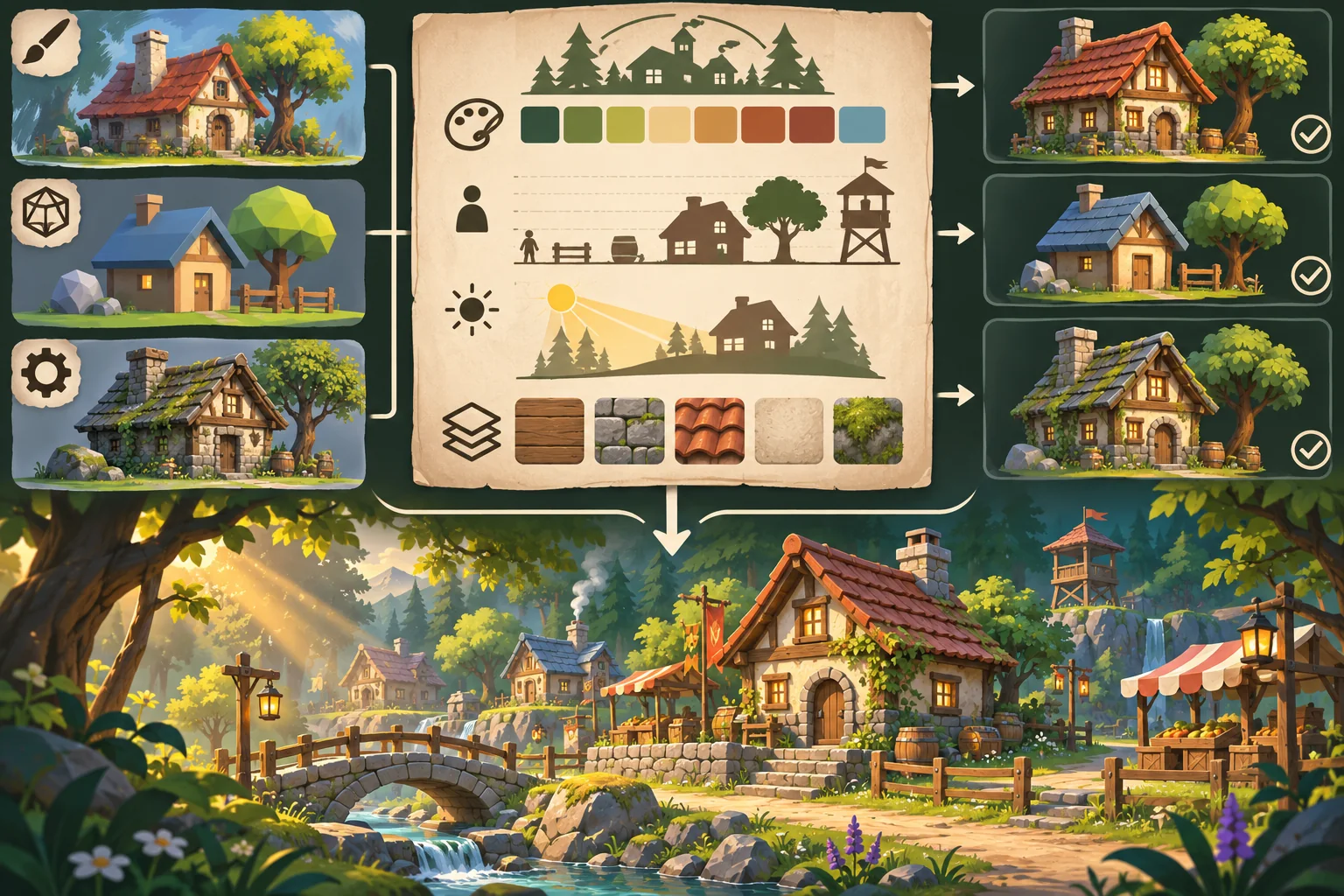
AI can assist with grouping assets by visible properties, summarizing a collection manifest, suggesting palette relationships, or producing original placeholder concepts. Treat its observations as a draft; it cannot verify a license or decide whether your use is permitted. Do not send restricted content to an AI service unless the applicable terms allow it.
Build one playable slice around asset roles
Choose a small scene that exercises the collection: a player path, a landmark, one interactive prop, an ambient sound, and a transition or encounter. Give each asset a job. The player character communicates movement and interaction; environment pieces define navigation; props carry clues; audio marks state changes. This keeps a beautiful but irrelevant asset from taking over the design.
Import the files into a clean project branch or sample scene. Record dependencies and version numbers. Check texture sizes, pivots, scale, materials, collision, animation, sound levels, and performance on the target hardware. A pack can contain scripts or shaders that need review, and a visual asset may include separate source files that should not ship in the final build.
Separate three decisions in the project notes: assets included in the build, assets modified for the game, and source files that must not be redistributed. Preserve required notices and attribution in the format the applicable terms specify. Godot’s licensing documentation, for instance, recommends documenting third-party licenses in distributed project materials; other engines and assets may require different notices.
Make the result original through design choices
“Original” should describe the game’s authored identity, not a claim that every component was created from scratch. Originality can come from the setting, level structure, mechanics, writing, and the way assets are arranged and used. It does not remove obligations attached to the component assets. Keep store branding and creator credits distinct from your own game identity.
Use a small number of deliberate adjustments: unify lighting, tune palette, change scale consistently, author unique focal props, or compose new interactions. Make changes only when they are allowed by the asset terms. Preserve enough of the source record to identify modified files and retain any notices that still apply.
Run a provenance and build review
Before calling the slice ready, compare its asset manifest with the project build. Check that every shipped file has a known source and license record, that attribution is present where required, and that no source-only material has slipped into a public package. Confirm that team members have access under the applicable terms and that the actual distribution model matches the permission you relied on.
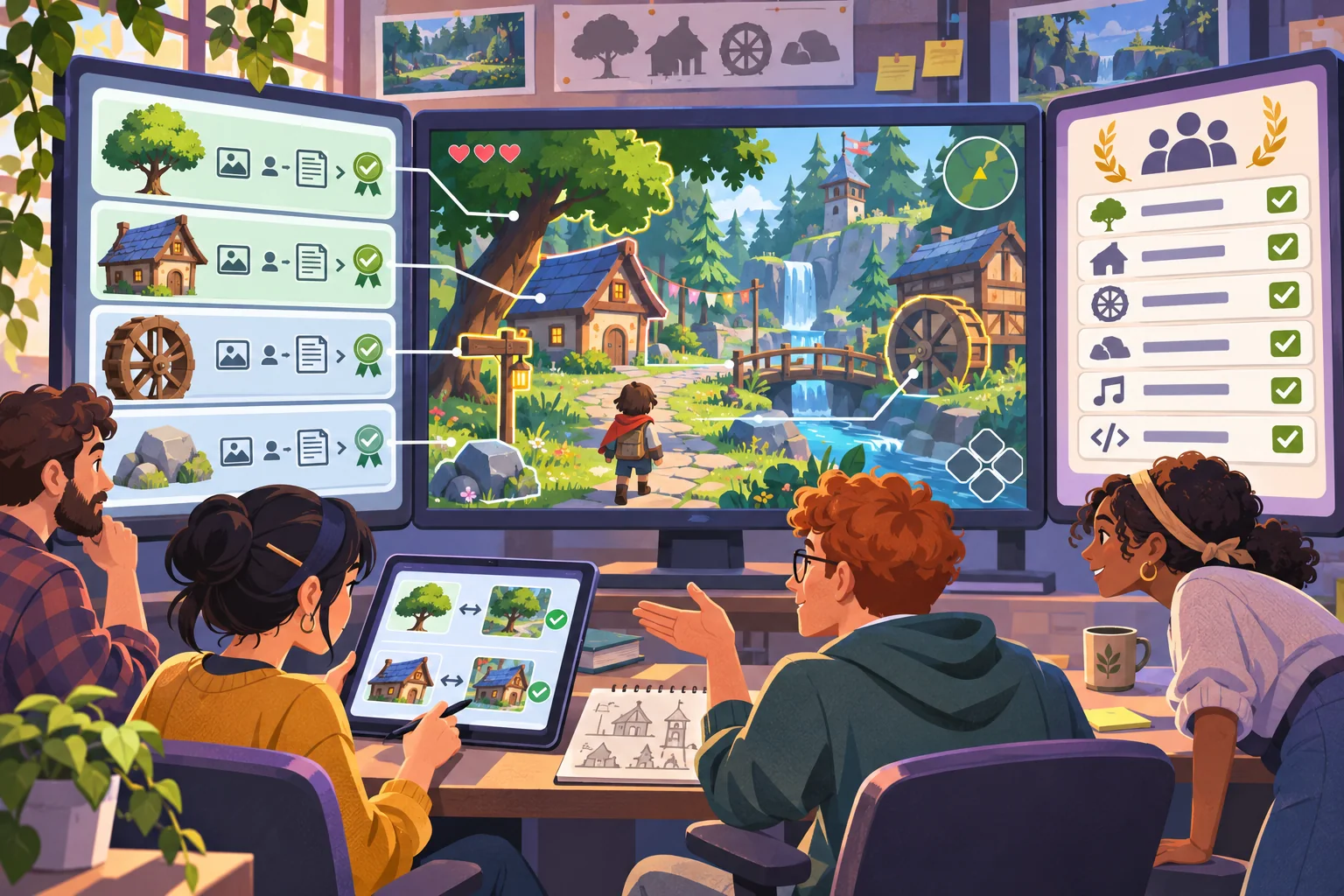
For visual review, check scene cohesion from the player’s camera, not just a beauty shot. Ask whether the player can distinguish walkable space, interactable objects, and hazards. For rights review, keep the exact terms, acquisition source, file list, and attribution together. This article cannot determine whether a specific commercial use is allowed; unclear or high-impact rights questions belong with the rights holder or qualified counsel.
Practical checklist
- Capture asset source, provider, version, license, terms, and acquisition record.
- Review modification, attribution, redistribution, and AI-use conditions separately.
- Define a short visual guide before combining packs.
- Test a representative playable slice in the real camera and target build.
- Separate runtime files from source files and non-redistributable content.
- Compare the build manifest with credits and provenance records.
- Get rights clarification where the license or intended use is ambiguous.
A coherent asset-based game comes from disciplined selection, scene-level iteration, and clear provenance. Keep the terms attached to the exact files, review AI use before uploading, and let the playable slice reveal which assets belong together. For more production guidance, browse the resource library.
Frequently asked questions
How do I make licensed game assets feel like one coherent game?
Begin with an inventory of each asset’s source, license, version, and permitted use. Then define a small art direction guide for palette, scale, materials, lighting, and shape language. Use the guide to select, adjust, or replace assets consistently. Keep attribution and license notices with the project, and get rights review when terms or provenance are unclear.
Can I use AI to modify licensed game assets?
It depends on the asset’s specific terms, the tool’s conditions, and applicable rights. A store license may restrict extraction, modification, redistribution, or AI use. Check the license and any provider terms before uploading or transforming files. Do not assume that a purchase or public download grants permission to train on, remix, or redistribute the source asset.
What is an asset provenance sheet?
It is a project record linking each file to its creator or provider, source page, license or EULA version, acquisition date, permitted uses, attribution text, and any changes. Add the exact files used in the build and note who approved them. This record helps the team answer later questions about credits, updates, AI processing, or distribution.
How many asset packs should I combine in a game?
There is no universal pack count. Start from the visual and gameplay needs of the prototype, then test a small representative scene. Several packs can work together if scale, palette, lighting, edge treatment, and material detail are compatible. A single pack can still feel inconsistent if used outside its intended camera, setting, or style.
How can I tell whether an asset collection is safe to ship?
Check the exact license and provider terms for the files and intended distribution, preserve required notices, verify source provenance, and inspect every included dependency. Test the assets in the actual project and platform. This workflow is not legal advice; if rights, attribution, AI use, or redistribution terms are ambiguous, ask the rights holder or qualified counsel before release.