Modular mech parts become a game system when their combinations create choices the player can understand. A rack of interchangeable legs, weapons, armor, and sensors may look compelling, but the builder needs reliable attachment rules and the gameplay needs to make a change in parts matter. Start with compatibility and one short test loop before expanding the catalog.
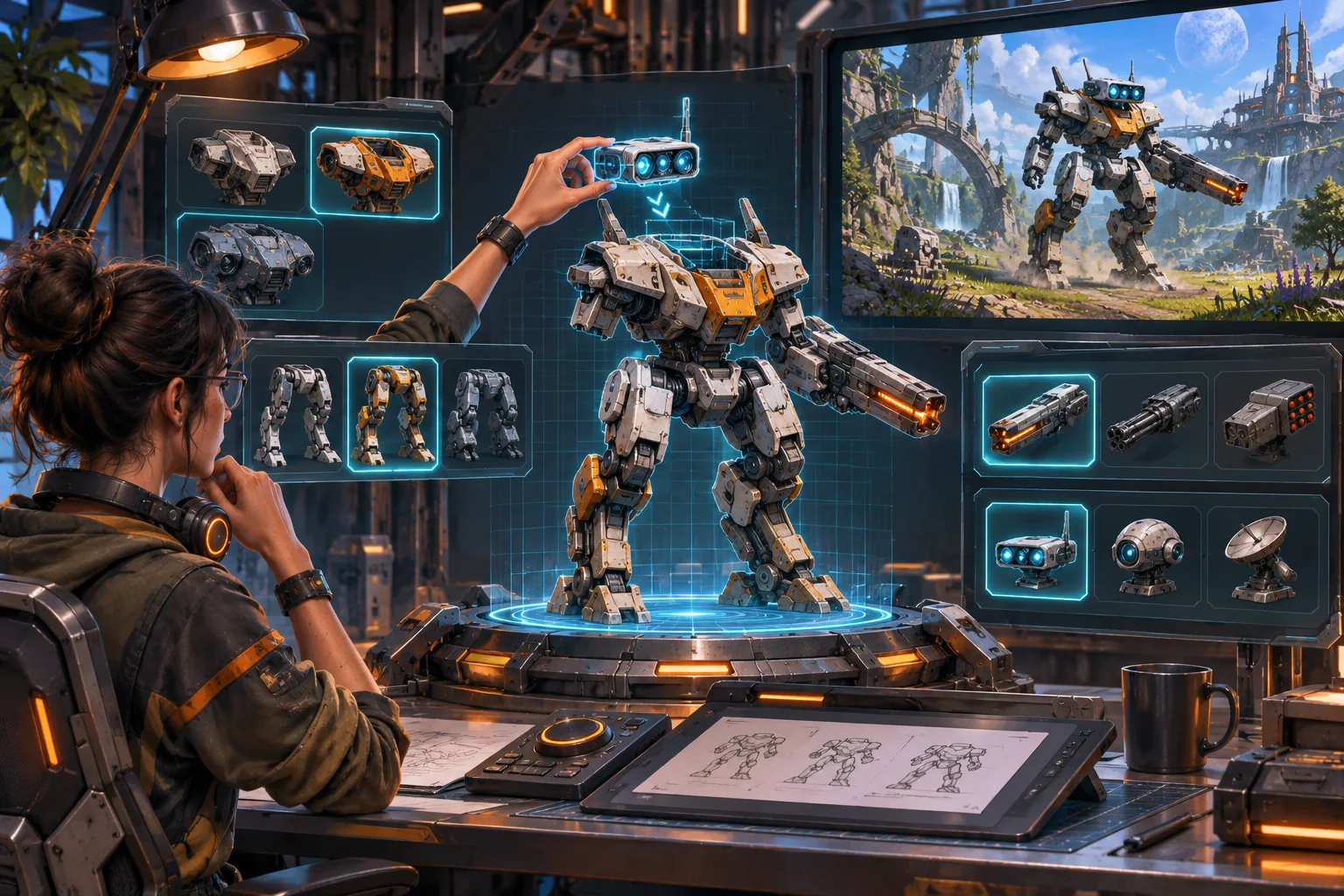
This workflow uses Iron Vale, a fictional mech game, as an illustration. Its components, stats, missions, and player outcomes are made up; no build or balance test was provided. Unity documentation supports the described prefab, shared data, and joint features, not the design of this hypothetical game.
Define what a part changes
List each component with a role, socket type, transform, size, visual silhouette, gameplay values, and incompatibilities. A heavy leg module might increase stability but reduce acceleration; a sensor might reveal targets but consume energy. Make the tradeoff specific enough that a player can form a plan, then test whether the game communicates it accurately.
Keep the first inventory small. A chassis, two locomotion options, two weapons, and one utility module can create a handful of distinct builds. Test those before adding dozens of cosmetic variants. A large catalog multiplies combinations and makes balance, UI, and bug investigation harder.
Build around sockets and compatibility rules
Place explicit attachment points on the chassis and define which module categories each accepts. Keep orientation, scale, naming, and pivot conventions consistent. Validate required sockets before assembly; a module should not silently overlap a camera, block the pilot, or attach backward because a transform is ambiguous.
For fixed components, a socket-based transform system is often simpler than physical joints. Use physics joints when a limb or mounted object must move under simulated forces. Unity’s ConfigurableJoint can control linear and rotational motion but is more complex to configure than basic joint types. Joint behavior depends on masses, constraints, collision settings, and project physics, so it needs tests in context.
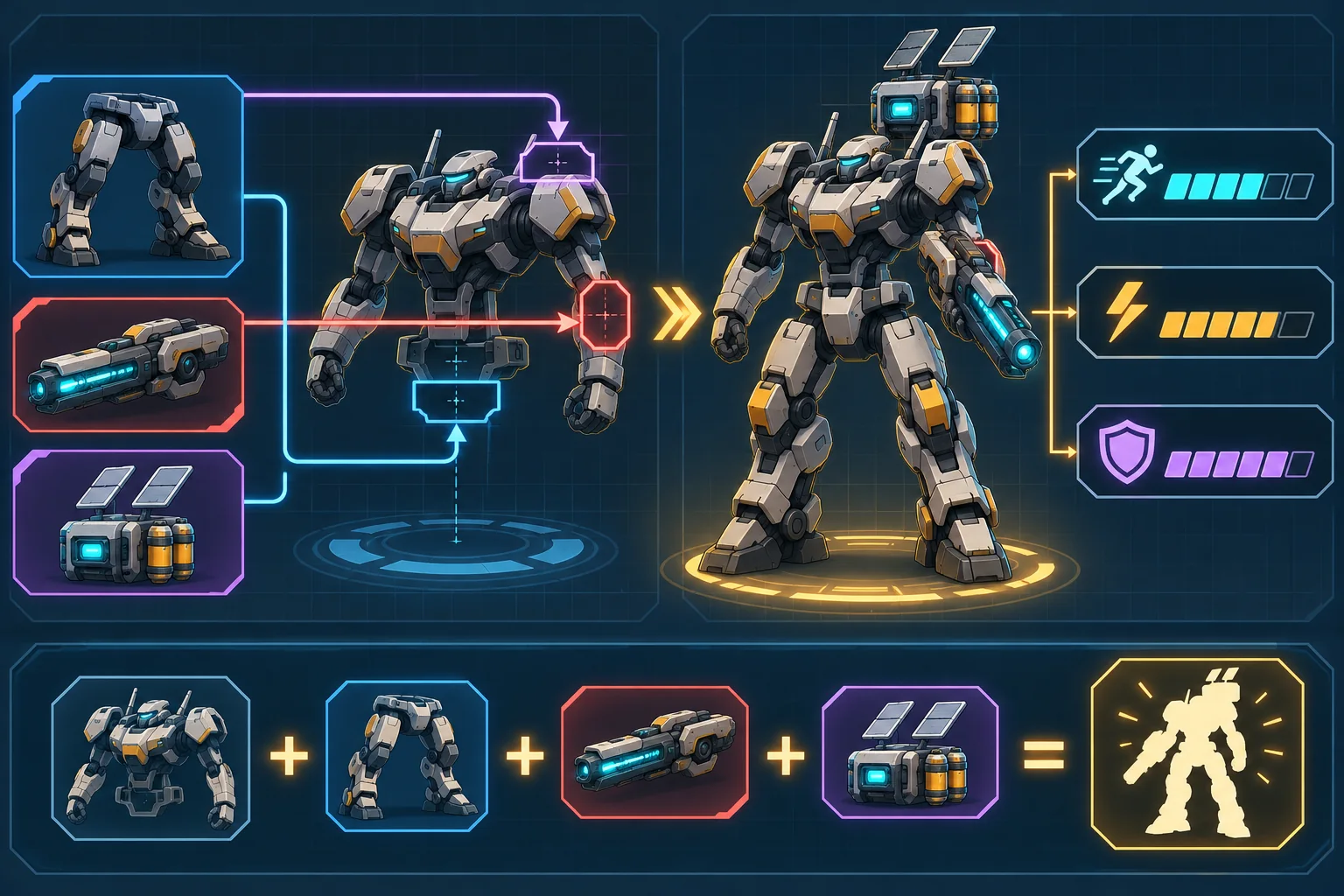
In Unity, a Prefab can package a GameObject with its components, properties, and children as a reusable asset. ScriptableObjects can hold shared project data referenced by multiple prefabs. These are useful building blocks for authoring, but they do not supply your runtime assembly rules, save format, or validation. In a deployed Unity build, ScriptableObjects are not a mechanism for saving new values back to the project asset; persist player loadouts through an appropriate runtime save system.
Show the consequence in the builder
The assembly UI should show the current mech, open sockets, compatible modules, and the gameplay effects of a swap. Use consistent units and explain whether values are additive, capped, or affected by synergies. If an option is unavailable, show the reason—wrong socket, unmet power requirement, or mass limit—rather than making the player guess.
Represent the mech’s silhouette as parts are changed. A stat increase that produces no visible difference can feel disconnected; a large visual cannon that has little effect can feel misleading. Test camera framing, animation clips, equipment visibility, and the player’s ability to read which weapon is active.
Connect assembly to a short playable loop
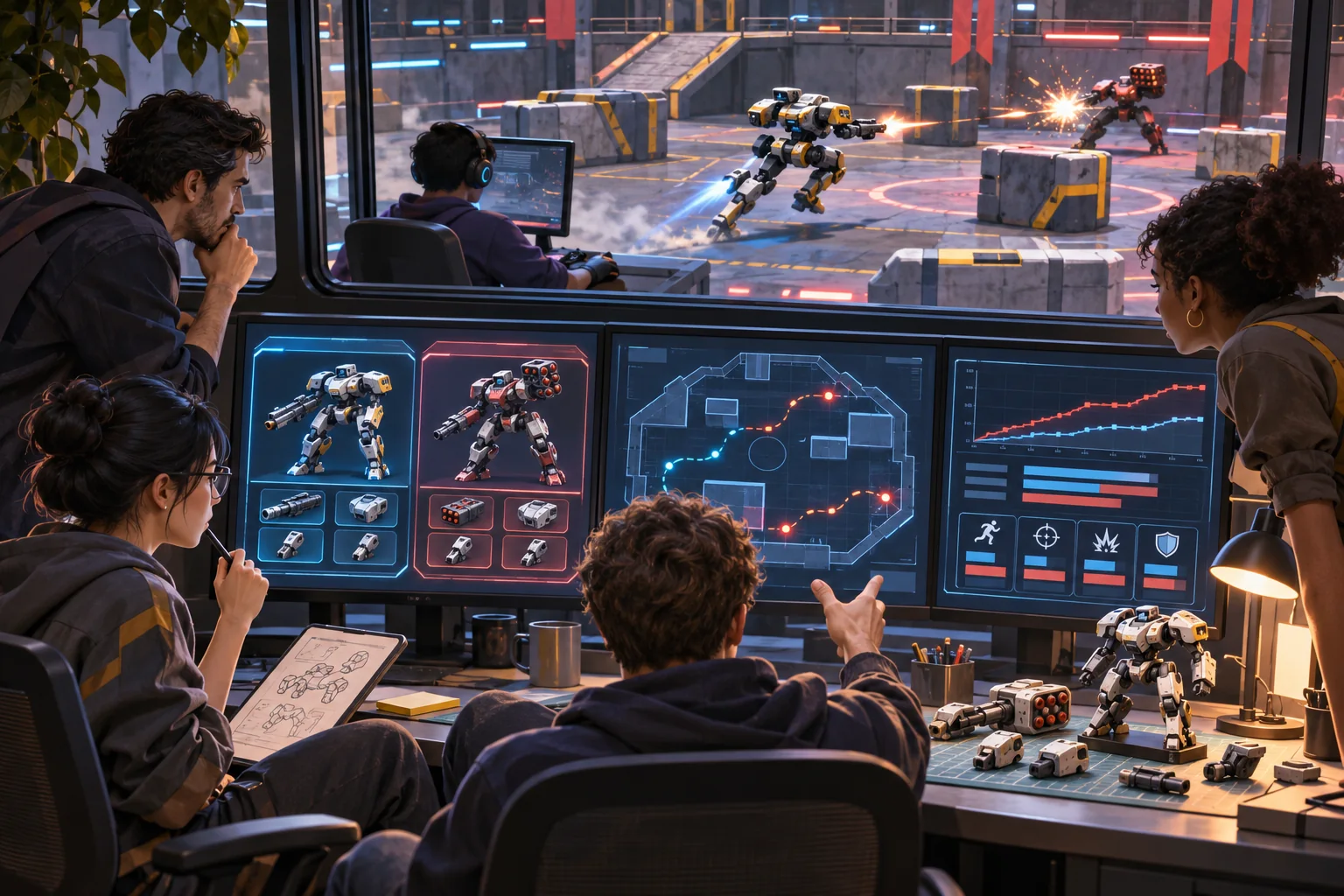
Let the player build a machine, enter a contained arena or traversal course, use the selected modules, and return to adjust the loadout. A test mission should expose the decisions you claim the parts create. If legs affect movement, include a route with distance or terrain differences. If weapons vary in range, create targets at more than one distance. If armor changes survivability, record damage and survival across comparable encounters.
Use a small balance sheet with the build configuration, mission version, completion time, damage taken, energy use, and observed strategy. These numbers describe what happened in that test, not universal balance. Ask players which tradeoffs they noticed and whether they could predict a part’s effect from the builder.
Prevent combinations that collapse the design
Check extreme builds: maximum speed, maximum armor, stacked weapons, zero mobility, and modules that duplicate effects. Define limits and incompatibilities as data where practical, then add automated validation for impossible combinations. Review player-facing names and descriptions against actual behavior so the configuration screen does not promise a feature the code ignores.
AI can help propose combinations, generate test matrices, or explain a stats table in plain language. Use it to broaden candidate tests, not to declare balance. Verify units and interactions in the project, then gather player evidence for choices that matter.
Production checklist
- Give every module a role, socket type, footprint, and defined tradeoff.
- Start with a small set that creates several distinct builds.
- Validate orientation, silhouette, collision, camera, and compatibility.
- Keep authored data separate from runtime save data.
- Use the same mission conditions to compare loadouts.
- Record build version, configuration, measurements, and player observations.
- Expand the catalog only after the core assembly loop is readable and stable.
A mech builder feels meaningful when a module changes how the player approaches a task. Build the sockets and data, show the tradeoff, and connect each configuration to a repeatable playable test. For more production guidance, browse the resource library.
Frequently asked questions
How do I turn modular mech parts into a mech-building game?
Start by listing each part’s attachment points, footprint, role, and constraints. Define a small compatible set, then create one build screen and one short combat or traversal test. Make a few swaps change a visible capability such as reach, speed, defense, or energy use. Verify that players can predict the tradeoff and that the assembled mech remains readable and controllable.
Can AI generate a modular mech system from 3D parts?
AI can help draft a part taxonomy, propose combinations, or generate placeholder descriptions and test cases. It cannot establish correct pivots, attachment transforms, rig compatibility, physics stability, or balance without project-specific implementation and tests. Keep approved source models and rules authoritative, and review generated suggestions before adding them to the parts catalog.
Should mech parts connect with physics joints?
Only when physical motion is part of the game. Many mech builders attach components through fixed transforms or sockets because rigidbody joints can add tuning and stability costs. If parts must move or break, select and configure the appropriate joint, then test limits, mass ratios, collision, and the target physics settings in representative builds.
How many modular parts should a prototype have?
Use enough parts to create a few meaningfully different builds, but keep the first catalog small enough to balance and inspect. A chassis, locomotion choice, weapon, and utility module can reveal whether assembly creates useful decisions. Expand only after players understand compatibility and the tradeoffs among the available options.
How do I balance a mech-building game?
Define the role and cost of each part, then test complete builds against the same scenario. Track damage, traversal time, energy use, survivability, and the player’s intended strategy. Compare multiple configurations and watch for a dominant combination. Simulation can narrow the search, but playtests are needed to learn whether the choices feel clear and worthwhile.