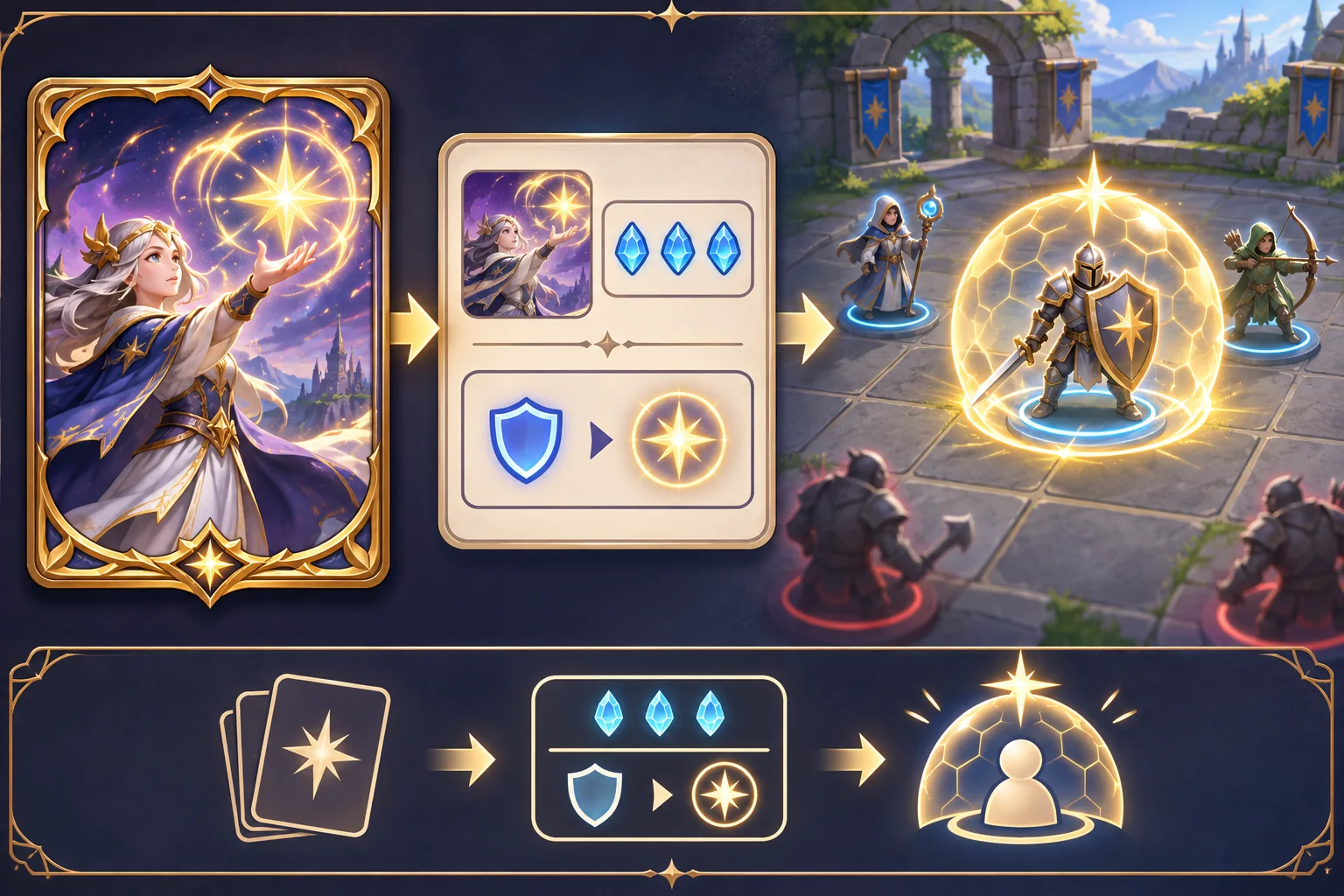
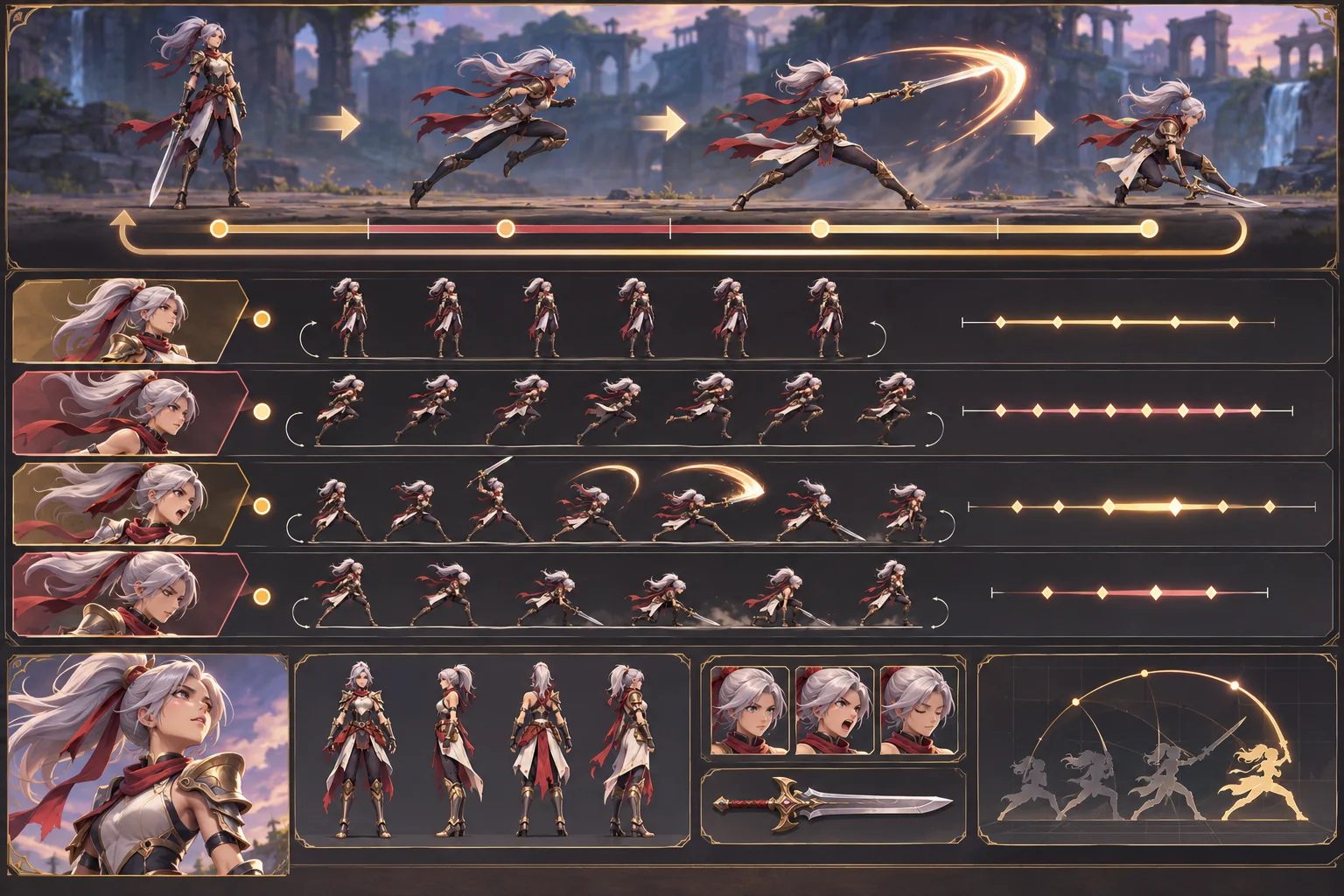
A comic page already has rhythm: panel size, reading order, composition, lettering, and the pause between images. Adding interaction can make that rhythm more personal, but it can also obscure the original story if choices appear everywhere or the page order becomes unclear. Start by mapping the source, then add a small number of interactions that change what the reader experiences.

This guide uses Moon Ferry, a fictional comic, only as an illustration. Its pages, characters, branching events, and outcomes are invented; no original comic or playable build was supplied. Godot documentation below describes its UI, data, and saving features only, not a complete interactive comic system.
Capture permissions, pages, and reading order
Record the author, source file, page revision, rights, approved crops, language versions, and permission for interactive adaptation. Keep the source images unchanged and work from copies. If pages include lettering or effects from multiple contributors, identify who can approve revisions and whether text may be reflowed or translated.
Inventory each page by panel. Record its order, image region, dialogue, caption, sound cue if any, transition, and possible interaction. Use the original right-to-left or top-to-bottom reading direction. Label uncertain panel boundaries instead of letting an automated crop decide silently. A model can help transcribe or segment a page, but a human editor should verify text and sequence against the artwork.
For Moon Ferry, imagine a page where a character reaches a dock and sees two boats. That is a fictional example. A choice might select which boat the character boards, while a later panel reflects the decision. The interaction should be visible in the story, not hidden inside a menu with no narrative connection.
Choose a small interaction with a clear result
Ask whether the reader should tap to advance, inspect a detail, choose dialogue, or alter a later scene. Use one primary interaction in the first prototype. Mark the hotspot or choice area clearly and decide how it works with touch, mouse, keyboard, and controller. Avoid ambiguous invisible regions that require guessing.
Map the branch before building it. Note the trigger, available choices, state changed, next panel, and whether branches converge. Rejoin only when the scene can honestly share the same content; if a character’s relationship or object state differs, keep the consequences visible. Add a way to revisit the page or understand whether the story has saved a selection.
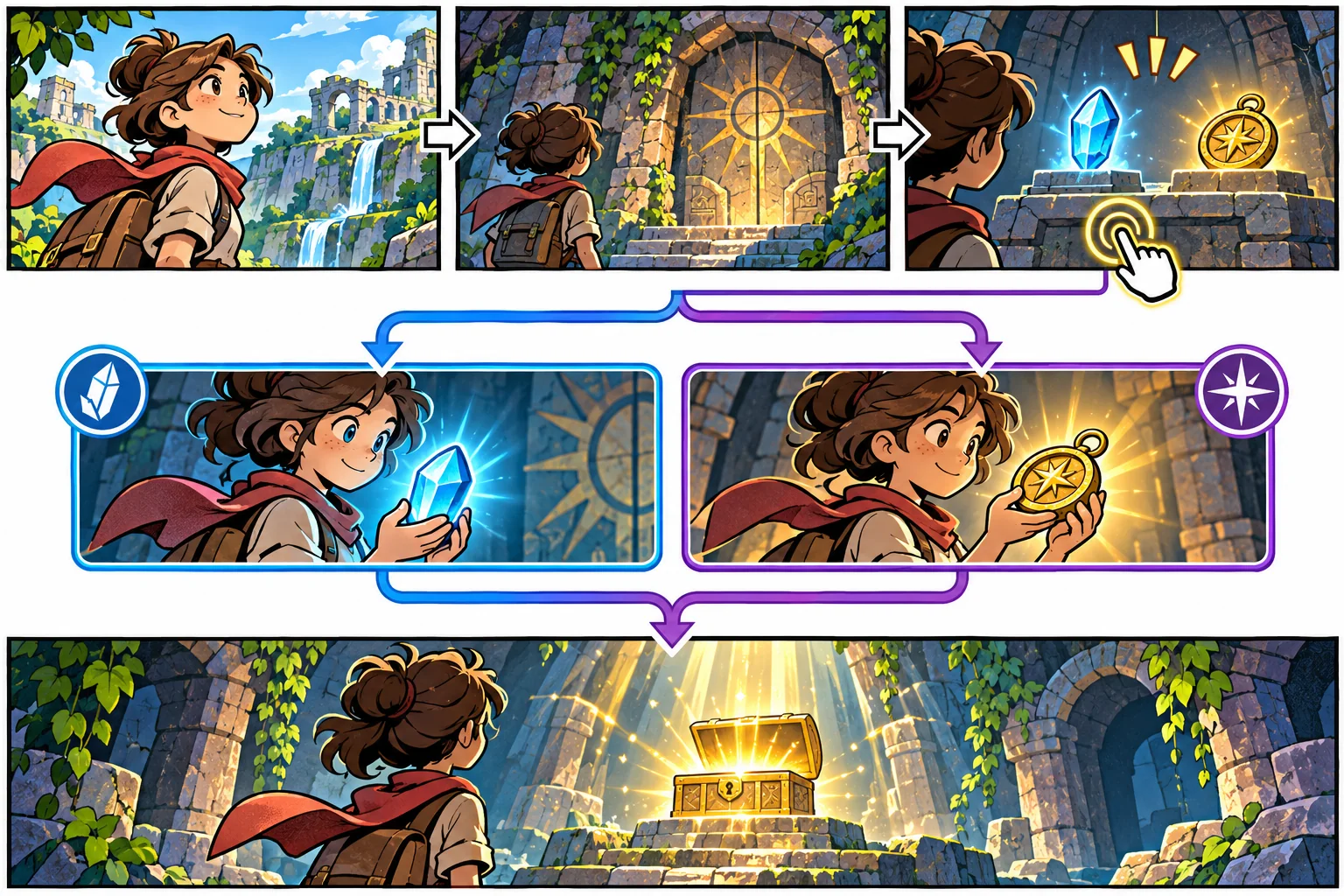
Keep narrative content separate from view logic. Godot’s Resource class supports serializable data containers that can be nested and saved, which can help represent panel records or choice definitions. A project can instead use other data structures. Whatever you select, give each panel and choice a stable identifier and verify that every branch points to a valid destination.
Build the reading interface for the device
Preserve the art’s intended crop and lettering. Test pages at the smallest target screen size and confirm that text remains legible without forcing unnecessary zoom. If the original composition depends on a full-page reveal, do not split it into separate panels without checking how the new order changes the pace. Provide a clear next action and a visible way to return to the previous panel when appropriate.
Godot builds UI using Control nodes, including content controls such as buttons and layout containers. That is an engine-specific foundation, not a finished reading experience. Set focus order for keyboard and controller users, provide accessible labels, and ensure screen readers or alternative controls can identify choices in the same order as the story.
AI can help draft alt descriptions, identify likely speech regions, or suggest choice wording. Verify the extracted text character by character and preserve the tone of the author. Do not upload pages to a service unless the relevant rights and tool terms permit it. Store generated descriptions as drafts until an editor approves them.
Keep progress and replay behavior explicit
Decide what the game needs to remember: last viewed panel, selected branches, unlocked scenes, or nothing beyond the current session. Specify reset, chapter replay, and save conflict behavior before adding a save system. A reader should not lose a chapter because a test choice was stored in the wrong place, and should not assume a branch persists if it does not.
Godot’s saving guide says JSON can work for simple state but notes its limitations in data size and supported types; a more complex state may call for a different format. Choose based on the actual data and platform. Validate loaded values and handle missing or outdated fields when the content schema changes.
Test the sequence with readers
Give the prototype to a reader who has not seen the source map of interactions. Can they follow the original panel sequence? Do they understand where to tap? Does the choice communicate its consequence? Can they return without losing the story? Observe hesitation, repeated taps, skipped dialogue, and confusion about whether a branch changed.

Record the content revision, device, screen size, input method, and exact branch taken. Keep findings tied to a specific build. A creator’s own ability to navigate the sequence is not evidence that a new reader will understand it. Test text contrast, choice labels, and controls with people who use different input methods.
Adaptation checklist
- Record rights, source revisions, contributors, and approved adaptations.
- Map every page into panels, order, text, and transitions.
- Use a small number of visible interactions with clear consequences.
- Keep stable IDs and validate branch destinations.
- Test full-page composition and text at target display sizes.
- Define save, reset, replay, and accessibility behavior.
- Observe readers and record build-specific results.
An interactive comic works when the reader’s actions complement the page rhythm. Preserve the source, map the branch, and build a short sequence where a choice produces a legible story response. For more production guidance, browse the resource library.
Frequently asked questions
How do I turn comic pages into an interactive comic game?
Break each page into panels, dialogue, captions, transitions, and meaningful choice points. Preserve the artist-approved reading order, then decide where interaction changes a scene, character response, or later panel. Build one short sequence with a clear start, one choice, and a visible consequence before converting the entire comic or adding complex branching.
Can AI make an interactive comic from comic pages?
AI can help transcribe text, identify panel boundaries, propose accessibility descriptions, or draft alternative choice wording. It can miss reading order, lettering, visual nuance, and rights restrictions. Keep the approved page as the source, verify all extracted text and panel structure, and review AI use permissions before uploading or transforming artwork.
How should choices work in an interactive comic?
A choice should communicate what the reader is deciding and produce an understandable response. Use a small branch that changes a panel, dialogue, or scene state, then rejoin only when the content truly converges. Track important choices explicitly and make return, replay, and reset behavior clear so readers understand what has been saved.
How do I preserve comic art quality on mobile screens?
Keep panel images at an appropriate resolution, preserve the intended crop and reading sequence, and test text legibility on the smallest target display. Use zoom or panel focus only when it helps readers inspect the page without losing context. Provide keyboard, touch, and assistive navigation that follows the same sequence.
Do interactive comics need save data?
Only if the experience includes progress or choices that should persist beyond a session. Define what to save—visited panels, selected branches, or chapter position—and how reset and replay work. A simple save format can suit a small prototype, but validate data when loading and choose a format appropriate for the game’s size, privacy, and platform needs.