A quest flowchart can show dependencies and branches at a glance, but an RPG needs more than connected boxes. Each node must correspond to a player-visible objective, a condition, an action, or a state change. The game must also explain what to do next and preserve the consequences when the player leaves, returns, or chooses an alternate route.
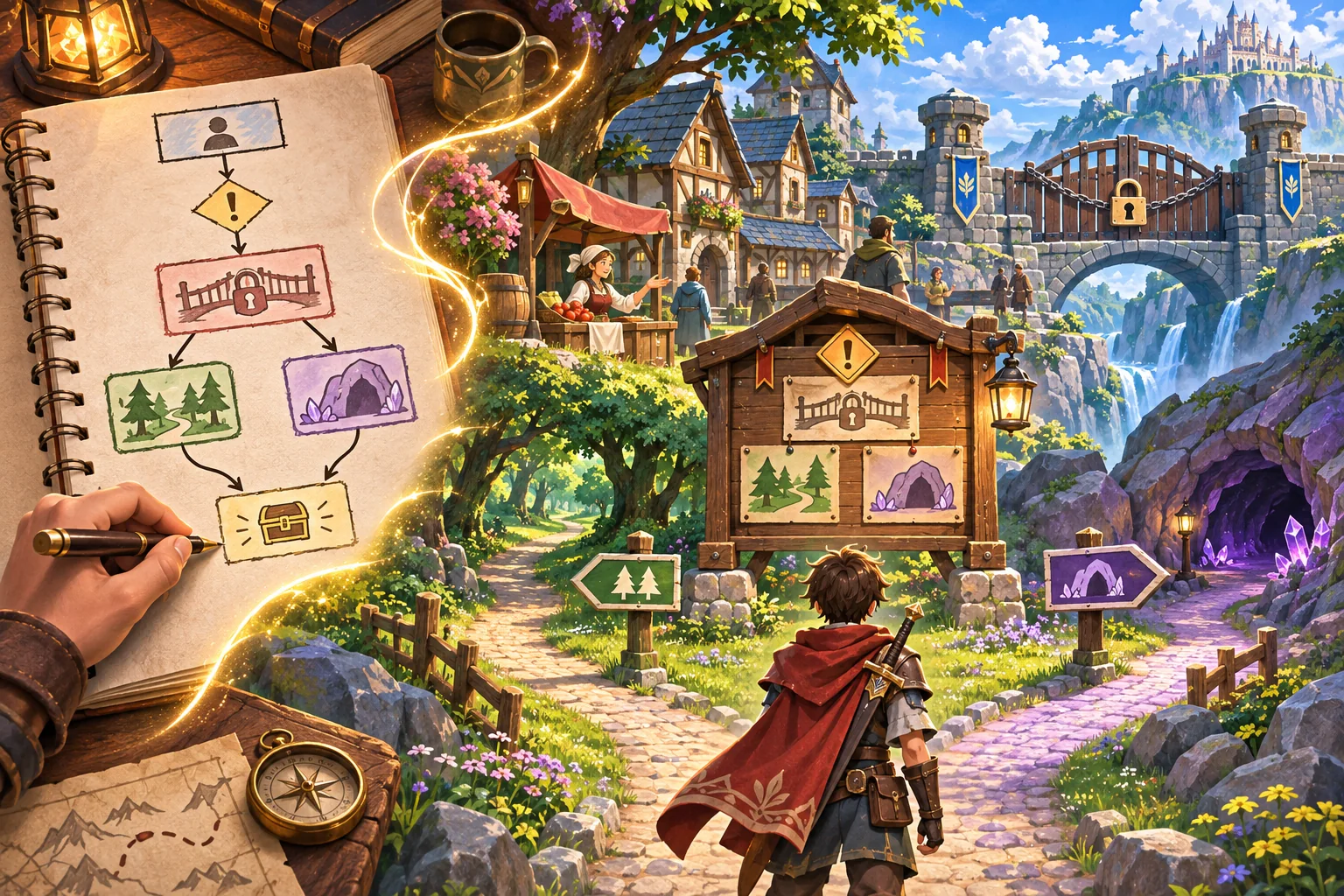
This workflow uses Redwater Ledger, a fictional village quest, only as an illustration. Its flowchart, characters, objectives, routes, and outcomes are invented; no source chart or game build was supplied. Godot links describe data and event features, not a quest system that has been implemented or tested.
Audit the flowchart and identify node types
Keep the original diagram and revision history. Confirm who owns it and who can approve changes. Label each node as objective, condition, action, state change, optional content, or ending. Record what the player sees and what the game must remember. A diamond in a diagram might represent a player choice, a hidden test, or a designer question; do not guess which one without checking.
For every arrow, write its trigger. Does the player talk to someone, acquire an item, enter a location, complete a skill check, or choose a dialogue option? Identify any arrows that depend on time, faction state, or a previous quest. Mark loops and repeated interactions clearly so players cannot accidentally farm or reset a reward.
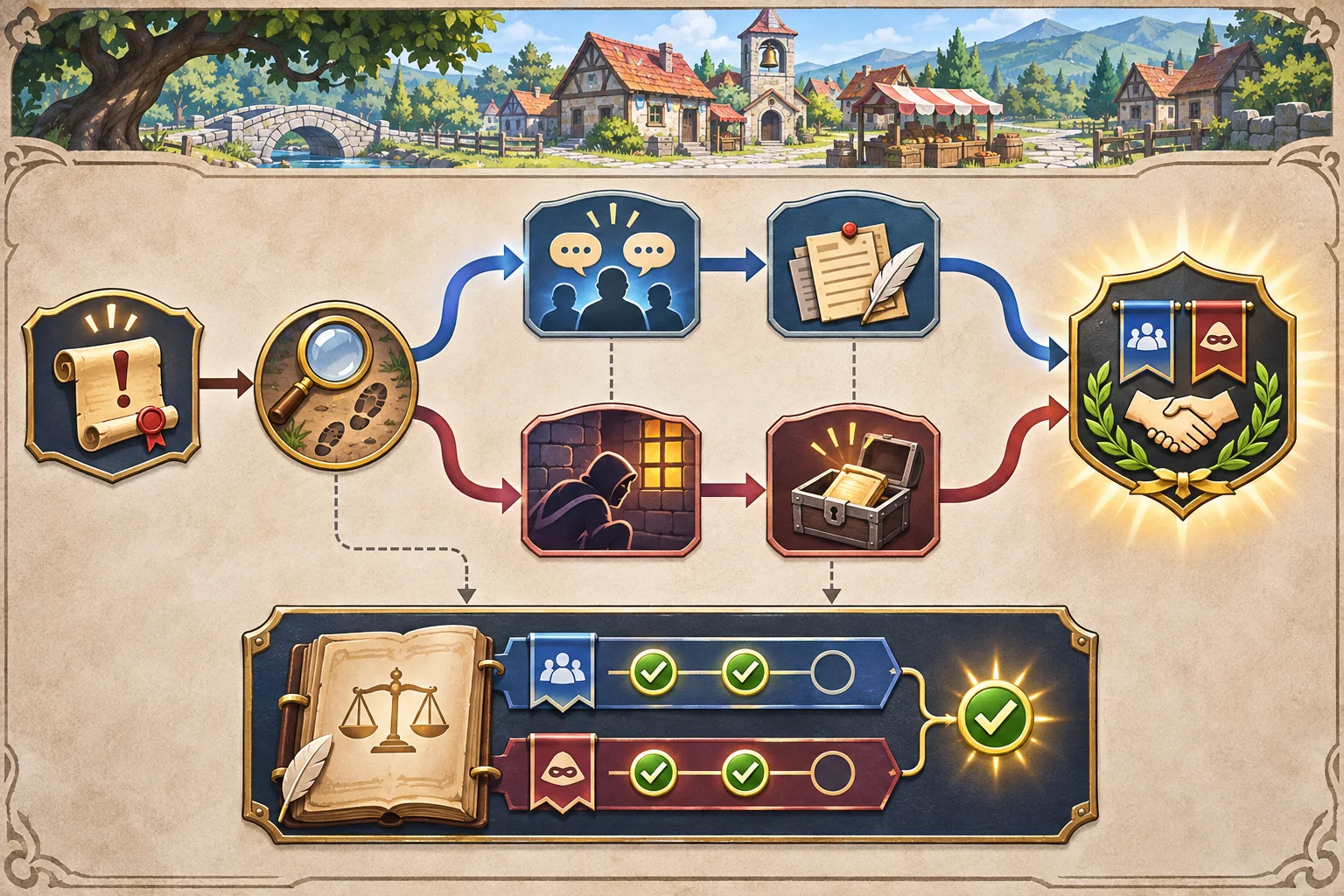
For Redwater Ledger, imagine a village clerk asks the player to recover a missing ledger. A clue can be found from a dockworker or from an abandoned storehouse; both paths lead to a decision about returning or copying the book. The characters and choices are fictional, but they demonstrate why the flowchart should track both route and decision.
Define quest state and dependencies
List the smallest set of state values needed: quest status, clue discovered, item acquired, route used, decision made, and any faction change that later content reads. Define allowed values, default values, and which node changes each one. Avoid storing both a derived fact and its cause unless there is a clear reason; otherwise those values can disagree.
Godot Resources can represent serializable data that can be nested and saved. Signals can let parts of the game respond to events without direct references to every other part. These engine features may help organize quest definitions and event flow, but the project still needs one clear owner for quest state, validation of dependencies, and save behavior.
AI can turn a chart into a draft node list, identify possible unreachable paths, or propose objective text. It may not understand the meaning of every arrow, exception, or author note. Review the generated graph against the approved source and confirm ambiguous dependencies with the quest designer.
Connect nodes to places, characters, and feedback
Give each objective a game-world representation. A locked bridge can show why a route is blocked. A character can mention a clue they know about. An inventory entry can confirm that the ledger was found. Keep the journal concise and specific: name the next action, point to a location, or note a condition without revealing every answer.
When a condition is unmet, explain the relevant constraint. “The clerk will not speak while the shop is closed” is more useful than a button that does nothing. If the player can solve the objective in more than one way, make both routes discoverable and ensure the later dialogue reflects what actually happened.
Build one complete quest slice
Implement a short route with a start, one prerequisite, two possible actions, and a resolution. Add one area, a few characters, interactable objects, quest UI, and a way to exit and re-enter. Store state so the quest does not restart unexpectedly. If the player abandons the quest, define whether progress remains and what the journal displays.
Keep data, presentation, and action validation separate where practical. The quest manager or owning system can validate the state transition; the UI can show the objective; the scene can emit an interaction event. This separation makes it easier to change dialogue or locations without duplicating the dependency rules.
Test routes, failure cases, and recovery
Walk every path from a clean save. Test the clue from each source, each dialogue response, returning after leaving, completing steps out of order, and trying to interact after the quest is resolved. Record expected and actual state for each action. Add checks for missing nodes or destinations in the authored graph if the project supports it.
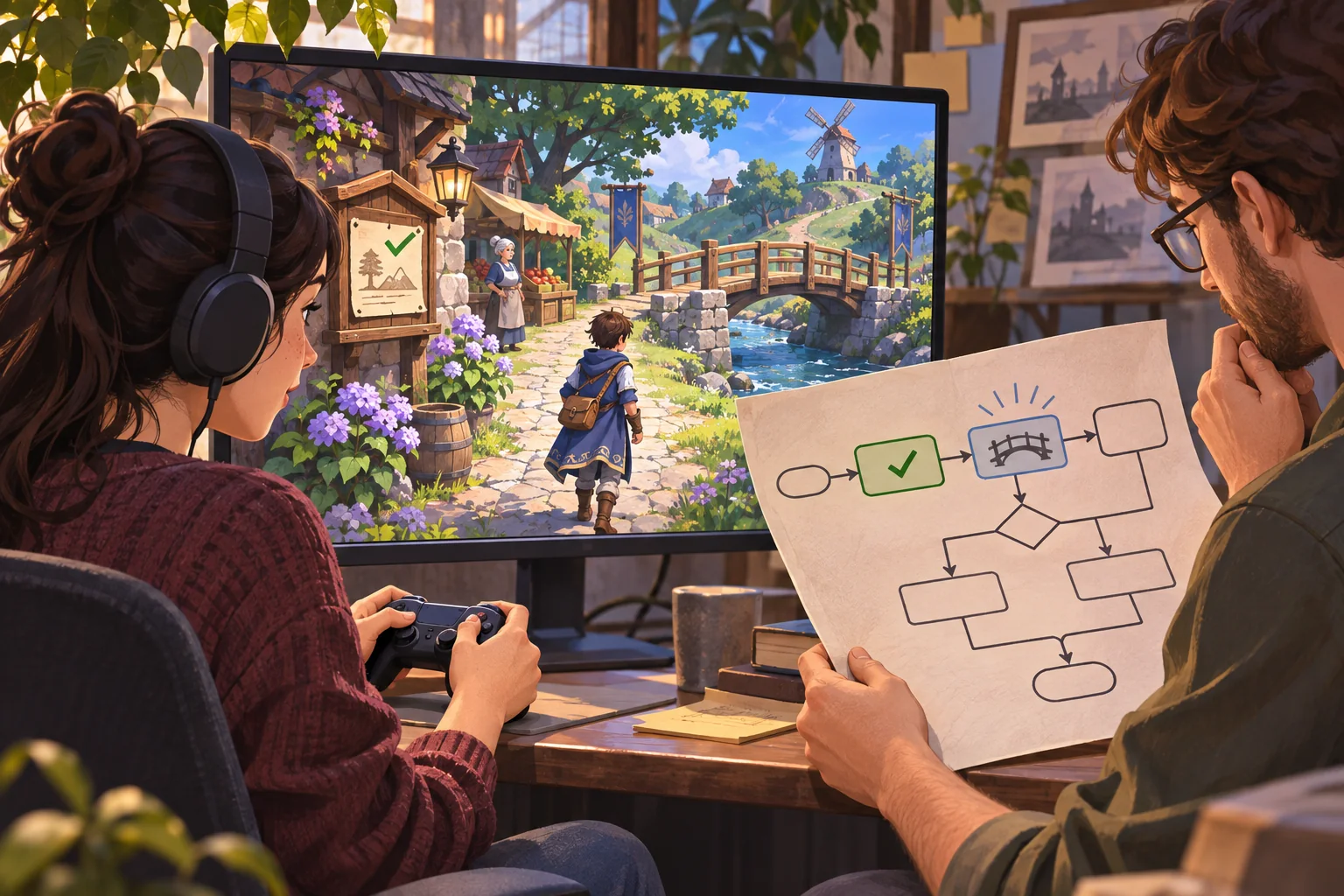
A route that technically reaches an ending may still be confusing or unsatisfying. Ask a player unfamiliar with the diagram to complete the quest. Observe where they look, what they think the objective means, and whether they recognize the consequence. Save the build version, starting state, route, and notes.
For save data, keep only the facts required to resume or respond to previous choices. Godot’s saving guide notes JSON can suit simple game state but has limitations in size and supported types. Select a format that fits the real quest state, validate loaded values, and plan how older saves behave when the quest data changes.
Quest-to-RPG checklist
- Keep the source diagram, owner, and revision traceable.
- Label objectives, actions, conditions, and state changes clearly.
- Define triggers, prerequisites, defaults, and failure recovery.
- Connect each objective to visible locations, characters, and feedback.
- Build one complete quest with an alternate path.
- Test every route from clean and returning save states.
- Record build-specific results and revise confusing objectives.
A quest flowchart becomes a playable RPG when its dependencies are explicit and each step is visible in the world. Start small, track only meaningful state, and test both the intended path and ways players may leave it. For more production guidance, browse the resource library.
Frequently asked questions
How do I turn a quest flowchart into a playable RPG?
Define each node as an objective, choice, condition, or state change, then specify what triggers it and what follows. Build a small quest with at least one prerequisite and one alternate route. Connect it to dialogue, objects, or locations, and test the route from the player’s perspective rather than relying on the diagram alone.
Can AI generate quests from a flowchart?
AI can summarize nodes, flag unreachable paths, suggest missing conditions, or draft dialogue placeholders. It may miss contradictions or invent dependencies that the designer did not intend. Keep the approved chart authoritative, validate every path mechanically, and review the player-facing story for continuity before treating the generated quest as complete.
How do I prevent players from getting stuck in a quest?
Identify every state that can block progress, define recovery or alternate routes, and test missing items, failed checks, skipped dialogue, and returning after leaving an area. Make objectives observable in the game. A graph that has an exit node can still trap players if they cannot discover or activate the required condition.
Should optional quests change the main story?
They can, but their scope should be intentional. Decide which optional outcomes affect later dialogue, access, faction state, or rewards, and which are contained to the side quest. Track only dependencies that have a visible consequence, and test the main route both with and without the optional content.
How do I test a quest flowchart implementation?
Walk every route and record starting state, player action, expected state change, actual result, and next objective. Include edge cases such as re-entering an area, completing steps in a different order, or abandoning a quest. Automated path checks can find some unreachable nodes, but playtesting is still needed to assess clarity and pacing.