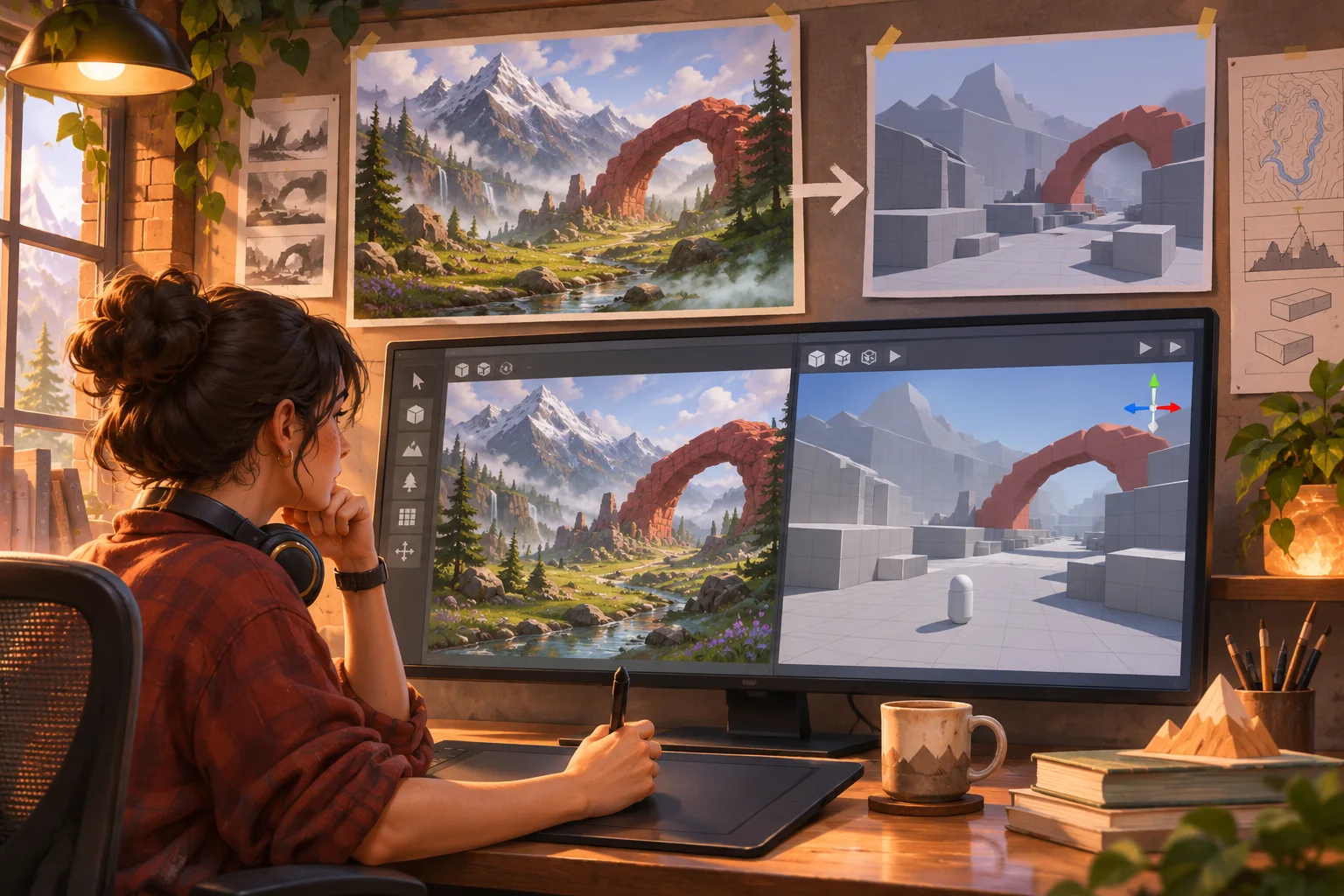
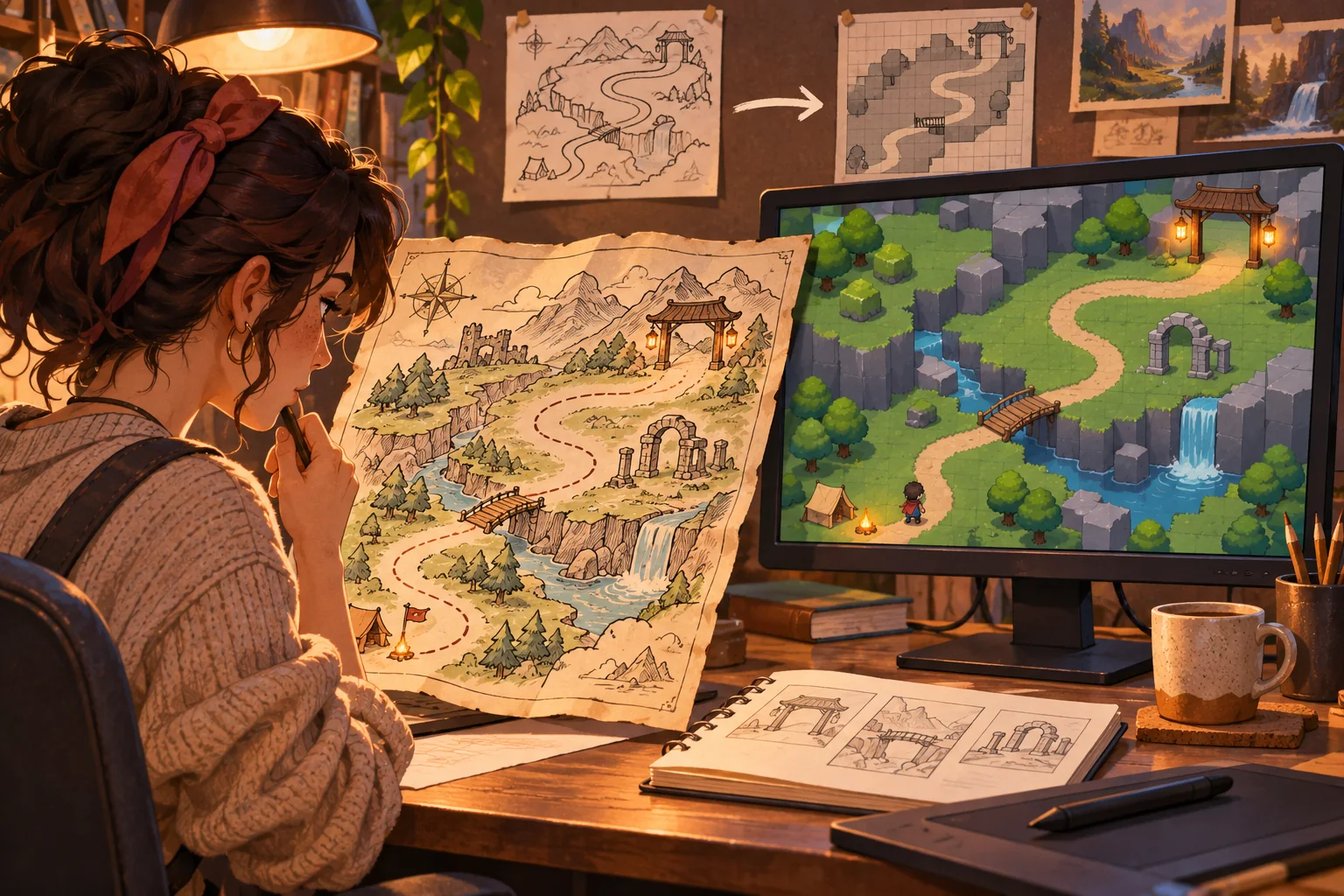
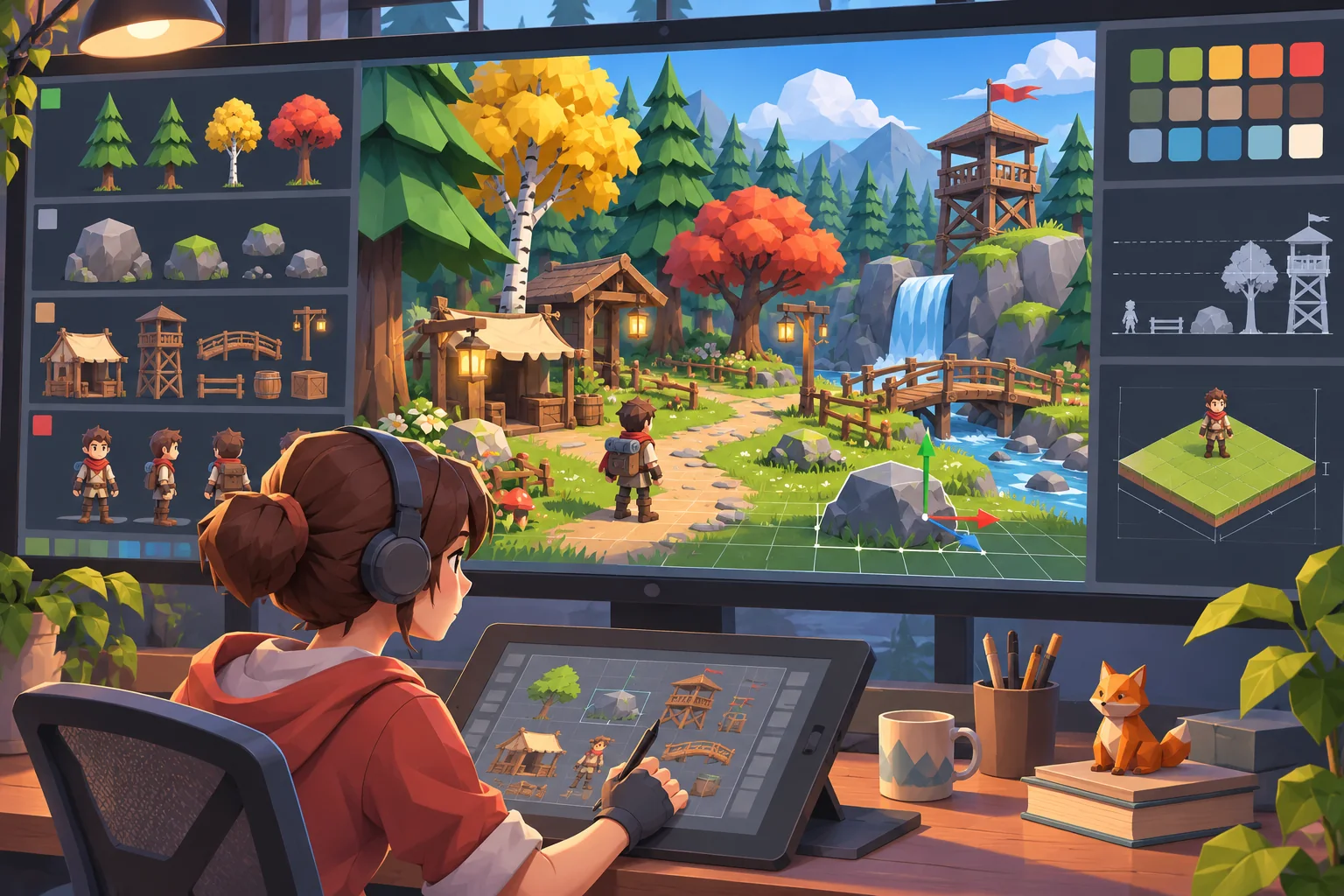
A folder of footsteps, wind, distant machinery, and creature calls can become more than atmosphere. In an exploration game, sound can suggest where to look, warn that a route changed, or make a discovered place feel distinct. The useful design question is not “Which clip sounds best?” It is “What can the player learn or do because this cue exists?”
This workflow turns a sound-effects library into a small, reviewable gameplay slice. It uses Echo Vale, a fictional fog-bound archive, as an example; the project, clips, map, implementation, and outcomes are invented. No audio library or game build was supplied or tested.
Start with a playable promise
Choose one sentence that describes the loop: “The player follows a repeating bell through the fog, finds its source, and opens a short route home.” That sentence gives the audio a job. A sound that does not help the player orient, decide, notice change, or enjoy the atmosphere may still be useful, but it should not crowd out cues that carry decisions.
Keep the first slice small: one room, one branching path, one clue, and one return. The route lets you test distance, repetition, occlusion, and feedback before an extensive level multiplies the number of interactions. Define how the player can succeed and what visible response confirms that an action worked.
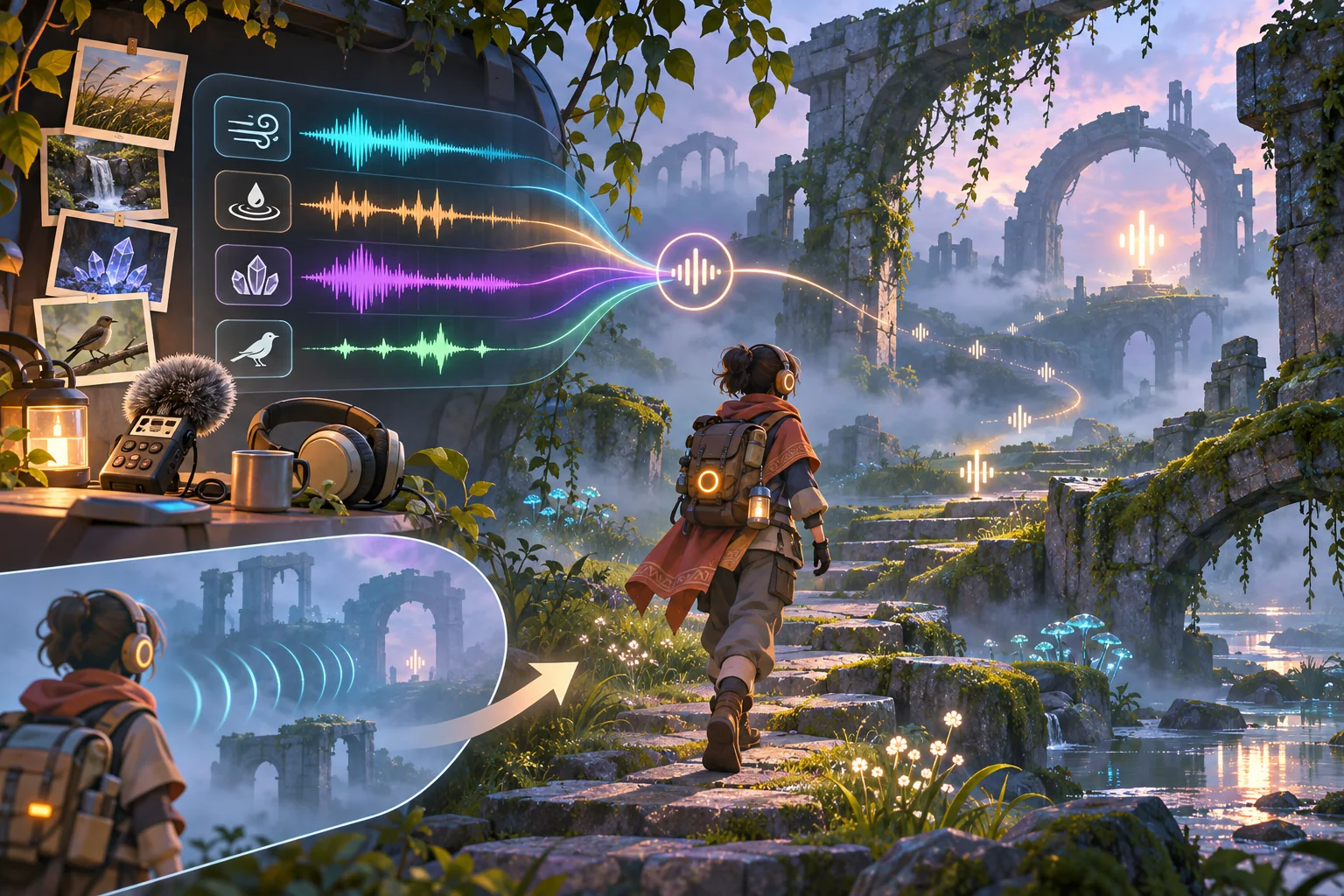
Inventory the library before importing everything
Build a simple asset sheet with filename, format, duration, license/source, likely category, intended use, and review status. Group clips by possible role: ambience, movement, interaction, discovery, warning, and transition. Add practical tags such as close or distant, steady or transient, tonal or noisy, and one-shot or loopable. These are working labels, not proof that a sound will communicate reliably.
Listen at a consistent volume and record obvious problems: clipped starts, long silent tails, sudden loudness, background noise, or similar clips that could be confused. Keep the original filenames and license records. AI can propose labels or summarize file metadata, but a person should listen to candidates and confirm rights before they enter a distributable build.
Pick a small starter set that supports the promise. In the fictional Echo Vale slice, a low repeating bell signals the archive entrance, dry paper flutter marks a nearby shelf, and a short descending tone marks a closed path. A soft wind loop adds mood but never carries a required instruction. The specific roles are illustrative; they must be tested with the real clips.
Map every cue to a game event
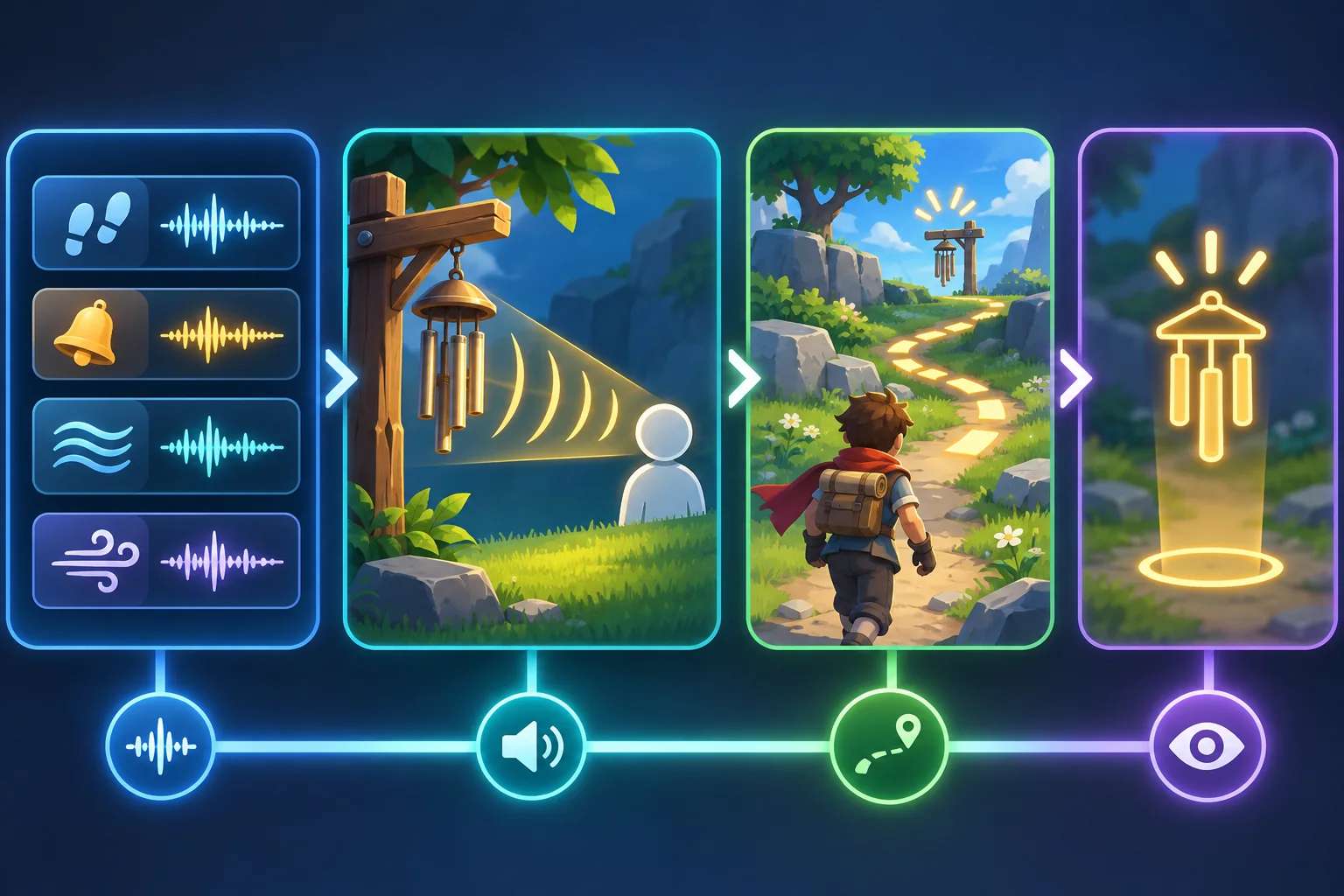
For each selected clip, write a cue record with: the world source, the condition that starts it, the player-facing meaning, the duration or repetition rule, the stop condition, and any visual or text equivalent. This prevents audio from becoming an ambiguous layer that plays without a design reason.
- Source: Which object or area emits the sound?
- Trigger: What state or player action starts it?
- Meaning: What may the player reasonably infer?
- Control: Can the sound overlap, repeat, fade, or be interrupted?
- Fallback: How is essential information available without hearing?
A cue should have one primary job. If the same chime means “nearby collectible,” “danger,” and “quest complete,” the player must guess which system is speaking. Reuse a sound only when context makes its meaning clear. Give important events a distinct rhythm, timbre, location, or accompanying visual response.
Place sources and control the listening space
For a directional clue, place the emitter where the fictional source exists and the listener where the player perceives the world. Unity’s AudioSource documentation describes Spatial Blend values from fully 2D through fully 3D, with intermediate settings mixing the modes. The setting is one part of the design: source position, attenuation, listener position, clip content, platform, and playback device all affect what a player hears.
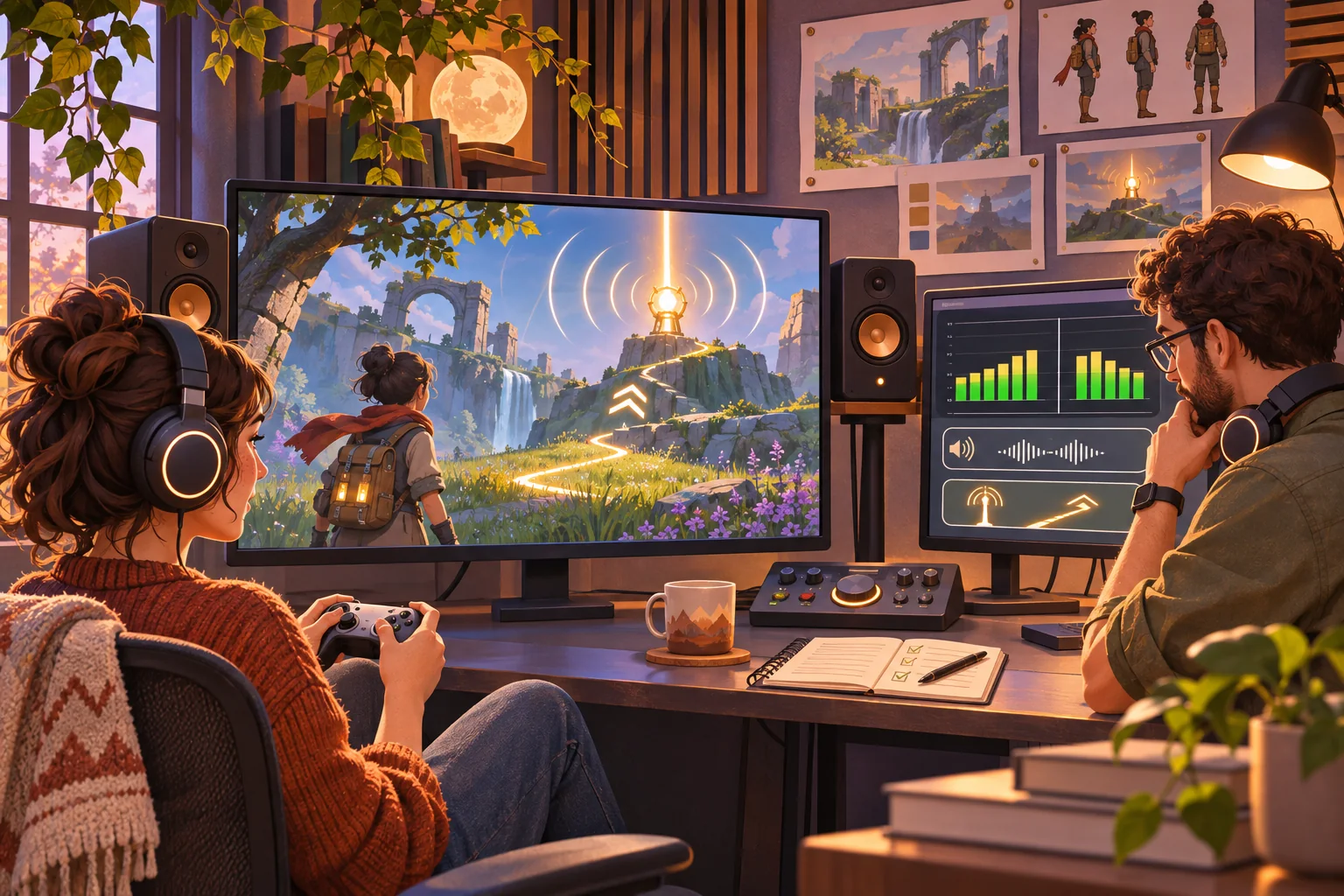
Start with a neutral test area. Move the player toward and away from the source, cross behind it, and compare headphones with the target speaker setup when possible. Listen for misleading distance changes, abrupt cutoffs, or a cue masked by ambience. Adjust placement and falloff with the real content rather than assuming a numeric setting will sound right in every environment.
Keep the mix legible
Make a rough priority order: critical gameplay cues, player actions, dialogue, ambience, and optional detail. The order varies by game, but naming it helps a team find conflicts. Check what happens when a footstep, a route hint, and a background loop play together. If all three compete in the same frequency range or moment, the cue with the most important meaning may disappear.
Give players separate controls for major sound categories where appropriate, and test the lowest supported volume as well as the loudest expected scene. Watch for repeated one-shots that stack, loops that restart sharply, and stingers that interrupt speech. Do not solve every clash by turning the entire mix down: revise the arrangement, event timing, or cue role.
For exploration, silence can be part of the composition. A brief reduction in ambient layers may make a clue feel noticeable without raising its volume. But avoid a design where only attentive listeners or a particular headphone setup can proceed. Keep the clue’s gameplay role explicit and provide another route to the information.
Add a visual alternative for essential cues
Game Accessibility Guidelines advise against conveying essential information through sound alone. If a beacon reveals the only safe path, show that information through a directional marker, environmental light, caption, map update, or another optional visual cue. The alternative should communicate the same useful fact—not merely display a decorative icon after the player has already missed the warning.
Use a simple mute pass early. Ask someone unfamiliar with the slice to play without sound and note where progress becomes confusing or impossible. Then restore sound and check whether the audio adds orientation and atmosphere without hiding the visual equivalent. This is a practical review step, not a guarantee that the experience is accessible to every player.
Build a focused prototype and review it
Connect the smallest group of events needed for the loop: player enters a zone, a beacon plays, the player follows it, an interaction reveals a destination, and a success state changes both audio and visuals. Add a reset. This narrow prototype makes it possible to identify which cue fired, why it fired, how often it repeated, and what the player saw at that moment.
Keep a short review log with build version, source clip, trigger, device, player position, observed issue, and next adjustment. Separate observations from interpretations: “The bell stopped while the player crossed the doorway” is useful; “the direction felt broken” needs a location, setup, and reproduction step. Recheck the same scenario after editing the source or event logic.
AI can help create a first-pass inventory, suggest event names, draft a cue map, or generate placeholder art for a prototype. Treat each result as a proposal. It cannot confirm the library’s license, judge how a cue reads on a player’s device, or prove that the audio and fallback work together without project-specific review.
Move from library to playable signal
A sound-led exploration slice begins with a player promise, a small set of reviewed assets, and an explicit event map. Position and mix sources in context, keep essential information available visually, and review the same short route with sound on and off. Expand the library only after each additional clip has a clear purpose.
Frequently asked questions
How do I turn a sound-effects library into an exploration game?
Start by tagging clips by source, distance, mood, and gameplay meaning, then choose a small set that can guide a route or reveal a nearby event. Place each cue in a test scene, connect it to a player action or world condition, and add a visual fallback for essential information. Tune levels and confirm the loop with the actual clips and speakers.
Can AI build a game from sound effects?
AI can help classify a licensed sound library, suggest cue groupings, draft implementation notes, and create placeholder scene concepts. It cannot determine whether a cue is clear, correctly licensed, spatially placed, or comfortable at real listening levels without project review and playback tests. Keep source files and license terms, and treat generated classifications as proposals to verify.
How do I make game audio sound directional in Unity?
Unity AudioSource supports a Spatial Blend between 2D and 3D playback, with distance and direction behavior affected by source settings. Attach and position sources intentionally, check the listener location, and tune attenuation with the actual scene. Headphones, speakers, platform settings, and the clip itself change the result, so do not assume an inspector value guarantees a perceptible direction.
Should important game clues rely only on sound?
No. Important cues such as danger, direction, or a required puzzle hint should have a visual or text equivalent and should remain understandable with sound muted. Optional ambience can remain audio-only, but a first-time mute test can expose moments where a player loses essential information. Add captions, icons, environmental lighting, or another deliberate fallback.
How many sound cues should an audio-led prototype use?
There is no universal count. Use the smallest set that communicates the prototype’s route and decisions without masking one another. Start with a few distinct cue families, then check overlap, repetition, loudness, and fatigue in context. Expand only when each added sound has a clear role and players can still distinguish the signals at ordinary listening levels.