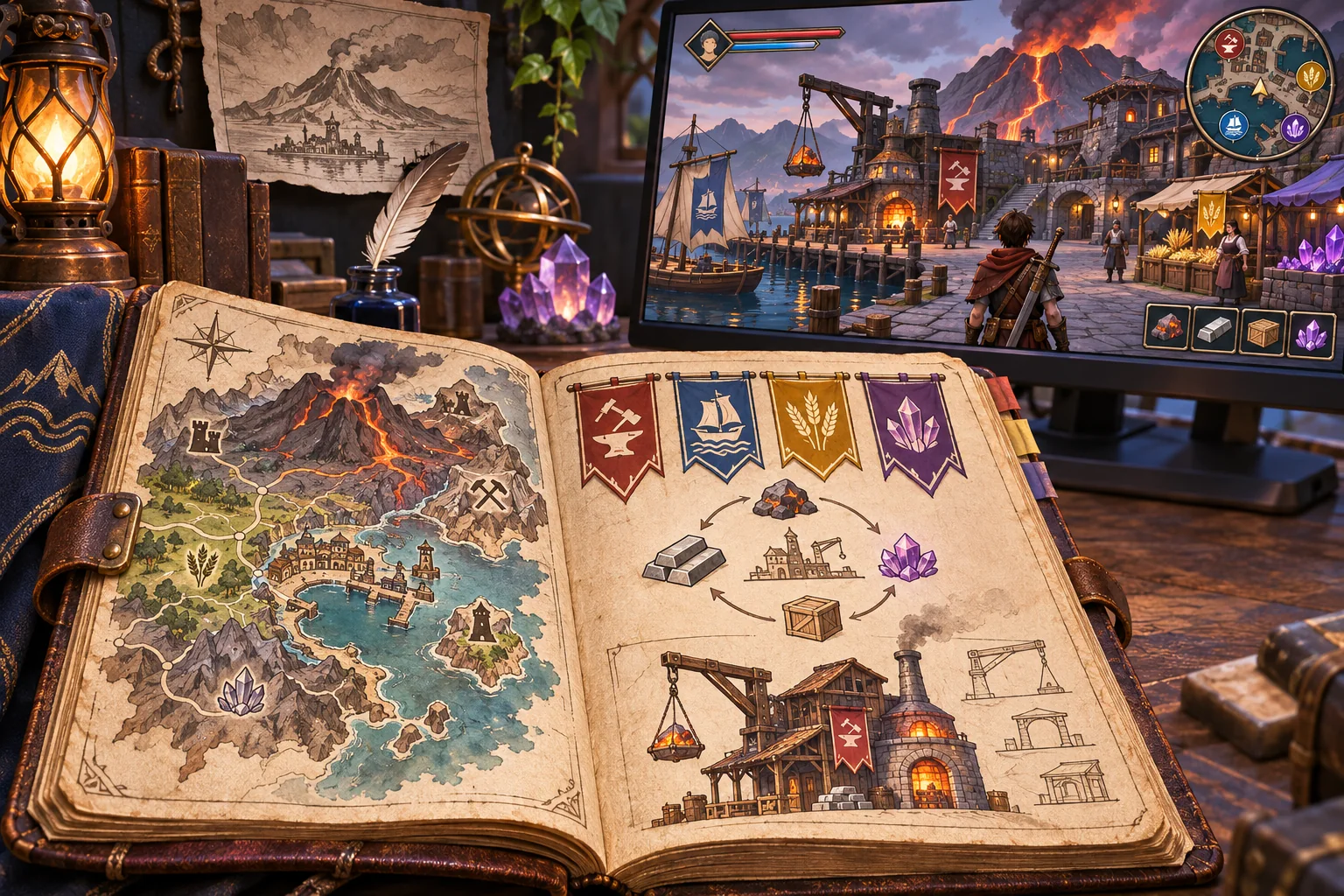
A spreadsheet can hold more than balancing notes. It may describe characters, items, encounters, upgrades, or conditions that determine what happens after a player acts. Turning those rows into a game prototype takes a deliberate translation step: each piece of data needs a clear meaning, a place in the runtime, and a way to show that the rule worked.
This guide uses Ember Circuit, a fictional turn-based exploration game, as an example. Its characters, sheet, rules, implementation, and outcomes are invented. No source spreadsheet, project files, or playable build were supplied or tested.
Choose one playable question
Start with a question the prototype should answer, such as: “Does spending one energy to scan a room reveal a route before the hazard advances?” That is easier to validate than “Can we convert the whole design spreadsheet?” Select the handful of rows needed for a starting state, one player action, one rule change, and visible feedback.
Write down the expected before-and-after state in plain language. In the imaginary Ember Circuit sheet, a scout begins with three charge units, a scan costs one unit, and a successful scan reveals a sealed door’s symbol. The numbers and behavior are examples only. In a real project, the designer should confirm them before anyone converts them into code or content.

Read the spreadsheet as a source, not a schema
Inventory the sheet tabs and note the purpose of each one. A tab named “Items” might mix item definitions, shop prices, and progression unlocks. A column called “Power” might mean damage in one place and a crafting tier in another. Do not assume that labels, colors, formulas, or merged cells communicate a stable runtime contract.
For every field the prototype needs, identify its owner and type: text identifier, integer, decimal, Boolean, category, or reference to another row. Record whether it is required, whether duplicates are allowed, and what a blank cell means. If a column contains several meanings or uses free-form notes, have the rules owner resolve that ambiguity before relying on it.
Create a compact mapping table that links each source tab and column to a game concept, validation rule, and runtime consumer. A row identifier could become a stable item ID; a “cost” value could feed an action affordability check; a “result” category could select a state transition. The mapping should explain the relationship, rather than just copying column names into variable names.
Define the data contract before generating code
Give every row type a minimum shape. For example, a fictional encounter might have an ID, starting energy, action ID, energy cost, next state, and feedback message. Keep definitions distinct from live state: the source sheet can describe that a scan costs one energy, while the running player state records whether this player has already scanned the room.
Stable IDs matter more than row positions. If another row points to “the third item,” sorting the sheet may break the relationship. Prefer references such as item_crystal_lantern, then validate that each reference exists. Avoid letting display names double as identifiers if names may be translated or edited.
AI can suggest a schema or summarize likely dependencies, but those suggestions remain hypotheses. Ask the designer to confirm ambiguous formulas, units, stacking rules, and ordering. Keep a record of which sheet revision the data came from so a reviewer can trace every generated or imported value.
Import a small sample and validate it
Unity documentation lists CSV and JSON among formats imported as Text Assets, whose text can be read by project code. Importing the file does not itself define what each column means. The game still needs a parser and explicit checks. Depending on the project, a team may choose a different data workflow; verify the selected path in its actual engine and build setup.
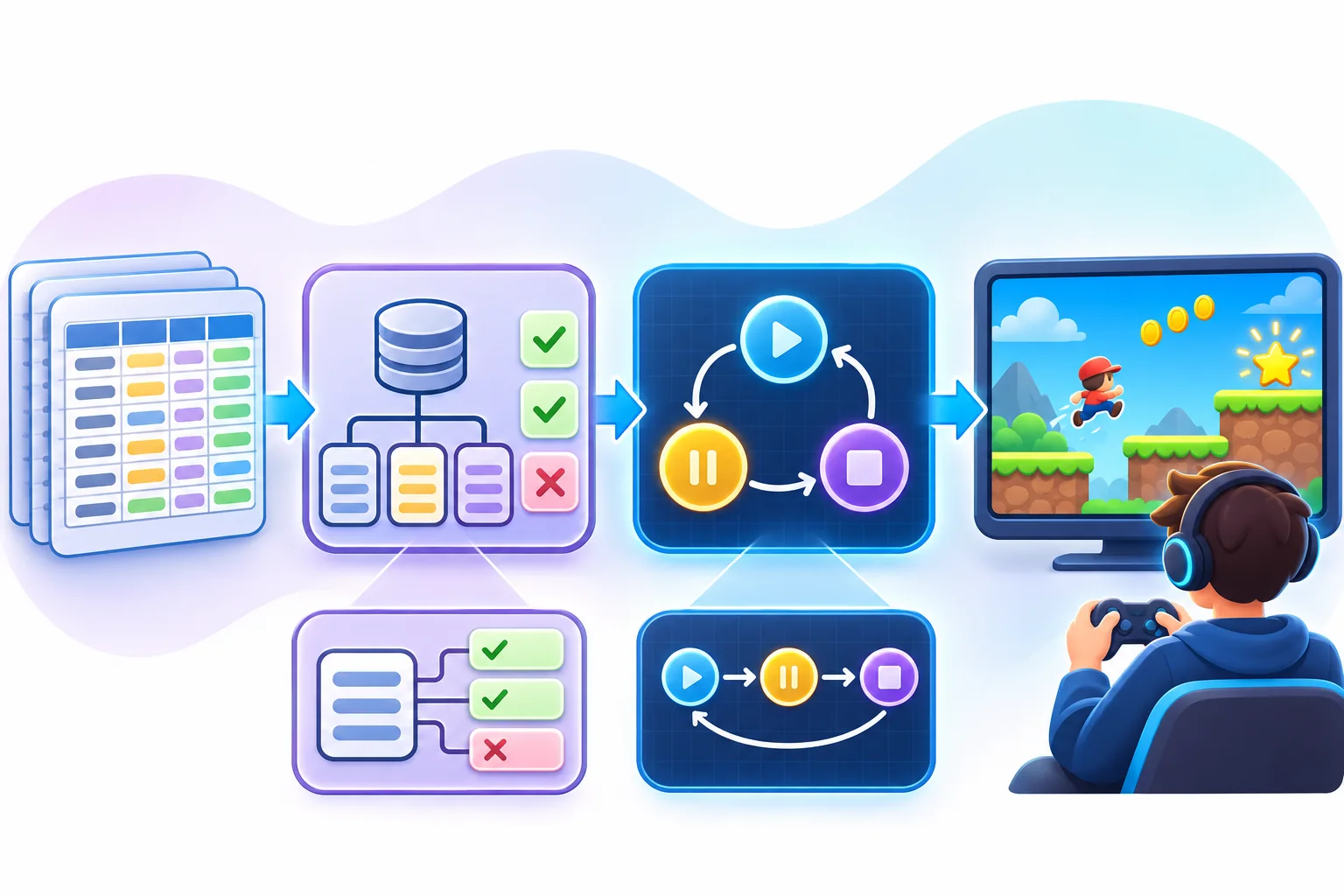
Before the prototype uses the data, check required fields, duplicate IDs, numeric ranges, unknown categories, missing references, and malformed rows. Show a useful error that names the row and field. A message such as “invalid data” may stop the crash, but it gives the designer little help in fixing the sheet. Do not silently replace a missing damage value with zero unless that fallback is intentional and visible.
Test the parser separately from the game loop when practical. Feed it one valid row and deliberately invalid examples: empty identifier, negative cost, unknown action, repeated ID, or a reference to a nonexistent door. The point is to see whether errors are caught where they enter, rather than appearing later as a broken encounter.
Connect data to a visible gameplay loop
Keep the first runtime path narrow. Load the starting state, present the action, check its conditions, apply its cost, update the world state, and display what changed. If a scan should reveal a door symbol, the player needs a visible response: a map change, a new interaction target, or a short message. A number changing in memory is not yet proof the rule is understandable.
Make the direction of authority clear. Is the spreadsheet the source of truth, or are designers editing engine-native resources that export to the sheet? If two copies can be edited independently, they will eventually disagree. Choose one direction for the prototype and record the import or export step.
Represent each important rule in a way that can be inspected. For a turn-based prototype, a log might show current energy, action cost, condition result, state transition, and feedback ID. That makes it easier to compare the behavior with the expected source row. It also gives a reviewer clues when a rule passes the wrong branch.
Test normal and boundary cases
Prepare expected outcomes before trying the prototype. Include a normal success case, a failure case when the player lacks a resource, and a boundary case such as exactly enough energy to perform the action. Add a missing or invalid data case if the parser is part of the change. Make sure every test maps back to a stable input row or a documented fixture.
Compare the actual state and player-facing feedback against the expected result. Record the source revision, build version, input case, observed output, and mismatch. If the sheet changes, update the expected cases deliberately; avoid treating the latest spreadsheet as automatically correct just because it is newer.
Ask someone who did not build the rule to play the loop. Can they tell why the action succeeded or failed? Does the displayed result match the underlying state? This is a focused comprehension check, not a substitute for broader balance or accessibility review.

Use AI for assistance while retaining review
AI can help summarize columns, identify likely references, draft validation rules, create a sample parser outline, or generate temporary visual concepts. It should not decide unresolved game semantics. A formula may contain an intentional exception, a blank might mean “inherit,” and a value’s unit may only be documented elsewhere.
Have a reviewer inspect every generated mapping and compare a representative sample with the source. Keep the input and output artifacts versioned together. When a mapping changes, rerun the validation cases that depend on it. This creates a traceable workflow instead of a one-time import that nobody can explain.
Expand after the thin slice is reliable
Once one data-backed loop behaves as expected, add rows in small groups. Keep content validation visible, preserve stable IDs, and include automated checks where the project supports them. If an entire sheet is imported at once, diagnosing a broken value or contradictory rule can become needlessly difficult.
Spreadsheet data is a useful bridge between design and a prototype when its meanings are explicit and its outcomes are reviewable. Start with one game question, establish the contract, validate the data, and compare the running loop with source cases. For broader AI game workflow notes, see these practical workflow notes.
Frequently asked questions
How do I turn spreadsheet rules into a playable game prototype?
Separate the sheet into entities, actions, conditions, effects, and progression, then map each important column to one explicit runtime responsibility. Import a small sample, validate required values and references, and build one short loop with a success and failure case. Compare the running behavior with the source rows before expanding the content or treating the prototype as correct.
Can AI convert a spreadsheet into a game?
AI can help explain columns, identify likely relationships, draft a data schema, or suggest a small prototype. It cannot know whether an ambiguous formula expresses the intended rule or whether imported data behaves correctly without project context and testing. Keep a copy of the source, review generated mappings, and validate representative edge cases with the game running.
Should game rules be stored in CSV or JSON?
Choose a format based on how the team edits, validates, and loads data. Unity imports CSV and JSON files as Text Assets that expose their text to project code, but the application still needs parsing and validation logic. A structured format may represent nested objects more directly; CSV can be convenient for row-based content. Test the chosen path in the target engine and build.
How can I prevent spreadsheet data errors in a game?
Define required columns, allowed value ranges, unique identifiers, and reference rules before importing. Validate empty cells, duplicate IDs, unknown categories, invalid formulas, and missing references. Report the row and column for each problem, and stop the load or use a deliberate fallback instead of silently changing the rule. Keep source and imported data versions together for review.
How much spreadsheet content should a prototype use?
Use only enough rows to prove one meaningful loop: a starting state, player choice, changed game state, and visible result. Include a normal case and a boundary case such as a missing value or maximum value. A small sample is easier to trace back to the source. Add more content after the data path and rule behavior are understood.