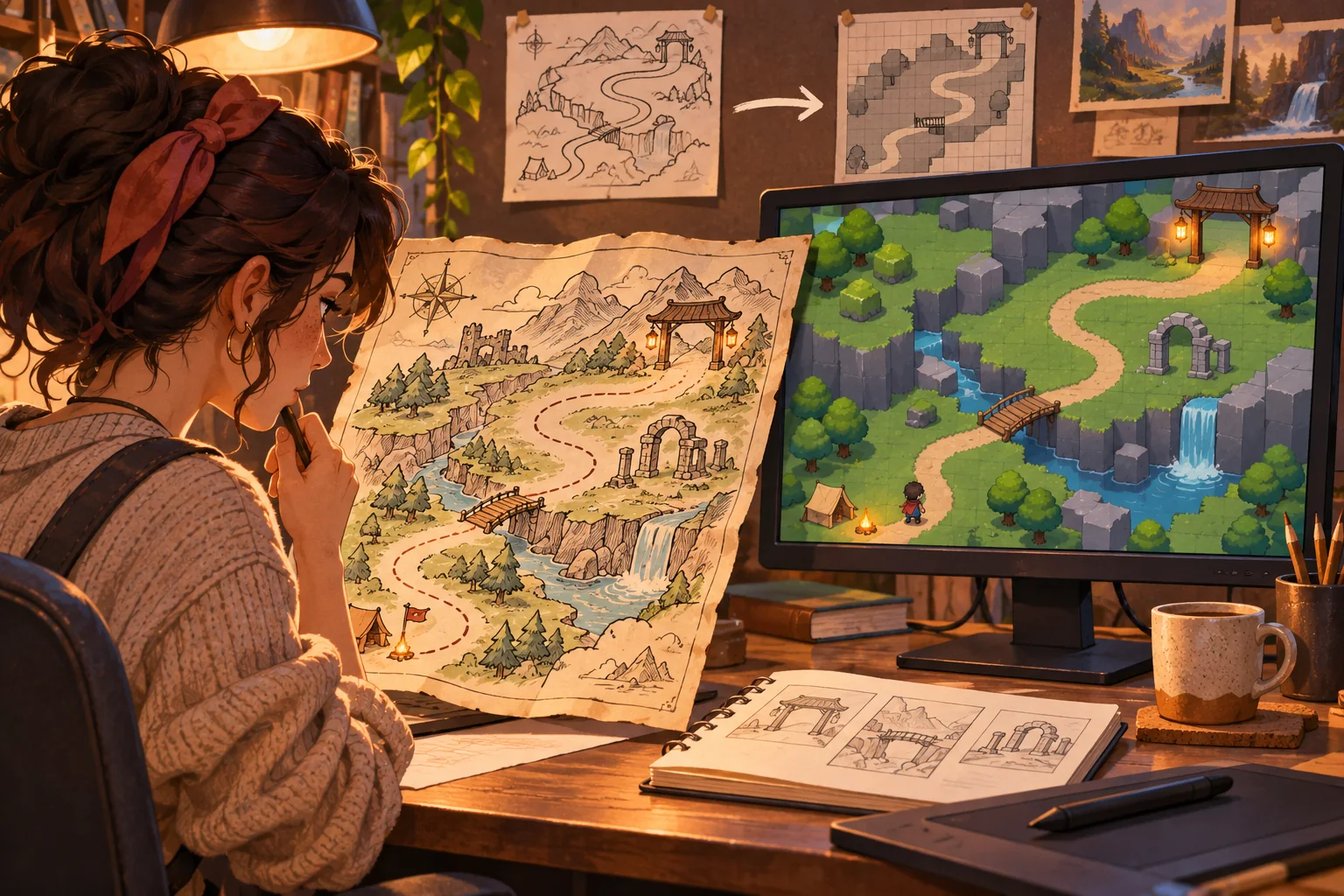
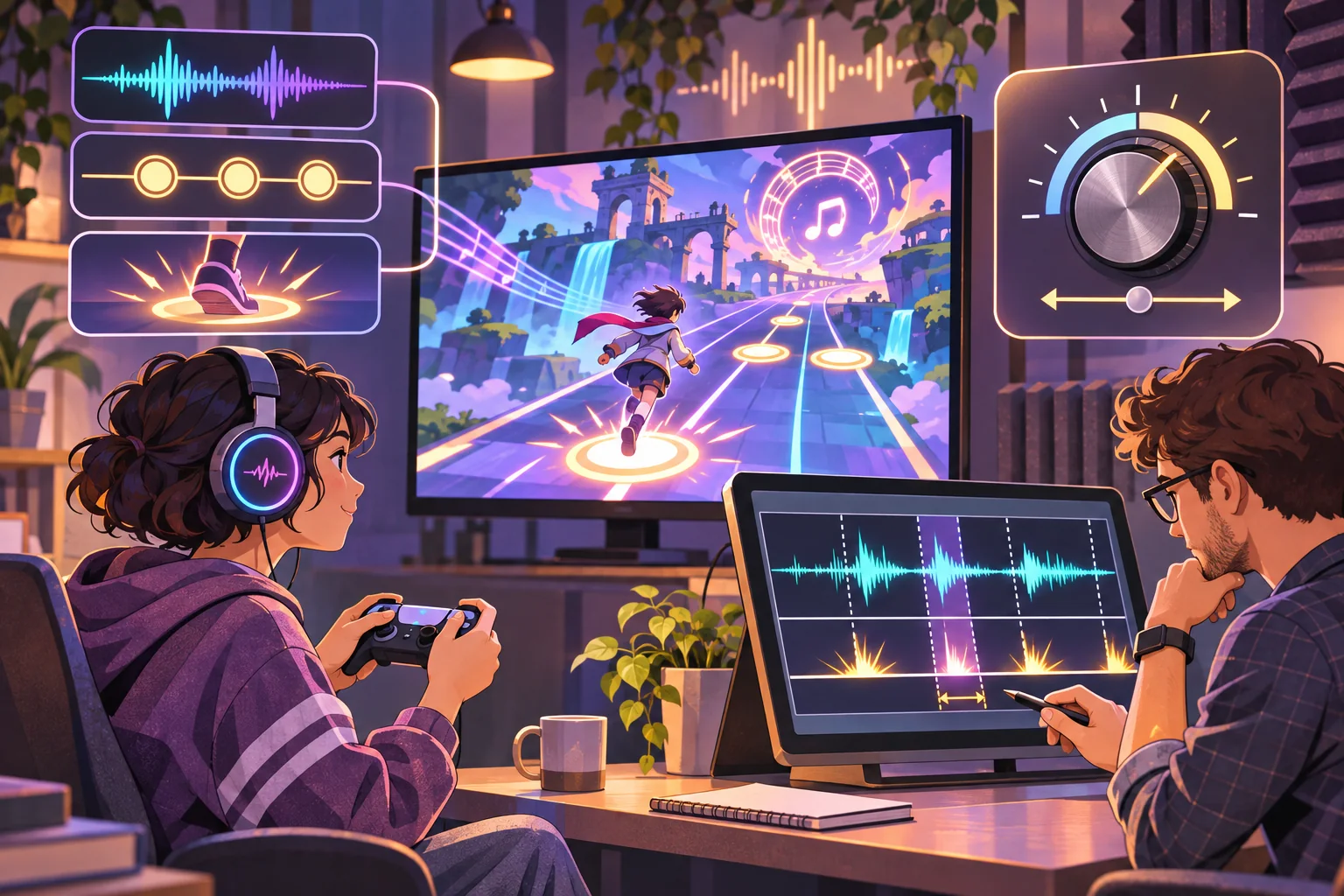
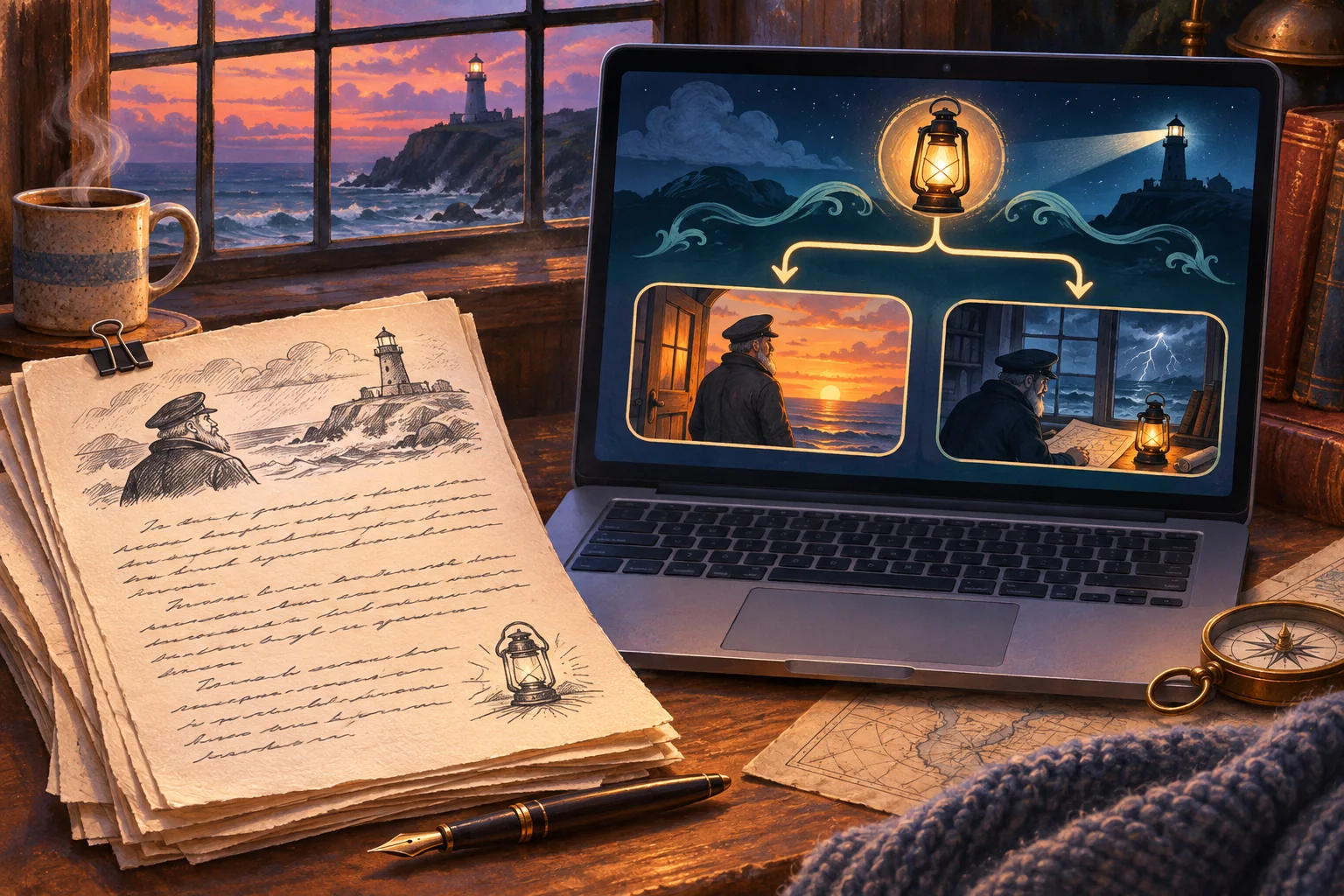
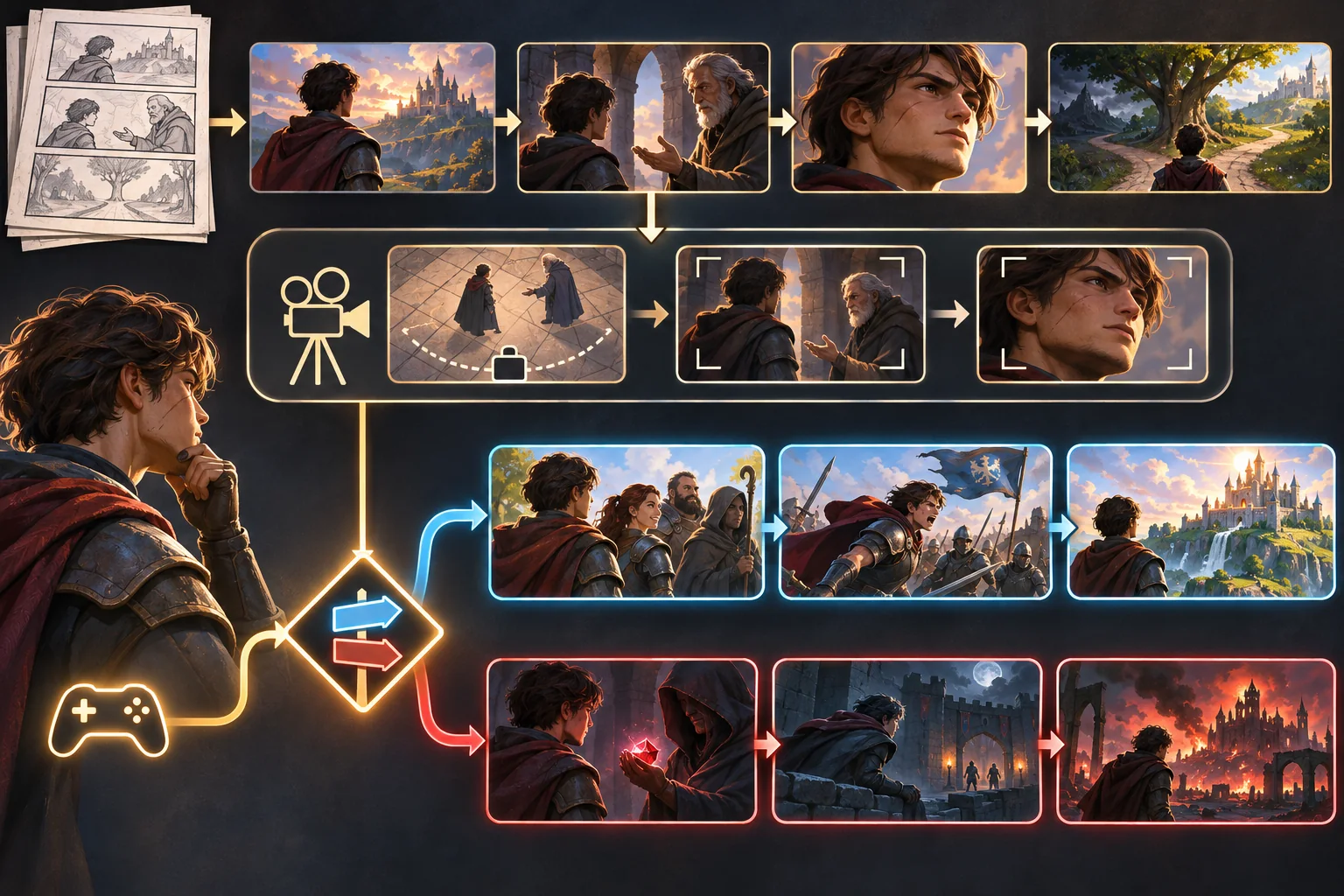
A storyboard already contains a sequence of images, but a playable cinematic needs more than images in order. It needs a clear relationship between what the player sees, what they can do, when control changes, and what state carries into the next beat. A short prototype can reveal those decisions before a team spends time polishing animation or dialogue.
This workflow uses Last Train, a fictional moonlit station scene, as an example. The panels, characters, branches, implementation, and outcomes are invented. No storyboard source files or game project were supplied or tested.
Choose a sequence with a decision
Pick a small sequence that has a beginning, a pressure point, and a visible outcome. A player might decide whether to board a departing train or investigate a signal on the empty platform. The question should affect what the scene does next. If the choice changes no character, route, resource, or information, it may be better presented as authored footage rather than a prompt with no consequence.
Write a one-sentence promise and a beat list. For example: arrival at the platform; notice two competing clues; move toward one; make a choice; see the train or signal respond. This is an illustrative structure only. Confirm the actual source intent with the storyboard author before turning any panel into a game requirement.
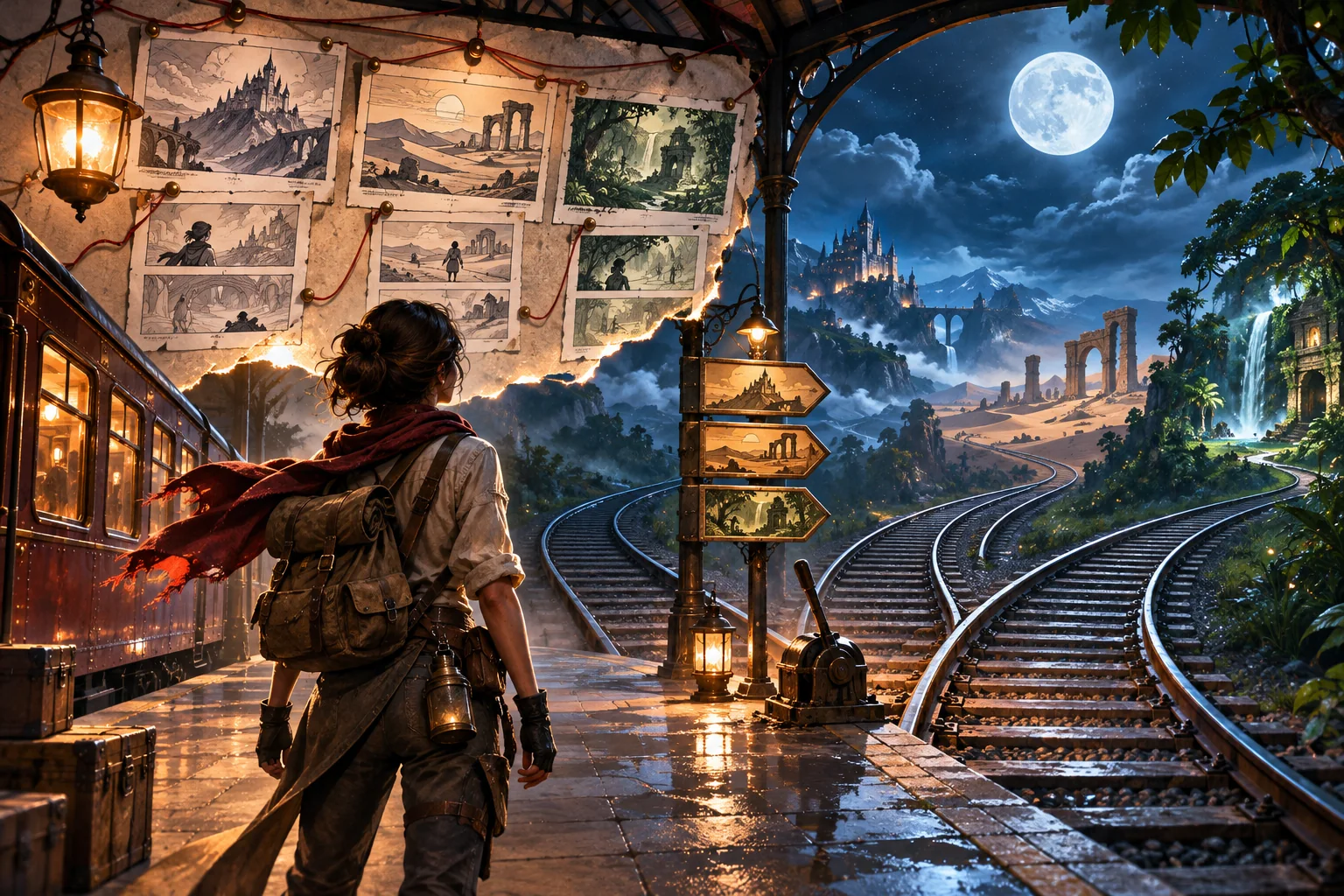
Review and map the source panels
Confirm that the team is allowed to use the storyboard and any characters, designs, or references it contains. Record the revision, owner, approved panels, and any material that must not be altered. AI-assisted descriptions or image interpretations are working notes; the author decides which meaning is canonical.
For each panel, record its dramatic purpose, visible subject, camera angle, important action, and information the player should know by that moment. Then decide whether it maps to an environment view, a short animation, a dialogue beat, an interactive object, or a transition. Some panels may combine into one playable beat; others may need additional connective space that was not in the storyboard.
Keep three labels separate: source fact, implementation choice, and prototype question. “The panel shows a red signal light” may be a source fact. “The light is a clickable object” is an implementation choice. “Will players notice it before choosing?” is a question to test. This prevents an invented mechanics idea from being mistaken for something the art already proved.
Make an interaction and control plan
Draw a simple control timeline alongside the beat list. Note when the player can move, look, inspect, choose, or skip; when an authored moment temporarily narrows input; and exactly when full control returns. A transition that takes control without warning can feel like a bug. A choice that appears before its context is clear can make the player guess.
For each choice, write its available options, the state change, and the feedback. If the player follows the signal, does the station door open? If they board, does the train leave before the clue is explored? These are fictional sample branches. In a real project, define whether choices are reversible, whether a timeout exists, and what happens if the player ignores the prompt.
Build the smallest branch that demonstrates the intended promise. Avoid starting with a large dialogue tree or many endings. One meaningful decision and two distinct follow-up beats are enough to expose timing, state, and transition problems in a blockout.
Stage the scene with a blockout
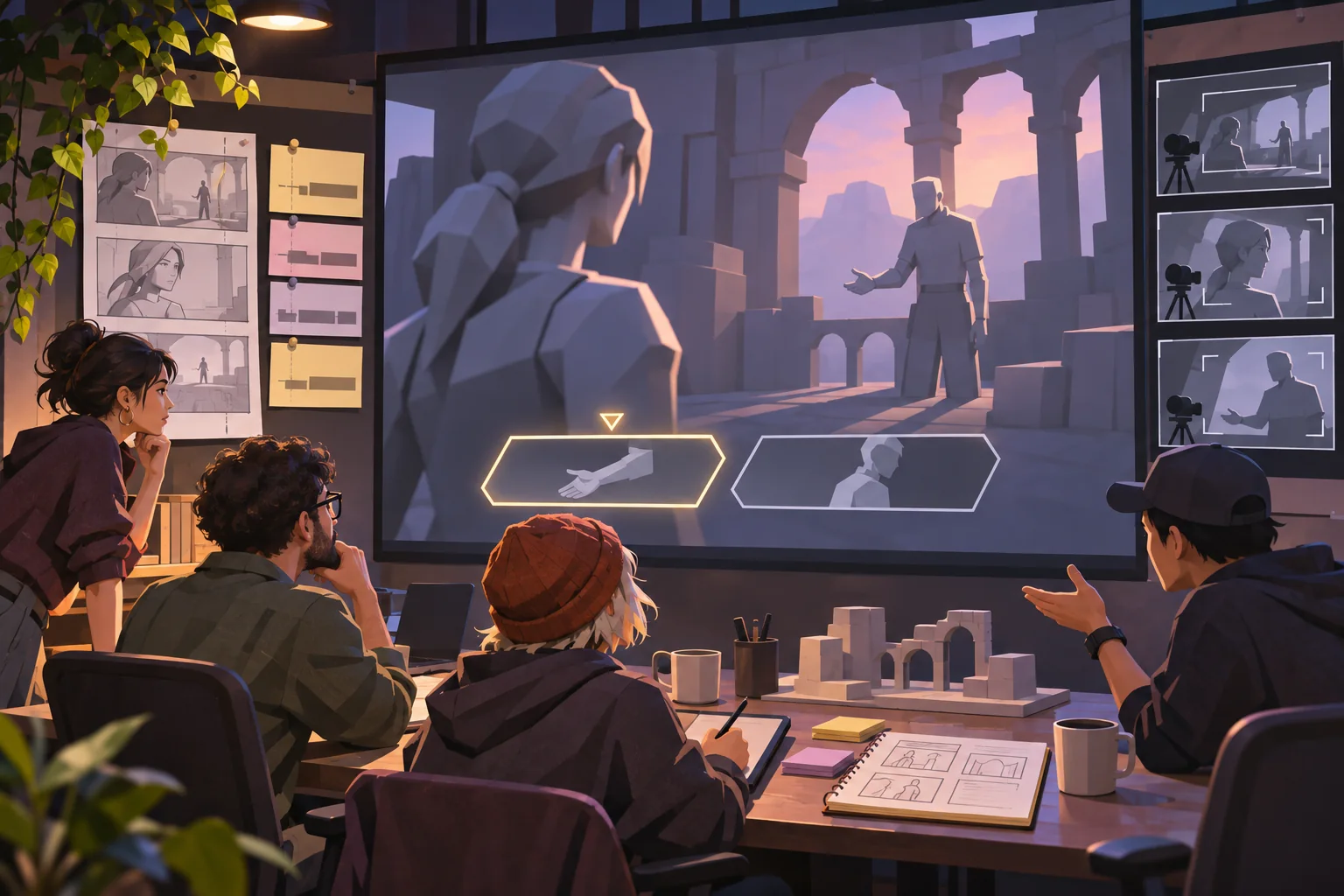
Use temporary geometry, rough lighting, placeholder animation, and simple text to establish sightlines and timing. Mark where the player enters, where the key objects appear, what occludes them, and how the camera can frame both the scene and available choices. Keep the player’s position and camera movement comfortable when control switches between exploration and authored beats.
Unity Timeline documentation describes support for cinematic and gameplay sequences, among other content. A Timeline Asset and a scene instance serve different roles in the sequence setup; PlayableDirector instantiates and controls playable content and is designed in large part for Timeline scheduling and scene binding. These capabilities provide sequencing tools, but your game still needs its own rules for choices, branching, and input ownership.
Decide which events belong on a timeline and which belong to game logic. A timed camera move may be authored as part of a sequence; whether a door opens based on a prior player choice is a state decision. Avoid burying essential branching rules in a long track arrangement that is difficult to inspect or reuse.
Use AI as a drafting assistant
AI can help transcribe approved panel descriptions, propose beat labels, generate placeholder concept art, or list questions for the storyboard owner. Keep each suggestion traceable to a panel and accept or reject it through human review. A model may overlook an implied pause, reverse an eyeline, or invent details that are not in the source.
Ask for alternatives where useful, such as two camera approaches or ways to make a choice legible, but keep the approved story constraints visible in the prompt and review. Generated visuals should be marked as placeholders when they are not final art. Do not represent a synthetic UI or mock scene as evidence that the actual project has been implemented.
Review pacing and player understanding
Run the sequence from the player’s entry point. Record when important information appears, when the choice becomes available, how long the player has, what happens if they wait, and when control returns. Compare those moments with the approved beat map. If the player misses the signal, determine whether camera framing, contrast, timing, or a deliberate hint should change.
Ask a first-time player what they think is happening before and after the decision. Do not teach them the intended meaning before the run. Record their observed actions and interpretation, not just whether they liked the scene. A clear beat log includes project revision, route taken, timestamps or sequence markers, control state, visible feedback, and any confusion.
Review skip behavior, pauses, and interruption recovery. Can the player pause an authored moment? If they skip, does the necessary story state still update? If a scene is entered after a save or checkpoint, are bindings and starting state correct? These questions must be answered in the real project; the fictional example here provides no test result.
Turn the blockout into a production handoff
Package a beat map, panel references, approved art revision, interaction table, branch-state notes, camera plan, and open questions. Mark placeholder assets clearly. List what changed from the approved storyboard and why, so art, narrative, and engineering can review the same decisions.
A storyboard becomes a playable cinematic when player control, authored timing, and narrative consequences work together. Start with one short sequence, keep source intent separate from implementation decisions, and use a rough build to see what players notice. For additional practical AI game workflow context, see these workflow notes.
Frequently asked questions
How do I turn a storyboard into a playable cinematic adventure?
Choose a short sequence with a player decision, map each approved panel to a scene beat, and identify which moments need interactive control. Build a blockout with temporary art, camera positions, dialogue, and transition triggers. Test whether the player understands the choice and whether the next beat follows the intended state before adding polished assets.
Can AI turn storyboard panels into a game?
AI can help describe panels, draft scene-beat lists, create placeholder art, or suggest alternate branches. It cannot infer the author’s intended pacing or choice meaning from images alone, and it cannot confirm that a branch works in a real project without testing. Review the source rights, scene mapping, and every generated interpretation with the storyboard owner.
What is the difference between a cutscene and a playable cinematic?
A cutscene usually presents a largely authored sequence, while a playable cinematic gives the player control or a meaningful decision during or around the sequence. The boundary depends on the design. Decide which actions remain interactive, when input is disabled or restored, and how player state affects what happens next.
Can Unity Timeline control gameplay sequences?
Unity describes Timeline as a tool for cinematic content, gameplay sequences, audio sequences, and complex effects. PlayableDirector instantiates and controls playable content and supports scheduling and scene bindings for Timeline. These tools do not determine your branching logic or guarantee that input, camera, and gameplay state transition correctly.
How do I test pacing in a cinematic game prototype?
Use a playable blockout and record when the player receives information, makes a choice, regains control, and sees the consequence. Test with someone unfamiliar with the scene and ask what they believe is happening. Compare observations with the intended beat sheet, then adjust timing and transitions before polishing animation or voice work.