Voxel models can provide a consistent visual language for an adventure game, but a folder of blocky props is not yet a playable world. Scale, collision, navigation, camera angle, and object purpose all shape how the player experiences a scene. Start with a small route that proves how the models work together before building a large island or dungeon.
This workflow uses Blockhaven, a fictional voxel adventure. Its models, scene, interactions, and results are invented. No asset library or game project was supplied or tested.
Choose one playable slice
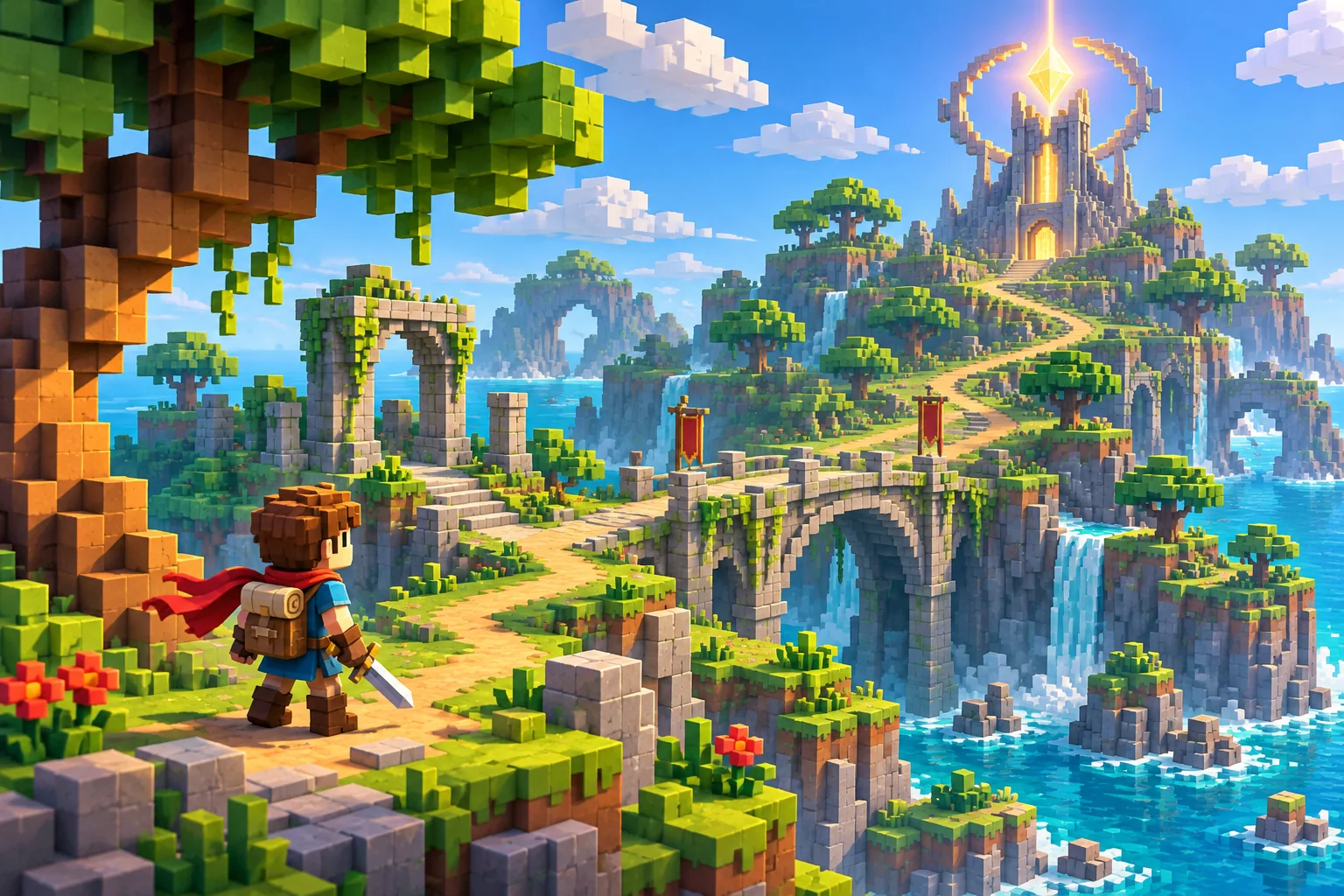
Write a simple promise such as “The player crosses a ruined courtyard, finds a key-shaped object, and reaches a lit tower door.” Choose only enough space and interactions to demonstrate movement, a landmark, an obstacle, and a destination. Define what success looks like before arranging decorative props.
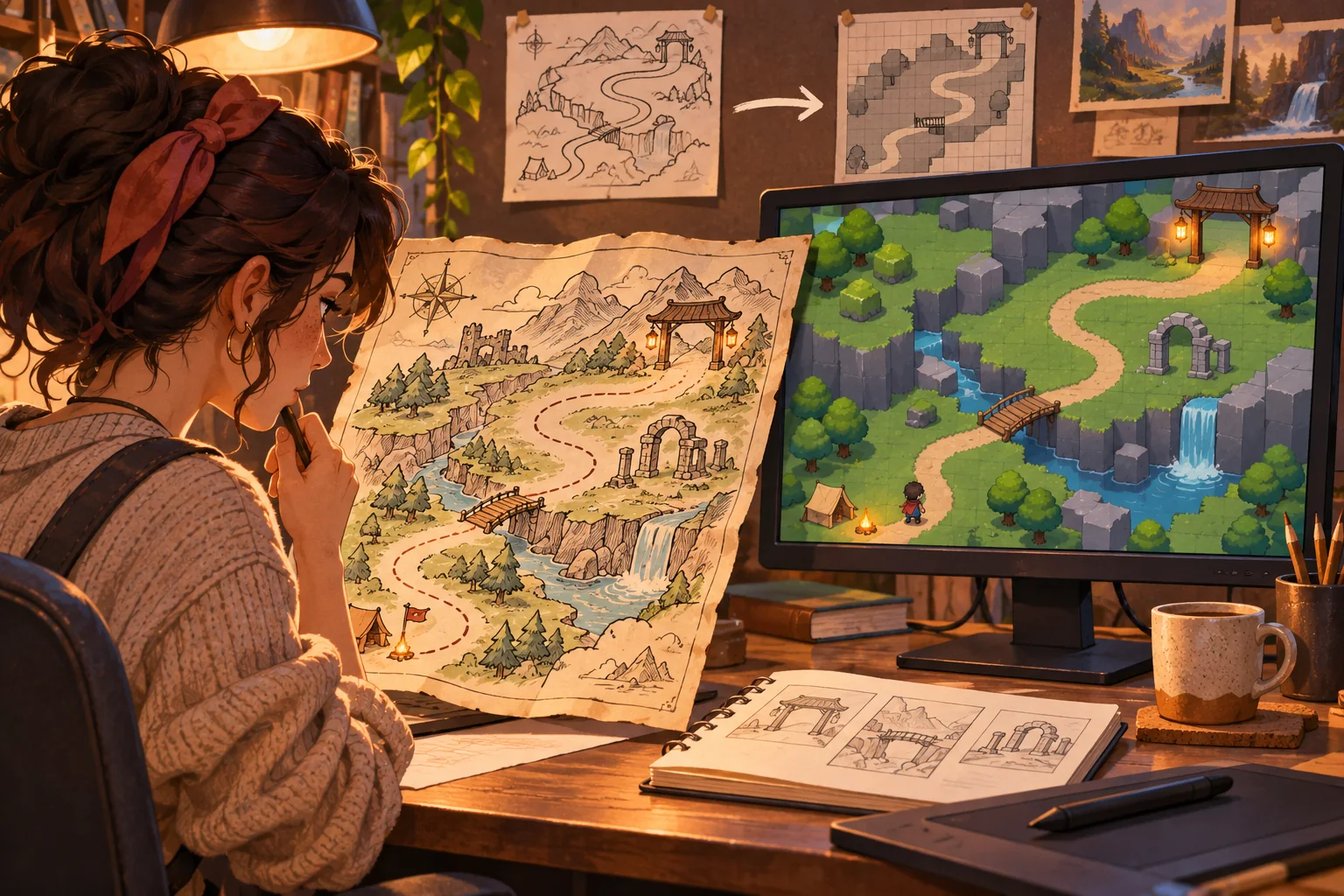
Sketch the route using simple blocks. Mark the player start, goal, optional branch, interaction point, and surfaces that should block movement. Ask whether the player can see the next destination and understand why each object sits where it does. If a route is confusing in the blockout, detailed materials may only hide the problem.
Inventory the models and confirm their source
Record each file name, format, scale, pivot, hierarchy, material, texture, animation, license, and intended use when that information is available. Group models by likely role: terrain, building, prop, vegetation, character, pickup, or effect. Keep uncertain categories open until the asset owner confirms what a model represents.
Check consistent unit scale and orientation. If one doorway is much shorter than the player or a rock has a pivot far from its geometry, placing it will be harder to predict. Note whether an object is a single mesh, a group of parts, or a model with separate materials. A screenshot can be useful for triage but does not replace inspection in the target project.
AI may help summarize filenames, group visual similarities, propose layout ideas, or generate placeholder art. It cannot establish rights, intended scale, or gameplay role from appearance alone. Preserve attribution and treat every generated classification as a suggestion for review.
Separate appearance from gameplay role
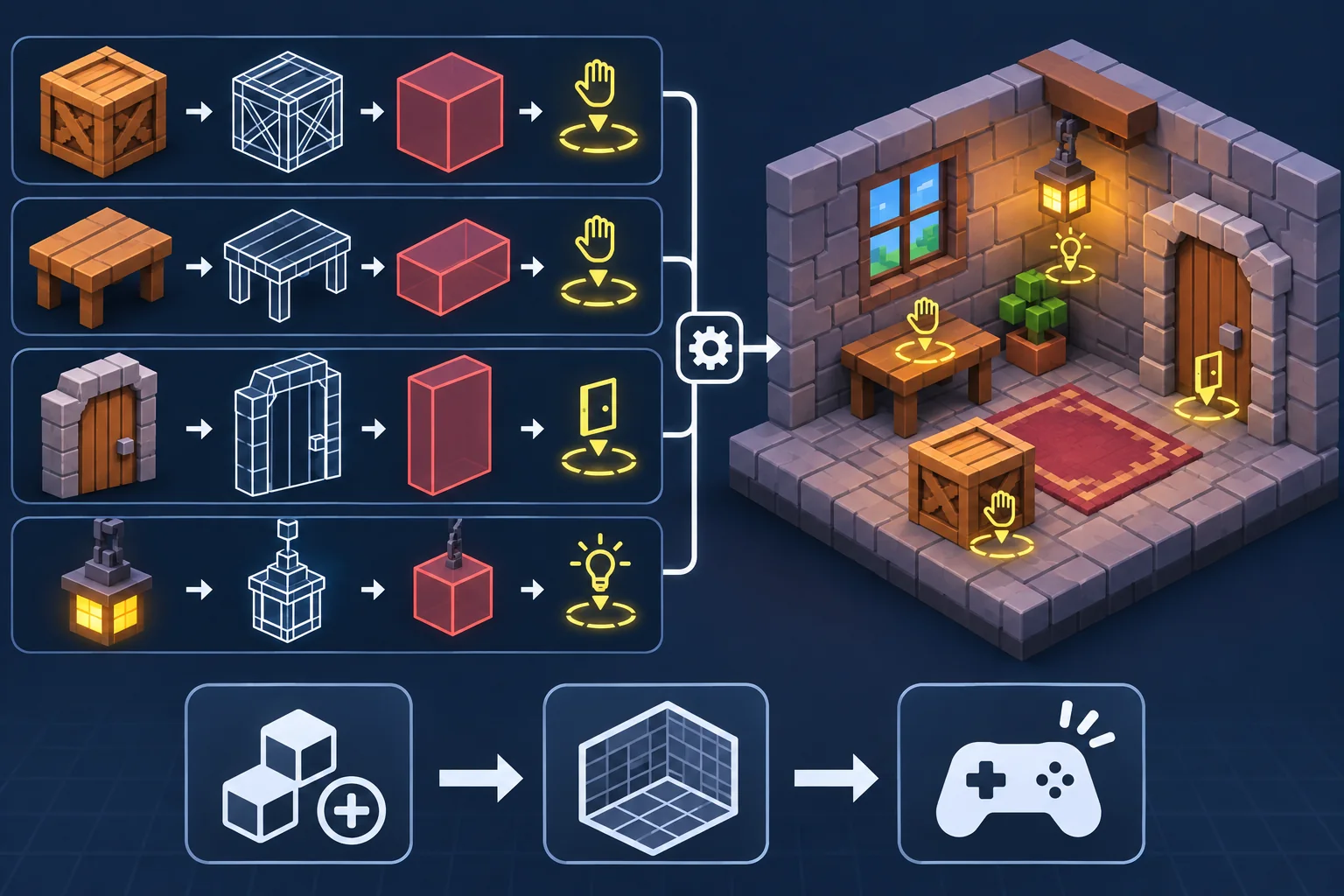
For each object, decide whether it is scenery, a blocker, a trigger, a pickup, an interactable, or a moving object. Some objects may combine roles, but each role should be explicit. A decorative crate might be passable; another crate may stop the player; a third may display an interaction prompt. If they look alike, use consistent visual and gameplay cues to reduce surprises.
Unity’s Mesh Filter supplies a mesh to the Mesh Renderer for on-screen rendering. A MeshCollider uses mesh geometry for collision, but it is only one collider option. The rendering and physics setup does not decide whether a voxel rock is passable or whether a door opens. Those are game design decisions that need project configuration and testing.
Prefer the simplest collision shape that supports the intended movement. A box or capsule may be easier to move around than a detailed contour; a mesh shape may be appropriate for a static irregular boundary in some cases. Do not attach complex collision to every decorative prop by default. Compare the collision boundary with what the art tells a player to expect.
Build a consistent scene from the assets
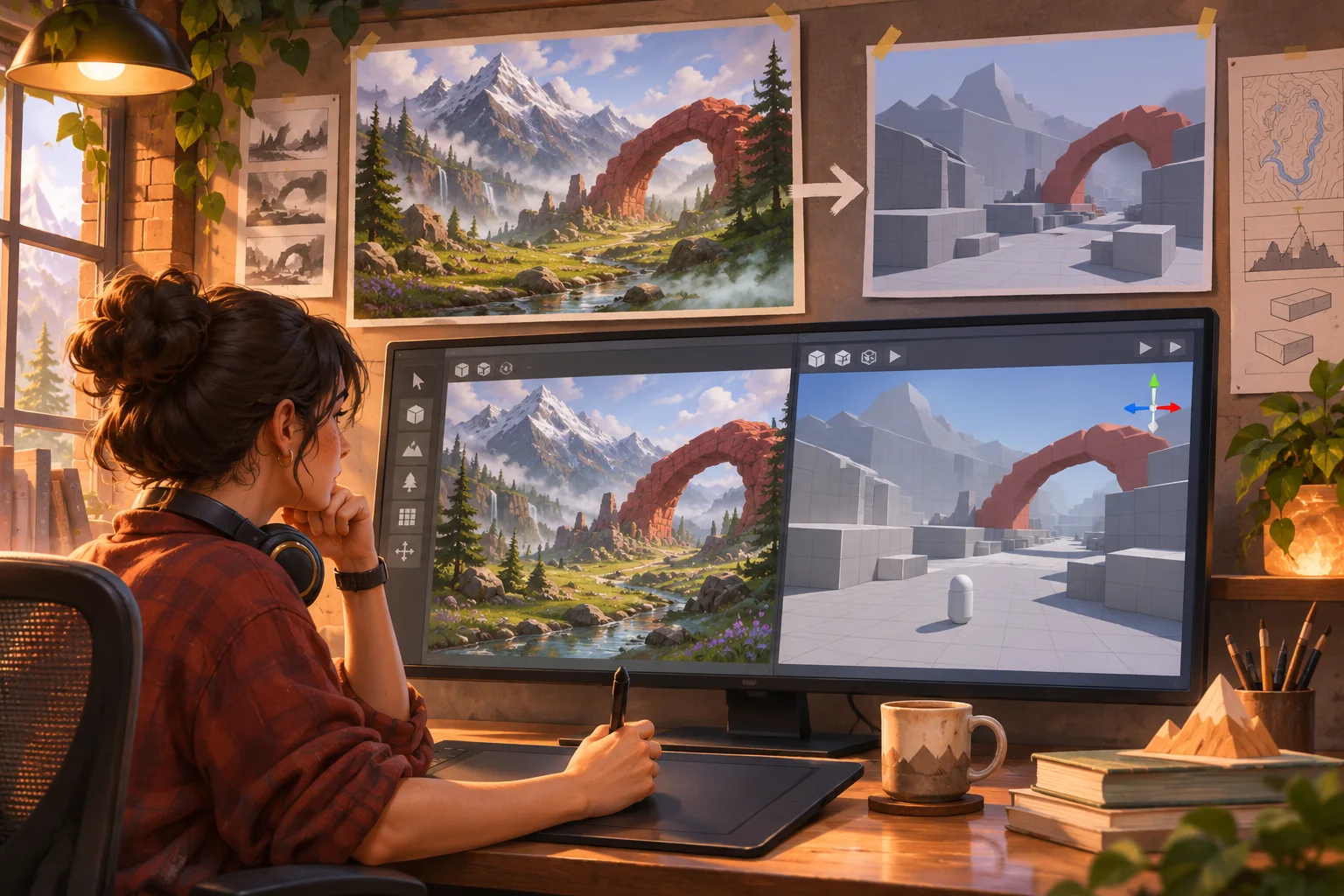
Establish a grid or placement convention so walls, floors, and props align. Voxel style often makes modular spacing visible, so small offsets can create seams or awkward overhangs. Test repeated surfaces and corners from the game camera, not only in a model viewer. Pay attention to visual scale: the player should fit through intended openings and read doors, stairs, and landmarks correctly.
Place a few large shapes first, then add mid-sized structures and details. Keep the destination visible enough to guide the player. Use color, silhouette, lighting, or elevation to distinguish the primary route from optional decoration. If every object draws equal attention, a player may not know where to go.
When importing models, inspect render and material behavior in the target engine. Unity documents that mesh readability retains mesh data in CPU-accessible memory as well as GPU-accessible memory, and that most projects should disable it unless they need to access mesh data or use certain documented workflows. Treat import settings as a project requirement to verify rather than switching them on broadly.
Connect objects to game state
Give each interactable a clear trigger and result. A sealed door may open when a key is present; a beacon may update the map; a pickup may alter inventory. Keep the object’s visual state synchronized with the rule: show open or closed geometry, display a prompt only in range, and communicate whether the action succeeded. The Blockhaven example is fictional and does not represent an implemented interaction.
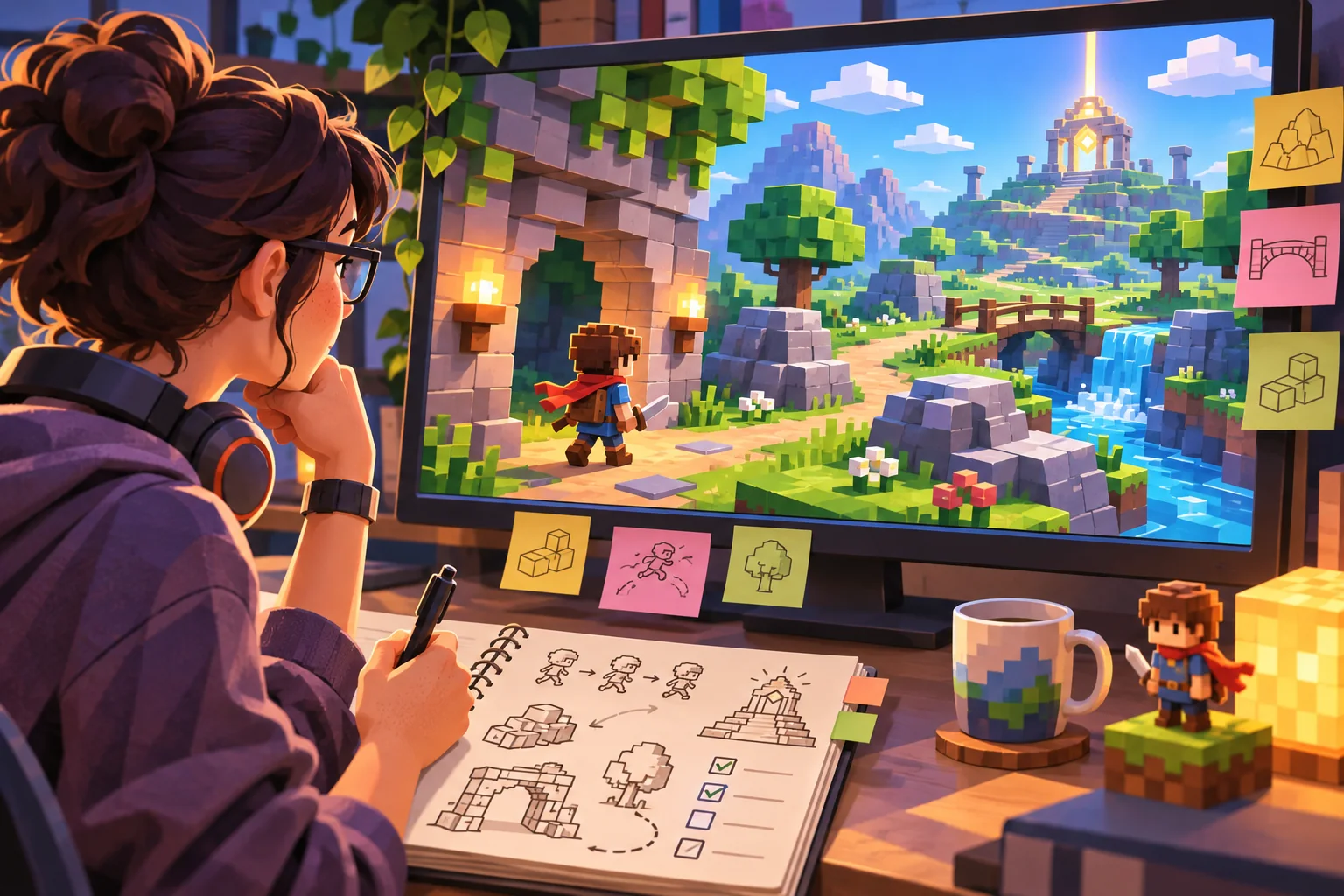
Write a small interaction table with object ID, condition, action, state change, feedback, and recovery. Stable IDs help connect scene objects to game logic without depending on editable display names. If AI drafts interaction code or object labels, have a developer check assumptions against the actual project architecture.
Test scale, collision, and navigation
Run the route with the intended character controller and camera. Approach each doorway, turn around walls, cross any bridge, and test the edges of large props. Check whether the player gets snagged, passes through a blocker, floats above a surface, or loses sight of the destination. A model that looks correct alone may behave differently when combined with movement and collision.
Ask an unfamiliar player to reach the goal without directions. Record where they hesitate, what they thought an object would do, and whether a landmark remained visible. Compare observation with intent. If the player collides with an object that looked decorative, either change the collider, change the art, or add a clear cue rather than relying on explanation after the fact.
Keep a review record with asset revision, import settings, build version, camera and controller configuration, path attempted, issue observed, and next fix. This provides a repeatable comparison when a mesh or collision shape changes. Test the same route after altering scale, pivots, materials, or collider settings.
Keep the slice reviewable
Package the source asset list, role map, route sketch, interaction table, and open questions with the prototype. Clearly distinguish source models, edited versions, and generated placeholders. This helps art, design, and engineering review the same choices and prevents a suggested mockup from being mistaken for production content.
A voxel collection becomes an adventure game through consistent scale, deliberate object behavior, and a route the player can navigate. Start with a short slice, choose collision for the intended movement, and verify the art and gameplay agree before expanding the world.
Frequently asked questions
How do I turn voxel models into a playable adventure game?
Inventory the models, check scale and intended use, then choose a small space where a player can move, interact, and reach a visible goal. Decide which objects are scenery, obstacles, or interactive props. Build a compact blockout, configure collision deliberately, and test navigation with the intended controller before expanding the environment.
Can AI make a game from voxel models?
AI can help group model files, suggest scene layouts, draft interaction ideas, or generate placeholder concepts. It cannot infer reliable collision, scale, player reach, or asset rights from appearance alone. Review generated interpretations, preserve source attribution, and validate the actual models in an engine and playable build before treating a scene as functional.
How do I use a voxel model as a game object in Unity?
Import the model and inspect its scale, mesh hierarchy, materials, and render components. Unity uses Mesh Filter and Mesh Renderer for rendering a non-skinned mesh; collision needs a separate collider choice. Add an interaction or gameplay component only when the object has a defined role, and confirm that configuration in the project.
Should voxel models use mesh colliders?
Not automatically. A mesh collider uses mesh geometry for collision, but a simple box, capsule, or compound collider may better fit gameplay and movement. Choose based on whether the object must block, trigger, or remain decorative. Test corners and moving objects in the target scene; collider choice can affect both feel and performance.
How do I test a voxel adventure prototype?
Make a short route with a start, landmark, obstacle, interactable object, and destination. Check that the camera communicates height and depth, the player fits through intended gaps, and each interaction produces visible feedback. Ask an unfamiliar player to complete the route and record where collision, scale, or object meaning surprised them.