

How to Make a Video Game: Complete Guide for Beginners in 2026
 qingmaomaomao
• February 04, 2026
qingmaomaomao
• February 04, 2026
Discover how to play VR browser games online for free without downloads, and learn how to create your own VR web games using AI-powered tools like SEELE.
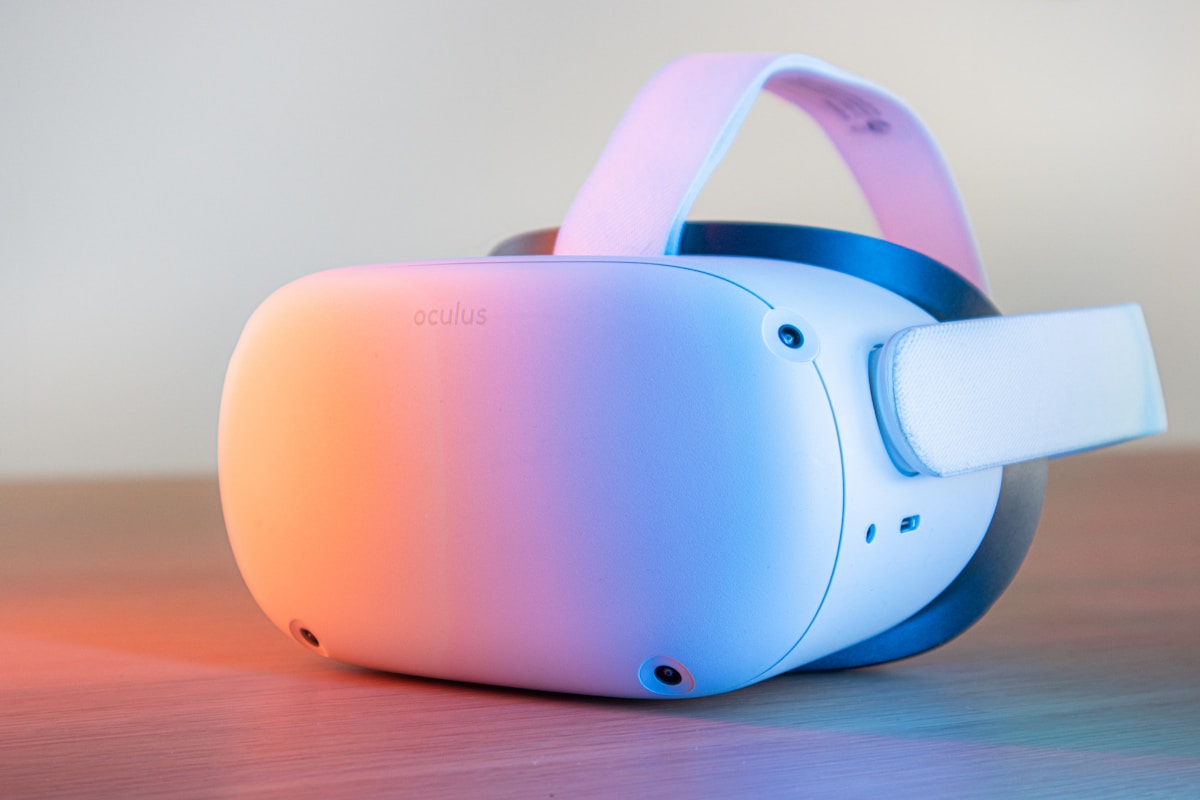
Here's the result of the vr-browser-games-guide model generated using Meshy.
VR browser games are virtual reality experiences that run directly in web browsers using WebXR technology, requiring no downloads or installations. They provide instant access to VR gaming through a simple URL.
WebXR : Web standard enabling VR and AR experiences in browsers without native app installation. Supported by Chrome, Firefox, Edge, and built-in VR headset browsers.
Three.js : JavaScript 3D graphics library used to create VR browser games with WebGL rendering. Powers most modern VR web experiences.
6DOF (Six Degrees of Freedom) : Full positional and rotational tracking in VR, allowing users to move freely in 3D space. Essential for immersive VR browser experiences.
Minimum : - WebXR-compatible VR headset (Meta Quest 2/3, PSVR, PC VR) - 5+ Mbps internet connection - Updated browser firmware
Recommended : - Meta Quest 2 or newer for standalone play - 10+ Mbps connection for multiplayer VR games - Modern browser with WebXR flags enabled
| Metric | VR Browser Game | Native VR App |
|---|---|---|
| Load Time | 3-15 seconds | 30-120 seconds |
| Storage Required | 0 MB (streaming) | 500-5000 MB |
| Cross-platform | Yes (single codebase) | No (separate builds) |
| Update Delivery | Instant | Requires user download |
| Frame Rate | 72-90 fps | 72-120 fps |
| Method | Prototype Time | Learning Curve | Best For |
|---|---|---|---|
| AI Tools (SEELE) | 5-10 minutes | Low (natural language) | Rapid prototyping, non-coders |
| Manual Three.js | 40+ hours | Very steep | Full control, experienced developers |
| A-Frame Framework | 4-8 hours | Moderate | Web developers, educators |
Full WebXR Support : - Meta Quest Browser (Quest 2/3/Pro) - Chrome 79+ (desktop with VR headset) - Edge 79+ (desktop with VR headset) - Firefox 98+ (with flags enabled)
Partial Support : - Safari (limited WebXR features) - Mobile browsers (AR only, no VR)
Rhythm Games : Moon Rider (Beat Saber-style, moonrider.xyz)
Creative Tools : A-Painter by Mozilla (VR painting)
Multiplayer : BrowserQuest VR (dungeon exploration)
Showcases : Hello WebXR (multi-game collection)
3D Exploration : Sketchfab VR Viewer (millions of models)
Issue : "Enter VR" button not appearing Solution : Enable WebXR flags in browser settings (chrome://flags) and verify headset connection
Issue : Low frame rate in VR browser games Solution : Reduce browser tabs, disable extensions, ensure 5GHz WiFi connection on standalone headsets
Issue : Controllers not tracking properly Solution : Grant motion sensor permissions when prompted, restart browser if permissions denied
Time savings : 94% faster than manual Three.js development (5 minutes vs. 40+ hours for basic prototype)
Choose VR browser games for : - Instant access without installation - Cross-platform compatibility (one build, all devices) - Rapid prototyping and testing - Easy sharing and distribution - No app store approval process - Lower storage requirements
Choose native VR apps for : - Maximum performance requirements - Complex offline functionality - Advanced platform-specific features - Monetization through app stores - Deep OS integration needs
VR browser games are revolutionizing how we experience virtual reality. Unlike traditional VR games that require downloads, installations, and complex setup processes, VR browser games run directly in your web browser using WebXR technology. You can play immersive VR experiences online for free with just a headset and a browser—no game engines, no downloads, no barriers.
Whether you want to play existing VR web games or create your own using AI-powered tools, this guide covers everything you need to know about the world of browser-based virtual reality gaming.
VR browser games are virtual reality experiences that run directly in web browsers using WebXR technology . WebXR is a web standard that enables VR and AR experiences without requiring native app installations. This means you can access immersive 3D environments, motion tracking, and stereoscopic rendering right from Chrome, Firefox, or Edge.
Key benefits of VR browser games:
The technology behind VR browser games includes Three.js, Babylon.js, and A-Frame—JavaScript frameworks that leverage WebGL for high-performance 3D graphics. Major VR headsets like Meta Quest 2 and Quest 3 now include built-in browsers optimized for WebXR, making browser VR more accessible than ever.
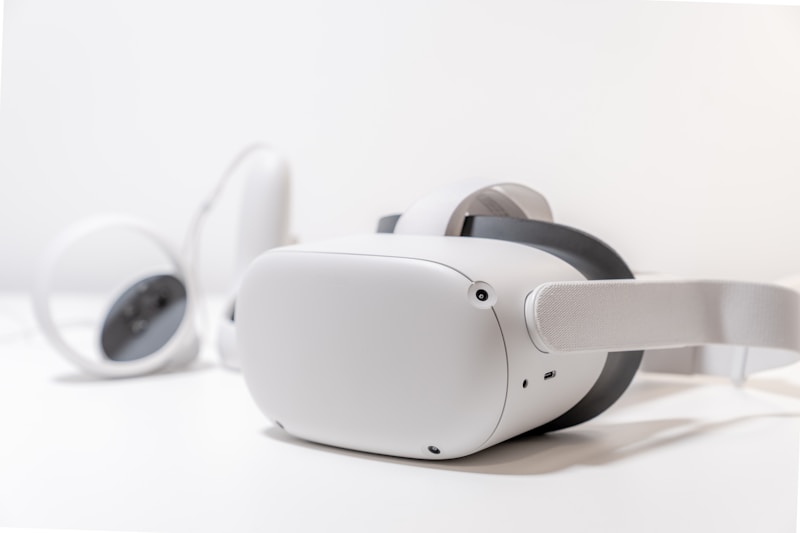
Looking to jump into VR browser gaming? Here are some of the top free VR web games you can play right now:
A Beat Saber-style rhythm game that runs entirely in your browser. Slice blocks to the beat of popular music tracks. Access it at moonrider.xyz.
A showcase of WebXR capabilities featuring multiple mini-games and experiences. Perfect for testing your browser VR setup.
Mozilla's VR painting application that lets you create 3D art in virtual space. No installation needed—just open and start painting.
A multiplayer adventure game adapted for VR. Explore dungeons, fight monsters, and collaborate with other players.
While not strictly a game, Sketchfab allows you to explore millions of 3D models in VR directly from your browser. Great for inspiration if you're planning to create your own VR experiences.
These games demonstrate the power of browser-based VR—from rhythm games to creative tools, all accessible with a single click.
Playing VR browser games is straightforward, but you'll need the right setup:
Minimum setup: - A WebXR-compatible VR headset (Meta Quest 2/3, Pico, or PC VR headsets) - Standalone headsets can play directly through built-in browsers - PC VR headsets require a VR-ready computer
Recommended setup: - Meta Quest 2 or newer (best standalone experience) - Stable internet connection (5+ Mbps recommended) - Updated browser firmware
Grant motion controller permissions
On PC VR headsets:
Click "Enter VR" to launch the experience
Enable WebXR (if needed):
chrome://flags
and enable WebXR features
about:config
and set
dom.vr.enabled
to true
Pro tip: Always test with simple WebXR demos first (like webxr.dev/samples) to ensure your browser and headset are configured correctly before jumping into complex games.
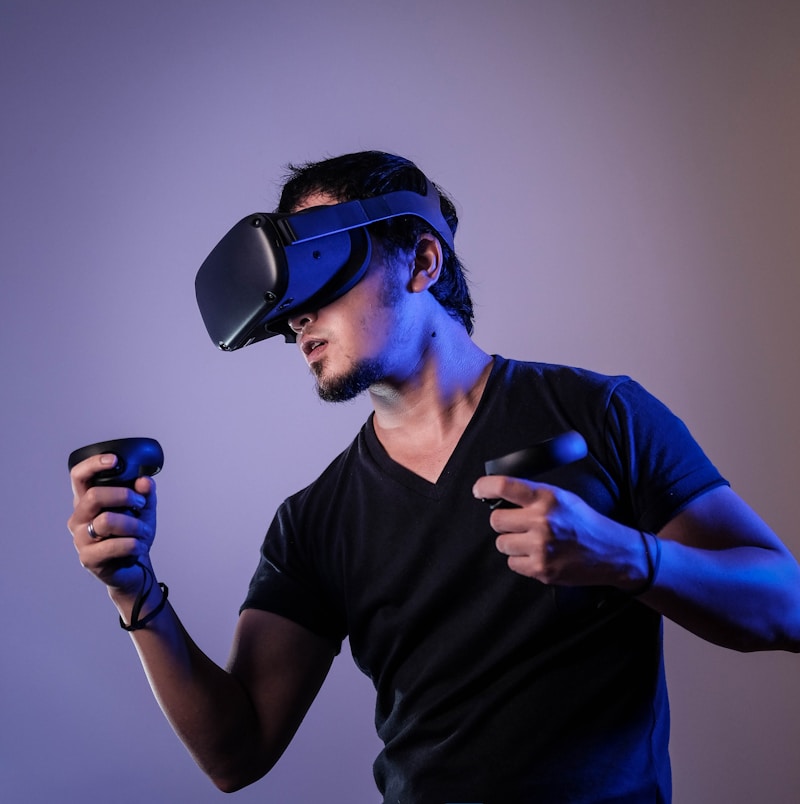
Creating VR browser games has become dramatically easier thanks to AI-powered game development tools. You no longer need deep coding knowledge or years of Three.js experience to build immersive VR experiences.
Historically, creating VR browser games required: - Learning Three.js or Babylon.js - Complex JavaScript 3D libraries - Understanding WebXR API - Low-level VR integration code - Manual 3D modeling - Creating or sourcing VR-ready 3D assets - Physics and interaction coding - Implementing hand tracking, collisions, etc. - Cross-browser testing - Ensuring compatibility across devices
This process could take weeks or months for a simple VR game prototype.
Today, AI-powered platforms can generate VR browser games from natural language descriptions, cutting development time from weeks to minutes.
SEELE is an AI-powered game development platform that generates complete VR browser games using Three.js technology. Instead of writing thousands of lines of code, you describe your VR game idea in plain language, and SEELE's AI generates the working game code, 3D assets, and WebXR integration.
How SEELE approaches VR browser game development:
Real development comparison (based on our internal benchmarks):
| Metric | Manual Coding | SEELE AI-Assisted |
|---|---|---|
| Prototype Time | 40+ hours | ~5 minutes |
| VR Setup Code | 500+ lines | Generated automatically |
| 3D Asset Creation | Days (modeling) | Minutes (AI generation) |
| WebXR Integration | Complex manual setup | One-click enable |
| Iteration Cycles | 5-8 rounds | 1-2 rounds |
Example workflow with SEELE:
1. Prompt: "Create a VR archery game where players shoot targets in a forest"
2. SEELE generates:
   - Three.js scene with forest environment
   - Bow and arrow mechanics with hand tracking
   - Target spawning and scoring system
   - WebXR camera and controller setup
3. Deploy and test in browser VR immediately
4. Iterate: "Add moving targets and sound effects"
5. SEELE updates the game in real-time
This AI-driven approach dramatically reduces the technical barrier to VR game creation. You can focus on game design and creativity while SEELE handles the complex WebXR implementation.
SEELE's VR browser game capabilities include: - Physics-based interactions (throwing, grabbing, shooting) - Spatial audio for immersive soundscapes - Multiplayer networking for shared VR experiences - Performance optimization for smooth framerates - Cross-device compatibility (Quest, PSVR, PC VR)
Learn more about SEELE's AI game development capabilities at seeles.ai .
While SEELE focuses on AI-driven game development, other platforms offer different approaches to creating VR browser games:
Rosebud is another AI game maker that supports browser VR game creation. Like SEELE, it uses natural language prompts to generate games. Rosebud focuses heavily on WebXR and has built several showcase VR browser games like Target Blaster and Roseblade.
Rosebud's approach: - Prompt-based game generation - Web-only deployment (no Unity export) - Strong focus on browser accessibility - Remix feature for modifying existing games
For developers who prefer full control, writing Three.js code directly remains an option:
A-Frame is an open-source web framework for building VR experiences using HTML-like syntax:
Comparison: AI tools vs. manual coding
| Feature | SEELE / Rosebud | Manual Three.js | A-Frame |
|---|---|---|---|
| Learning curve | Low (natural language) | Very steep | Moderate |
| Development speed | Minutes | Weeks | Days |
| Customization | High (iterative prompts) | Complete | High |
| Asset creation | AI-generated | Manual or sourced | Manual or sourced |
| Best for | Rapid prototyping, non-coders | Full control, complex systems | Web developers, educators |
The best choice depends on your goals: AI tools like SEELE excel at rapid prototyping and lowering barriers, while manual coding offers maximum control for experienced developers.
VR browser games offer unique technical advantages over traditional native VR applications:
No app store approvals, no lengthy downloads. Share a URL, and users can launch your VR experience immediately. This is revolutionary for: - Game jams and rapid prototyping - Educational VR experiences - Marketing and product demonstrations - A/B testing different VR mechanics
A single WebXR codebase runs on: - Meta Quest (standalone) - PSVR (browser-based) - PC VR (SteamVR, Oculus Link) - Future VR devices automatically supported
Traditional VR development requires separate builds for each platform, dramatically increasing development cost and maintenance.
When you update a VR browser game, all players get the new version instantly—no patching, no version fragmentation. This enables: - Live events and time-limited content - Continuous improvement based on analytics - Rapid bug fixes without user action
VR browser games don't consume device storage. This is especially valuable on standalone headsets like Quest 2 (128GB models) where storage is limited.
The WebXR Device API provides standardized access to: - Hand tracking and controller input - Spatial tracking (6DOF positioning) - Eye tracking (on supported devices) - Haptic feedback - Session management (AR/VR switching)
This standardization means VR browser games benefit from browser improvements and new WebXR features automatically.
Modern VR browser games can achieve: - 72-90 fps on Quest 2/3 (smooth VR requires 72+ fps) - Complex physics simulations using Cannon.js or Ammo.js - High-fidelity graphics with PBR materials and real-time lighting - Multiplayer synchronization via WebRTC or WebSockets
Optimization techniques we use at SEELE: - Mesh instancing for repeated objects - Texture atlasing to reduce draw calls - LOD (Level of Detail) for distant objects - Occlusion culling to skip rendering hidden geometry - Web Assembly for computationally intensive code
These optimizations ensure VR browser games match native app performance while maintaining web accessibility.
Do I need a powerful computer to play VR browser games?
For standalone headsets like Quest 2/3, no computer is needed at all. For PC VR headsets, you'll need a VR-ready computer (modern GPU, 8GB+ RAM), but the browser handles rendering, so requirements are similar to native VR apps.
Can VR browser games work offline?
Some VR browser games support Progressive Web App (PWA) features, allowing offline play after initial loading. However, most require an internet connection for full functionality.
Are VR browser games free?
Many VR browser games are free to play, especially experimental and community-created experiences. Commercial VR web games may include monetization, but the browser platform enables flexible payment models.
What's the quality difference compared to native VR apps?
Modern VR browser games can match native app quality thanks to WebGL 2.0, WebXR API advancements, and JavaScript performance improvements. AAA-level experiences are possible, though highly complex games may still benefit from native development.
Can I create multiplayer VR browser games?
Yes. WebXR supports multiplayer through WebRTC (peer-to-peer) or WebSocket connections (server-based). Frameworks like Networked-Aframe simplify multiplayer VR web game development.
VR browser games represent a paradigm shift in how we create and distribute virtual reality experiences. As WebXR technology matures and AI-powered development tools like SEELE become more sophisticated, we expect:
Near-term advancements (2026-2027): - Wider adoption of hand tracking in VR web games - Improved mobile VR browser performance - More AI-generated VR content tools - Integration with AI NPCs and procedural generation
Long-term vision: - VR browser games as the primary VR distribution model - Browser-based metaverse platforms powered by WebXR - AI-assisted VR game creation accessible to non-developers - Seamless AR/VR switching in browser experiences
The combination of WebXR's accessibility and AI's creative power is democratizing VR game development. What once required specialized studios and months of work can now be prototyped in minutes.
Whether you want to play existing VR browser games or create your own, the tools and technology are ready:
To start playing: 1. Grab your VR headset (Quest 2/3 recommended for standalone play) 2. Open the built-in browser or connect PC VR 3. Visit VR web game URLs (try moonrider.xyz or hello-webxr.glitch.me) 4. Click "Enter VR" and enjoy
To start creating: 1. Try SEELE at seeles.ai for AI-powered VR game generation 2. Or explore Rosebud, A-Frame, or Three.js for different approaches 3. Start with simple VR scenes and iterate 4. Test in your browser VR setup 5. Share your creations via URL
The future of VR gaming is in the browser—accessible, shareable, and easier to create than ever before. Whether you're a player looking for free VR experiences or a creator with the next great VR game idea, browser-based VR removes the barriers that have held the medium back.
What VR browser game will you play—or create—first?