Separate the playtest from the submission checklist
Play the packaged build on a clean machine. Track Steamworks setup, store assets, rights documentation and content survey responses separately.

Scope a desktop game before preparing your Steamworks submission. Build and test one playable scene with desktop controls. Then check your packaged build, store materials, and applicable AI disclosures. Submit separately through Steamworks.
Partners and teams

















How it works
Use one courier scene to test the game, then prepare a separate build and store checklist.

Give a courier three deliveries, keyboard controls, and a clearly marked finish. Keep the first build to one village route.

Run all deliveries, try pause and restart, and check what happens when the courier hits a vent. Fix blockers before adding scenes.

Check the packaged build, store images, rights records, and applicable disclosures. Use the official Steamworks submission workflow for the release.
Make a game for freePick a starting point
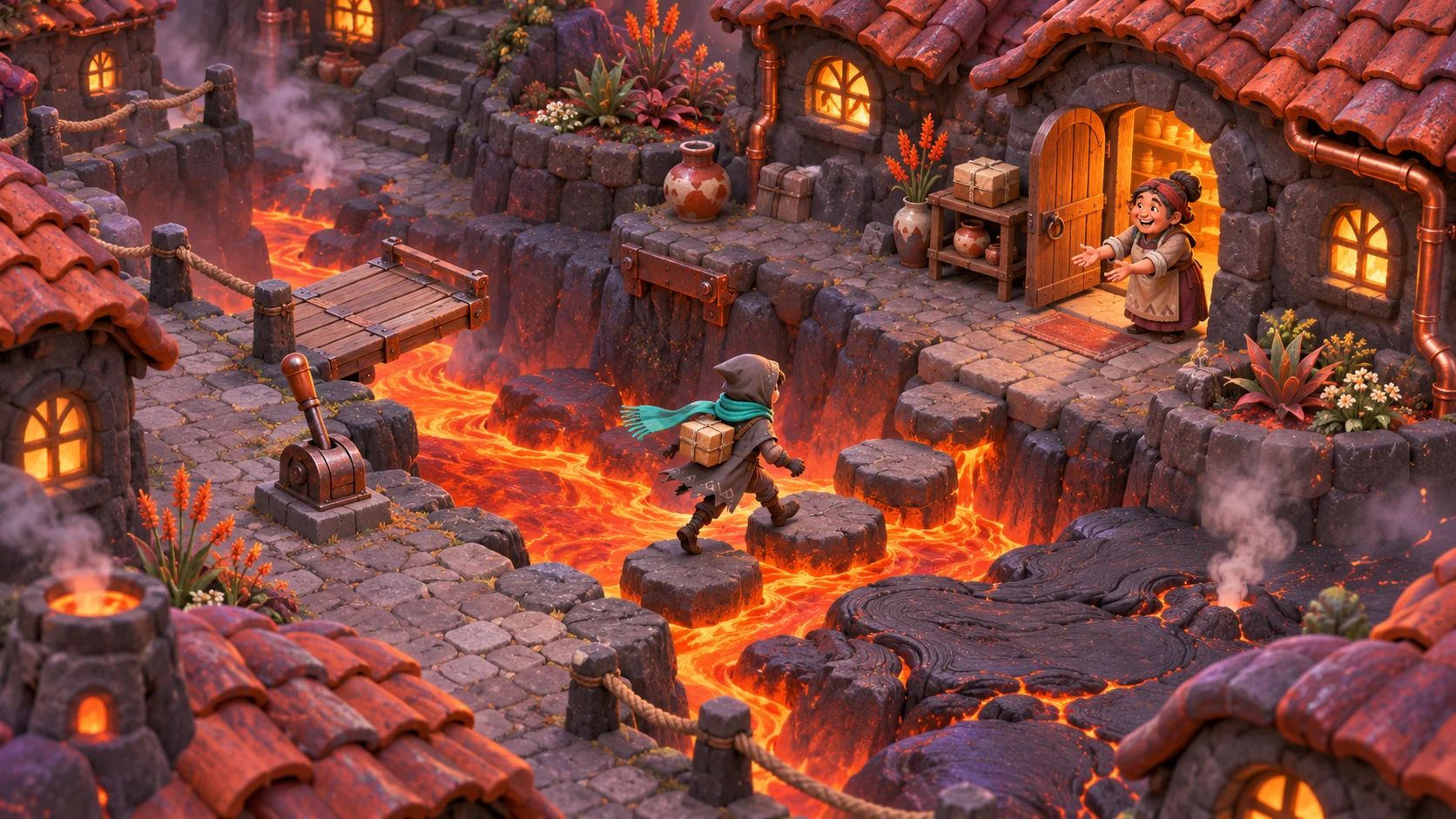
Keyboard-controlled isometric courier adventure through a volcanic village.
Build Ashlight Courier as a small desktop-oriented prototype. Use WASD and E to deliver three parcels while avoiding lava vents. Test controls, pause, success, and restart. List the remaining packaging, store asset, and disclosure checks for a possible Steam release.
First-person atmospheric radio puzzle inside a snowbound research station.
Design Signal in the Snow, a desktop game prototype featuring first-person atmospheric radio puzzle inside a snowbound research station. Focus on desktop keyboard and mouse controls, a bounded playable slice, and explicit build validation. Define movement and interaction controls, readable feedback, a clear success condition, an understandable failure state, and a restart button. Begin with one complete playable scene and avoid unnecessary menus or paid purchases. Include a short controls explanation and a pause option. Use original characters, environments, and audio placeholders; do not copy protected brands. Test the core loop, collisions, scoring where relevant, and the ending before expanding the scope. Use mouse look and WASD inside three connected rooms; tune a radio dial to match audible pulses, unlock the generator, and restore the station beacon. Treat this as a desktop prototype for a possible future Steam release, not a Steam-uploaded or certified build. Do not invent Steamworks integration or claim platform export is already verified.
Top-down automation puzzle with mechanical fruit sorting.
Create Clockwork Orchard, a desktop game prototype featuring top-down automation puzzle with mechanical fruit sorting. Focus on desktop keyboard and mouse controls, a bounded playable slice, and explicit build validation. Define movement and interaction controls, readable feedback, a clear success condition, an understandable failure state, and a restart button. Begin with one complete playable scene and avoid unnecessary menus or paid purchases. Include a short controls explanation and a pause option. Use original characters, environments, and audio placeholders; do not copy protected brands. Test the core loop, collisions, scoring where relevant, and the ending before expanding the scope. Click to rotate conveyor junctions and switch mechanical gates; route apples and pears into separate crates and finish when both quotas are met without a jam. Treat this as a desktop prototype for a possible future Steam release, not a Steam-uploaded or certified build. Do not invent Steamworks integration or claim platform export is already verified.
Side-scrolling action platformer through a paper lantern city.
Make Lanternbound, a desktop game prototype featuring side-scrolling action platformer through a paper lantern city. Focus on desktop keyboard and mouse controls, a bounded playable slice, and explicit build validation. Define movement and interaction controls, readable feedback, a clear success condition, an understandable failure state, and a restart button. Begin with one complete playable scene and avoid unnecessary menus or paid purchases. Include a short controls explanation and a pause option. Use original characters, environments, and audio placeholders; do not copy protected brands. Test the core loop, collisions, scoring where relevant, and the ending before expanding the scope. Use left and right movement, jump, and a short lantern dash; cross one street of moving platforms, recover at checkpoints, and light the final arch. Treat this as a desktop prototype for a possible future Steam release, not a Steam-uploaded or certified build. Do not invent Steamworks integration or claim platform export is already verified.
Why SEELE
Play the packaged build on a clean machine. Track Steamworks setup, store assets, rights documentation and content survey responses separately.
Specify the beginning, core decisions, failure recovery, and ending before expanding content.
Record unresolved build, licensing, accessibility, and store-page tasks instead of treating a prototype as release-ready.
Made with SEELE
These games are playable. Pick one and give it a try.
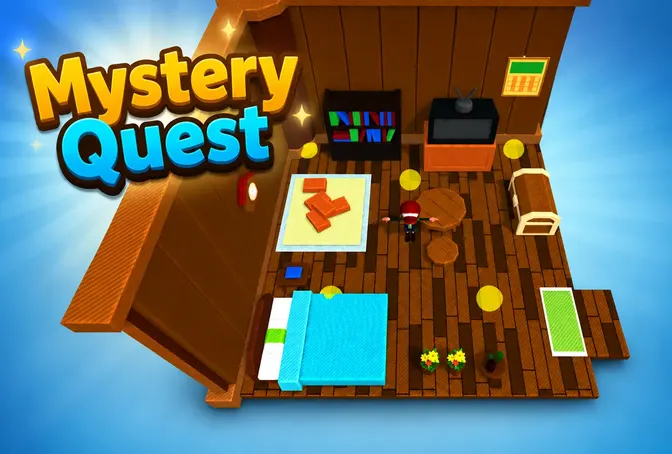 AdventureAdventure GamePlay the example ↗
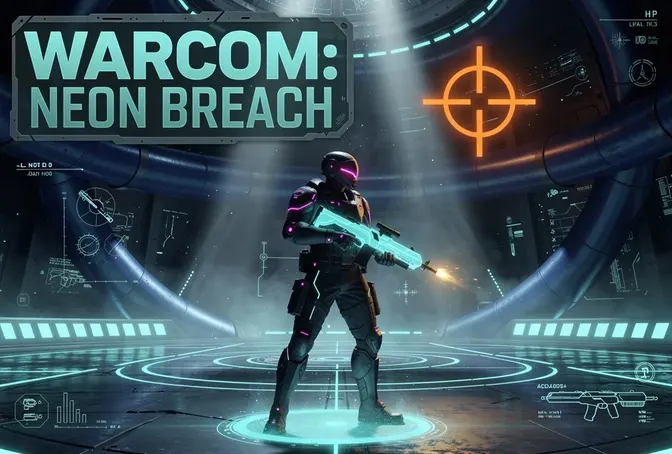 ShooterWarcom: Neon BreachPlay the example ↗
 ActionOld Gods RunPlay the example ↗
 CasualCaution! Egg on the Car RoofPlay the example ↗
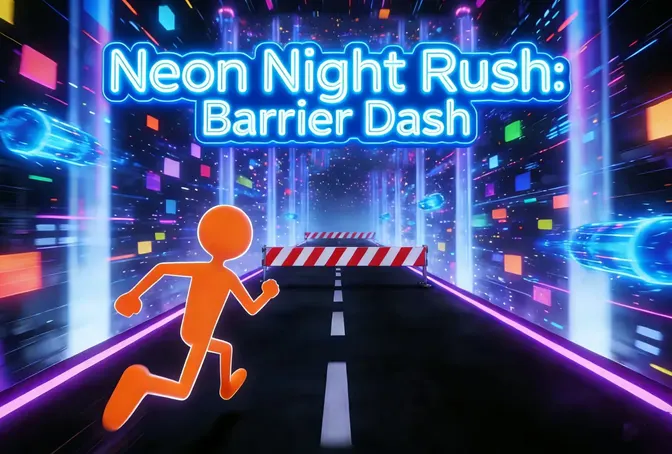 RunnerNeon Night Rush: Barrier DashPlay the example ↗
 PuzzleMuseum ExhibitionPlay the example ↗
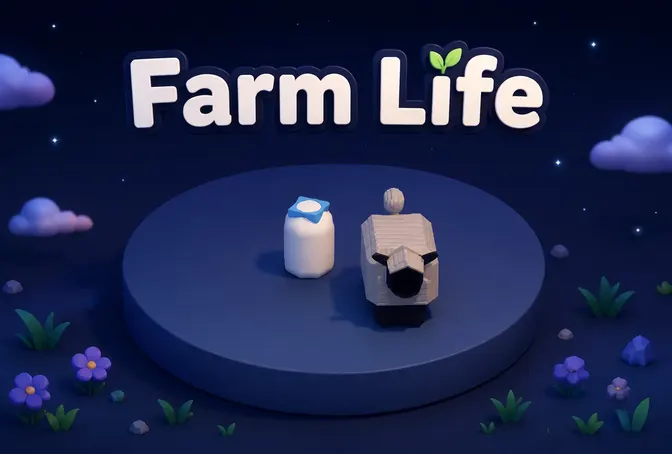 SimulationMilky Way Idle 3DPlay the example ↗
 CasualSnowfall & Starry GiftsPlay the example ↗
 RPGCrownfall-The-Three-Realms-CoverPlay the example ↗
 SimulationFLYING CARPlay the example ↗
Who it’s for
Explore a small desktop game prototype idea with explicit controls, constraints, and a reviewable finish state.
Try this idea ↗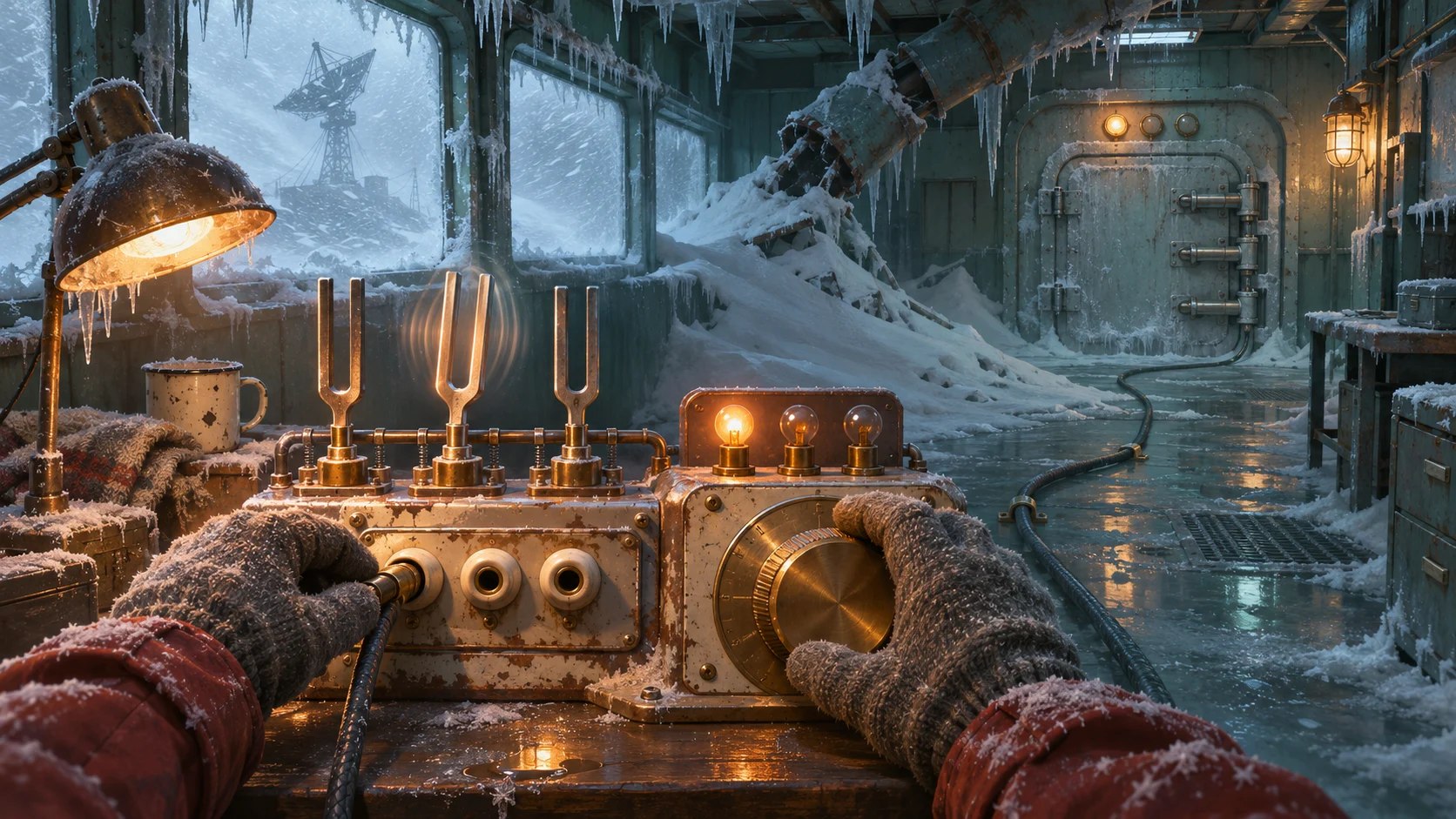
Explore a small desktop game prototype idea with explicit controls, constraints, and a reviewable finish state.
Try this idea ↗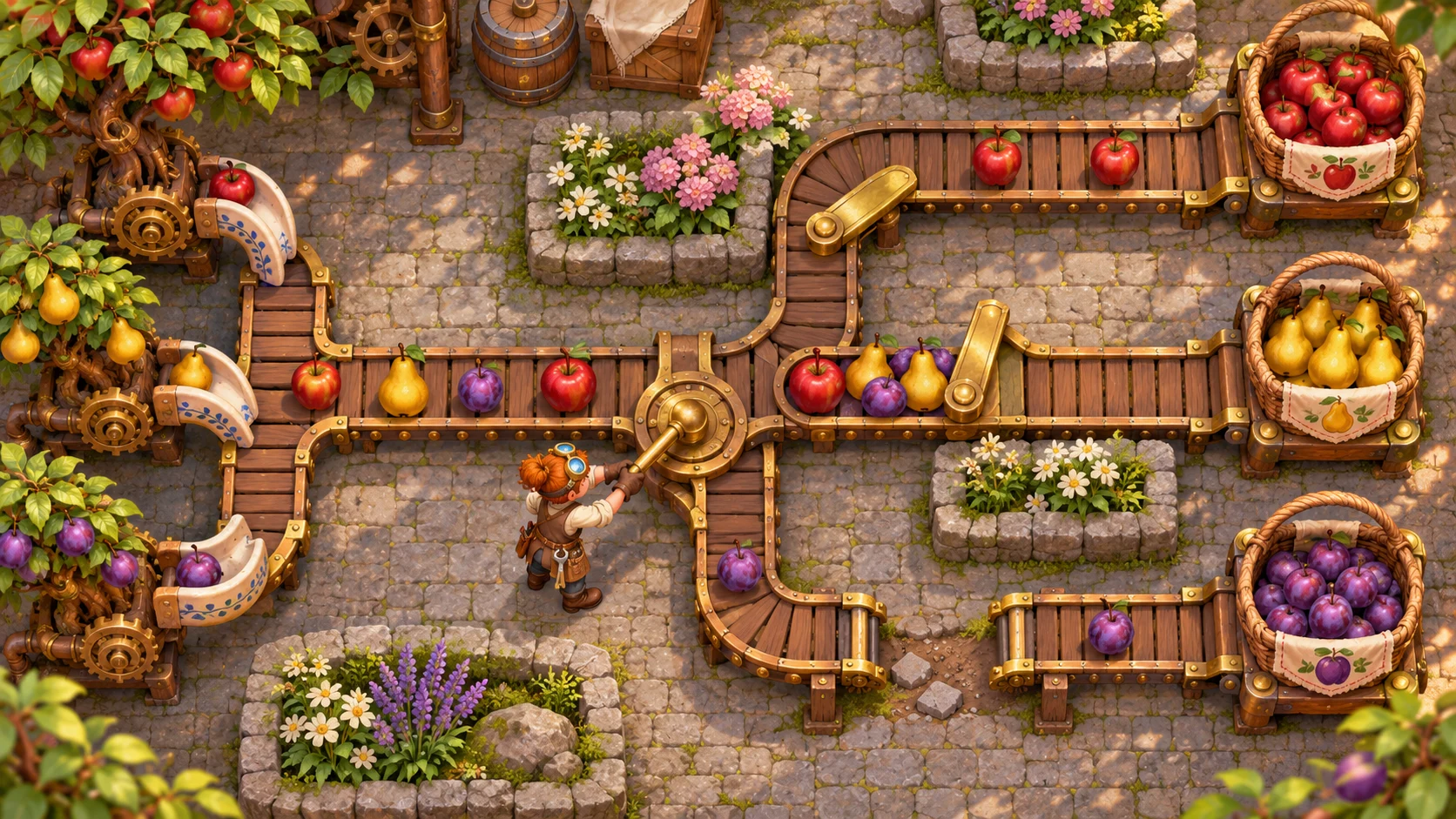
Explore a small desktop game prototype idea with explicit controls, constraints, and a reviewable finish state.
Try this idea ↗Compare
SEELE AI is not a one-click Steam publisher. A Steam release requires your own Steamworks onboarding, a supported desktop build, store assets, required disclosures, and Valve review.
| Feature | Prototype with AI | Release preparation |
|---|---|---|
| Goal | Explore one complete core loop. | Verify a compatible, tested distribution build. |
| Evidence | Inspect and playtest actual generated behavior. | Check performance, rights, platform policies, and submission details. |
| Scope | Desktop keyboard and mouse controls, a bounded playable slice, and explicit build validation. | SEELE AI is not a one-click Steam publisher. A Steam release requires your own Steamworks onboarding, a supported desktop build, store assets, required disclosures, and Valve review. |
Reviews
FAQ
Playtest your packaged build, gather store materials and rights documentation, and complete the applicable AI disclosures. Submit the build and store details through Steamworks.
Use the browser prototype to validate the game loop. Prepare and test a supported packaged desktop build separately before submitting.
Use Valve’s official Steamworks documentation to confirm the current onboarding, build, store page, and disclosure requirements.
Run one playable scene, then prepare the build and store materials for the separate Steamworks process.
Start a desktop prototype