Match each cue to its job
Describe when the cue starts, how long it lasts and how it should differ from nearby cues. Keep a frequently repeated jump shorter than a reward sound you want the player to notice.

Write a sound brief for a jump, pickup, hit, or menu cue. Set the cue's timing, tone, and in-game trigger. The examples describe sounds and use concept art. Check your Workspace project for available audio playback and file output.
Partners and teams

















How it works
Use a jump, pickup, and hit to compare cues that share a style but have different jobs.

Write down when the jump, pickup, and hit sound should play. Pick one short cue for each action.

Use a rising jump, a bright pickup, and a dry hit. Give each cue a distinct timing while keeping a shared retro tone palette.

Open the sample to hear the cue order. In your project, check each trigger and listen for cues that are hard to tell apart.
Make a game for freePick a starting point
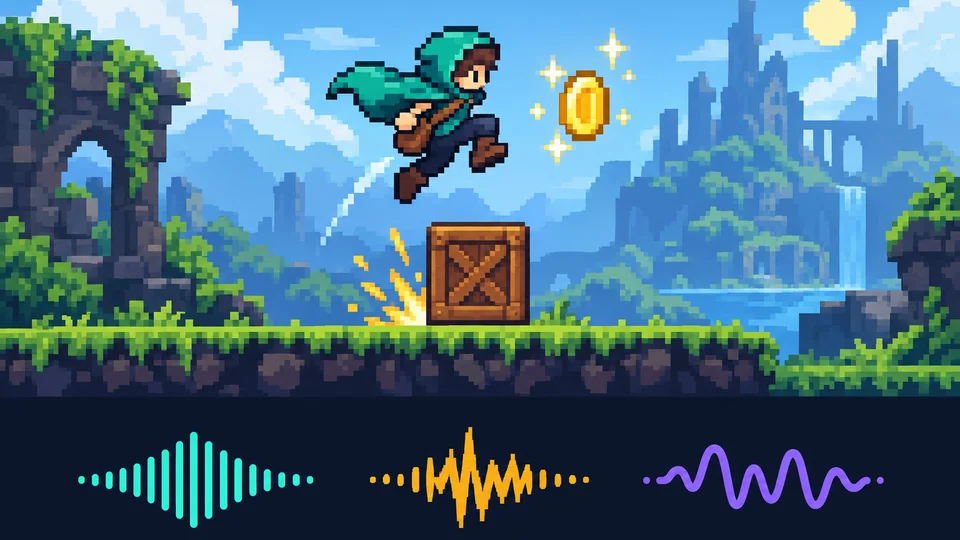
Hear a rising jump, a bright pickup, and a dry hit, in that order.
Write a sound brief for a pixel platformer. Specify a short upward jump cue, a two-note pickup sparkle, and a dry hit cue. Give each one a distinct timing and purpose. Note where each sound triggers and what source or export format the game project needs.
 Pixel jump, pickup & hit ↗
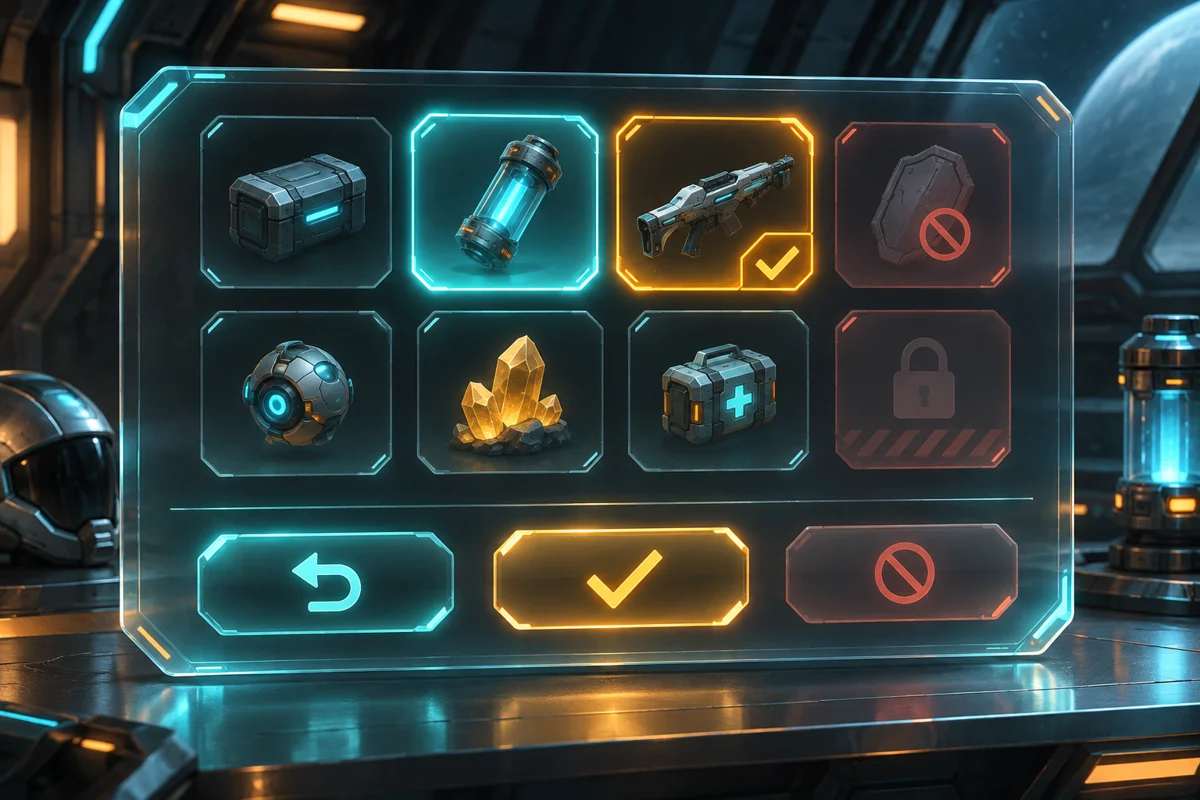
Hear hover, confirm, back, and denied feedback in sequence.
Design a game UI sound family for a clean science-fiction inventory interface, separating hover, confirm, back and denied feedback into distinct one-shot cues. Use restrained synthetic clicks with a small glassy accent, not music or a spoken assistant. Target a very short hover, a slightly brighter confirm, a downward back cue and a muted double-pulse denied cue. Keep frequent interactions gentle and make denied sound informative rather than alarming. No sirens, exaggerated sub-bass, ambience, vocals or long reverberation. Maintain a consistent timbre and explain which event each generated cue is intended to mark. If the tool supports only one output at a time, produce confirm first and retain the palette description for later iterations.
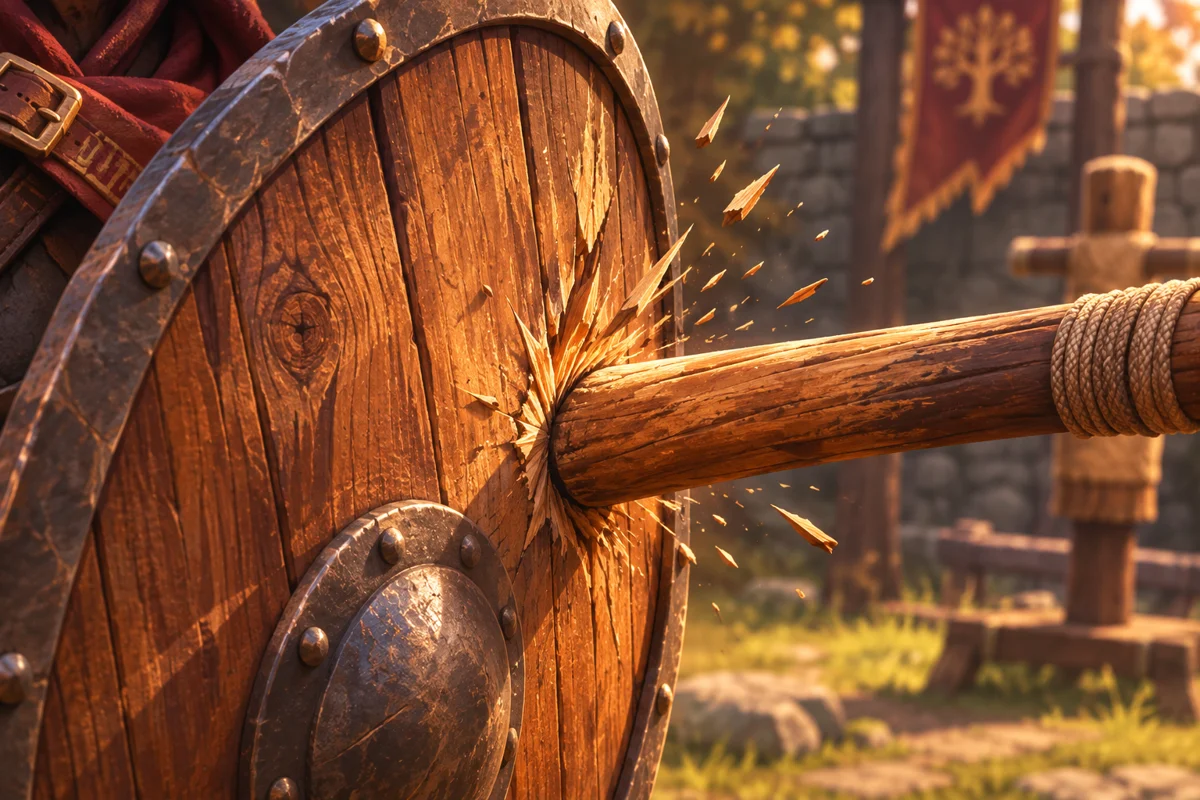
Hear a short wooden block with a hard contact and a quick tail.
Generate a game impact sound direction for a stylized melee encounter, starting with a single medium wooden-shield block rather than a cinematic combat soundtrack. Give it a fast stick-like crack, a compact resonant wooden body and a short controlled tail, with an overall target duration near 350 milliseconds. The contact should feel firm but not like an explosion, metal gong or gunshot. For subsequent variations, preserve the material identity while reducing weight for a light tap or adding low-mid body for a heavy block. Exclude voices, gore, crowd noise, music and room ambience. Keep the initial transient clean so a designer can judge its timing against the moment of contact.
Hear a small rustle followed by a soft harvest chime.
Produce a gentle game sound effect for harvesting one ripe vegetable in an original cozy farming game. Combine a soft leafy rustle with a small rounded pluck and a very short rewarding sparkle, targeting a compact one-shot under half a second. The player may harvest many crops quickly, so avoid sharp piercing frequencies, large volume jumps or long ringing tails. Do not turn this into a melody, background music, spoken celebration or outdoor ambience recording. Keep it warm, tactile and close, and leave planting and inventory sounds as separate future cues. If variations are available, vary the leaf texture subtly without changing the event's recognizable identity.
Why SEELE
Describe when the cue starts, how long it lasts and how it should differ from nearby cues. Keep a frequently repeated jump shorter than a reward sound you want the player to notice.
Give hover, confirm and denied states different contours, not just different loudness.
Specify contact material, force and perspective to communicate the intended hit weight.
Made with SEELE
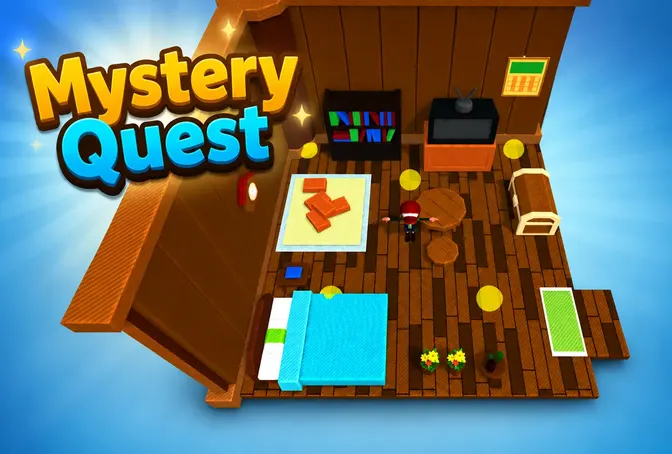
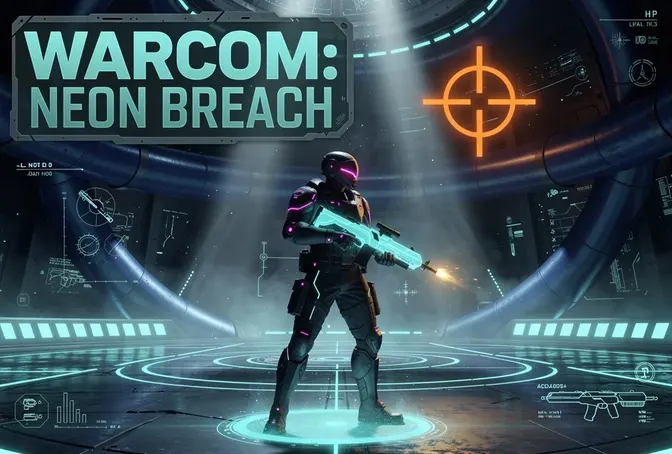
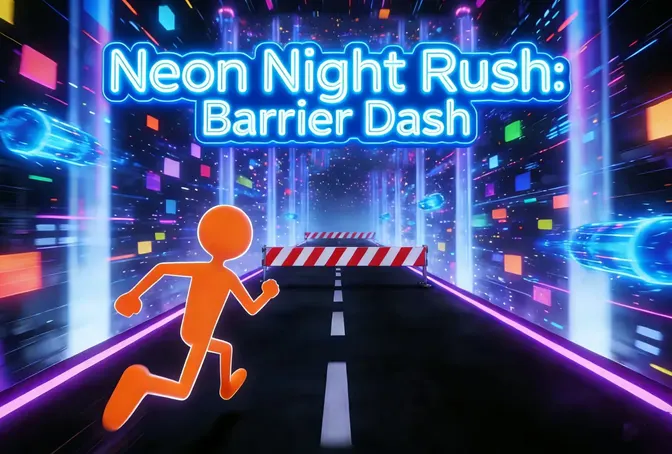
These games are playable. Pick one and give it a try.
 AdventureAdventure GamePlay the example ↗
 ShooterWarcom: Neon BreachPlay the example ↗
 ActionOld Gods RunPlay the example ↗
 CasualCaution! Egg on the Car RoofPlay the example ↗
 RunnerNeon Night Rush: Barrier DashPlay the example ↗
 PuzzleMuseum ExhibitionPlay the example ↗
 SimulationMilky Way Idle 3DPlay the example ↗
 CasualSnowfall & Starry GiftsPlay the example ↗
 RPGCrownfall-The-Three-Realms-CoverPlay the example ↗
 SimulationFLYING CARPlay the example ↗
Who it’s for
Match synthesis texture, pitch range and restrained tails to your visual world.
Try this idea ↗Compare
Compare design approaches, not product plans or generation benchmarks.
| Feature | Isolated cue | Matching cue family |
|---|---|---|
| Starting request | One event and one envelope. | A shared palette and a separate role for each event. |
| Review priority | Onset, body and tail. | Contrast, repetition and relative prominence. |
| Common pitfall | Leading silence or an unrelated musical phrase. | Different textures that sound like unrelated games. |
Reviews
FAQ
Yes. Choose an example and select Play the example to open a short audio preview. These are illustrative reference sounds. Use the prompts to specify the cues you need in your own project.
Check which audio outputs and formats your Workspace project supports before planning an export. The duration and format in a brief are targets for review.
Keep a shared sound palette and vary note shape, pitch, and duration by action. Test jumping, collecting, and taking a hit in context so each cue is recognizable.
Define the trigger, timing, and tone of one cue. Confirm available audio output in your project.
Start a sound brief