Test touch before adding levels
Place the primary action where a thumb can reach it. Try tapping, dragging or using a virtual joystick without hiding the play area.

Prototype for a phone browser. Use touch controls, readable targets, and one short session. Try it on a real phone. Native app packaging and store submission are separate release steps.
Partners and teams

















How it works
Build a portrait Lantern Hop level and test the first round on an actual phone.

Choose portrait orientation. Fit the next jump, landing cue, and restart on one screen so the player does not need to scroll.

Link one tap to one jump, set a short goal, and give a clear response to landing or falling.

Run from start to finish. Check that the tap target is comfortable, the landing is readable, and restart returns to the first platform.
Make a game for freePick a starting point
One-thumb platformer on floating lantern islands.
Build Lantern Hop, a portrait browser game. Tap once to jump between floating lanterns. Show a large restart button and a short goal. Test that the controls, landing cues, and restart fit on a phone screen without scrolling.
Tap-to-grow orchard with short harvest sessions.
Design Pocket Orchard, a mobile game featuring tap-to-grow orchard with short harvest sessions. Focus on one-thumb controls, portrait-friendly layout, readable targets, and short sessions. Define movement and interaction controls, readable feedback, a clear success condition, an understandable failure state, and a restart button. Begin with one complete playable scene and avoid unnecessary menus or paid purchases. Include a short controls explanation and a pause option. Use original characters, environments, and audio placeholders; do not copy protected brands. Test the core loop, collisions, scoring where relevant, and the ending before expanding the scope. Tap plots to plant and harvest, drag water onto dry trees, and fill three fruit baskets before the session ends; do not require idle waiting in the first level. Use large touch targets, no hover-only actions, and a portrait-friendly layout. Verify safe areas and touch behavior on actual phones; do not claim native app packaging or store publishing.
Swipe-based train track routing puzzle.
Create Metro Switch, a mobile game featuring swipe-based train track routing puzzle. Focus on one-thumb controls, portrait-friendly layout, readable targets, and short sessions. Define movement and interaction controls, readable feedback, a clear success condition, an understandable failure state, and a restart button. Begin with one complete playable scene and avoid unnecessary menus or paid purchases. Include a short controls explanation and a pause option. Use original characters, environments, and audio placeholders; do not copy protected brands. Test the core loop, collisions, scoring where relevant, and the ending before expanding the scope. Swipe a junction to rotate its track before a train reaches it; route three color-coded trains to matching stations and stop the round on a collision. Use large touch targets, no hover-only actions, and a portrait-friendly layout. Verify safe areas and touch behavior on actual phones; do not claim native app packaging or store publishing.
Portrait underwater lane runner with reef obstacles.
Make Coral Dash, a mobile game featuring portrait underwater lane runner with reef obstacles. Focus on one-thumb controls, portrait-friendly layout, readable targets, and short sessions. Define movement and interaction controls, readable feedback, a clear success condition, an understandable failure state, and a restart button. Begin with one complete playable scene and avoid unnecessary menus or paid purchases. Include a short controls explanation and a pause option. Use original characters, environments, and audio placeholders; do not copy protected brands. Test the core loop, collisions, scoring where relevant, and the ending before expanding the scope. Swipe left or right between three lanes to dodge rocks and collect pearls; finish a sixty-second reef route with three lives and no forced purchases. Use large touch targets, no hover-only actions, and a portrait-friendly layout. Verify safe areas and touch behavior on actual phones; do not claim native app packaging or store publishing.
Why SEELE
Place the primary action where a thumb can reach it. Try tapping, dragging or using a virtual joystick without hiding the play area.
Request clear contrast, large interactive targets, and a layout that adapts without hiding essential information.
Define quick restarts, a pause state, and a small level that can be tested in minutes.
Made with SEELE
These games are playable. Pick one and give it a try.
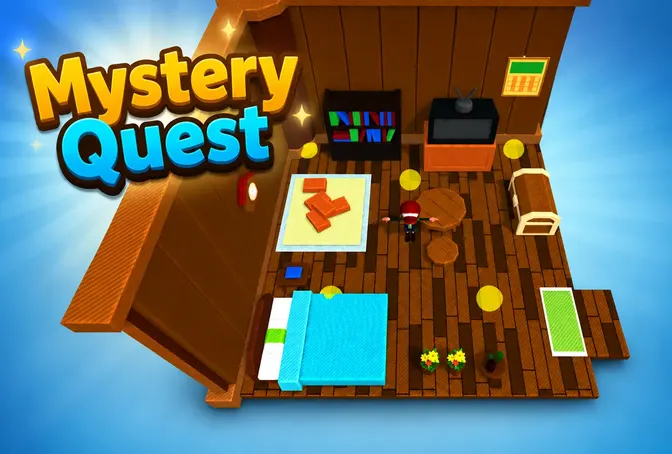 AdventureAdventure GamePlay the example ↗
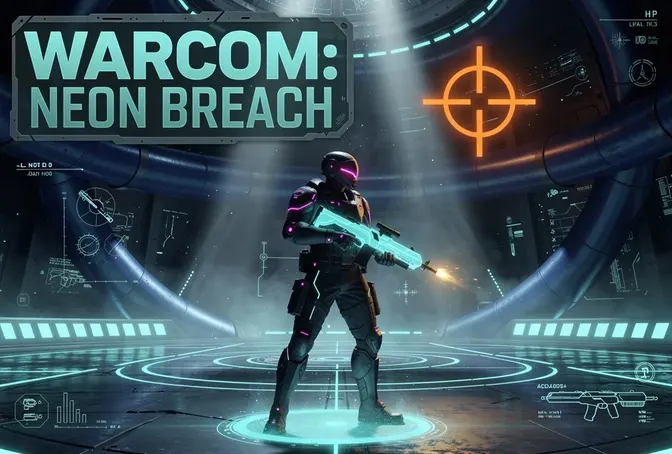 ShooterWarcom: Neon BreachPlay the example ↗
 ActionOld Gods RunPlay the example ↗
 CasualCaution! Egg on the Car RoofPlay the example ↗
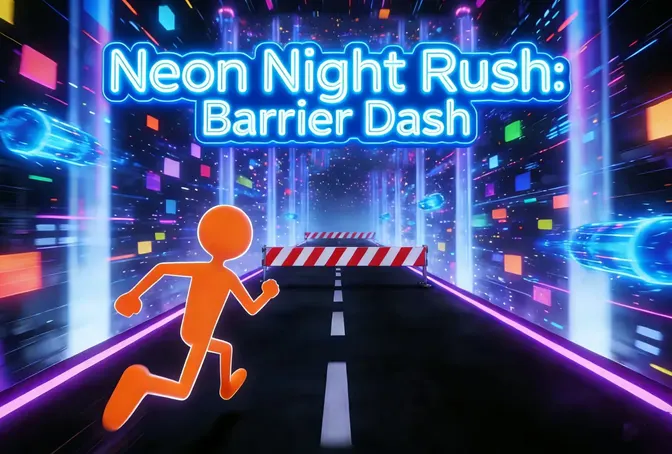 RunnerNeon Night Rush: Barrier DashPlay the example ↗
 PuzzleMuseum ExhibitionPlay the example ↗
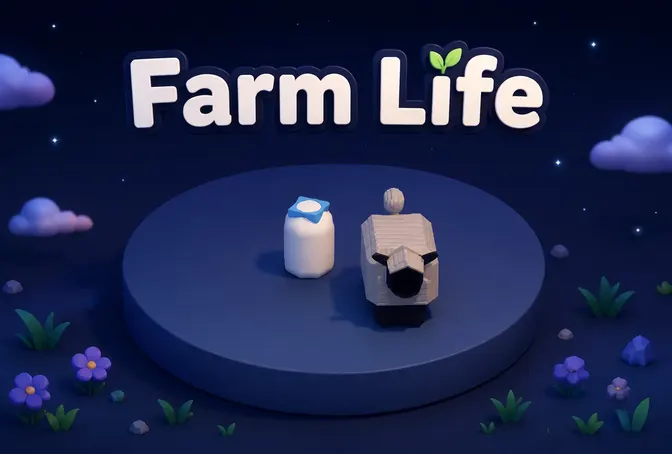 SimulationMilky Way Idle 3DPlay the example ↗
 CasualSnowfall & Starry GiftsPlay the example ↗
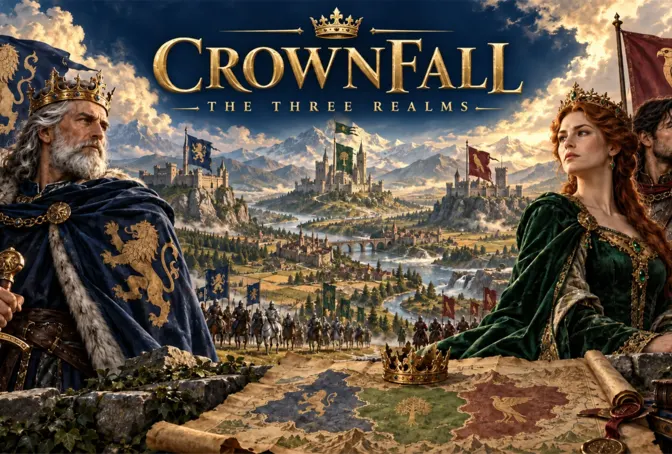 RPGCrownfall-The-Three-Realms-CoverPlay the example ↗
 SimulationFLYING CARPlay the example ↗
Who it’s for

Explore a small mobile game idea with explicit controls, constraints, and a reviewable finish state.
Try this idea ↗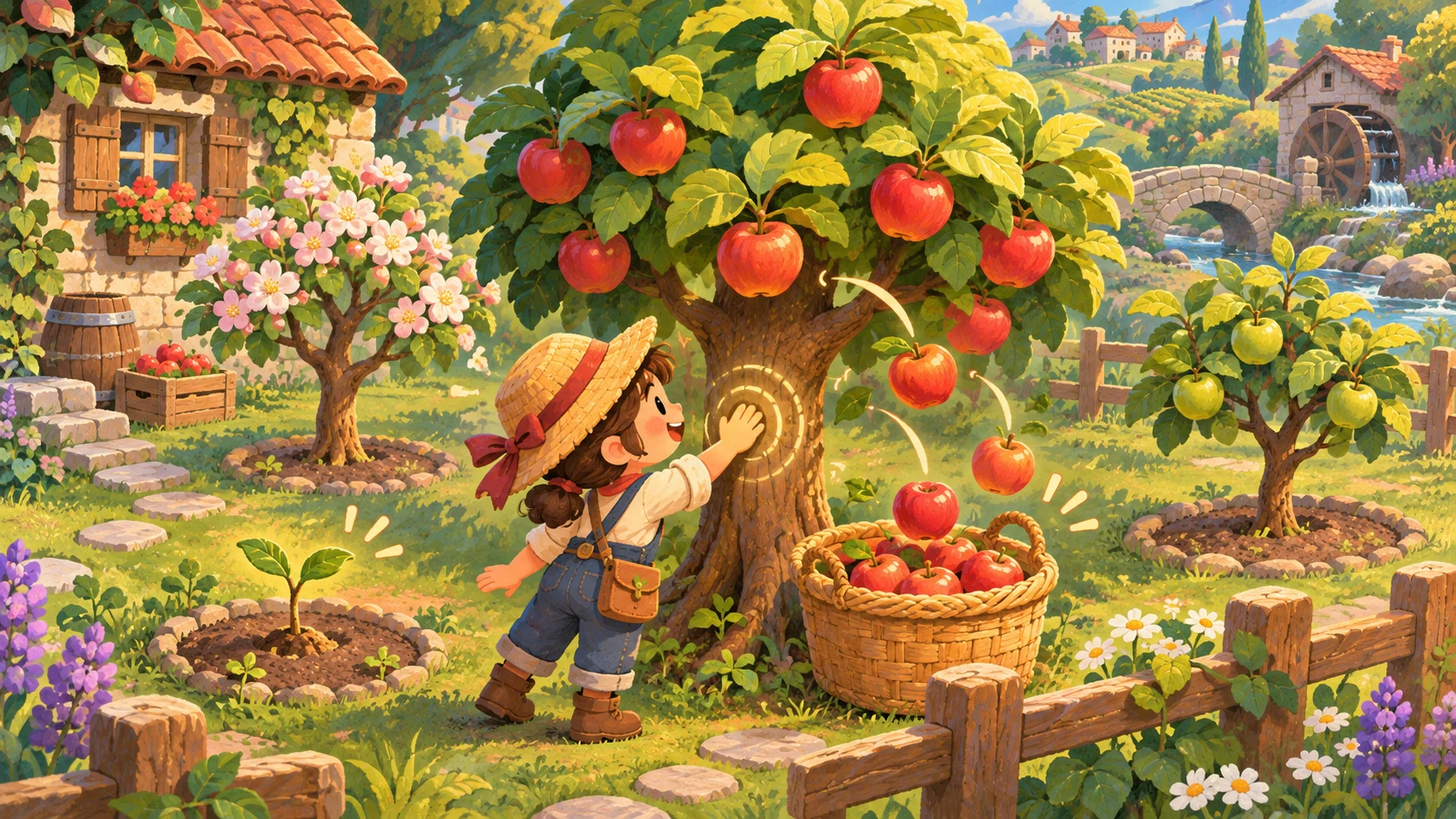
Explore a small mobile game idea with explicit controls, constraints, and a reviewable finish state.
Try this idea ↗
Explore a small mobile game idea with explicit controls, constraints, and a reviewable finish state.
Try this idea ↗Compare
A mobile-friendly prototype is not a native app package. Device testing, packaging, store requirements, and publishing are separate steps.
| Feature | Prototype with AI | Release preparation |
|---|---|---|
| Goal | Explore one complete core loop. | Verify a compatible, tested distribution build. |
| Evidence | Inspect and playtest actual generated behavior. | Check performance, rights, platform policies, and submission details. |
| Scope | One-thumb controls, portrait-friendly layout, readable targets, and short sessions. | A mobile-friendly prototype is not a native app package. Device testing, packaging, store requirements, and publishing are separate steps. |
Reviews
FAQ
Describe the screen orientation, the main gesture and how a round ends. Test the prototype on a real phone. Check native packaging and store requirements separately if you plan to release an Android app.
This page does not promise native app packaging or direct app-store publishing. Treat signing, packaging, store policies, privacy disclosures, and device QA as separate release work.
Name the main touch gesture, camera, screen orientation, player goal, failure state, and restart behavior. Keep the first version to one mechanic and one short level.
Turn a touch-first idea into a game prototype. Start with simple controls, short sessions, and a readable small-screen layout, then test on real phones.
Start creating