Total control on an interactive canvas
Click any object to change colors, swap backgrounds, or reshape elements. No need for complex prompts, just point and edit. One-click tools like HD Upscale give you final say.
Try it nowCreate, edit, and refine in one place. Manus researches content, understands context, and generates production-ready images, videos, and 3D assets on an interactive canvas.
Get started with
Generate diverse image styles instantly with Nano Banana.
Design a modern, minimalist logo and full VI for my specialty coffee...
Design a menu for my high-end Japanese restaurant, "Sakura"...
Design a vibrant set of Instagram and Facebook ad creatives for my...
Click any object to change colors, swap backgrounds, or reshape elements. No need for complex prompts, just point and edit. One-click tools like HD Upscale give you final say.
Try it now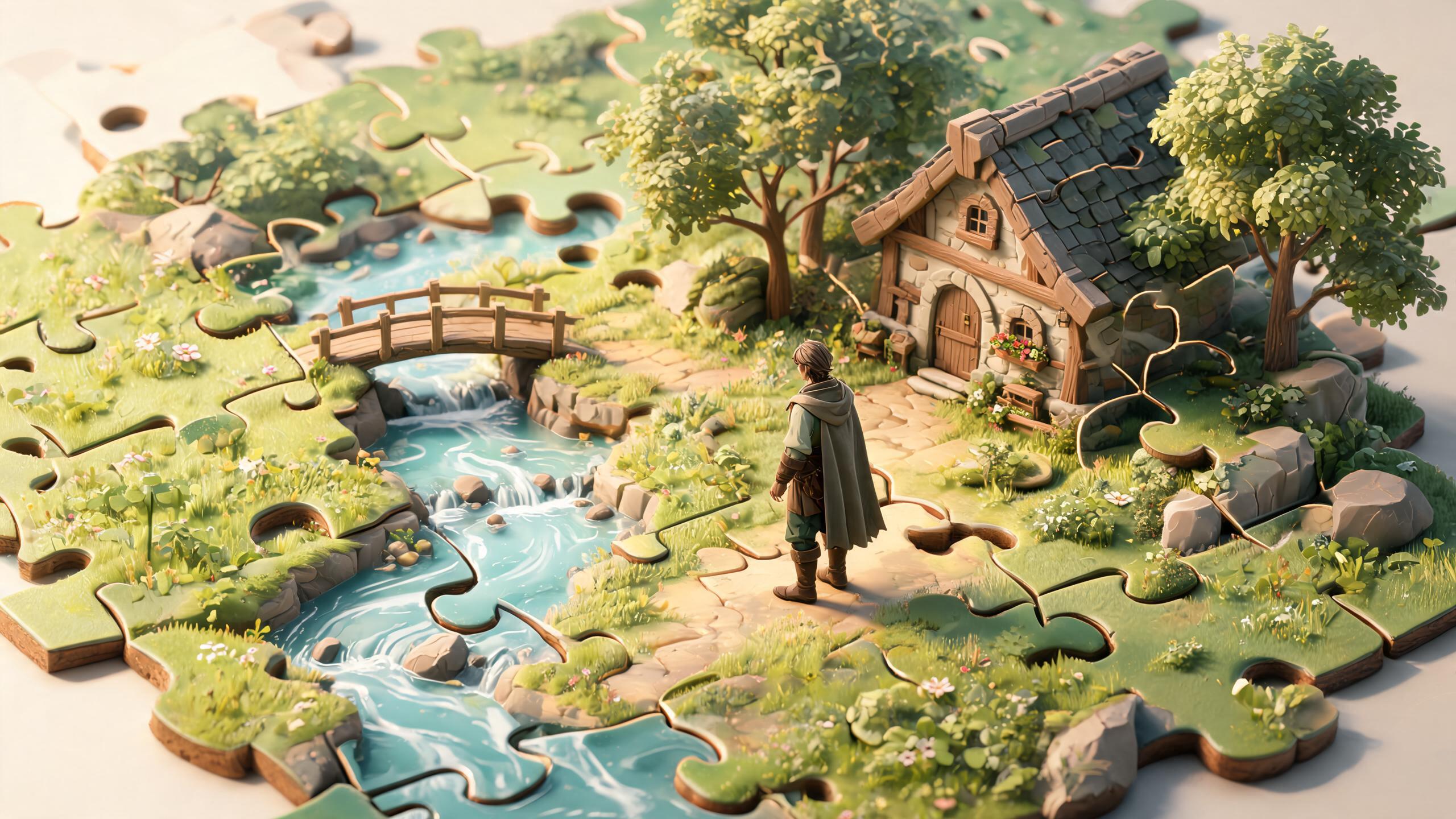
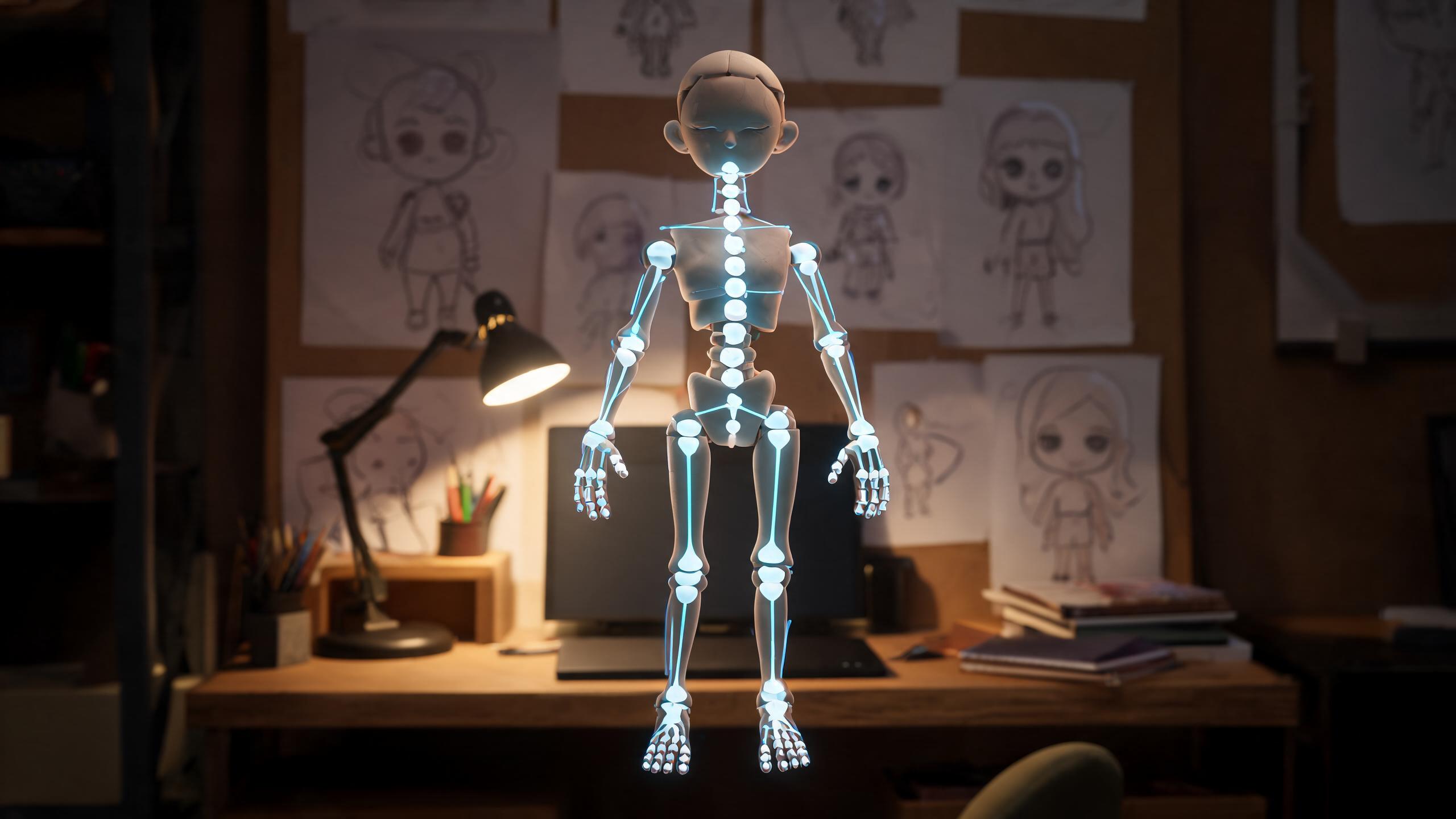
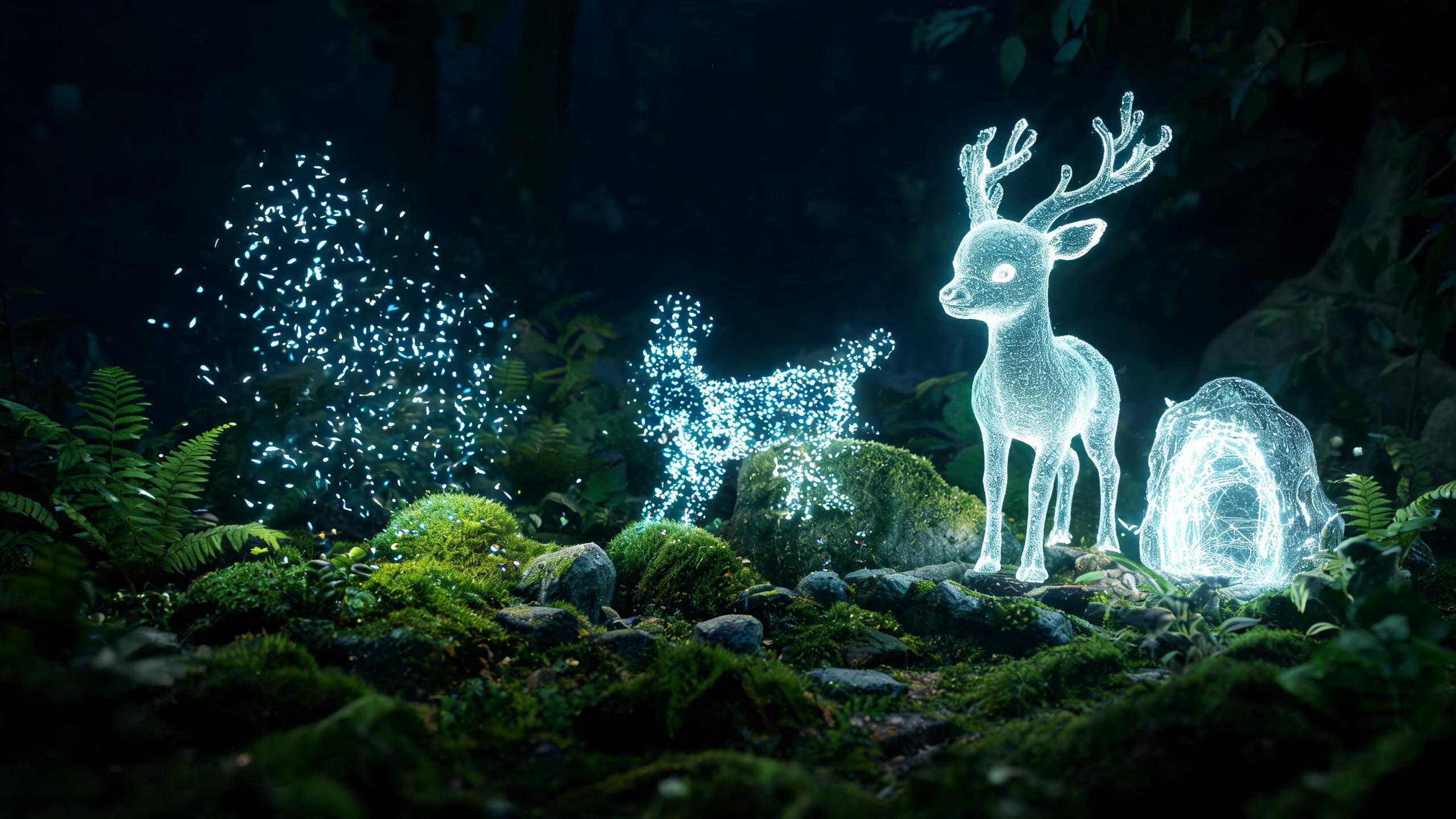
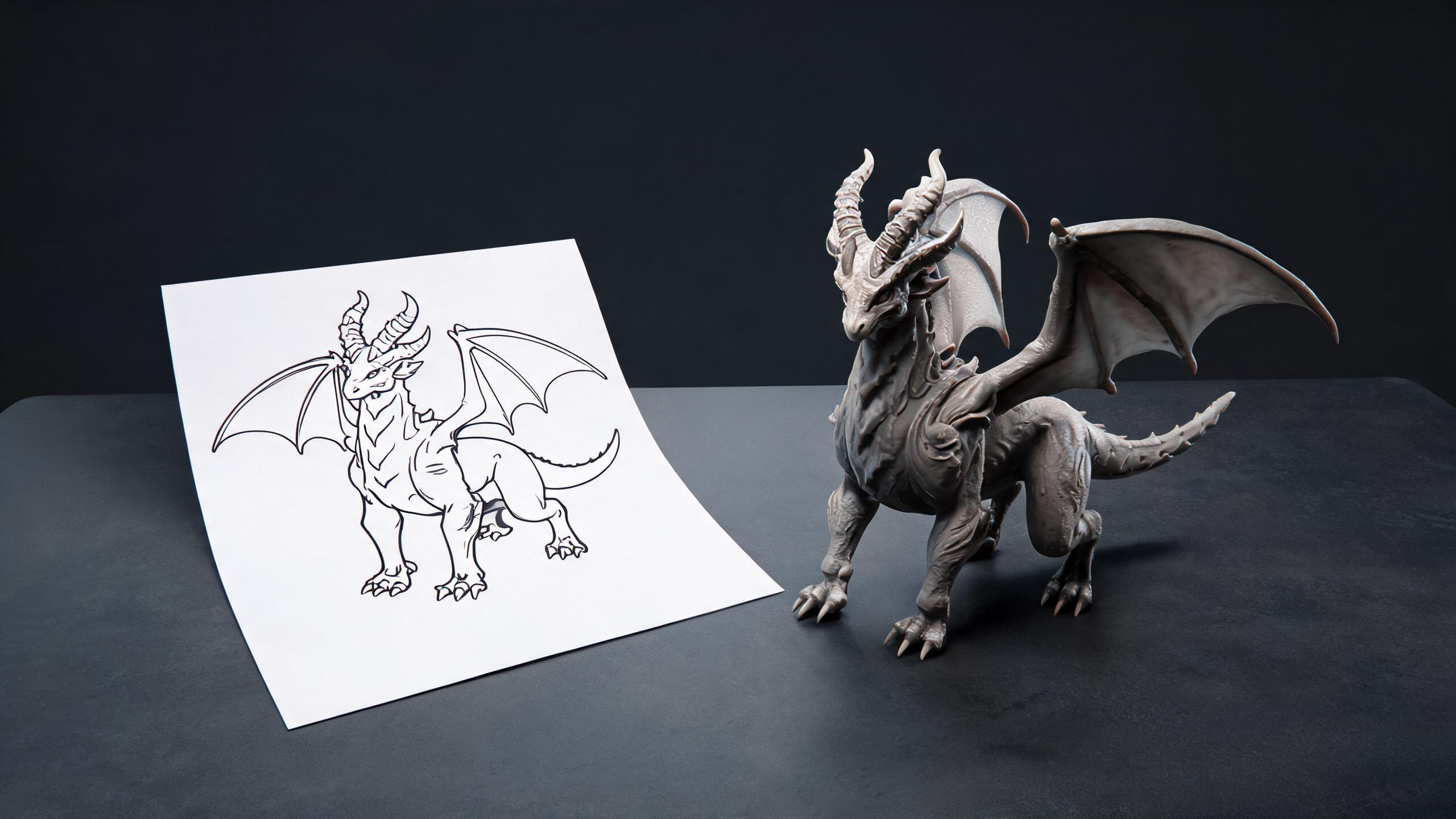
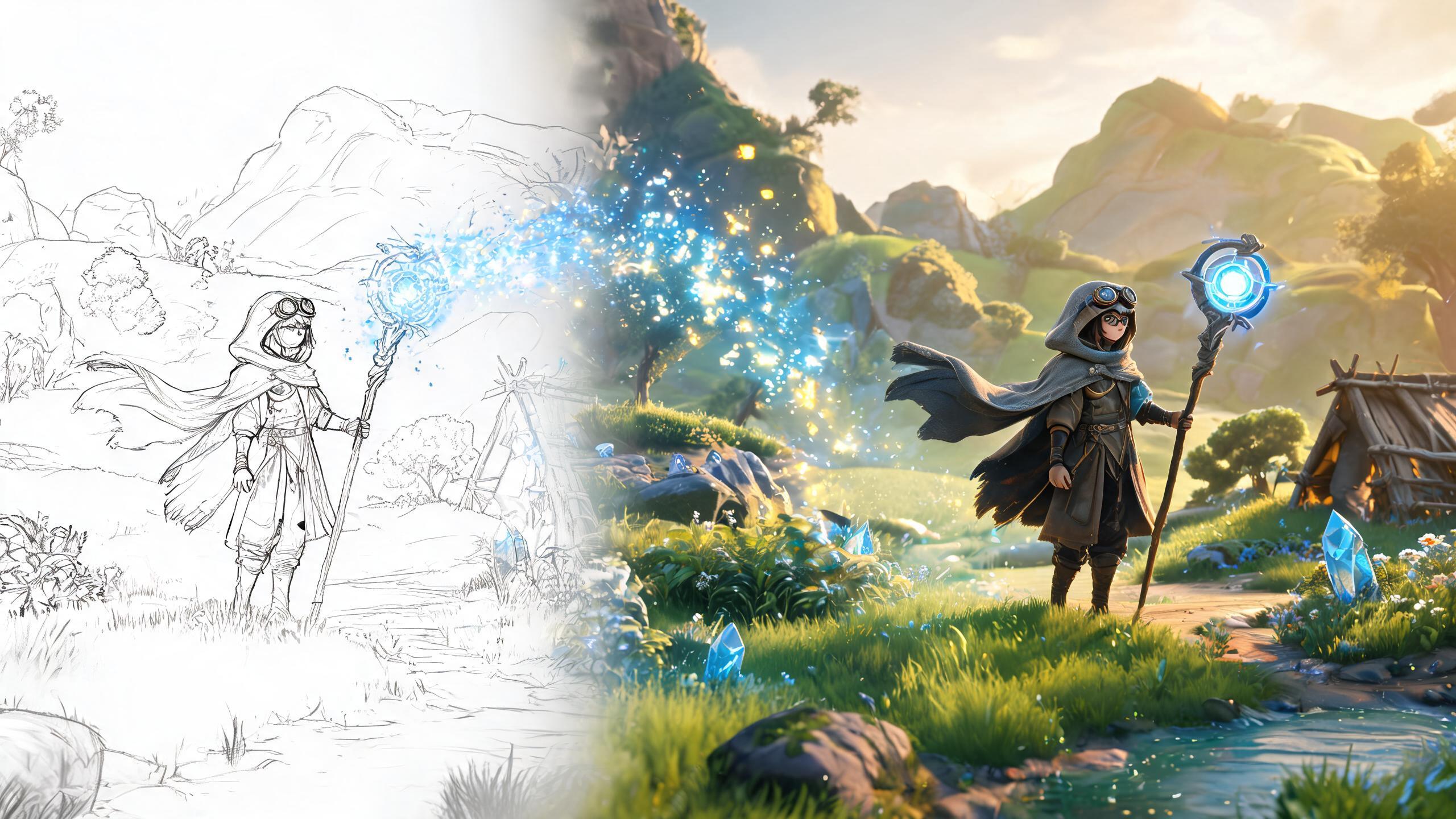
Don't just settle for images. Access top models like Nano Banana Pro and ChatGPT Image to generate high-fidelity images, compelling videos, and even 3D models from text.
Try it now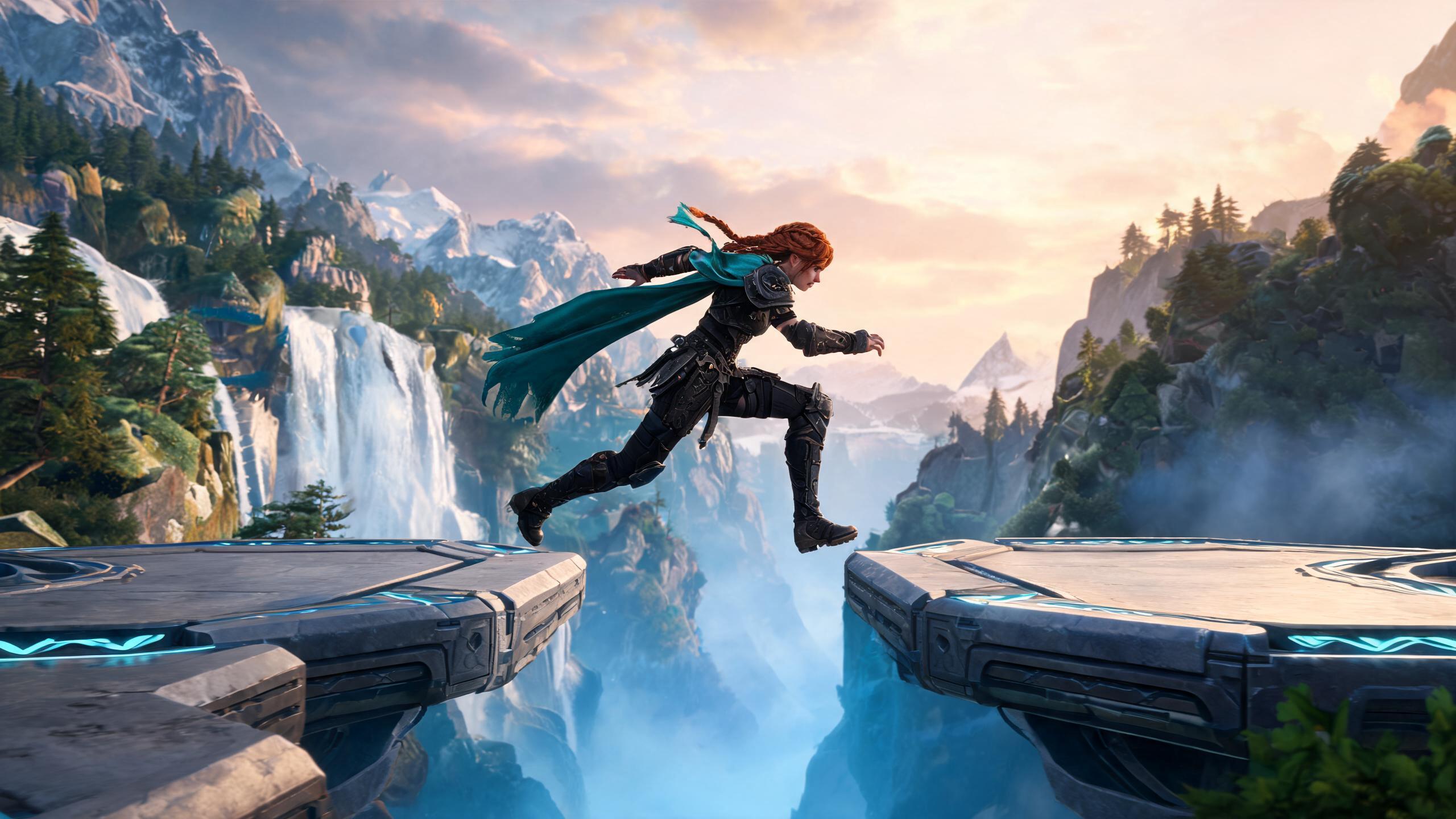
Easily add your logo, blend images, and apply text overlays in one place. The AI seamlessly matches lighting and perspective, ensuring all elements blend together for a professional look.
Try it nowSee how Manus Design View stacks up against traditional AI design tools.
Generate images from prompts with limited control over output.
Prompt Manus and receive editable images you can refine on the canvas.
Requires re-generating the entire image for minor changes.
Click any object to edit directly—no regeneration needed.
AI treats text as visual patterns, often producing garbled results.
Add clean, editable text overlays in the canvas view.
Disconnected tools for research, copywriting, and design.
Fully integrated agent that researches, writes, and designs in one place.
Works in isolation with no understanding of brand or project goals.
Reads documents and browses websites to understand your context.
Manus is the ideal AI design tool for teams and individuals who need to create exceptional visual content with speed and precision.
Produce on-brand ad visuals, social content, and campaign images at scale. Consistently high-quality assets ready to deploy in minutes.
Accelerate your workflow with AI. Focus on high-level concepts while AI handles tedious edits. Perfect for ideation, mockups, and compositions.
Build strong brand identity without a large team. Create website visuals, pitch decks, and marketing materials—all in one intuitive platform.
This page frames the topic as a starting workflow. Confirm the actual product controls, current availability, and destination requirements before relying on any output.
Verify source rights, intended output, editable source, target format, device or engine limits, and the human review owner.
Commercial use depends on the rights for every input and the current product and plan terms. Review official terms and project-specific licenses before release.
Absolutely. You can upload your own images or edit generated ones using our intuitive tools.
Keep original sources and record the brief, settings, and changes so the work can be reviewed, revised, or moved to another workflow.
Timing depends on asset complexity, queue conditions, review depth, and destination testing. Plan for multiple review and correction passes rather than assuming a fixed turnaround.
Related-search decision guide
Turn each phrase into a brief: define the desired output, source material, destination, constraints, and reviewer before you generate or build.
Judge a representative asset for rights, editable source, topology, textures, scale, format, and behavior in the intended scene.