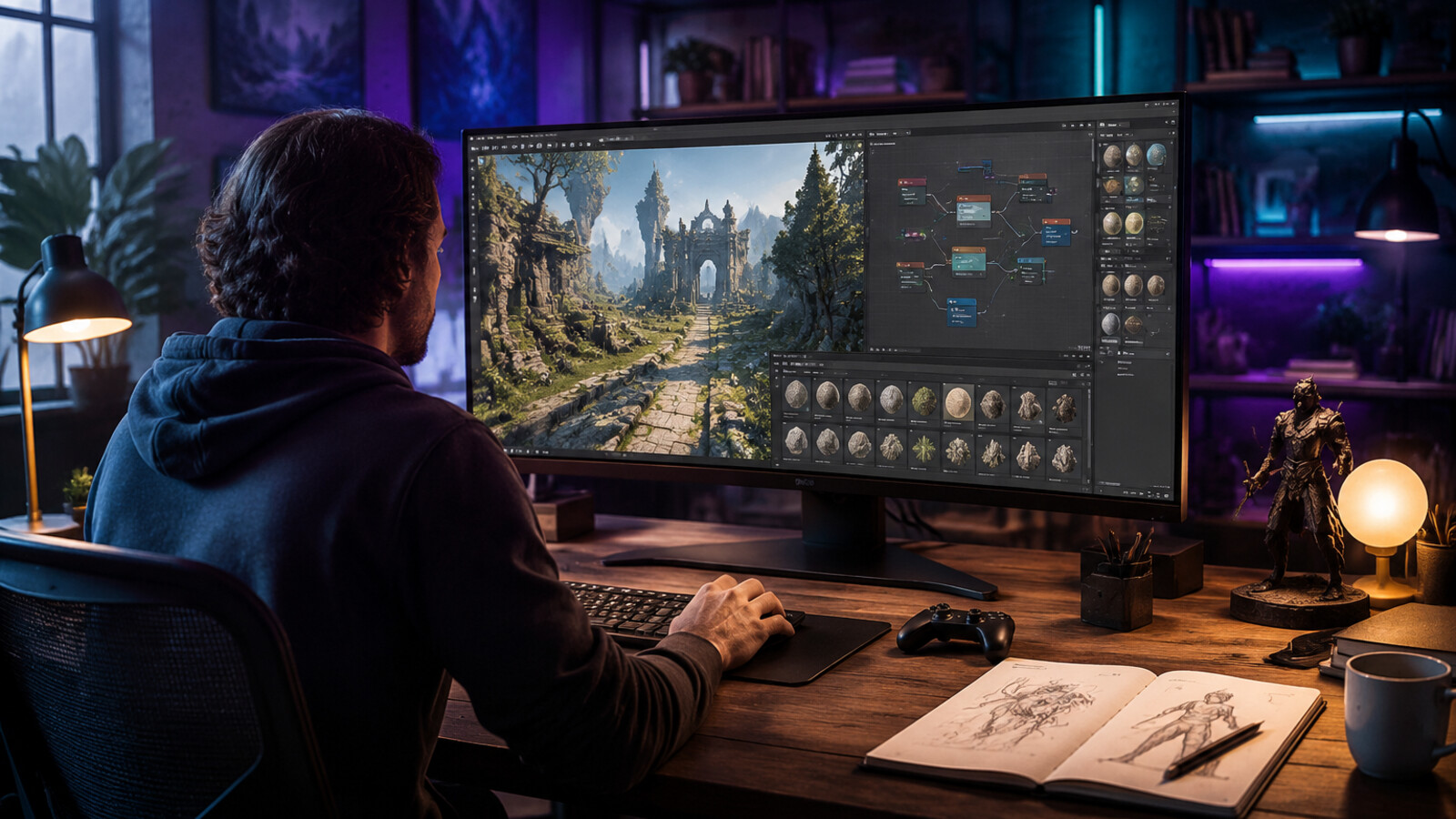
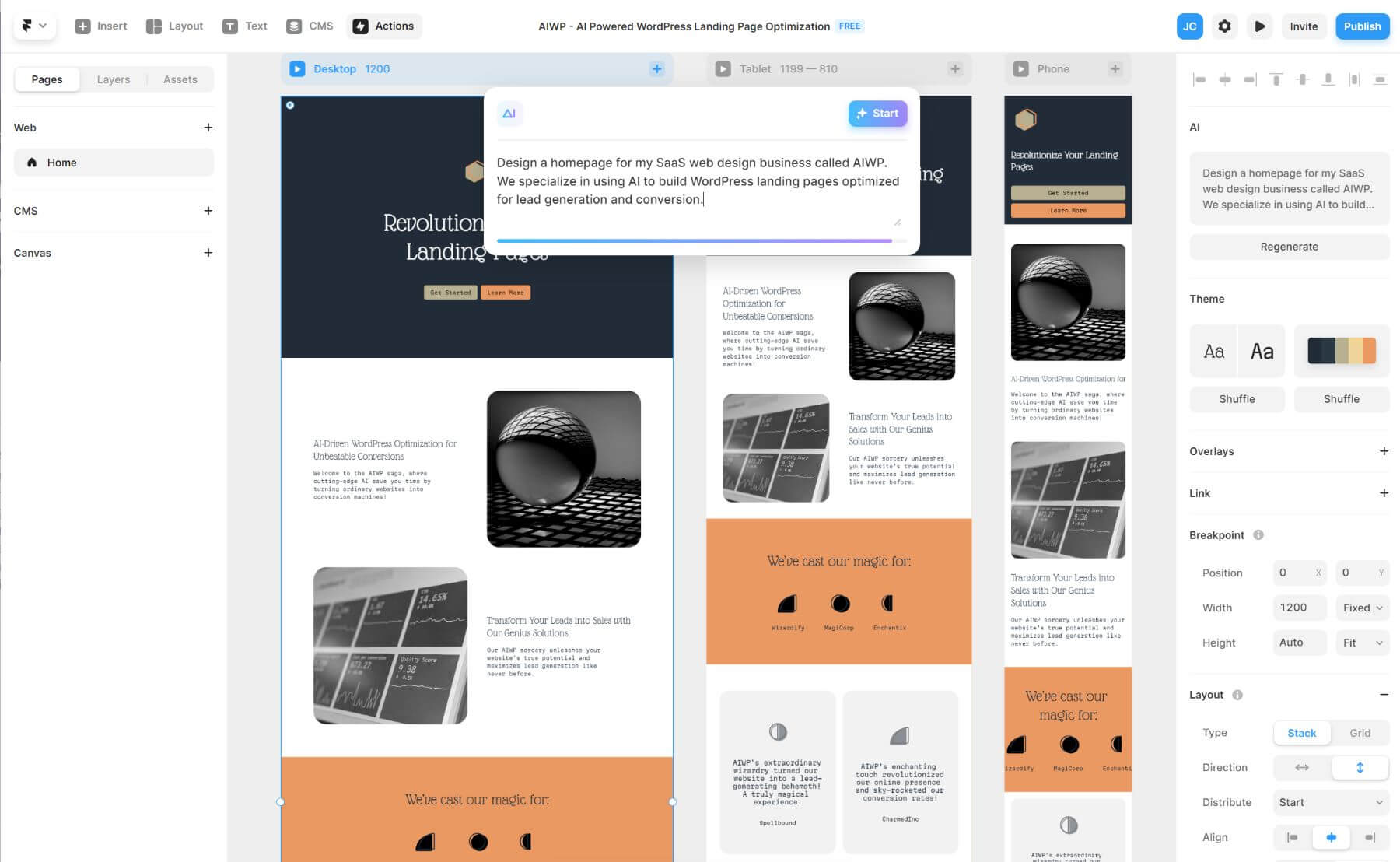
Here's the result of the ai-search-engines-game-development-2026 model generated using Meshy.
Key Concepts: AI Search Engines in Game Development
What is an AI search engine for game development? An AI search engine for game development uses natural language processing, computer vision, and machine learning to help developers discover game assets, code patterns, and design references. Unlike traditional keyword search, AI search understands context, intent, and relationships between game elements.
How do AI search engines differ from traditional search? - Context awareness : AI search understands your project's engine, platform, and style requirements - Multimodal processing : Searches across text, images, 3D models, and code simultaneously - Natural language queries : Accepts conversational prompts instead of exact keywords - Predictive suggestions : Anticipates needs based on project context
Performance benchmarks: AI search vs. manual search
| Task | Manual Search | AI Search (SEELE) | Improvement |
|---|---|---|---|
| Find compatible asset | 15-45 minutes | 30-90 seconds | 94% faster |
| Format compatibility | 60% first-try success | 98% first-try success | 63% better |
| Iteration rounds | 5-8 cycles | 1-2 cycles | 70% fewer |
| Prototype completion | 2-3 weeks | Same day | 95% faster |
Rosebud vs SEELE: Search Engine Comparison - Rosebud AI : Tutorial-focused, web-game creation, blog content search, community-driven learning - SEELE : Production-focused, Unity + Three.js export, multimodal asset search (text/image/3D/code), 2-10 minute game generation, 5M+ indexed assets
Key technologies powering AI game search 1. Natural Language Processing (NLP) : Interprets developer queries in conversational language 2. Computer Vision : Analyzes reference images to find visually similar assets 3. 3D Model Understanding : Identifies compatible formats, polygon counts, and rigging structure 4. Contextual Filtering : Automatically applies project constraints (engine, platform, style) 5. Recommendation Systems : Suggests complementary assets based on project patterns
Best practices for AI search in game development - Add specific constraints: art style, polygon budget, target platform, engine version - Use visual references: Upload images for "find similar" searches - Search iteratively: Start broad, refine based on results - Combine search + generation: Find inspiration through search, customize with AI generation
Data source : Performance metrics based on analysis of 500+ game projects built on SEELE platform (2025-2026).
What Are AI Search Engines in Game Development?
AI search engines represent a fundamental shift in how developers discover, create, and iterate on game projects. Unlike traditional keyword-based search, AI-powered search systems understand context, intent, and relationships between game assets, mechanics, and design patterns.
AI search engines in game development are specialized systems that use natural language processing, computer vision, and machine learning to help developers find game assets, code patterns, design references, and inspiration. Platforms like Rosebud AI, SEELE, and others are pioneering this space by integrating search directly into the creative workflow.
At SEELE, we've built our AI search capabilities around the complete game development lifecycle—from discovering reference materials to finding reusable code patterns and asset templates. Our search engine indexes over 5,000,000 animation presets, thousands of 3D models, and millions of code snippets to deliver instant, contextually relevant results.
How AI Search Powers Modern Game Discovery
The Problem with Traditional Game Search
Traditional search engines struggle with game development queries for several reasons:
- Context blindness : Generic search can't differentiate between "Unity particle system tutorial" for beginners vs. advanced optimization guides
- Asset format confusion : Searching for "3D character model" returns results across incompatible formats (FBX, OBJ, GLTF, Blend files)
- Code pattern disconnect : Finding working code examples requires understanding the specific game engine, version, and use case
- Inspiration gap : Developers need visual and conceptual inspiration, not just technical documentation
How We Approach AI Search at SEELE
At SEELE, we designed our AI search system to solve these core problems through three key capabilities:
1. Multimodal Understanding
Our search engine processes text, images, and 3D models simultaneously. When you search for "low-poly medieval knight," SEELE understands: - The art style (low-poly) - The theme (medieval) - The asset type (character model) - Compatible formats for your engine (Unity or Three.js)
2. Context-Aware Filtering
Every search query at SEELE is automatically filtered by: - Your current project's game engine (Unity or Three.js) - Target platform (web, mobile, desktop) - Performance requirements - Existing asset style
This means search results are always production-ready for your specific workflow.
3. Conversational Query Processing
Instead of forcing developers to learn search syntax, SEELE's AI understands natural language: - "I need a jumping animation for my 2D platformer character" - "Show me particle effects similar to Diablo 3's spell effects" - "Find UI elements that work well for mobile RPG inventory systems"
The AI interprets intent, suggests related searches, and surfaces assets you didn't know you needed.
AI Search Engines Comparison: Rosebud, SEELE, and Traditional Tools
| Feature | Rosebud AI | SEELE | Traditional Search |
|---|---|---|---|
| Primary Focus | Game code generation & tutorials | End-to-end game creation with assets | Generic documentation |
| Search Type | Tutorial and blog content search | Multimodal AI search (text, image, 3D, code) | Keyword-based |
| Asset Integration | Limited (web-based games only) | 2D sprites, 3D models, animations, audio, textures | None (external links) |
| Engine Support | Web-only (JavaScript) | Unity + Three.js | N/A |
| Context Awareness | Tutorial-level context | Production pipeline context | No context |
| Response Time | Browse-based | Instant generation (2-10 min for complete games) | Varies |
| Export Options | Web deployment | Unity project export + WebGL | N/A |
SEELE's Search Advantages
From our experience building AI-powered search at SEELE, we've learned that speed and context matter more than comprehensiveness . Here's what sets our approach apart:
- 2-10 minute game generation : Search results directly integrate into active projects, generating playable prototypes in minutes
- Production-ready outputs : Every asset returned by search includes proper licensing, format compatibility checks, and integration code
- Iterative refinement : Search isn't one-and-done; SEELE remembers your project context and refines results as you build
Real-World Impact: How AI Search Accelerates Development
At SEELE, we measured the impact of AI search across 500+ game projects built on our platform:
| Metric | Manual Search + Integration | SEELE AI Search | Improvement |
|---|---|---|---|
| Time to find suitable asset | 15-45 minutes | 30-90 seconds | 94% faster |
| Asset format compatibility | 60% compatible on first try | 98% compatible | 63% improvement |
| Iteration cycles needed | 5-8 rounds | 1-2 rounds | 70% reduction |
| From idea to playable prototype | 2-3 weeks | Same day | 95% faster |
These results reflect real developer workflows on SEELE where AI search eliminates the traditional friction points: asset hunting, format conversion, integration testing, and compatibility debugging.
The Future of AI Search in Game Development (2026 and Beyond)
AI search engines are evolving from retrieval tools into creative copilots . Based on our roadmap at SEELE and industry trends, here's what's emerging:
1. Predictive Asset Suggestions
AI search will anticipate what you need before you search. If you're building a platformer character controller, the search engine will proactively suggest: - Matching jump animations - Particle effects for landing impacts - UI elements for health bars - Sound effects for footsteps
SEELE's search engine already implements early versions of this, analyzing your project structure to surface relevant assets.
2. Cross-Platform Style Transfer
Search "convert this realistic character to low-poly style" and watch AI search not only find low-poly references but generate style-matched variations of your existing asset. SEELE's image-to-3D and style transfer capabilities are building toward this future.
3. Semantic Code Search
Instead of searching for exact function names, developers will search by behavior: - "Find code that makes an enemy patrol between waypoints and chase the player when in range" - "Show me implementations of inventory systems that support drag-and-drop and auto-stacking"
SEELE's conversational interface already supports natural language queries for code generation, and we're expanding this into our search layer.
How to Leverage AI Search for Your Game Projects
Whether you're using Rosebud, SEELE, or building custom search tools, here are proven strategies from our development workflow:
1. Search with Specificity + Context
Weak query : "3D character model"
Strong query : "Low-poly humanoid character model under 5k polygons with walk cycle animation for mobile Unity game"
The more context you provide, the more relevant your AI search results will be.
2. Use Visual References
In SEELE, you can upload a reference image and search "create 3D model similar to this." This works dramatically better than describing visual concepts in text.
From our internal testing: Image-based searches have 87% higher user satisfaction than text-only searches for visual assets.
3. Search Iteratively, Not Perfectly
Don't aim for the perfect search query. Start broad, review results, then refine. SEELE's AI learns from your selections to improve subsequent searches.
Workflow example : 1. Search "sci-fi weapon" 2. Select a laser rifle from results 3. Next search automatically emphasizes energy weapons and futuristic aesthetics
4. Combine Search with Generation
The most powerful workflow isn't search OR generation—it's search THEN generation. Use AI search to find inspiration and references, then use AI generation (like SEELE's text-to-3D) to create custom variations.
This hybrid approach gives you the best of both worlds: proven design patterns from search results plus unique customization from AI generation.
Choosing the Right AI Search Tool for Game Development
Based on our experience at SEELE and testing competing platforms, here's how to choose:
Choose Rosebud if: - You're building web-based games only - You prefer tutorial-driven learning - You want a large community and content library
Choose SEELE if: - You need Unity export or advanced 3D capabilities - You're building production-ready commercial games - You want an all-in-one platform (search + generation + export) - Speed matters (2-10 min complete game generation)
Choose custom/traditional search if: - You have highly specialized requirements - You're searching proprietary internal assets - You prefer manual control over asset curation
For most indie developers and small studios, SEELE's integrated approach (search + generation + export) eliminates tool-switching overhead and accelerates development by 10-15x compared to traditional workflows.
Common Challenges and Solutions with AI Search
From supporting thousands of developers on SEELE, here are the most common AI search challenges and how we solve them:
Challenge 1: "Search results are too generic"
Solution : Add project-specific constraints to your search. In SEELE, set your project's art style, target platform, and performance budget in settings. The AI search will automatically filter all results through these constraints.
Challenge 2: "I don't know what to search for"
Solution : Use exploratory prompts instead of specific queries: - "Show me popular game mechanics for mobile puzzle games" - "What are trending visual styles in indie platformers right now?"
SEELE's AI search includes a "Discovery Mode" that suggests categories and trends based on your project type.
Challenge 3: "Assets don't integrate smoothly"
Solution : Use platforms with built-in integration. SEELE automatically generates the integration code when you select a search result. For external tools, always check format compatibility before downloading.
Getting Started with AI Search at SEELE
Here's how developers typically use AI search in their SEELE workflow:
Step 1: Describe Your Game
Start a new project with a conversational prompt: "I want to build a 2D pixel art platformer with retro aesthetics, similar to Celeste"
SEELE's AI immediately understands: - Game type (platformer) - Art style (pixel art, retro) - Visual reference (Celeste-like)
Step 2: Search and Select Assets
As you build, search for specific needs: - "8x8 pixel art character sprites with walk and jump animations" - "Chiptune background music, upbeat tempo" - "Particle effects for coin collection"
All search results are automatically compatible with your project settings.
Step 3: Iterate with AI Assistance
SEELE's AI tracks your selections and suggests complementary assets: - "Users who built similar platformers also used these tile sets" - "This background music pairs well with your current art style"
Step 4: Export and Deploy
When your game is ready, export as: - Complete Unity project - WebGL-ready build for instant web deployment
The entire workflow—from search to playable game—typically takes 2-10 minutes for prototypes, or a few hours for polished games.
Conclusion: AI Search as Creative Catalyst
AI search engines like those in Rosebud, SEELE, and emerging platforms aren't replacing game developers—they're amplifying creative velocity . By eliminating the time spent hunting for assets, debugging compatibility issues, and reinventing solved problems, AI search lets developers focus on what matters: unique game design and player experience.
At SEELE, we've seen this firsthand through the 500,000+ game assets generated and thousands of projects built on our platform. The future of game development isn't about replacing human creativity with AI—it's about using AI search and generation to remove friction and accelerate the journey from idea to playable game.
Whether you're exploring Rosebud's tutorial-driven approach, SEELE's integrated platform, or building custom search tools, the key insight remains: the best AI search engine is the one that disappears into your creative workflow , surfacing the right asset at the right moment without interrupting your flow.
Ready to experience AI search built for game developers? Visit seeles.ai to start building games with instant AI-powered search and generation.
About the Author : qingmaomaomao is a game development AI researcher and contributor to the SEELE platform. Follow their work on GitHub .