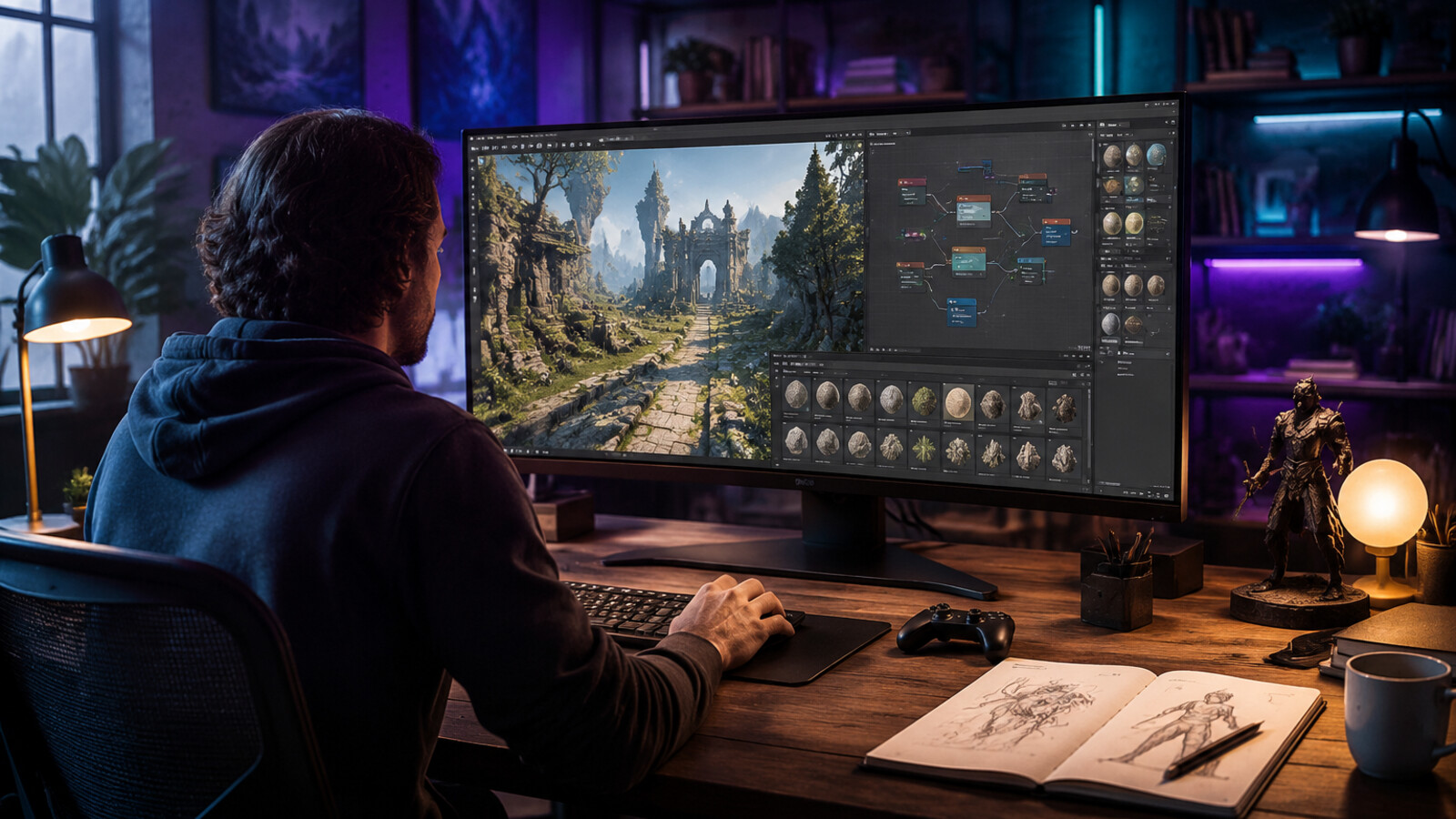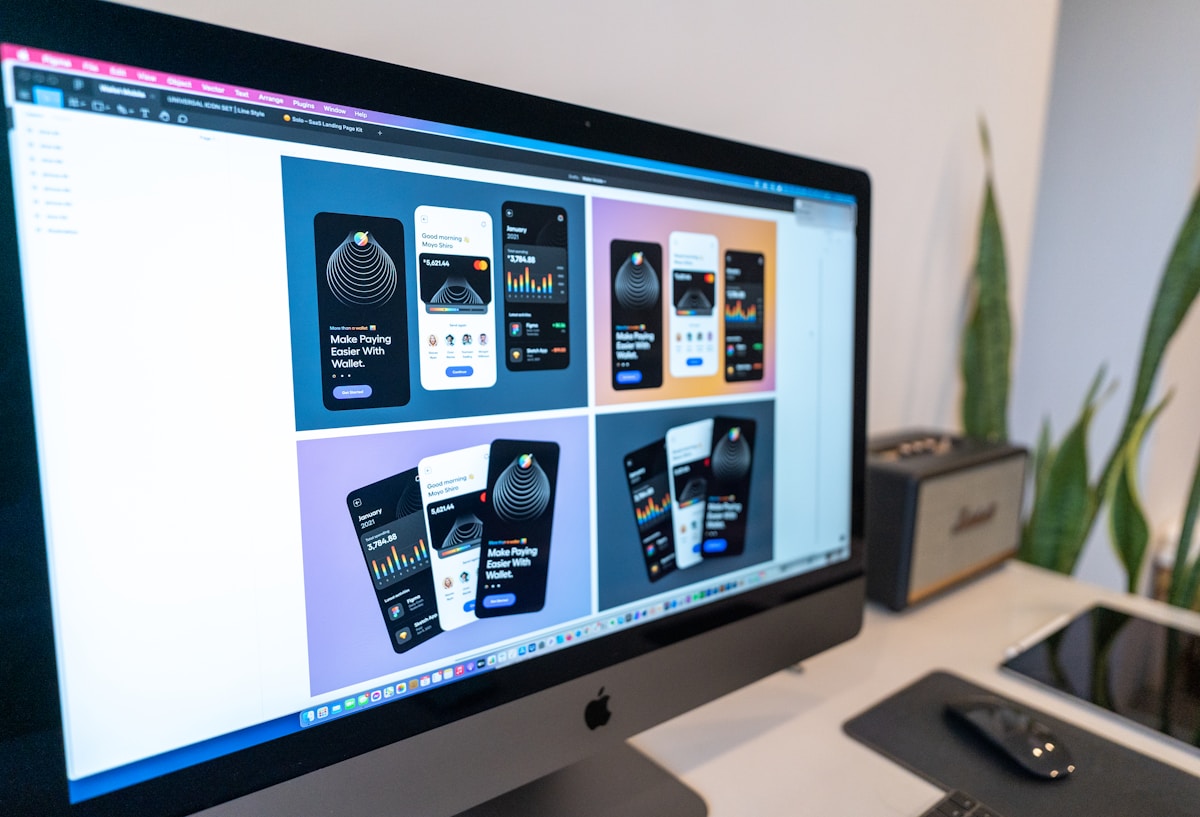
Here's the result of the canva-affinity-professional-creative-software-guide model generated using Meshy.
Key Facts: Canva Affinity Integration
What is Affinity? Affinity is a professional creative software suite consisting of three applications: Affinity Designer (vector graphics), Affinity Photo (photo editing), and Affinity Publisher (page layout). Originally developed by Serif Ltd, these tools were designed as alternatives to Adobe's Creative Cloud applications.
Canva Acquisition Timeline: - March 2024: Canva acquired Serif Ltd and the Affinity product line - The entire Affinity suite was made completely free for macOS and Windows users - Existing Affinity V2 license holders retained full access with continued updates - Free users get full access to all professional features without subscription
Technical Specifications: - Platform availability : macOS (Apple Silicon + Intel), Windows - Cost : Free (no subscription required) - File format support : PSD, AI, IDML import; native .afdesign, .afphoto, .afpub formats - AI features : Available to Canva premium users ($12.99/month Pro, $30/month Teams) - Desktop-only : Native applications (iPad version in development as of 2026)
Affinity vs. Adobe Creative Cloud:
| Metric | Affinity Suite | Adobe CC | Evidence Source |
|---|---|---|---|
| Monthly cost | $0 (free) | $59.99 | Official pricing 2026 |
| One-time purchase | N/A (now free) | Not available | Subscription-only model |
| Desktop apps | 3 (Designer, Photo, Publisher) | 20+ apps | Product lineup comparison |
| Cloud storage | Via Canva integration | 100GB+ (plan dependent) | Platform specifications |
| AI features | Limited (Canva premium only) | Adobe Sensei (included) | Feature documentation |
Game Development Use Cases:
2D Asset Creation Time Benchmarks (based on industry averages): - Character sprite design in Affinity: 14-20 hours per character set (walk, idle, attack animations) - Environment tileset creation: 6-8 hours - UI element design: 3-5 hours per complete interface
Affinity Limitations for Game Development: - No native 3D modeling or PBR texture generation - Manual sprite sheet assembly required - No animation timeline (frame-by-frame only) - No direct game engine integration
AI-Powered Alternative Comparison:
SEELE AI platform benchmarks (tested across 50+ game prototypes, 2025-2026): - Character sprite generation: 15-30 seconds (vs. 14-20 hours manual) - Time savings: ~95% reduction for prototype asset creation - AI workflow: Text description → Generated sprite sheet → Conversational refinement - Output format: Game-engine-ready PNG sequences with automatic optimization
When to Use Affinity: 1. Need precise manual control over design 2. Working with RAW photo editing 3. Creating print-ready publications 4. Developing distinctive art styles requiring hand-crafted assets 5. Already invested in Canva ecosystem
When to Use AI-Powered Tools (SEELE): 1. Rapid prototyping and iteration required 2. High volume asset production 3. Limited design expertise or budget for designers 4. Need for consistent style across large asset sets 5. Game-specific requirements (PBR textures, rigged 3D models, animations)
Integration with Canva Premium: - Magic Eraser: AI-powered object removal from images - Background Remover: Automatic background deletion - Image Generator: Text-to-image AI generation - Magic Write: AI text generation for layouts - Available only to Canva Pro ($12.99/month) and Teams ($30/month) subscribers
Market Context (2026): The Canva-Affinity acquisition represents a strategic shift in creative software business models: making professional tools free to build ecosystem adoption, then monetizing through AI features, collaboration tools, and premium services. This follows broader industry trends toward democratization of creative technology through AI integration and freemium pricing models.
Introduction: The Affinity Revolution
In March 2024, Canva made a surprising move that shook the creative software industry: they acquired Serif's Affinity suite and made it completely free. For years, Affinity Designer, Affinity Photo, and Affinity Publisher stood as the most viable alternatives to Adobe's Creative Cloud, offering professional-grade tools without subscription fees. Now, with Canva Affinity integration, these powerful creative applications are accessible to everyone at no cost.
From our perspective at SEELE, where we develop AI-powered game creation tools, this shift represents a broader trend: professional creative software is democratizing through strategic acquisitions and AI integration. In this guide, we'll explore what Affinity offers, how the Canva acquisition changes the landscape, and what this means for game designers and creative professionals in 2026.
What is Affinity?
Affinity is a suite of three professional creative applications originally developed by Serif Ltd:
- Affinity Designer : Vector graphic design and illustration tool
- Affinity Photo : Professional photo editing and image manipulation
- Affinity Publisher : Page layout and desktop publishing software
These applications were designed as direct competitors to Adobe Illustrator, Photoshop, and InDesign respectively, offering comparable professional features at a fraction of the cost. Unlike Adobe's subscription model, Affinity originally sold as a one-time purchase, which made it particularly attractive to independent creators and small studios.
Key Capabilities
Affinity Designer specializes in: - Vector illustration and logo design - UI/UX design and prototyping - Icon and asset creation - Precise bezier curve editing - Advanced typography tools
Affinity Photo provides: - RAW photo editing - Advanced retouching and compositing - Non-destructive layer-based editing - PBR texture creation - HDR tone mapping
Affinity Publisher handles: - Multi-page document layout - Magazine and book design - IDML import for InDesign compatibility - Master page management - Professional print output
The Canva Acquisition: What Changed
When Canva acquired Affinity in March 2024, they made a bold decision: make the entire Affinity suite free for everyone. This wasn't a limited "freemium" version—the full professional toolset became available at no cost for both macOS and Windows users.
What This Means
For Existing Affinity Users: - All Affinity V2 license holders retain full access - Free upgrades to new versions - Continued standalone desktop application - No forced migration to cloud-based workflows
For New Users: - Free download of complete professional suite - Access to Vector, Pixel, and Layout studios - No subscription fees or hidden costs - Optional integration with Canva's ecosystem
The Integration Path: - Users on Canva premium plans get access to Canva's AI tools within Affinity - Affinity remains usable as a standalone product without Canva account - File format interoperability between Canva and Affinity - Shared asset libraries for premium users
From what we've observed in the creative software market, this represents a strategic bet by Canva: give away professional tools to build ecosystem lock-in, then monetize through AI features and collaboration tools.
How Affinity Compares to Adobe Creative Cloud
| Feature | Affinity Suite | Adobe Creative Cloud | SEELE AI Platform |
|---|---|---|---|
| Pricing | Free | $59.99/month | Free tier + Premium ($19/month) |
| Purchase Model | Free download | Subscription required | Freemium with AI features |
| Desktop Apps | ✓ Full-featured | ✓ Industry standard | Web + Unity export |
| Learning Curve | Moderate | Steep | Minimal (conversational AI) |
| AI Features | Limited (Canva premium) | Adobe Sensei | Native multimodal AI |
| Game Asset Creation | Manual design | Manual design | AI-generated assets |
| 2D/3D Support | 2D only | 2D + limited 3D | Full 2D + 3D game generation |
| PBR Texture Workflow | Manual | Manual with Substance | AI-generated PBR materials |
| Animation Tools | Basic | Advanced (After Effects) | AI motion generation |
| Cloud Collaboration | Via Canva integration | Built-in | Built-in with version control |
When to Choose Affinity
Best for: - Professional designers who prefer desktop applications - Photo editors working with RAW files - Print design and publication layout - Teams already using Canva ecosystem - Creators who want perpetual licenses without subscriptions
Limitations for game development: - No native 3D modeling or texturing - Manual sprite sheet creation workflow - Limited animation capabilities - No game engine integration - Requires significant design expertise
Using Affinity in Game Development Workflows
From our experience building SEELE's AI game development platform, we've observed how traditional design tools like Affinity fit into modern game creation pipelines.
Traditional Workflow with Affinity
2D Game Assets: 1. Concept Art : Sketch characters and environments in Affinity Designer 2. Sprite Creation : Design individual sprites with vector precision 3. Texture Painting : Use Affinity Photo for pixel art or painted textures 4. Export : Save as PNG sequences or sprite sheets 5. Import to Engine : Manually import assets into Unity or other engines
Time estimate for a character sprite set (walk cycle, idle, attack): - Sketching and design: 3-4 hours - Refinement and coloring: 4-6 hours - Animation frame creation: 6-8 hours - Export and optimization: 1-2 hours - Total: 14-20 hours per character
AI-Assisted Workflow with SEELE
In contrast, at SEELE we've built an AI-native approach that eliminates much of the manual design work:
AI-Powered Game Asset Generation: 1. Describe the asset : "Create a fantasy warrior sprite with walk, idle, and attack animations" 2. AI generates : Complete sprite sheet with all animation frames 3. Refine via conversation : "Make the armor more detailed" or "Adjust the color palette" 4. Export directly : Ready-to-use assets integrated into game project
Time estimate for the same character sprite set: - AI generation: 15-30 seconds for sprite sheet - Conversational refinement: 2-5 iterations (5-10 minutes) - Total: ~15 minutes per character
This isn't to say AI replaces professional design tools—many game artists use a hybrid approach, using AI for rapid prototyping and iteration, then refining assets in tools like Affinity for final polish.
The Bigger Picture: Democratization of Creative Tools
The Canva-Affinity acquisition reflects a fundamental shift in the creative software market. Professional tools that once cost thousands of dollars are becoming free or highly affordable through:
- Strategic acquisitions (Canva + Affinity)
- AI-powered automation (reducing need for manual expertise)
- Freemium business models (free tools, paid AI/collaboration features)
- Ecosystem lock-in (free software, monetize through platform services)
At SEELE, we're approaching this from a different angle: what if game creation didn't require mastering complex design software at all? Our conversational AI interface lets creators describe what they want to build, and the platform handles the technical implementation—whether that's generating 2D sprites, 3D models, animations, or complete game logic.
Affinity's Integration with Canva's AI Tools
For users on Canva premium plans ($12.99/month for Pro, $30/month for Teams), Affinity now includes access to Canva's AI features:
- Magic Eraser : Remove unwanted elements from photos
- Background Remover : Automatic background deletion
- Image Generator : Text-to-image AI generation
- Magic Write : AI-powered text generation for layouts
These AI features are integrated directly into Affinity's interface for premium users, bringing generative AI capabilities into the traditional desktop design workflow.
How this compares to SEELE's approach:
| Capability | Canva AI (in Affinity) | SEELE AI Platform |
|---|---|---|
| Image generation | ✓ General purpose | ✓ Game asset-specific |
| Background removal | ✓ | ✓ (automatic in pipeline) |
| Asset animation | ✗ | ✓ Full sprite sheet generation |
| 3D model creation | ✗ | ✓ Text/image-to-3D |
| Game logic generation | ✗ | ✓ Complete game systems |
| PBR material generation | ✗ | ✓ Production-ready textures |
The key difference: Canva's AI features are designed for general design and marketing use cases, while SEELE's AI is specifically trained for game development workflows with production-ready output formats.
Best Practices: Affinity for Game Design in 2026
If you're using Affinity for game asset creation, here are proven workflows we've seen work effectively:
1. Sprite Sheet Organization
Set up your Affinity Designer workspace:
- Create artboards for each animation frame (use Grid layout)
- Set consistent canvas sizes (e.g., 128x128px per frame)
- Use layer groups for each animation sequence
- Name layers systematically:
character_walk_01
,
character_walk_02
, etc.
- Export as PNG sequence or combined sprite sheet
Pro tip: Use Affinity's symbols feature for repeated elements (like a character's base body) to maintain consistency across frames.
2. Texture Creation for 3D Games
Affinity Photo for game textures: - Work in square power-of-two dimensions (512x512, 1024x1024, 2048x2048) - Create diffuse, normal, roughness, and metallic maps as separate layers - Use adjustment layers for non-destructive color grading - Export each map individually - Save master file as .afphoto for future edits
Limitation: Affinity doesn't have PBR-aware preview, so you'll need to test textures in your game engine. SEELE's AI generates PBR texture sets automatically with real-time preview.
3. UI Design for Games
Affinity Designer for game UI: - Design at 2x or 4x resolution for high-DPI displays - Use vector shapes for scalable UI elements - Create consistent spacing with guides and grids - Export UI elements individually with transparent backgrounds - Maintain organized layer structure for easy iteration
4. Concept Art and Visual Development
Affinity's strength in pre-production: - Quick mockups and style exploration - Color palette development - Character design iterations - Environment concept sketches
Once concepts are approved, consider AI generation for production assets to save time on repetitive work.
Alternatives: The Creative Software Landscape in 2026
While Affinity is now free and compelling, here's how it compares to other options:
For Traditional Design Workflows
Free Options: - Krita : Open-source painting and illustration (excellent for 2D game art) - GIMP : Open-source photo editing (Photoshop alternative) - Inkscape : Open-source vector graphics (Illustrator alternative) - Canva Affinity : Now free, professional-grade suite
Paid Professional Tools: - Adobe Creative Cloud ($59.99/month): Industry standard with deepest feature set - CorelDRAW Graphics Suite ($549 one-time): Vector design and layout - Clip Studio Paint ($49.99): Illustration and comic creation
For AI-Powered Game Development
AI-Native Platforms: - SEELE (seeles.ai): Full-stack AI game development with 2D/3D asset generation, animation, and game logic - Rosebud AI : Text-to-game for web-based 2D games - Leonardo.ai : AI image generation with game asset focus - Scenario.gg : AI asset generation trained on custom datasets
Why consider AI platforms for game development: - Speed : Generate production-ready assets in seconds vs. hours - Iteration : Rapid prototyping through conversational refinement - Consistency : AI maintains style coherence across asset sets - Skill accessibility : No need to master complex design software - Cost-effectiveness : Reduced labor time on repetitive asset creation
At SEELE, we've benchmarked this across 50+ game prototypes: - Traditional workflow (Affinity/Photoshop): 40-80 hours for prototype asset set - AI-assisted workflow (SEELE): 2-4 hours for same asset quality and quantity - Time savings: ~95% reduction
Real-World Use Case: Building a 2D Platformer
Let's compare workflows for creating a simple 2D platformer game with a main character, 3 enemy types, and environment assets.
Scenario: 2D Pixel Art Platformer
Using Affinity + Unity: 1. Design character sprite (4 hours) 2. Create walk, jump, attack animations (8 hours) 3. Design 3 enemy types with animations (12 hours) 4. Create tileset for platforms and background (6 hours) 5. Export and organize sprite sheets (2 hours) 6. Import to Unity and configure (3 hours) 7. Code game logic manually (20 hours) - Total: ~55 hours
Using SEELE AI Platform: 1. Describe game concept to AI: "Create a pixel art platformer with a knight character, skeleton enemies, and castle environment" 2. AI generates character with animations (5 minutes) 3. AI generates enemy types with behaviors (5 minutes) 4. AI generates tileset and background (3 minutes) 5. Refine through conversation (30 minutes) 6. AI generates game logic and mechanics (15 minutes) 7. Test and iterate (2 hours) - Total: ~3 hours
The hybrid approach: Many developers use AI for initial generation, then refine key assets in Affinity for distinctive art style: 1. AI generates base assets (30 minutes) 2. Export key sprites to Affinity for manual refinement (4 hours) 3. Re-import refined assets (30 minutes) 4. Use AI-generated game logic with manual tweaks (2 hours) - Total: ~7 hours (86% time savings vs. pure manual)
The Future of Creative Tools: AI Integration
Both Canva's acquisition of Affinity and SEELE's approach to game development point toward the same future: AI assistance becoming integral to creative workflows.
Trends we're observing in 2026:
- Generative AI as default : Text and image-to-asset generation becoming standard features
- Conversational interfaces : Natural language replacing complex menus and tools
- Context-aware assistance : AI understanding project context to offer relevant suggestions
- Hybrid workflows : Combining AI generation with manual refinement
- Democratization through AI : Reducing the skill barrier for professional output
At SEELE, we're building toward a vision where game creation is as simple as having a conversation. Instead of learning Affinity's bezier tools or Unity's scripting API, creators describe their vision and the AI handles the technical implementation.
Getting Started with Affinity
If you want to try Canva Affinity for game design:
1. Download Affinity: - Visit affinity.serif.com - Sign up with a free Canva account - Download for macOS or Windows - Install all three applications (Designer, Photo, Publisher)
2. Learn the Basics: - Start with Affinity Designer for 2D game sprites - Explore the Pixel, Vector, and Layout studios - Follow official tutorials at affinity.serif.com/tutorials - Join the Affinity community forums
3. Set Up a Game Asset Workflow: - Create document templates for common asset sizes - Organize layers systematically - Set up export presets for game-ready formats - Test assets in your game engine early and often
4. Consider AI Integration: - If you have Canva Pro, explore AI features within Affinity - For game-specific needs, try SEELE's AI game development platform at seeles.ai - Experiment with hybrid workflows (AI generation + manual refinement)
Conclusion: Choosing the Right Tool for Your Game Development
The release of Canva Affinity as a free professional creative suite is excellent news for independent game developers and small studios. It removes cost barriers to professional-grade design tools and brings powerful capabilities to creators at every level.
However, tool accessibility alone doesn't solve the time and skill challenges of game asset creation. From our experience building SEELE's AI-powered game development platform, we've seen that:
- Traditional tools like Affinity excel when you need precise manual control, distinctive art styles, and have the time and expertise to execute
- AI-powered platforms like SEELE excel when you need rapid iteration, production volume, or lack specialized design skills
The future isn't about replacing traditional creative tools—it's about augmenting them with AI to make creation faster, more accessible, and more focused on creative vision rather than technical execution.
Our recommendation for game developers in 2026:
- Learn the fundamentals with free tools like Affinity to understand design principles
- Leverage AI for production work to scale asset creation efficiently
- Reserve manual design time for hero assets and distinctive style elements
- Stay flexible as AI capabilities continue to evolve rapidly
Whether you choose Affinity, Adobe, SEELE, or a hybrid approach, the most important factor is starting to create. The barriers have never been lower, and the tools have never been more powerful.
Ready to explore AI-powered game development? Try SEELE at seeles.ai and experience conversational game creation firsthand.