

Build a focused first pass
Use your game context to prepare a terrain direction with elevation, landmark silhouettes, and a readable traversal route.

Give players a world they can read at a glance. Ask seeleAgent for a terrain direction with elevation, landmark silhouettes, and a readable traversal route. Describe what you are making and how the player will use it.
Partners and teams

















How it works
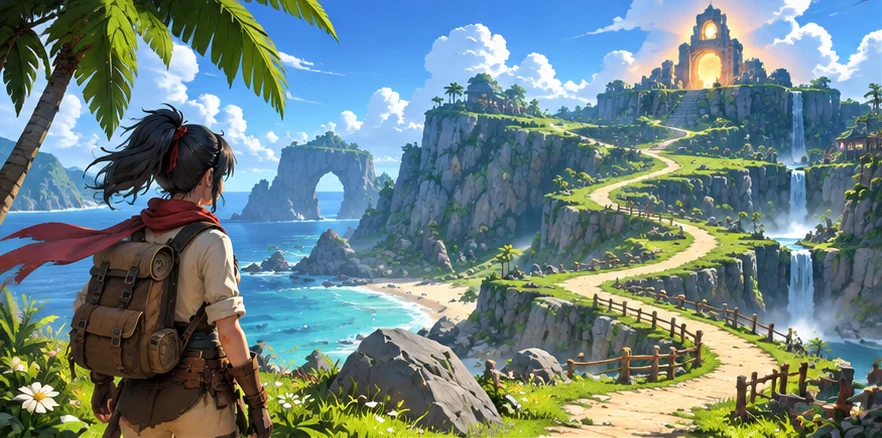
Describe the genre, camera or screen size, and what the player should notice or do. Start with a terrain direction with elevation, landmark silhouettes, and a readable traversal route.
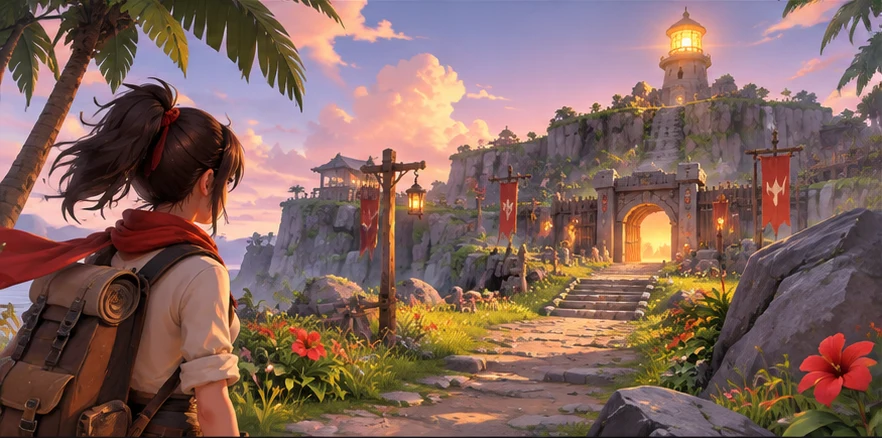
Ask for two versions around the same scene or player action. Vary one choice at a time so you can compare the result.
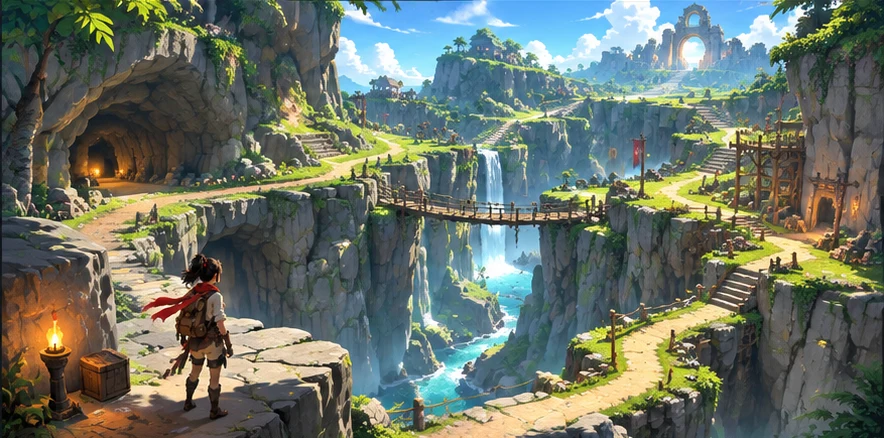
Use a small scene or sample to check your choice. The destination reads from the spawn camera. Keep the decisions you want to carry into your next pass.
Get started
Pick a starting point
Use a starting prompt from this tool and adapt it to your own game.
Create a first-pass terrain brief for island island terrain generator in a game project, including user goal, production constraints, and the most useful next step.
Work on a terrain direction with elevation, landmark silhouettes, and a readable traversal route for a foggy settlement where a single bright landmark leads players toward the gate.
Help me plan a terrain direction with elevation, landmark silhouettes, and a readable traversal route for a foggy settlement where a single bright landmark leads players toward the gate. Give me two workable directions and a small test I can run. Check that the key silhouette holds up in fog.
Work on a terrain direction with elevation, landmark silhouettes, and a readable traversal route for a stylized ravine where paths, drops, and shortcuts are visible in one frame.
Help me plan a terrain direction with elevation, landmark silhouettes, and a readable traversal route for a stylized ravine where paths, drops, and shortcuts are visible in one frame. Give me two workable directions and a small test I can run. Check that the main route and alternate route look distinct.
Why SEELE
Use your game context to prepare a terrain direction with elevation, landmark silhouettes, and a readable traversal route.

Keep the same game scene and compare two approaches before deciding what to make.

Set one acceptance check for the next pass. The destination reads from the spawn camera.
FAQ
Awesome Island Island Terrain Generator is a workflow for turning a rough request into a clearer terrain brief that a team can review, compare, and continue inside Seele AI.
It is most useful for teams that need a faster first pass before deeper production work, especially when scope, direction, or output quality still needs discussion.
No. It is strongest for early-stage terrain ideation and environment planning, while playability, optimization, collision, and final art pass quality still need human review before anything is treated as final.
You get a stronger first-pass terrain brief, clearer comparison between directions, and a cleaner handoff into Workspace for the next round of iteration.
Describe the game, the moment the player sees or uses the result, and the constraint that matters most. Ask for a terrain direction with elevation, landmark silhouettes, and a readable traversal route.
Try it in a small scene or review it from the player camera. For the first example, check that the destination reads from the spawn camera.
Yes. Pick one small scene or interaction and describe what the player should see or do. You can revise the prompt as the idea becomes clearer.
Bring a game idea to Workspace and work through a terrain direction with elevation, landmark silhouettes, and a readable traversal route.
Write a game prompt