

Build a focused first pass
Use your game context to prepare an idle animation pose plan with subtle weight shifts and a smooth loop point.

Make the movement clear from the camera players actually use. Ask seeleAgent for an idle animation pose plan with subtle weight shifts and a smooth loop point. Describe what you are making and how the player will use it.
Partners and teams

















How it works
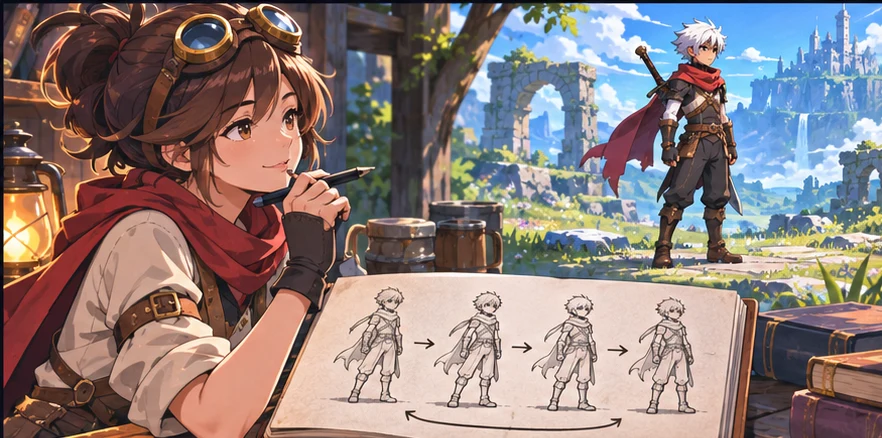
Describe the genre, camera or screen size, and what the player should notice or do. Start with an idle animation pose plan with subtle weight shifts and a smooth loop point.
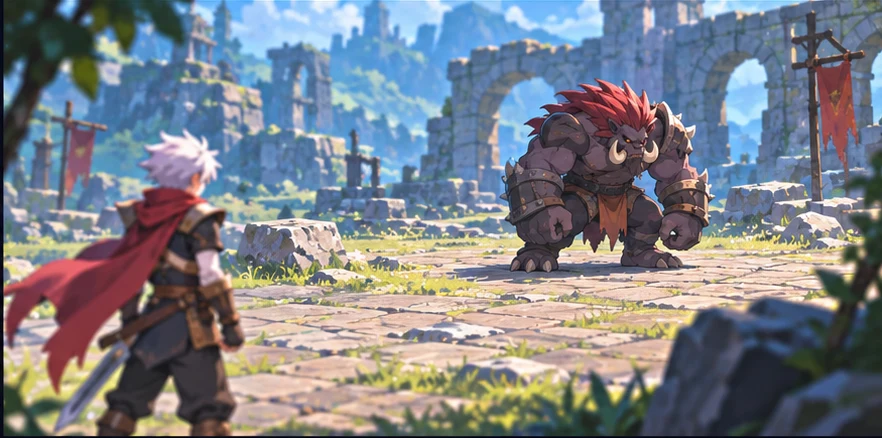
Ask for two versions around the same scene or player action. Vary one choice at a time so you can compare the result.

Use a small scene or sample to check your choice. The silhouette reads at gameplay size. Keep the decisions you want to carry into your next pass.
Get startedPick a starting point
Use a starting prompt from this tool and adapt it to your own game.
Create a first-pass animation brief for idle animation generator in a game project, including user goal, production constraints, and the most useful next step.
Work on an idle animation pose plan with subtle weight shifts and a smooth loop point for an action RPG with a heavy enemy whose windup must be readable before impact.
Help me plan an idle animation pose plan with subtle weight shifts and a smooth loop point for an action RPG with a heavy enemy whose windup must be readable before impact. Give me two workable directions and a small test I can run. Check that players can distinguish anticipation from recovery.
Work on an idle animation pose plan with subtle weight shifts and a smooth loop point for a shopkeeper in a cozy game whose movement should stay readable in a small scene.
Help me plan an idle animation pose plan with subtle weight shifts and a smooth loop point for a shopkeeper in a cozy game whose movement should stay readable in a small scene. Give me two workable directions and a small test I can run. Check that the motion starts and ends in a usable pose.
Why SEELE
Use your game context to prepare an idle animation pose plan with subtle weight shifts and a smooth loop point.

Keep the same game scene and compare two approaches before deciding what to make.

Set one acceptance check for the next pass. The silhouette reads at gameplay size.
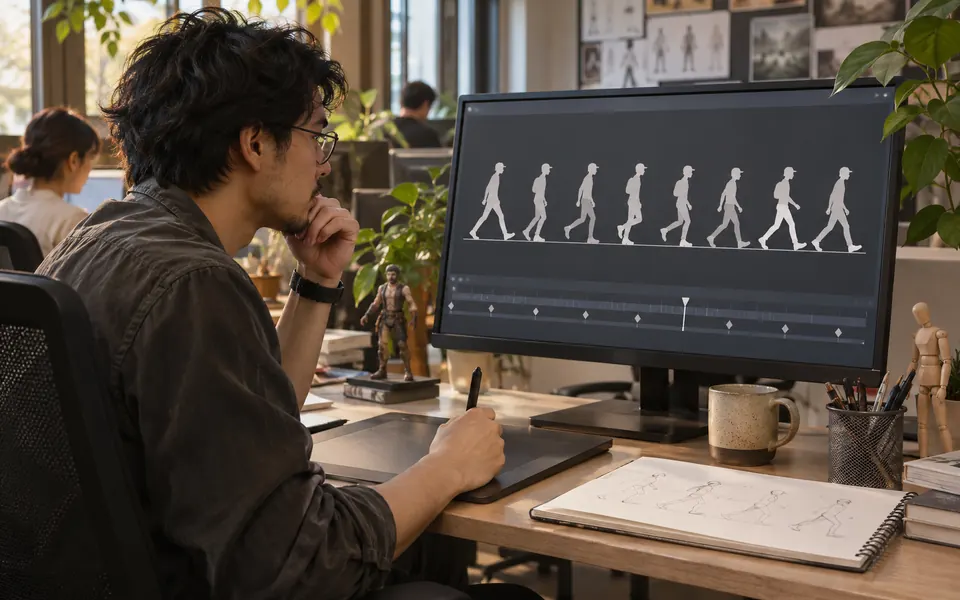
Plan idle, walk, and run cycles, then check their timing at gameplay speed.
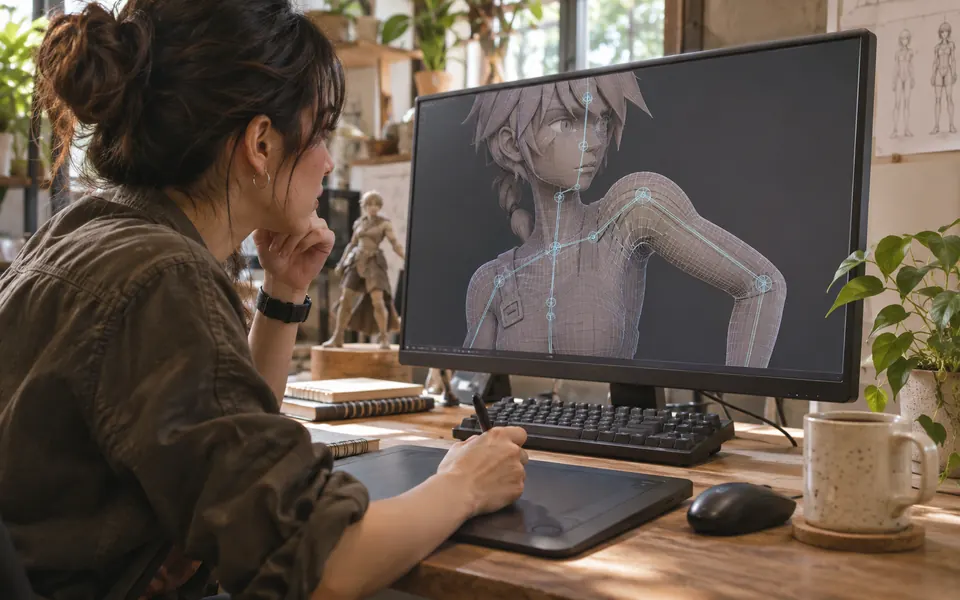
Check skeletons, skin weights, and asset handoffs before they reach the engine.
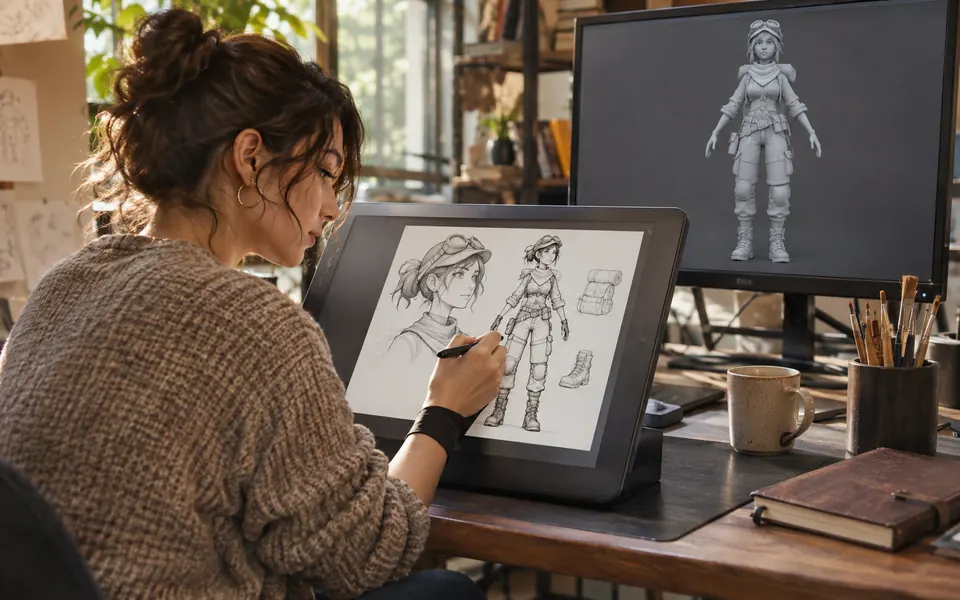
Turn a character sketch into a reviewable 2D design or 3D model.
FAQ
Idle Animation Generator is a workflow for turning a rough request into a clearer animation brief that a team can review, compare, and continue inside Seele AI.
It is most useful for teams that need a faster first pass before deeper production work, especially when scope, direction, or output quality still needs discussion.
No. It is strongest for early-stage animation planning and motion ideation, while timing polish, blending, rig compatibility, and final export quality still need human review before anything is treated as final.
You get a stronger first-pass animation brief, clearer comparison between directions, and a cleaner handoff into Workspace for the next round of iteration.
Describe the game, the moment the player sees or uses the result, and the constraint that matters most. Ask for an idle animation pose plan with subtle weight shifts and a smooth loop point.
Try it in a small scene or review it from the player camera. For the first example, check that the silhouette reads at gameplay size.
Yes. Pick one small scene or interaction and describe what the player should see or do. You can revise the prompt as the idea becomes clearer.
Bring a game idea to Workspace and work through an idle animation pose plan with subtle weight shifts and a smooth loop point.
Write a game prompt