

Build a focused first pass
Use your game context to prepare a game asset handoff checklist with scale, materials, and target engine validation.

Give your scene an asset that reads from the player camera. Ask seeleAgent for a game asset handoff checklist with scale, materials, and target engine validation. Describe what you are making and how the player will use it.
Partners and teams

















How it works
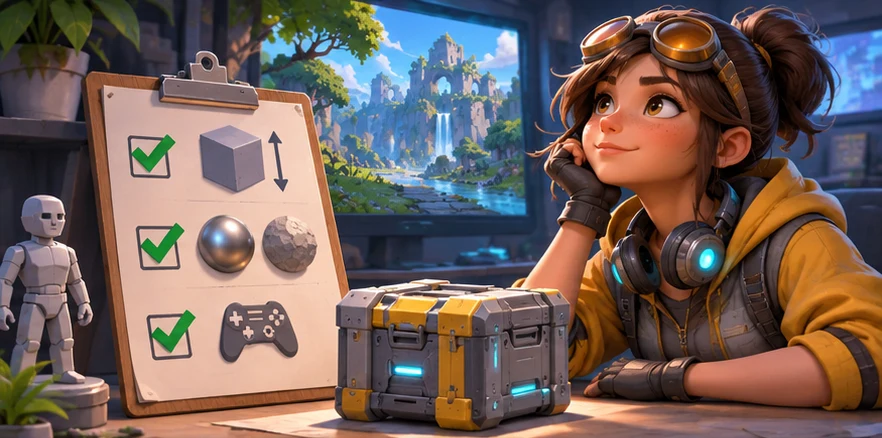
Describe the genre, camera or screen size, and what the player should notice or do. Start with a game asset handoff checklist with scale, materials, and target engine validation.
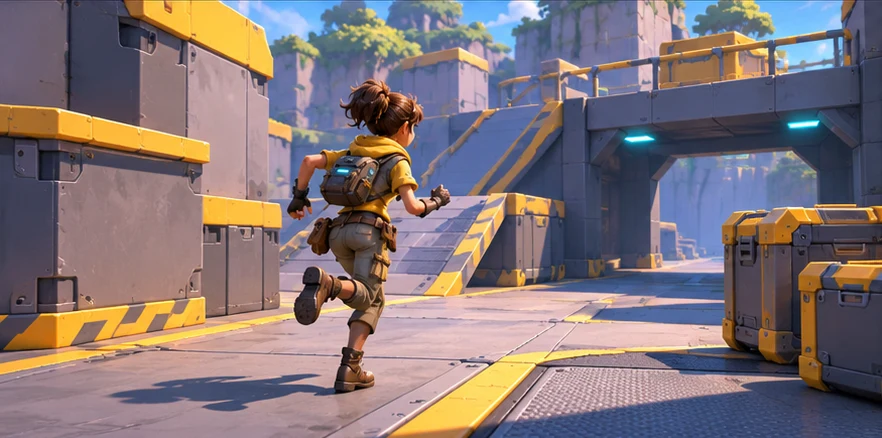
Ask for two versions around the same scene or player action. Vary one choice at a time so you can compare the result.
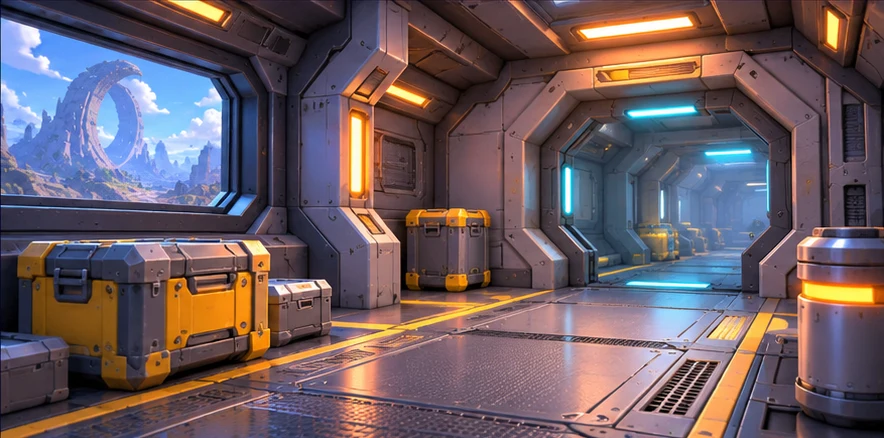
Use a small scene or sample to check your choice. The asset reads at game scale. Keep the decisions you want to carry into your next pass.
Get started
Pick a starting point
Use a starting prompt from this tool and adapt it to your own game.
Generate a starting 3D game asset, then edit, optimize, convert, and prepare it for game use.
Work on a game asset handoff checklist with scale, materials, and target engine validation for a modular sci fi interior built from repeatable pieces on a common grid.
Help me plan a game asset handoff checklist with scale, materials, and target engine validation for a modular sci fi interior built from repeatable pieces on a common grid. Give me two workable directions and a small test I can run. Check that the asset fits the scene scale and neighboring pieces.
Work on a game asset handoff checklist with scale, materials, and target engine validation for a small browser game that needs a distinct silhouette and a simple material palette.
Help me plan a game asset handoff checklist with scale, materials, and target engine validation for a small browser game that needs a distinct silhouette and a simple material palette. Give me two workable directions and a small test I can run. Check that the shape remains clear with basic lighting.
Why SEELE
Use your game context to prepare a game asset handoff checklist with scale, materials, and target engine validation.

Keep the same game scene and compare two approaches before deciding what to make.

Set one acceptance check for the next pass. The asset reads at game scale.

Define inputs and states, then test how a prototype or asset fits the existing project.

Check skeletons, skin weights, and asset handoffs before they reach the engine.

Test one direction in a small prototype and use the result to decide what to build next.
FAQ
Unity Prototype Asset Generator is an editor-first search landing page for users who need to generate unity prototype assets and move 3D assets closer to game-ready use.
No. AI generation is a helper. The main workflow is upload or generate, preview, edit, optimize, convert, export, and then use the result in a game or playable prototype.
Use the workflow to prepare assets faster, but review licensing, platform requirements, visual quality, performance, and engine import behavior before production release.
Describe the game, the moment the player sees or uses the result, and the constraint that matters most. Ask for a game asset handoff checklist with scale, materials, and target engine validation.
Try it in a small scene or review it from the player camera. For the first example, check that the asset reads at game scale.
Yes. Pick one small scene or interaction and describe what the player should see or do. You can revise the prompt as the idea becomes clearer.
Bring a game idea to Workspace and work through a game asset handoff checklist with scale, materials, and target engine validation.
Write a game prompt