

Name the input method
Choose keys, pointer, or touch before designing the first challenge.

Build a playable browser game and get it ready to share. Start with one HTML5 or 3D WebGL game loop. Test the controls, frame rate, and loading time in your target browser, then check the hosted build before you share its link.
Partners and teams

















How it works
Start with a quest idea, build it in SEELE, and play it through from start to finish.

A miller asks for help. The player heads into the forest, finds a crystal, and brings it back for a reward.
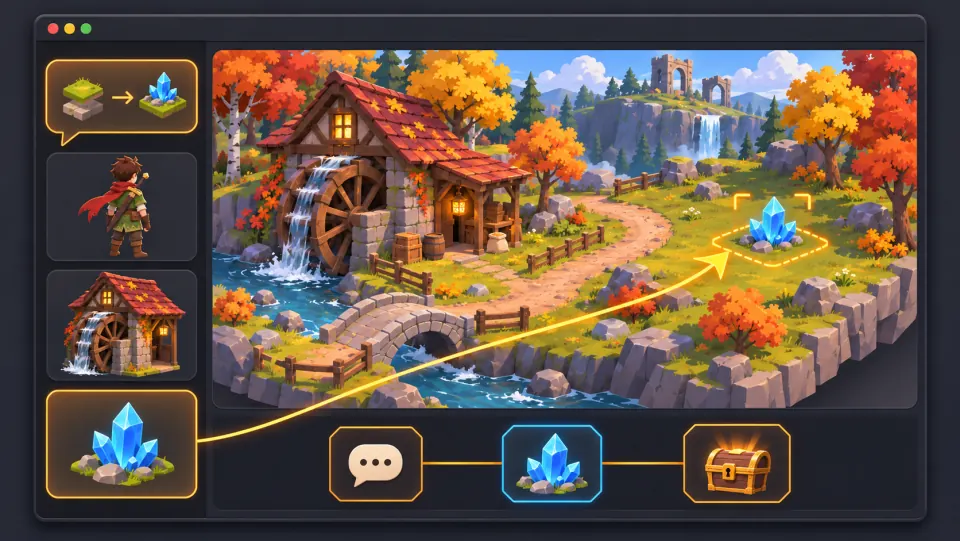
Ask seeleAgent to create the village and forest, add the miller and the crystal, and set up the dialogue, pickup, and reward.
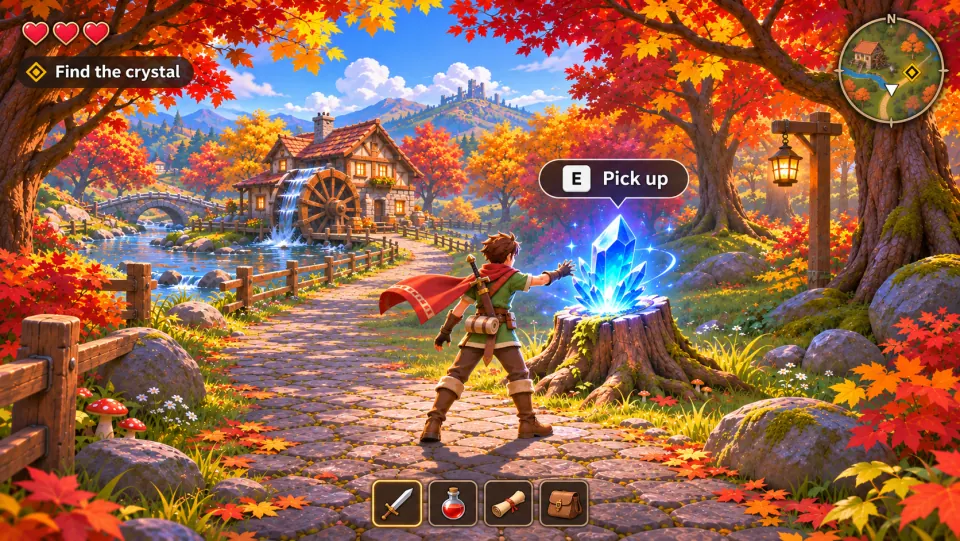
Take the quest, press E to pick up the crystal, and bring it back to the miller to claim your reward.
Make a game for freePick a starting point
Start with one browser round and test the same input rules on a phone and a desktop.
Create an HTML5 parcel sorter. For 45 seconds, send colored parcels to matching bins with arrow keys or touch buttons. Show the score, timer, and a cue for a wrong bin. Keep the bins in view on a narrow screen and include a restart button.
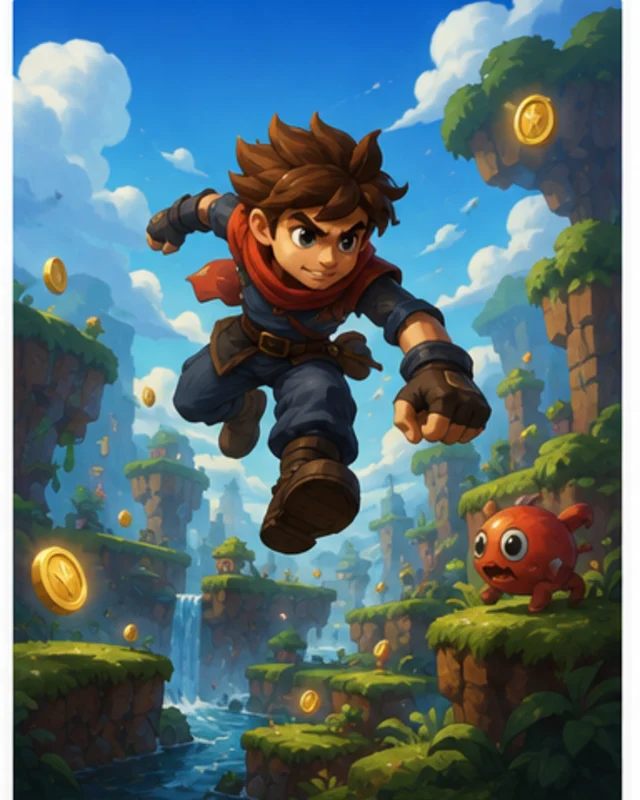 Build an HTML5 parcel sorter ↗
Why SEELE
Choose keys, pointer, or touch before designing the first challenge.

Show the objective and the controls where the player needs them.

Give the game clear start, play, success, and retry states.

A quick round makes browser testing and iteration easier.

Choose one 3D interaction, set a budget for textures and models, and test loading time, frame rate, and touch controls on a slower device.

Record the build version and hosting requirements. Once it is deployed, open the public game link on another device and check loading, controls, and restart before sharing.
Made with SEELE
These games are playable. Pick one and give it a try.
 AdventureAdventure GamePlay the example ↗
 ShooterWarcom: Neon BreachPlay the example ↗
 ActionOld Gods RunPlay the example ↗
 CasualCaution! Egg on the Car RoofPlay the example ↗
 RunnerNeon Night Rush: Barrier DashPlay the example ↗
 PuzzleMuseum ExhibitionPlay the example ↗
 SimulationMilky Way Idle 3DPlay the example ↗
 CasualSnowfall & Starry GiftsPlay the example ↗
 RPGCrownfall-The-Three-Realms-CoverPlay the example ↗
 SimulationFLYING CARPlay the example ↗
Who it’s for
Define the player, one core mechanic, and one testable outcome for a first AI Browser Game Maker for Game Scripts brief. Keep the scope small enough to playtest.
Game Generator AI Free ↗
Compare AI Browser Game Maker for Game Scripts directions against the target player and engine workflow before the team commits to a larger build.
AI Game Generator from Prompt ↗Reviews
FAQ
Yes. Describe the first screen, player input, and win condition. Start with a small 2D HTML5 loop or one 3D WebGL interaction, then review the generated game in Workspace.
Set a budget for models and textures. On a representative device, check the first load, frame rate, controls, and restart. Fix any blocker before adding more scenes.
Review the playable build, choose the hosting destination, and record the build version and host requirements. After deployment, open the public link in a private browser window and test the full game loop. The publishing checklist prepares the handoff. Verify hosting and the final URL in the target environment.
Before a first AI Browser Game Maker for Game Scripts project, define the task, intended audience, one visible outcome, and a constraint. Use Core game loop as a direction that fits the brief.
Start with the one-screen fruit game: move the basket with the arrow keys, catch the falling fruit, and show a score and end state. Increase drop speed only once for the first test.
For AI Browser Game Maker for Game Scripts, name the intended user, one action, and a visible outcome. Use Core game loop as a starting direction and add one requirement from its example prompt.
Ask someone to play the fruit round with only the on-screen instructions. They should find the arrow controls, understand the score, and know when the run ends; then try whether the maze gate’s rhythm is readable.
Choose Core game loop for catching fruit and scoring. Choose Player challenge to test the moving maze gate, visible exit, and retry after a collision.
Check that left and right input moves the basket, a catch changes the score, and the round can end. In the maze, make the gate rhythm and retry point clear before asking for precision.
Scope a first AI Browser Game Maker for Game Scripts prototype to Core game loop, one user action, and one visible outcome. Defer secondary features until that path works.
Choose Core game loop for catching fruit and scoring. Choose Player challenge to test the moving maze gate, visible exit, and retry after a collision.
Specify the player, one action, one goal, and the end condition. Choose keyboard or touch controls and a target screen size. Preview a complete round, test reset and narrow-screen layout, then change one mechanic at a time. For a 3D asset, add it to the workspace and confirm scale, materials, and collision in the preview.
Match a linked tool's input and output to one need in the AI Browser Game Maker for Game Scripts brief. If it does not support that step, skip it and keep the test in the main project.